
















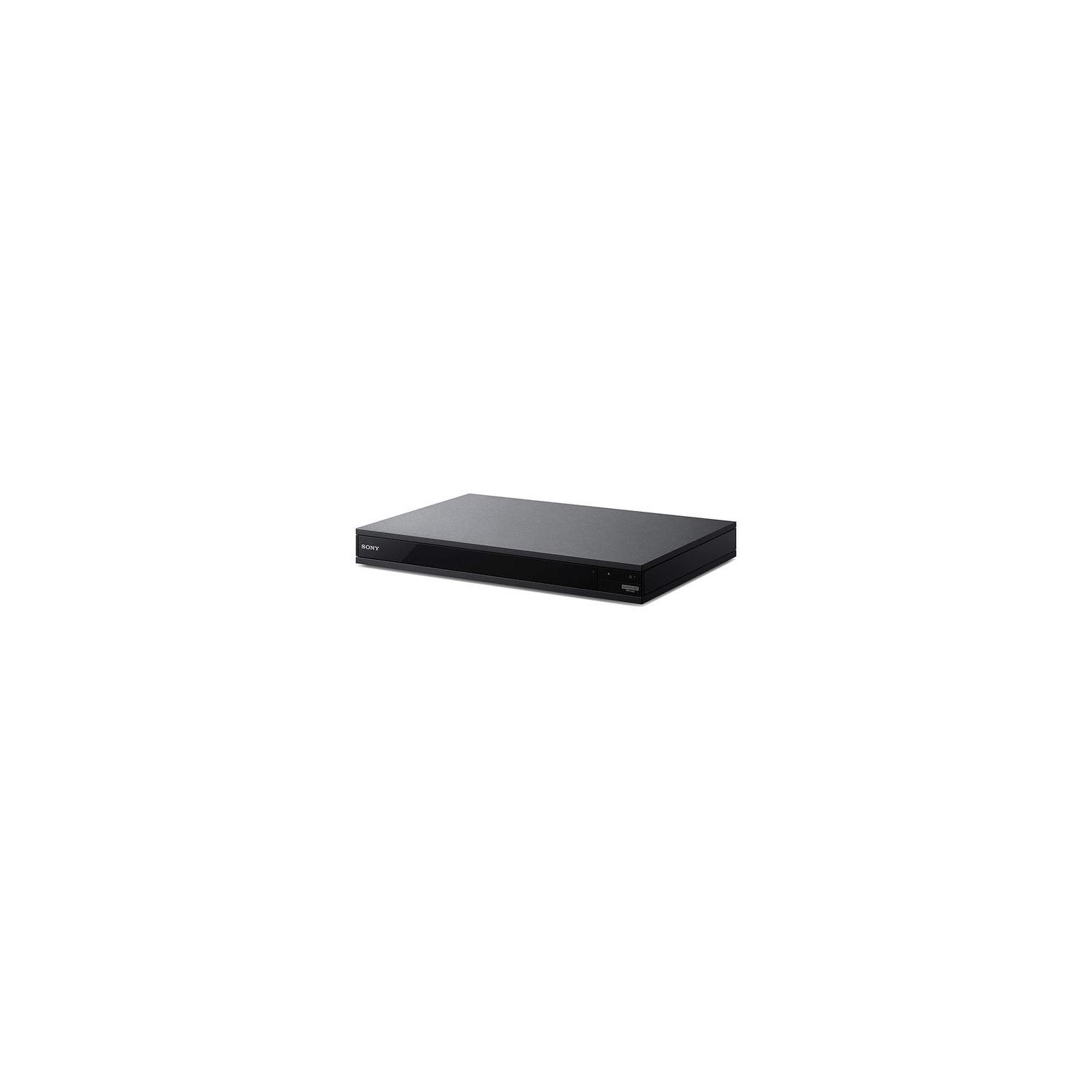

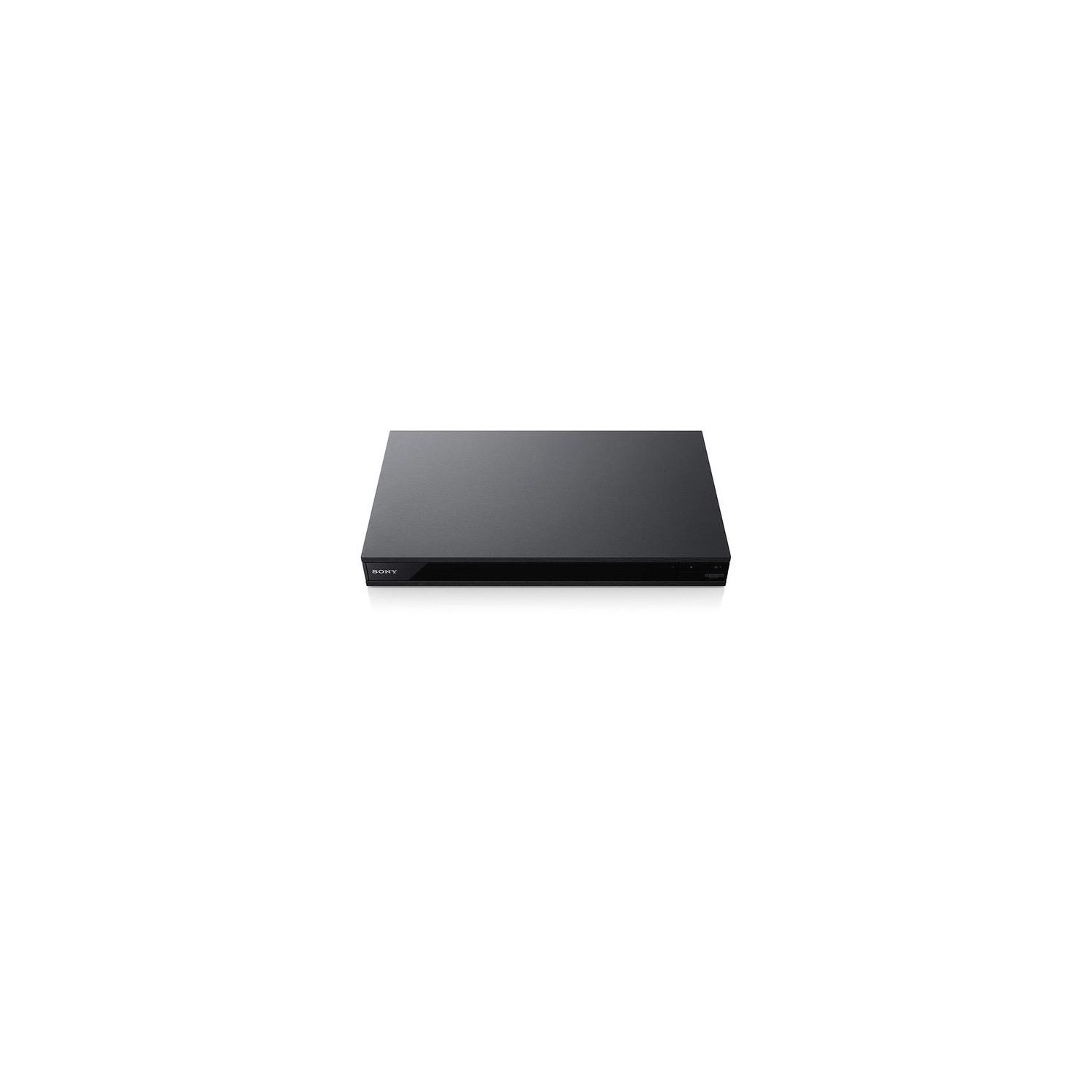
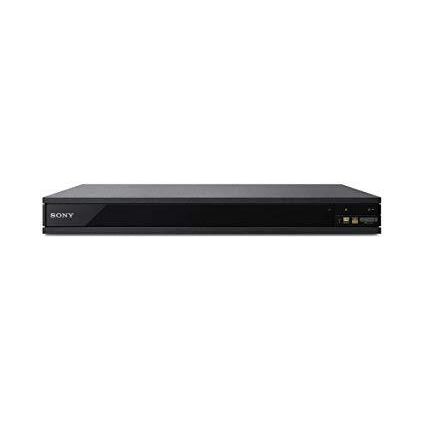
Sony UBP-X800 4K Ultra HD Blu-ray Player
Write a review
$24800 $29800

Sony UBP-X800 4K Ultra HD Blu-ray Player

Write a review
B01N4RCPKO
+
Add to wish list
Walmart
Gold
Walmart sells virtually everything you can think of, from produce to tires. Given thei...

City: US, Turnpike

Delivery
Pickup at your own expense
Tomorrow from 09:00 to 20:00, Store location
Free
Payment options
Apple Pay Google Pay Mastercard Visa
Cash, bank card, credit/installment payments, cashless payment for legal entities
Warranty and returns
Exchange/return of products of proper quality within 14 days Official manufacturer's warranty: 12 months
Features
Connectivity Technology
Built-in Wi-Fi
Item Dimensions
18.89 x 11.65 x 3.15 in
Item model number
UBP-X800
Item Weight
4.2 lbs
Model Year
Built-In Media
Blu-ray
Batteries
2 AAA batteries required. (included)
Brand Name
Sony
Description
  • Play 4K Ultra HD movies
  • High Dynamic Range (HDR) support. Compatibility- Intel 100 Series,Intel 200 Series,Intel 300 Series,AMD 300 Series, AMD 400 Series
  • Stream in 4K HDR and play almost any disc or file format
  • Hear every detail with Hi-Res Audio. Separate video and audio HDMI outputs
  • Experience Dolby Atmos and DTS: X object-based surround
  • In the box: Instruction Manual (Full manual / Web manual, English), Remote Control (RMT-VB310U), Batteries (Type AAA x 2), Customer Registration Card, Warranty Card (1 year)
Reviews
2.3
Reviews: 20
5 stars
10%
4 stars
20%
3 stars
10%
2 stars
5%
1 star
55%
raptorRunner
4
Had unit for a week now. Wonderful picture, easy setup. I did experience a few freezes during 4k disc play which required me to unplug unit. After firmware updates good so far. A few lessons learned upgrading to 4K: 1. Make sure your Audio receiver is HDMI 2.2 compatible. Mine is not, (Yamaha TSR6750 - 2013). Had to use second HDMI for sound. No biggie. 2. You need a good HDMI cable, but do not need to spend a hundred dollars to get quality video. ( Cable is dumb pipe. No smarts...) 3. Had to set TV input to Enhanced mode on SONY 850D to get 4K resolution. 4. Research and read manuals during your 4K system upgrade. Literacy is a wonderful thing ! Overall - Unit is very quiet, and responsive. 4K streaming from Amazon works great. Beautiful picture. I Like it ! Sony - You might include additional material, (tips) in manual about upgrading to 4K System. Might avoid a few calls.
Dr. J. Kelley
4
Its nice to have the latest. And nice to have Netflix AND Amazon. (My old LCD tv will be giving up the ghost soon and well get a 4K and this unit is, supposedly, "true 4K".) It does get a little "confused" sometimes, requiring me to pull the power plug and rebooting. Maybe a firmware update for this new model will fix that soon. IMPORTANT TIP: When you power on your new unit for the first time and briefly see the Sony logo, if you then see nothing but a black screen on your TV after several minutes, do this BEFORE YOU CALL AND MAYBE HAVE TO GET A REPLACEMENT (like I did): See pg 27 of the manual for these instructions on setting the resolution away from "Auto" (which I have proven doesnt recognize all TVs, even SONY ones!) to the "Lowest resolution": Press Stop, Press Home, Press POP-UP MENU. Then turn it off and back on. Then it will boot up and youll be able to do your setup (and manually choose the correct resolution for your TV (I ended up picking 1080i for my Sony KDL-52W3000 52 inch.) I am not sure why the support tech I called didnt know about this. I ended up with a replacement unit that had the SAME PROBLEM and had to research this solution on my own.
MadMax
4
I am not one who likes to write reviews as we are living in the internet age where everyone has an opinion and rushes to their keyboard to express it. Such rushed opinions can sometimes be very detrimental to someones bread and butter. For that reason I refrain from giving public opinions on my unique experience on a purchased item unless it is during an one-on-one conversation or as a result of a direct request addressed to me. So, having said that, I had to overcome that reluctance to finally bring myself to write my experience with this unit. As an audiophile, it has not been easy to find a unit that would satisfy my music listening as well as my video watching - movies or other genres. This unit has met my expectations beyond. I used to have a separate HTPC hooked up to my home theater environment for both watching movies and listening music and I was going to build another one to bring myself to the new 4K/HDR/whatever-else world, and, out of curiosity, I decided to buy this unit based on some reviews. Boy, am I glad I did so! Not only did I save myself money ( a lot of it), I saved myself the time-consuming endeavor to research hardware and software that would go into that new HTPC. I bought this unit UBP-800X a few months ago, and I was ready to buy another one for my bedroom, but it looks like it has gone up in price. So now, I am not sure If I want to spend more money to buy something I already paid less for. Hence my dilemma! If you are not facing my dilemma, I would highly recommend this unit. The imaging and the natural sound that pass through this unit from my media server is something to live for. While I have not purchased yet a 4k TV for my HT environment, I can still notice a difference in the video quality displayed on this large Panasonic plasma I currently possess. I only wish they had an LCD display at the front of the unit to help you with the functions in case you just want it for music streaming and do not want to hook it up to a TV. I was leaning towards a 5 star rating, but the absence of the LCD display has to count for something, half star, but I cant give it 4-1/2 star rating. So I settle on a 4 star, a 5 star would equally be deserved. And yes, I admit reviews can be very helpful, I just dont like giving them on public forums when it comes to purchases.
Still Learning
4
Overall, a good player. Looks good and seems well put together. 4k and 1080p DVDs look very good and overall picture quality is excellent. It also streams well on ethernet and wireless also seems to work well with no problems connecting to my wireless. HDR looks good from YouTube and Netflix and it is a good addition to my Sony 900e viewing experience. GUI and remote are fast but not a lot of useful apps, currently. The media server option app works great with the Emby server (I like it better than Plex) running on a desktop! Issues: I did have a few that I had to straighten out! I almost returned it. 1. I had to remove it from the HDMI 3 port that was ARC enabled--I had audio dropouts and often a video loss for second and it was also so random that it took some time to figure it out. I do use an optic cable to my receiver--not sure if this had anything to do with it. I moved the player to HDMI 2 and put my cable box on HDMI 3 and NO more issues! 2. Also had problems when using upscaling on the box and the Sony support site said to set 4K Upscaling to Auto 2 to fix--although it was supposed to be fixed in the firmware update--apparently not the case with my unit! IMPORTANT: Do not use an HDMI cable that is too long that will work but with problems (I would be careful going over 15 ft). I learned the hard way and suffered freezes and grey screen problems until I went to a shorter 6 ft cable Do not use an older HDMI cable (over a few year old) as you will get nothing at all! Any of the cheaper, new standard cables should work. Overall, I do recommend the box (and use it all the time for streaming) --well worth it at the reduced price point.
You may be interested
  • Bestsellers
  • Recently Viewed
 
Similar products
Fast and high quality delivery

Our company makes delivery all over the country

Quality assurance and service

We offer only those goods, in which quality we are sure

Returns within 30 days

You have 30 days to test your purchase