

























Andrew Raia
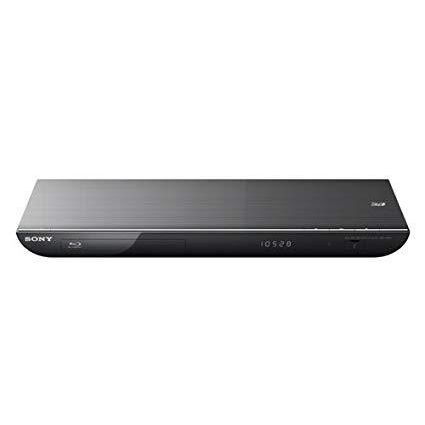
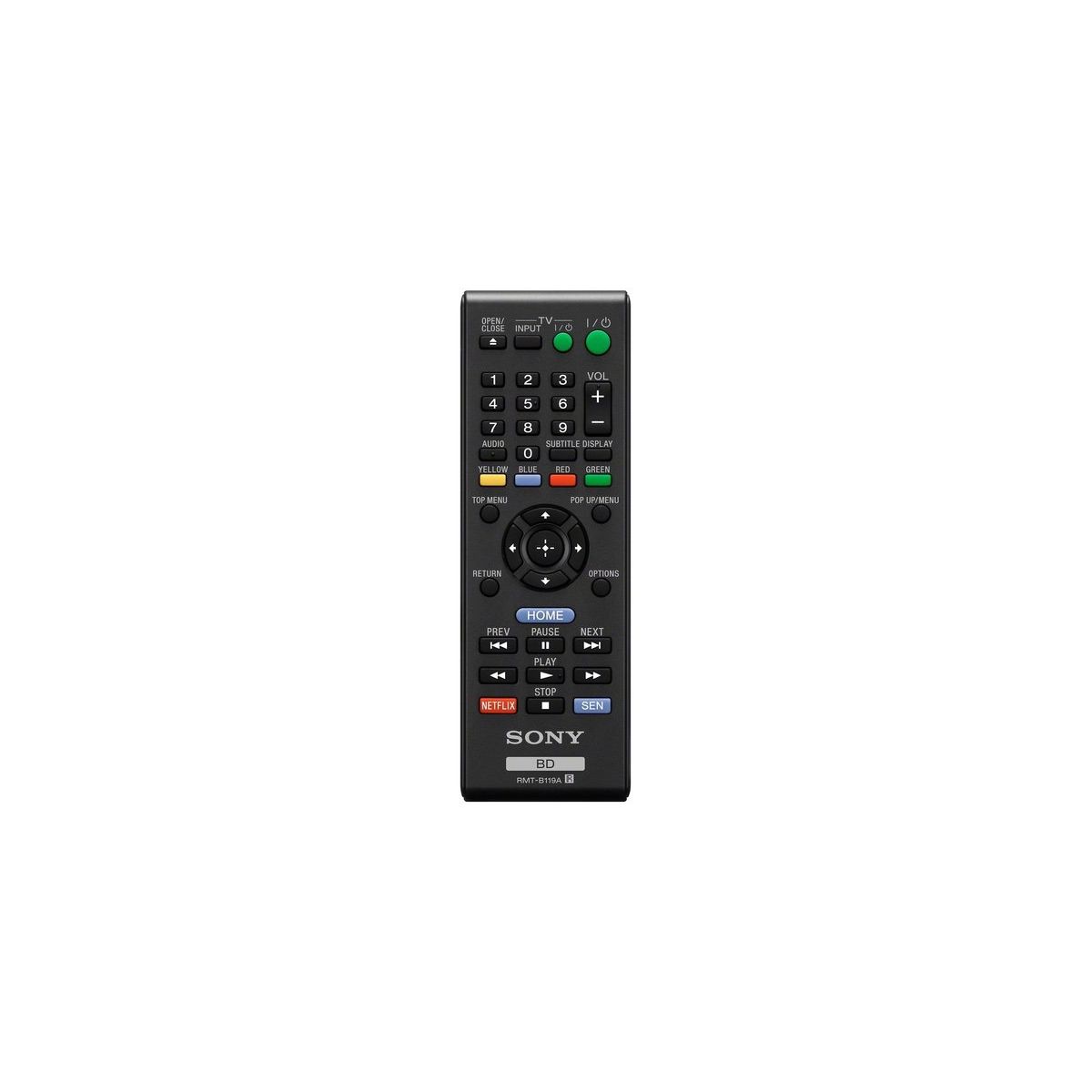
So I was looking for a device that could replace my home theater pc since I was not using it much for TV anymore. My main goal was to find a product that I could use with Netflix, Amazon, etc. but even more so, was the fact that I needed to be able to play all my home movies. I have a NAS device with a DNLA server where I store all my movies, videos, and photos so I needed a device that could play a various amount of file formats. After doing much research online in my price range, I narrowed it down to The BDP-S590 and an LG BP620. I chose Sony for two reasons even though the LG had a much larger file format support. 1) It had support for Amazon Instant Video, and 2) It supported Divx and xVid. I have to say that I was VERY disappointed with one aspect of the Sony, and this is not stated anywhere on any product info pages. The file formats supported do not work via all mediums. All of the listed formats are supported ONLY via a USB drive connected to the back of the player. DNLA only supports a few of the listed ones, so your option is either to encode all the videos in one of those supported formats, OR use real time transcoding software like PlayOn or TVersity. For me, since transcoding is very CPU intensive I have chose to re-encode all my videos, but this is not feasible for a lot of users so it may be easier to just dump them on a local USB drive. I will provide more details on specific codecs below. One last thing to note is that you had to enable "Internet Video" before it would see files on the network, took my a minute to realize that. UNBOXING: Not much to say here. Very clean box with just the DVD player, Remote, Manual and Cables. I was mildy disappointed that it only came with composite cables. Would have been much nicer to come with HDMI. INSTALLATION: Again pretty simple. Just plugged in to the wall, plugged my network cable, and plugged my HDMI cable into the TV as well as my optical audio cable to the receiver. SETUP: Initial setup was pretty simple, most of the menus did everything automatically; HOWEVER, since I was using a wired connection with easy network setup, it already pulled an IP address and was working perfectly. I did not test configuring a wireless connection. INTERFACE: I have read some reviews online that complained about a laggy interface or some lag when playing videos etc. I have not noticed this as of you. Everything has been blazing fast. I personally do not care for the Playstation/PSP style layout as I like Eye candy, but its very clean and easy to navigate. DVD/BRAY: Oddly enough, I have yet to test Disc playback, and do not own any blu-rays yet. There is no reason to believe this would have any issues but I will edit this review if it comes up. FILE FORMAT SUPPORT: This is taken from the manual, and as you can see is a bit convoluted. You need to make sure you encode your video as well as the audio portion of the video in a format that is supported if you want to use it over DNLA. *1 The player does not play coded files such as DRM. *2 The player may not play this file format on a DLNA server. *3 The player can only play standard definition video on a DLNA server. *4 This player can play AVCHD Ver.2.0 format. *5 The player plays AVCHD format files that are recorded on a digital video camera, etc. The AVCHD format disc will not play if it has not been correctly finalized. *6 The player does not play coded files such as Lossless. *7 The player does not play animated PNG or animated GIF files. *8 For MPO files other than 3D, the key image or the first image is displayed. Audio: MP3 (MPEG-1 Audio Layer III) ".mp3" AAC/HE-AAC *1 *2 *6 ".m4a" WMA9 Standard *1 *2 *6 ".wma" LPCM ".wav" Video: MPEG-1 Video/PS *1 *2 MPEG-2 Video/PS,TS *1 *3 ".mpg," ".mpeg," ".m2ts," ".mts" MPEG-4 AVC *1*2 ".mkv," ".mp4," ".m4v," ".m2ts," ".mts" WMV9 *1*2 ".wmv," ".asf" AVCHD *2 *4 *5 Xvid ".avi" Photo: JPEG ".jpg," ".jpeg" PNG ".png*7" GIF ".gif*7" MPO ".mpo"*8 SUPPORTED DISC FORMATS: I will update my review with this info, but here is the list of playable disc/formats Blu-ray Disc*1 BD-ROM BD-R*2/BD-RE*2 DVD*3 DVD-ROM DVD-R/DVD-RW DVD+R/DVD+RW CD*3 CD-DA (Music CD) CD-ROM CD-R/CD-RW Super Audio CD *1 Since the Blu-ray Disc specifications are new and evolving, some discs may not be playable depending on the disc type and the version. The audio output differs depending on the source, connected output jack, and selected audio settings. *2 BD-RE: Ver.2.1 BD-R: Ver.1.1, 1.2, 1.3 including organic pigment type BD-R (LTH type) The BD-Rs recorded on a PC cannot be played if postscripts are recordable. *3 A CD or DVD disc will not play if it has not been correctly finalized. For more information, refer to the instruction manual supplied with the recording device. Discs that cannot be played * BDs with cartridge * BDXLs * DVD-RAMs * HD DVDs * DVD Audio discs * PHOTO CDs * Data part of CD-Extras * Super VCDs * Audio material side on DualDiscs OVERALL: I would give this unit a 7/10. Mostly because of the file format issues, to support a format but only allow it via usb and not DNLA is absurd to me. I also think the interface could look a little more "Casual" and less "Business". For the money I am not sure you will find anything better. There are only about 3-4 other competing brands for the price/features, and they all excel in other areas while falling short in others. This Sony was the best all around one of the bunch.