



























P. Schmidt
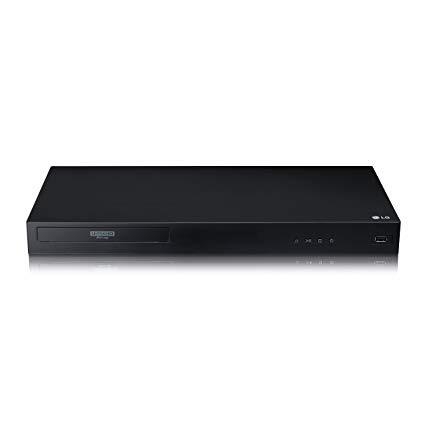
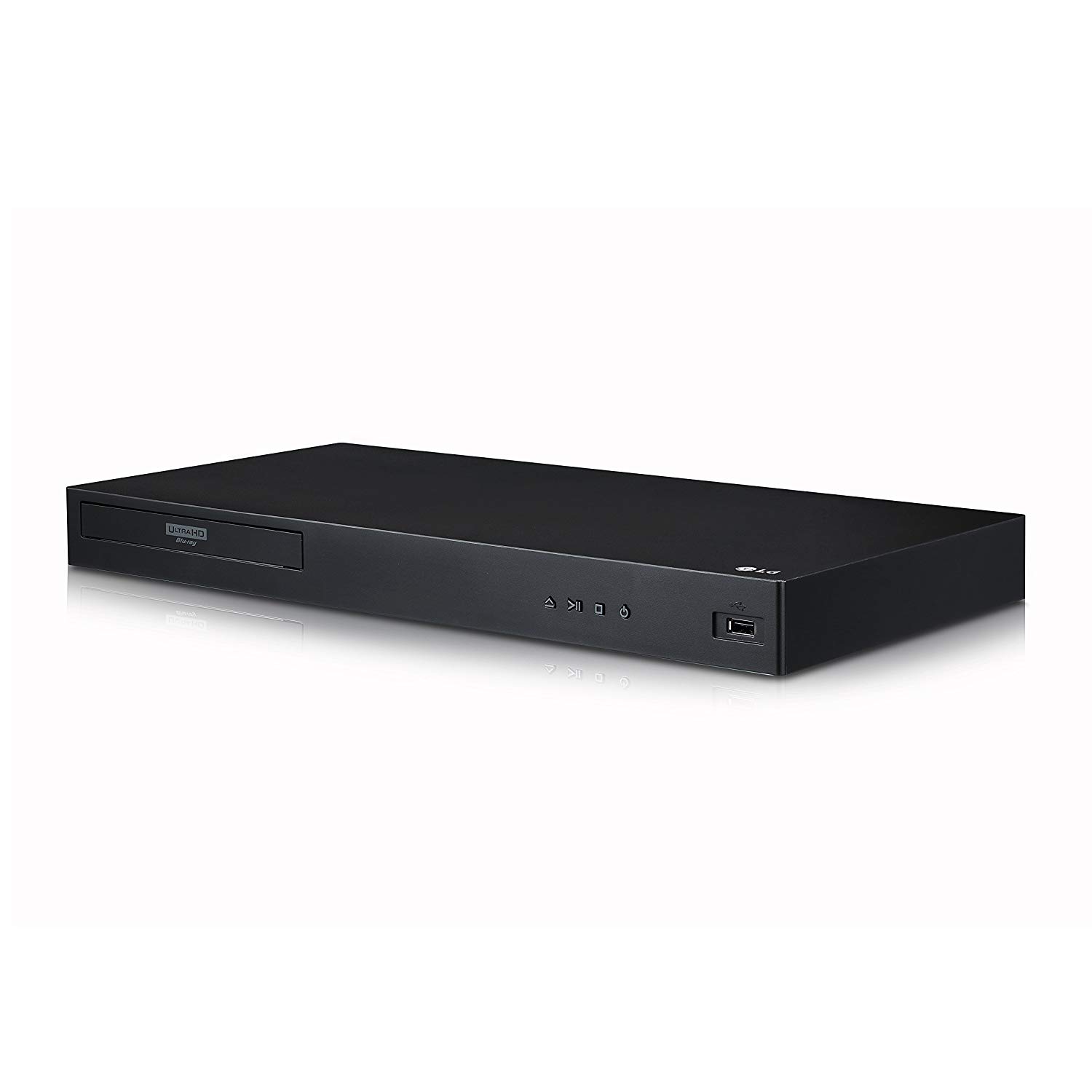
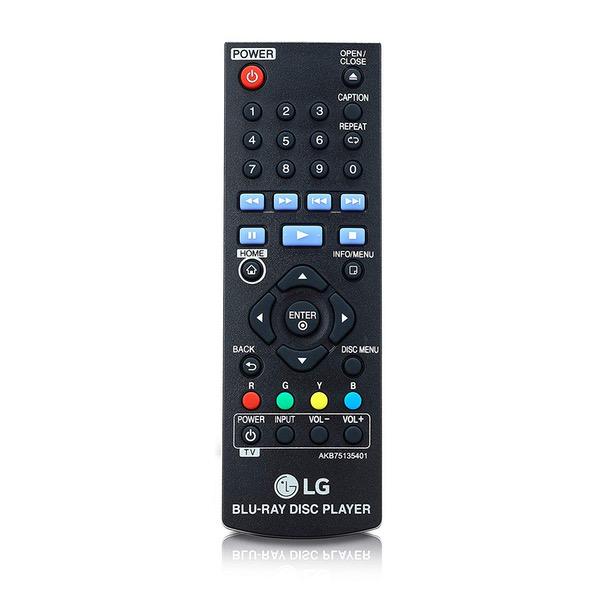
My home theater (my living room when not used for other purposes) consists of an HD projector (projecting the image on a large pull-down screen from the ceiling), driven by a Panasonic (nearly 11 years old?) Blu-Ray player, with audio being only 2-channel/stereo through a normal home stereo system. But something started to fail in my old Panasonic player, so it was time to buy something new. I wanted something good quality, and did not want to cheap out on it, but neither did I want to pay for a bunch of features that I dont need or plan to use. Seems that Panasonic players these days are all quite expensive, so maybe they have decided to target the higher end market. I thought of Sony, but reviews of their current products made it seem that that companys quality is not what it used to be. Samsung makes good stuff, but I was not impressed by their offerings in this area. I considered Philips, but their styling put me off. I refused to consider any maker who name I did not recognize or have experience with. What I was most impressed with was the current LG lineup; consistently high reviews, and I keep coming back to LG for my major home appliances, as well as my most recent smart phone. So I decided to buy my new machine from LG, but they had several models....I picked this model UBK80 "4k Ultra-HD Blu-Ray/DVD player" because it did not have unwanted features (such as video streaming support), but neither was it the lowest end model, and the price seemed reasonable for a middlin product from a higher end maker. This machine seems to be very solidly made, and this is consistent with everything else I have by this manufacturer. It is also a minimalist design, having only four buttons on the front, and no display. The buttons are Open/Close, Play/Pause, Stop, Power On/Off/Standby. There is also a power/status LED on the front. Besides those things, the only other features on the front are the disk tray and a USB socket. On the rear, there are only three things, a LAN/Ethernet port, an HDMI output port, and an Optical Audio Output (fiber optic). *******This unit does NOT have any traditional analog audio outputs, and it also does not have any kind of analog video output, such as composite video, or S-Video. The audio part was a surprise to me, and I wondered how I was going to get analog stereo outputs to feed into my stereo amplifier. My solution was to purchase one of the many adapters that are designed to address this kind of situation. I selected the SYNiC brand, model ESY069 "192kHz DAC" adapter, which is quite inexpensive yet seems to be well designed and built. The ESY069 comes with a power supply (many competing products that cost a bit less do NOT come with the power supply), and it also comes with the fiber optic cable to connect between the Blu-Ray player and this adapter. The adapter can also accept wired digital input, and its outputs consist of a pair of stereo analog outputs on RCA jacks, plus an 1/8" stereo headphone jack with associated volume control knob. I mention all of this because I suppose that many other buyers might not realize that in order to use the player with an older audio system, that they will need to buy something extra to make it work. The audio output can either operate as an automatic format (LPCM, Dolby Digital, DTS, etc), or you can select it to PCM mode, which only supports 2-channel/stereo. I had to select the PCM mode in order to get my audio adapter to work. The player can handle a lot of different formats. In the Blu-Ray world, it can accept regular Blu-Ray, as well as Ultra HD Blu-Ray and 3D Blu-Ray disks. In the DVD world, is accepts regular DVD, DVD-ROM, DVD-R, DVD+R, DVD+RW, and DVD-RW(VR). It accepts regular audio CDs and CD-R/RW. For Blu-Ray and DVD, it can deal with movies, music, and photos. The player comes with a rather small infra-red remote control; it is about half the size of most other remote controls I have. Still, it has all the necessary buttons and features. It uses a single AAA battery, which is included. I need to mention that this player does not come with any cables, other that the power cord. You must already have a suitable HDMI cable, and a fiber optic cable for the audio (as I mentioned above, the audio adapter I bought came with the fiber optic cable, and I already had an HDMI cable from my older player). So far, I have watched a few movies, both DVD and regular Blu-Ray, and it has worked as expected. I am very impressed with the speed with which this player gets down to business when a disk is loaded into the tray. I am used to waiting for 20 - 30 seconds, sometimes more, for my older player to futz around before I can start playing a disk. With this player, it only takes a few seconds. I am very happy with this product so far.