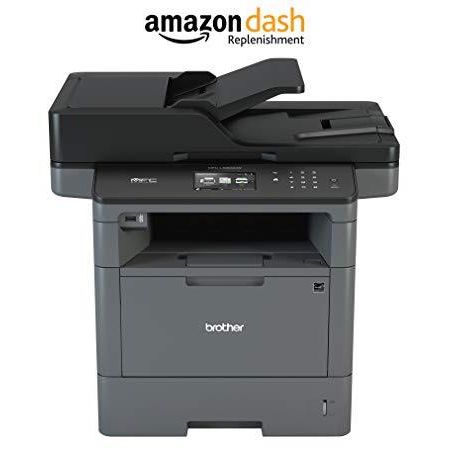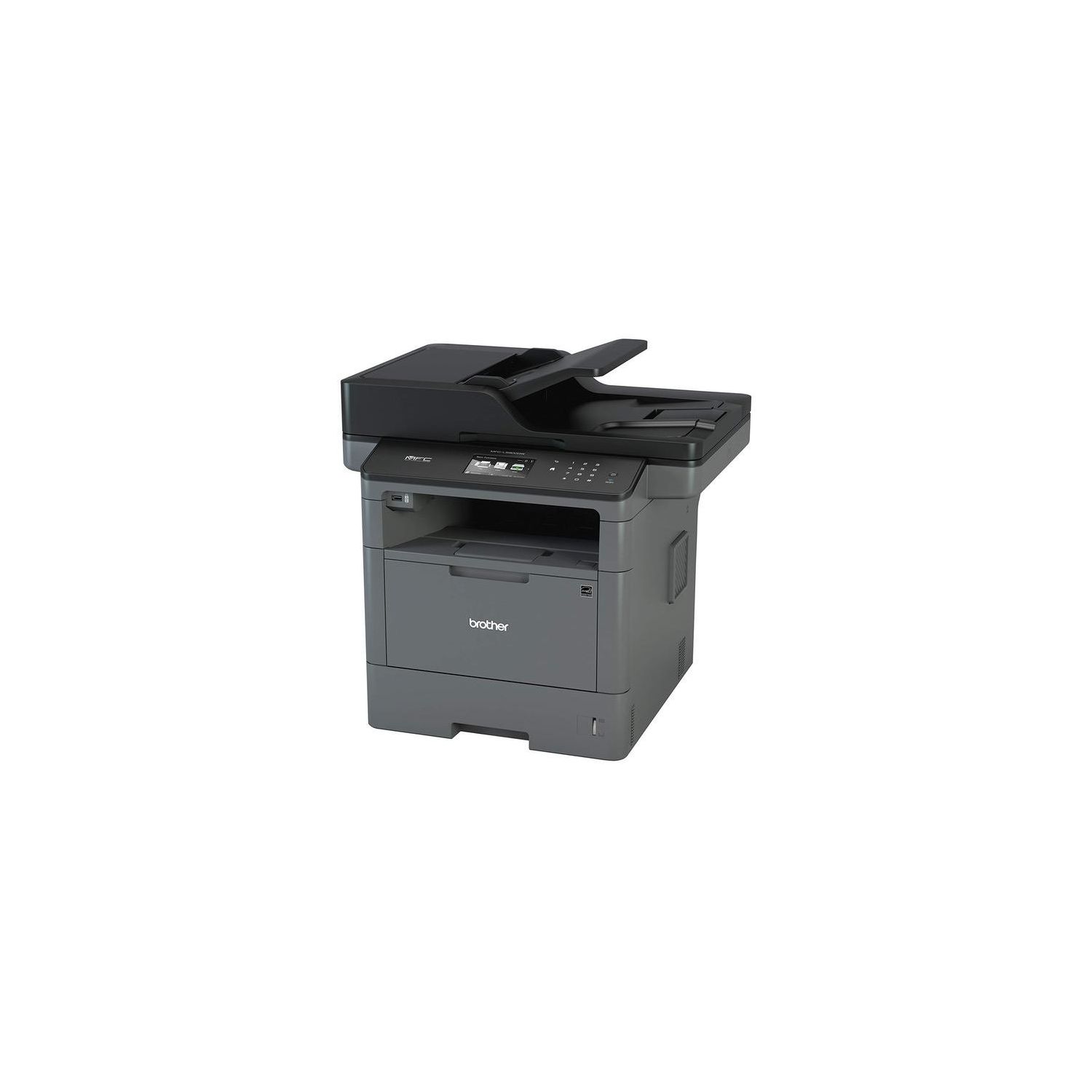
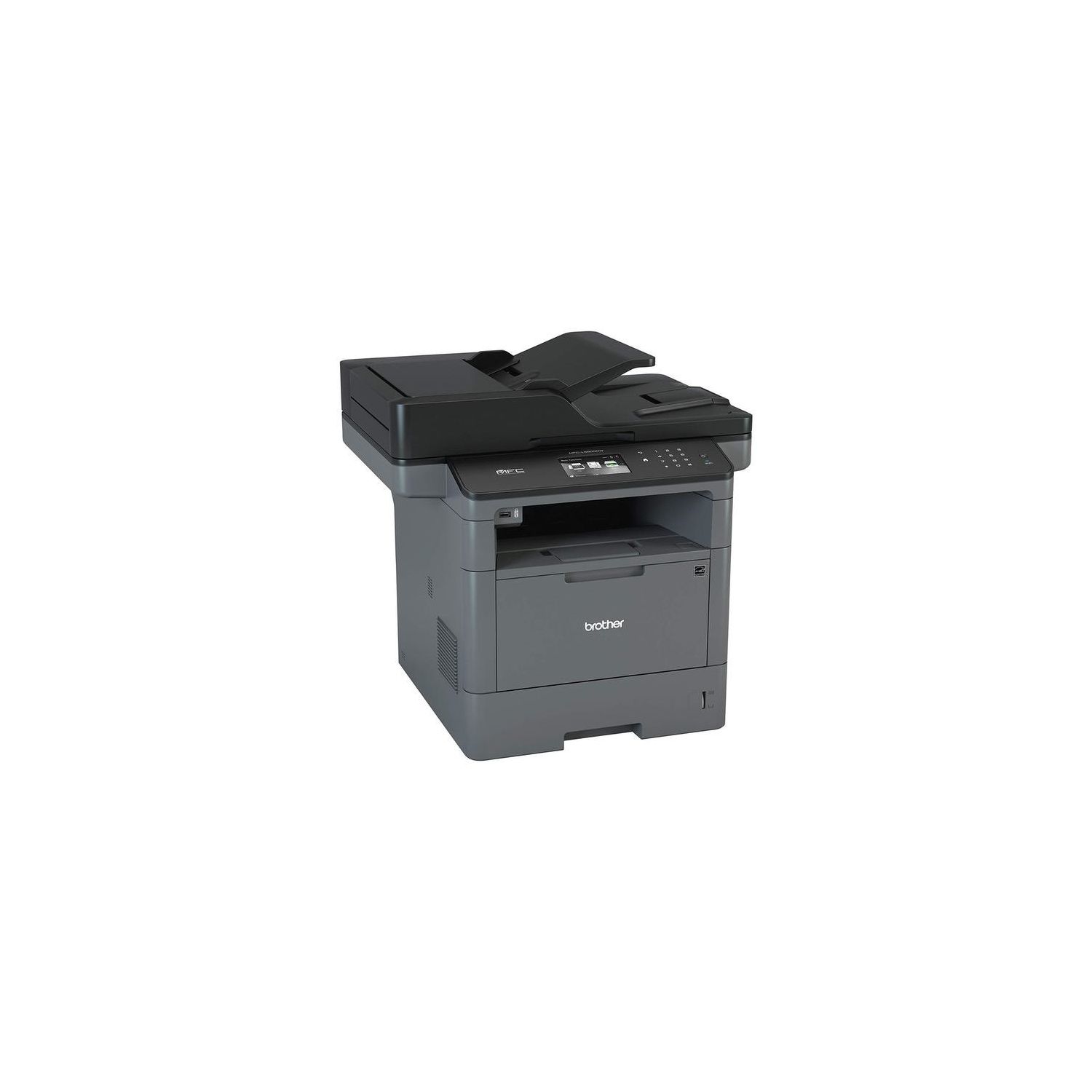
Brother Monochrome Laser Printer, Multifunction Printer, All-in-One Printer, MFC-L5900DW, Wireless Networking, Mobile Printing & Scanning, Duplex Print, Copy & Scan, Amazon Dash Replenishment Enabled
Write a review
$32900

Brother Monochrome Laser Printer, Multifunction Printer, All-in-One Printer, MFC-L5900DW, Wireless Networking, Mobile Printing & Scanning, Duplex Print, Copy & Scan, Amazon Dash Replenishment Enabled

Write a review
B01BHSLJGC
Printer
+
Add to wish list
Starget Electronics is a leading online electronics store offering a wide range of g...

City: US, New York

Delivery
Pickup at your own expense
Tomorrow from 09:00 to 20:00, Store location
Free
Payment options
Apple Pay Google Pay Mastercard Visa
Cash, bank card, credit/installment payments, cashless payment for legal entities
Warranty and returns
Exchange/return of products of proper quality within 14 days Official manufacturer's warranty: 12 months
Features
Connectivity Technology
USB, Gigabit Ethernet, Wi-Fi
Item Dimensions
19.1 x 16.8 x 19.5 in
Item Weight
38 lbs
Operating System
  • Windows, Mac, Linux
Printer Output
Monochrome
Printer Technology
Laser
Style
Printer
Description
This fits your .
Make sure this fits by entering your model number. Upon activation, the Amazon Dash Replenishment service measures the toner level and automatically orders toner from Amazon when low. This ensures that you never run out again Fast, high-quality printing & copying up to 42ppm. Easily share with others via built-in Wireless or Gigabit Ethernet networking Unit Dimensions (WxDxH):19.5 x 16.8 x 19.1(inches) .300-sheet paper capacity, expandable to 1,340 sheets with optional add-on trays (LT-6500 or LT-5500) 70-page capacity duplex auto document feeder scans both sides of the page in a single-pass for fast, two-sided scanning and copying. Cost efficient printing with high-yield replacement toner cartridge Print from/scan to business cloud services with 3.7" Color Touchscreen display. Size : 24.50 x 23.00 x 20.50" Class 1 Laser Product, power output is enclosed; Memory Transmission: Up to 500 pages
Reviews
2.8
Reviews: 20
5 stars
25%
4 stars
15%
3 stars
15%
2 stars
5%
1 star
40%
anon
5
Ive owned exclusively high-dollar color laser HP and Lexmark printers. All of them have been unnecessarily expensive to maintain and they all had their own quirks. Ive had this printer for over a year and I am VERY impressed. No quirks, very economical toner and you get this odd feeling that every part of this MFP has been well thought out. Honestly, I never use the touch screen but it works great. I do most of the controls from the computer. Scanner is spot on with excellent scan quality. All of the document feeders and rollers are flawless as well (something my HPs never mastered). Get This Printer!!
Amazonia
5
Printer-hostile, high- volume user, used to pay Staples rather than touch my office printer. Finally fell in love: the printer of my dreams. Strong, handsome, reliable. We have the occasional squabble about using the wireless, but it is always quickly resolved. After four months, I am still giddy.
Forrest Barfield
5
Great print quality, excellent special features and the best software interface of any small business printer Ive used. Weve been using it in the office for about 6 months and I can only think of a handful of inconveniences: * Lots of trouble trying to use the USB port for direct printing from a flash drive. Most of the time, it says the device is unreadable. * Label and envelope printing are inconvenient because so many tray flaps must be opened in order to be able to special-feed paper and then to keep it from falling on the floor once it prints. I must open five different flaps in order to print on special paper and then close them all once the operation is done.
Jai T. Doshi
5
Just received my Brother MFC-L5900DW Laser printer. Super easy to install. 1. Took it out of Box 2. Remove packaging material around toner, and installed it. 3. Plugged it in. 4. LCD window came on, connected to WiFi 5. Install Brothers driver and software 6. BINGO All took 20 minutes. I used Brother MFC 8460 N for 8 years. Was a work horse and finally gave out. After a month I will update this review.
Warin West-El
5
My previous Brother printer started to foul up when I started using generic toner. I also had trouble with paper jams. With this printer Im using the exact paper recommended by Brother and everything is working fine. Turns out, you shouldnt just throw any paper or toner in your printer. For best results, you need to match your ancillary products to your printer. I use this printer to churn out legal documents and it works like a charm. Unlike the MFC L2740DW, this printer can large loads without breaking a sweat. And the if you set the dpi to 1200 X 1200, the text comes out looking sharp and clean. Will it last longer than 1 year, we shall see. But for now, its a great printer. ONE CAUTION: As with all Brother printers, setting up the wireless to work is a PITA. Despite what the directions say, buy yourself a printer chord and plug it in during the wireless set up. ALSO, this printer will NOT work wirelessly while your VPN is on. So be sure to turn that off during the setup. ONE NICE FEATURE While the printer was plugged into my computer, during setup it automatically determined the correct date and time.
Product variations
Column filling
Sort by Price Sort by Availability Sort by CODE Sort by Style
$32900
In stock
+
B01BHSLJGC
Style:
Printer
$43600
In stock
+
B01M3OFMCC
Style:
Printer and High Yield Black Toner Bundle
You may be interested
  • Bestsellers
  • Recently Viewed
 
Similar products
Fast and high quality delivery

Our company makes delivery all over the country

Quality assurance and service

We offer only those goods, in which quality we are sure

Returns within 30 days

You have 30 days to test your purchase