

























A. Johnson
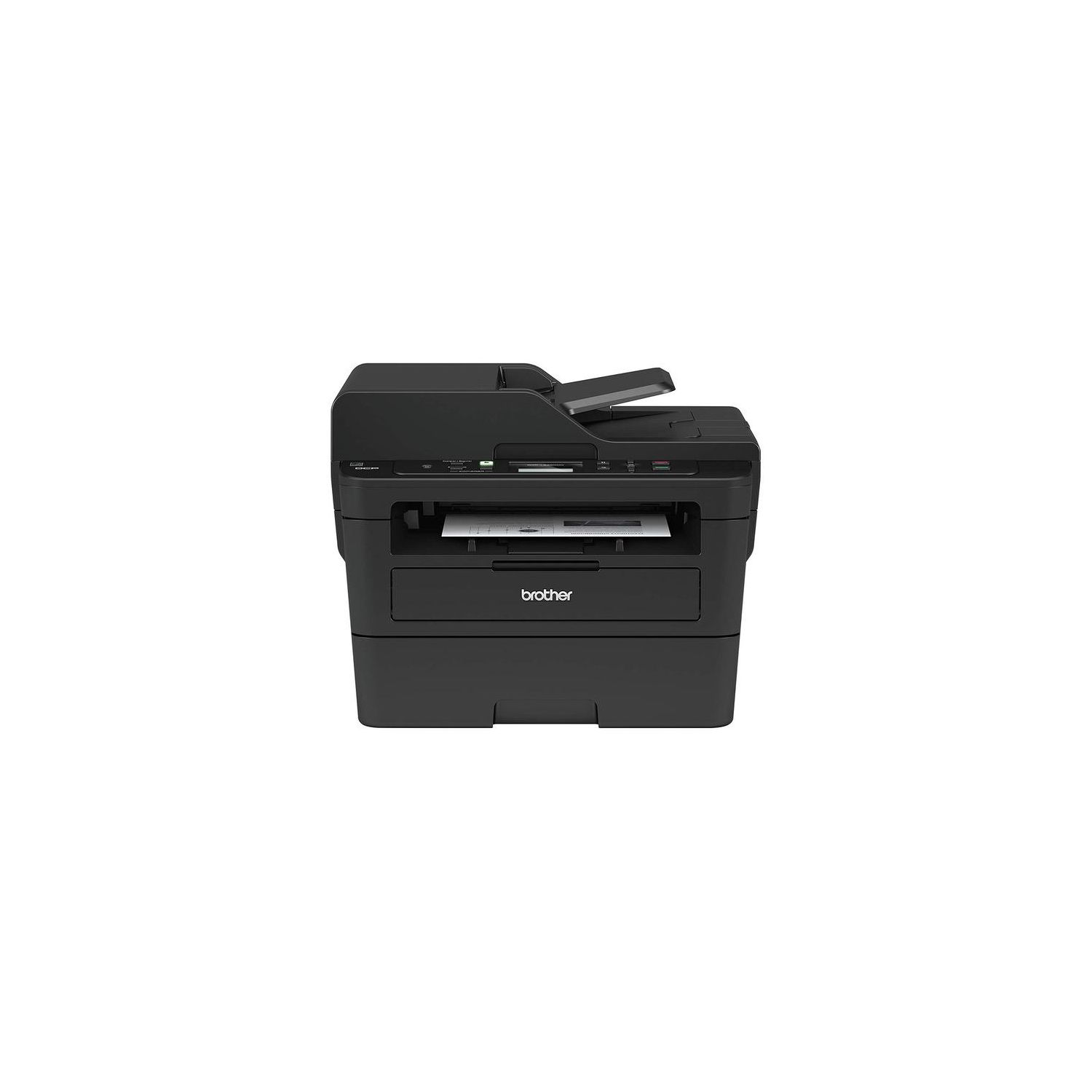
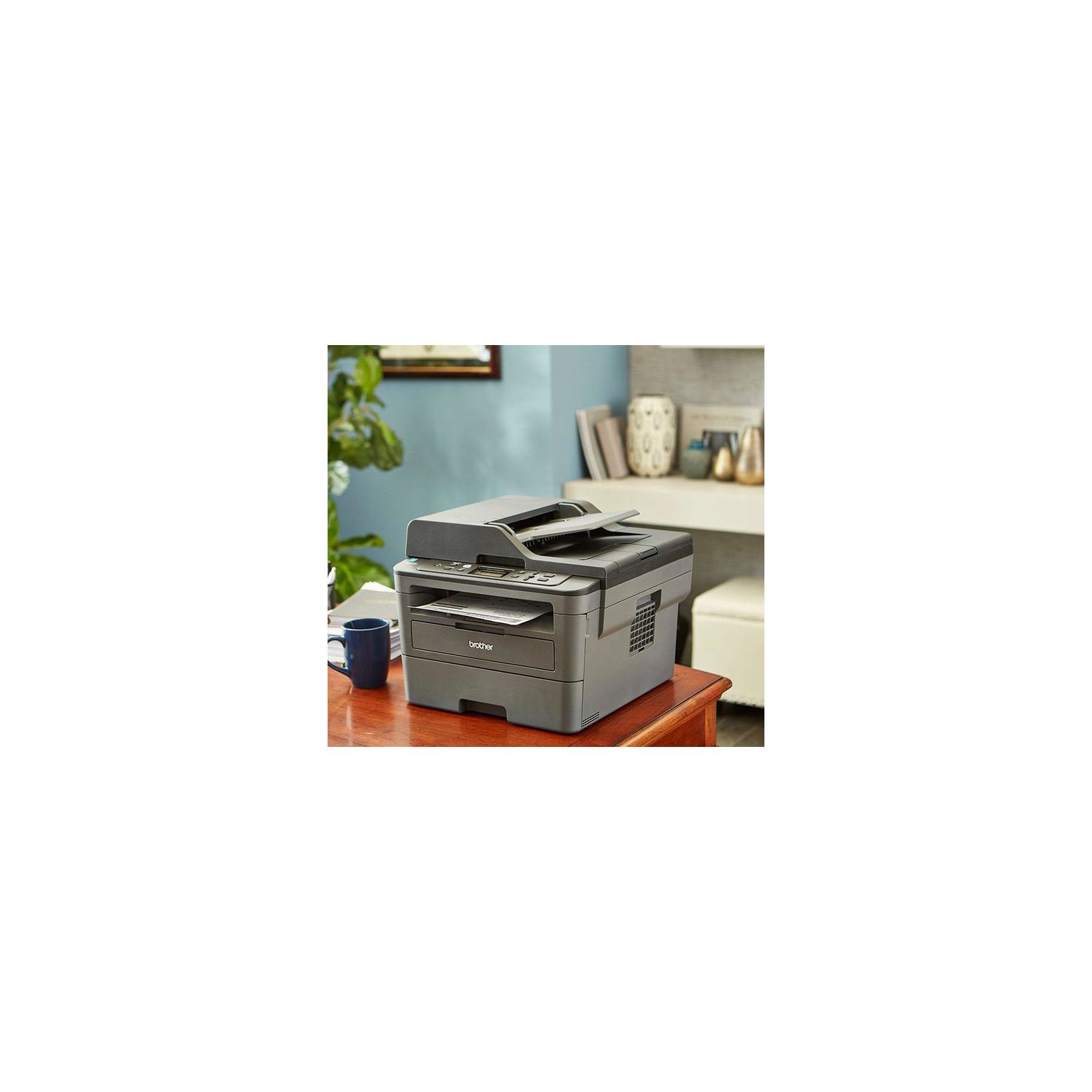
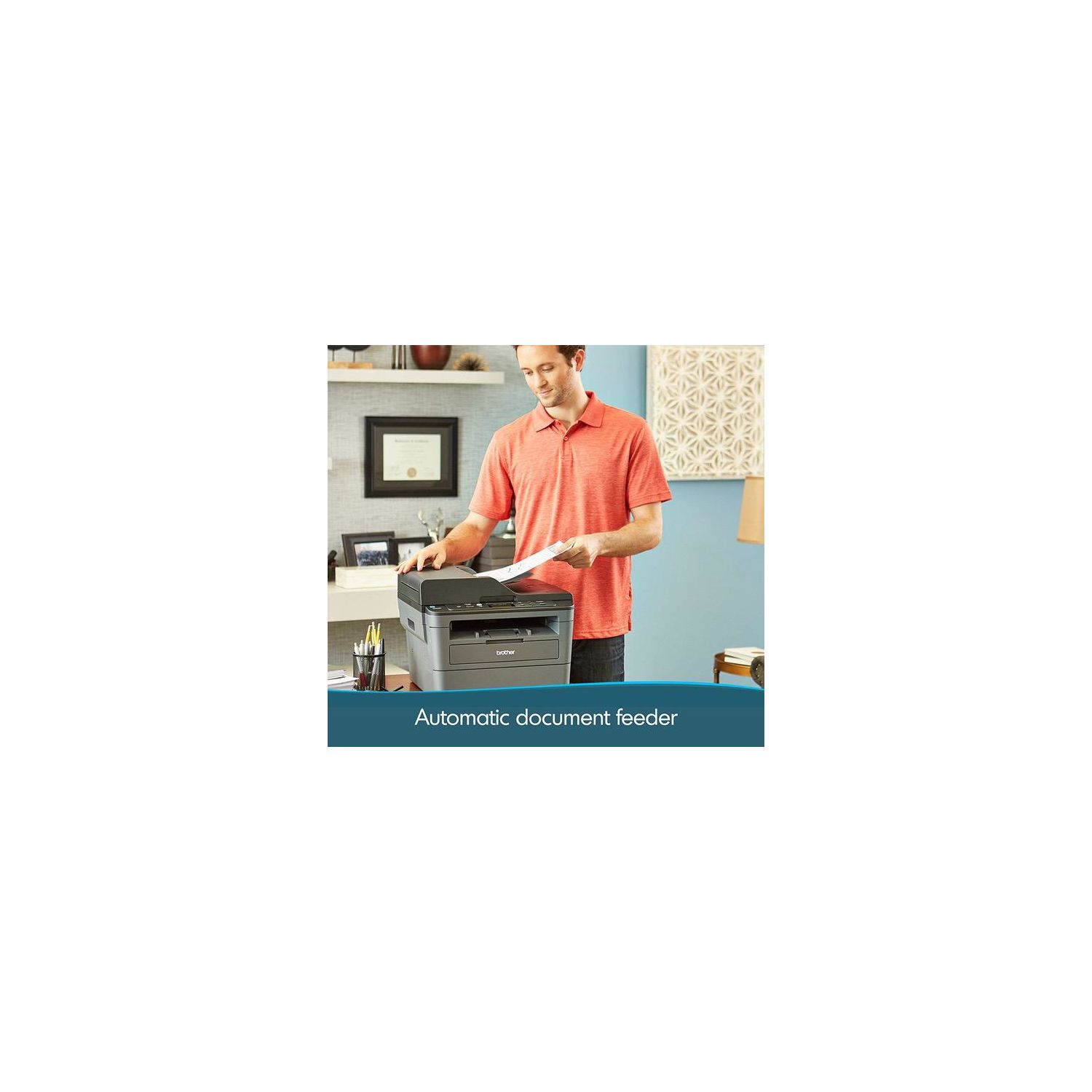
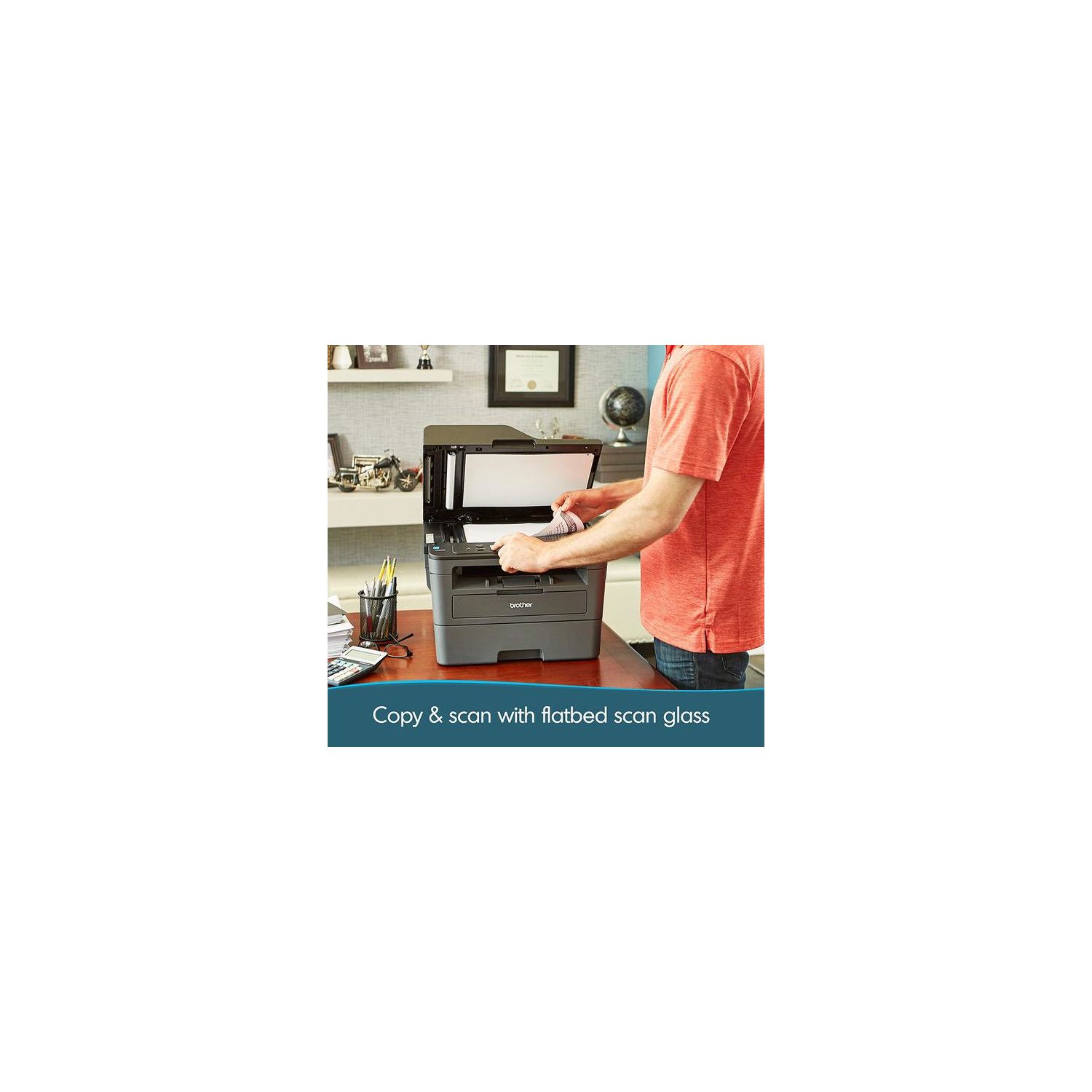
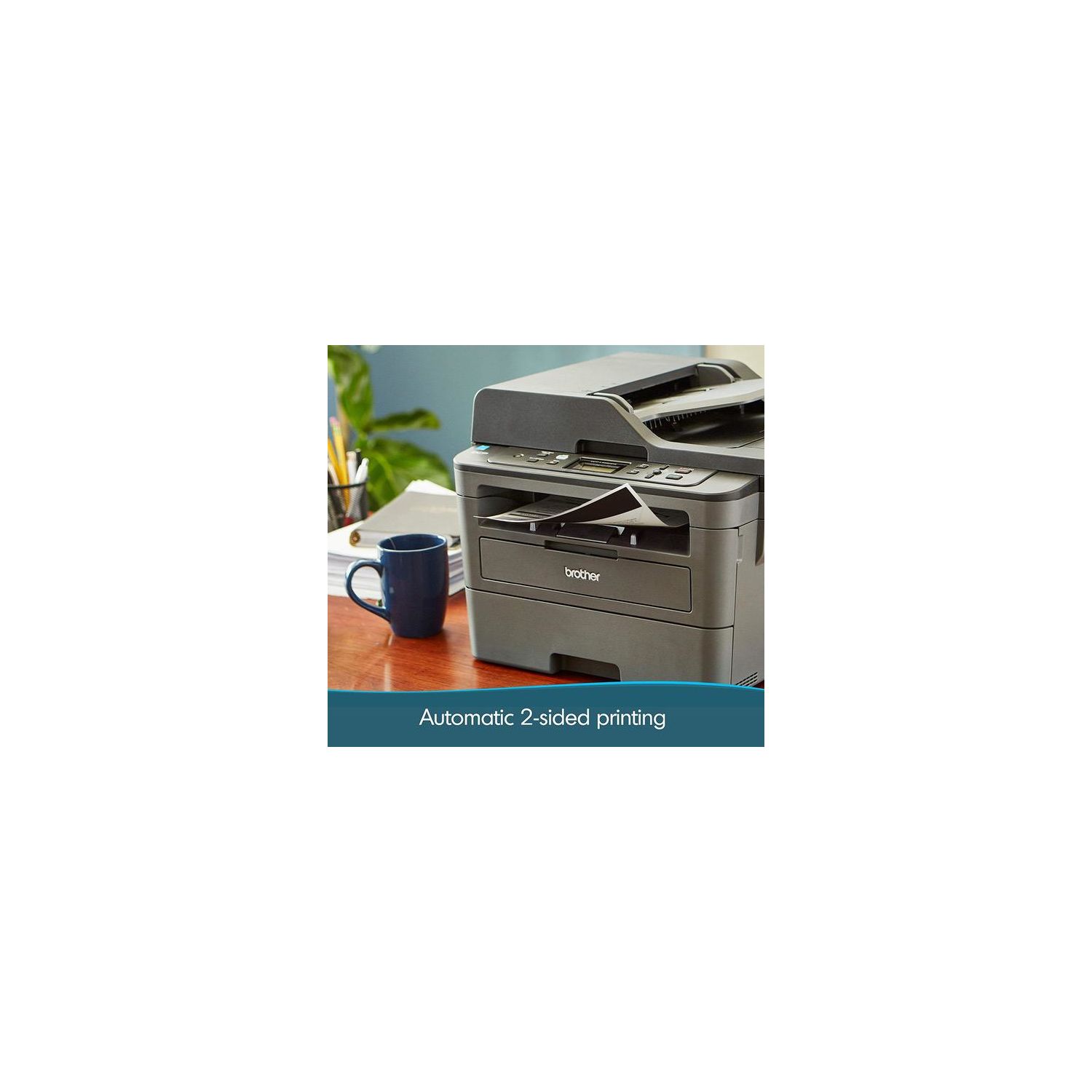
I was looking forward to having a grown-up printer after various awfulnesses with Epson and HP. In particular, I noted the glowing review on The Wirecutter of the sister model which doesnt have a document feeder. Before we do the good, the bad is very bad, but temporary. If you have a recent Mac, the installation experience will be appalling. How bad? World class awful. First the installation software crashes on launch on Mac OS X Sierra - the new one. You need to download the printer and scanner software separately. But the scanner software wont work. Worse than not working, it will appear to work, but nothing will actually be happening. To scan, you need to do a firmware update. In order for that to work, you need to download the rampantly insecure JRE (Java Runtime), and override the Macs various suggestions that you may want to think twice about this. It needs the WLAN (wifi, to normal people) set-up - and dont think that happens just by pressing the wifi button. Ha! No, you have to go into settings with the UI of a 1980s digital watch, and heaven help you if you have a complex password. Then, because you havent used the Brother software, you need to configure the printer and scanner manually. Remember, youre only doing this so the firmware updater actually to make it work will run. In the alternative, you need to find a USB cable. There is not one in the box because who, in 2016, expects to have to need a USB cable? Working all this out took me perhaps an hour. I am quite technically proficient and believe me my instructions are a lot clearer than anything on the device, or Brothers website. If what I have just written is incomprehensible to you, DO NOT BUY THIS PRINTER. If youre happy jumping through these hoops, just be aware you have to. One little gem? As it fails, it tries to print a page each time telling you how it has failed - just to use up the ink. It produces a largely meaningless error code. You can stop this by not loading paper, or pulling out the drawer - eventually it gives up. Brother is no worse than its competitors in playing this tacky little game, but its no better, either. As a post script, the Amazon Dash functionality requires an account setup which is reliably giving me the error page shown on the screenshot. At this point you can only laugh. I cant fully do justice to how bad this set-up experience has been but bear in mind, this I for a product which is not broken, or defective, or a refurb that has someone elses settings, and from a reputable manufacturer. Wow. All that said - and why I have given this two stars and not one - the printer and scanner itself is good. As these things go, it is not hideous, or flimsy. Its not as robust as a large office printer but for the price, its good. It fully encloses the paper. It has a feeder for different paper like labels or envelopes, which is great at this price. It does duplex printing, and has the document feeder for scanning. Ill have to see, but one reason The Wirecutter liked it was it is supposed to be quite parsimonious with the toner. My Mac is now reporting complete satisfaction with it. Now it is set up, I think it will be fine. I am looking forward not to have to deal with inkjet ink that dries up between uses and alignment issues both of the ink and the paper. But the person or people at Brother who put this out in the state it is when you open the box have engineered an initial experience which would be like going into a great restaurant, but having the maître d spit in your face prior to seating you. In time you might recall the great food but I think that initial experience would be hard to forget as well.

