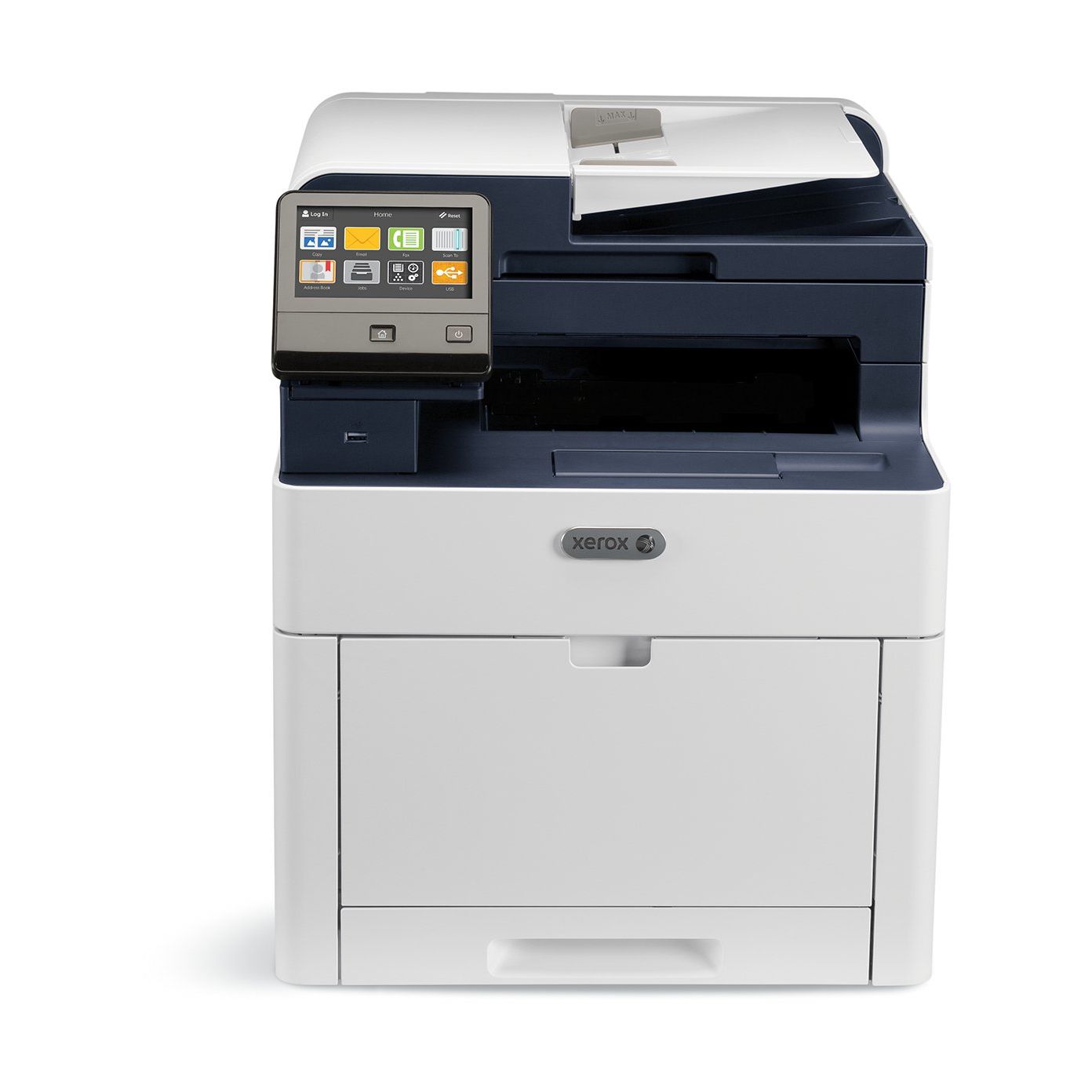
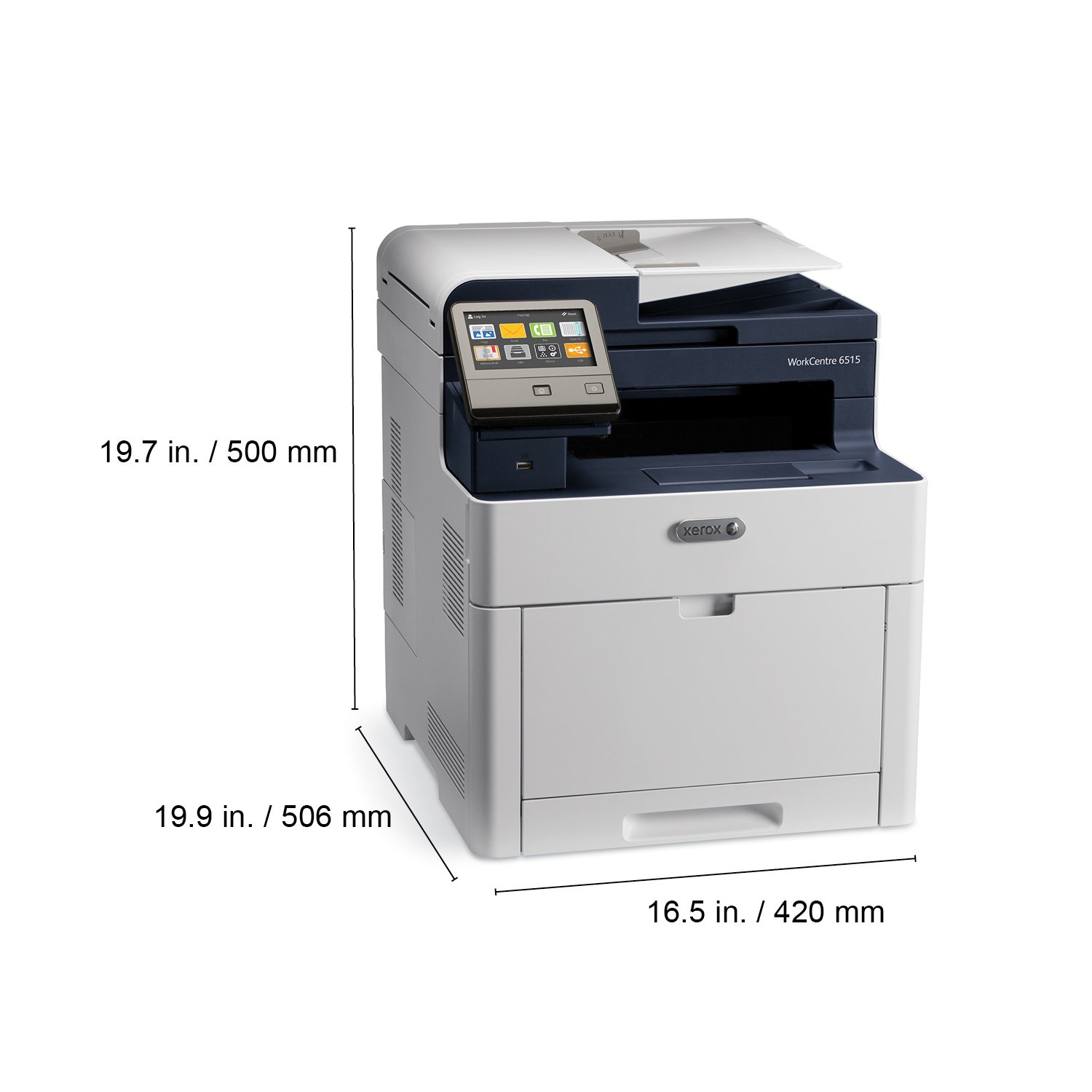
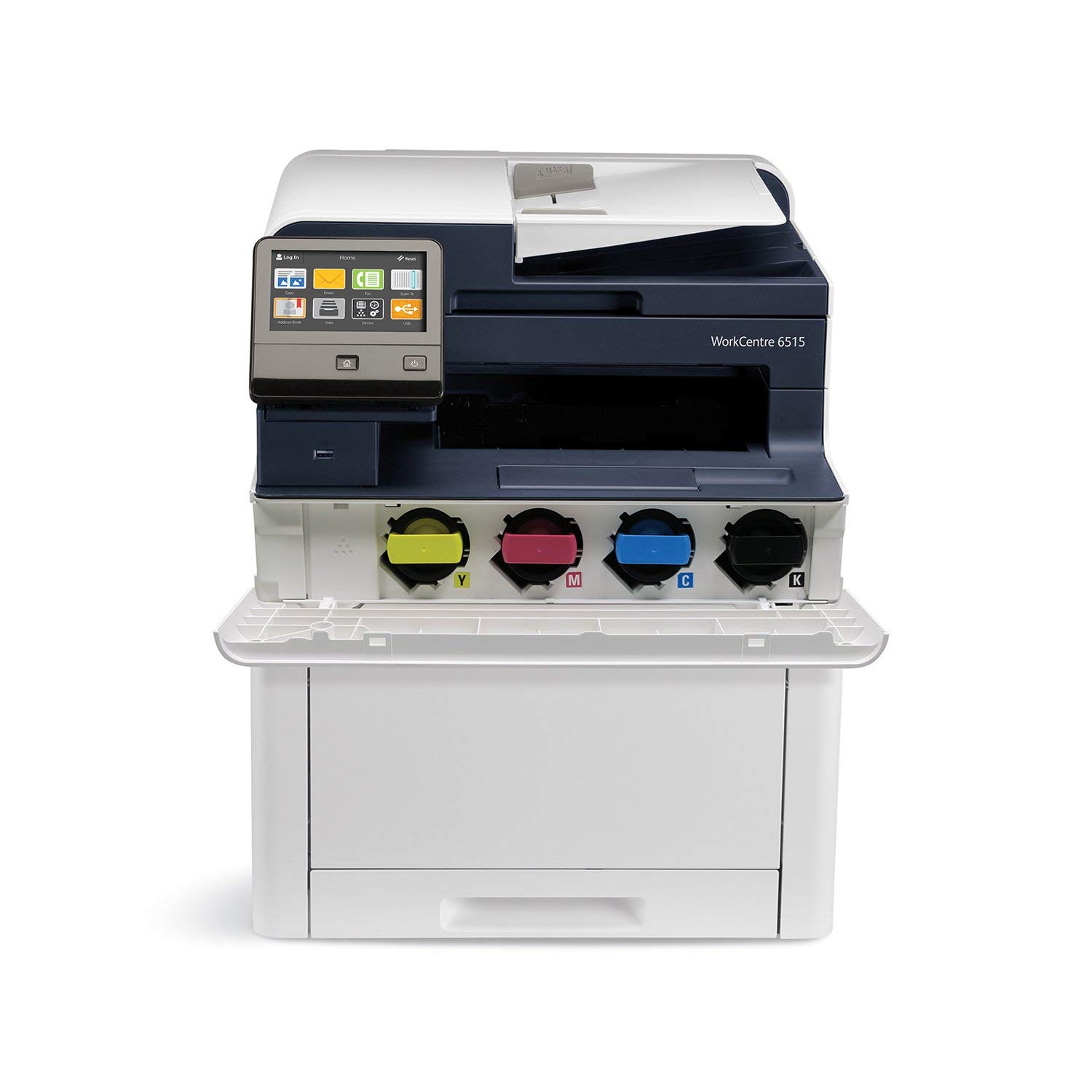
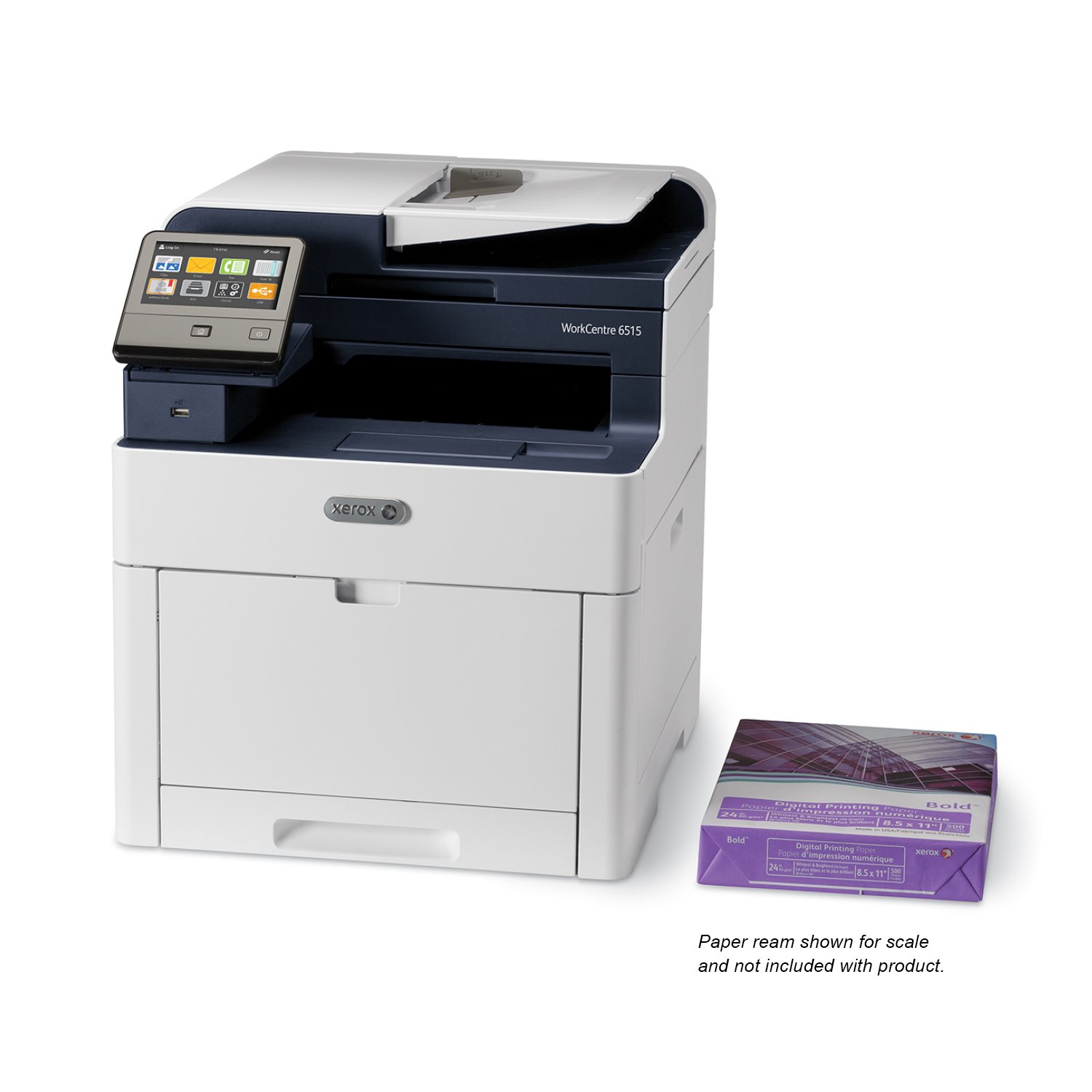
Xerox WorkCentre with Cyan, Magenta , Yellow and Black Standard Capacity Toner Cartridges
Write a review
$56400 $61400

Xerox WorkCentre with Cyan, Magenta , Yellow and Black Standard Capacity Toner Cartridges

Write a review
B07B6PS8CX
Printer w/ Toner Bundle
+
Add to wish list
Target is a general merchandise retailer with stores in all 50 states and the District...

City: US, New York

Delivery
Pickup at your own expense
Tomorrow from 09:00 to 20:00, Store location
Free
Payment options
Apple Pay Google Pay Mastercard Visa
Cash, bank card, credit/installment payments, cashless payment for legal entities
Warranty and returns
Exchange/return of products of proper quality within 14 days Official manufacturer's warranty: 12 months
Features
Style
Printer w/ Toner Bundle
Description
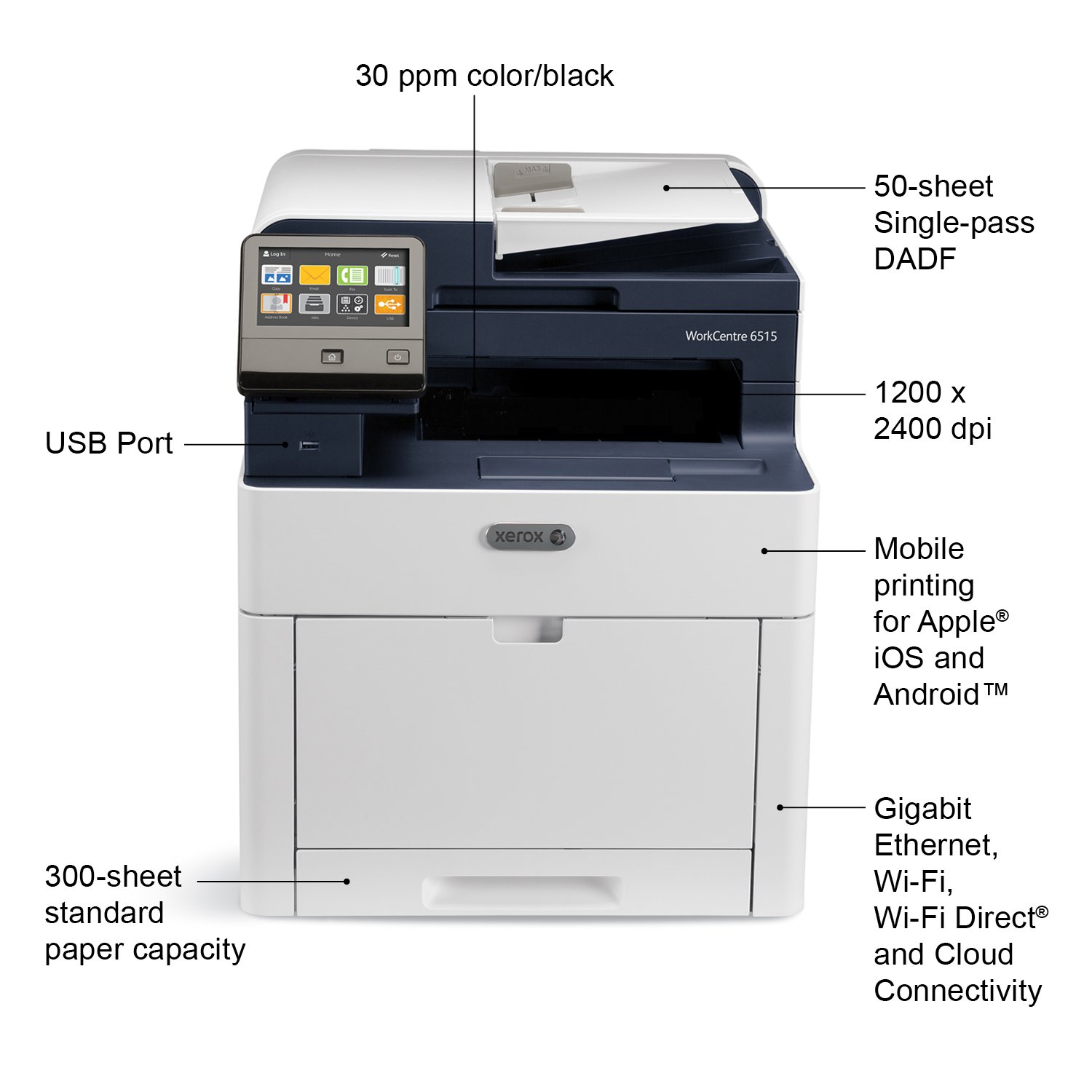
  • Color MultiFunction Printer, Print/Copy/Scan/Email/Fax, letter/legal, up to 30ppm, 2-sided print, USB/ethernet/wireless, 250 sheet tray
  • Print outstanding quality documents with 1200 X 2400 dpi resolution and PANTONE color matching on paper sizes up to 8½ X 14 inches.
  • Xerox Genuine Supplies deliver Quality, Reliability, and Performance.
  • Manufactured to the highest of standards.
Reviews
2.5
Reviews: 20
5 stars
20%
4 stars
10%
3 stars
15%
2 stars
10%
1 star
45%
Anthony W. Davidson
5
Xerox has been making this printer for nearly 2 years. Cannot believe there are only 31 reviews as of 09/10/18. Surely Xerox has sold more than 31 printers or they would be out of business. I have a theory that people are more likely to come here and make a negative comment than to come here and write a positive comment. My 12 year old color Samsung laser printer died and I was looking for a new color, duplex, scanner, printer when I found this printer. This printers output is hundreds of time better than my 12 year old Samsung. 1. This printer is much faster than my old Samsung. The color output is much better than my old laser printer. 2. I had no problems setting up the scanner to scan to my computer. 3. I had no problems setting up my Android phone to print to the Xerox using wi/fi. 4. I was not able to test the fax since I do not have a wired phone line. =========== Not everything works perfectly though. 1. When installing the printer drivers from the 2 year old instillation CD, the installation program asked to download the newest drivers from Xerox, I said yes. Unfortunately I was not able to print from my Windows 10 computer with the new June 2018 drivers. I uninstalled the drivers and reinstalled using the 2 year old drivers from the CD without downloading the updated drivers. Now I am able to print from my computer. 2. Some options like "Scan to Email", and "Scan to Desktop", as best as I can understand the manual, need a dedicated network workstation to work. This is no big deal to me as I can scan to my computer, then add the scan as an attachment to my email. Overall I love this printer and am looking forward to many years of colorful printing.
Amazon Customer
5
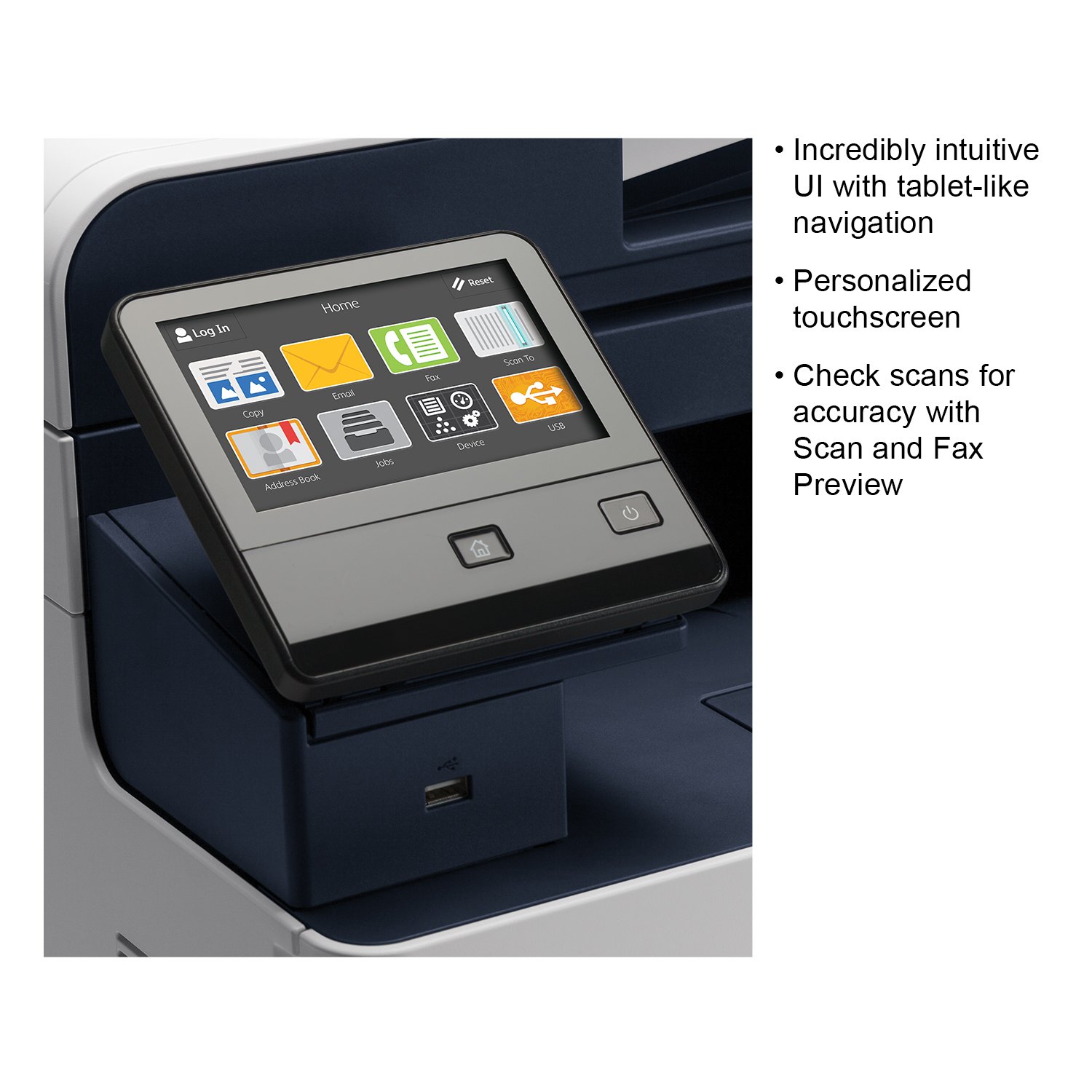
This is a terrific machine. Its more commercial than I was expecting. I bought it for home use and its probably a bit overkill for that - but as they work to close out the model inventory, its a great value. The images are crisp and clean. The double-siding function works very well. Its easy to map the scan function to a share folder on your computer. I did not succeed in setting up scan to email - but this is admittedly one of the most complex operations for an MFP to perform. I have not tried again and need to spend more time with it. It has a "real" paper tray and bypass tray. It seems like it will stand up to use for many years. The toner cartridge being separate from the drum cartridge means that you dont pay to replace both - just toner, and then I suppose eventually the drum cartridges. However, at less than $400 for this printer, it may just be time to replace the printer when the drum cartridges start to run out. Very intuitive user interface. Terrific print quality (and the pages "feel" very pro - no curling). Prints very rapidly and reliably. Also a great copier. It has a fax module that I havent used, but Im glad that its there for the random times when a fax is necessary these days. It was a great investment and its been a solid addition to my home office over the past two months of use.
J. E. Smith
5
Seems well built. Outside of scan to email, it was easy to set up but the scan to email setup is not the machines fault. Its the same on all MFPs. Wi-fi set-up was easy. Web interface is fairly easy to find things. User interface is ok but earlier Xerox UIs were easier and faster to make changes to settings for jobs. Prints fast, reasonably quiet, scans are high quality. Print quality is good on the cheap paper Im using. Better paper would improve the quality. Duplex scanning and printing is a welcomed feature as well as scans to PDF can be made searchable. Only issue Im having it is wakes up from sleep every 30 minutes while the fax line is connected. Might be a sensitivity to line voltage changes that is triggering it to wake up with my Spectrum VOIP phone line. Old Canon fax didnt have this issue.
Eric R. Smedstad
5
This is my second color laxer printer. The last was a Canon and a complete disaster. This printer reliably shows up on the network. The driver’s are in Windows so prints reliably. It goes to sleep and wakes up reliably. I can print to it wirelessly from my phone. The color accuracy for photos as an example isn’t great but for documents, presentations, stuff from the web it works great. I would recommend it for a small business or established home.
Product variations
Column filling
Sort by Price Sort by Availability Sort by CODE Sort by Style
$56400 $61400
In stock
+
B07B6PS8CX
Style:
Printer w/ Toner Bundle
Contact us for a price
In stock
B01MFHBDGI
Style:
Printer
You may be interested
  • Bestsellers
  • Recently Viewed
 
Fast and high quality delivery

Our company makes delivery all over the country

Quality assurance and service

We offer only those goods, in which quality we are sure

Returns within 30 days

You have 30 days to test your purchase