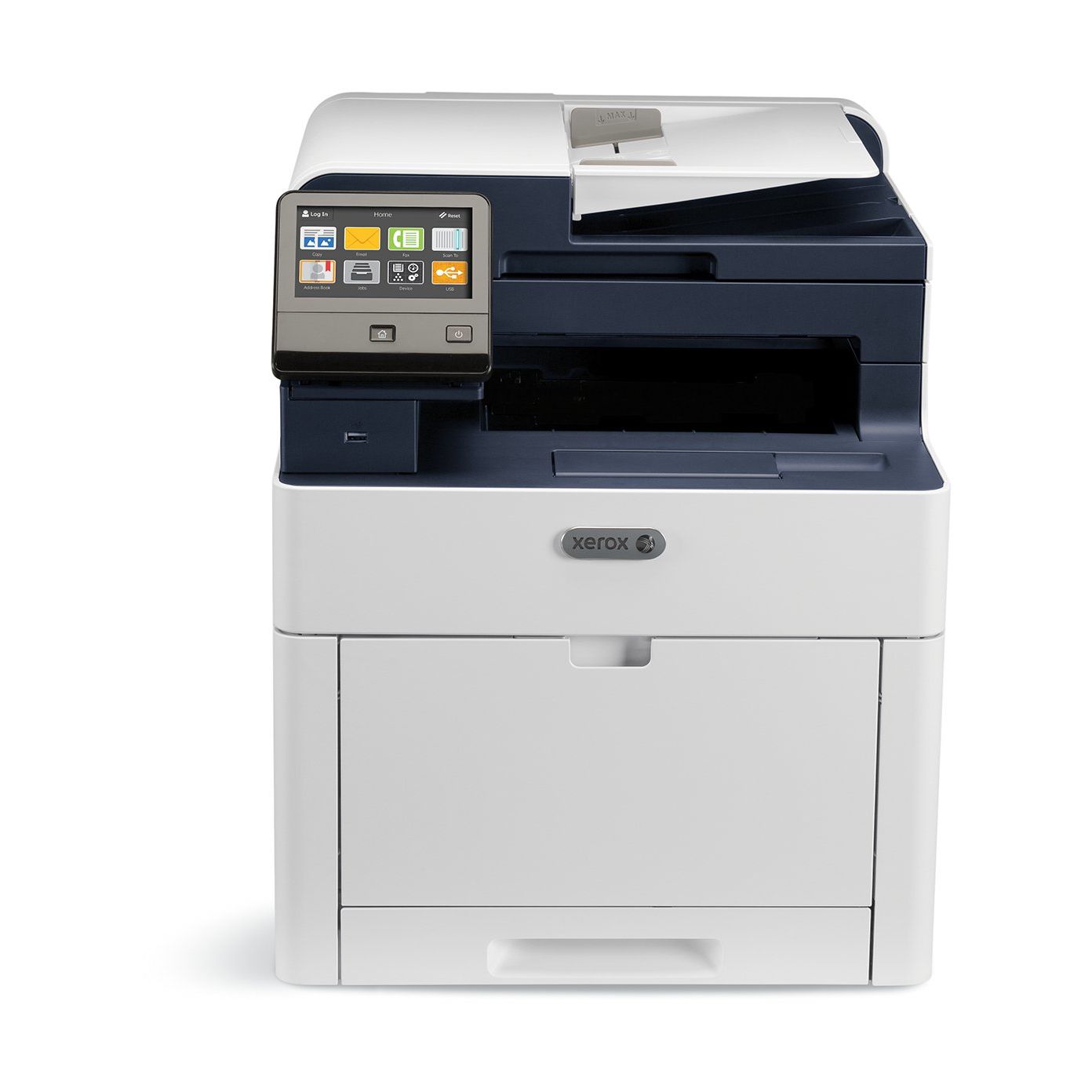
Xerox WorkCentre with Cyan, Magenta , Yellow and Black Standard Capacity Toner Cartridges
Write a review
$56400 $61400

Xerox WorkCentre with Cyan, Magenta , Yellow and Black Standard Capacity Toner Cartridges

Write a review
B07B6PS8CX
Printer w/ Toner Bundle
+
Add to wish list
Target is a general merchandise retailer with stores in all 50 states and the District...

City: US, New York

Delivery
Pickup at your own expense
Tomorrow from 09:00 to 20:00, Store location
Free
Payment options
Apple Pay Google Pay Mastercard Visa
Cash, bank card, credit/installment payments, cashless payment for legal entities
Warranty and returns
Exchange/return of products of proper quality within 14 days Official manufacturer's warranty: 12 months
Features
Style
Printer w/ Toner Bundle
Description
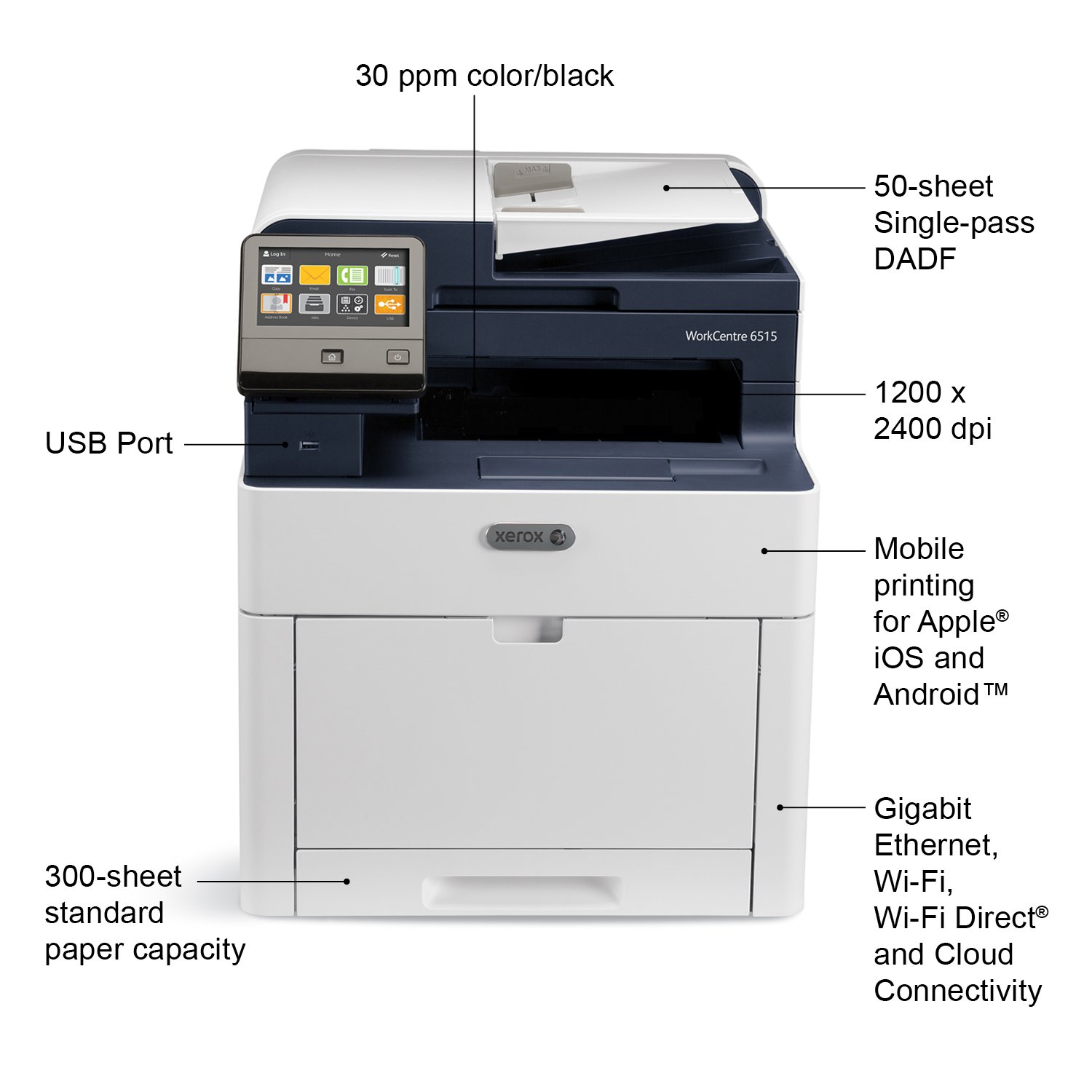
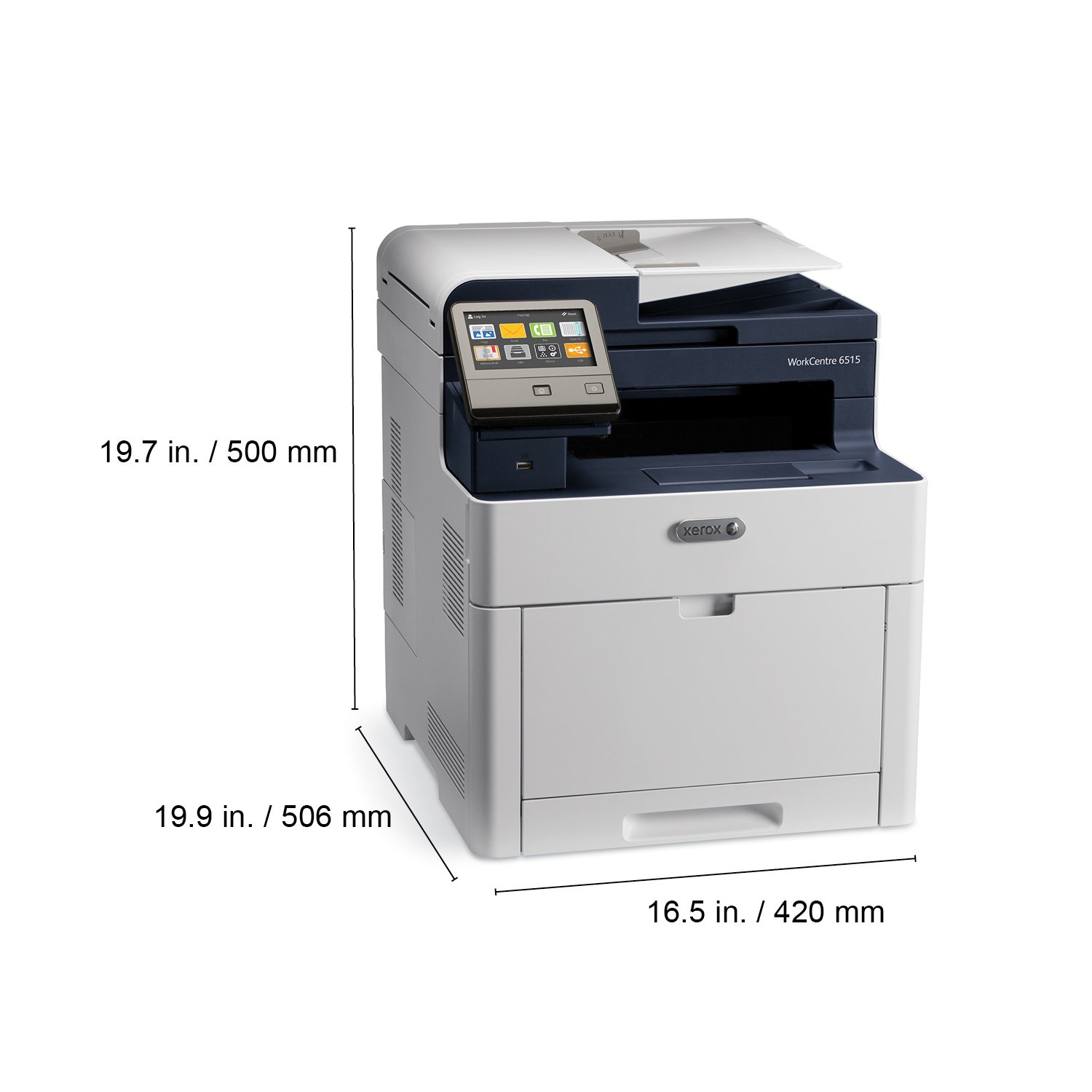
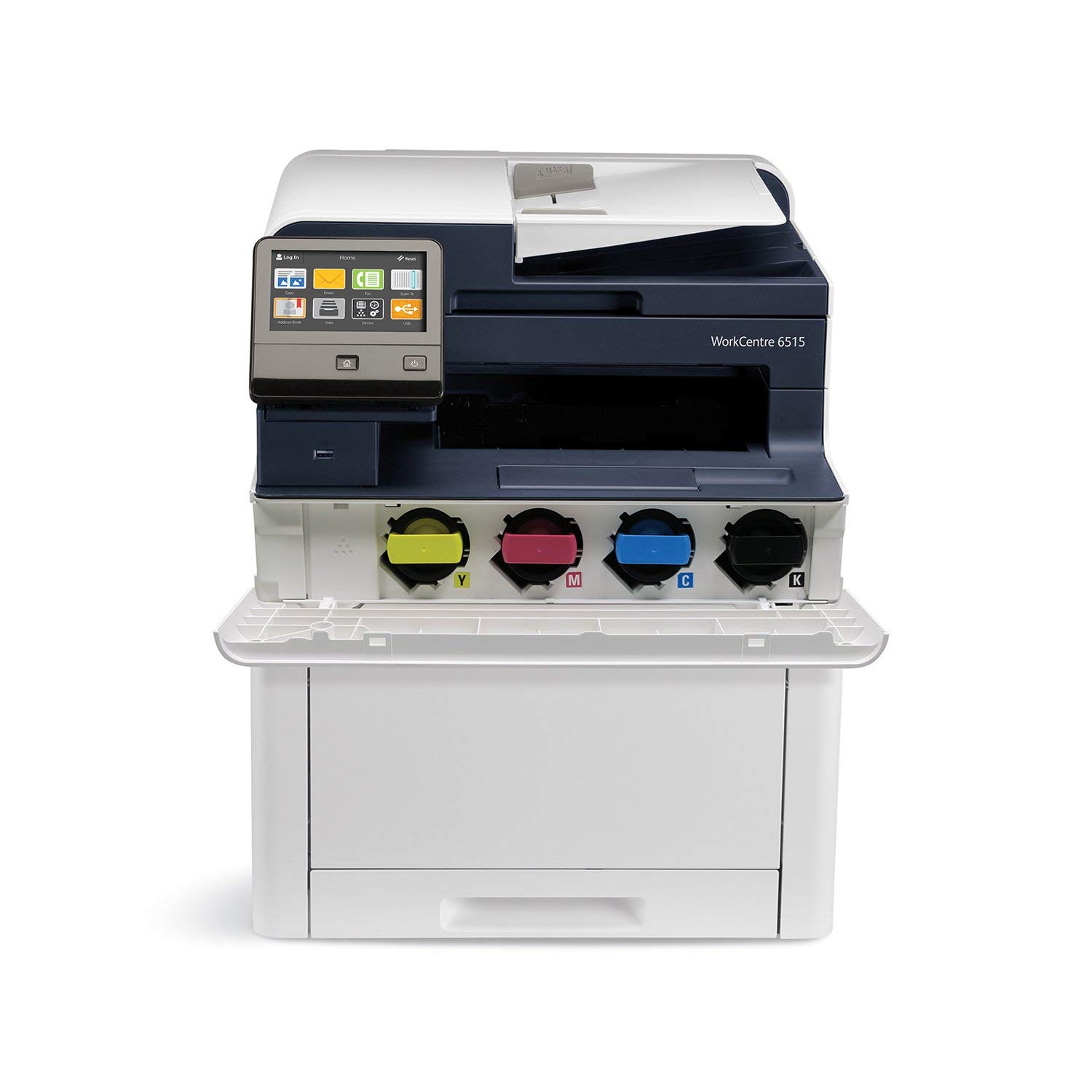
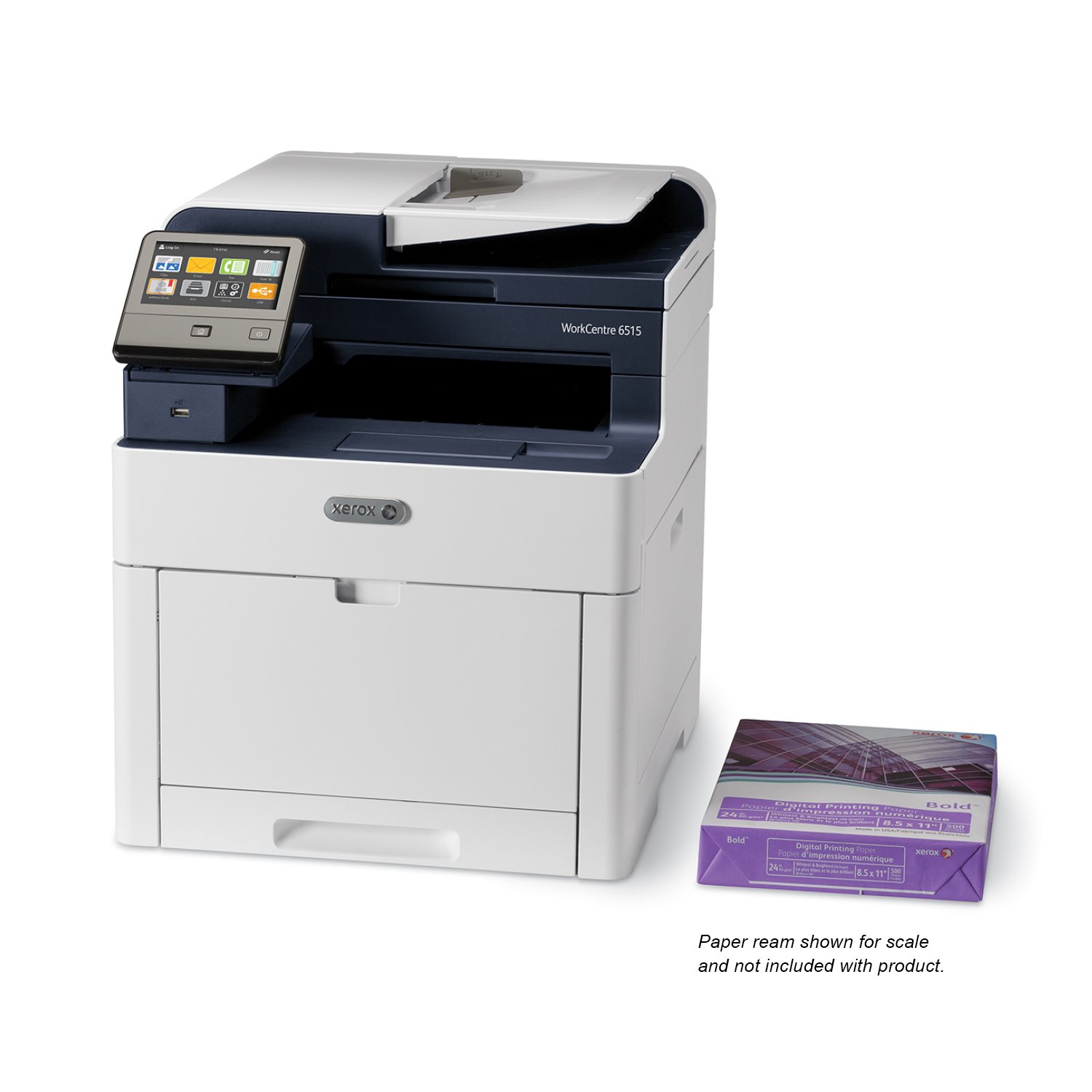
  • Color MultiFunction Printer, Print/Copy/Scan/Email/Fax, letter/legal, up to 30ppm, 2-sided print, USB/ethernet/wireless, 250 sheet tray
  • Print outstanding quality documents with 1200 X 2400 dpi resolution and PANTONE color matching on paper sizes up to 8½ X 14 inches.
  • Xerox Genuine Supplies deliver Quality, Reliability, and Performance.
  • Manufactured to the highest of standards.
Reviews
2.5
Reviews: 20
5 stars
20%
4 stars
10%
3 stars
15%
2 stars
10%
1 star
45%
mfav
3
Setup on the Macs was really simple. Setup on the Windows was a bit of a chore. The touch interface is a bit sluggish. WiFi connection to the network was not solid. Seemed like the printer would go into sleep mode and then not reconnect. Sometimes. On a whim. Anyway, something odd was going on and I didnt bother to spend time sorting it out. Connected unit via ethernet to the network and has been reliable since then. Scan quality seems adequate with max resolution of 600ppi. Scan interface from the computer is limited; okay for office work but not a quality art/photo scanner interface with lots of fine tuning. The autodetect scan area can be annoying, often finding a half-gazillion "regions". Ive found the scanner app may crash if there are multiple regions available on the scan preview, one is selected, and scanning is attempted. This may subsequently result in an error, then the scan button becomes unavailable. Then its a bunch of fussing to get the thing going again. Did not bother with attempting scanning from the touch interface. Print quality is good. Printing is quick. Works well with iPads/iPhones. I didnt bother with the fax; no landline. Used as a copier it seems fine. Printer is relatively quiet. Wake from sleep is quick.
TechGuyInBoston
3
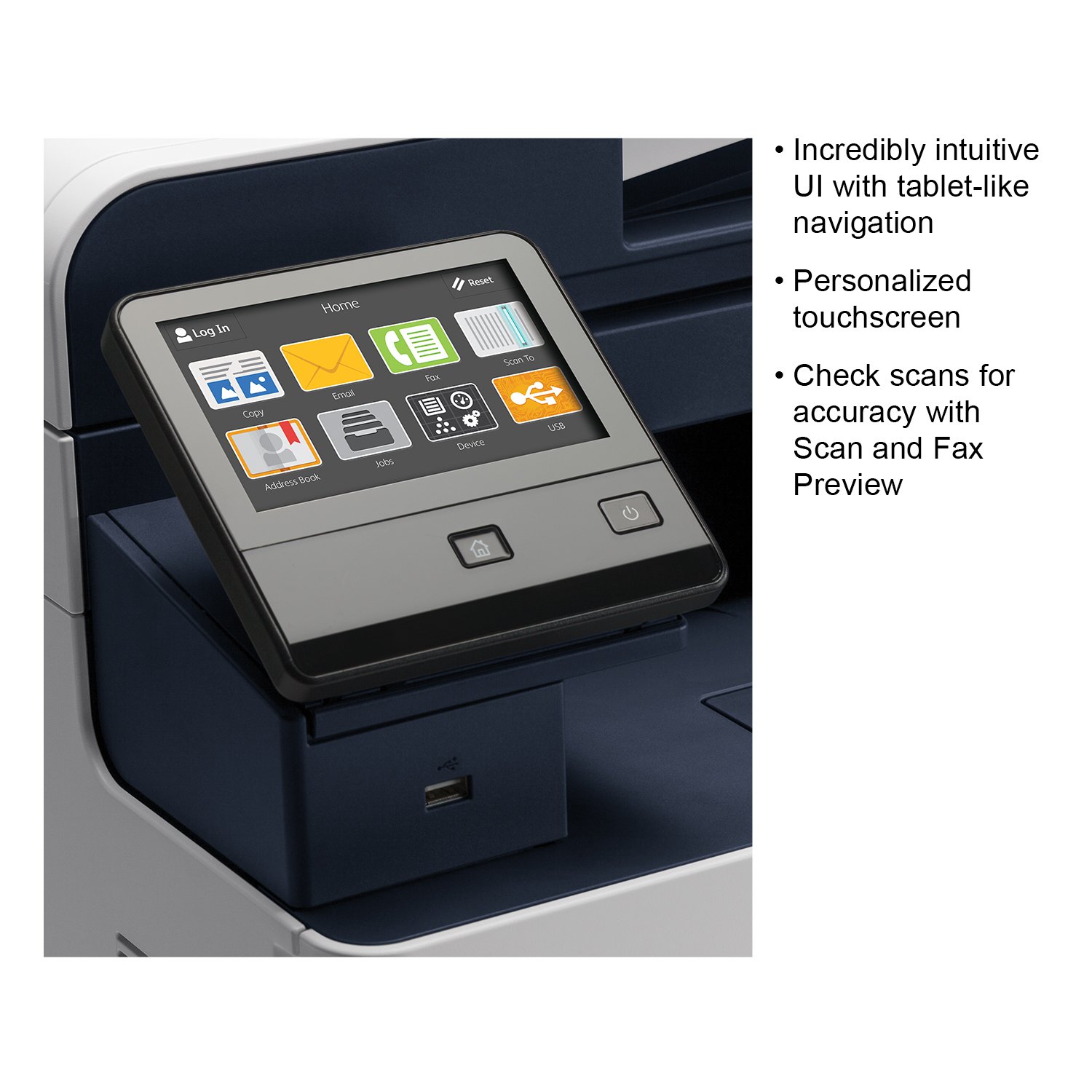
Overall this printer is decent, especially for the price. The email functionality is a great improvement over the previous generation 6505 and the 2 sided document feeder is pretty slick. But setup was a bear to get everything working. There were lots of networking issues, especially to scan to a network share that has been in use here for years. And once all of that was squared away, 75% of my Windows users couldnt see the printer on the network so I had to run the installer individually on each workstation as an administrator. After everyone could finally use the printer, we quickly found out that about 1 in every 5 pages or so would get a very odd diagonal crease in it. I opened a support ticket with Xerox, and they quickly sent a tech out the next day. He spent quite a bit of time trying to test and replace various parts in the paper path. Once he did all he could, he called into Xerox and went through more troubleshooting with the phone rep. Ultimately a part of the paper feed tray needed to be removed as apparently this is a semi-known emerging issue. With all of that hassle behind us, the printer has been great in the first month of office use. The color is crisp and clear, black text is nice and sharp. Toner lasts a decent amount of time, and all my users love the scan to email option that we were lacking before. Overall I am happy with the printer now that it is fully deployed and would recommend it but only if you have a very simple configuration, or you dont mind spending time and frustration getting it to work like it should.
WHP
3
Good print quality, network scanning difficult to configure but the tech support hotline is very helpful and no long wait times. The user interface is pleasant. I would give it four stars but my printer stopped working after four weeks of use. A technician is supposed to show up tomorrow to troubleshoot the problem, the on-site support is appreciated, but Im bummed that Im having problems with the printer so quickly, makes me question the reliability.
Product variations
Column filling
Sort by Price Sort by Availability Sort by CODE Sort by Style
$56400 $61400
In stock
+
B07B6PS8CX
Style:
Printer w/ Toner Bundle
Contact us for a price
In stock
B01MFHBDGI
Style:
Printer
You may be interested
  • Bestsellers
  • Recently Viewed
 
Fast and high quality delivery

Our company makes delivery all over the country

Quality assurance and service

We offer only those goods, in which quality we are sure

Returns within 30 days

You have 30 days to test your purchase