

























Sams-Review
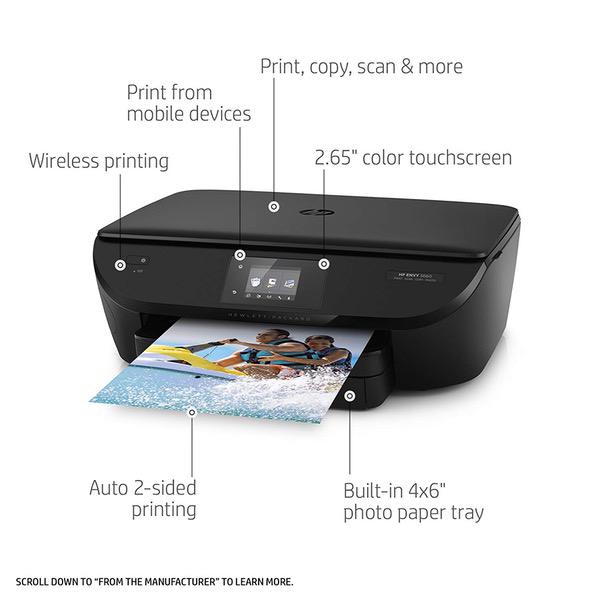
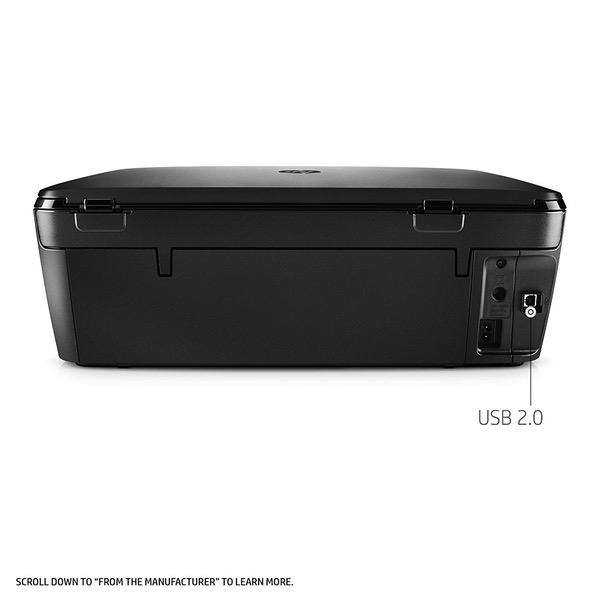
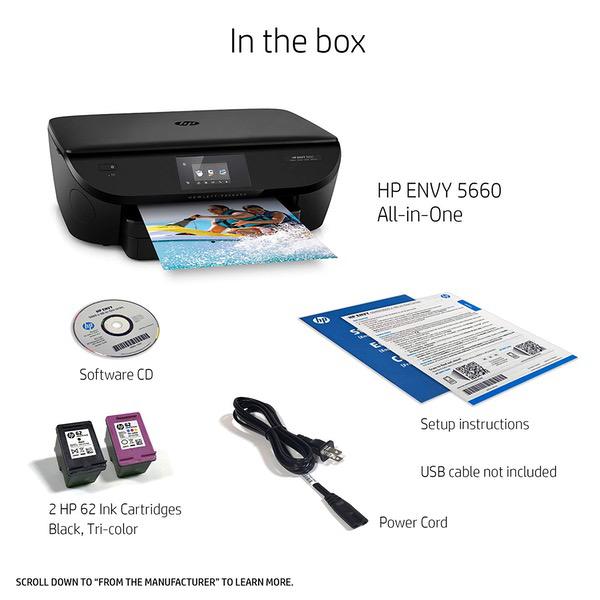
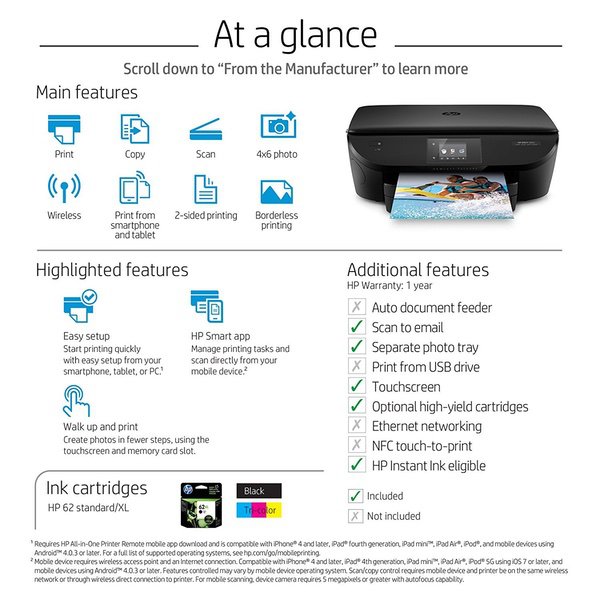
Printer arrived July 21, 2017. Let’s get to business…I’m running full (Windows 10) on my (ASUS) laptop. Uninstalled previous HP printer properties or whatever previous printer properties you were using ...uninstall them. Then reinstall new Printer properties from Disk provided or you can (google) the downloadable applications for this printer...just google (HP Envy 5660/5640 desktop set-up application) or go to the HP website. The printer (WILL) come with (2) printer ink cartridges (black and color) just to get you started. The printer (WILL) come with the (1) power cord, but (no) USB connect cord, I used my old HP USB cord to direct connect to my laptop. I pulled my printer out of the box, directly connected USB from printer to laptop, connected power cord and turned on printer. Install the ink cartridges. The printer will give you guidance to set up ink, just read the screen. Always read your instruction booklet and study the diagram so don’t screw anything up while setting up the printer. Ink cartridges go under the scanner, you have to lift up the scanner top, see diagram. The touch screen works beautifully! Make sure to connect the printer to your (wifi), give it access to your router (wifi) network! The laptop is now directly connected to the printer, and is connected to my (wifi). At this point I inserted the disk provided for application install…however my windows 10 laptop would not read the disk. My laptop did (not) read the disk at all. I ejected and reinserted the disk again…nothing! NOTE: I had to download the desktop set up application...just google set up application for HP ENVY 5660/5640 Series or go to the HP website. Let’s go ahead and try a test print. I open a windows document, then select print... under printer properties scroll down, look for and select your new printer (HP ENVY 5640 Series). I did that and WOW! It printed like a champ! Now it’s time to test the (wifi) wireless printing…remember you need to give the printer access to your network... this is key. I walk to another room in my house, I turn on a different or (2nd) laptop that I own, to perform a (wifi) test print. On the 2nd laptop in a different room, I open a windows document... under FILE select Print, then under Printer properties select the (HP ENVY 5640 Series)…Wow! It actually worked! The printer can be (USB connected) to a computer, and still print (wifi) from another device or computer. Make sure your (drivers) are up to date, recommend (Talent Driver) application. Facts: 1. The Printer is compatible with Windows 10 because that’s all I run is Windows 10. 2. Touch screen works beautifully. 3. Printer comes with (2) ink cartridges Black and Color. 4. Does NOT come with USB connector, buy separately on Amazon. 5. Comes with a power cord. Hope this information helps, I know printers can be a pain setting up! Everything depends on what kind of computer you have and what you are running, drivers, etc…be up to date on software, there (may) be compatibility issues, research before you purchase! Happy Printing!