

























Maureen H
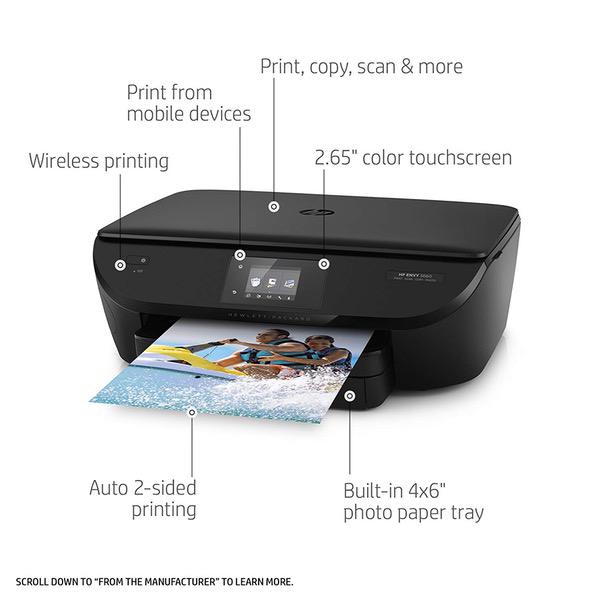
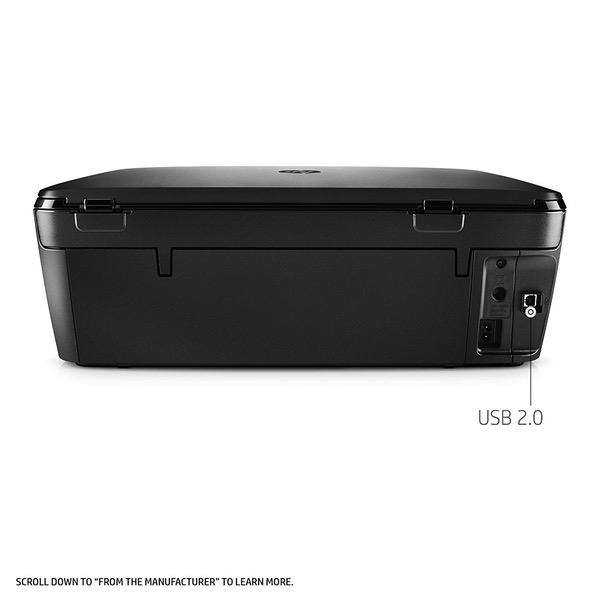
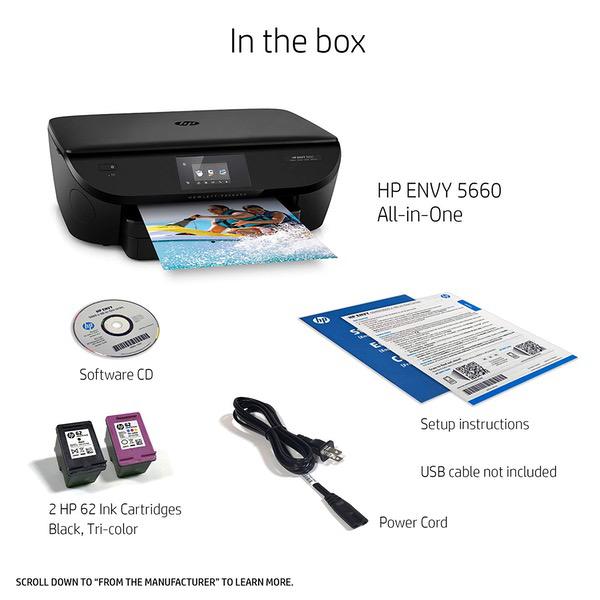
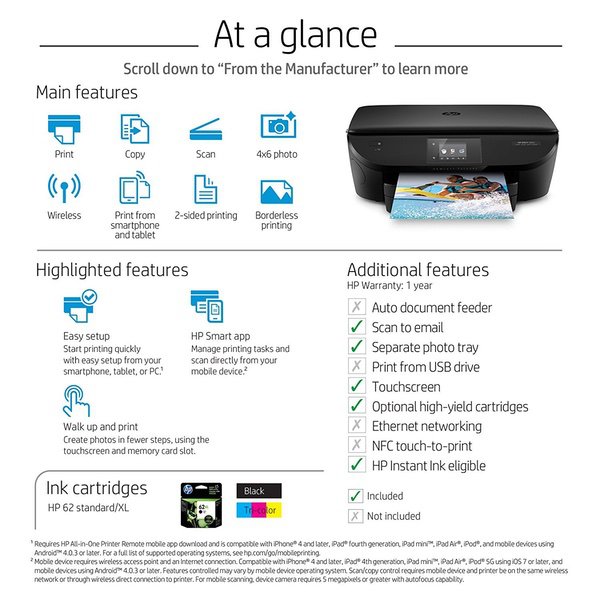
I ordered this printer to replace my HP C5280, which I loved, but it quit on me after 9+ years of service. I received this today and immediately set it up for wireless printing. HP made me download 2 apps on my phone. I have had no connectivity issues so far. I will update if I have any. I did need to plug the printer into my desktop pc to print from it, and this printer did not come with a USB cable; it only came with a power cable, but I was able to use the USB cable from my old HP. Setup on the pc was much more involved than setup to my phone. It took about 10 minutes to auto-install the software, only to end with a popup telling me that it had only installed "the most basic options" and if I wanted more, I should install from the provided CD. Putting in the cd gained me 30 more minutes of install, which was very annoying. I was able to decline signing up for "instant ink" and have, as yet, received no pop ups asking me if I want to sign up beyond the first ask. This prints pictures decently enough for my uses. You absolutely must change the settings to get a decent print. Even still, these are in no way "professional quality", but as I said, they work for me. After printing a few different photos, Im having mixed feelings. Printing photos taken on my Samsung S7 gives the best results, but they do print with a border, even though Ive chosen borderless. Printing a scanned photo from my phone, which was downloaded from the internet (the original was taken with a 35mm camera in the 90s and then scanned), is a decent enough print, and also prints with a border. However, printing a professionally taken photo (which is from a professional DSLR and taken by a professional photographer and printed directly from a photo cd) was disappointing. Granted, the photo has an extremely dark background, but the printer almost couldnt distinguish between the background and foreground. Im not a fan of the pre-set printing preferences. None of them work for my needs and the software will only let me save 1 user-made profile. It also wont save any changes I make to the pre-set ones, which is quite honestly not a feature Id have chosen. It feels like a waste of disc space on my hard drive and time consuming for me to change it every single time I want to print. I both like and dislike the scan from printer function. The only things I like are that its convenient and I can scan multiple things at once. I really liked that on my C5280 I could choose my scan settings. I havent found a way to do that on the 5660. My main issues are that I cant choose the quality I want, and I cant scan just the thing on the glass; it scans the entire glass, which leaves a huge white space. I dont want to mess around with cropping every single thing I scan, and will be hunting for a way to fix this. I dont like not knowing what dpi my scan is, either. **Update: I found a way. Do not delete the printer shortcut HP puts on your desktop. This is how you can change your scan settings, change the default scan folder, and see a preview to change the scan area. You can also choose print settings (but again, you can only save one user profile), and you can check your ink levels.** The scans do look true to color of the original, which is a plus. In all, this is a decent enough printer. The photos did not print with lines through them, and the color is pretty true if you change the default setting from Normal to Best. Just beware of printing photos with an extremely dark background.