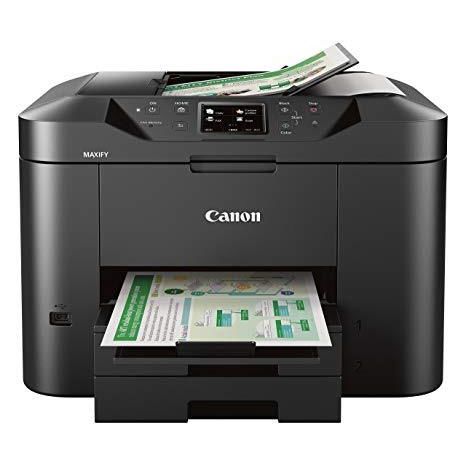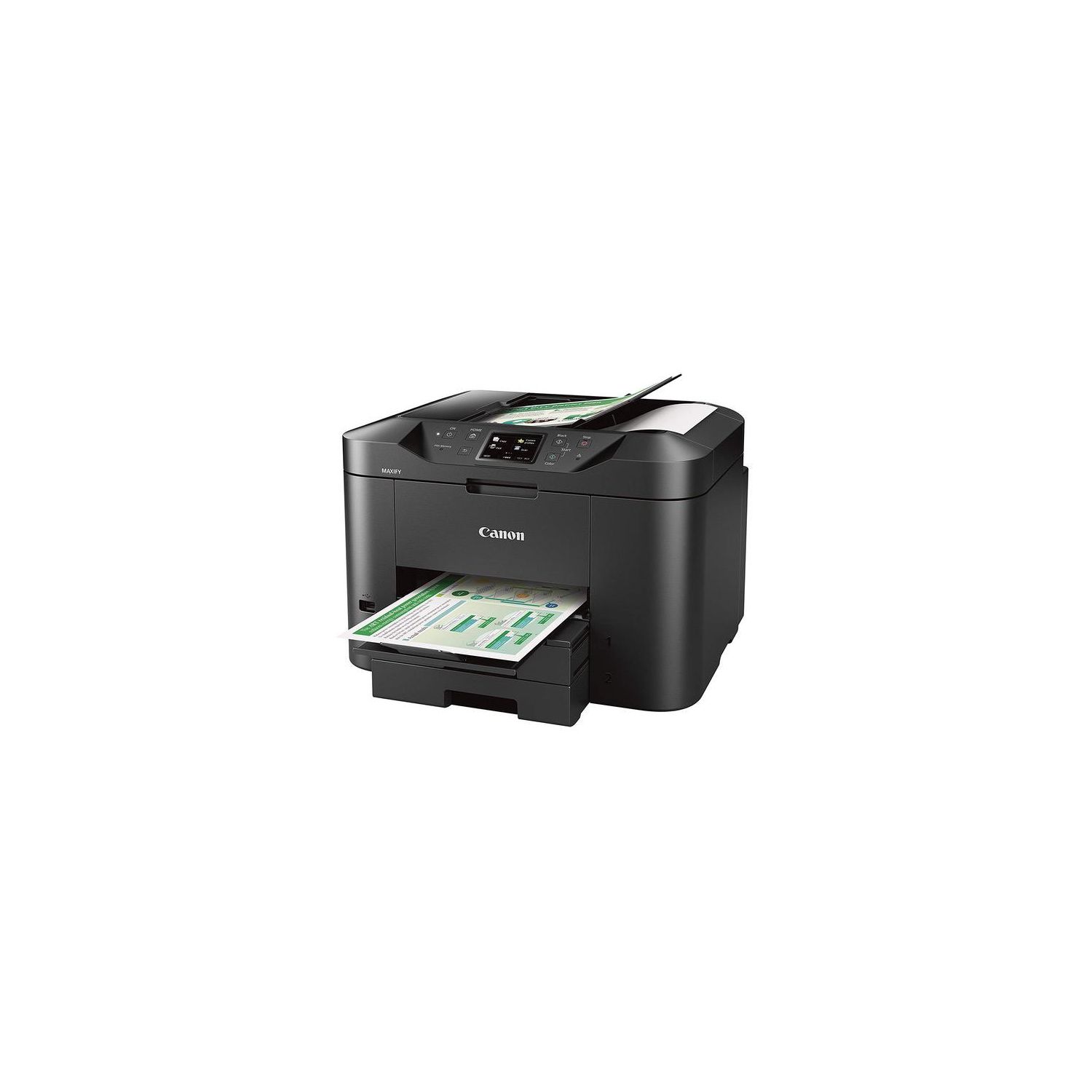
Canon Office and Business MB2720 Wireless All-in-one Printer, Scanner, Copier and Fax with Mobile and Duplex Printing
Write a review
$9900

Canon Office and Business MB2720 Wireless All-in-one Printer, Scanner, Copier and Fax with Mobile and Duplex Printing

Write a review
B01IIOMMRS
+
Add to wish list
Target is a general merchandise retailer with stores in all 50 states and the District...

City: US, New York

Delivery
Pickup at your own expense
Tomorrow from 09:00 to 20:00, Store location
Free
Payment options
Apple Pay Google Pay Mastercard Visa
Cash, bank card, credit/installment payments, cashless payment for legal entities
Warranty and returns
Exchange/return of products of proper quality within 14 days Official manufacturer's warranty: 12 months
Features
Connectivity Technology
USB
Item Dimensions
18.3 x 18.1 x 12.6 in
Item Weight
26.5 lbs
Operating System
  • Windows, Mac
Printer Output
Color
Printer Technology
Inkjet
Wireless Type
802.11bgn
Description
  • Two paper cassettes provide a combined capacity of 500 sheets - or a full ream of paper, so you're ready for any job
  • The Canon PRINT app has great features so you can scan, copy and print right from your favorite mobile devices
  • Print laser-sharp text that is highlighter and smudge resistant with the Dual Resistant High Density (DRHD) Inks
  • With a 20,000 page Duty Cycle, the MAXIFY MB2720 is built to last for all your home business needs
  • All MAXIFY printers feature 100% US-based Service & Support.Copy Speed (up to) : FCOT (Color): Approx. 12 Seconds
  • Computer Operating Systems:Windows 10, Windows 8, Windows 8.1, Windows 7, Windows 7 SP1, Windows Vista SP1, Vista SP2, Windows Server 2012, 2012 R218, Windows Server2008, 2008 R218 Mac:19 Mac OS X v10.8.5 - 10.11
Reviews
2.3
Reviews: 20
5 stars
15%
4 stars
15%
3 stars
10%
2 stars
5%
1 star
55%
Erickia S.
3
So the upside: Its a lot quieter than my previous HP printer, which may have been a little on the old side given the rate at which technology is evolving. It also prints faster and with better quality than any printer Ive previously owned. Of course, this may not be saying much, as I try not to overly consume products. The last printer I owned I had for around 3-5 years before deciding to break down and buy a new one. In addition, I do like the large tray capacity which holds 250 sheets I believe, and that It has a second tray that can be used for envelopes, if I could only figure out how to get them to print correctly. As for the downside: It is ALOT larger than my previous printer and space is at a premium in my home. I did discover just yesterday that it doesnt have true double sided printing, WHAT!??? This is one of the main reasons I purchased this product in the first place, that and it was reasonably priced. If you want to take two separate papers and put them onto one sheet thats fine, but double sided to double sided is a no go. Which makes me wonder why that is, seems like a no brainer and such a waste in my opinion! So far Ive done very little printing, maybe 20-30 pages, and already the machine says that I have used half the ink of every cartridge, and, Ive only printed in black and white which makes me think its using colors to print black, again, such a waste! I really cant imagine that these days there are even printers that exists that dont use ONLY the black cartridge for black and white (economy) printing; again, a no brainer! Maybe the most frustrating part is that it came with very vague assembly instructions. Although time consuming, its not that hard to figure out on your own if your a little tech savvy. The problem comes in when you want/need to learn about the printers additional functions, ie: copy, scan, fax. It does not come with an instruction manual, you have to look it up on the Canon website and download it from the internet. And if you have a Mac like I do, Im also afraid it doesnt come with a utility download disk. Again, you have to look up the utility on the cannon website, and download it from the internet. I really read up on this product and in general put a lot of time into making an informed decision when it come to purchasing products. But with this one, maybe I didnt do such a great job. Cannon can do better!
J. DAVIS
3
This is a pretty large all-in-on that takes a lot of real estate. For the first month, it has performed very well. Here is some of the pros and cons: Pros: 1. Printing is very fast. 2. So far, one easy fix jam. 3. Have done a fair amount of printing on the original cartridges. 4. The touch screen functions are intuitive (but not always correct-see below). 5. Copy functions work as they should. Cons: 1. Pretty noisy. 2. Printer shakes if not on a solid surface. It was initially set up on a light duty side table. The table shook violently. 3. Though the printer is very fast, it spits the copies over the tray stop and onto the floor after the first couple of copies. 4. As bulky as the main body of the printer is, the paper trays stick out 2.75" past the face of the printer. The printed copy tray sticks out 6" past that for a total of 8.75". With the cables connected at the rear and the printer as far back against the wall as it will go without damaging the cables, It takes a full 26" front to back. It is 18" wide. Most home office desks are approximately 24" deep. 5. Installing the ink cartridges was a challenge. Replacing them will be a bigger pain. Not sure, but you may not be able to replace or remove ink cartridges until they are empty. Some reviewers have complained that the ink cartridges tend to dry out, some leak. 6. This is not a high quality photo copier. It is basic on color prints. 7. Setup was a pain. The printer was initially set up as wireless. But when the notebook was hardwired, the Canon lost the settings, never to be found again. 8. Screen may indicate another print is in que where, in fact, the paper tray is empty. 9. The Canon Maxify goes into a noisy quasi cleaning mode after each print session. We have used a Brother MFC all-in-one for many years with great results and still have it. It is also bulky because it has a larger scanner bed. The paper trays are totallt enclosed in the main body. Extremely few jams, and those were the fault of the user. It is slower, but it does not spit the finished copies helter skelter. Other than the original print cartridges, we have always used after market ink with excellent results. Canon has fewer options on ink. The ink cartridges in the Brother do not travel and are easily accessible from a front panel on one end. Brother ink cartridge change is simple and quick. There is no appreciable difference in photo quality between Brother ink or after market ink, nor in the print quality between the Brother and the Canon. The only reason we went with Canon was that color prints might be better. They are not, even with Canon ink. We have had the Brother for more than 5 years and it is still doing its job. It also has a program that came with it that has been most useful that did not come with the Canon. It was a tossup. Some of the Brother MFC reviews indicated that Brother may have slipped on quality. We thought we would give Canon a try. In hind sight, I would gamble against some of the Brother reviews and buy another Brother. Canon has always been touted for their photo print quality. Not on this one. I am being generous giving this 3 stars. It does what it is supposed to, but Canon is capable of much better.
Product variations
Column filling
Sort by Price Sort by Availability Sort by CODE
$9900
In stock
+
B01IIOMMRS
You may be interested
  • Bestsellers
  • Recently Viewed
 
Fast and high quality delivery

Our company makes delivery all over the country

Quality assurance and service

We offer only those goods, in which quality we are sure

Returns within 30 days

You have 30 days to test your purchase