
















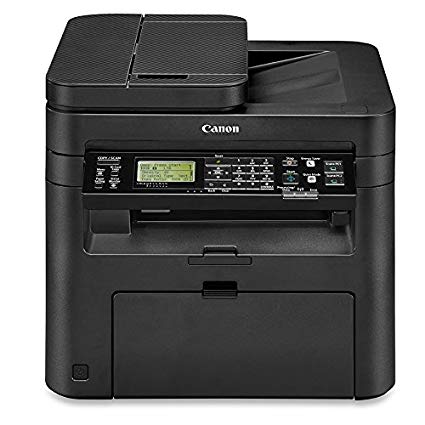
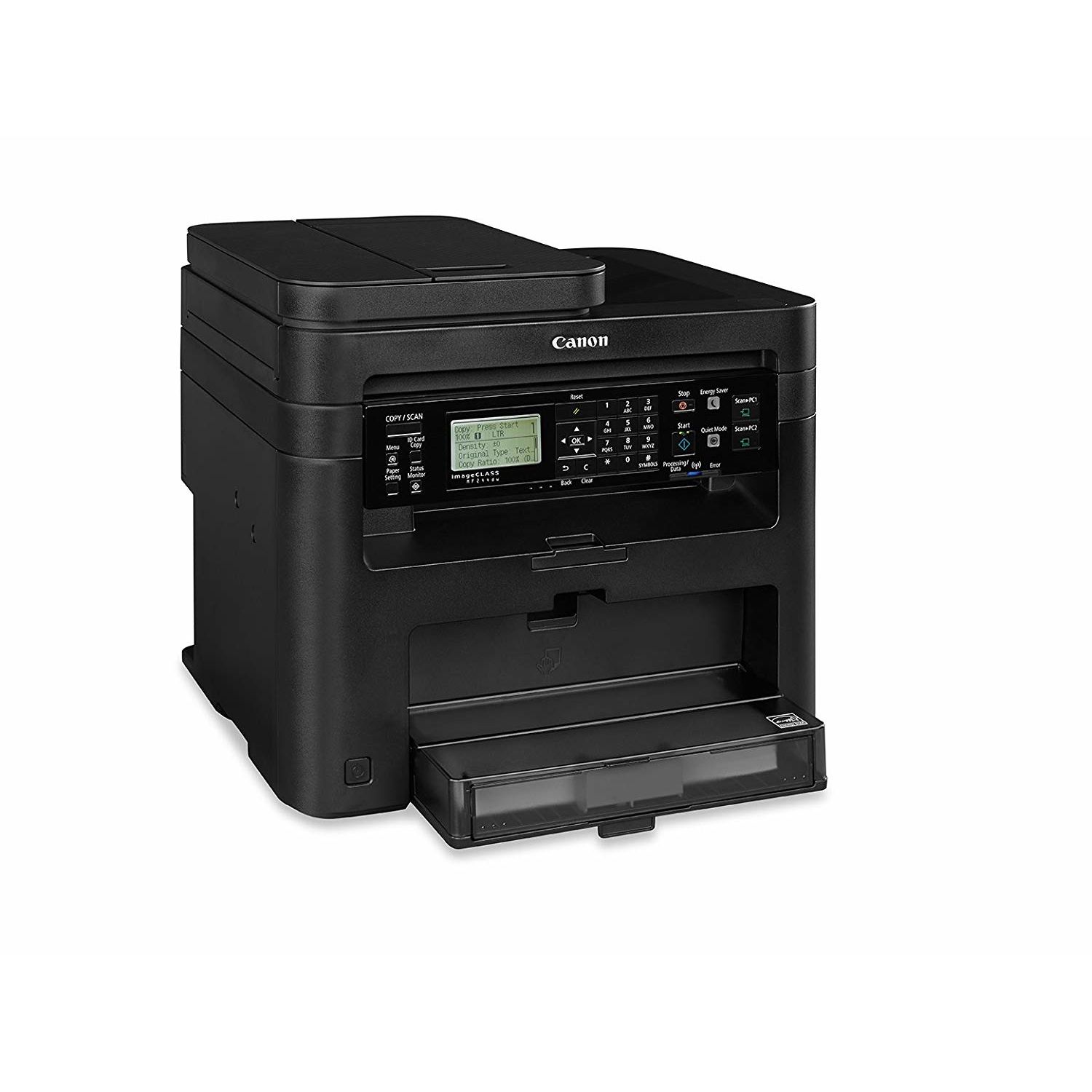
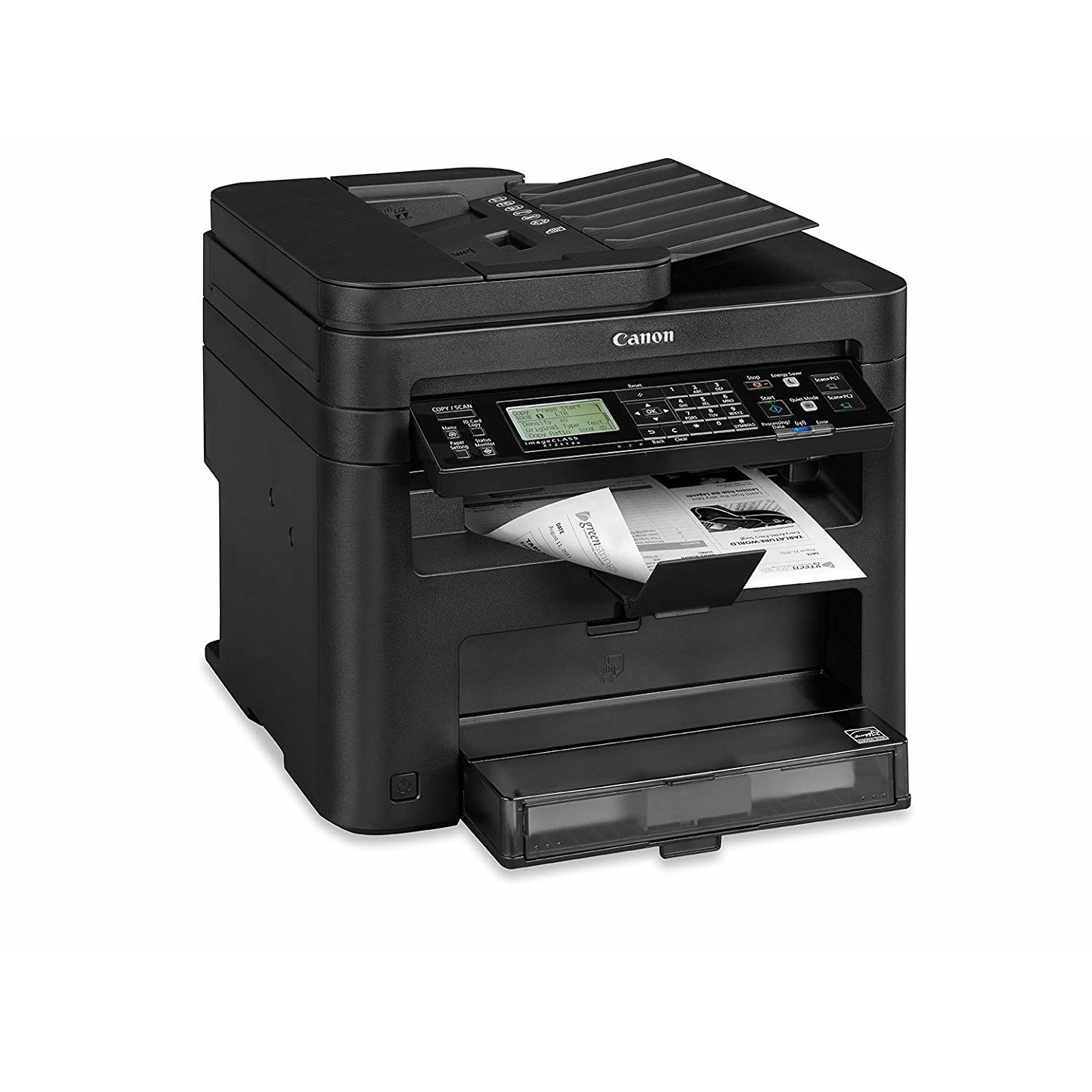
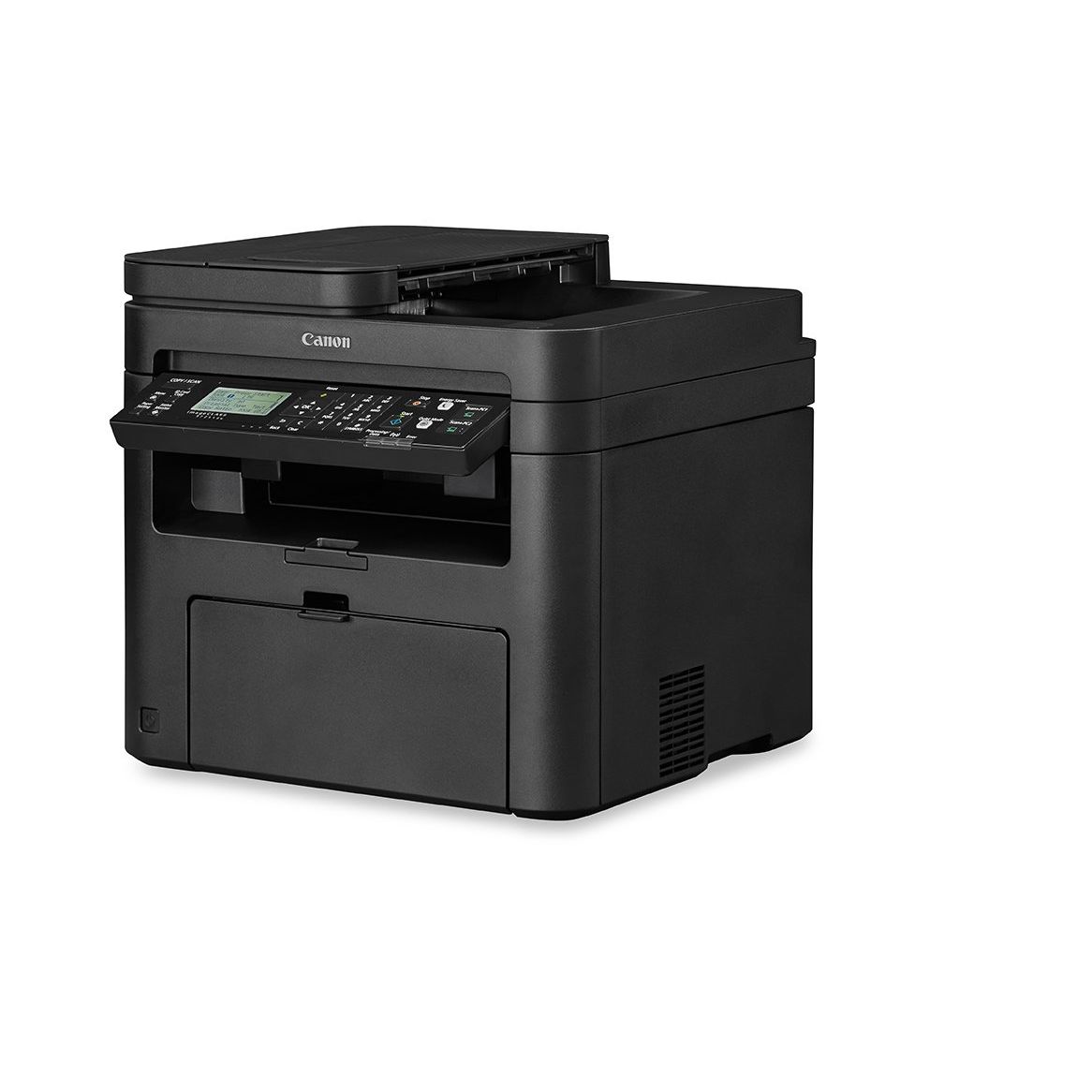
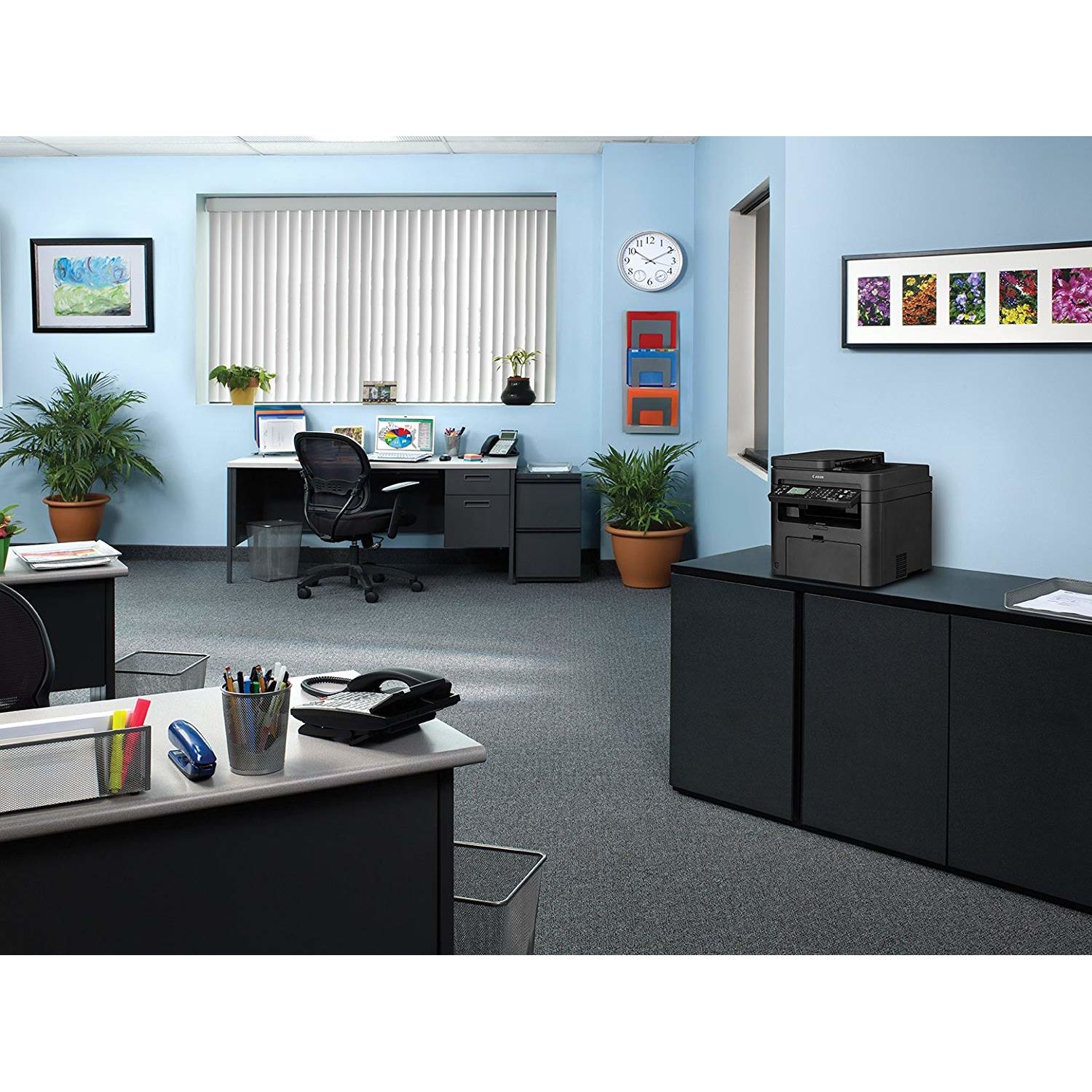
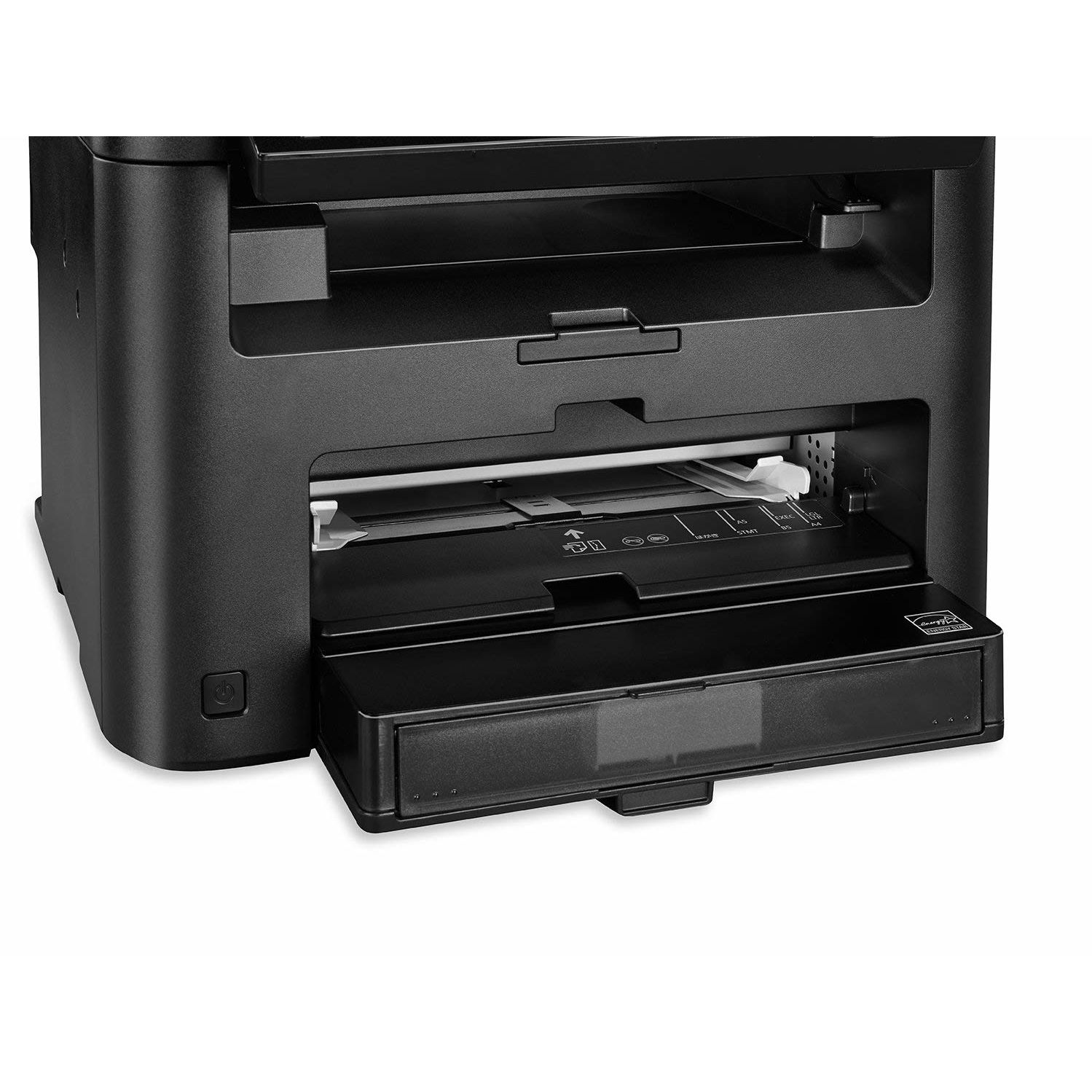
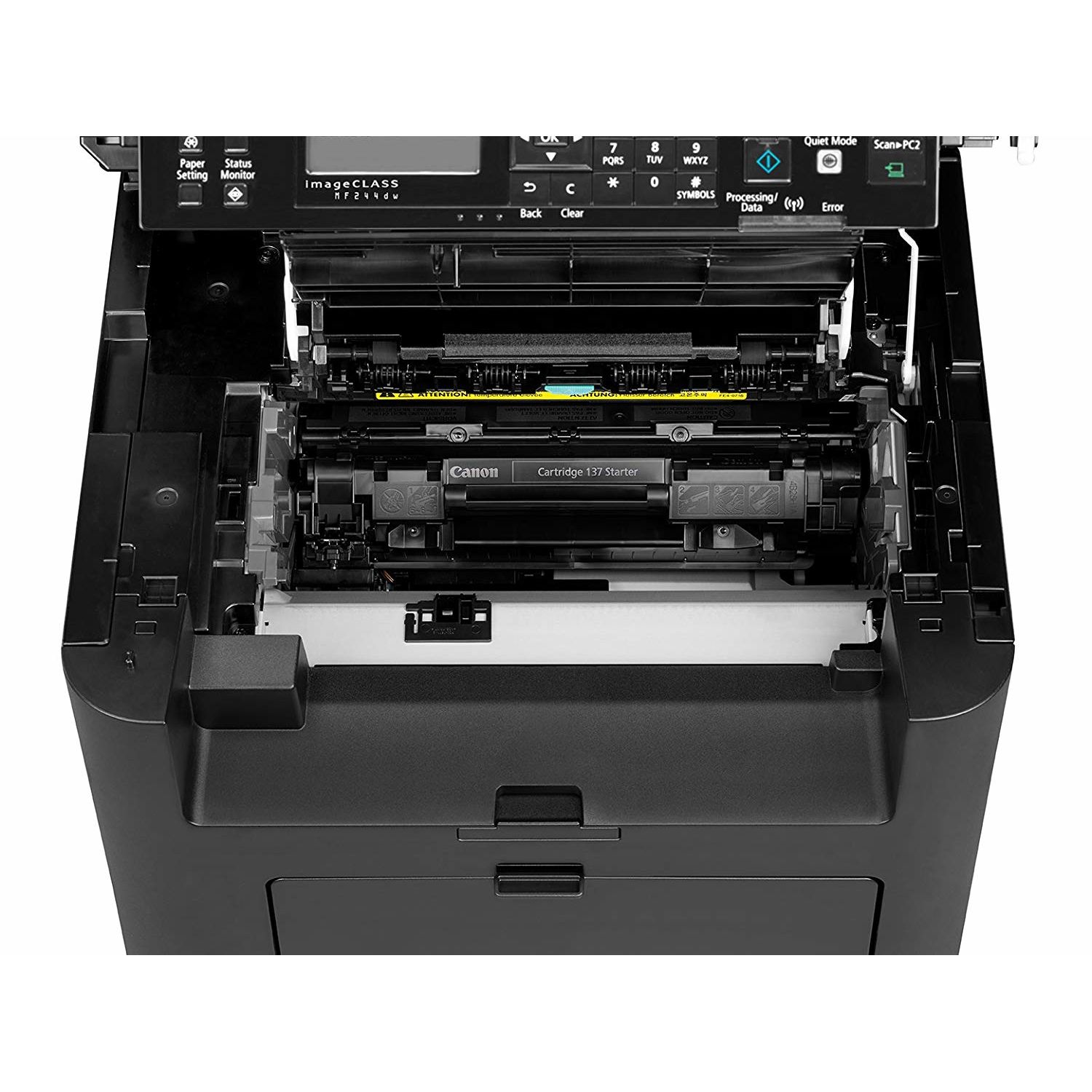
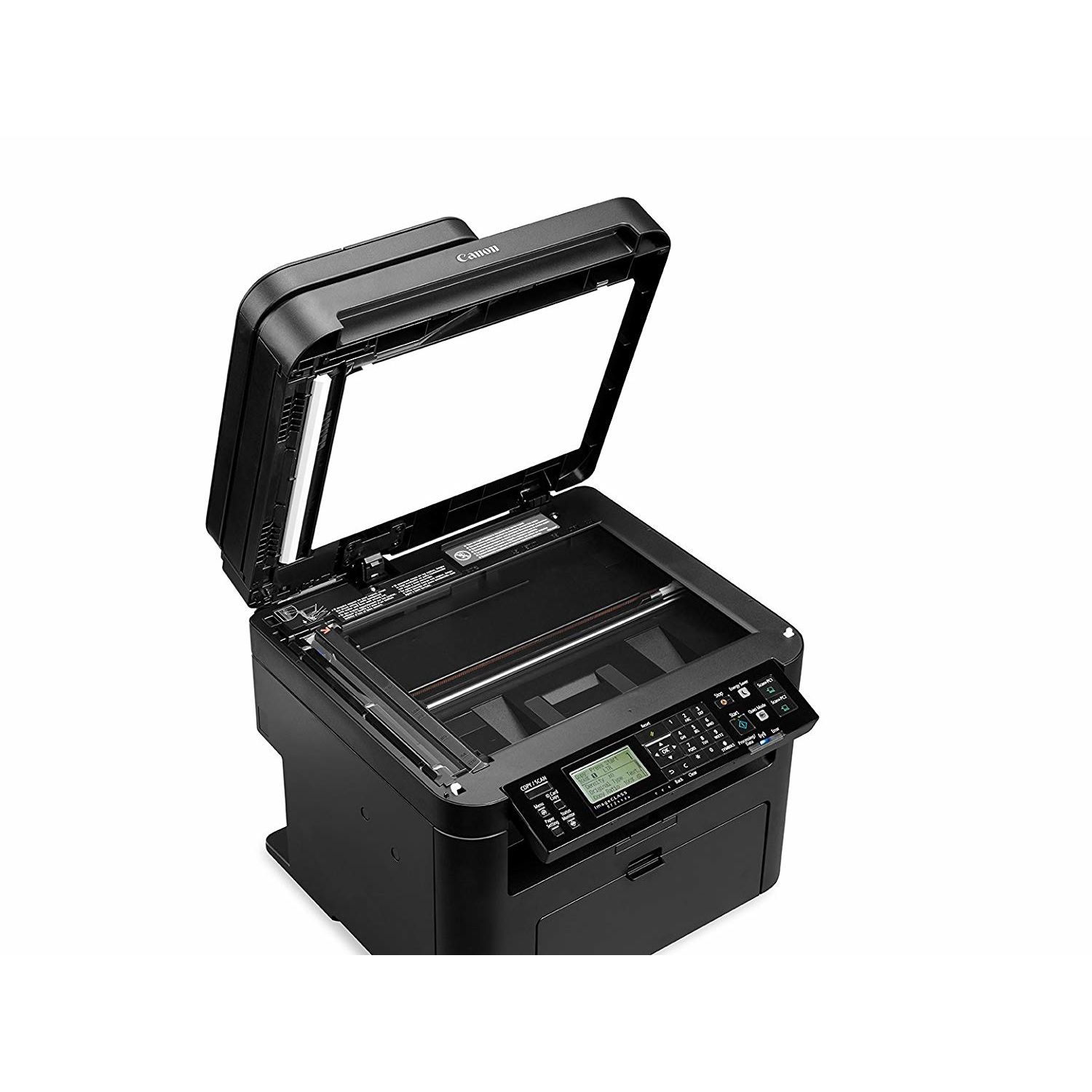
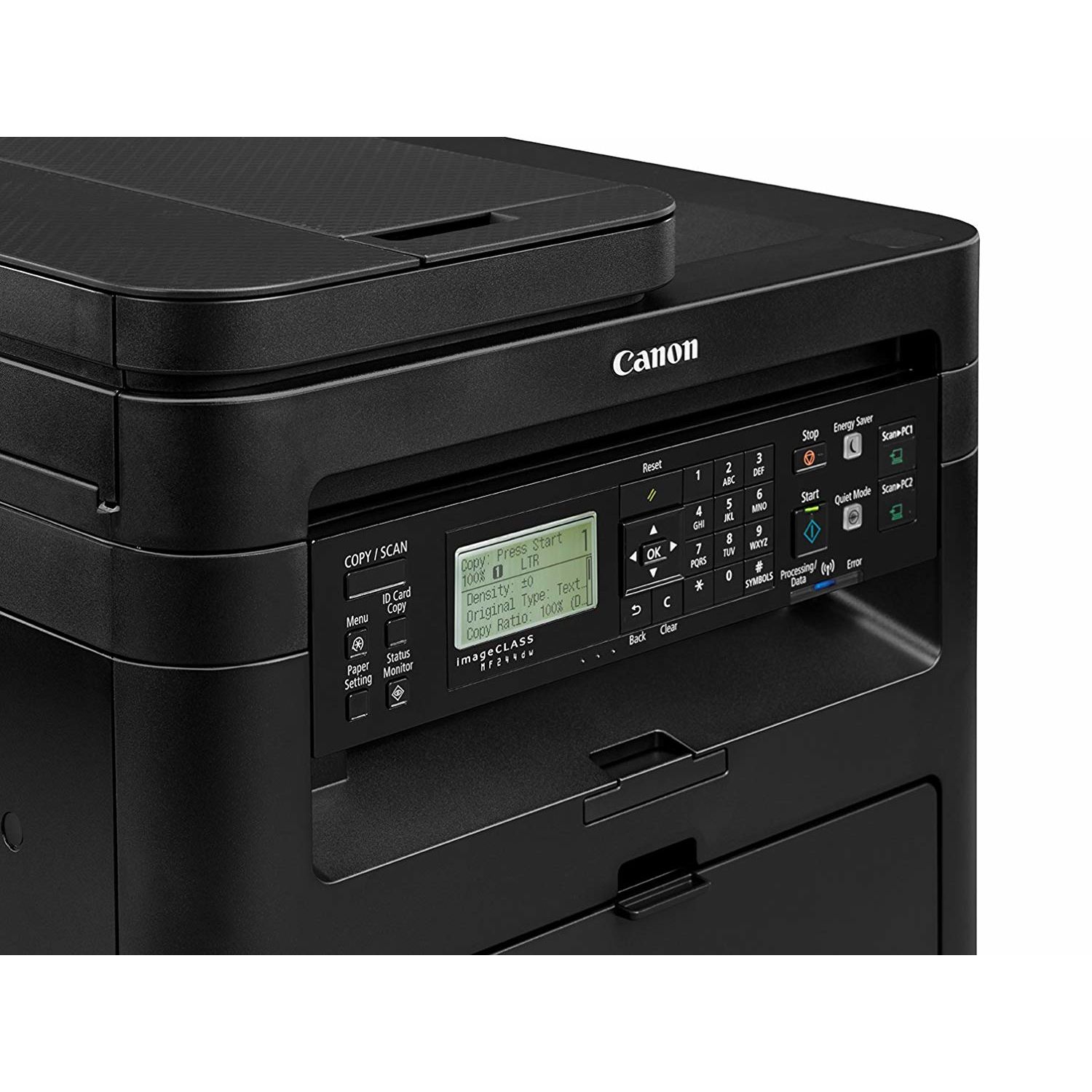
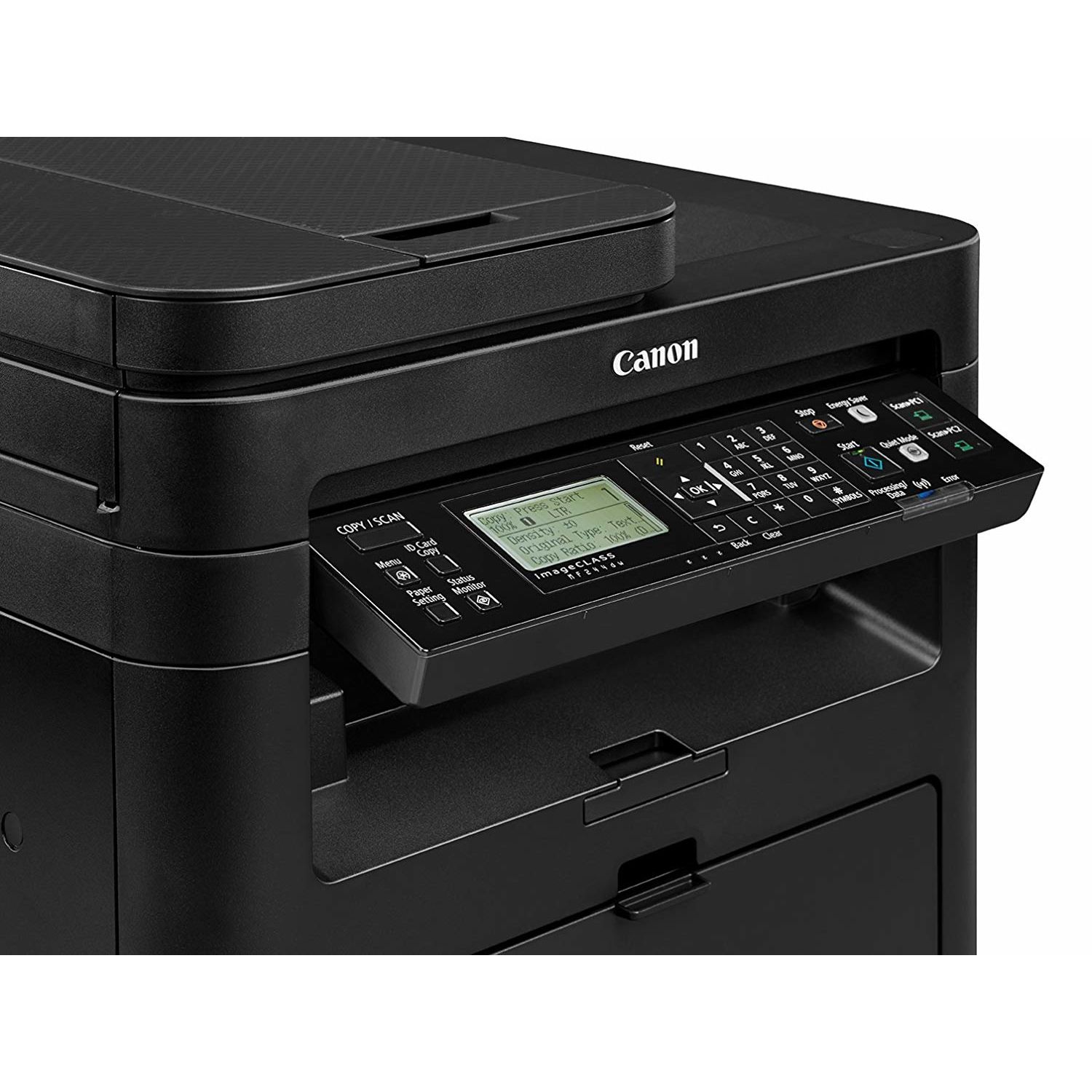
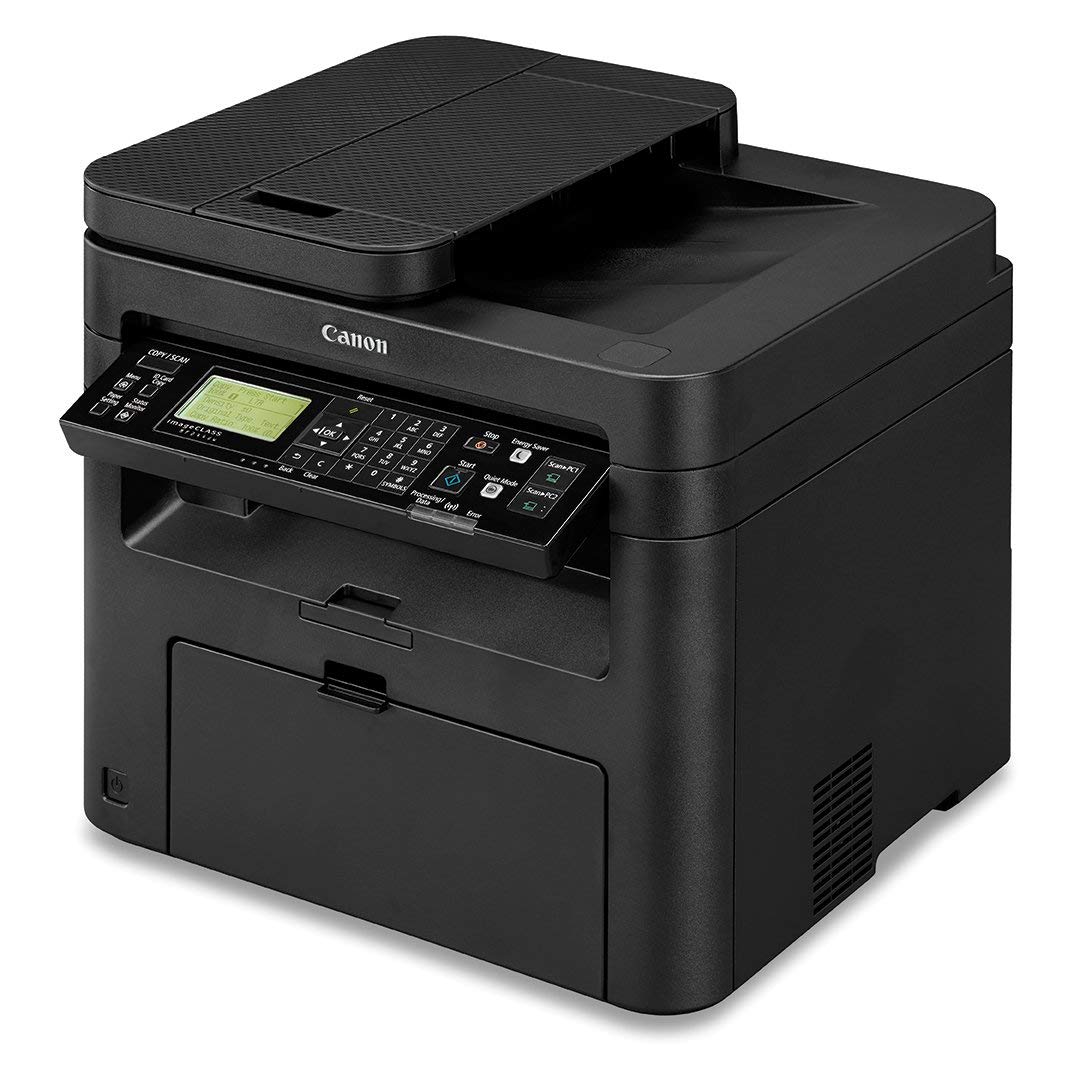
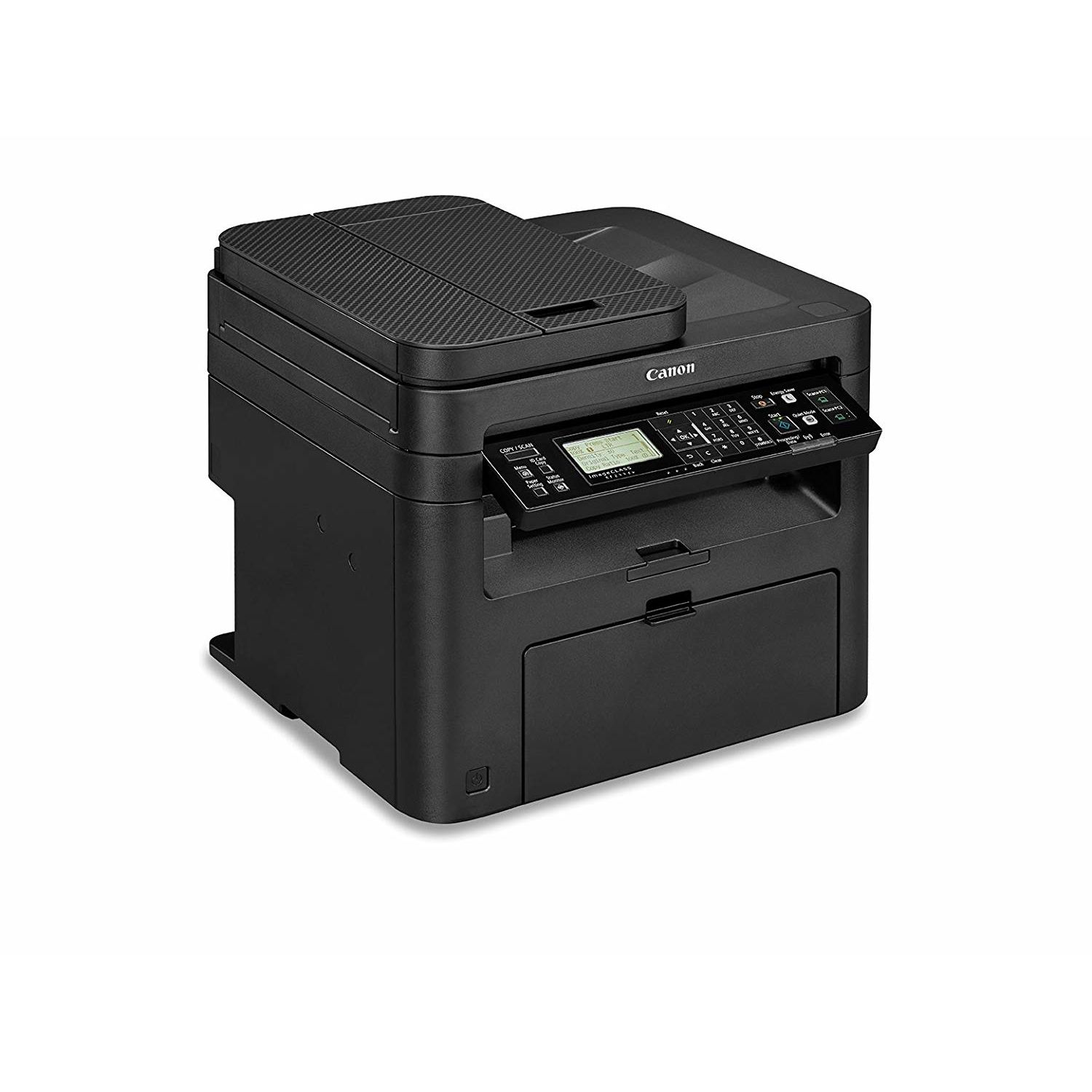
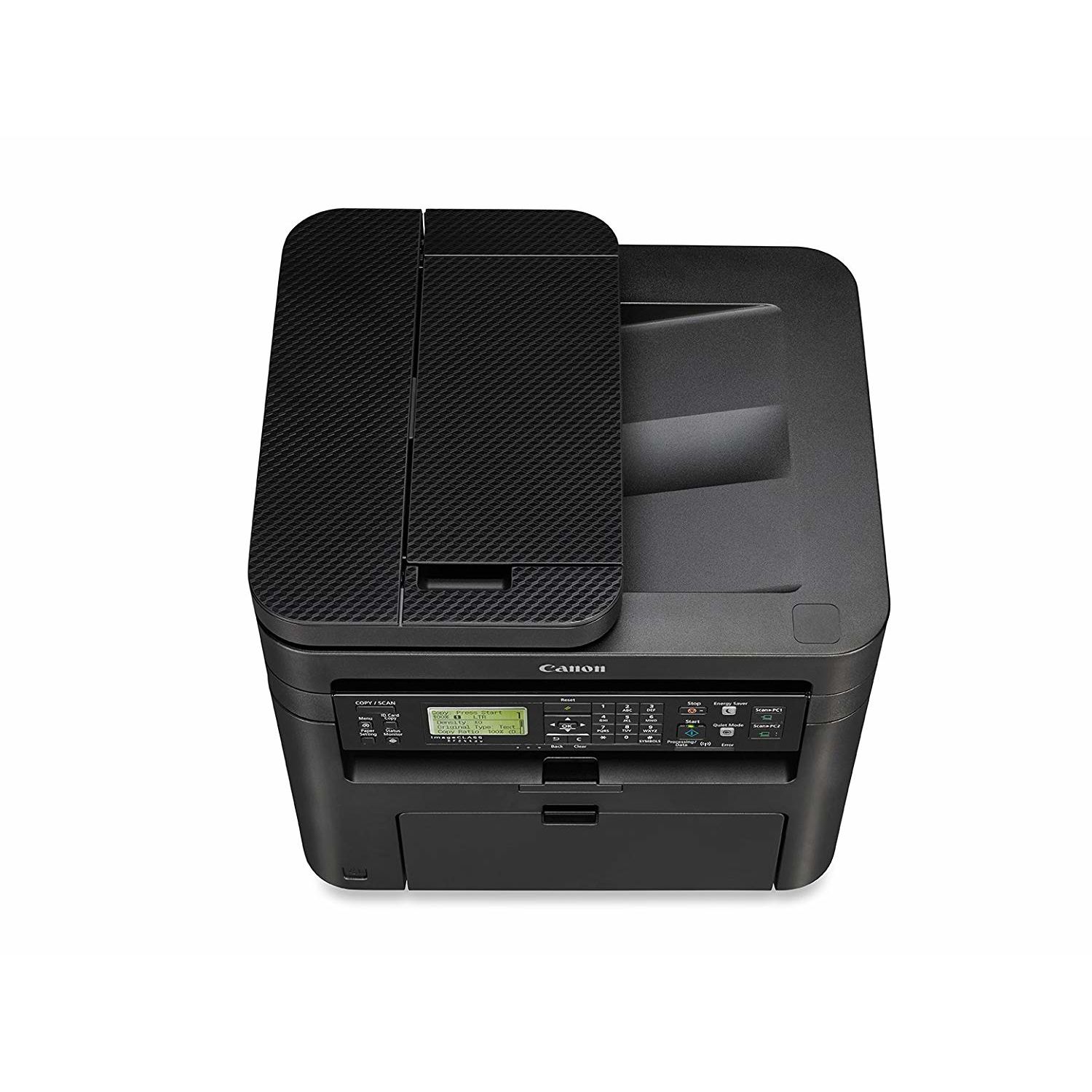
Canon imageCLASS MF244dw Wireless, Multifunction, Duplex Laser Printer

Write a review
B01K9L6TS6
Printer
Target is a general merchandise retailer with stores in all 50 states and the District...

City: US, New York

Delivery
Pickup at your own expense
Tomorrow from 09:00 to 20:00, Store location
Free
Payment options
Apple Pay Google Pay Mastercard Visa
Cash, bank card, credit/installment payments, cashless payment for legal entities
Warranty and returns
Exchange/return of products of proper quality within 14 days Official manufacturer's warranty: 12 months
Features
Connectivity Technology
Wi-Fi
Item Dimensions
14.7 x 15.4 x 14.2 in
Item Weight
26.7 lbs
Operating System
  • Windows, Mac
Printer Output
Monochrome
Printer Technology
Laser
Style
Printer
Description
This fits your .
Make sure this fits by entering your model number. Three in One functionality allows you to print, scan, and copy with ease and print resolution is up to 1200 x 1200dpi (equivalent),recommended monthly print volume is 500 - 2,500 pages Seamlessly navigate through all the features with the user-friendly 5-line, tilt able, black/white LCD panel Print at speeds of up to 28 pages per minute, with your first Print in your hands in 6 seconds or less. Warm-up Time : 14 seconds or less from power on Print on-the-go with Canon PRINT Business, Apple AirPrint, Mopria Print Service, and Google Cloud Print Paper capacity allows for 250-sheets in the standard cassette and 1-sheet in the multipurpose tray..First Copy Time:9 seconds approx Please ensure that the scanner is clean and use only genuine OEM toner to prevent imperfections in printing
Reviews
3.5
Reviews: 20
5 stars
50%
4 stars
10%
3 stars
0%
2 stars
20%
1 star
20%
iamjustjohn
5
**INTRODUCTION** I was looking for an affordable solution to my printing needs for my home office. I did some research and found the Canon imageCLASS MF244dw laser printer. This printer seemed like it would be a good fit for me and my printing needs so I went ahead and purchased it through Amazon.com and Im glad I did! This printer is wonderful! I did not need to print in color so the fact that this printer only prints in black and white is perfect for me. I also like the fact that you can get several thousand pages printed on a single toner cartridge (on average). I was finding that with my old HP all-in-one printer that used ink cartridges that I was throwing money away on ink. I would print a few pages here and there and then the cartridges would be dried out which was frustrating as it felt like I was throwing money away. If you are looking for a good economical printer, I would look no further than the Canon imageCLASS MF244dw printer right here. I did not need a fax function so this particular model seemed to be perfect for me. **SET-UP** Set up was relatively easy for me. I currently have a wireless network that I run all my devices off of. I run on the Mac OSX operating system on my MacBook Pro and my Mac Mini. I also use iOS on my mobile devices. Printing via AirPrint from my iPhone 6S Plus and iPad are really easy! I’m thrilled that I can print anywhere in my home wirelessly as it’s really convenient to not be bogged down by cables. I downloaded the drivers from the Canon USA Support site for this printer however I’m not sure that was a necessary thing to do. I believe that this particular printer could have been set up without those drivers because I think they are already built in to OSX. From opening the box to printing my first test document I was up and running in about 20 minutes with no outside help required. This time included the time to take down my old ink jet printer and clean the area I was going to install this new printer. I am not a Windows PC user so I have no experience with set up on that operating system. I turned on the Power Save option to help me save some money on my electric bill but retain the ability to quickly print as needed from either one of my computers or mobile devices. **PRINT QUALITY** Print quality is right up there for me. I was used to using ink jet style printers and coming to this laser printer was a huge step up for me in the quality department especially when printing documents containing a lot of text. Lettering prints sharp and clear even on default printer settings at least on my particular printer. **SCANNING DOCUMENTS** I’ve scanned several documents. After making a quick adjustment to the DPI settings documents seem to scan in really high quality. I currently scan documents in the 150 DPI or 300 DPI settings and I’m really impressed at the quality of the scans using these settings. I like how on my Mac I can easily save documents as a PDF and then either print copies or e-mail those documents as needed. **FINAL THOUGHTS** As I stated earlier the ink jet printer system I had was no longer something I felt good about using, in fact it seemed like a huge waste of my hard earned money. I was tired of always paying what seemed like a lot of money to me to print a handful of documents here and there and then come back and find the ink cartridges either clogged up or dried out when I needed to use them again. The nice thing about this printer is that I’m told the Canon 137 toner cartridges will never dry up like an ink jet cartridge. This is perfect for me and my printing needs. I don’t give a lot of five star ratings in my reviews however the Canon imageCLASS MF244dw laser printer is worthy of this rating in my book.
LM
5
Allow me to preface this by saying that setting up printers never goes well for me, even as an IT professional (with experience in everything from end-user support development and even some database administration). I originally purchased the Brother HL-L2340DW, arguably the most-purchased, most-reviewed, and highest-rated printer on Amazon. Although network setup went smoothly, nothing else did- it never registered or was recognized by Google Cloud Print or even its own drivers/network configuration software. I was skeptical of this printer, more so than others because of the relatively small number of reviews, a number of which said the installation instructions were unclear or that they had difficulty setting it up. From my perspective, the setup couldnt have been easier. Wireless (WLAN) setup: -I plugged the printer in and used manual WLAN setup to punch in my network details and configure a static address for the printer (a slight oddity here- enabling and assigning a static address does not disable DHCP IP retrieval, but it was inconsequential to the setup as it only took 2 seconds to turn off). From plug-in to successfully pinging the access point (the printer includes a built-in utility for pinging) was less than 5 minutes. Google Cloud Print setup: -As soon as the printer was on the network, every Cloud Print capable device was able to see the printer, and I was able to register it under my account and connect all other devices in less than 10 minutes. Samsung Print Service setup: -Surprisingly, the Samsung print service that comes pre-installed on many Samsung devices did not need any additional configuration to work with this printer. Windows Driver setup: -MAJOR, MAJOR KUDOS TO CANON - the Windows "full driver package" dated February 10 2017 (2/10/2017) on Canons website included NO BLOAT WHATSOEVER. I struggle to find a printer these days which doesnt try to install 8 different pieces of software for ink ads (that you have to install anyway because the "driver only" packages magically dont work...). -Canons proprietary UFR II driver does provide lightning-fast print jobs, but youd be almost equally well serviced by the PCL print driver if you need something with a bit more compatibility. -I have had success with installing the UFR II drivers on the following machines: Windows 7 Professional x64, Windows 10 Home x64, and Windows 10 Enterprise x64. Other thoughts: -For my model, the print and scan quality is fine. Its at least as good as the Brother before it, and easily better than the HP inkjet it replaced. -The LCD interface has good visibility and contrast, and it snappy and responsive. Ive heard this is not true of the upgraded touch-screen model, but I cant personally confirm this. -The plastic housing does feel a bit flimsy in some areas, but I dont intend to be hitting the thing with a hammer (well... so long as it works), so I imagine it will be fine. -This printer seems to have no trouble waking from sleep to print. Ive had numerous HP and Brother printers struggle with this, but the Canon has been extremely reliable. TL;DR: -Easy WLAN setup for devices of numerous make/model/driver/service -No driver bloat -Fast, quality printing and scanning -NO driver bloat! -Reliable wake from sleep -NO DRIVER BLOAT! NONE! This printer has been a dream to work with. Canon was the underdog between HP and Brother in the printer market, and so I didnt honestly expect much, but this printer has blown me away in initial impressions. If it lasts and Canon doesnt stray too far from what theyve done here, theyll have made a lifelong printer customer out of me.
Jaewoo Kim
5
Only a few years ago, a device like this would have cost $600-$700. I am amazed by how much this printer outperforms a similar but less capable product I bought many years ago for $450. If you are looking for a home black and white printer that can print duplex pages (print on both sides of the paper), then look no further. This should also serve small business needs well. This printers design is intricate and complex as it does many things meticulously well. The level of detail of design in this printer is amazing. Every single inch of this printer has a specific purpose and everything has been very thoroughly thought out. This printer can print 300 or 600 dpi. It can also print single page or duplex. It copies well and it even has a separate tray to feed into the copier. It can hold at least 400 pages in the printer feed tray. It can handle WiFi and probably works with smartphones (I havent tried). It even has a relatively small form factor. Best of all, the price is a steal. The printer itself is cheap, but you can easily buy cartridges that prints 2500 pages for around $12 or so. It is hard to beat that combination. I cant recommend this printer enough for home and small business use. Pros: 1)Very well designed with careful attention to detail. Everything from paper feeder to paper handler of the exit tray has been carefully crafted. 2)Very fast single page and duplex printing. Can handle 300 or 600 dpi. 3)Paper feeder for copier that works surprisingly fast. 4)Printer paper tray can hold 400+ pages. 5)Relatively small form factor for what it can do. 6)Printing costs (cartridges) are cheaper per page than most printers. 7)Cheap and awesome. Cons: 1)Somewhat complex setup. But I am a techie so I had no issues.
Jeff
5
We bought a laser printer to get away from the expensive inkjet issues. If we want photo prints we can always go to WalMarts. From delivery to printing the first test page was a mere 20 minutes. Theres a few things you can do in advance to make the process fast and relatively painless. First, go to Canons website and download the drivers and scan utility software. These come on the included CD, but if you dont have a CD drive youll need these. Second, take your time unpacking the printer and removing all the packing tape. Follow the quick install guide carefully. Shaking the toner cartridge is not necessary. Turn on the printer but DO NOT touch any buttons! Third, decide if youre a wireless or wired user. If wired, youll need to order a separate USB cable. Most users will have a router with a WPS button. Hold the WPS button down and follow the printer screen instructions. Only takes a minute to connect. Now you can install the drivers. Once installed the printer will spit out its first test page. Woot! Printed paper! Dont forget to install the scan utility. I printed a few PDF documents...fast, quiet, and excellent resolution. Scanning through the ADF was a breeze as well. The printer recognizes items placed in the ADF and manual feed tray instantly and adjusts accordingly. I also tried a label sheet marked for inkjet/laser printers. No problems, but I did notice the label sheet was a tad warmer than an inkjet sheet. All-in-all, an economical AIO laser printer for home and light office use. The only feature it lacks is faxing.
Amazon Customer
5
The print quality is great, and its quite fast. Picked this one over the more expensive model with touchscreen controls, as there were too many complaints about touchscreen being unresponsive. Connected via network cable to a router. Software setup for a printer couldnt be simpler on both Mac OS and Windows 10. However, scanner setup is too complicated for a network device. Scanner driver is not included and setup guide is hard to find. Otherwise a fine machine for a small office for $100.
susananne
5
I noticed that a lot of people had problems getting this printer set up but mine was up and running in about 30-45 minutes, As others have noted, be careful to remove all of the packing material and tape - especially around the cartridge. The instructions have diagrams showing each piece of tape but I found the diagrams a little confusing. Although our wireless router has WPS (where you push a button on the router to connect to WiFi) it never seems to work so I opted to input the SSID manually ("SSID Settings") directly from the printer. The printer scanned and found the wireless network easily. Inputting the password was a little tricky because you have to toggle (change the entry mode) to move between uppercase, lowercase and symbols. Page 8 of the instructions has a table that shows exactly how to input each character. It didnt connect on the first try but connected on the 2nd. Reading the instructions, it appears that you can connect to the printer via a USB cable (not included) and then set up the wireless in the application. I suppose that might be easier for some people. I noticed that the printer lost connectivity when I manually placed it on "Energy Saver" so now I just let it go into energy saving mode on its own. Overall, the printer seems great. Its fast and relatively quiet. The printouts are clear and professional looking. I havent tried scanning yet and am curious if I can configure scan to email settings. I will update this review when I do. I am thrilled to finally move away from ink jets. The brand name cartridges are completely overpriced and the generics are hit or miss. When we looked at how we were using our home printer, we realized that we rarely needed color printing. We upload our photos to Walgreens and pick them up an hour later. Ultimately, you get a better quality photo for less money. Also, ink jets take forever if you are printing a larger document - the laser printer is much faster.
P. Bialak
5
As nearly every one noted, setting up the computer is a challenge because theres just pictures and they arent all that clear. BUT, for the price it was worth playing a bit of a guessing game until it was happy and running. Setting up the scanner to the computer was not intuitive, but I strongly suggest that you install the software that comes with the printer. I (bull in the china shop type person) kept trying to do it manually until I noticed a line in the manual that talks about after youve installed the software...okay, my bad. The minute I installed the software, everything was hunky dory. Seriously, this is on nice machine. Just got it today but have played with it a bit, made all kinds of mistakes, but Im recovering. The speed is nice, the print looks good, the feeder seems to work. I did have a jam the first copy, but now its working okay. I may come back and add to my review after Ive had it for awhile. But, for the moment, Im super happy with my purchse.
J. R.
5
Very solid choice for the money! You dont want to spend much less on a printer - every brand has their model that competes for the very bottom of the price category, and those cut so many corners that you end up with a printer that needs very expensive toner carts and a premature death. This model offers a very nice build quality and a reasonable cost. Cheap enough to be affordable, expensive enough they didnt have to cut corners to build it for you. Also, this model is compatible with high-value non-OEM toner replacements. Anyone who thinks they have a cheaper printer just doesnt know how to do a cost-benefit analysis. I also need to add, due to a glitch with my Win 10 network settings, I was unable to install the printer. I emailed back and forth with Canon support and they told me to call in. They have all of their tech support based in the US. The tech support was knowledgeable, spoke English fluently, and was able to diagnose the glitch and get the printer installed in about half an hour. I was impressed with their help and thankful that there was no language barrier.
Dr. Sharon
5
I shopped long and hard to find an all-in-one copier, printer, scanner. I didnt need FAX so didnt want one. I got tired of ink jets, always using lots of ink. I dont use a printer/copier enough to keep the ink supply regular for an inkjet so the ink would need to be primed, the heads cleaned, etc. With this laser printer, I have none of those worries. Theres no color but theres no ink, only toner and it is powder so doesnt dry up. It prints, copies, and scans well without any issue. It was easy to set up for wireless. The lighted control panel is easy and intuitive. Ive only had it a couple of months so I dont know about longevity but Ill try to add to my review when Ive had it longer. It was well-priced as well. The toner is expensive but goes a very long way. Im still on the starter cartridge though I bought another one so I wouldnt run out. Its not the smallest printer but its not too large either; it works well in our space. The dimensions are listed so you can check if its a good size for you. We have a small office at home and its no problem; it sits on top of a small table. If you dont absolutely have to have color, I would recommend getting a laser printer. Inkjets are a pain. I take photos to Sams for printing anyway. I never used my old inkjet for photos- too much trouble always having good photo quality paper and enough ink. Too expensive to print when I can do it at Sams very inexpensively. So I would recommend this one; its so easy and fast and the wireless capability is so easy as well.
Michael R.
5
Ive been using this printer for about a month and so far so good. Easily connected to my wireless network with the WPS connection (literally just a couple button presses). Printing & scanning with Windows with installed software. iPad / iOS connects on its own. Install Canon Print Service on Android phone. All platforms have worked well so far, print is fast, quality is crisp. Very happy with this inexpensive laser printer.
Product variations
Column filling
Sort by Price Sort by Availability Sort by CODE Sort by Style
Contact us for a price
In stock
B01K9L6TS6
Style:
Printer
Contact us for a price
In stock
B01MSP1Y1M
Style:
Printer and Black Toner Cartridge
You may be interested
  • Bestsellers
  • Recently Viewed
 
Fast and high quality delivery

Our company makes delivery all over the country

Quality assurance and service

We offer only those goods, in which quality we are sure

Returns within 30 days

You have 30 days to test your purchase