
















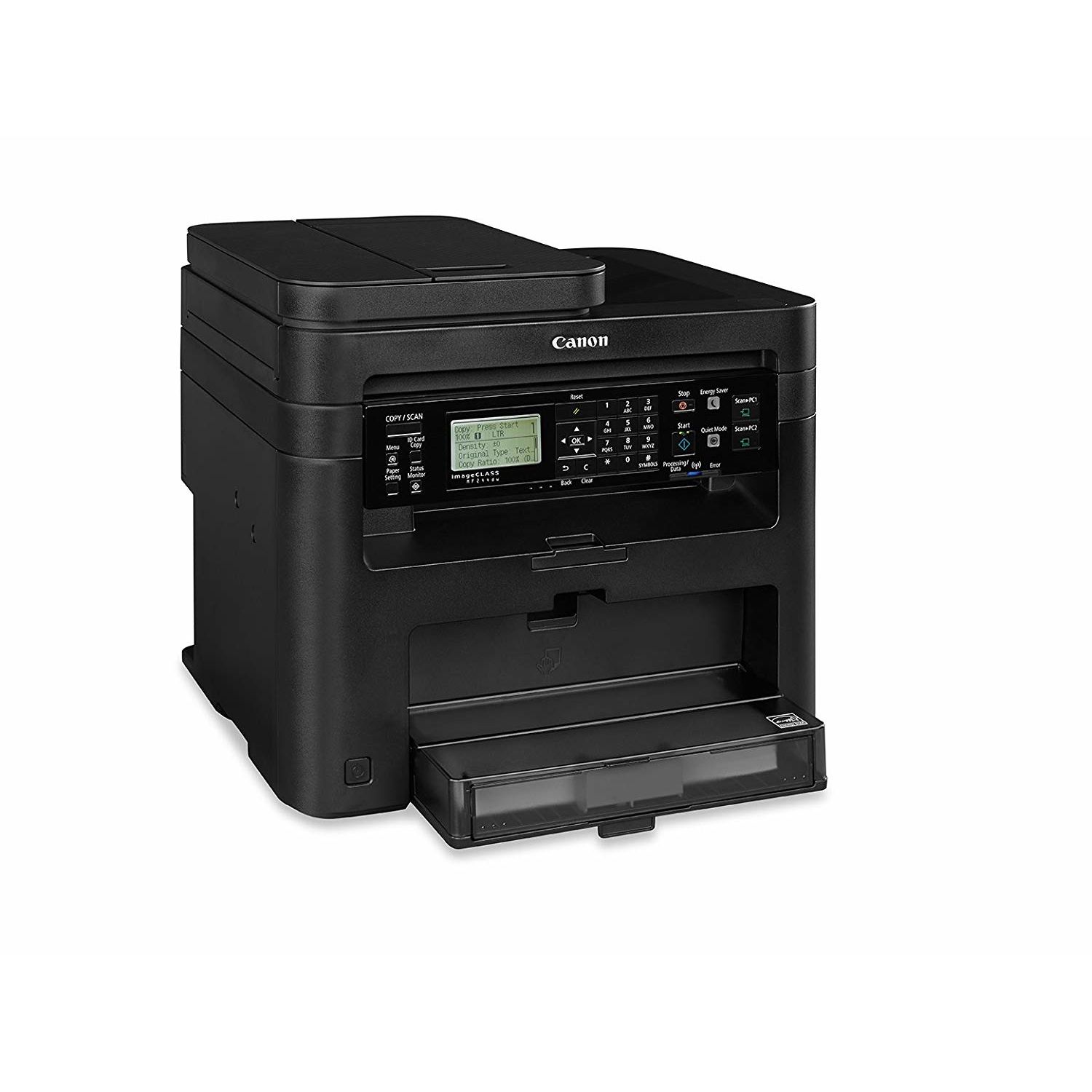
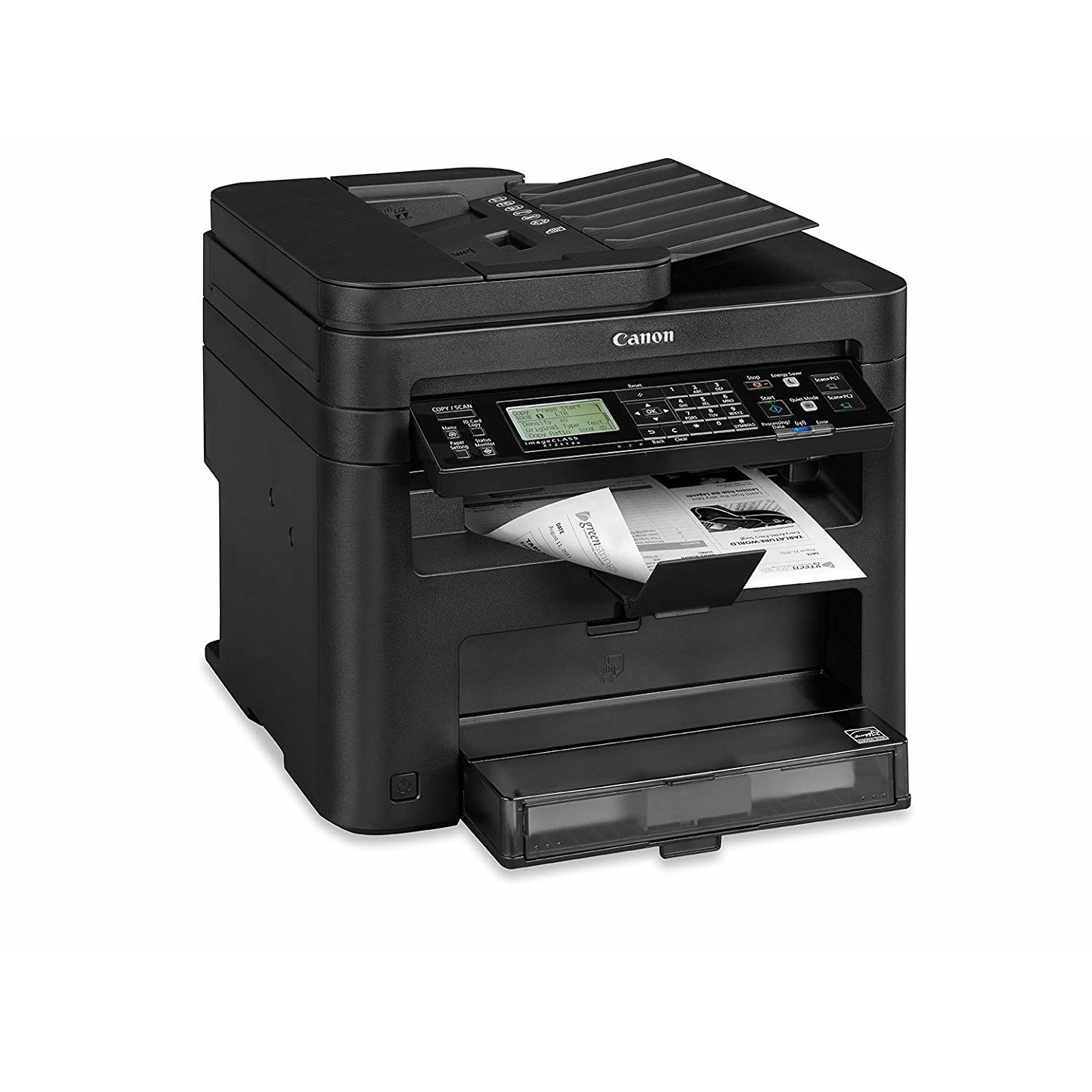
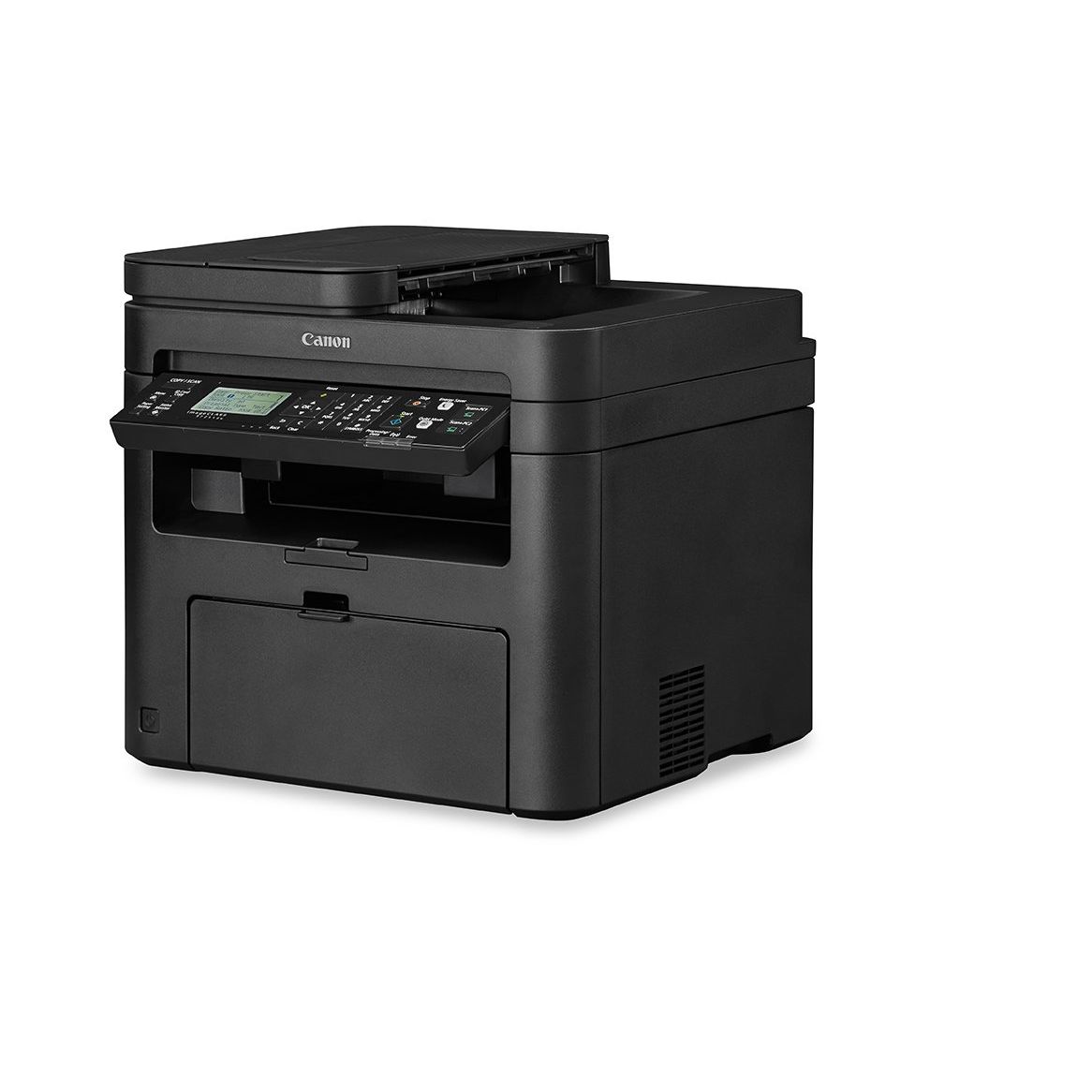
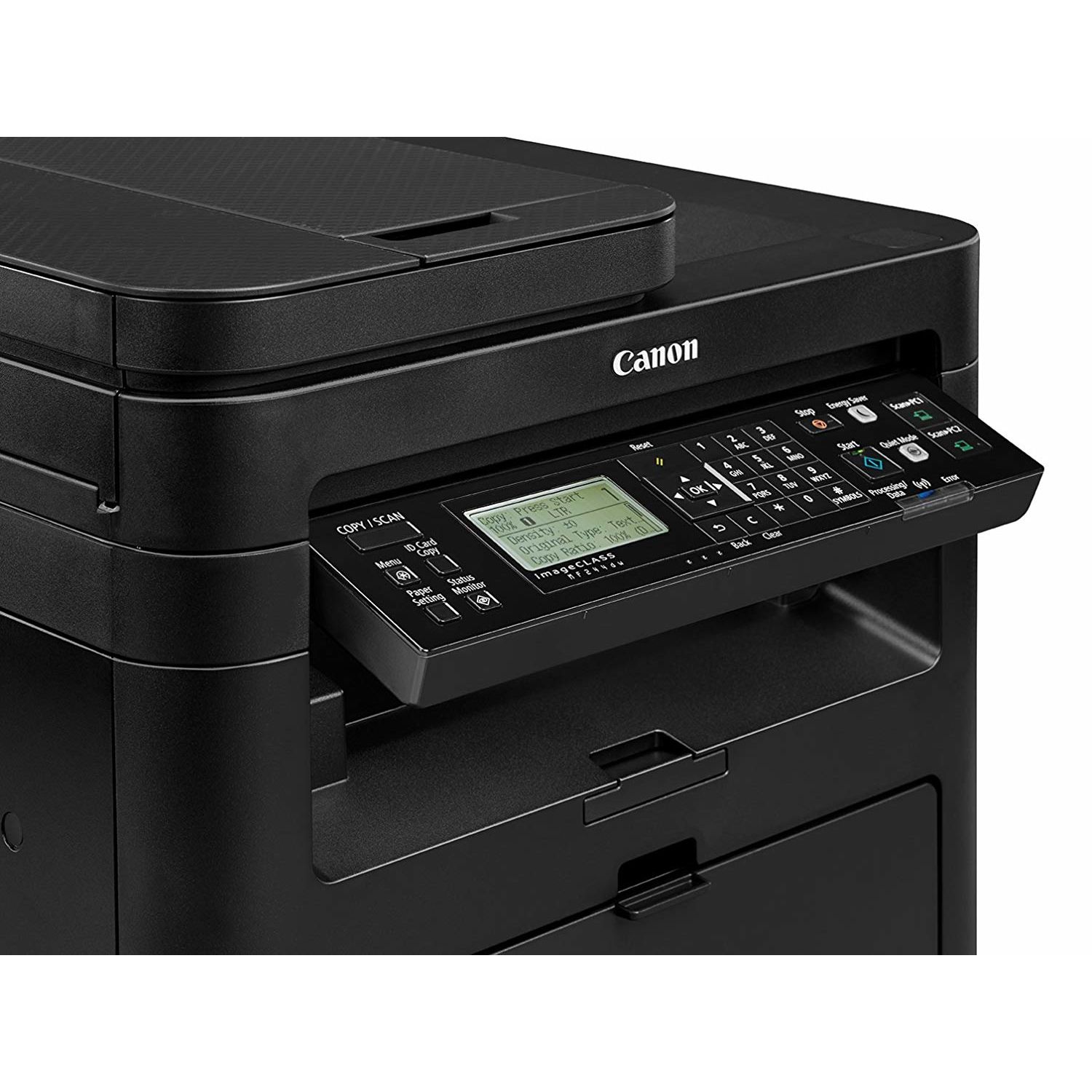
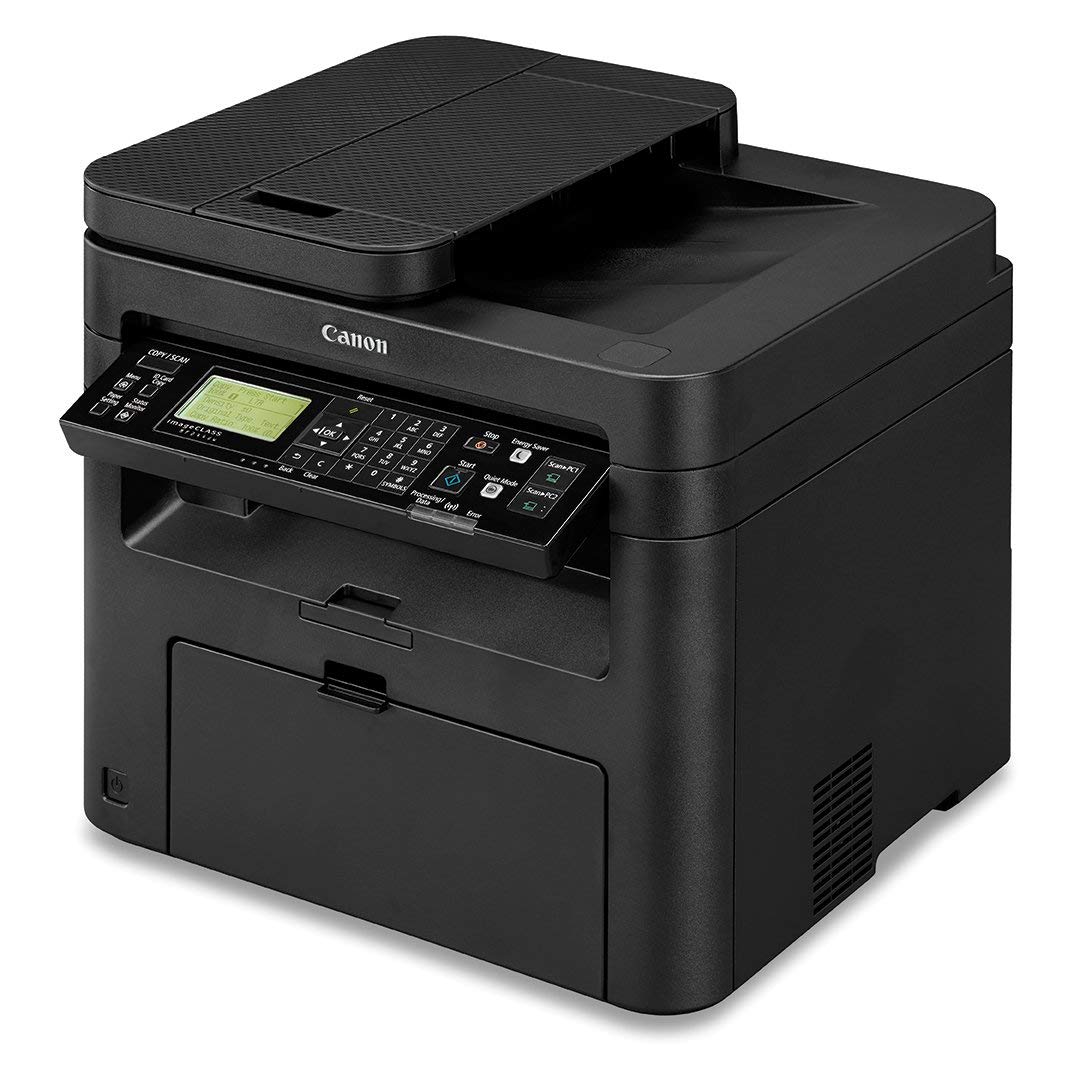
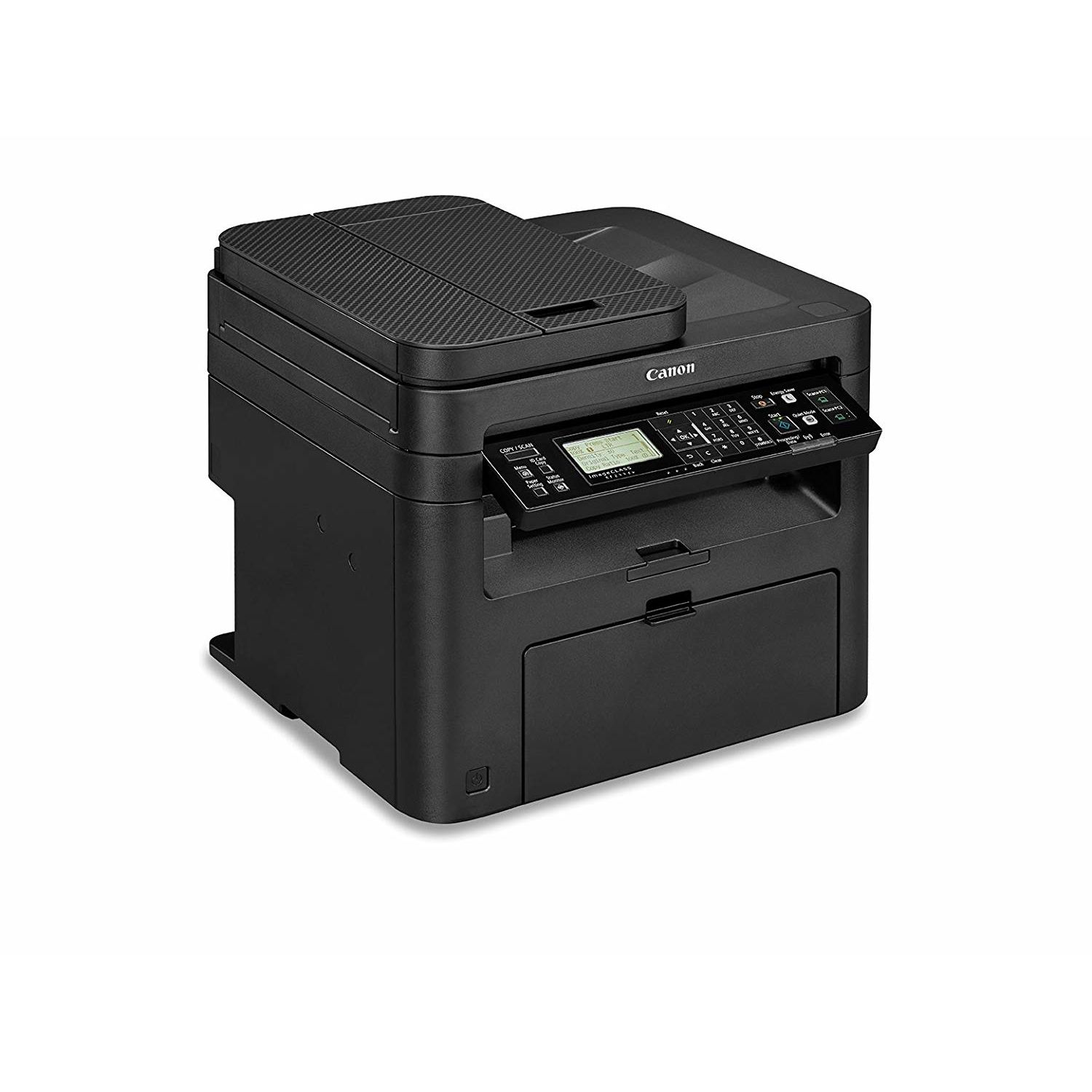
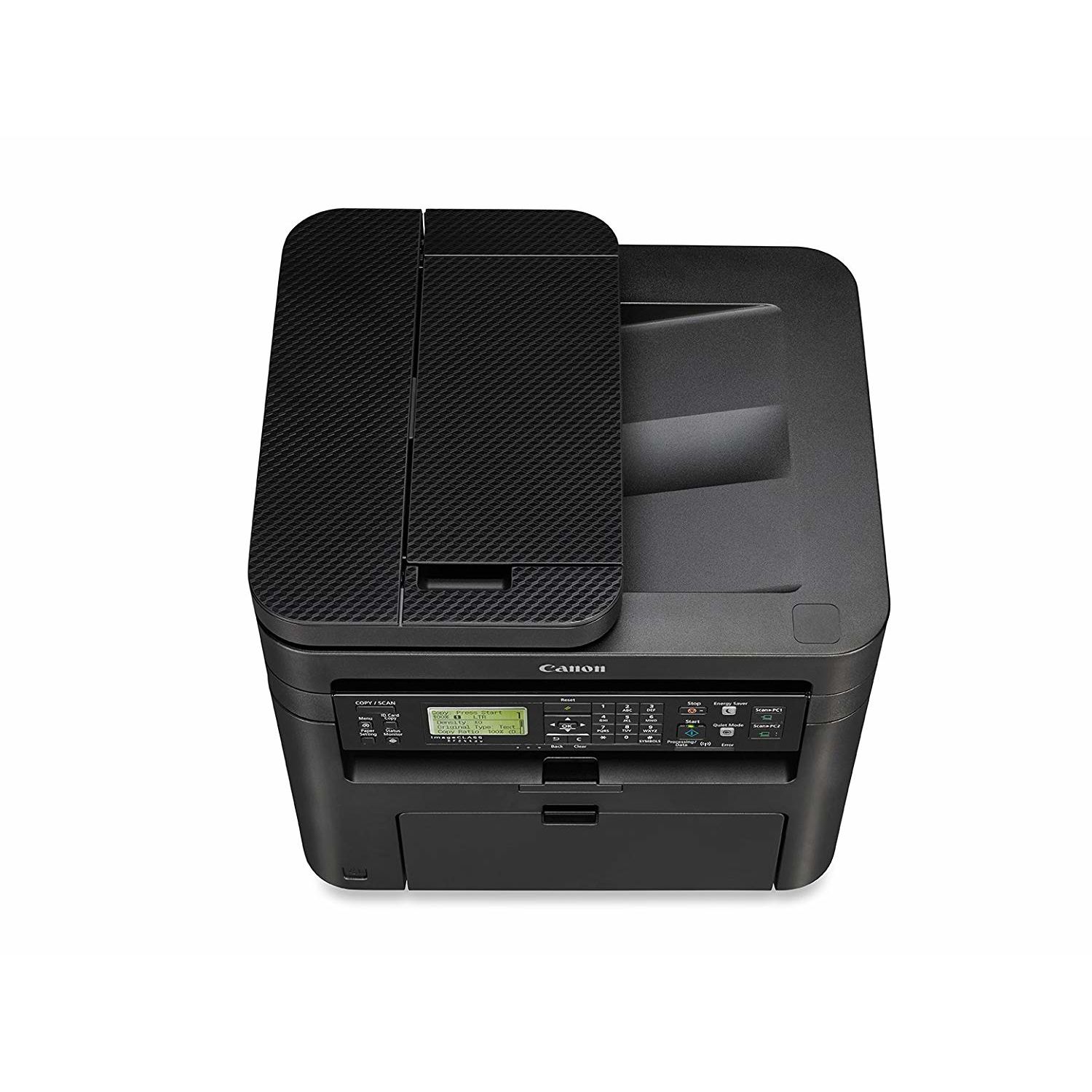
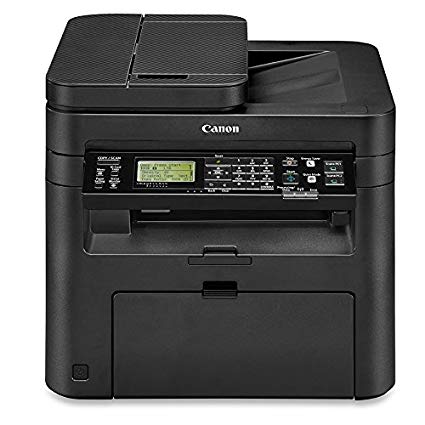
Canon imageCLASS MF244dw Wireless, Multifunction, Duplex Laser Printer

Write a review
B01K9L6TS6
Printer
Target is a general merchandise retailer with stores in all 50 states and the District...

City: US, New York

Delivery
Pickup at your own expense
Tomorrow from 09:00 to 20:00, Store location
Free
Payment options
Apple Pay Google Pay Mastercard Visa
Cash, bank card, credit/installment payments, cashless payment for legal entities
Warranty and returns
Exchange/return of products of proper quality within 14 days Official manufacturer's warranty: 12 months
Features
Connectivity Technology
Wi-Fi
Item Dimensions
14.7 x 15.4 x 14.2 in
Item Weight
26.7 lbs
Operating System
  • Windows, Mac
Printer Output
Monochrome
Printer Technology
Laser
Style
Printer
Description
This fits your .
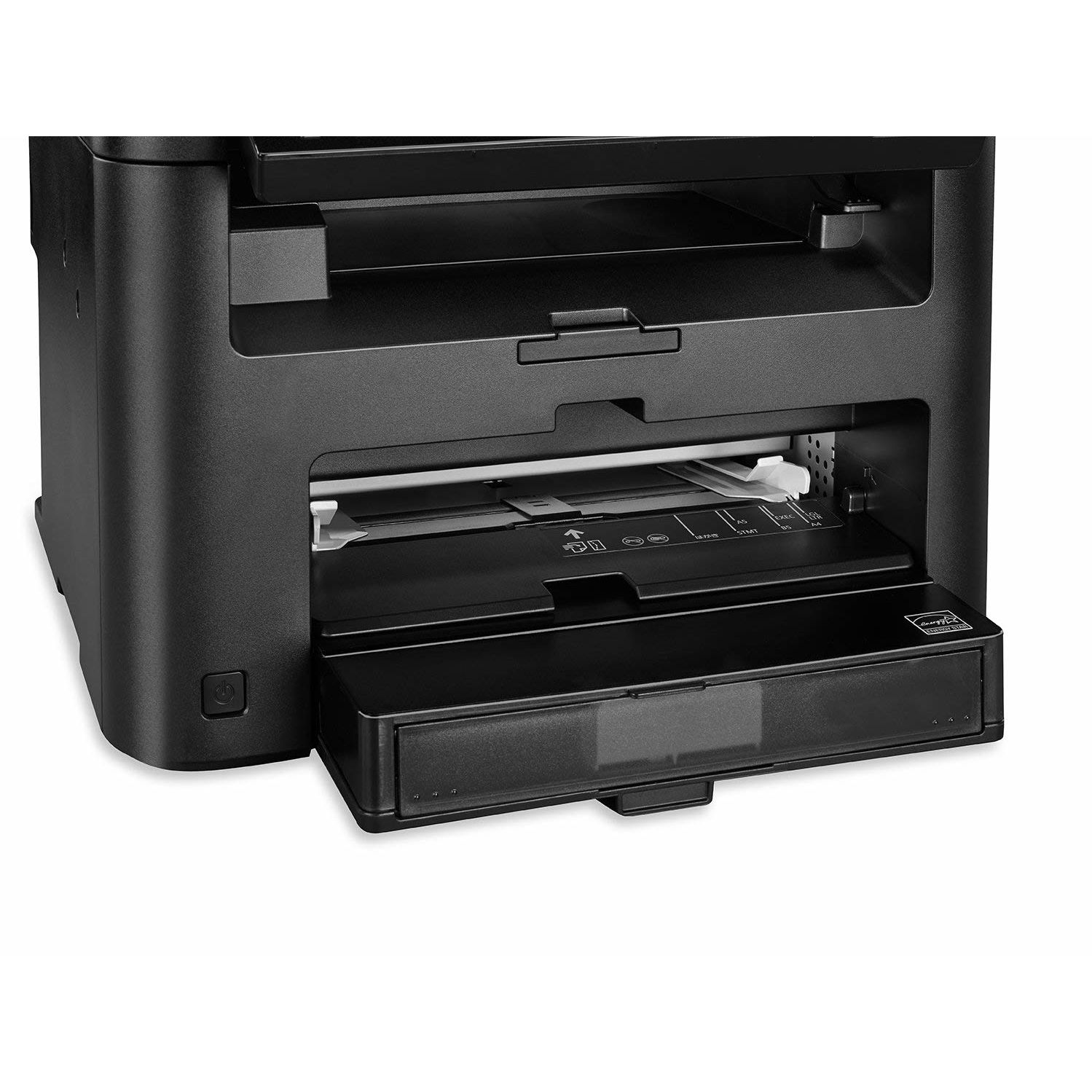
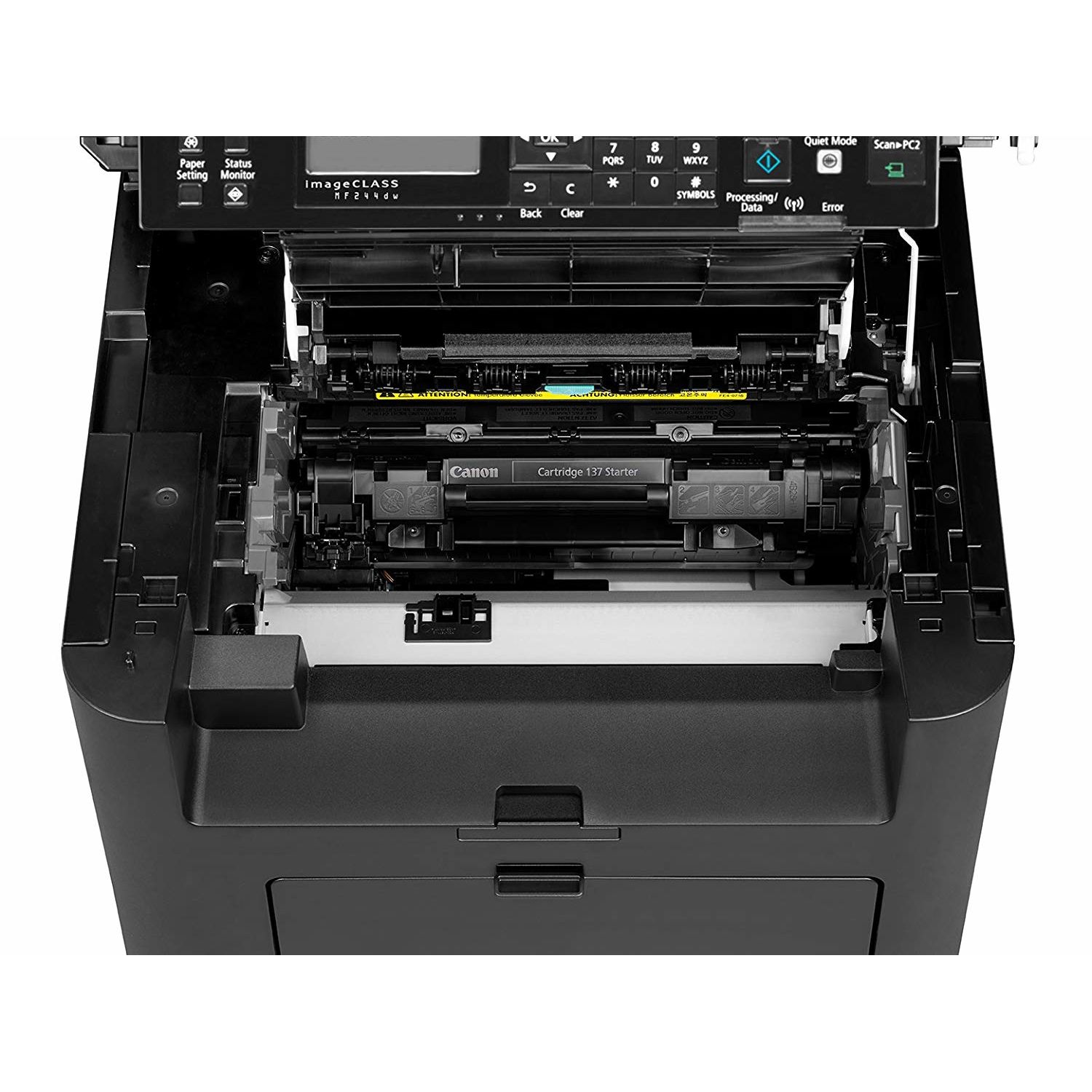
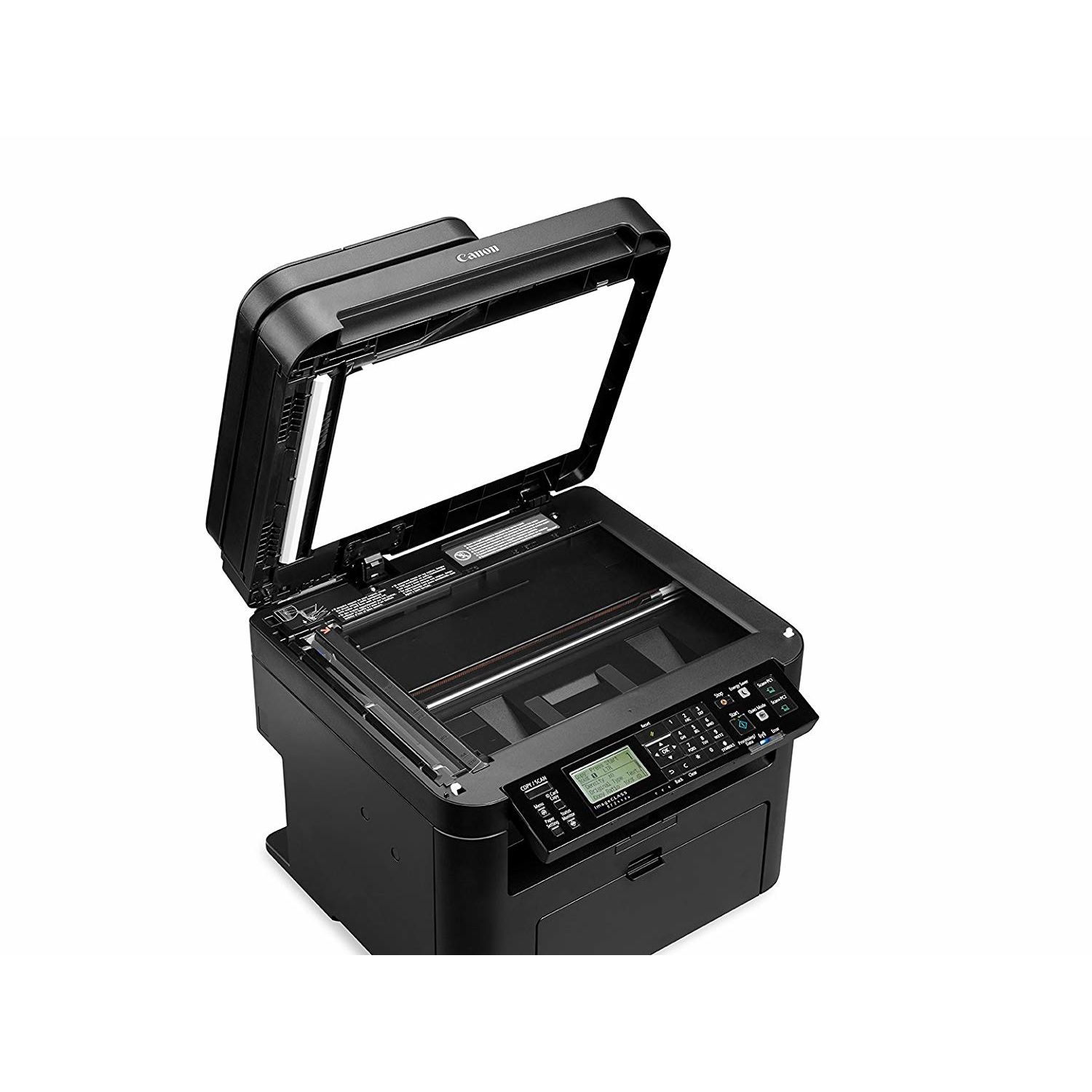
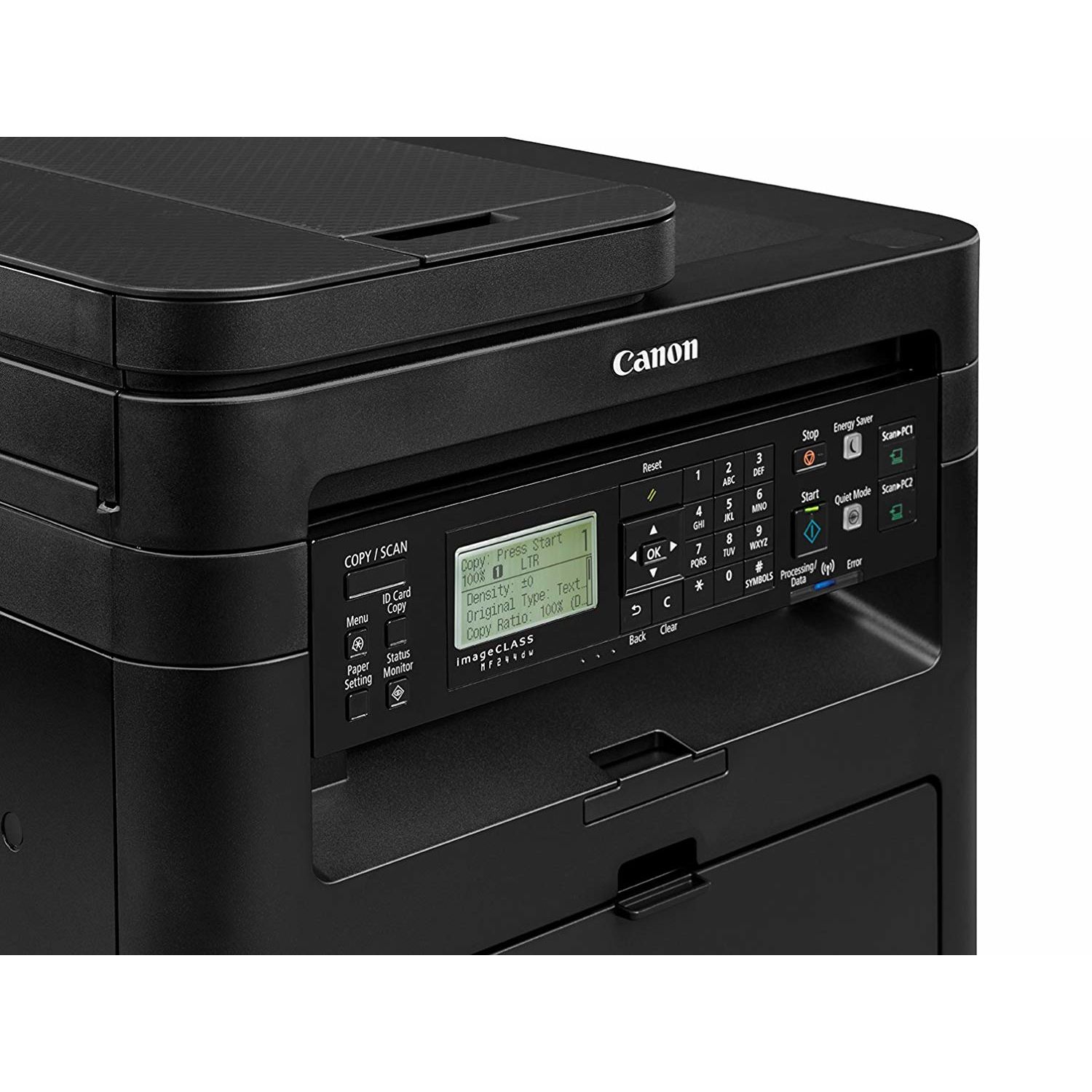
Make sure this fits by entering your model number. Three in One functionality allows you to print, scan, and copy with ease and print resolution is up to 1200 x 1200dpi (equivalent),recommended monthly print volume is 500 - 2,500 pages Seamlessly navigate through all the features with the user-friendly 5-line, tilt able, black/white LCD panel Print at speeds of up to 28 pages per minute, with your first Print in your hands in 6 seconds or less. Warm-up Time : 14 seconds or less from power on Print on-the-go with Canon PRINT Business, Apple AirPrint, Mopria Print Service, and Google Cloud Print Paper capacity allows for 250-sheets in the standard cassette and 1-sheet in the multipurpose tray..First Copy Time:9 seconds approx Please ensure that the scanner is clean and use only genuine OEM toner to prevent imperfections in printing
Reviews
3.5
Reviews: 20
5 stars
50%
4 stars
10%
3 stars
0%
2 stars
20%
1 star
20%
Penelope
4
I just set this printer up to my Mac and wanted to leave a review while the pain was still fresh... I saw some reviews that said connecting to WiFi was annoying but I thought to myself, "Im techy, surely I can figure this out," and bought it. At least 2 hours later I am finally set up! If you have a Mac, heres what you need to do if you are not going to setup using the WPS button. I have a newer TP Link router but couldnt figure out where the WPS "easy connect" button was and ended up resetting my router to factory settings and had to go through the process to update my passwords. 1. Forget the setup DVD 2. Go to Canon Support online and download both the Scanner and Printer Drivers 3. Google "Canon MF/LBP Wireless Setup Assistant 1.2.0 for Mac OS X 4. Launch the setup assistant which will show you your "Access Point" (your wireless network name) and Network Key (your password) 5. On the Canon Support online page, go from Drivers to Manuals and follow the steps on page 12 6. This did it for me. Once I figured out to download the Setup Assistant (which is NOT on the DVD) it went pretty easily 4 stars because I printed a page and the text is crisp, I wanted to go much lower but hopefully I will not have anymore wifi issues moving forward. I have previously owned Brother Laser Printers in this price point but wasnt really satisfied and wanted to try Canon. Brothers wifi setup is SO much easier but I had problems with black lines running down my scanned documents. Good Luck!
KnightDriveTV
4
I have to admit, overall, Im very impressed with this printer. Ive used it for a few weeks to be certain of my opinion, and Ill say...its a good machine for the money. Print quality is very good, speed is quick and functions all work well. Setup was a BREEZE, which to me, is critical. I hate having to go through a tremendous amount of drama to get cheap printers functioning on a home network, wake up and print, etc. This thing worked easily. Only hiccup I had with it, was the default duplex printing (front and back). This is how Canon ships it, and this is how it defaults. You actually have to go into the advanced printer settings on your pc, and disable the duplex mode. Initially this frustrated me a bit, but a couple google searches with the model name and "duplex mode" and I came upon the solution. Printing, scanning, copying though...works like charm and well worth the money.
Product variations
Column filling
Sort by Price Sort by Availability Sort by CODE Sort by Style
Contact us for a price
In stock
B01K9L6TS6
Style:
Printer
Contact us for a price
In stock
B01MSP1Y1M
Style:
Printer and Black Toner Cartridge
You may be interested
  • Bestsellers
  • Recently Viewed
 
Fast and high quality delivery

Our company makes delivery all over the country

Quality assurance and service

We offer only those goods, in which quality we are sure

Returns within 30 days

You have 30 days to test your purchase