
















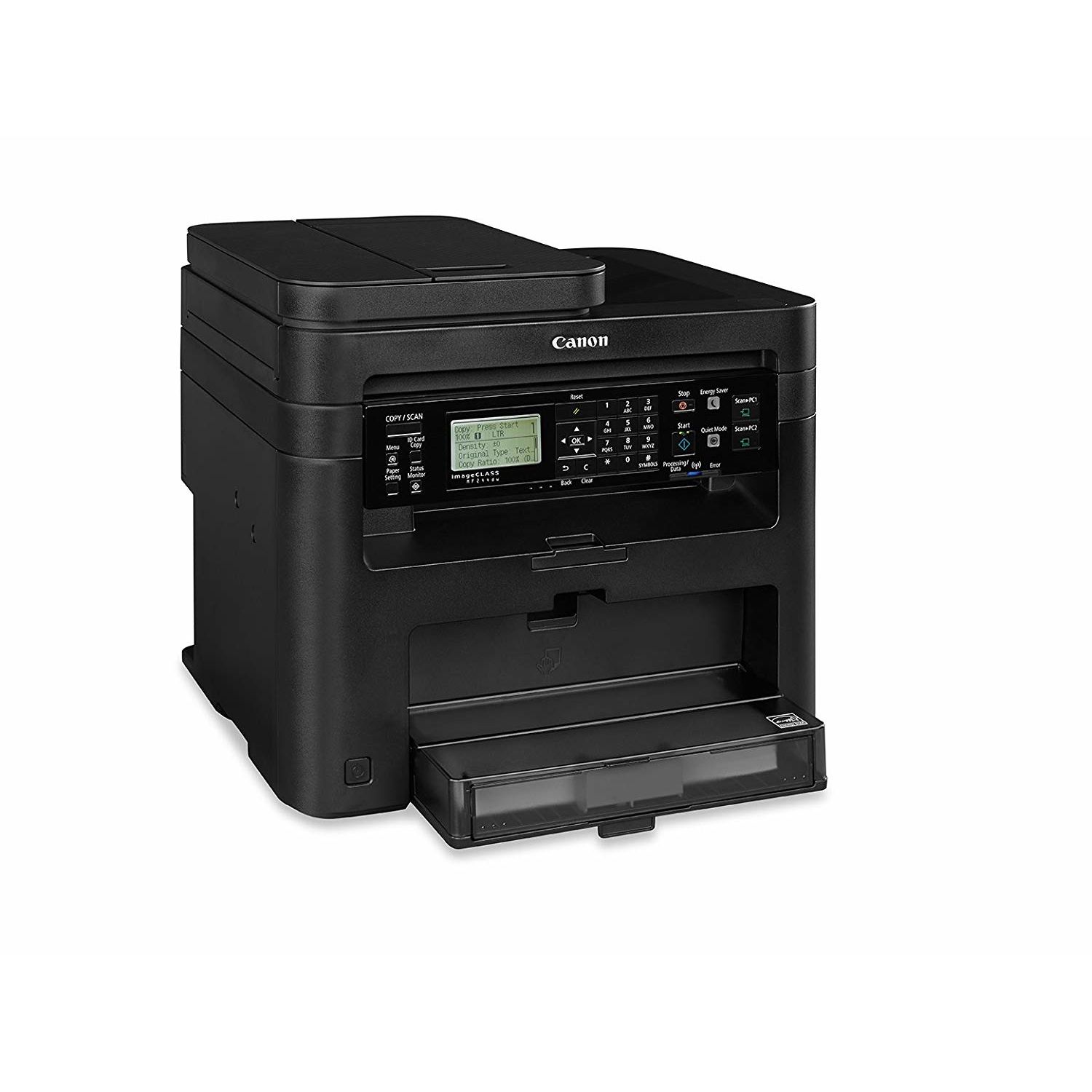
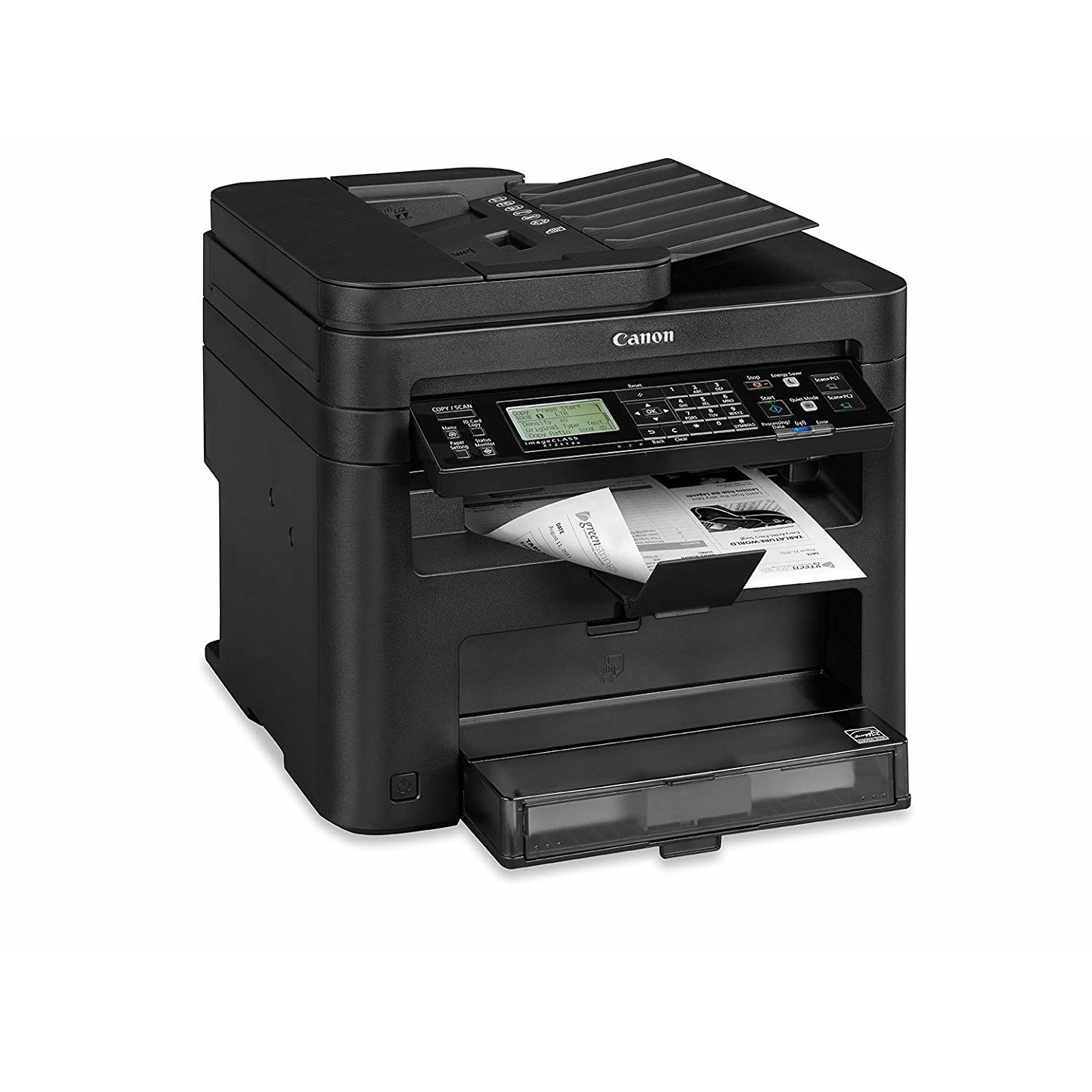
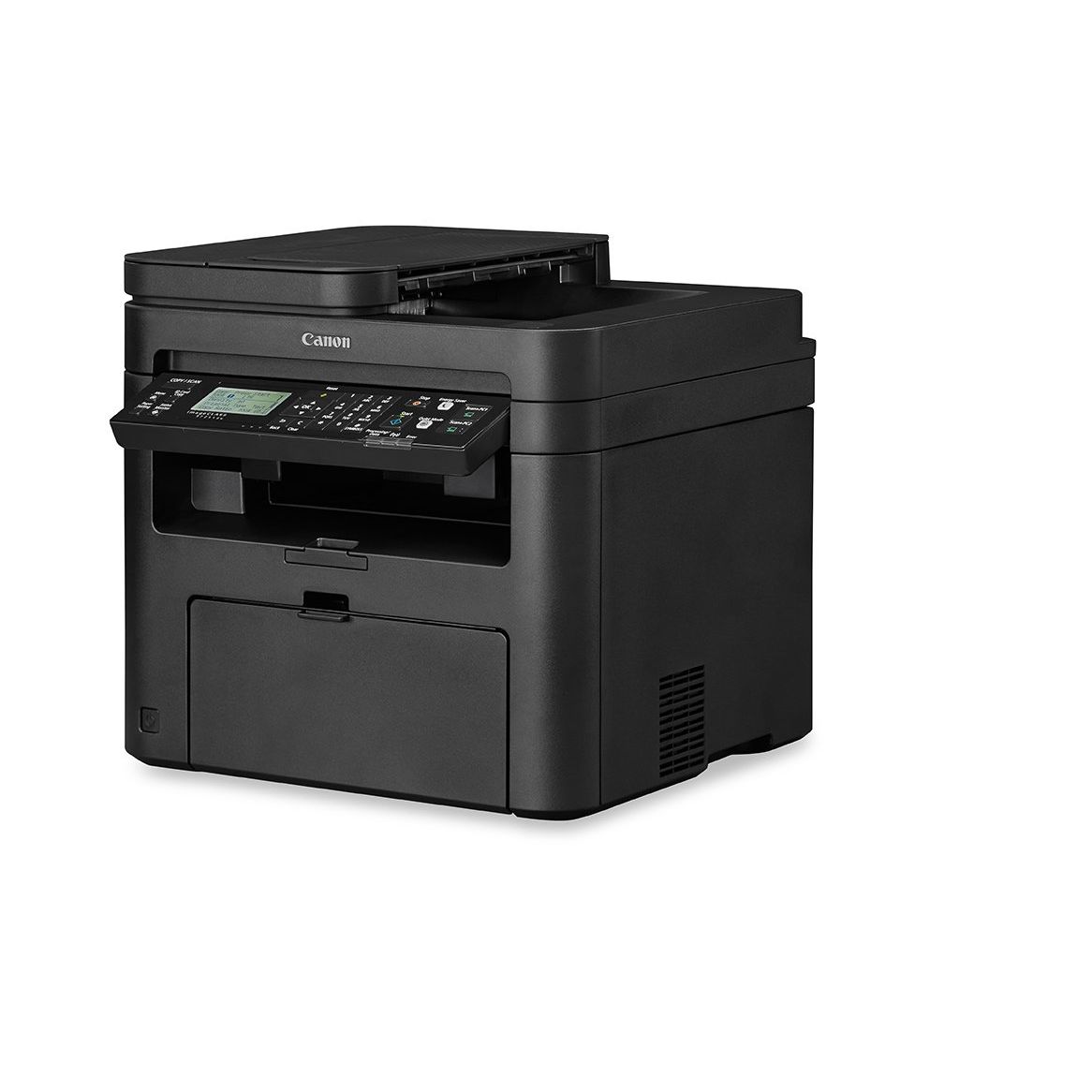
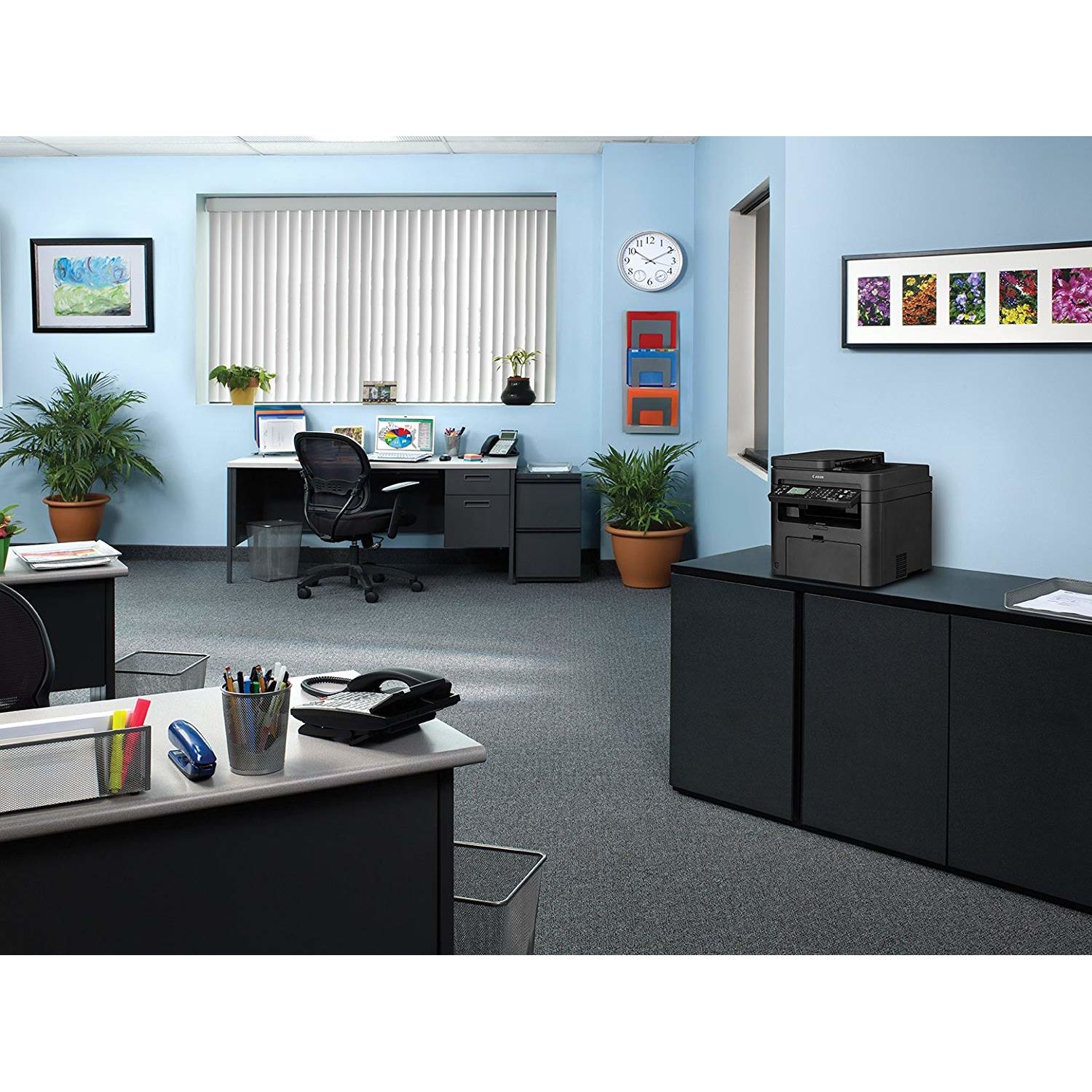
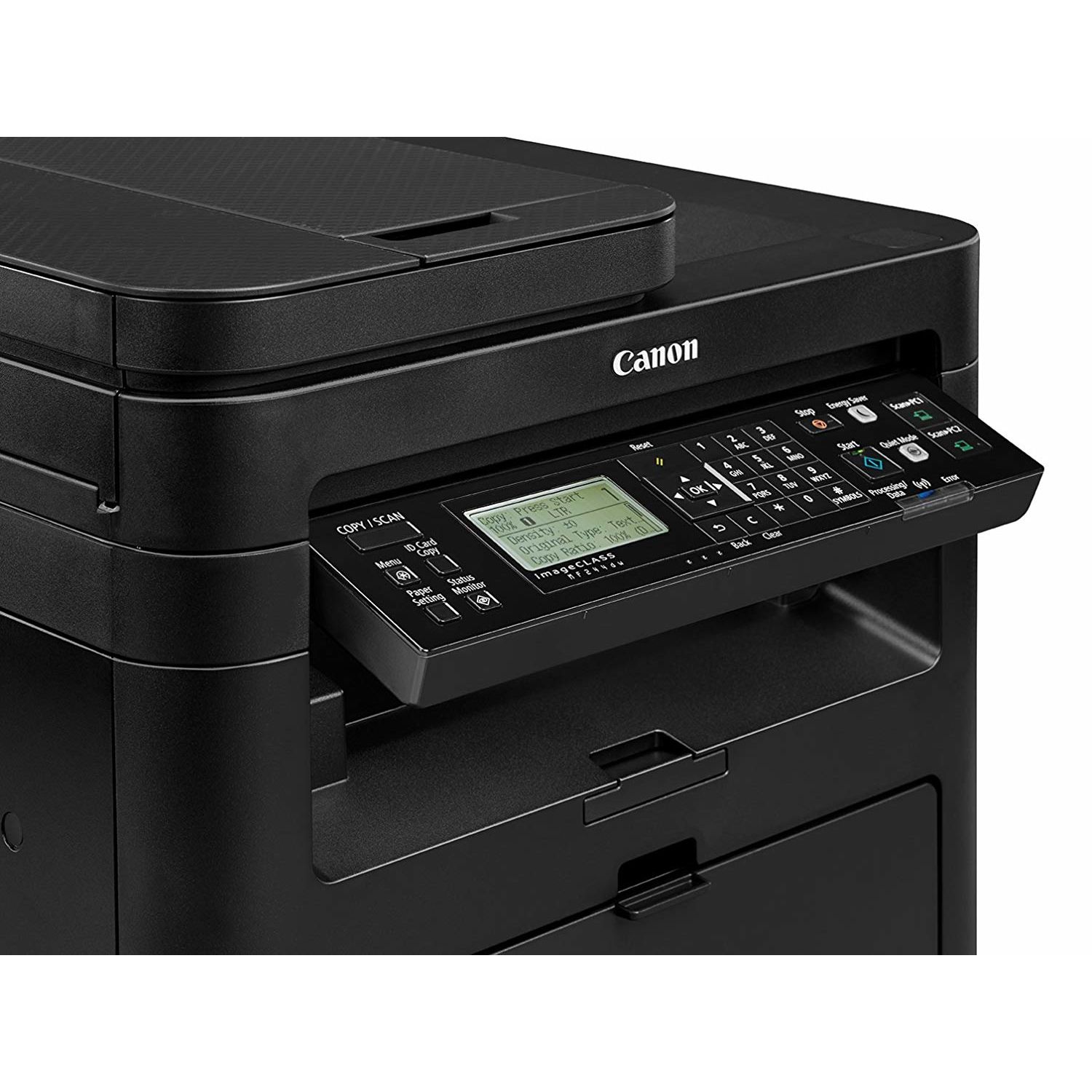
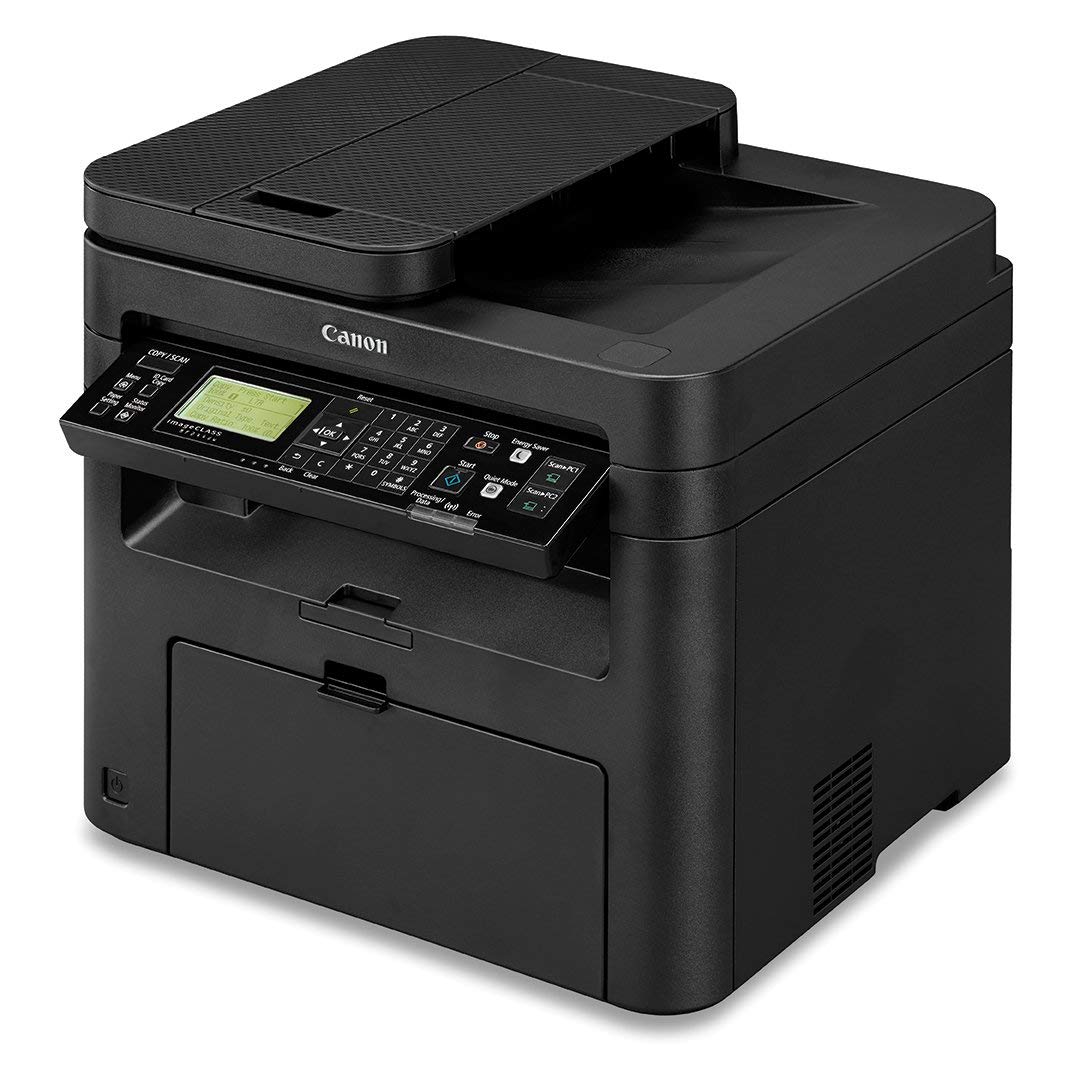
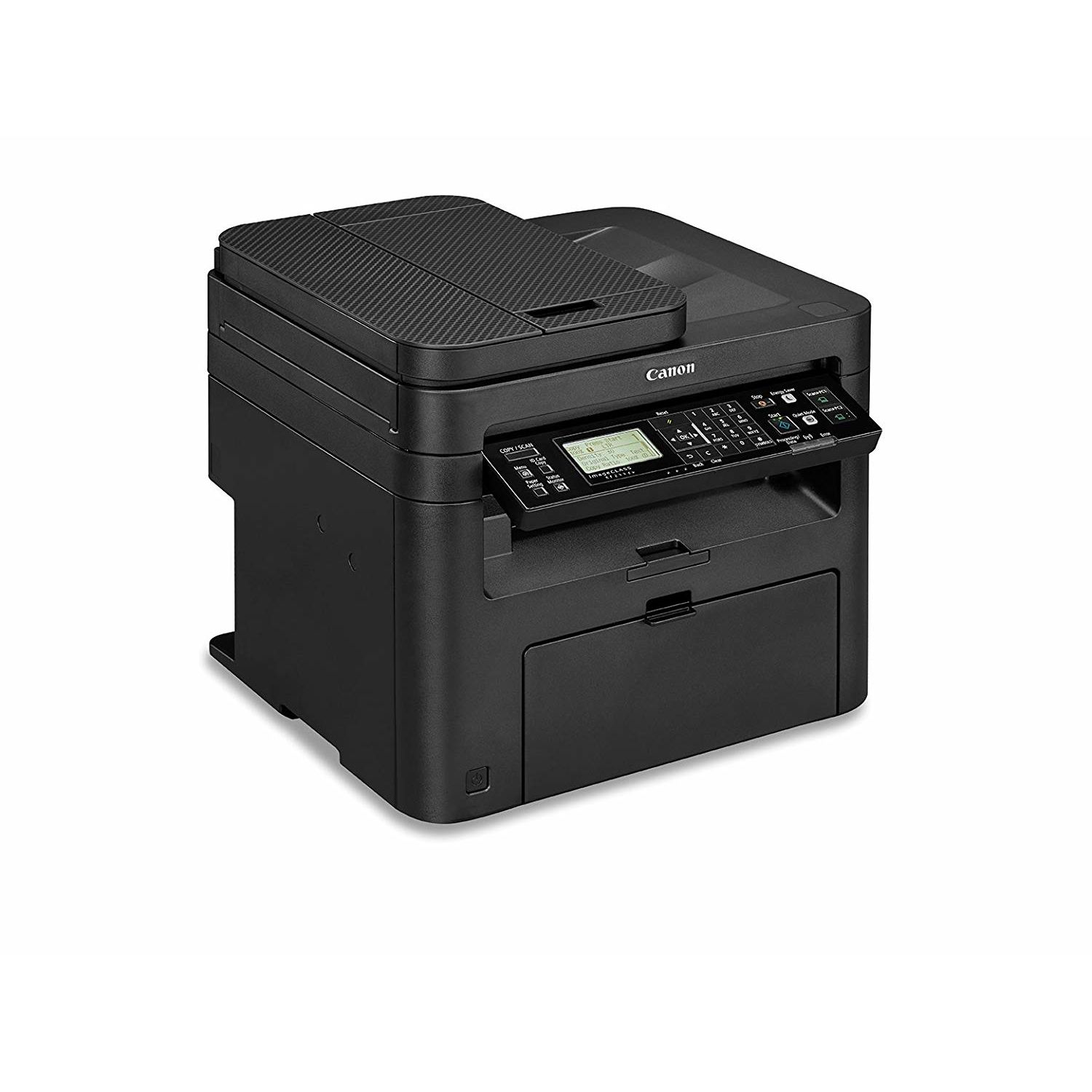
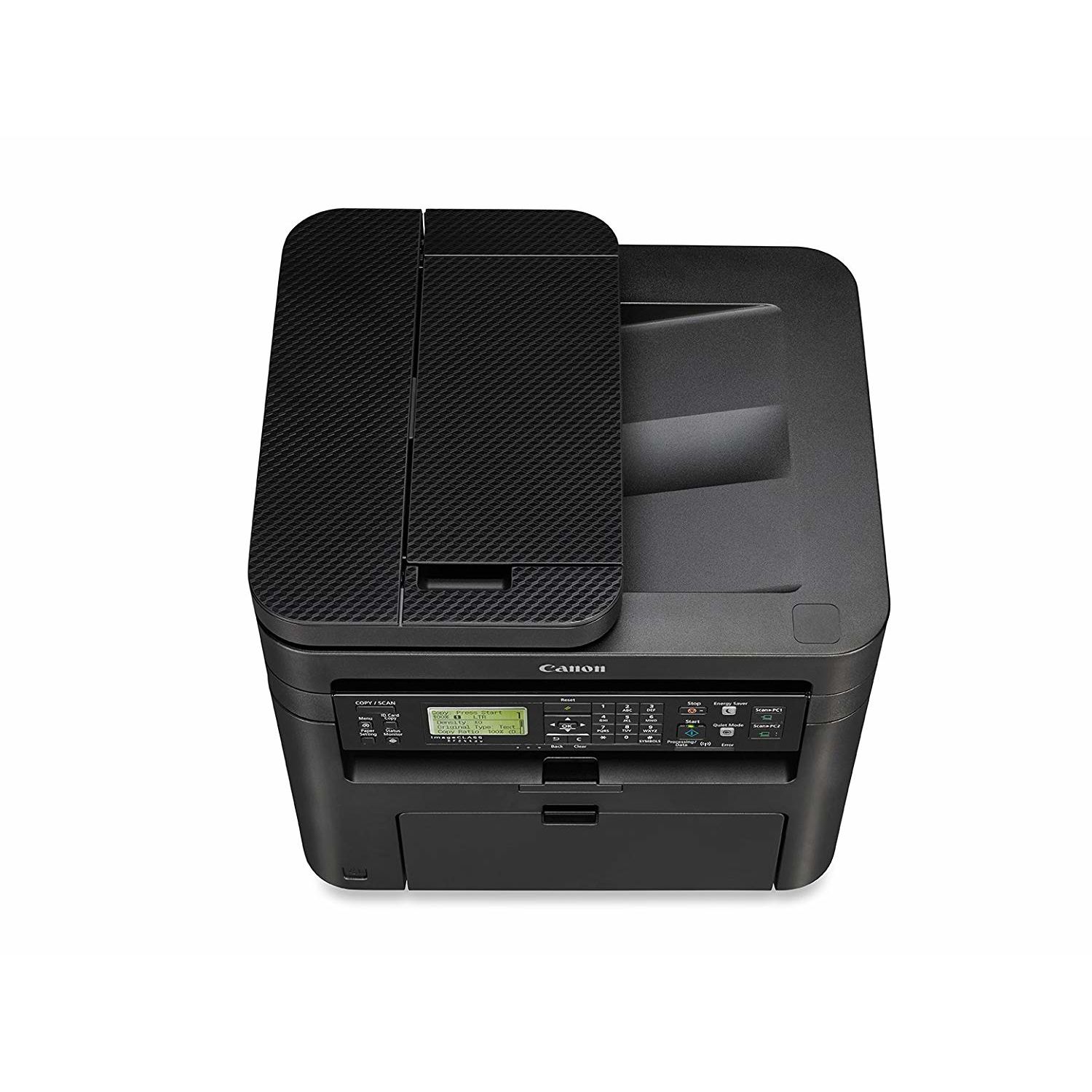
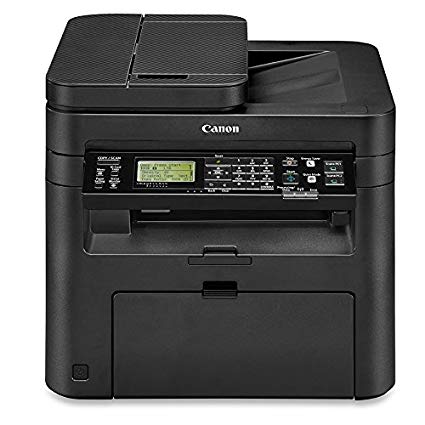
Canon imageCLASS MF244dw Wireless, Multifunction, Duplex Laser Printer

Write a review
B01K9L6TS6
Printer
Target is a general merchandise retailer with stores in all 50 states and the District...

City: US, New York

Delivery
Pickup at your own expense
Tomorrow from 09:00 to 20:00, Store location
Free
Payment options
Apple Pay Google Pay Mastercard Visa
Cash, bank card, credit/installment payments, cashless payment for legal entities
Warranty and returns
Exchange/return of products of proper quality within 14 days Official manufacturer's warranty: 12 months
Features
Connectivity Technology
Wi-Fi
Item Dimensions
14.7 x 15.4 x 14.2 in
Item Weight
26.7 lbs
Operating System
  • Windows, Mac
Printer Output
Monochrome
Printer Technology
Laser
Style
Printer
Description
This fits your .
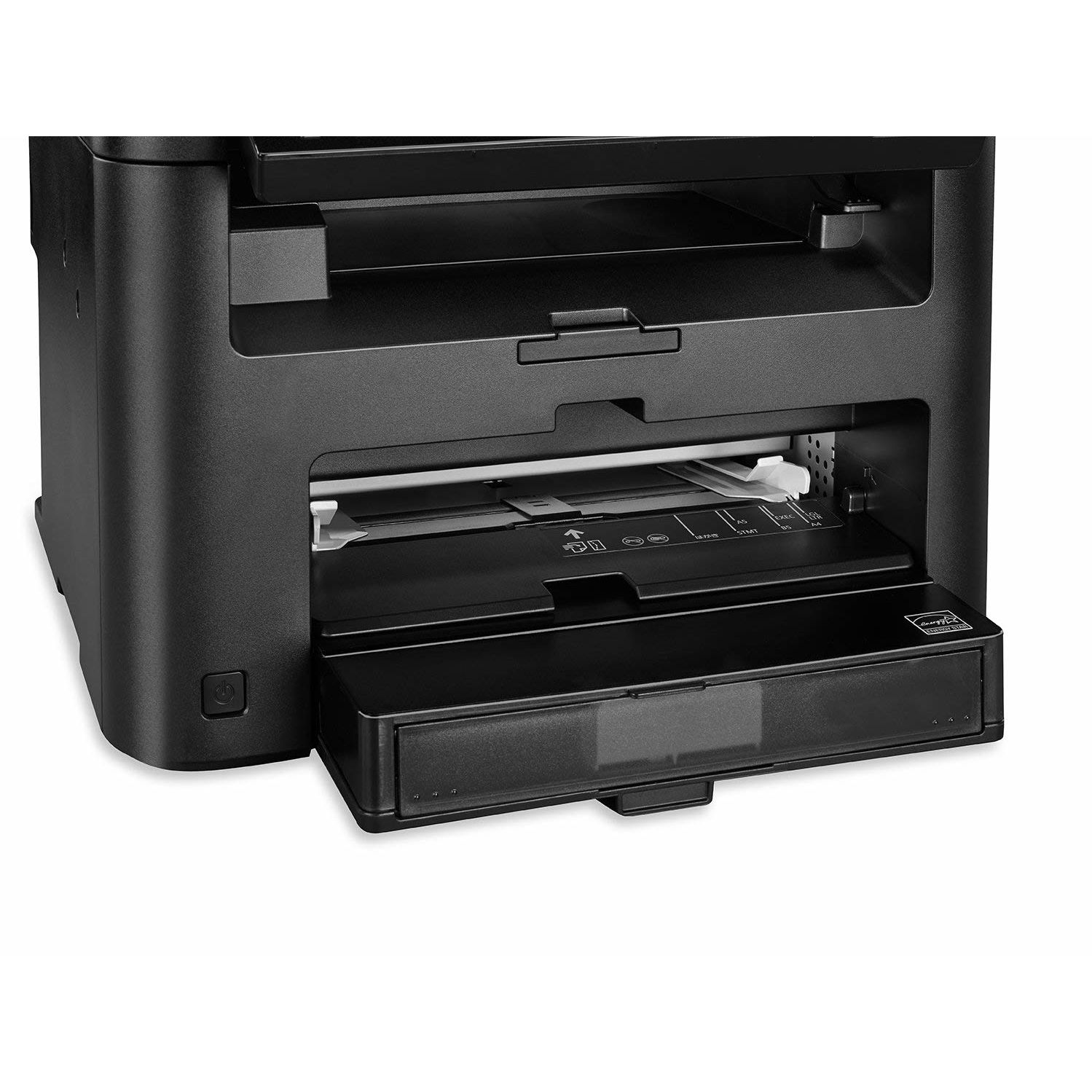
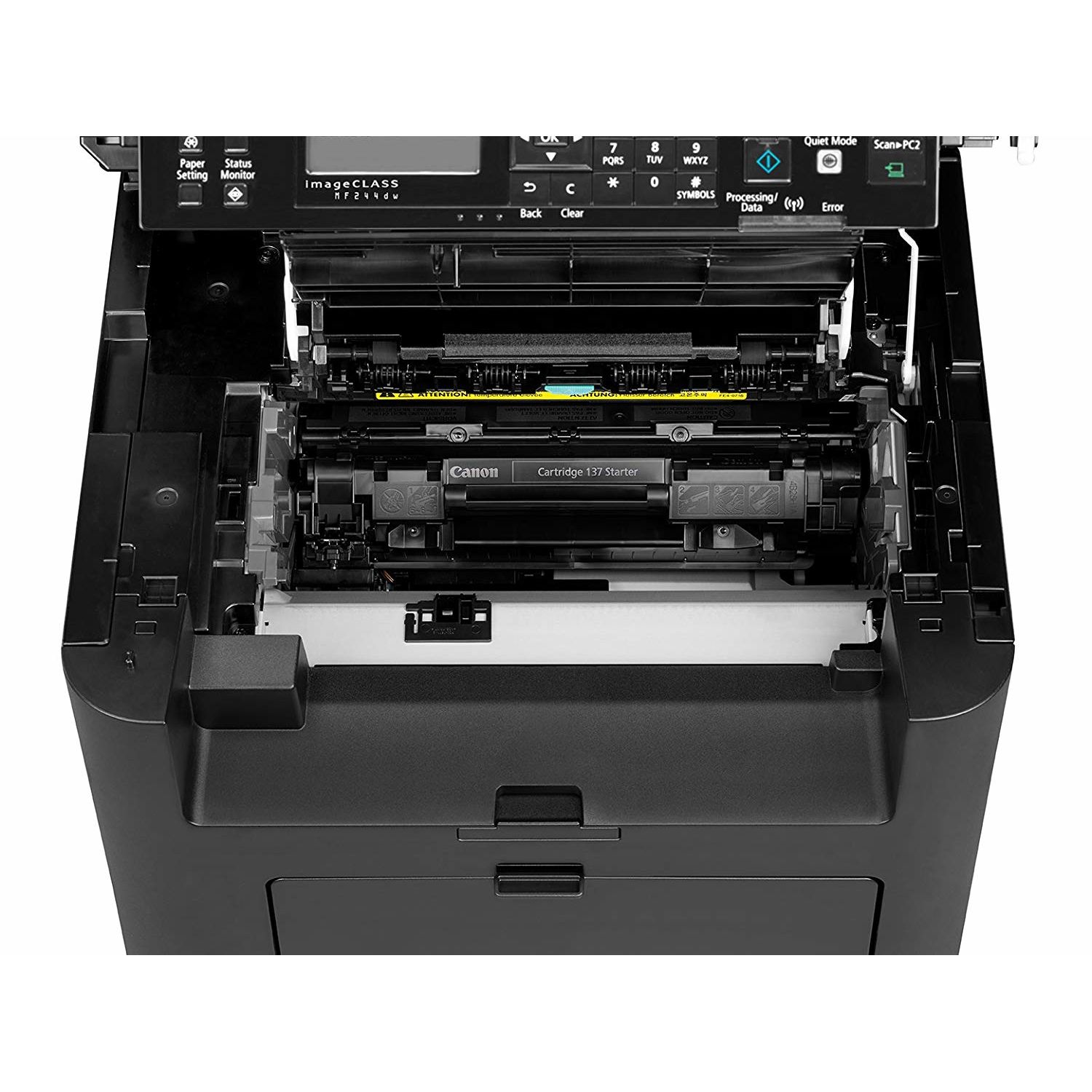
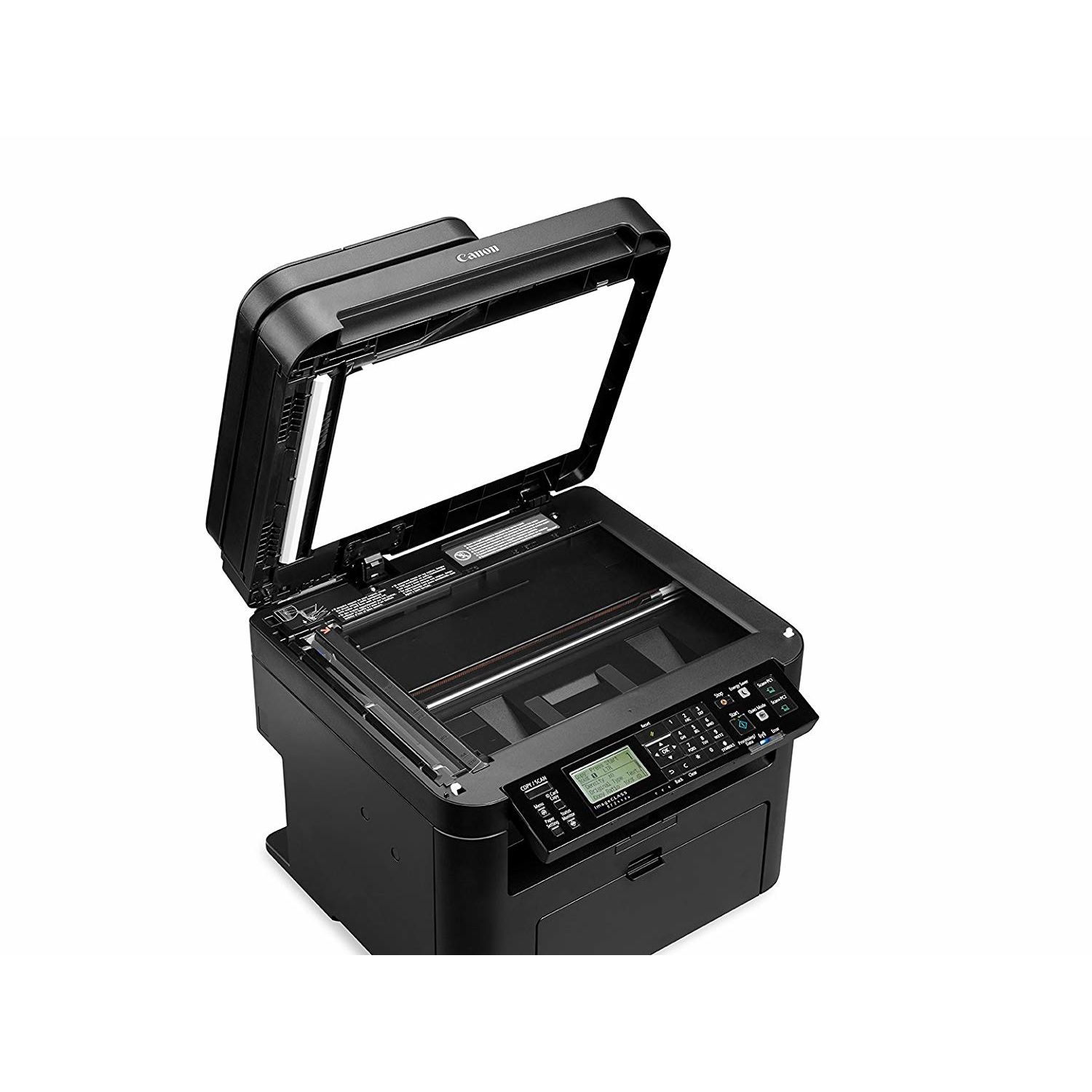
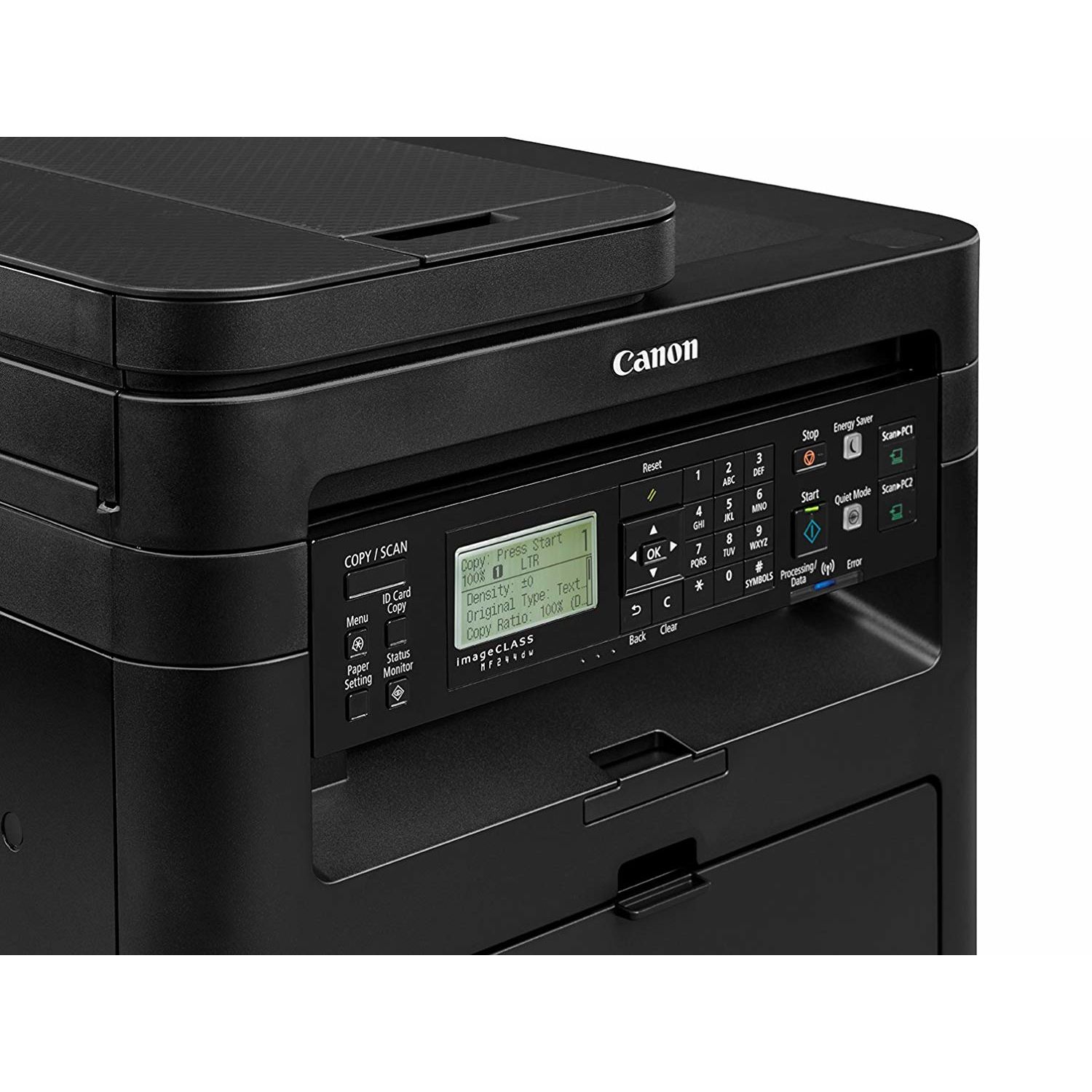
Make sure this fits by entering your model number. Three in One functionality allows you to print, scan, and copy with ease and print resolution is up to 1200 x 1200dpi (equivalent),recommended monthly print volume is 500 - 2,500 pages Seamlessly navigate through all the features with the user-friendly 5-line, tilt able, black/white LCD panel Print at speeds of up to 28 pages per minute, with your first Print in your hands in 6 seconds or less. Warm-up Time : 14 seconds or less from power on Print on-the-go with Canon PRINT Business, Apple AirPrint, Mopria Print Service, and Google Cloud Print Paper capacity allows for 250-sheets in the standard cassette and 1-sheet in the multipurpose tray..First Copy Time:9 seconds approx Please ensure that the scanner is clean and use only genuine OEM toner to prevent imperfections in printing
Reviews
3.5
Reviews: 20
5 stars
50%
4 stars
10%
3 stars
0%
2 stars
20%
1 star
20%
Jamie Kern
2
This printer, Canon imageCLASS MF244dw, DOES NOT DUPLEX COPY OR SCAN. The product description here on Amazon says "All mode duplexing right out of the box" and in the table with other models it says this all-in-one will duplex "Print, Scan, Copy", but it certainly does not. If you read the table comparison quite carefully (as I did after this realization), you can see that tucked away in the same table it says "simplex automatic document feeder". How is that "all mode duplexing"? So, straight out of the box there is no ability to make double-sided copies from double-sided papers. Theres also no feature to scan a packet of double-sided papers, which is the one feature that I wanted from this printer and was looking for based on the 2 claims for it in the product description. I tried to scan 10 double-sided papers last week. To do so with this printer, I had to scan them on the front side into 1 PDF, then scan them on the back side into another PDF, then email them from home to my work account where I can access Adobe Acrobat Pro, then open both PDFs in Acrobat, then click and drag the pages from one file into the other being careful to perfectly shuffle their placement so that they appear in the correct order, then save the combined PDF, then email it back to my personal account, then download it to my computer. Can I still return this thing? Yes, it duplex prints just fine. But if I just wanted a duplex printer I would have just purchased a printer that claimed that it only duplex prints. Sigh.
Amazon Customer
2
The first one I had all of a sudden the paper pickup mechanism just died. It was working for a few days and then one day just gave up. The second one after I requested for a replacement came quickly but had a different issue. The scanning bed will have about 1 inch cut-off on both sides which render the copying feature useless. For the life of me, I cant figure out how to fix that even though every settings are there correctly. It has good features such as Cloud Printing which you can print directly from your phone (I tested both Android and Iphone), as well as wireless. However, their options are very limited so you cant change them as much as you like. Also, the scan quality is pretty bad, max out at around 600 dpi so you cant use for image scanning if quality is your concerned. I had a 15-year-old HP scanner and it can do 1200 dpi easily (just a whole lot slower). The top paper feeder is a little slow. It pauses for every page being fed (perhaps it doesnt have enough memory to store more than 1 scanned page). The wifi printing and Cloud Printing is also slow. It can only print 1 page at a time and waiting for about 15 seconds for data to be sent over. My 7-year-old Brother laser printer is a whole lot faster and has a whole more buffer than this. I am very disappointed at Canon where the brand is known for best image quality (while this have a very low dpi). All other features are nice to have to they all feel like year 2000, not 2017. It is also tedious to navigate on their menus on the printer itself. It has a nice back-lit screen and quickly goes into sleep. But if you want to change some settings, it would take a lot of patience and guessing on where your desire setting may be hidden in.
jqlts
2
This seems like a really nice printer, but … Maybe its just me. However I find this to be incredibly difficult and complicated to understand & operate. The CD that came with the printer installed 6 self-help programs on my PC that are overwhelming and poorly organized, help screens take you to a convoluted place online, downloaded User Guide contains 479 pages to read thru to understand all the printers operating instructions, wifi set up was accomplished but only after reading the set-up guide a half dozen times, and worse of all my installed Canon Utilities program shows 2 different printer models I have to chose from when I open it. No joke, two. Canons online registration process even hung up so badly I resorted to calling their 800 number just to register the product with a live, real human being … who was extremely helpful by the way. Im sure I feel differently in a month after Ive hopefully gotten used to it, but this is clearly not a 1st time user friendly printer. Sorry Canon.
Vincent Nicastro
2
Pros- It prints fast and clear. Cons- Its constantly changing IP addresses Constantly getting jammed while scanning using the document feeder over 5 pages. You will spend more time trouble shooting paper jambs and resetting the unit. Price is good but if you value your time then dont bother with this unit unless you just want a fancy looking printer.
Product variations
Column filling
Sort by Price Sort by Availability Sort by CODE Sort by Style
Contact us for a price
In stock
B01K9L6TS6
Style:
Printer
Contact us for a price
In stock
B01MSP1Y1M
Style:
Printer and Black Toner Cartridge
You may be interested
  • Bestsellers
  • Recently Viewed
 
Fast and high quality delivery

Our company makes delivery all over the country

Quality assurance and service

We offer only those goods, in which quality we are sure

Returns within 30 days

You have 30 days to test your purchase