




























iamjustjohn
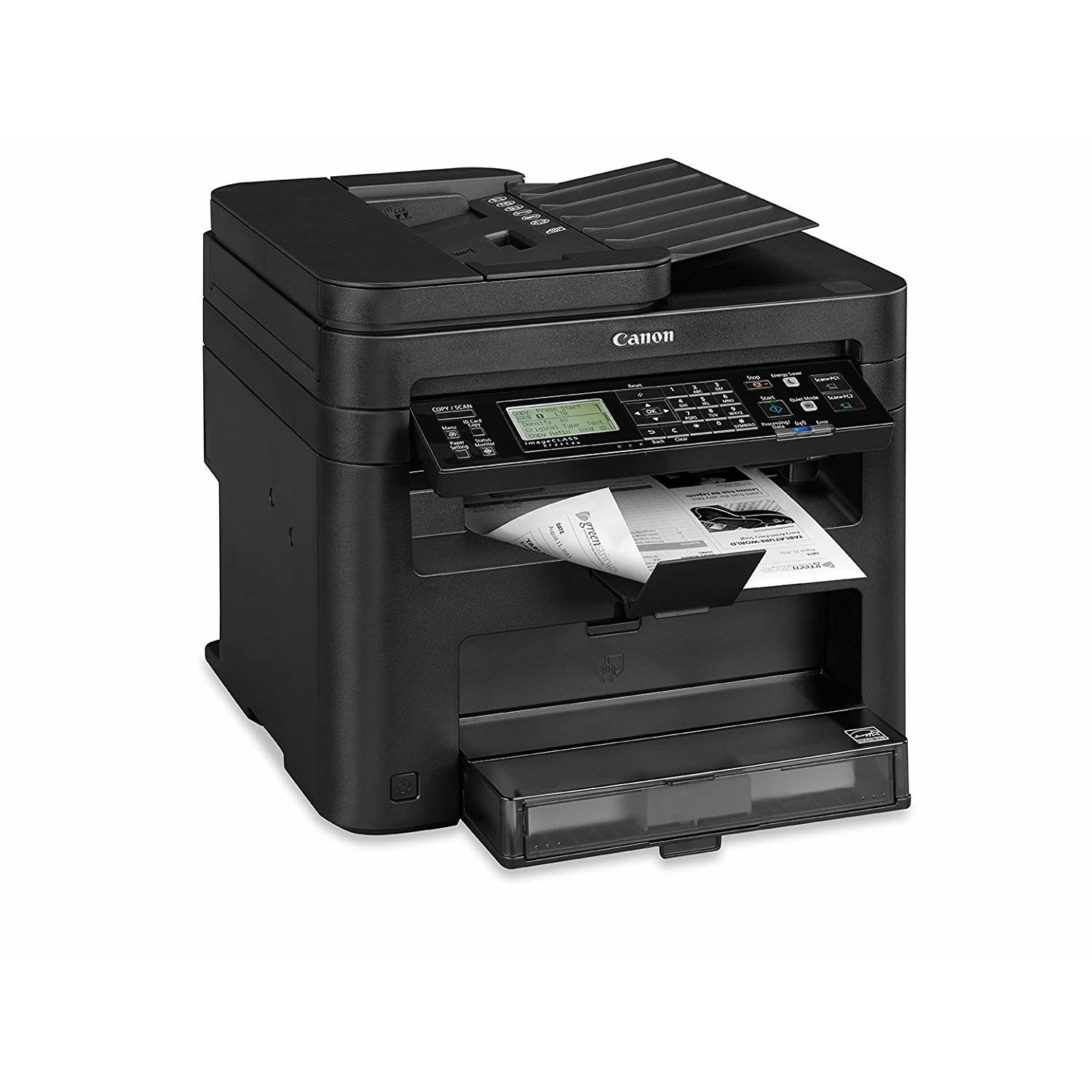
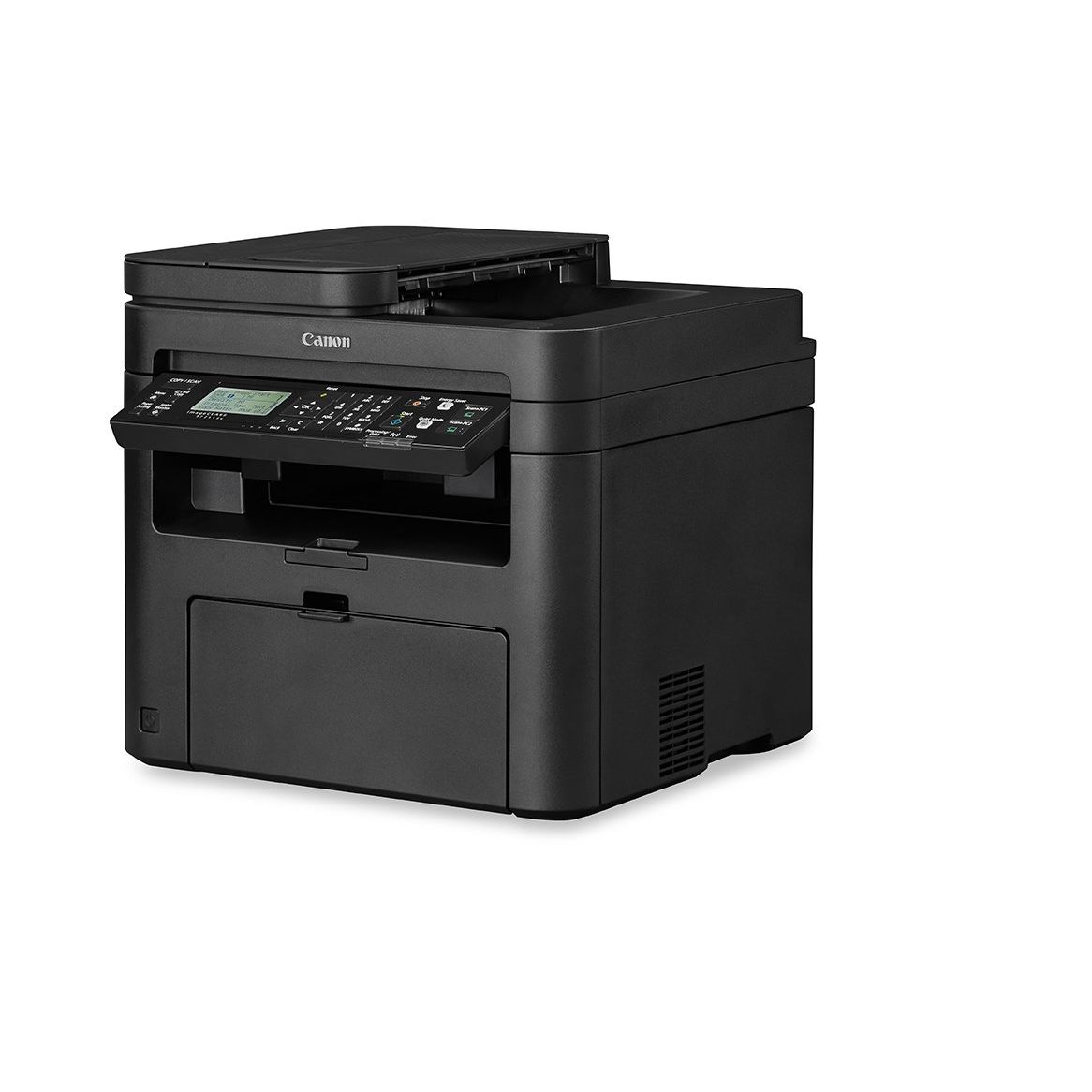
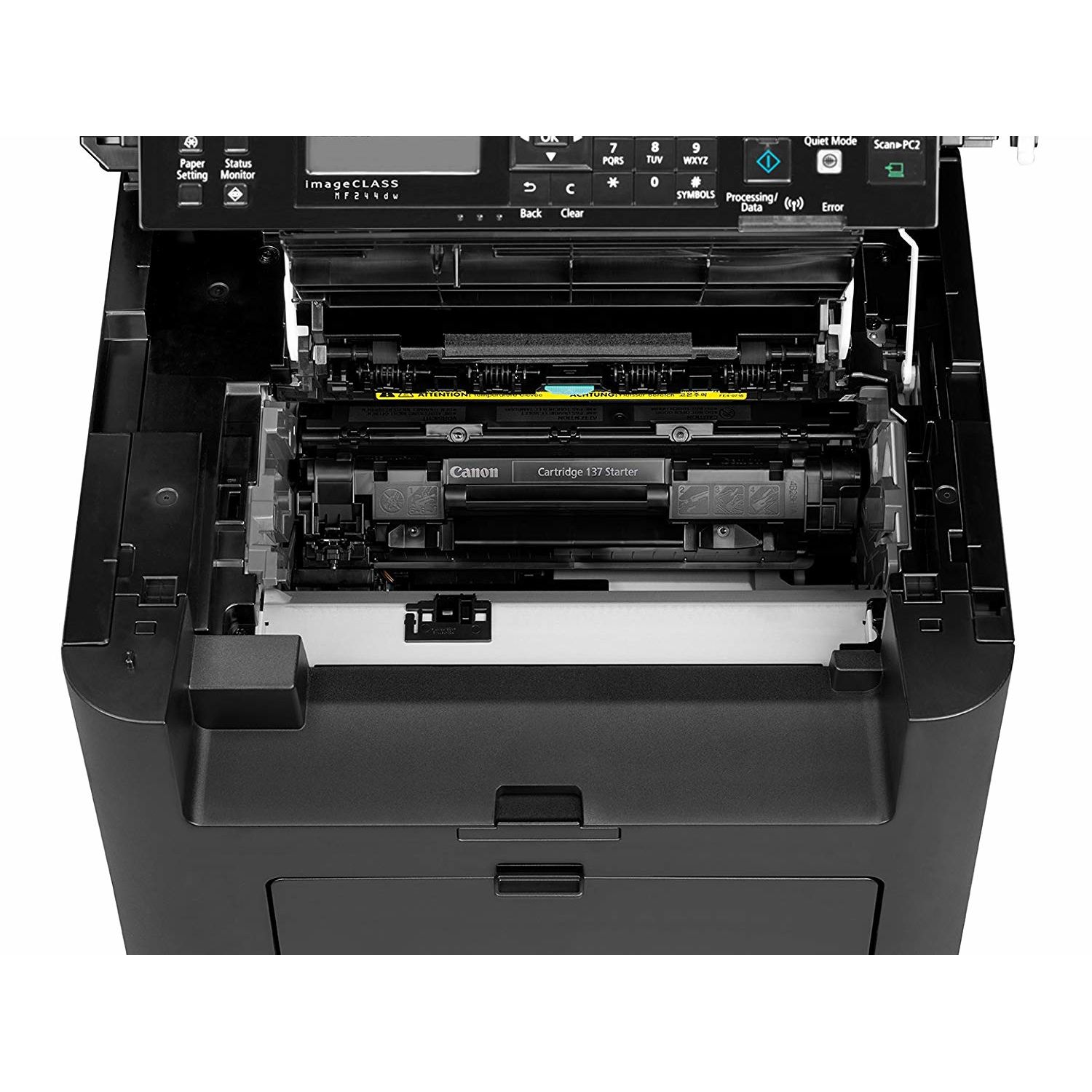
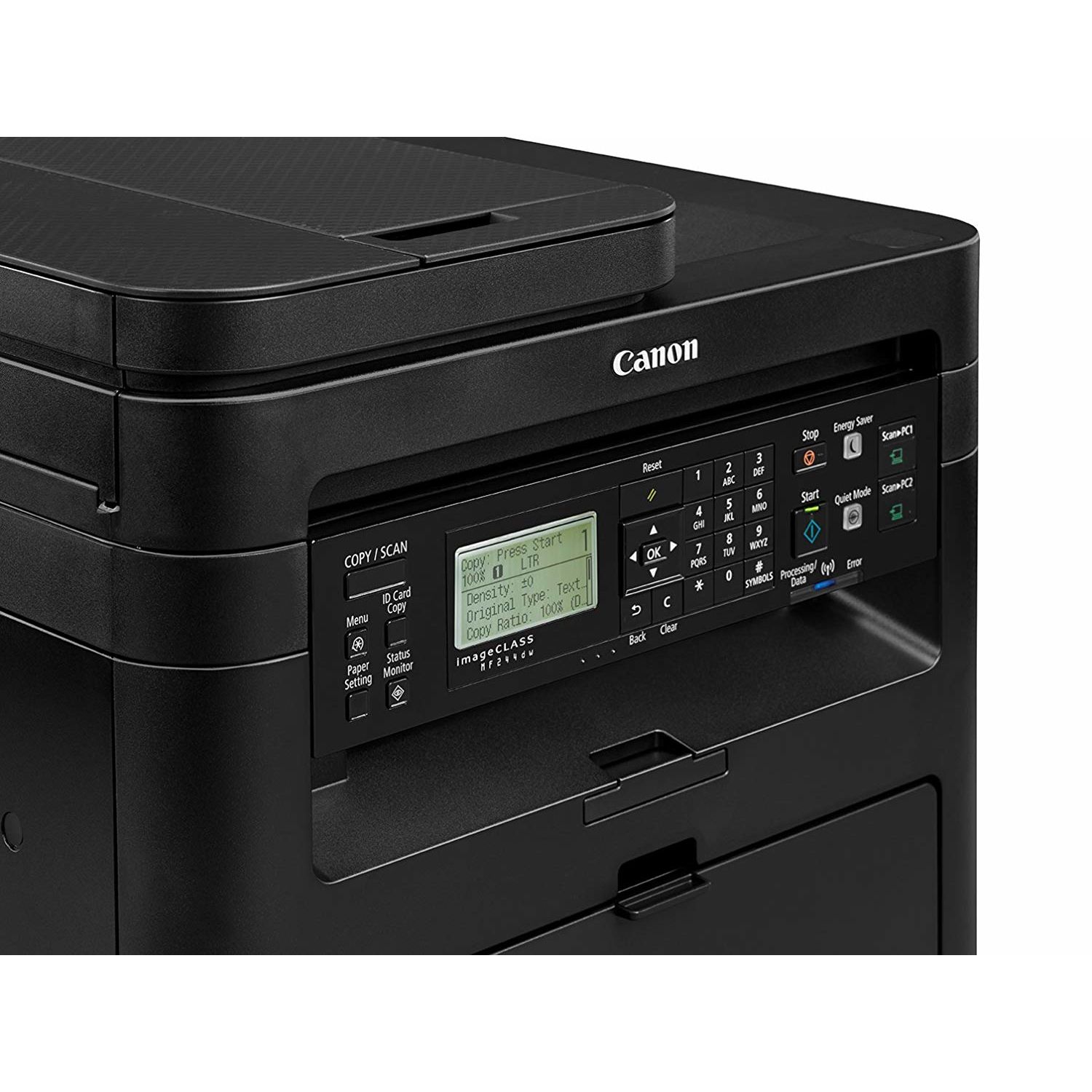
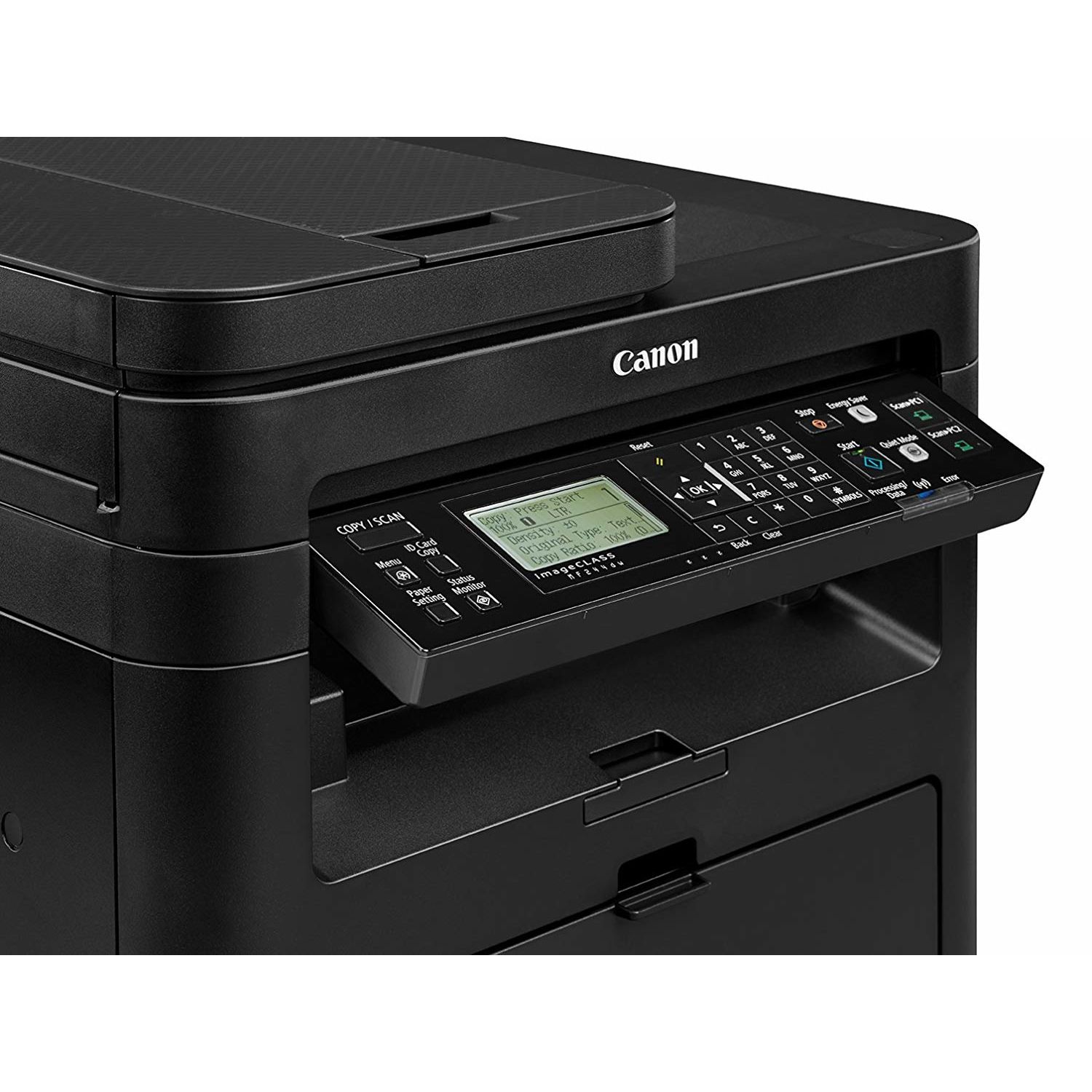
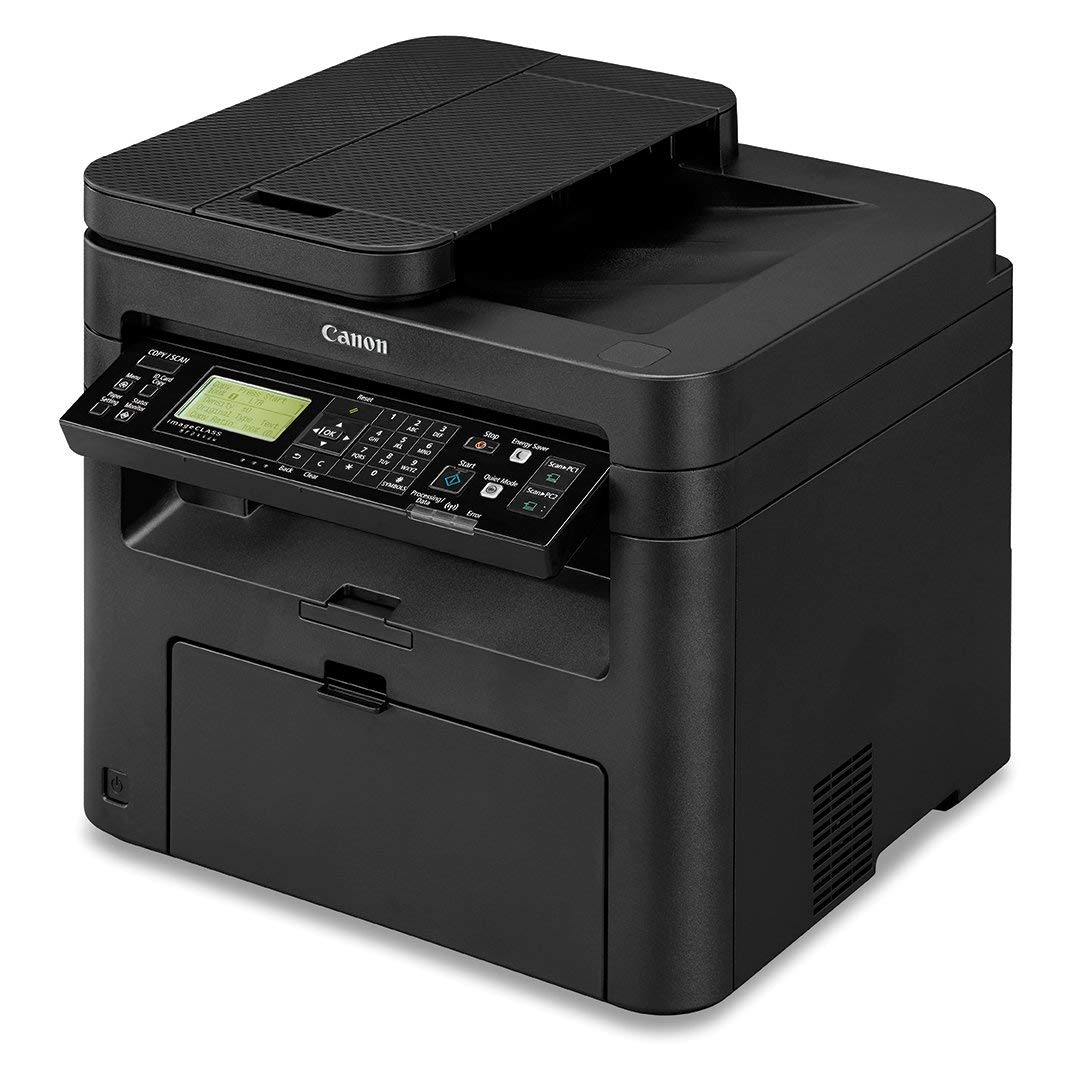
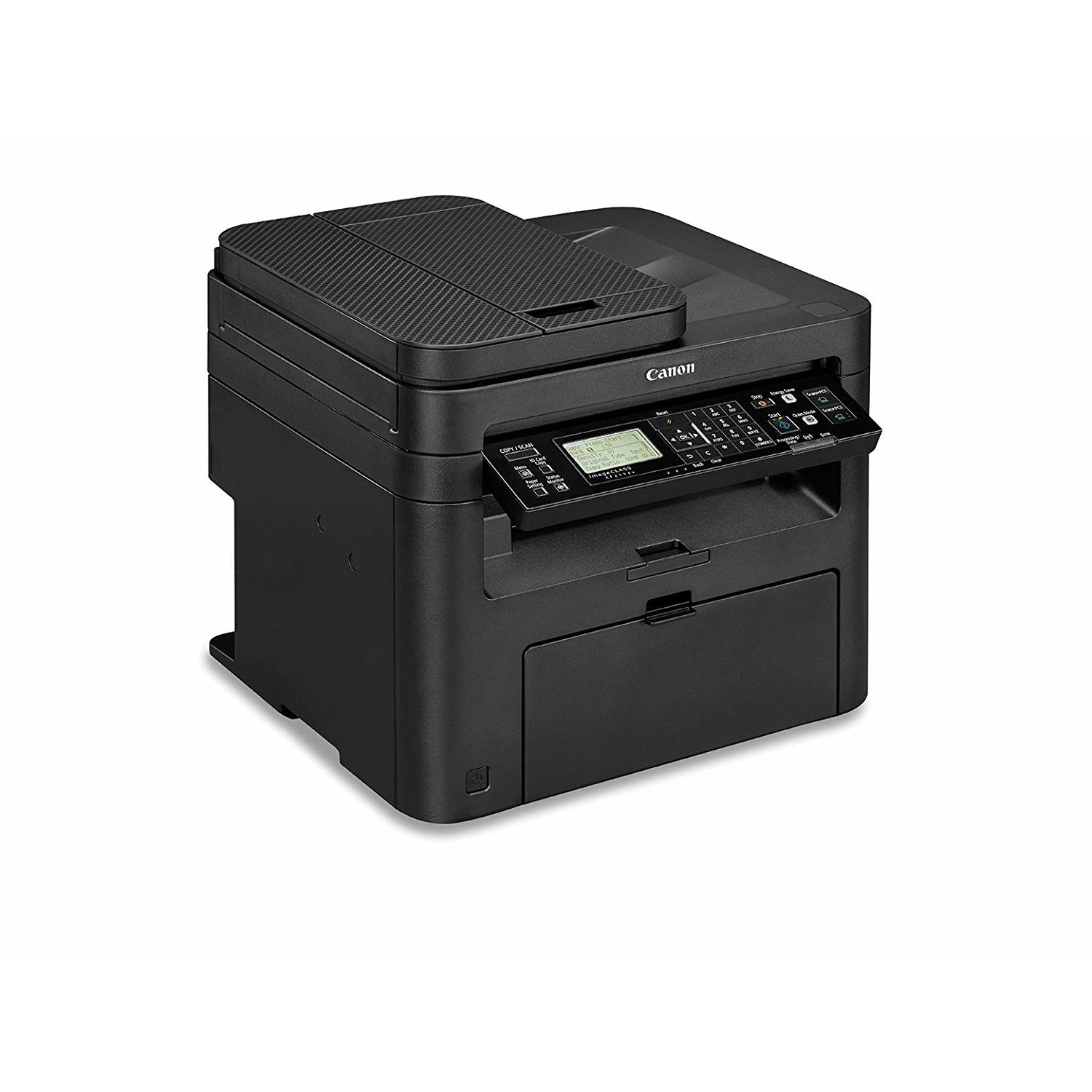
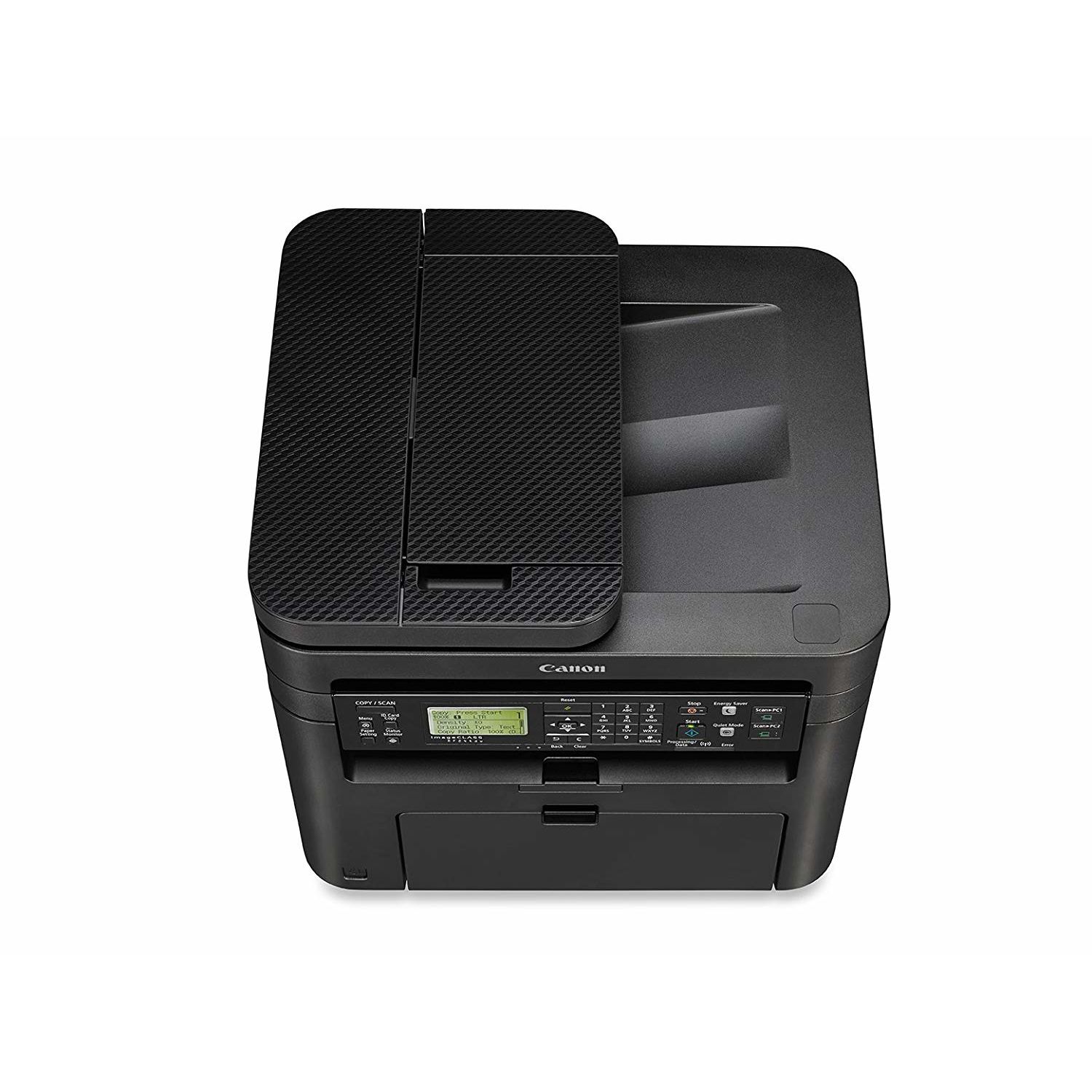
**INTRODUCTION** I was looking for an affordable solution to my printing needs for my home office. I did some research and found the Canon imageCLASS MF244dw laser printer. This printer seemed like it would be a good fit for me and my printing needs so I went ahead and purchased it through Amazon.com and Im glad I did! This printer is wonderful! I did not need to print in color so the fact that this printer only prints in black and white is perfect for me. I also like the fact that you can get several thousand pages printed on a single toner cartridge (on average). I was finding that with my old HP all-in-one printer that used ink cartridges that I was throwing money away on ink. I would print a few pages here and there and then the cartridges would be dried out which was frustrating as it felt like I was throwing money away. If you are looking for a good economical printer, I would look no further than the Canon imageCLASS MF244dw printer right here. I did not need a fax function so this particular model seemed to be perfect for me. **SET-UP** Set up was relatively easy for me. I currently have a wireless network that I run all my devices off of. I run on the Mac OSX operating system on my MacBook Pro and my Mac Mini. I also use iOS on my mobile devices. Printing via AirPrint from my iPhone 6S Plus and iPad are really easy! I’m thrilled that I can print anywhere in my home wirelessly as it’s really convenient to not be bogged down by cables. I downloaded the drivers from the Canon USA Support site for this printer however I’m not sure that was a necessary thing to do. I believe that this particular printer could have been set up without those drivers because I think they are already built in to OSX. From opening the box to printing my first test document I was up and running in about 20 minutes with no outside help required. This time included the time to take down my old ink jet printer and clean the area I was going to install this new printer. I am not a Windows PC user so I have no experience with set up on that operating system. I turned on the Power Save option to help me save some money on my electric bill but retain the ability to quickly print as needed from either one of my computers or mobile devices. **PRINT QUALITY** Print quality is right up there for me. I was used to using ink jet style printers and coming to this laser printer was a huge step up for me in the quality department especially when printing documents containing a lot of text. Lettering prints sharp and clear even on default printer settings at least on my particular printer. **SCANNING DOCUMENTS** I’ve scanned several documents. After making a quick adjustment to the DPI settings documents seem to scan in really high quality. I currently scan documents in the 150 DPI or 300 DPI settings and I’m really impressed at the quality of the scans using these settings. I like how on my Mac I can easily save documents as a PDF and then either print copies or e-mail those documents as needed. **FINAL THOUGHTS** As I stated earlier the ink jet printer system I had was no longer something I felt good about using, in fact it seemed like a huge waste of my hard earned money. I was tired of always paying what seemed like a lot of money to me to print a handful of documents here and there and then come back and find the ink cartridges either clogged up or dried out when I needed to use them again. The nice thing about this printer is that I’m told the Canon 137 toner cartridges will never dry up like an ink jet cartridge. This is perfect for me and my printing needs. I don’t give a lot of five star ratings in my reviews however the Canon imageCLASS MF244dw laser printer is worthy of this rating in my book.

