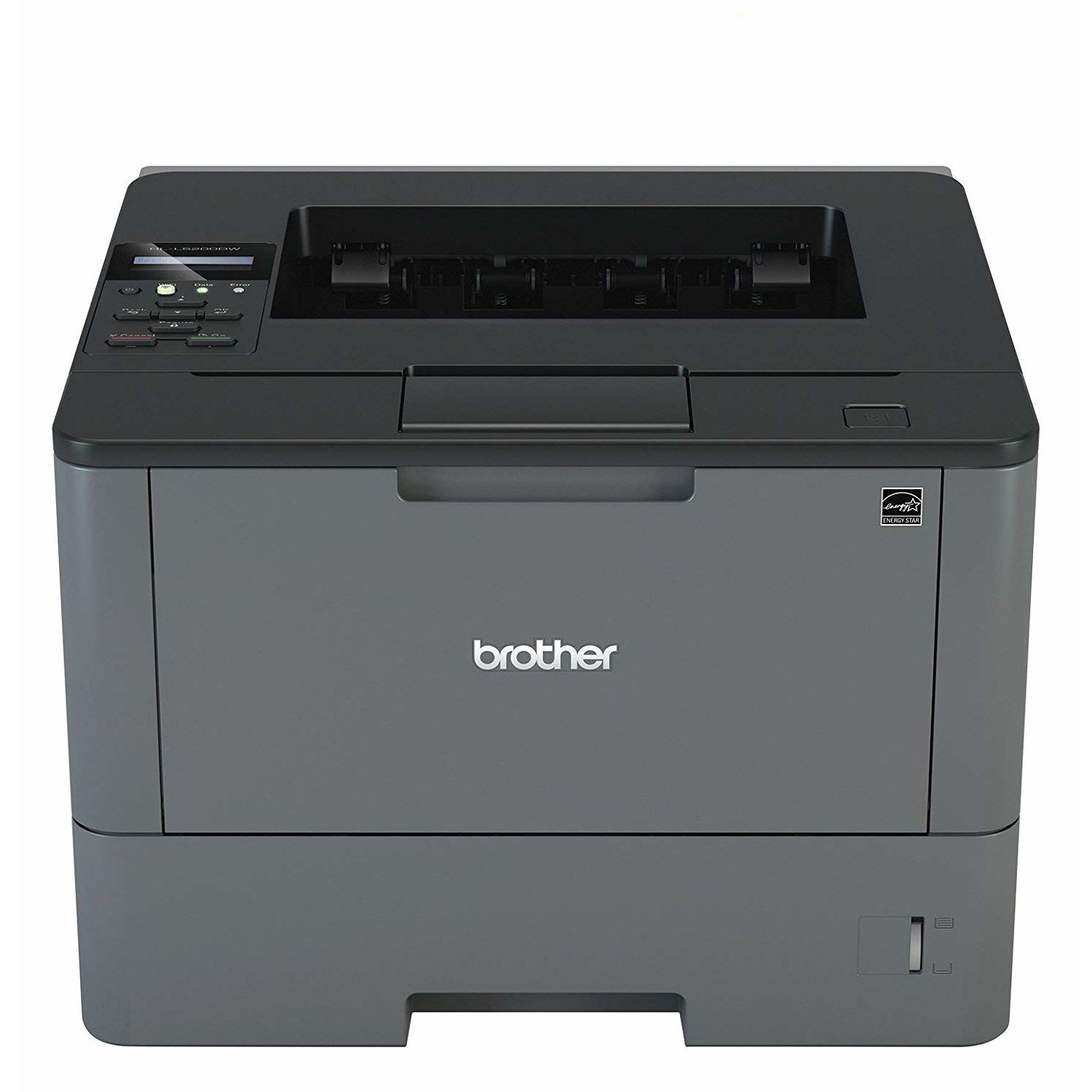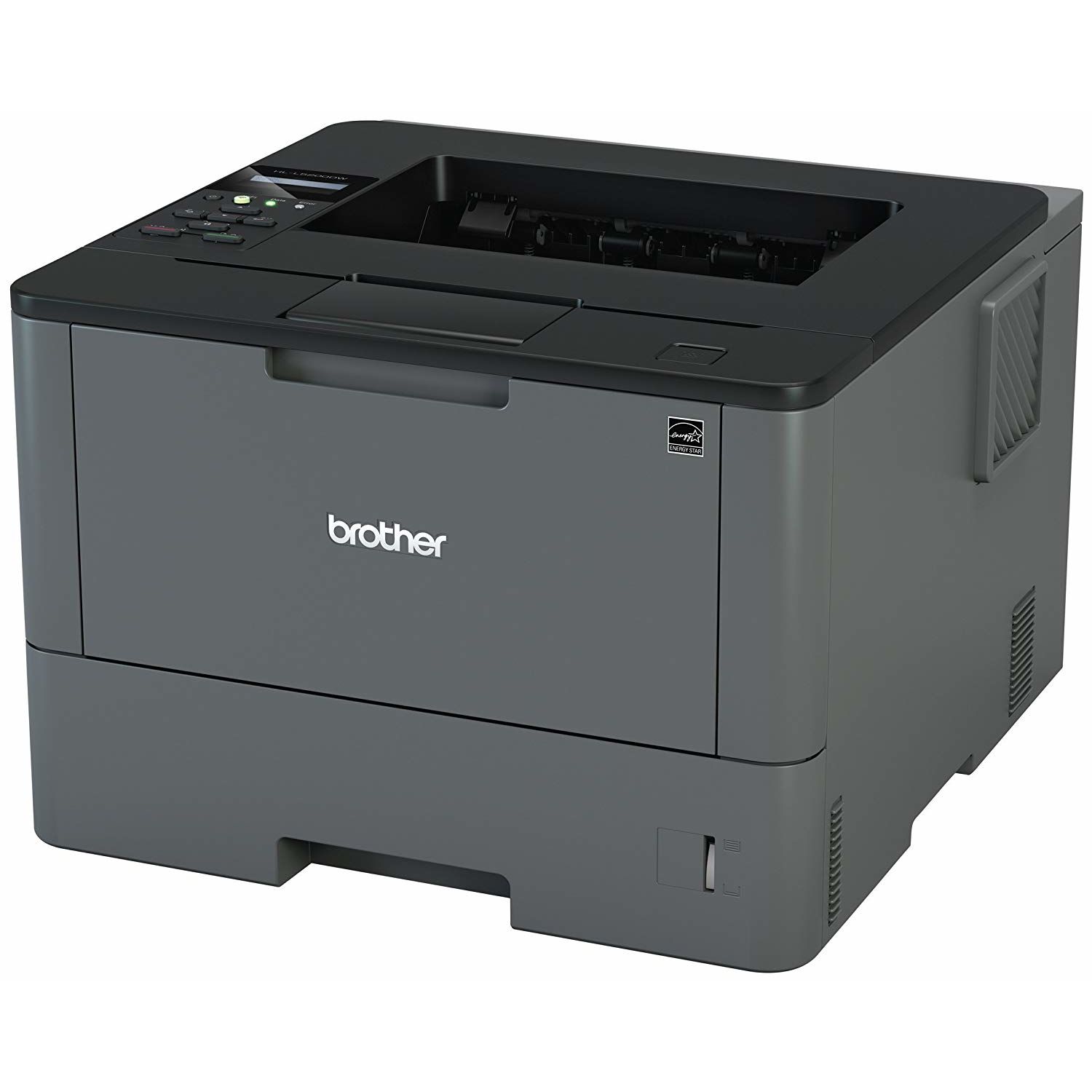
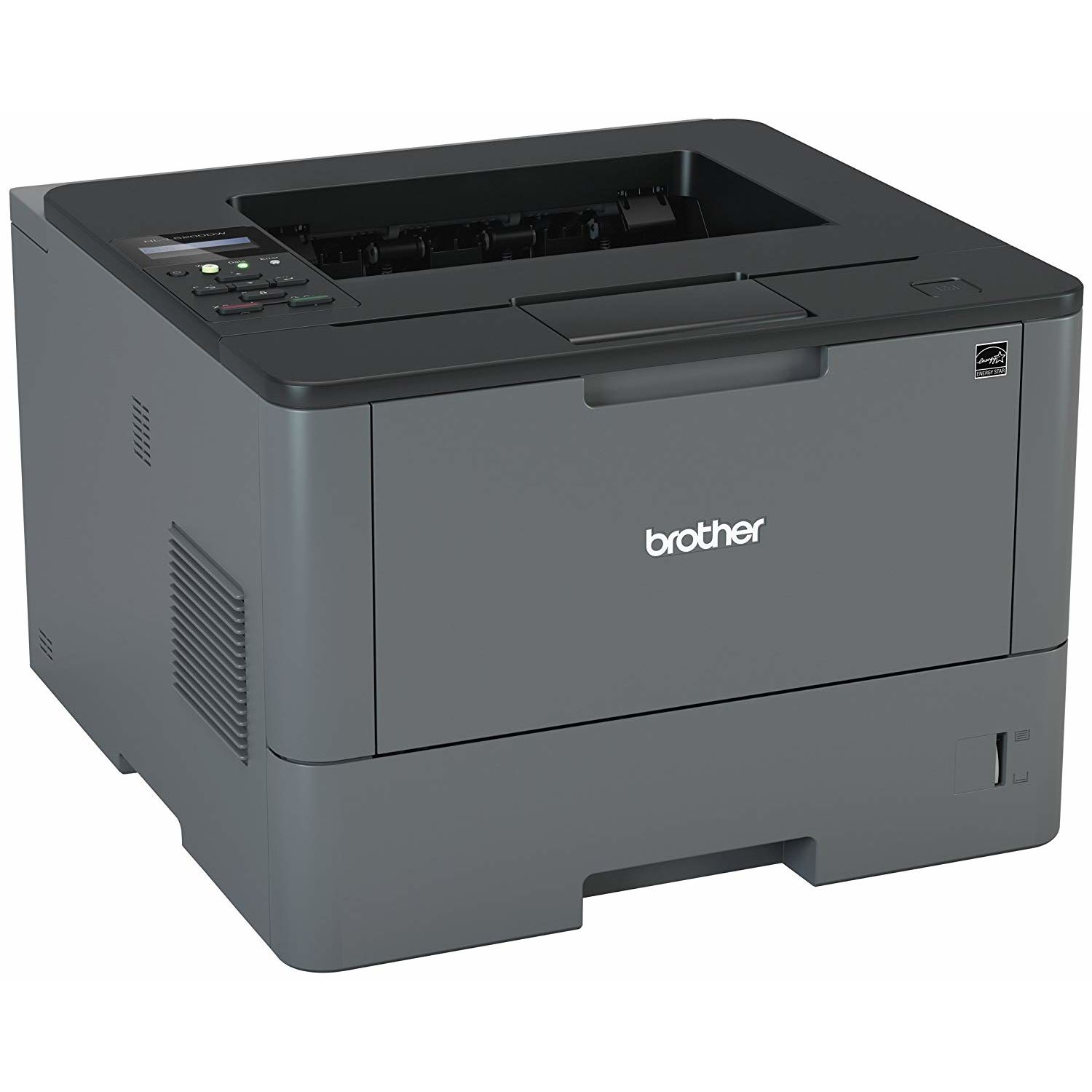
Brother Monochrome Laser Printer, HL-L5200DWT, Duplex Printing, Wireless Networking, Dual Paper Trays, Mobile Printing, Amazon Dash Replenishment Enabled
Write a review
21016 24922

Brother Monochrome Laser Printer, HL-L5200DWT, Duplex Printing, Wireless Networking, Dual Paper Trays, Mobile Printing, Amazon Dash Replenishment Enabled

Write a review
B01BHSLBLK
HLL5200DWT (2 Trays)
+
Add to wish list
Target is a general merchandise retailer with stores in all 50 states and the District...

City: US, New York

Delivery
Pickup at your own expense
Tomorrow from 09:00 to 20:00, Store location
Free
Payment options
Apple Pay Google Pay Mastercard Visa
Cash, bank card, credit/installment payments, cashless payment for legal entities
Warranty and returns
Exchange/return of products of proper quality within 14 days Official manufacturer's warranty: 12 months
Features
Connectivity Technology
USB, Ethernet, Wi-Fi
Item Dimensions
15.3 x 26.1 x 15.2 in
Item Weight
32.1 lbs
Operating System
  • Windows, Mac, Linux
Printer Output
Monochrome
Printer Technology
Laser
Style
HLL5200DWT (2 Trays)
Description
This fits your .
Make sure this fits by entering your model number. FAST, HIGH-QUALITY PRINTING: The HLL5200DWT monochrome laser printer delivers a fast print speed of up to 42ppm and sharp resolution LARGE PAPER CAPACITY, EXPANDABLE: Dual paper trays (250-sheet and 520-sheet capacity) allow busy workgroups to print with fewer interventions FLEXIBLE CONNECTIVITY: Easily share the printer on your wireless or Ethernet network and print with ease from a wide range of mobile devices(1) AMAZON DASH REPLENISHMENT ENABLED: Upon activation, Amazon Dash Replenishment measures the toner level and orders more from Amazon when it’s low. Operating Environment: Temperature : 50-90 degrees F. Power Consumption - Power Off/Deep Sleep/Sleep/Ready/Printing : 0.03W / 1.3W / 6.7W / 32W / 620W FOR USE WITH BROTHER GENUINE TONERS: TN820 Standard Yield Toner, TN850 High Yield Toner for cost efficient output
Reviews
3.5
Reviews: 20
5 stars
45%
4 stars
20%
3 stars
0%
2 stars
5%
1 star
30%
Amazon Customer
1
I had a problem with the printer not being able to print different paper sizes within a PDF file. I cannot stress how many times I called for help to Brother Support. It was on-going for a month and I finally gave up and returned it to Amazon. Just be AWARE if you need help from Brother Support it will be on-going with the first level representatives repeating the same script. When I finally received multiple messages from the LEVEL 5 representatives to call them back-the level one support would tell me: They are closed (not true), you have to go through me first. I finally gave up! The pure frustration of continually hitting a wall and the hours I have spent trying to fix a new printer makes me never buy a product from this company again.
Amazon Customer
1
Ive only had this product for 3 months and for the last month or so it has not been bonding the toner to the paper. From what I can tell from online research there is a malfunction in a heating mechanism that causes this issue. The fact that I starting having issues after only being 2 month old makes me pretty upset. On top of that I cant even print the way I wanted to which is why I bought this printer to begin with. Apparently there is a glitch between Mac computers, brother printers, and Adobe software ( apparently only this 3 combination)... the "choose print source by PDF page size" option does not work and theres no fix, so Im still having to go through and highlight all my letter size documents and print them, and then go through and highlight all my legal size documents and print them rather than having a dual tray to do what it was supposed to do which is make my life easier. Do not recommend this product even though Ive previously owned several other brother printers and never had an issue. Very very irritating.
GP
1
This did not work. It worked for a couple weeks. Then I started getting black dots all over the top of the page. I called brother, and they sent out a new toner. It didnt work after a couple of weeks. They insist I try cleaning it again, then try. It doesnt work. Now it is drawing a long black line along the edge. Dont get it
j w polzien
1
I ordered this in March. It will NOT connect with my wireless internet service! Ive worked repeatedly with my internet provider to get it to print from a Mac laptop and/or a PC laptop. When Im lucky, I can get it to print a few pages. Lately NOTHING! Today I called Brothers Tech service. I can get only men in India who refused to connect me to anyone in the USA. He wanted to connect directly to my computer so he could "see what the problem is." When I told the first guy I wanted to speak to someone in USA, he connected me to a second guy in India. When I told him this, he HUNG UP ON ME.! What good is a wireless printer that wont connect to a network? What good is a printer with HORRENDOUS tech support? Ive been dealing with this endlessly since I received it! The "setup" and "communication" system with a tiny window and hopeless buttons to push is the worst Ive ever dealt with and I used to deal with multiple fax machines and printers at work daily! I regularly programmed them for special features and memory functions. Brother was supposed to be a good company, but Ill never buy another Brother product again!
Sam
1
Horrible, was delivered on Jan 15th... but Ive only used it for 2 months now. The drum unit already went bad. It leaves roller marks on every page but the first page printed each time. Its not dirty, its defeated. After searching their website I finally found brothers customer support phone number. Spent 30 minutes on the phone cleaning the unit like they asked, just to tell me that the drum unit is an "accessory" and is not covered under warranty. If the printer cant print without it, and I bought the printer with that already installed, how is that an accessory???!???! To replace the drum its $150. Oh, my printer is still under warranty in general, just not accessories....
Brack Bann
1
We print multiple labels each day and go through a couple printers a year. We like to try different makes and models to see which ones print the best and are the most durable. We had problems from this one conveniently enough, soon after it was too late to return it. The image drum picks up to much debris off the toner cartridge and the label sheets. We have to clean the image unit daily with a cotton swab and alcohol (as per brother tech support). This has been quite the chore and has not been required with other printers. We have wasted quite a lot of sheet labels due to poor quality printing. Couldnt take it out of service fast enough. For us, this unit was money well wasted.
Product variations
Column filling
Sort by Price Sort by Availability Sort by CODE Sort by Style
12813
In stock
+
B01BHXEAVS
Style:
HLL5200DW
21016 24922
In stock
+
B01BHSLBLK
Style:
HLL5200DWT (2 Trays)
You may be interested
  • Bestsellers
  • Recently Viewed
 
Fast and high quality delivery

Our company makes delivery all over the country

Quality assurance and service

We offer only those goods, in which quality we are sure

Returns within 30 days

You have 30 days to test your purchase