
















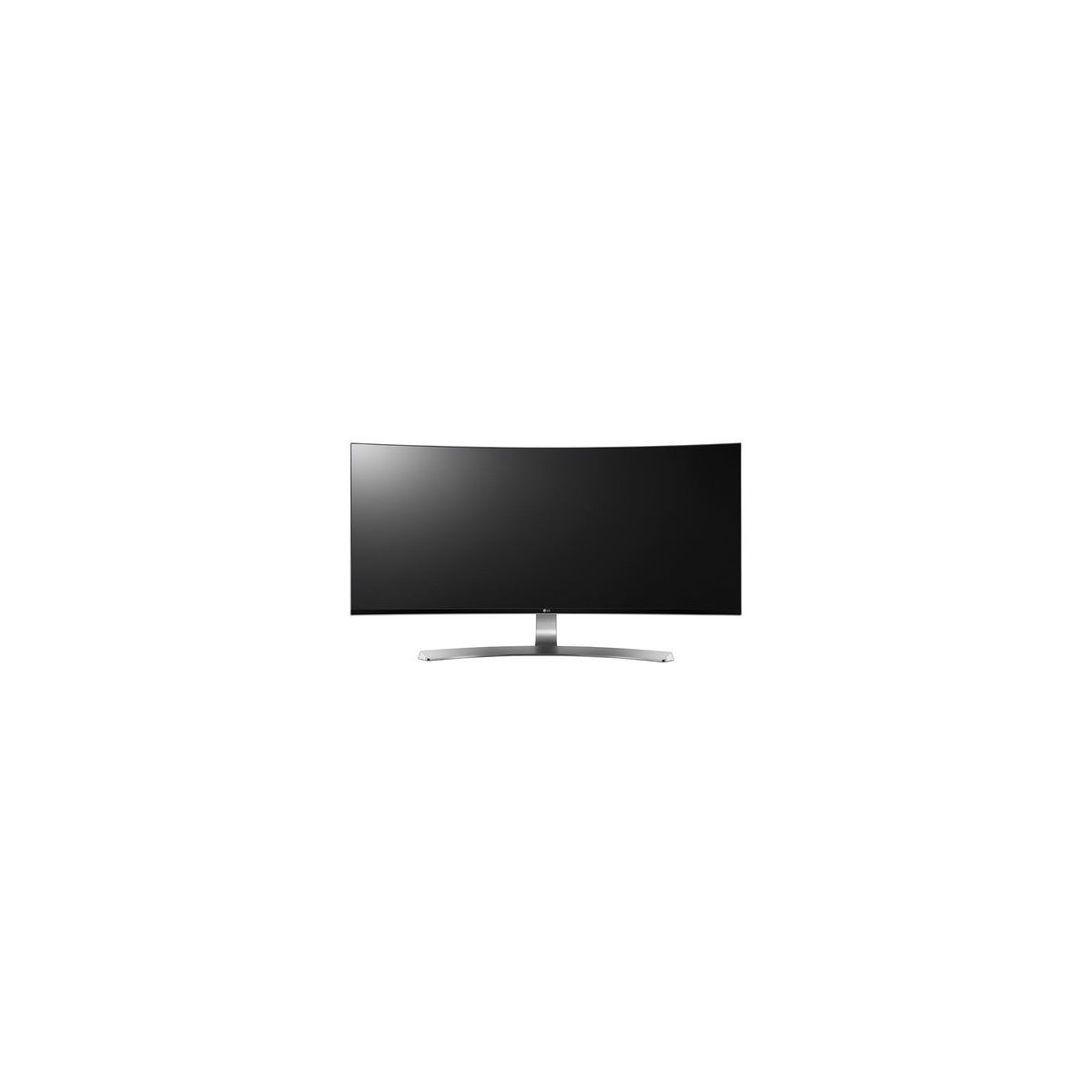
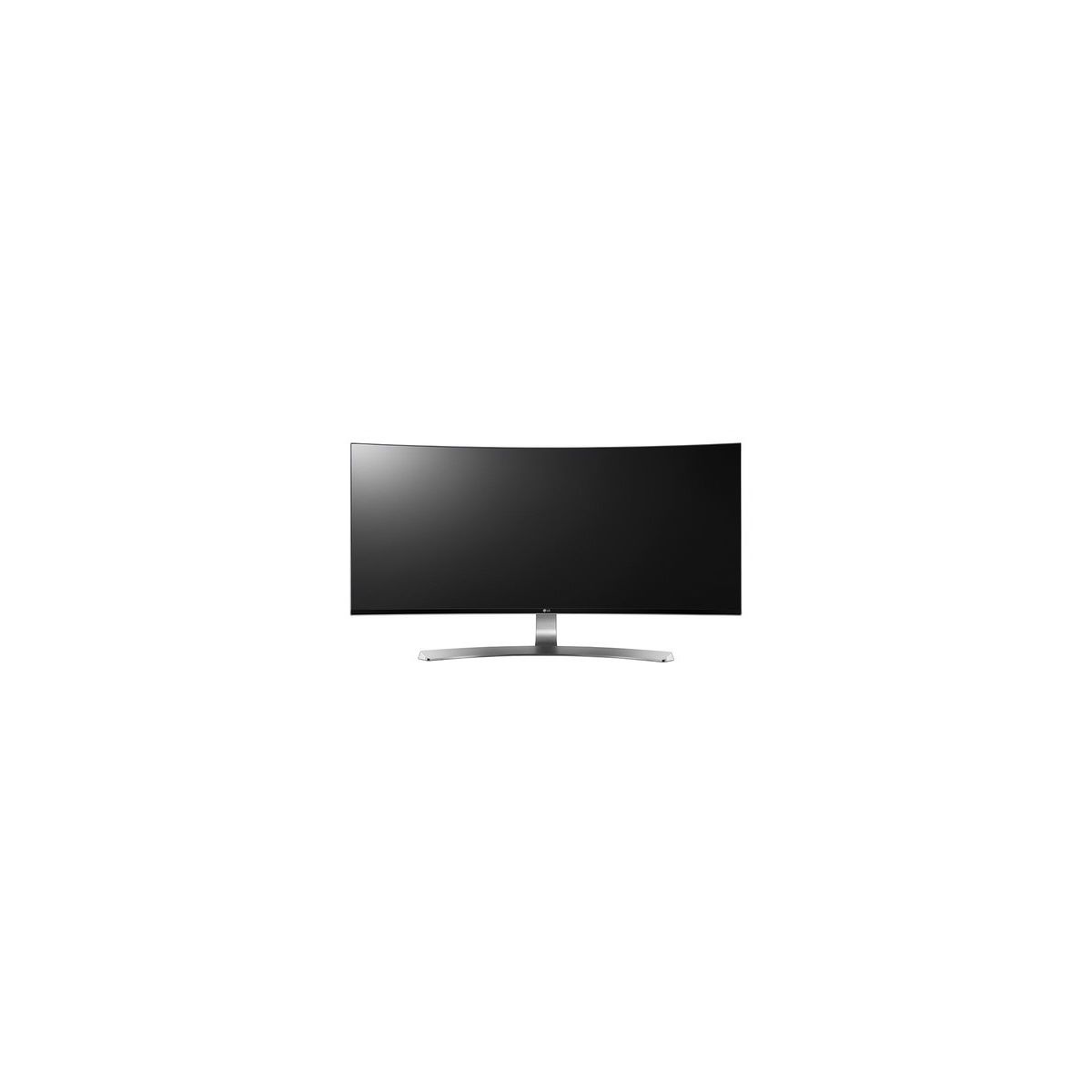
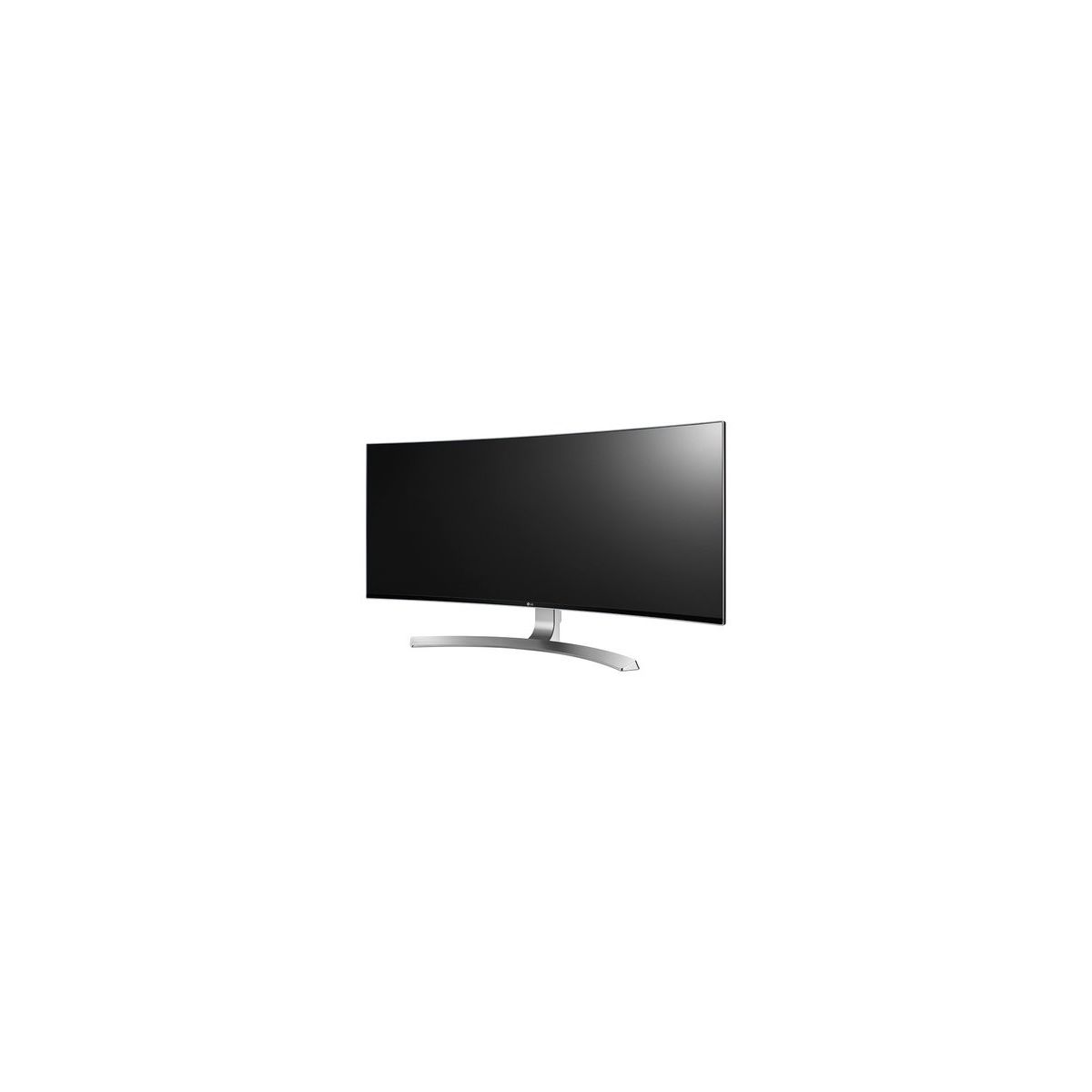
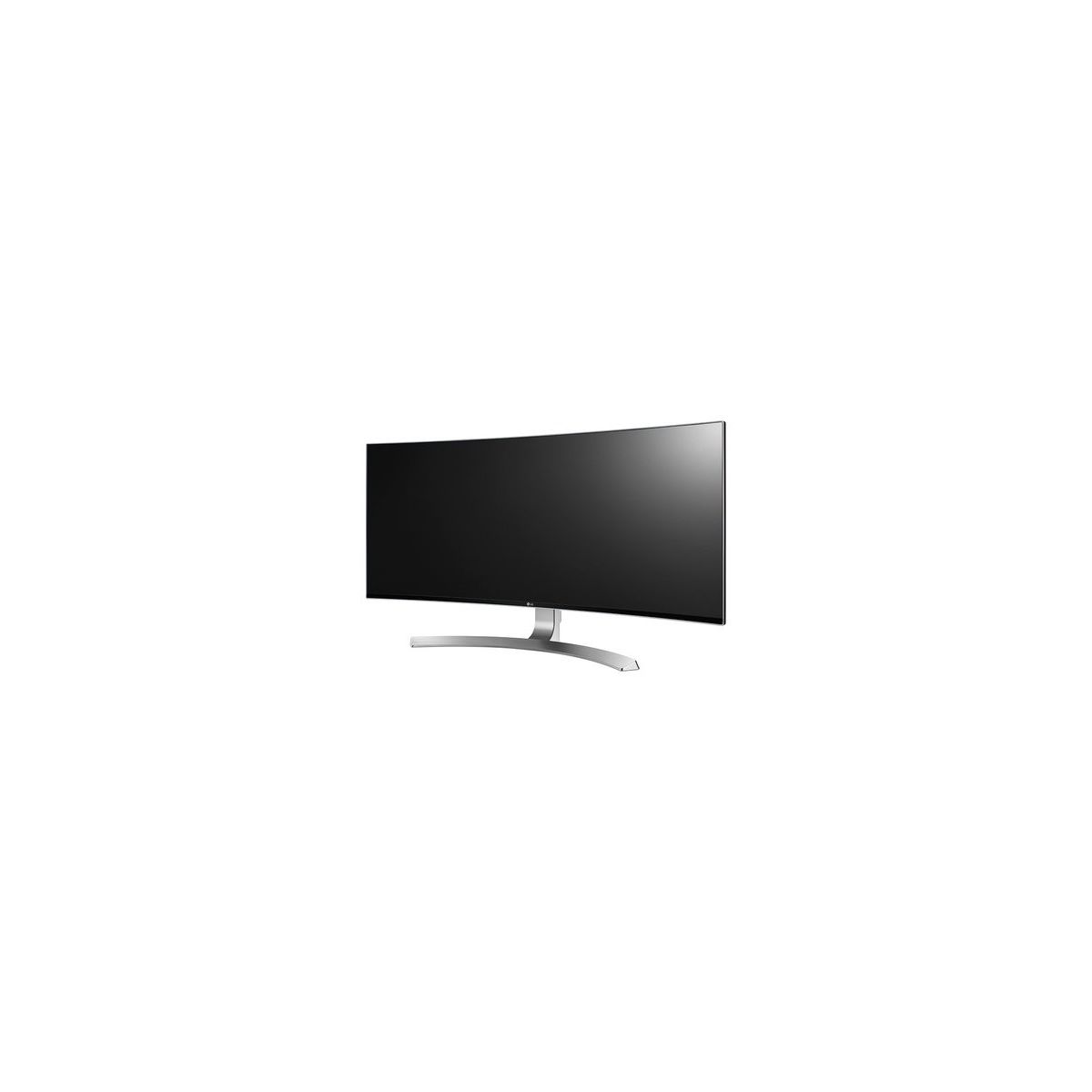
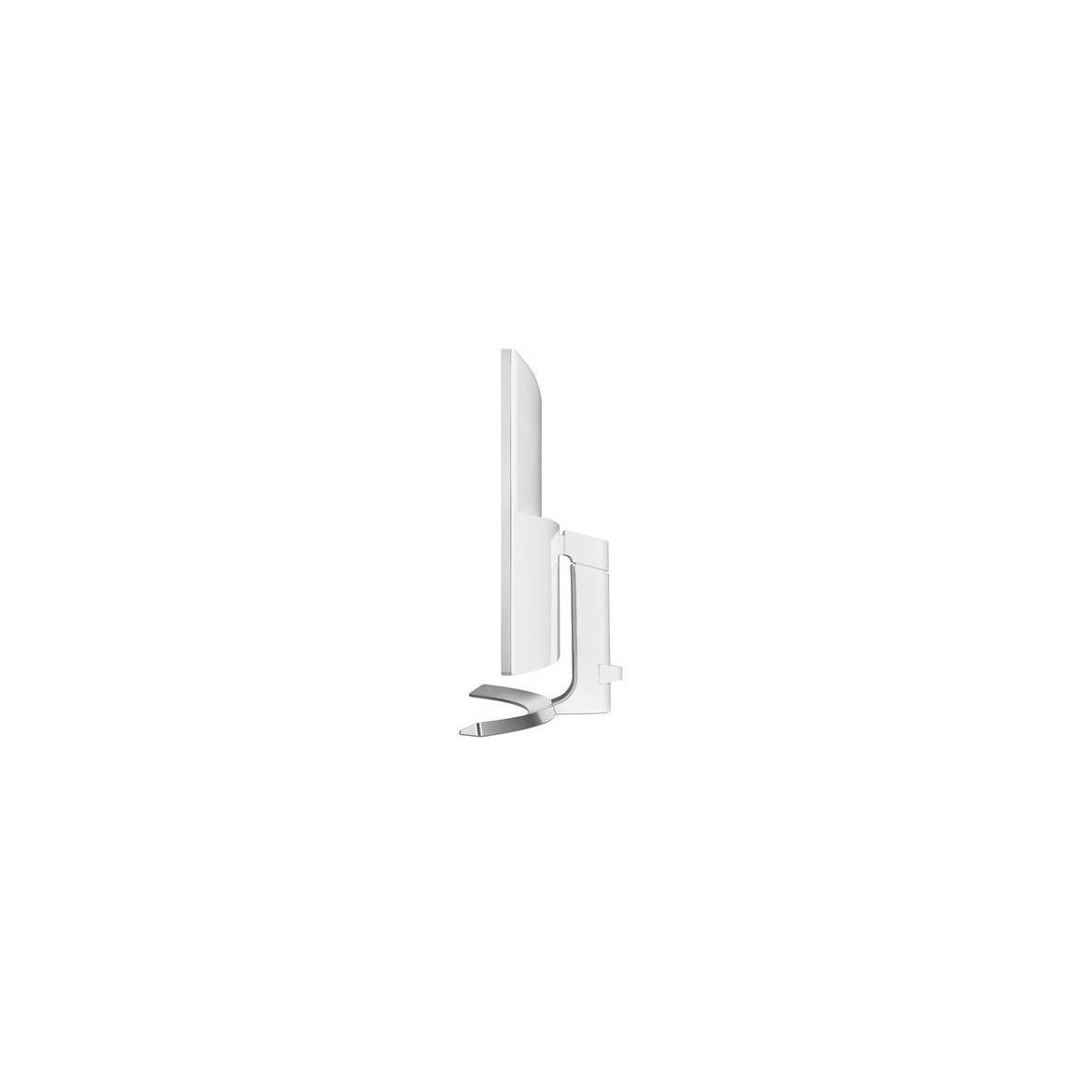
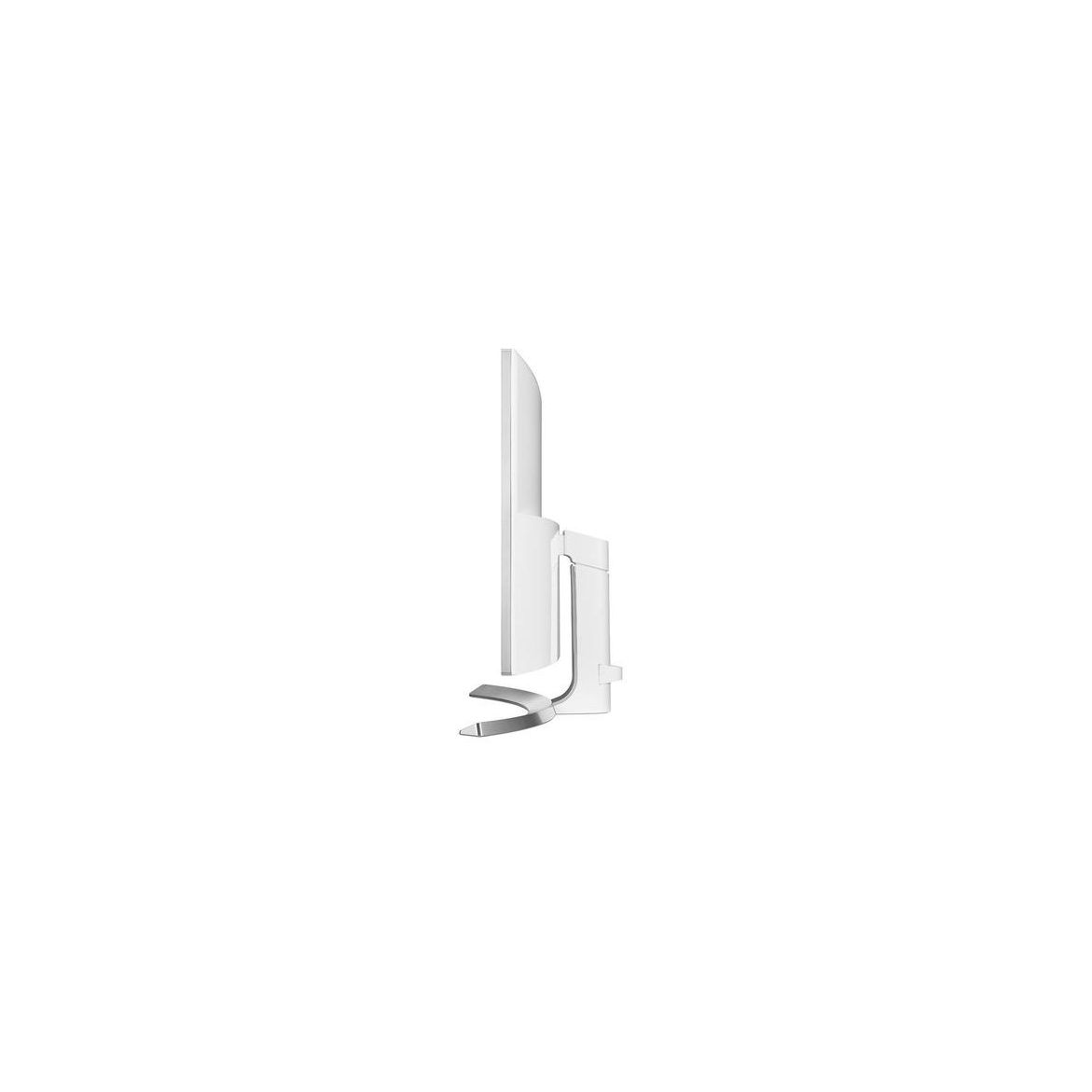
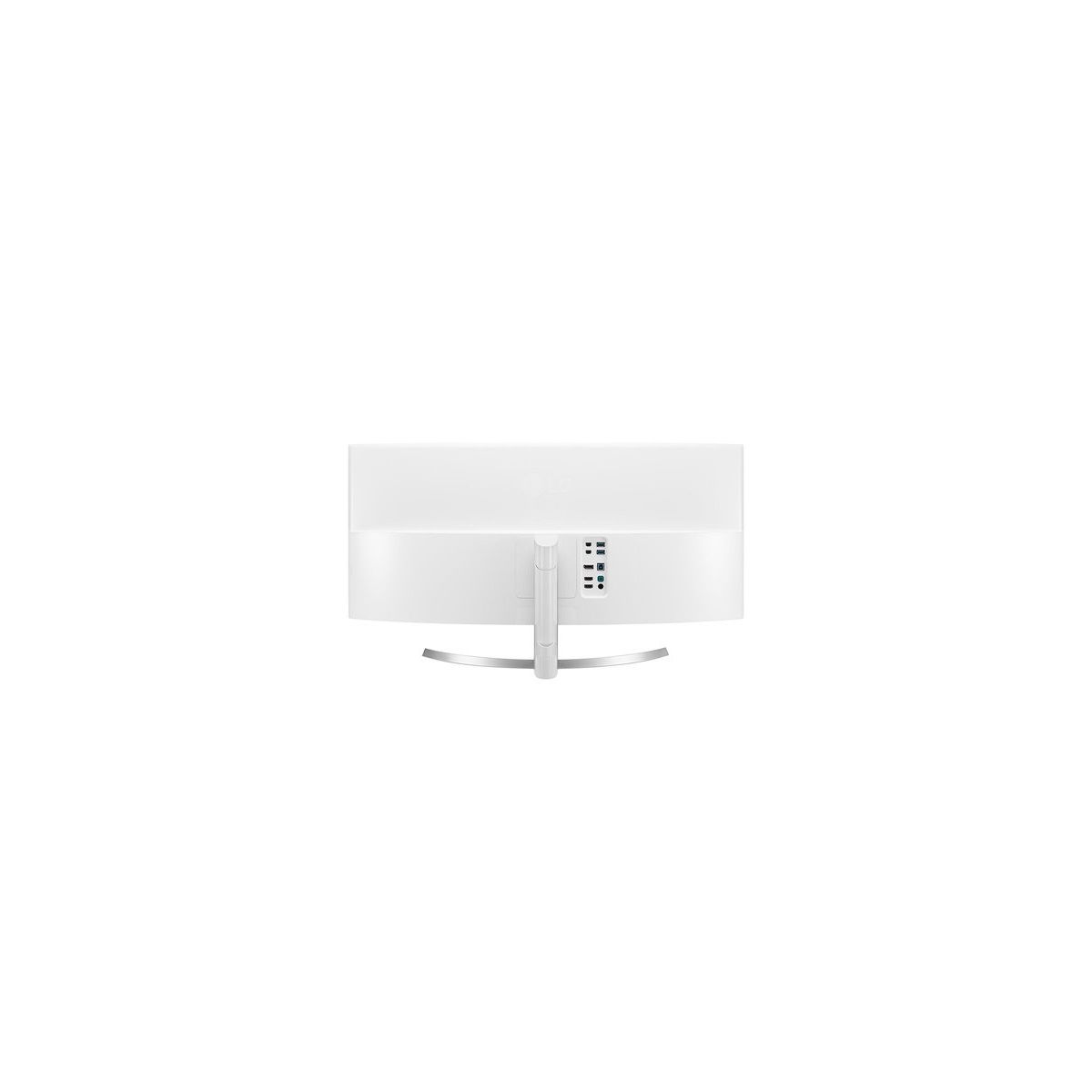
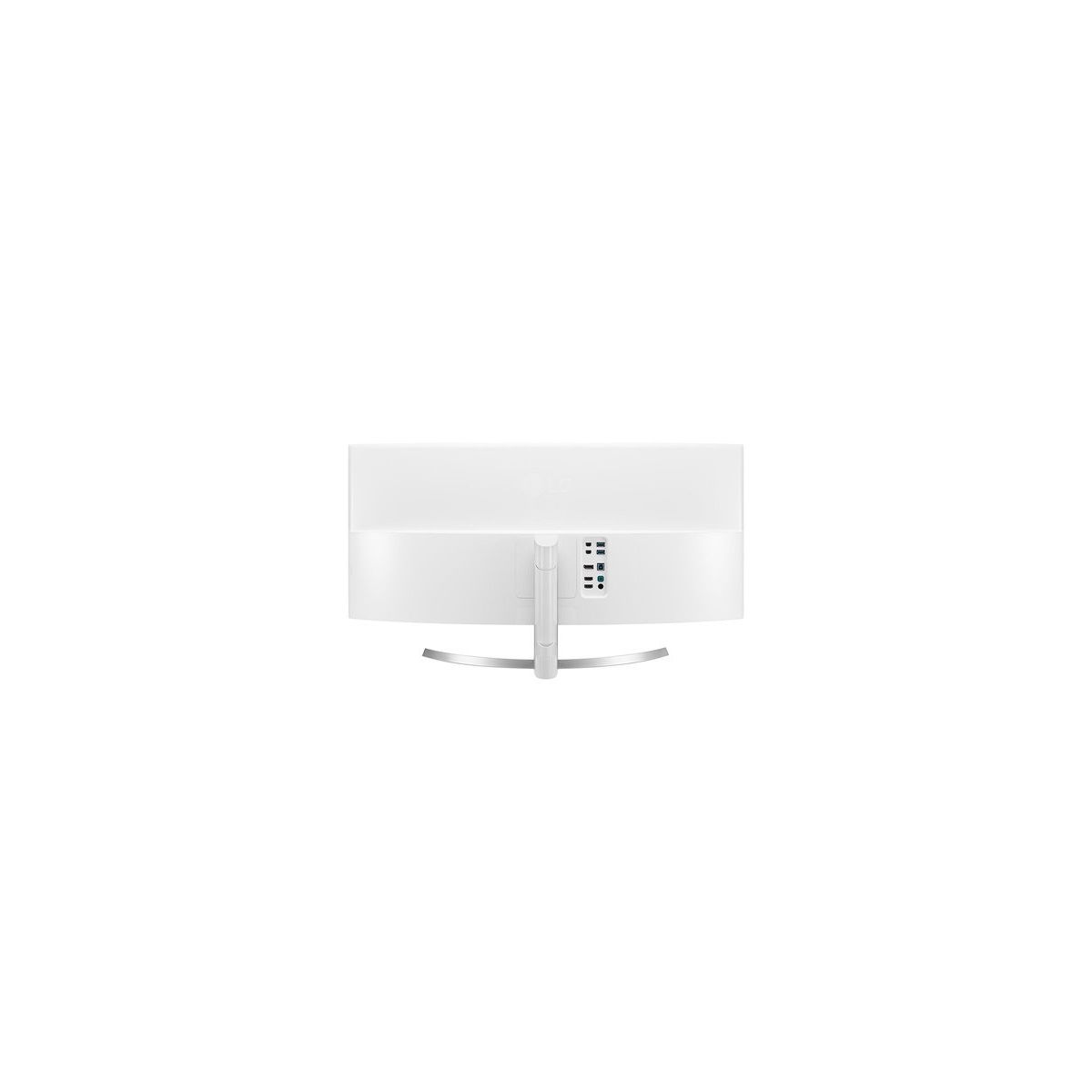


LG 34UC98-W 34-Inch 21:9 Curved UltraWide QHD IPS Monitor with Thunderbolt

Write a review
B019O78DPS
Target is a general merchandise retailer with stores in all 50 states and the District...

City: US, New York

Delivery
Pickup at your own expense
Tomorrow from 09:00 to 20:00, Store location
Free
Payment options
Apple Pay Google Pay Mastercard Visa
Cash, bank card, credit/installment payments, cashless payment for legal entities
Warranty and returns
Exchange/return of products of proper quality within 14 days Official manufacturer's warranty: 12 months
Features
Display Type
LED
Item Dimensions
32.2 x 9.1 x 17.8 in
Item Weight
17.2 lbs
Mount Type
Wall Mount
Refresh Rate
60 hertz
Resolution
WQHD - Wide Quad High Definition
Screen Size
34 in
Aspect Ratio
Unknown
Description
This fits your .
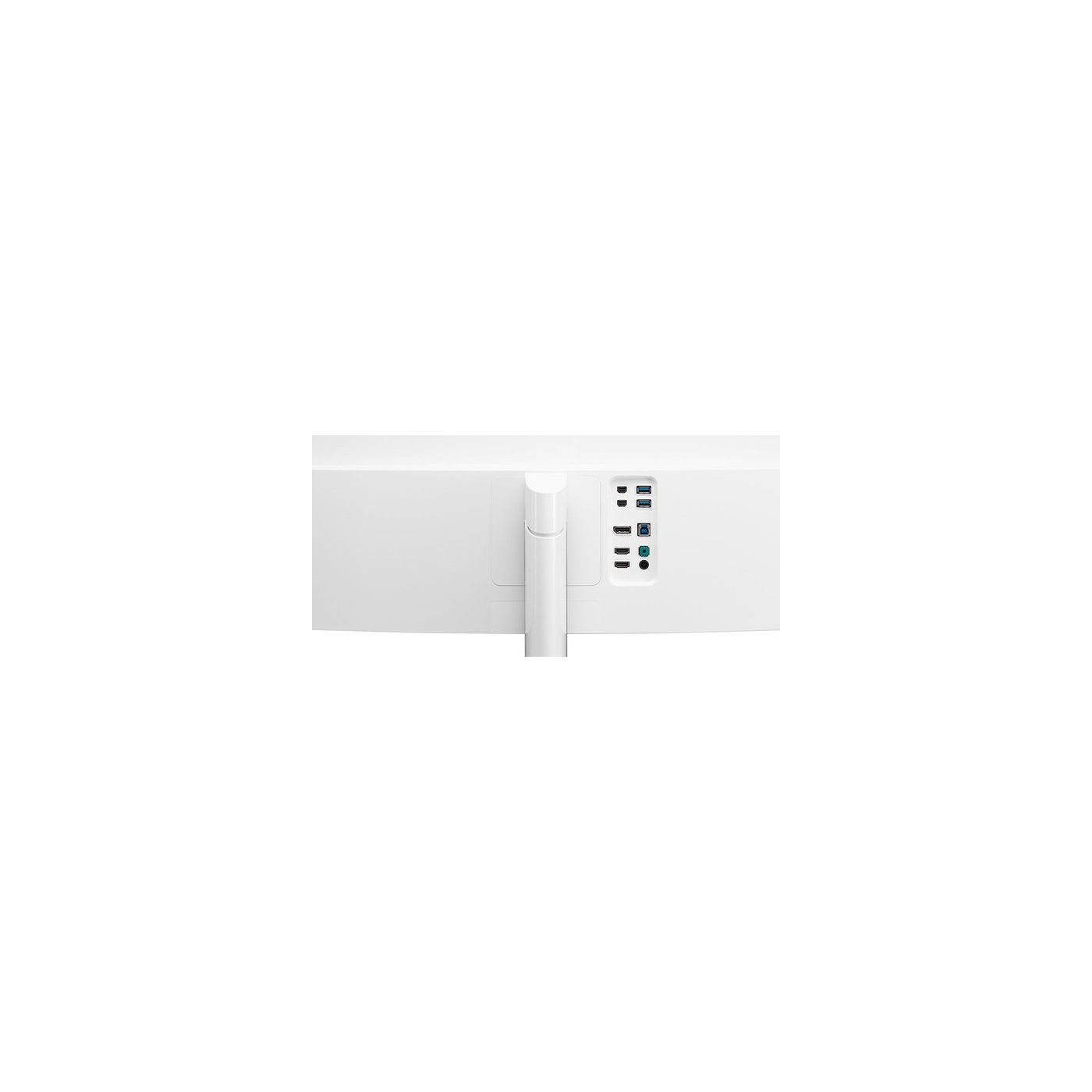
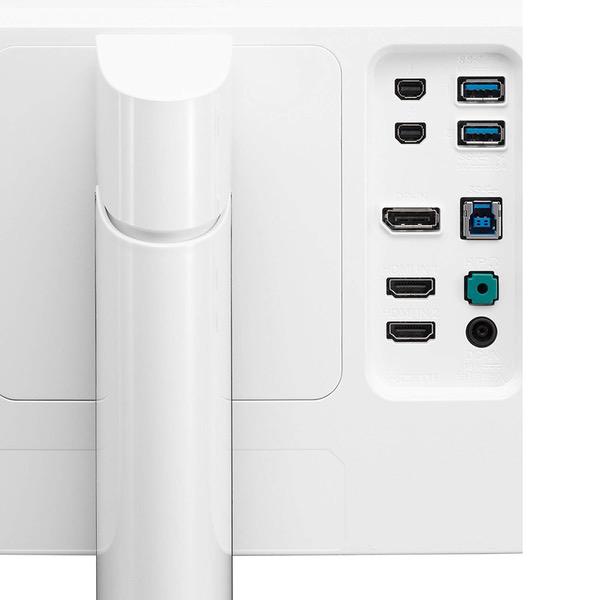
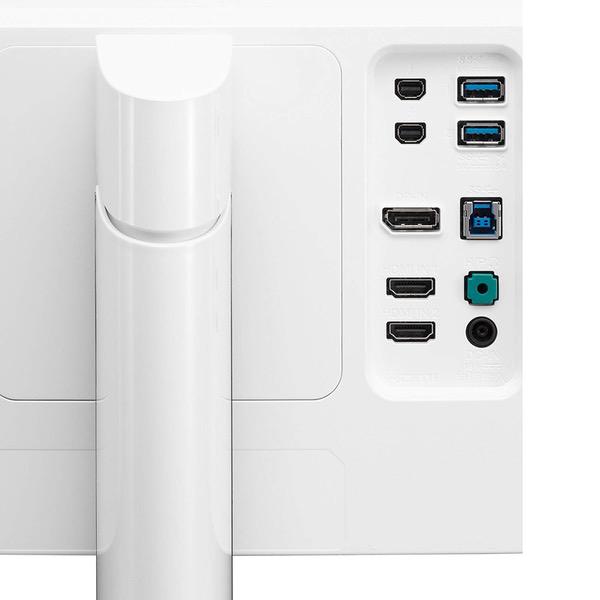
Make sure this fits by entering your model number. 34" 21:9 Curved QHD IPS Monitor Thunderbolt 2.0 (x 2).OS Compatibility-Windows USB 3.0 Quick Charge sRGB over 99% / Color Calibrated Height / Tilt Adjustable Stand Screen Split 2.0 (with PIP Mode).Refresh Rate 60 Hz
Reviews
3.8
Reviews: 20
5 stars
60%
4 stars
5%
3 stars
5%
2 stars
10%
1 star
20%
Bryan
5
Got it yesterday and quickly mount it on my desk! First time to have a 3440x1440p and its mindblowing and amazing! I would recommend it to someone who need ultrawide monitor, not the best budget ultrawide monitor but its the best in performance, i love the freesync tech they put cuz i have a r9 390 and it runs so smooth on every game i play..
Mark Anderson
5
This monitor is fantastic! I previously had the 34UC97-S which was fine in its own right, but this outperforms it. Here is a comparison between my experiences with the 34UC97-S (on the left) and 34UC98 (on the right) 34UC97-S - Terrible back bleed on all four corners. If you use this for programming against a black screen terminal, youre going to have a bad time. - Occasional audio pops - Looks stunning, very gently curved 34UC98 - Back bleed is mostly gone! There is only a little bit in the bottom left-hand corner but I can forgive that. - Crystal clear audio again.. phew. - Looks great, but is more aggressively curved than the 34UC97-S.
Graham M.
5
Not much else to say except that this is a great monitor. Im coming from a 27" apple cinema display and this is a better monitor in almost every way. Its a perfect level of matte that doesnt destroy the picture, but it means I can finally use my monitor in my room with the windows fully open in sunny Denver Colorado. I could never do this with my cinema display because its so shiny. The cinema display makes a great mirror though! :) I use this on my MBP (in clam shell mode) via the thunderbolt connection. And then I also use this monitor on my Win10 PC via DisplayPort. Switching is as easy as using the toggle and changing the input, takes a few seconds. The other feature I really like is that USB is passed through the thunderbolt cable so I only need to have the thunderbolt cable plugged in to my Mac and all the USB devices (including my web cam and DAC) plugged in to the back of the monitor get passed through to my Mac automatically without needing a USB cable. So this is a really great monitor for Mac users. If you use DisplayPort, you need to use the separate USB cable to pass USB to your PC. As far as picture quality, Im not expert at this, but I do software/systems development and the picture quality, brightness, and real estate is really incredible. I run my Mac in HiDPI mode because the native resolution (3440x1440) is too small for my eyes. Ive tried to use dual monitors before and I find it too distracting, but this width is perfect for me. Its really great when youre doing work and need another window side-by-side to reference as you work. UPDATE Jan 2017: When I originally wrote this, I had a 2014 15" MBP. I recently bought a 2016 15" MBP, bought a Thunderbolt 2-to-3 USB-C adapter from Apple, and used a normal Thunderbolt cable to hook up the monitor. It works great so far. USB device passthrough also still works (Logitech C920 camera). It also passes through my Schiit USB DAC. I still highly recommend this monitor. It is one of the best monitors you can buy, especially if you want to use it with both a PC and Mac, which I do on a daily basis.
Patrick French
5
I do primarily software development work, and I find this monitor is MUCH better than using a 4K monitor from an ergonomics standpoint. This monitor "fits my eyes" Its perfect for multiple terminals, 3-way merges, and side-by-side coding. I didnt realize how much trouble the 4k was causing me until I replaced it with this, and Im much happier (I was getting eye/neck strain from all the looking around). On the 4K the pixel density was so high I had to increase the font size, so the increased resolution did not provide amazing gains. And this monitor isnt a lot less resolution than 4k and the text is sharp. I wish I could provide more technical info on colors, etc. I did notice good blacks (previous models have complaints about light bleed in the corners) However, putting up a medium-gray field showed "coloration zones" on the monitor. they do not move as your head moves so it seems to be in the screen, not related to the viewing angle.
Uniltirantokx
5
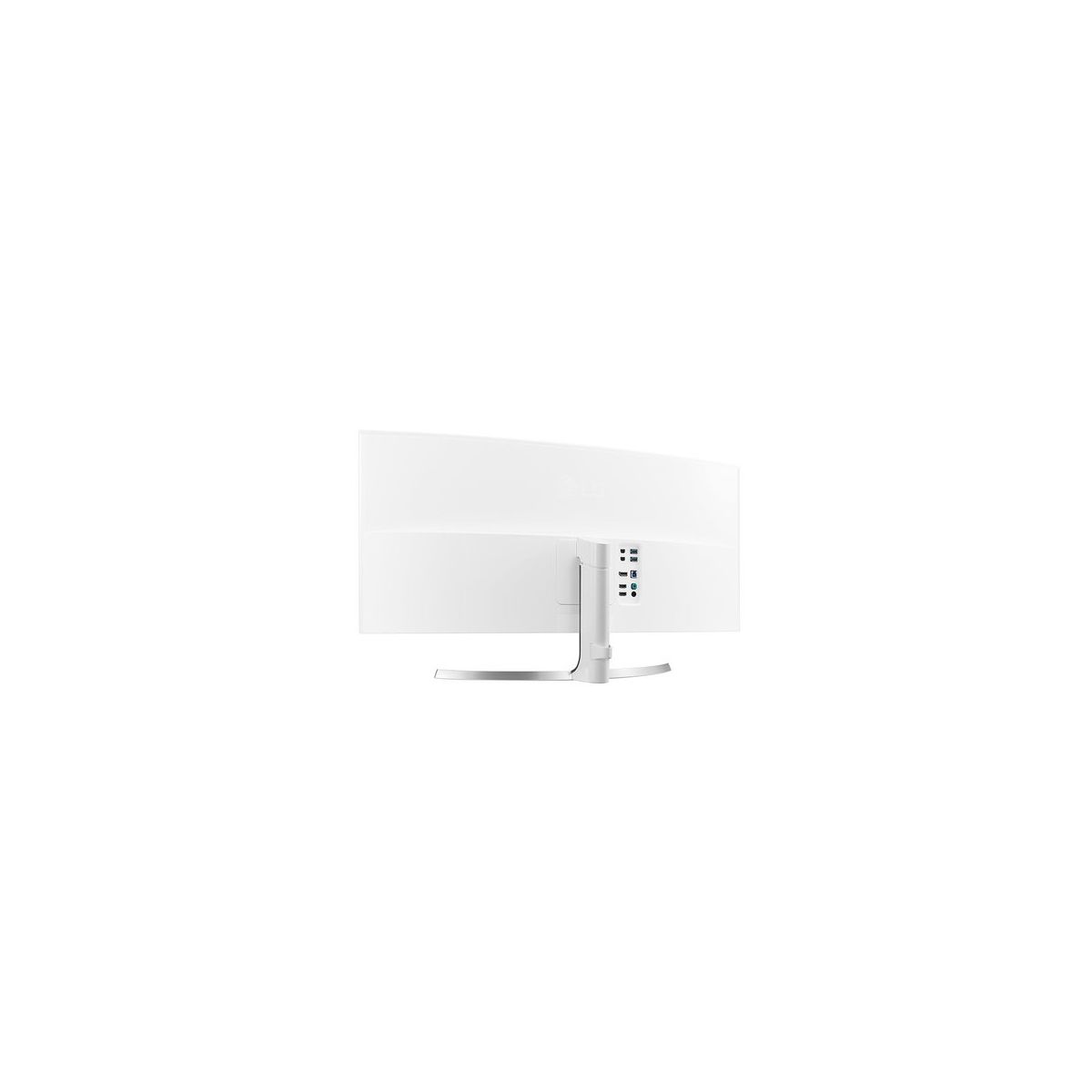
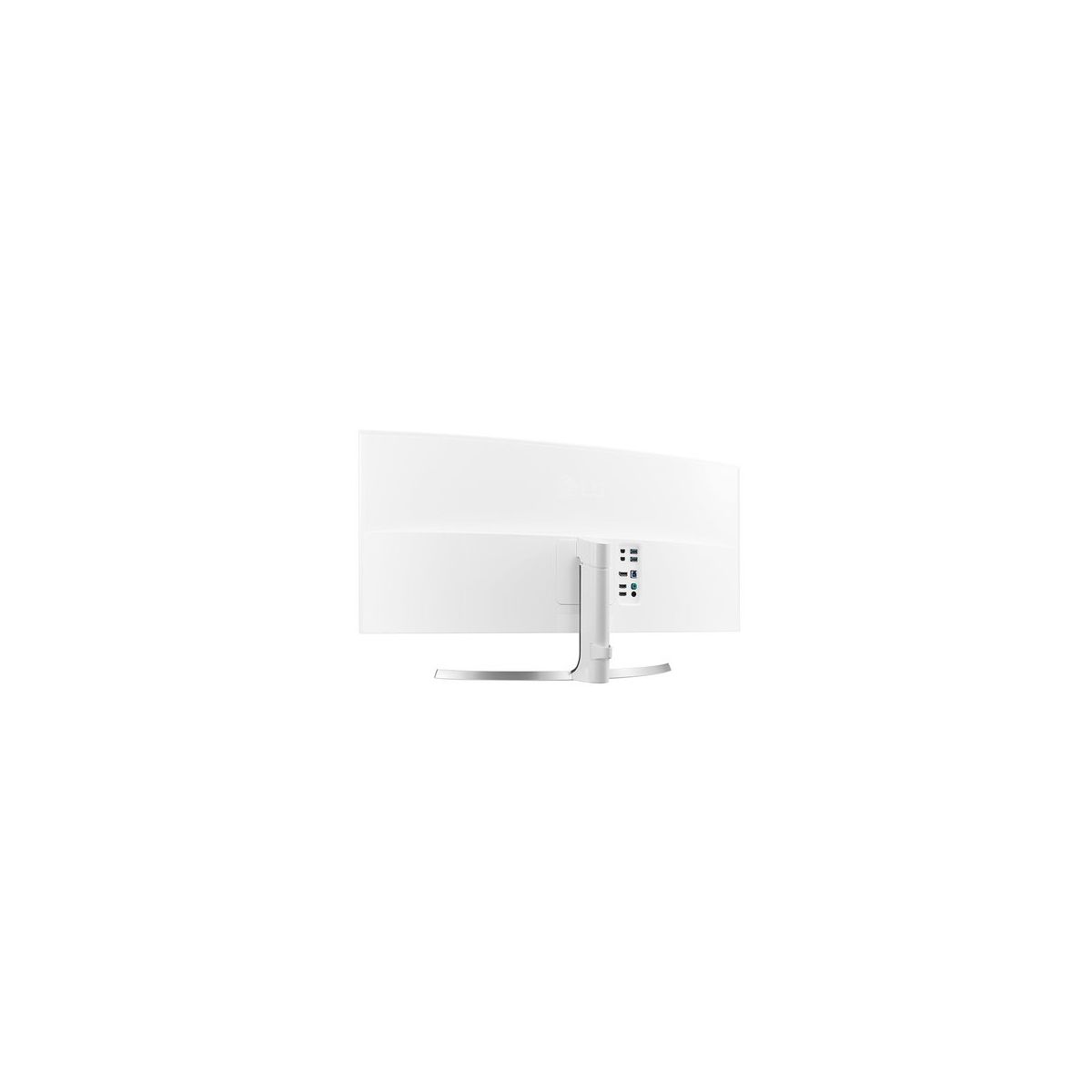
This is my fifth LG 34" Monitor with Thunderbolt, but my first curved model. They all function perfectly with either my MacBook Pro or MacPro, though the higher performance GPUs of the MacPro really make these monitors shine. Differences in construction are subtle, the nicest difference is the attachment of the stand to the back of the monitor—one doesnt have to use the VESA mount. The stand simply pops into place with a slider switch. Oh, and the chassis back is white, not black. The toggle is recessed a bit, so theres no more accidently touching it and turning the monitor off. The picture quality is simply outstanding. The curve is not ostentatious, just enough to eliminate one having to move their head back and forth to cover the full width of the monitor. I have already ordered a second one, planning to bracket my LG 34UM88-P 21:9 UltraWide Monitor. Well see how that works; I fear the result might cause me to purchase a third curved LG. LOL I cant comment on their use with gaming, as I dont roll like that. Im a professional photographer, so the multiple monitor setup is for Adobe Lightroom, Adobe Photoshop, and other image-editing applications; DxO, ON1, etc. I havent tested the color calibration yet as I just setup the monitor last night, but from eyeball examination it looks terrific on images I have seen on the other LG monitors which I have calibrated using an external calibrator. Cannot recommend this monitor enough.
rankar
5
This really is an incredible monitor. Im using this with my late-2015 Macbook Pro 15" and its just incredible: the colors are vibrant, the setup is easy, and theres ports galore for just about everything. I have just a single thunderbolt cable (not included, but HDMI cables are included) from my macbook to the monitor to feed the display and connect some USB devices off the ports from behind the monitor (USB keyboard and a webcam). The onscreen controls (software installed) allows you to easily snap applications to split windows (for example, you can split your screen into four windows and apps can snap into each window; theres a myriad of screen configurations to choose from like one large on the right, two smaller on the left, etc.) The monitor comes with a stand that adjusts up and down and offers both side-to-side tilt adjustment and forward/backward tilt adjustment. Its extremely smooth to handle and very ergonomic. Theres a little catch in the back to keep all the cables tidy (nice). My unit was shipped directly from Korea and arrived in two days! The instructions were primarily in Korean, but a quick visit to the LG site and youve got all the manuals, guides, etc. in english available for download (dont forget to download the software too). I dont know why I waited so long, I guess I was waiting for the right monitor. And this is it.
David S. Rose
5
This is one freaking INSANE monitor. I moved up to it from a 28" Thunderbolt display to take advantage of my spiffy new Late 2016 MacBook Pro 15", and I couldnt be happier. The width is truly as wide as your field of vision, so the experience is like sitting in the middle of a Cinerama film (for all you grownups; IMAX, for you youngsters.) Everyone who walks into my office cant believe what this looks like. And when you realize that the MBP can drive *four* of these simultaneously, you begin to see where virtual reality is going. If youre even thinking of getting a widescreen monitor, by all means take the leap. This is fantastic. Note: all that said, its not completely perfect. The grey market version that arrived was set to non-English and didnt include an English manual, so I had to do a bit of scrounging to find one online. And the bonus Mac software is a little flaky. But all this is nothing serious compared to the overall quality and effect.
DJQuijy
5
I got these monitors because my Mac Thunderbolt monitors were getting funky with the ports. I settled on these because they have a Thunderbolt daisy chain connection for the video. Plus they have display port and 2 HDMIs with a USB 3.0 hub to boot. The work perfect with Thunderbolt ports. Could not be happier. They have great video, look great, easy on the eyes, and work great. I have two of them and it is like sitting at a cockpit. The extra ports are a bonus, I have my Dell work laptop using the display ports and with the switching app in each laptop I can hot key on a keyboard to switch between my Mac on the Thunderbolt ports or the Dell on the display posts. They monitors have a great resolution and I was skeptical on the curve thing but i love it now. Plus with two of them it is like have 4 monitors since two open applications on each monitor fit perfect with room to spare. Really a great monitor just buy them already!
Juan Pablo Mego Cuellar
5
This is not a cheap monitor by any means but you do get what you pay for. I do youtubing and for productivity i love the extra real state on my monitor to get the most out of it. I was very impressed because i use this monitor for gaming as well and everything looks amazing from the box to the parts of the monitor happy with everything LG really did outdid themselves. I saw this monitor on one of the youtube channel i follow and love it even more in person when i received it doesnt get any better than this. There is 27 version more pricey but it all depends on your needs i am in love with this monitor and it will stay with for a few years. Video editing never was easier with this monitor and the the resolution is just amazing. Please do not hesitate to ask me any questions about it. You can tilt it, lower it or raise it. A lot of input for your needs.. overall a great product. This is by far the best monitor your money can buy. Unless you go with the bigger one out there already.
Larry Craig
5
Bought this as a Christmas gift for my wife whom works 100% from home. She is not a gamer so I cannot comment on the gaming side of things. That said, she absolutely loves the size and quality of this monitor. She often works in many different views of multiple spread sheets while simultaneously researching data online. She can have two separate laptops running independent of one another on split screen and then split those screens again. She can comfortably have six different screens open at the same time and read them easily, not including the screens on her laptops for a total of eight screens. She loves the tilt and height adjustment of the integrated stand and how it moves with ease. The viewing angles are awesome although she would not normally need to view the monitor from the sides. The monitor shipped directly from LG in South Korea and was quite expedient. Comes with a universal power adapter for either 50Hz/240V European or 60Hz/120V U.S.. Note: The power brick and cord to the monitor is white and the European power cord to the receptacle is white, however, the U.S. cord from the power brick to the receptacle is black. These mixed cord colors for U.S. models does not bother us in the least because they are hidden behind the desk anyway.

Showing 10 of 12 reviews

Product variations
Column filling
Sort by Price Sort by Availability Sort by CODE Sort by Screen Size
Contact us for a price
In stock
B019O78DPS
Screen Size:
34 in
You may be interested
  • Bestsellers
  • Recently Viewed
 
Similar products
Fast and high quality delivery

Our company makes delivery all over the country

Quality assurance and service

We offer only those goods, in which quality we are sure

Returns within 30 days

You have 30 days to test your purchase