
















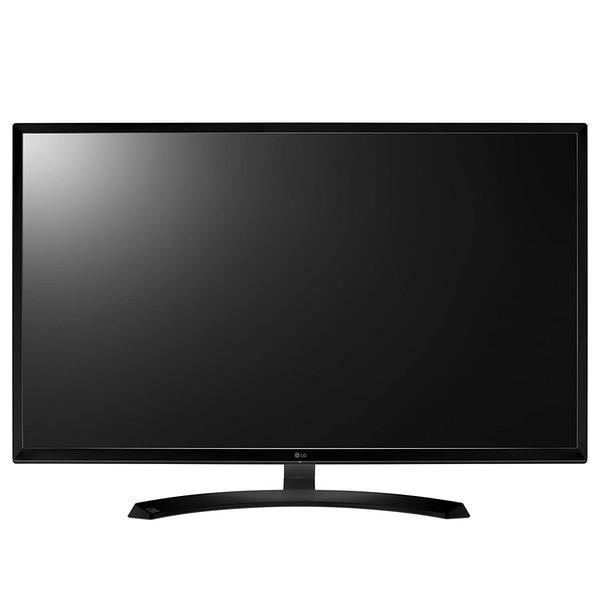
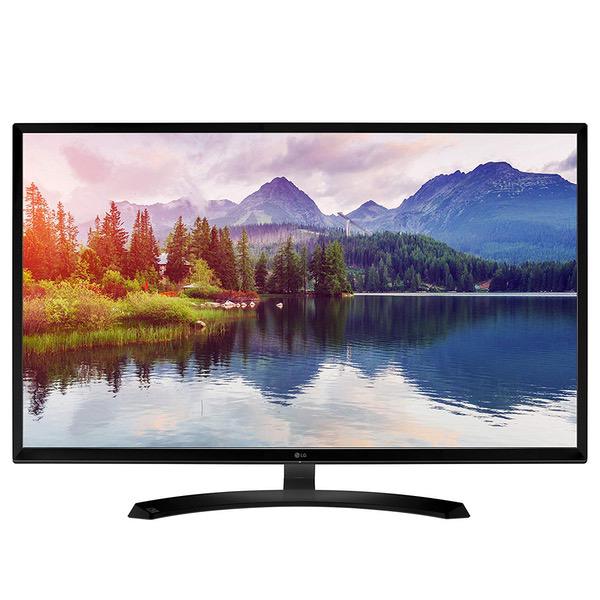
LG 32MA68HY-P 32-Inch IPS Monitor with Display Port and HDMI Inputs
Write a review
$21400

LG 32MA68HY-P 32-Inch IPS Monitor with Display Port and HDMI Inputs

Write a review
B01IA9FXAO
+
Add to wish list
Target is a general merchandise retailer with stores in all 50 states and the District...

City: US, New York

Delivery
Pickup at your own expense
Tomorrow from 09:00 to 20:00, Store location
Free
Payment options
Apple Pay Google Pay Mastercard Visa
Cash, bank card, credit/installment payments, cashless payment for legal entities
Warranty and returns
Exchange/return of products of proper quality within 14 days Official manufacturer's warranty: 12 months
Features
Display Type
LED
Item Dimensions
28.6 x 8.1 x 19.4 in
Item Weight
14.3 lbs
Mount Type
Wall Mount
Refresh Rate
60 hertz
Screen Size
32 in
Aspect Ratio
16:9
Description
This fits your .
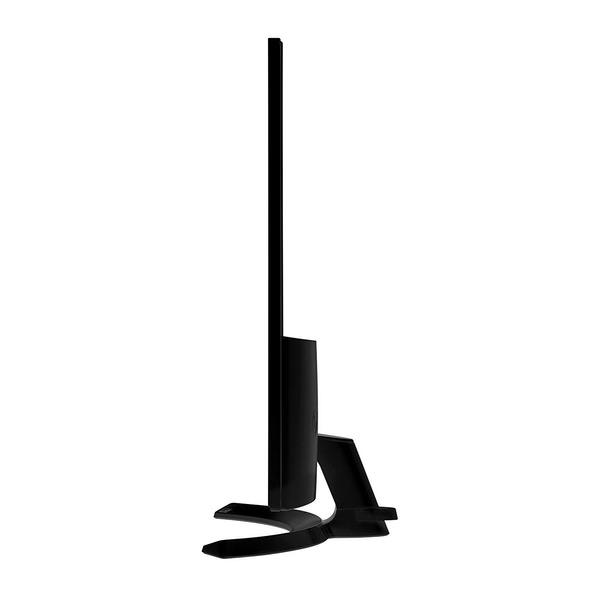
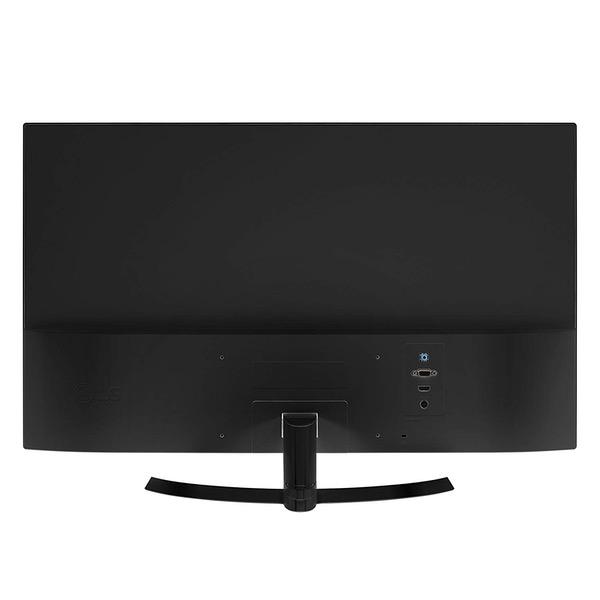
Make sure this fits by entering your model number. 32 inch full HD IPS monitor Inputs: Display port, HDMI, d-sub, USB 2.0 (2), and USB 2.0 up On-Screen control of monitor settings. Surface Treatment :Semi-Glare, 3H Screen Split 2.0 for multi-tasking.Without Stand (WxHxD): 28.6" x 16.9" x 3.7";With Stand (WxHxD): 28.6" x 19.4" x 8.1" Vesa-compatible for wall mounting. Wall mount size is 7.87 x 3.93 in inches Refer user guide below
Reviews
3.7
Reviews: 20
5 stars
50%
4 stars
20%
3 stars
5%
2 stars
0%
1 star
25%
Jim Mills
4
Okay, Im gonna keep this short and sweet. Really like the monitor a lot. Was worried at first it might be too big, but its not. In fact I could probably go bigger. I just love the screen real estate this monitor provides. Im rating this as a 1080p monitor and not comparing it to other higher resolution versions. For what it is, it works great. The only reason I knocked off a star is because I have some light leakage around the bottom and top of the screen. Definitely noticeable when on an all black screen, but not for the majority of the stuff I use the monitor for. But no one else is complaining of this issue, so I may have just gotten a slightly defective one. Anyways, when I first got the monitor, like a few other reviewers, I wasnt thrilled with the image quality so I did a makeshift calibration which improved things quite a bit. I shared these settings with one other reviewer on here and they had a similar experience, saying it really made a difference for them as well, so I will proceed to share those settings. Quick Settings Brightness: 38 contrast: 39 (I know these are both pretty low, but for my environment it works. If I go too high on either, it causes eye strain. But start with around these numbers, and then once you punch all the settings in you can adjust these two to your liking) Picture Picture Mode: Custom Super Resolution: Off Sharpness: 60 Black Level: High Response Time: Middle Overscan: Off DFC: Off ( you want this off, otherwise you can get a lot of fluctuating with the image) Black Stabilizer: 30 (this is another setting you can adjust to your liking) Color Adjust Gamma: Gamma 2 Color Temp: Custom Red: 64 Green: 53 Blue: 73 Six Color Everything at 50 except the following: Red Saturation: 52 Blue Saturation: 51 Yellow Saturation: 53 Keep in mind I sit about 2 and a half feet from the monitor. I hope these settings are helpful to others or at least a good starting point. Remember, every monitors image is slightly different (even within the same brand/model #) and every ones eyes perceive things uniquely.
s66
4
When I first got the monitor, it looked "off", color looked washed, black looked grayish, tried adjusting brightness and contrast didnt solved the problem, adjust the color saturation is the wrong way to do it. So I read the manual, to my surprise the problem is the "Black Stabilizer", it basically brighten the black level and makes it gray, why does LG want to do that? LCD/LED monitor has a hard time to produce true black to begin with compares to CRT lol Turn off "Black Stabilizer", to 0, and you will see much better contrast and better color!
Sono
4
This is an excellent monitor for the price. I was in the market for a large monitor. I only wanted to have one big display, and the resolution of HDTVs was not crisp enough to read the text on the screen. I tried a 42" vizo 1080i, and a 39" samsung. I saw this monitor on amazon, and I was weary about the size. I wanted somthing pretty big for the realestate. Before I get into the monitor details, I will explain my set up. I sit in front of my monitor, about 4 ft away. and the monitor sits on a IKEA desk. Its a pretty basic setup. It is located in a dark(er) corner of my TV room so I dont have to worries about a lot of extra light. In this case it is both a blessing and a curse. Ill start with the things I like about this monitor. It is VERY bright, the whites are stark white, no yellow or blue tinting, which I like. I am a pretty good judge of color and shades. Im sensitive to flickering and monitors that are too bright. Although Im not very savvy about refresh rates or response times. To me the refresh rate and response time is fine, its not sluggish or slow at all. Now for the things I dont like: I had to tweak the settings so that it wasnt so bright, and still its quite bright. My desk is wobbly and so is this monitor, the slightest wiggle will be noticeable, the stand seems steady but because it is in the middle, wobbliness is noticeable. Finally the middle of the screen seems to be ever so slightly brighter than the outside edges. But this could just be my perception. Overall I would highly recommend this panel. I wish they would make bigger ones 40" or larger. I also have not tried any games on it yet. Only a few Photoshop projects.
SpeedingCheetah
4
Very hard to find glossy monitors these days. I was forced to settle on this as upgrade from a 5yr old HP 25in 25xi IPS monitor...just wanted something bigger. I also have 2x HP 23xi monitors on either side of the large monitor for a 3x monitor setup on my L shaped desk. I wanted to dump the 3x monitor setup and go with one large 32-40in glossy IPS 4K display....however, glossy 4k screen just do not seem to exist. Plenty of 4k Tvs out there, but 42in is too big to fit in my little corner...only a 40in Samsung 4k display was the closest i could find that would just barely fit, was semi-glossy and 4k, but not IPS and was also $800. Also, Tvs are not the greatest for computer monitors. Stumbled across this LG 32in monitor and a few youtube vids on it...largest almost glossy IPS display i could find, only 1080p still, but for $200..cheaper then I paid for my old HP 25xi. Glossy is technically "better" cause the matte finish diffuses the pixels and thus blurrs them a bit. (Google search and u will find a graphic that proves this). Glossy give better clarity and sharpness. The downside is the possibility of reflections. That is not an issue for me as there is no light source in my dark bedroom that would cause such issues. I have seen excellent looking matte displays, but compare side by side that and a glossy one, glossy wins me over for the clarity everytime. This LG is no full(100%) Glossy, its "semi- glare" as LG calls it. It has a very slight anti-glare coating on the LCD when compared to my HP 25xi. I would say this LG is 90% glossy. It is defeinlty far more glossy than my HP 23xi matte monitors. This LG monitor, out of the box on Display Port, looked terrible. After adjusting the settings to my liking, it looks great. The color tone is a tad "warm" even when set to cool mode. Whites arent quite the crisp bright white tone i prefer, but quite acceptable. Color gammut is a bit lacking. This is no professional display, so that is to be expected. (My Dell Precision 5510 display is amazing, but its a 4k 15in display that is infact a Pro calibrated and accurate lcd panel.) The menu system is easy enough to use. Joystick thing takes some getting used to. I recommend u install the LG driver and color profile. I had to manually select the driver via Device Manager in Win 10, the setup.exe did not work. LG also has OSD software u can install that allows you to adjust some of the monitors settings in the OS. But I find adjusting the setting directly on the monition better and some settings are not in the software. I found u do need the software installed and running in order for the advanced 6 color adjustment to function on the monitor. The Super Res feature i like. It sharpens up the display really well. Just as sharp as the sharpest setting on the HP 25xi. Interesting though, when u disable the Super Res setting, and use the normal Sharpen setting, even at 100%, looks dull. The Auto power off feature, doesnt work as I had thought. Expected it to mean it would auto power off after set time when it was in standby mode....not when in use. 4hrs of use and it displays its Power save auto shut off message. Disabled that. It has an annoying white led on the bottom just above the joystick button. It flashes 3 blinks then 1 fast, when in standby. The "Power LED" setting is set to OFF, however, this only means it turns off the LED when the display is on and active. In my dark bedroom at night, the blink is annoying, so I have to remember to physically power off the monitor, or put a piece of black tape over the led. Though, the light bleeds through the joystick button hole. Minor quibble. Refresh rate/response time setting, Off, Low, Middle, High. I cant tell any difference in Off through Middle settings, but High, there seems to be a slight flicker or shudder to videos. Lg recommends u leave it on Middle setting. There are no built in speakers, but an audio out jack that u can connect speakers to. U can control volume with the monitor. ( I have a dedicated sound card and a 2.1 Creative speaker set connected via optical...so, dont care about sound from monitor.) Stand is a tad wobbly. I dont use the built in USB hub. Overall, I do like it. welcome the large size. Even up close while sitting at my desk, 2-3 feet away, I cant see any pixels. 1080p is a tad low res for a large display though. icons are a bit larger than they need to be. Sure, its not a spectacular as a large 4k HDR would be in its place, but for the price....best your gonna get. Will do until i find a large glossy 4k IPS monitor.
You may be interested
  • Bestsellers
  • Recently Viewed
 
Similar products
Fast and high quality delivery

Our company makes delivery all over the country

Quality assurance and service

We offer only those goods, in which quality we are sure

Returns within 30 days

You have 30 days to test your purchase