
















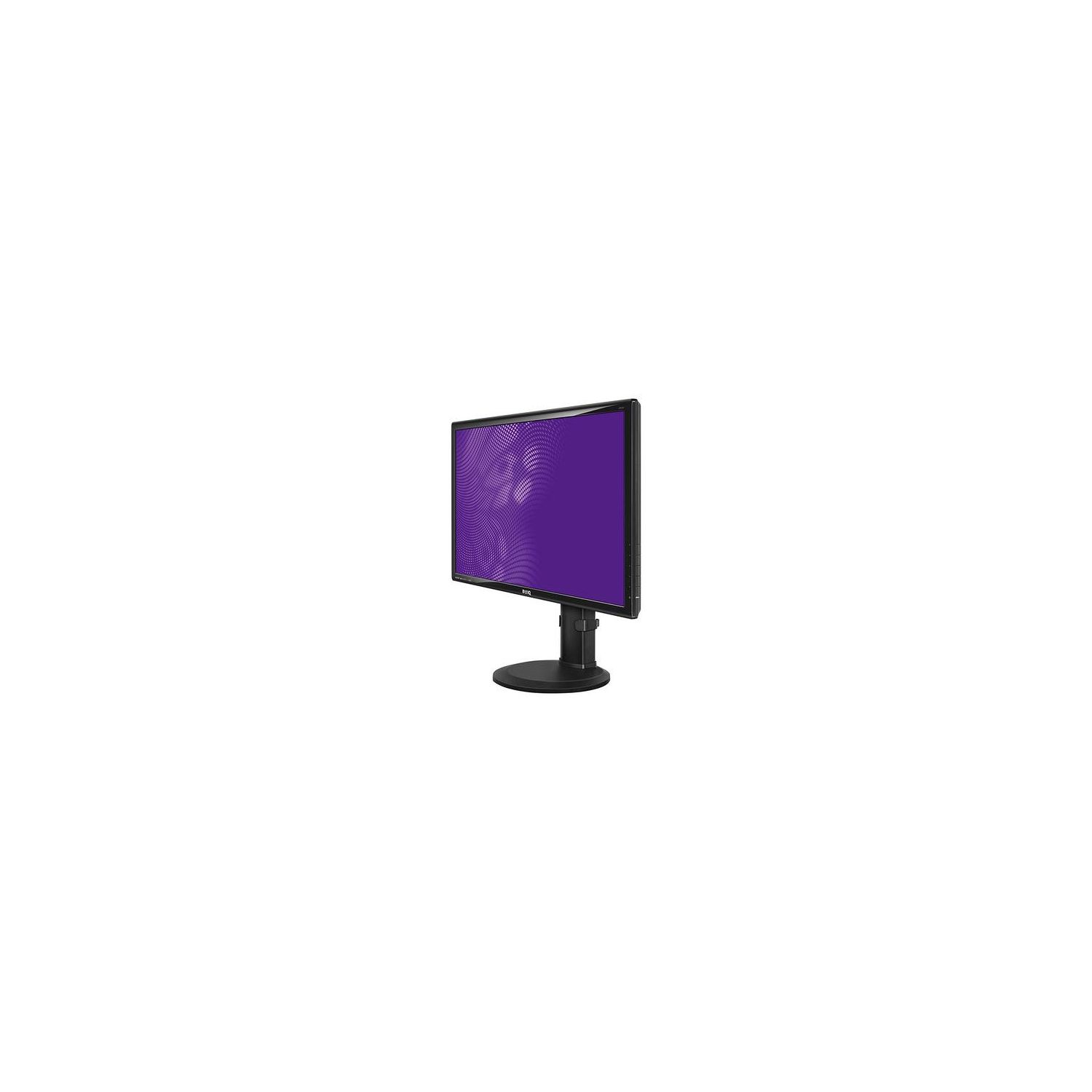
BenQ GW2765HT Eye Care 27 inch IPS 2560 x 1440p Monitor | Optimized for Home & Office Low Blue Light Technology
Write a review
$27900

BenQ GW2765HT Eye Care 27 inch IPS 2560 x 1440p Monitor | Optimized for Home & Office Low Blue Light Technology

Write a review
B00KYCSRSG
+
Add to wish list
Target is a general merchandise retailer with stores in all 50 states and the District...

City: US, New York

Delivery
Pickup at your own expense
Tomorrow from 09:00 to 20:00, Store location
Free
Payment options
Apple Pay Google Pay Mastercard Visa
Cash, bank card, credit/installment payments, cashless payment for legal entities
Warranty and returns
Exchange/return of products of proper quality within 14 days Official manufacturer's warranty: 12 months
Features
Display Type
LED
Item Dimensions
9.6 x 21.85 x 25.23 in
Item Weight
15.2 lbs
Mount Type
Wall Mount
Refresh Rate
60 hertz
Resolution
2560 x 1440
Screen Size
27 in
Aspect Ratio
1.78:1
Description
This fits your .
Make sure this fits by entering your model number. Enjoy brilliant color with a 2560x1440 WQHD IPS Monitor ZeroFlicker & Low Blue Light for extended viewing comfort HDMI Multimedia Interface; DCR (Dynamic Contrast Ratio) (typ.): 2,000,000:1 Ultra-Flexible Height Adjustment System (HAS) Built-in Speakers Speaker‎: 1Wx2‎ Panel Type‎: IPS
Reviews
3.8
Reviews: 20
5 stars
35%
4 stars
30%
3 stars
25%
2 stars
0%
1 star
10%
Vezard
5
Great monitor. so far no issues or complaints. Not using it for gaming. Connected to iMac 27" w/retina and after calibrating colors looks very similar. For those who are looking for settings to color-match Macs display, here are mine (connected using miniDP to DP cable): Picture mode: user Brightness: 14 Contrast:50 Sharpness:5 Gamma:3 Color Temp: User defined: R:91;G:86;B:95 Visually it seems to match retinas color reproduction pretty closely. Using apple provided non-modified display profiles. Hopefully this helps someone.
Adam L.
5
Amazing monitor! Im a colorphile and pixelphile, high pixel density and perfect color reproduction are what I look for in a monitor. I had bought the GW2765HT believing it was just a 1440p IPS monitor that had 100% coverage of the sRGB spectrum, but I was wrong, the monitor is also includes 10-bit color depth support. Albeit, its 8+2 and not true 10-bit, but it is still better than 8 bit by a long shot. I had the luxury of playing Alien: Isolation, the only game that I know of that supports 10-bit color depth, and was greeted with amazingly bright and deep colors, especially in the blacks, I had streamed game play and what they couldnt see on the stream I could. Of course, to take full advantage of a 10-bit desktop youd need a GPU that supports 10-bit depth on OpenGL and on the desktop, which is a feature only professional/enterprise-class GPUs have, but there are compelling offerings for such a GPU at $250, so its not that hard to obtain. I have experienced the issues with "No Signal Detected," and with my extensive analysis since February, I can conclude that the reason this happens is not because of the cable or ports, it is because of the BenQ Drivers and NVIDIA Drivers. In order to obtain 1 billion colors and 10-bit depth, the DisplayPort connection has to meet a high enough bandwidth connection state in order for the monitor to recognize the connection as stable enough, whether you use 10-bit or not it is still a driver-level limitation. When idling on the desktop, NVIDIA Drivers cut down bandwidth on all ports as a power-saving option on the kernel level, so when the monitor first connects to the port on the computer, it is not running at a high enough speed to detect a stable signal. There are 2 options to fix this: 1.) Reinstall or install a driver for NVIDIA GPUs. Whether its older, current, or a newer driver. The reason this helps is because when installing the Driver, the NVIDIA installer has to reinitialize the GPU cores, memory chips, VRM, etc. to recognize the new driver at the BIOS level. Thats why you hear the "Device Disconnected" jingle in Windows and shortly later the "Device Connected" jingle. When the GPU is reinitialized, it tests each available external video port at the highest possible bandwidth speed and power output to verify the integrity of each port and notify the user of port malfunction, this usually takes place with the motherboard making a beep or some other program popping up. These links to the video ports stay at the highest possible speeds for a time before the GPU detects the computers current power state and adjusts the power and links to the appropriate values (I.E., power-saving mode on idle) 2.) (READ THE PARAGRAPH DIRECTLY BELOW THIS BEFORE ATTEMPTING) Go into "Device Manager" in Windows, then to "Display Adapters" in the list, right-click on your GPU and click "Disable." Then after you hear the "Device Disconnected" jingle in Windows and the Device Manager has refreshed to show the disabled GPU, right-click it again and click "Enable." Make sure to connect your monitor immediately after you here the "Device Connected" jingle. When you disable the GPU, Windows notifies the GPU at the kernel-level to shut down and effectively cut power to the device, whichever comes first. It has the same effect that a driver install does when it is enabled at initializes. Keep in mind that when you do this, external video support WILL NOT be available on desktops, on a Laptop the CPU can take place of a GPU temporarily even without an iGPU because all the video ports and the display are interlinked with the CPU AND the discrete GPU. On a full-computer, pre-built or custom or any desktop, this usually isnt the case. I recommend you connect your Monitor to the VGA/DVI-D/HDMI port on the motherboard itself, because you wont be able to access Windows disabling the GPU. I am not responsible if you do not read this before attempting this fix. I hope these fixes helps anyone. It has proven effective 6/7 times that I have tried this in the past 5-6 months.
William
5
I got a new computer so it was time to upgrade from a lovely 24 inch ViewSonic 1080p monitor to a 1440p monitor. My ViewSonic was purchased from Amazon in August 2011, for $209 and it still works great; keeping it to use with the old PC, also new in 2011. I was planning on getting another ViewSonic, but after extensive research the cost of a comparable ViewSonic compared with this BenQ GW2765HT was not what I wanted to spend. The online and Amazon reviews of this BenQ were very good, and for $299 this was the lowest price for a brand name 27 inch 1440p monitor with IPS. Of course this monitor does not have all the super duper features of monitors costing hundreds more, but I am very happy with it. 1440p at 27 inches is just perfect and wonderful for video & photo editing, viewing multiple documents, web surfing, or watching movies. As of this review I have only had it for a week, but there have been no issues. It is unfortunate that some Amazon reviewers have had problems with this or other BenQ monitors, but this model has been in production for a few years (mine was made in August 2017) so maybe some of the manufacturing defects have been improved. I did buy the Square Trade protection plan just in case. If money were no object I probably would have purchased a top end ViewSonic, but so far BenQ is the bees knees. The control buttons being on the right rear is fine with me and I was able to quickly set the color and other adjustments to look great with my Nvidia graphics card and the Nvidia adjustment software. I have it connected using a display port cable. I have no intention of using the monitor speakers, I have some decent computer speakers.The one great improvement of this monitor as compared to my old ViewSonic is the IPS technology. With my ViewSonic or any older LCD monitor you really need to be looking straight at it for the colors and brightness to be correct. With these new IPS monitors you can view your screen many degrees off angle and the colors and brightness dont shift.
O. Wallace
5
Pros: - The stand is very sturdy and easy to install, it has plenty of options for orienting it. - The display looks great, very crisp and bright, it looks gorgeous for gaming (I know this isnt a gaming monitor) - Not noticing any issues with the 5ms delay time, works fine for gaming - Display Pilot software allows you to save multiple presets (for example I have a gaming preset, a low blue light web browsing preset, etc.) - Has plenty of input options Cons - Display Pilot software is a little slow to change presets (takes around 20-30 seconds sometimes) but once you get used to it, it is a helpful program. - The back of the monitor is angled in such a way that adding bias lighting will be a bit more difficult. Overall, none of the things I dislike about this monitor warrant docking any stars, Final Fantasy 15 and PUBG both look excellent on it, 1440p video looks incredible, the options for customizing it are excellent. I know this isnt marketed for gamers, but it works for a gamer quite well. What was most important for me was that I could find a high quality IPS display that had low blue light modes for browsing, and I was able to find that with this. BenQ 23.8" IPS 2560x1440 Widescreen Designer Monitor (BL2420PT) 100% sRGB DisplayPort HDMI DVI D-sub 60Hz refresh rate
Graphic_Designer
5
I can promise you that there is NOT another monitor on the market—in this price range—that has all the features that this one has. I purchased the BL2420PT model and it is incredible. 100% sRGB coverage, 2560 x 1440, and the monitor itself has multiple hinges and points of articulation, for maximum adjustments. I work as a graphic designer and whenever I plug the monitor into my macbook, it looks absolutely stunning. You really cant tell the difference in the picture between this monitor and an apple one. Definitely recommend!!
Gretchen Helterhoff
5
Great monitor! Allows for DVI input, which I needed to have compatibility with my 7-year-old MBP. In that setup, I had to use a dual-link DVI adapter, and a dual-link DVI cable. I now have 1440p on my [this] external monitor, and Im very pleased. Ive also tested the HDMI input with a Roku 3 and with a Raspberry Pi 3, and both worked great. Additionally, DisplayPort was tested via my Early 2011 MBP, but I couldnt reach full claimed (monitors) resolution via that port, due to hardware limitations on my MBP. Color, clarity and contrast all seem fine to me, out of the box. I compared this side-by-side with dual 24" HP IPS-panel monitors I had been using for years, and this one was visibly brighter and easier to read. I like the button setup on the side, but Im currently using the monitor rotated 90-degrees, which places those buttons either on the "bottom" or "top" of the display (usually on the right side, towards the bottom, but rotating the monitor changes the relative location of the buttons). Just something to keep in mind if you feel you may have clearance issues with cabling or accessibility of the buttons. Overall, very happy with purchase.
Consumer
5
I picked up the QHD version of this monitor about 8 months ago for my dedicated gaming PC (i5 3570k + 970 SLI). I went with this monitor over the Asus PB278Q mainly because I also have a BenQ GW2750 (27" 1080p VA panel) on the family PC which I have been very pleased with, and the Asus had some recent reviews complaining about Quality Assurance issues. This monitor was as perfect for my gaming setup as I could get at the time. The only thing its missing by todays standards is a higher refresh rate and adaptive refresh rate technology. But IPS monitors with both of those features, and a QHD resolution are nearly twice the price. The IPS panel is beautiful in any game with bright colors. I picked up Borderlands: The PreSequel as soon as I got this setup and I was in heaven for a good 70 hours. The only game that was a bit of a drag was Dark Souls II: Scholar of the First Sin. Dark Souls has its moments where youre wandering around in the dark, and the IPS panel has a hard time providing enough contrast to see what youre doing. It just cant handle black levels like a VA panel can. But other than that one game, its been pure pleasure to use. The increased pixel density over a 27" FHD monitor (what I was previously using via a KVM switch with the family PC) is striking. "Jaggies" are significantly reduced, even with the same AA settings. Obviously it takes a lot of GPU power to run modern AAA games at QHD, but if youre willing to invest in a big beefy video card or two, the step up from FHD to QHD is certainly worth it. Everyone keeps talking about 4k like its right around the corner, but if you look at any current gaming benchmarks youll see that major sacrifices have to be made to graphics options to get close to a playable frame rate. Personally, I think people would be better off sitting closer to a QHD screen and enjoying smooth frame rates right now. Besides, by the time we get a single video card that can handle AAA games at a solid 60fps, other technologies like OLED, adaptive refresh rate (FreeSync & G-Sync), 144hz, Ultrawide, etc will all have gotten cheap enough that they may be included. Im satisfied enough with this monitor that Ill be waiting a few years until we get 32" OLED 4K screens for a reasonable price. Until them, the GPU power needed to drive a QHD monitor will just get cheaper and cheaper.
Product variations
Column filling
Sort by Price Sort by Availability Sort by CODE Sort by Screen Size
$22000
In stock
+
B01LHYIATA
Screen Size:
23.8 in
$27900
In stock
+
B00KYCSRSG
Screen Size:
27 in
You may be interested
  • Bestsellers
  • Recently Viewed
 
Similar products
Fast and high quality delivery

Our company makes delivery all over the country

Quality assurance and service

We offer only those goods, in which quality we are sure

Returns within 30 days

You have 30 days to test your purchase