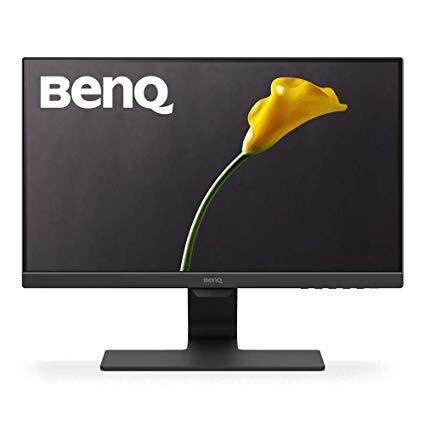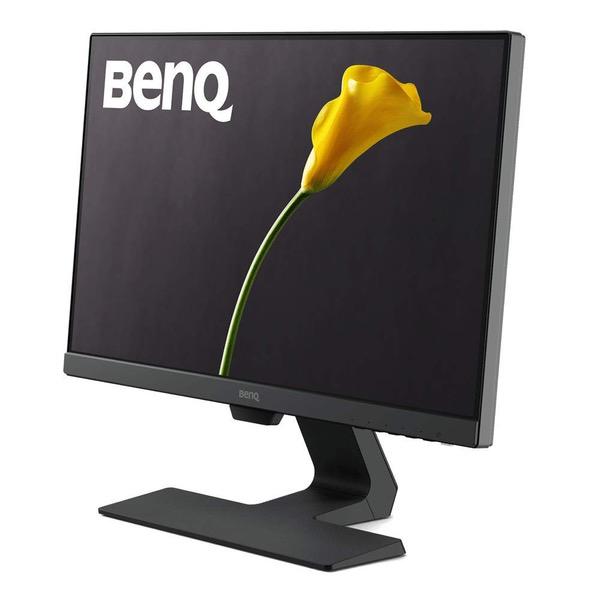
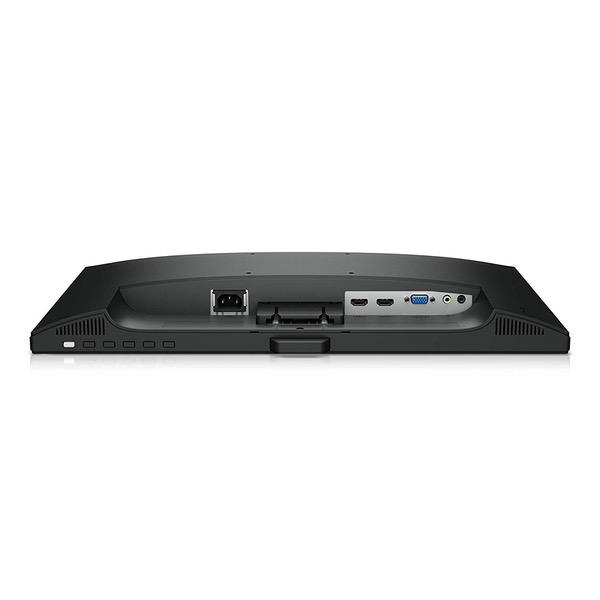
BenQ GW2280 Eye Care 22 inch IPS 1080p Monitor | Optimized for Home & Office with Adaptive Brightness Technology
Write a review
$9900

BenQ GW2280 Eye Care 22 inch IPS 1080p Monitor | Optimized for Home & Office with Adaptive Brightness Technology

Write a review
B00KYCSRQI
+
Add to wish list
Target is a general merchandise retailer with stores in all 50 states and the District...

City: US, New York

Delivery
Pickup at your own expense
Tomorrow from 09:00 to 20:00, Store location
Free
Payment options
Apple Pay Google Pay Mastercard Visa
Cash, bank card, credit/installment payments, cashless payment for legal entities
Warranty and returns
Exchange/return of products of proper quality within 14 days Official manufacturer's warranty: 12 months
Features
Display Type
LED
Item Dimensions
7.31 x 20.08 x 15.62 in
Item Weight
7.7 lbs
Mount Type
Wall Mount
Refresh Rate
60 hertz
Resolution
1920 x 1080
Screen Size
21.5 in
Aspect Ratio
1.78:1
Description
This fits your .
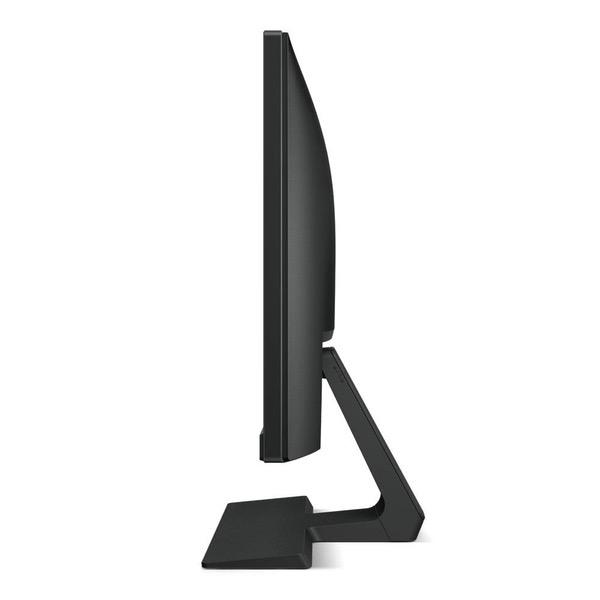
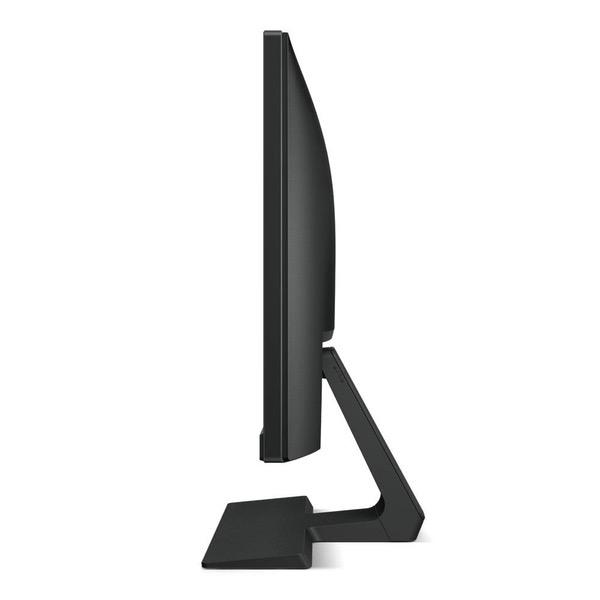
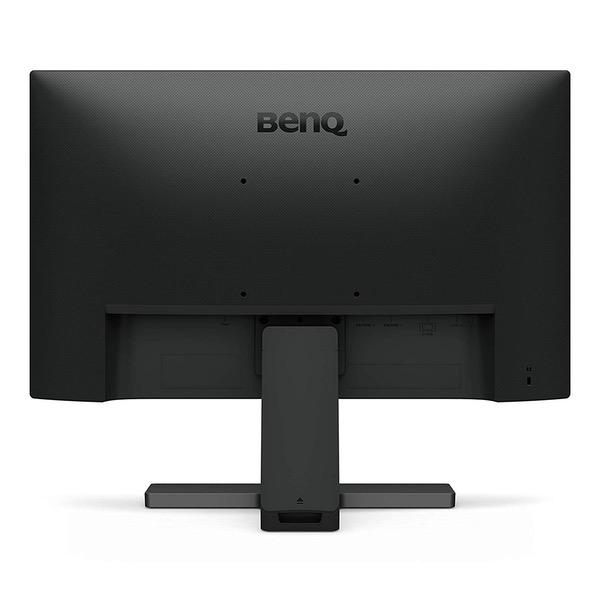
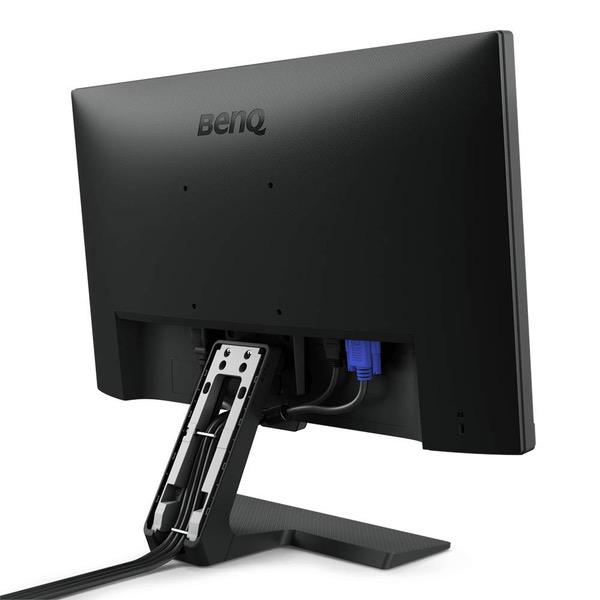
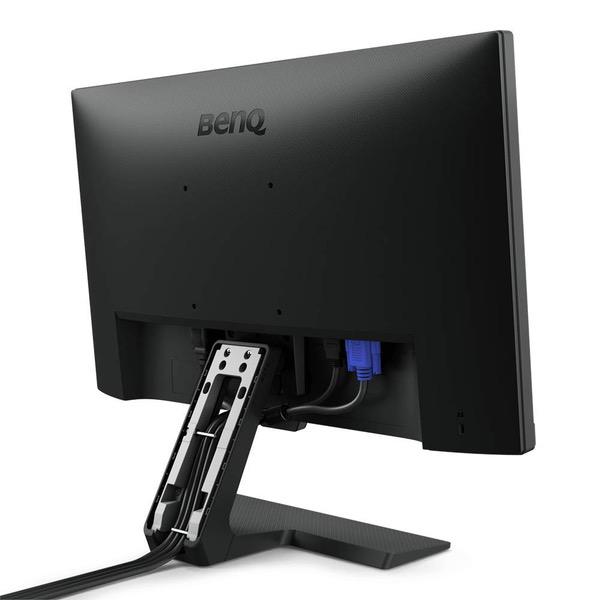
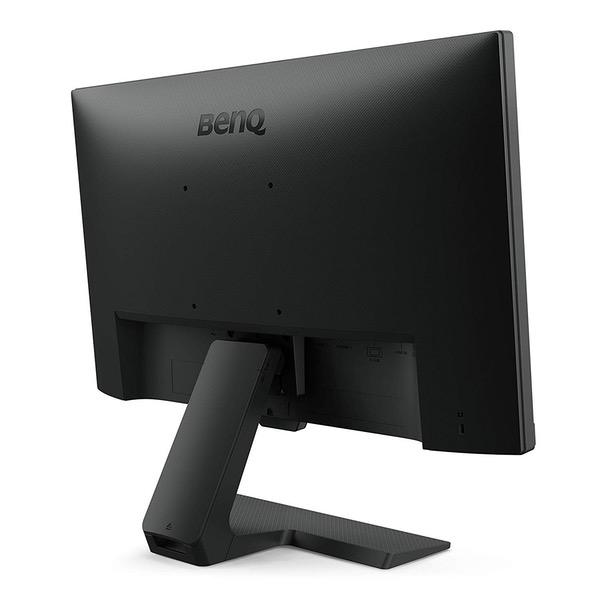
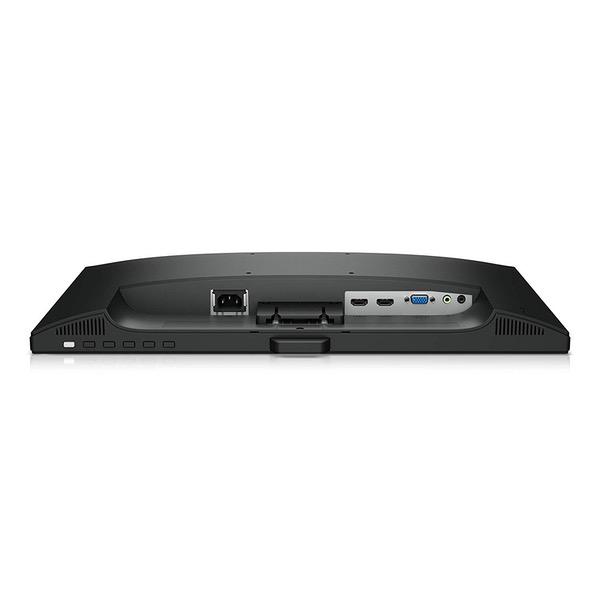
Make sure this fits by entering your model number. ENGINEERED FOR HOME OFFICE AND LEISURE : 22” Full HD VA Widescreen with 1920 x 1080 Resolution and 250 nits of brightness WIDE VIEWING ANGLE IPS PANEL: 178° H/V wide viewing angles for clarity from any viewpoint. OS Compatibility- Windows 7,Windows 8,Windows 8.1, Windows 10 EDGE TO EDGE SLIM BEZEL DESIGN: Minimize distractions and create virtually seamless multi-panel configurations for maximum visibility Relieve eye-strain through self-adjusting brightness: Actively adjusts brightness according to on-screen content and ambient light conditions via BenQ’s patented BRIGHTNESS INTELLIGENCE Technology EYE COMFORT: Experience the difference with Low Blue Light and ZeroFlicker Technology CABLE MANAGEMENT SYSTEM: Neatly hides cables inside monitor stand; Mounting type: VESA Wall Mount: 100x100 (mm)
Reviews
4.3
Reviews: 20
5 stars
60%
4 stars
20%
3 stars
5%
2 stars
15%
1 star
0%
nate nicholson
2
This monitor was recommended as a cheap monitor for photographers. Comparing it to my iPad pro 10.5, its garbage... Maybe Im screwing the settings up. If somebody could respond and help me that would be great, but Im about to return it. My settings are picture is SRGB, Contrast is 68, brightness is 100, sharpness is 6/10. But the picture just looks soooo hazey! I have a $120 Lenovo thats not even rated for photographers thats 100x better. Somebody help me out please. Thank you!
Joey Bryan
2
I really wanted to like these monitors. They were just what I was looking for and at the right price point, so I bought two. Unfortunately once I plugged into my laptop I realized why they were so cheap. The default color and calibration out of the box is abysmal! I figured no problem Id just define user settings from the OSD buttons, even those settings no matter after spending several hours playing and tweaking in comparison to a nicer monitor, I could not get anything satisfactory. Worse yet is that after I either undocked my laptop or power cycled the monitor or laptop, all settings were reverted back to default... every time. Second step was to use the Win10 calibration settings and my graphics card software instead of the monitors; a vast improvement... in fact it was almost perfect. Until... I either again undocked, changed projection setting, or power cycled either laptop or monitor, boom. All settings were yet again ignored. I spent two full days reading and researching how to fix and set correctly but to no avail. Im convinced these were cheaper for a reason so they are being returned. Guess the next step is to realize yet again I get what I pay for.
littlepb
2
Pro: Nice housing. Easy to use OSD. VESA mount compatibility when VESA mount compatibility is steadily disappearing from low and even medium range monitors and being replaced by for cost brand specific "VESA mount adapters." HDMI. Plugs point down for more flexible mounting options. Cons: Terrible absurdly terrible gray screen uniformity. Shockingly terrible. Blotchy terrible. Viewing angle is also pretty bad for an IPS display. Marginally better than VA panel but without the VAs decent blacks when viewing straight. Speakers sound like they are earbuds put inside the monitor. Technically the monitor has speakers. Functionally, it doesnt have speakers.
Product variations
Column filling
Sort by Price Sort by Availability Sort by CODE Sort by Screen Size
$9900
In stock
+
B00KYCSRQI
Screen Size:
21.5 in
You may be interested
  • Bestsellers
  • Recently Viewed
 
Similar products
Fast and high quality delivery

Our company makes delivery all over the country

Quality assurance and service

We offer only those goods, in which quality we are sure

Returns within 30 days

You have 30 days to test your purchase