


























Ryan C.
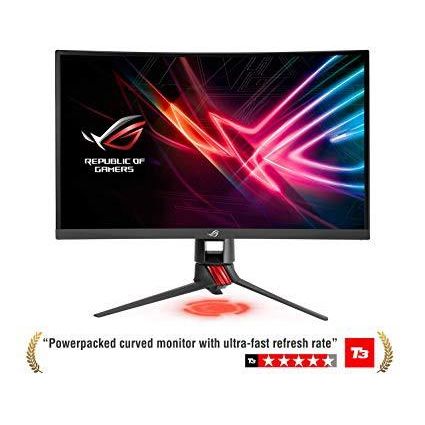
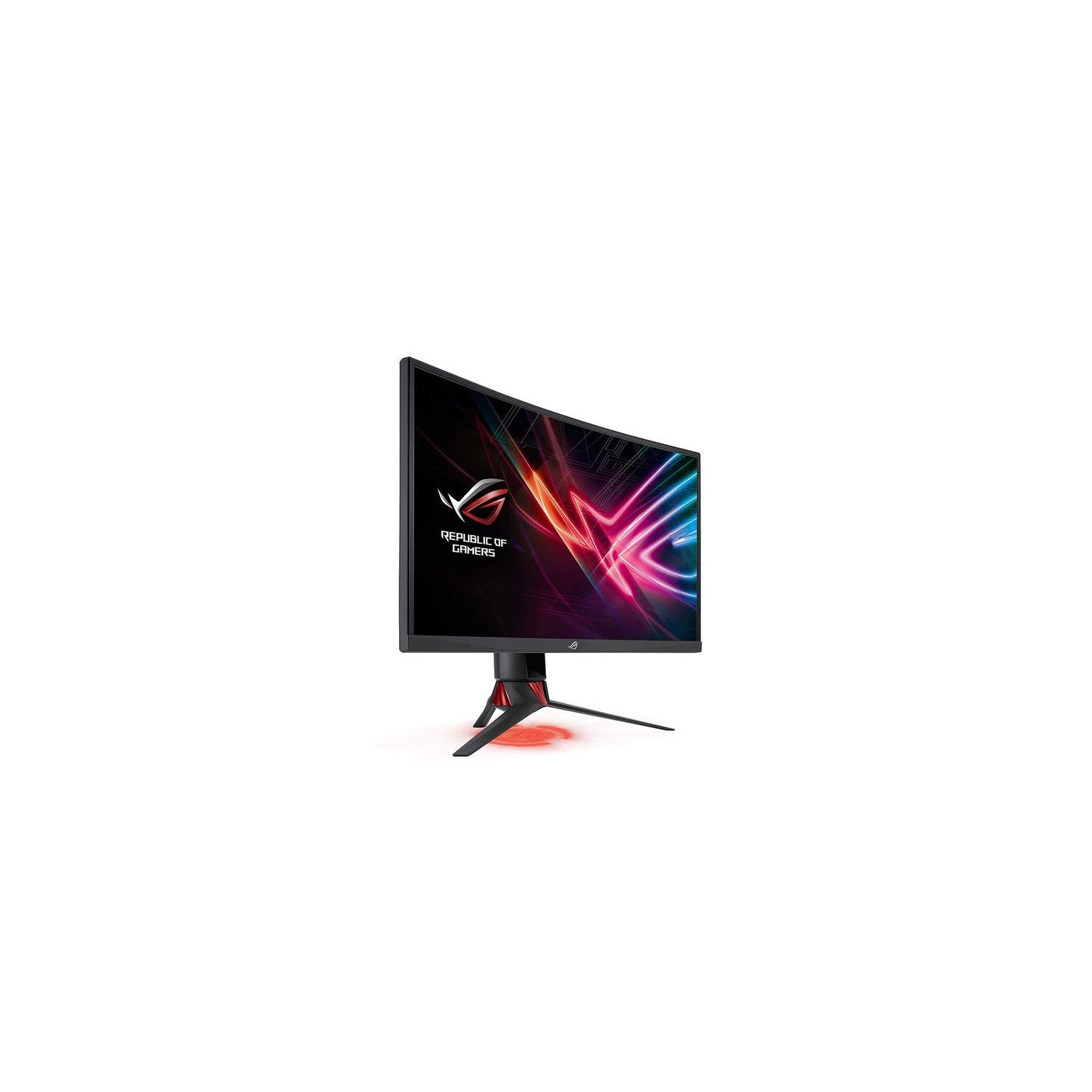
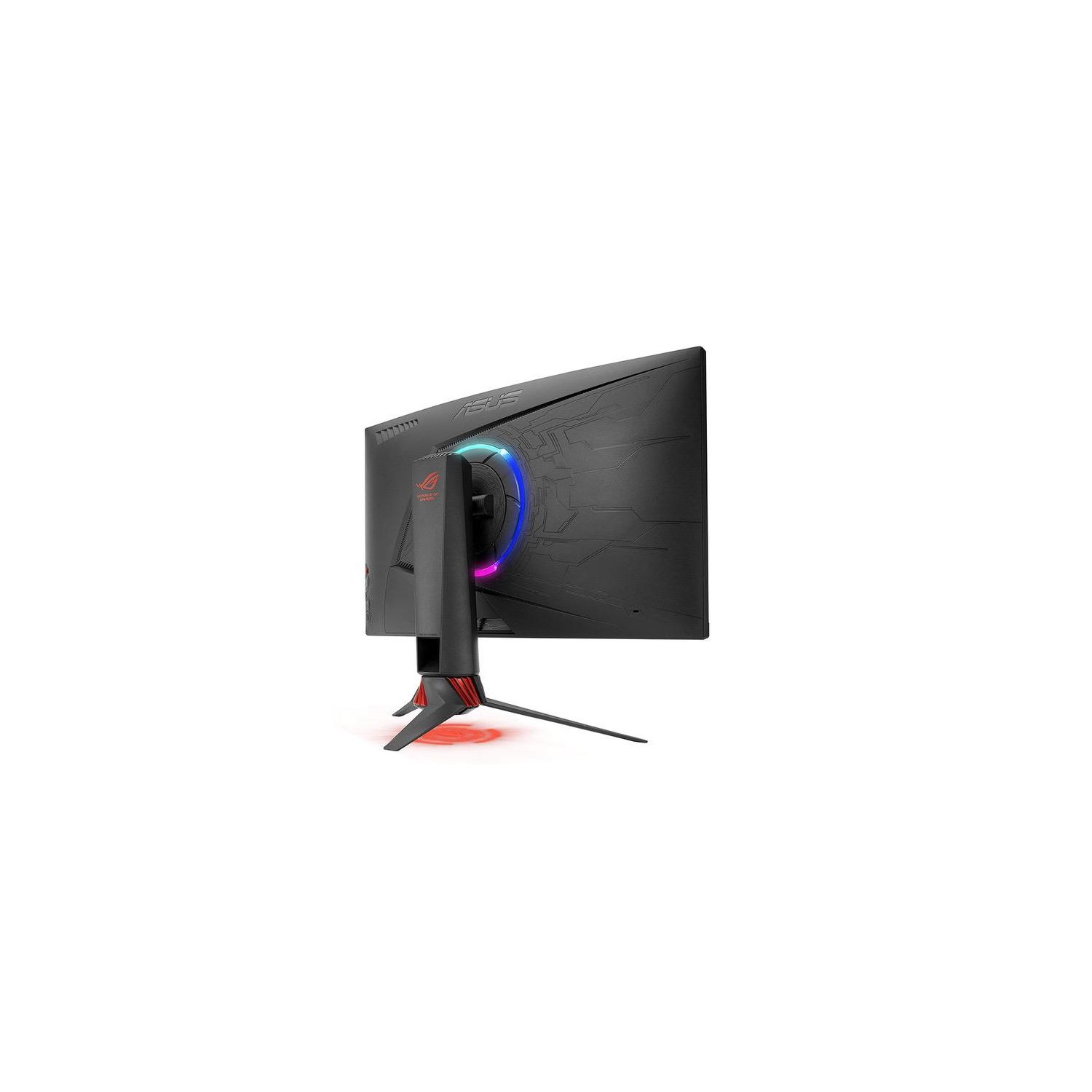
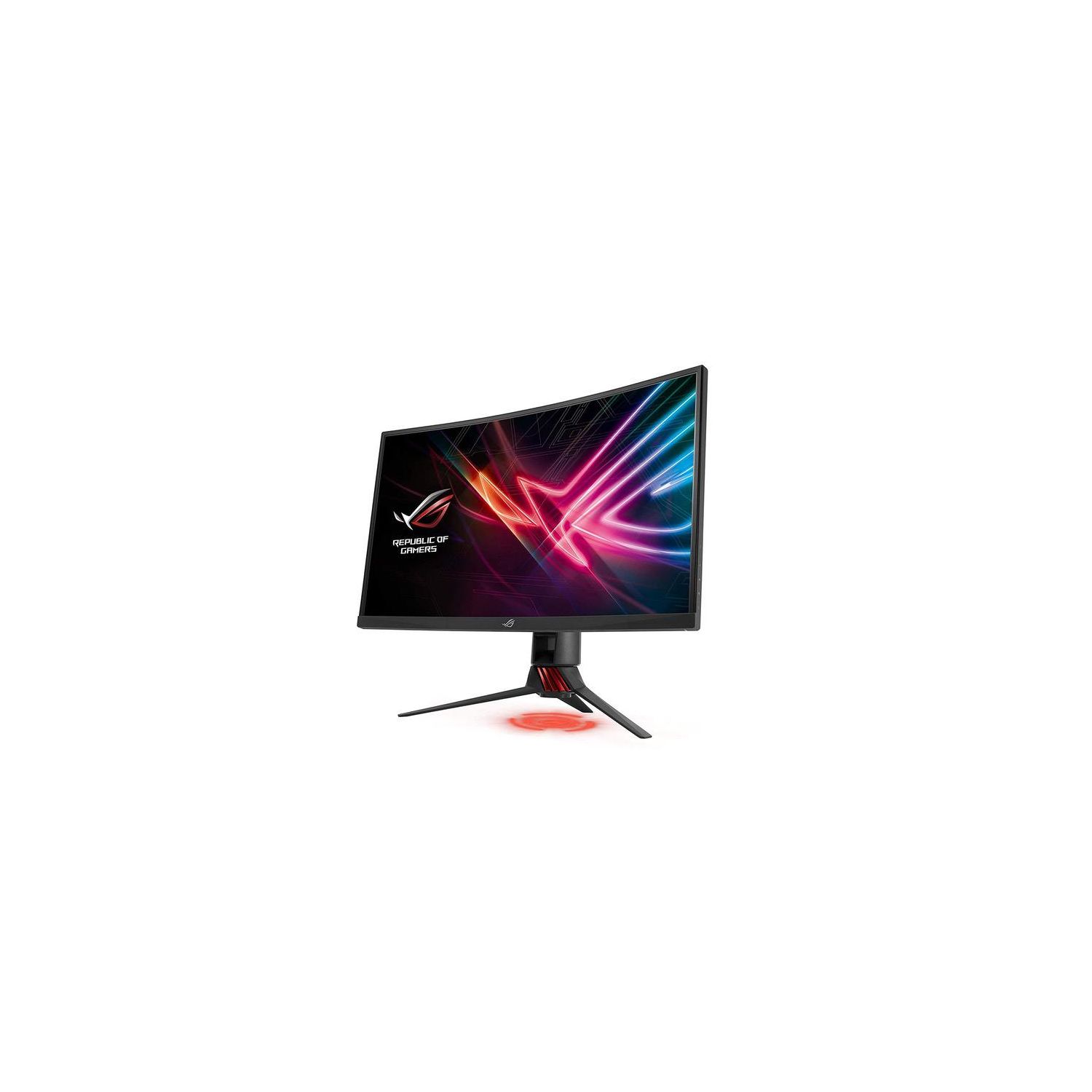
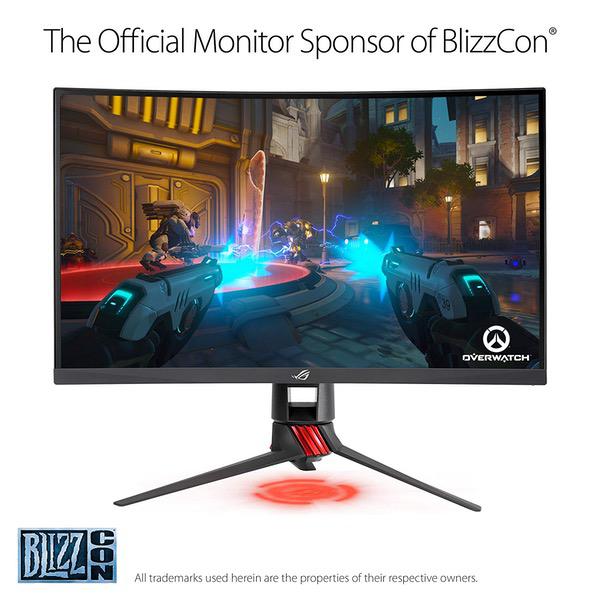
21 June 2019: Updated my review since Ive had this for a few months now and am actually quite disappointed in it, given the price of the thing. The GtG response time, as well as the pixel response time, on this is actually quite high and results in a blurry image when moving around in games. Setting the Overdrive to 3 lessens the effect, but its still incredibly obvious its there. While the colors and brightness of the display are very good, I cant get around the "motion blur" effect in most of my games, even though Im running them at 144FPS or higher. I also tested the adaptive sync on a few games including WoW, X4: Foundation, and Witcher 3. Each time the adaptive sync changes the refresh rate the monitor flickers; it seems like the brightness of the monitor is changing every time the refresh rate does, resulting in a sort of "flashy" flickering effect that wont go away until you disable the adaptive sync. When checking online it appears this monitor has this problem with a whole host of video cards, so it seems less likely to be a driver issue and more of an issue with the monitor itself. I wish I could return this and get the Samsung C32HG70 32-inch instead. I have the 27-inch Samsung QLED 144hz monitor sitting next to my Asus 32-inch and it blows the Asus out of the water when it comes to performance. --------------------------------- Original Review: I got the 31.5-inch 1440p display (XG32VQ). Ive only had it for a couple days and I am in love with this thing. The picture quality is incredible right off the bat. Its on the "Racing" preset by default, which makes everything quite bright, but changing this is incredibly easy so I just set it to the default "User" profile, which is also great, and adjust my gamma and brightness within the games themselves. No other adjustment needed in my opinion. Monitor is set to 144hz by default. No stupid "overclock" option needs to be enabled. There is, however, an "Overdrive" option set to "3" by default. If this is like the previous monitor I replaced (AOC Agon AG352UCG6 - Do Not Get This), this option increases or decreases the GtG (Grey-to-Grey) response time to the advertised 4ms. I didnt see any need to change it, so it may be best to leave this as is. Cant use the Adaptive/FreeSync since I have NVidia, but thats more of a gimmick anyway unless you have some strange hardware that wildly fluctuates between 60FPS and 144FPS constantly in games, and even then you wont notice tearing. Thankfully I didnt have any defects in the item itself; no scruffs, no dead pixels or anything. The build of the monitor is solid, but you need a lot of room on your desk (or a large desk) to hold the wide-legged mount. If you can, put this thing on a VESA mount. The only problem I had with this mount was how to put the little plastic chip into the base of the mount (the little chip that the LED projects through). There are little nooks that it fits into that I just didnt notice for too long. I dont use the LED projection anyway, I just thought I was stupid for not noticing it soon enough.