


















Touchjet WAVE Android Tablet Virtual Touchscreen TV System Projector
Write a review
$26000

Touchjet WAVE Android Tablet Virtual Touchscreen TV System Projector

Write a review
B073FJP2NY
+
Add to wish list
BestBuy
Silver
Best Buy Co., Inc. is an American multinational consumer electronics retailer headqu...

City: US, Richfield

Delivery
Pickup at your own expense
Tomorrow from 09:00 to 20:00, Store location
Free
Payment options
Apple Pay Google Pay Mastercard Visa
Cash, bank card, credit/installment payments, cashless payment for legal entities
Warranty and returns
Exchange/return of products of proper quality within 14 days Official manufacturer's warranty: 12 months
Features
Connectivity Technology
USB, HDMI, wireless
Description
This fits your .
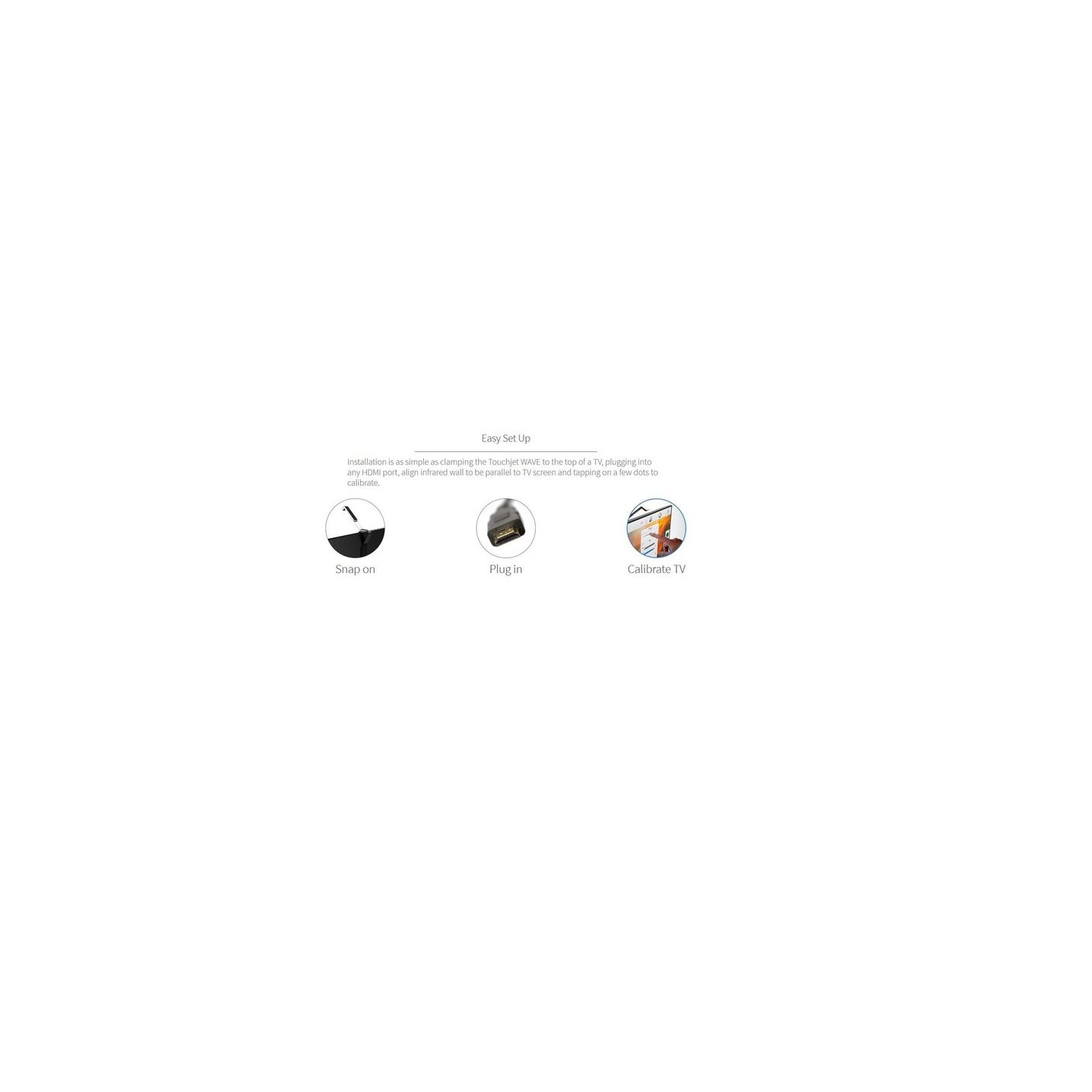
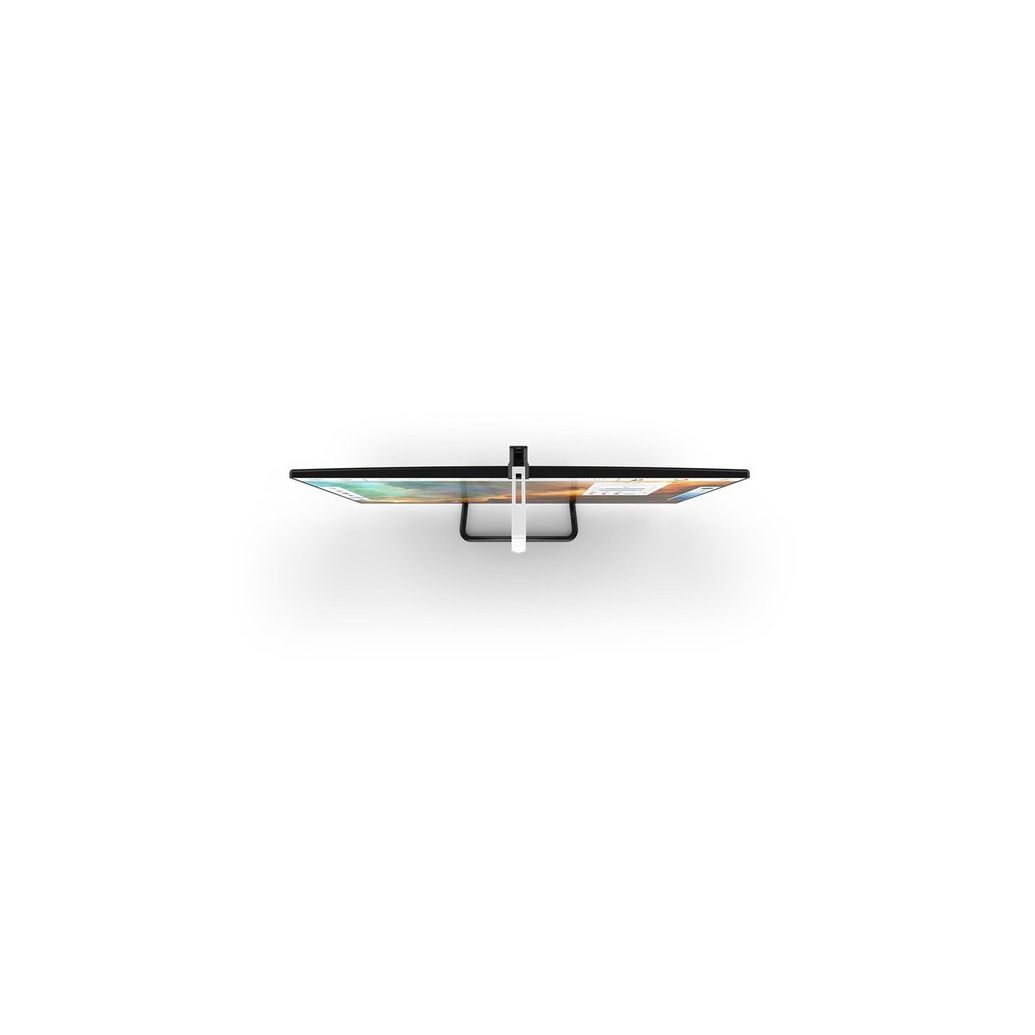
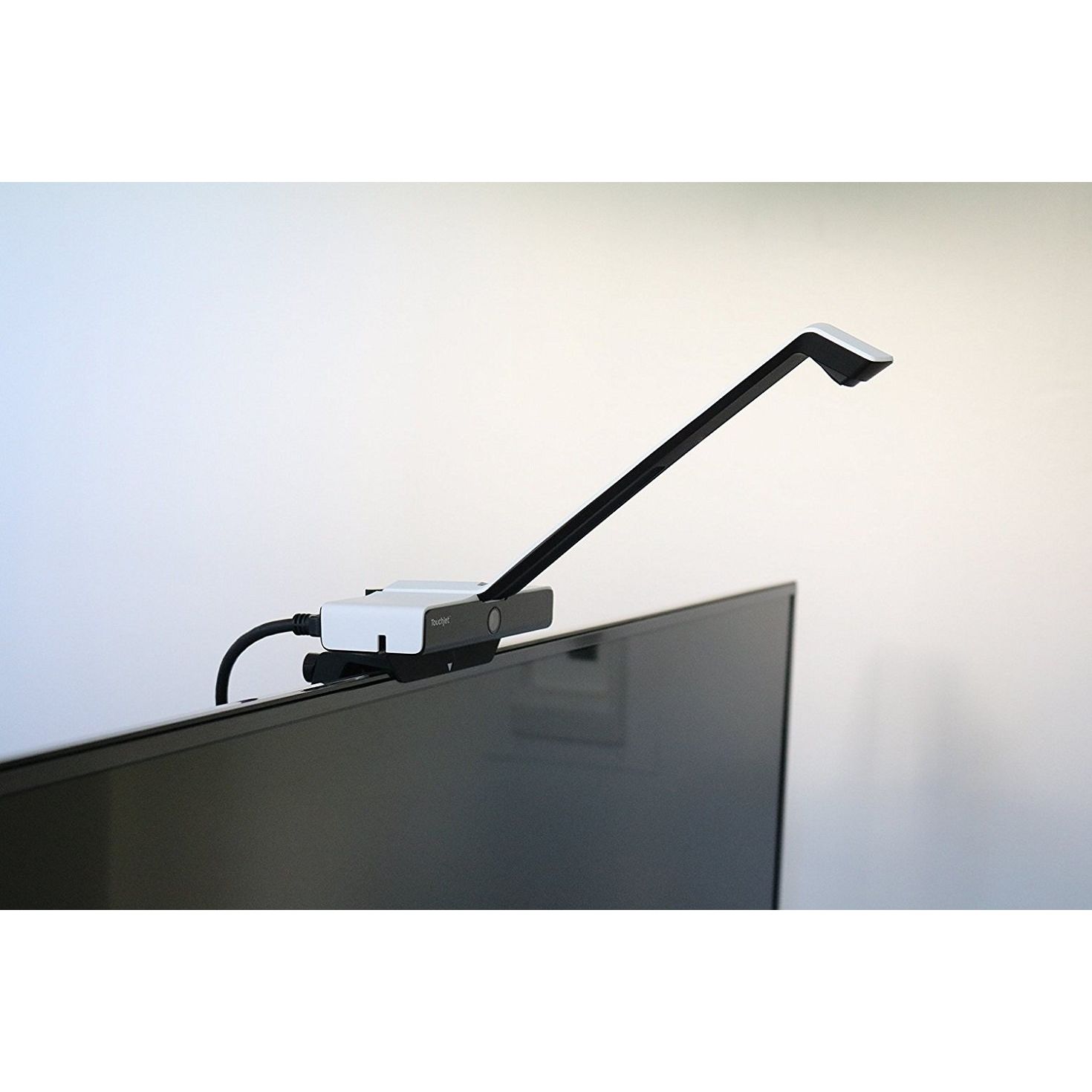
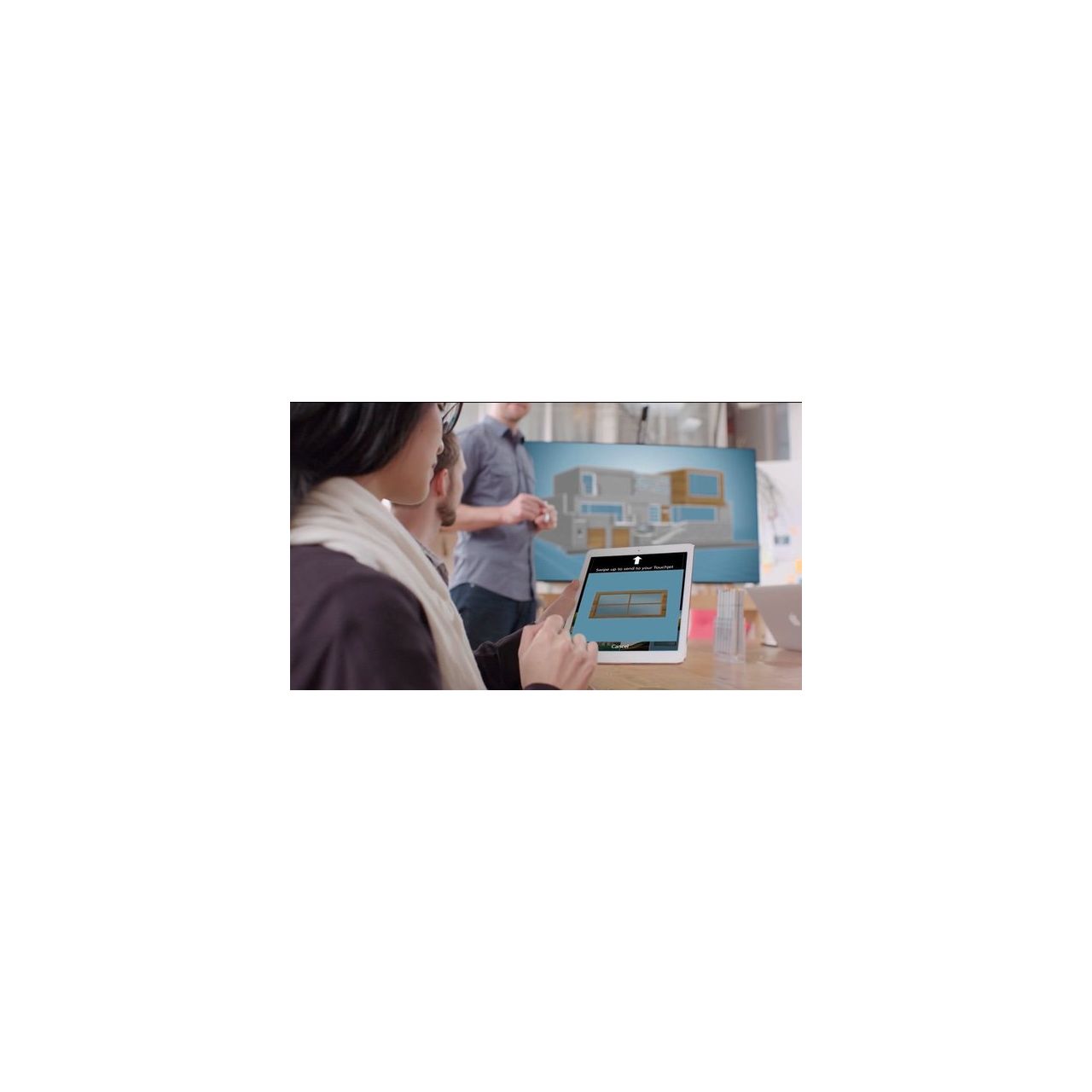
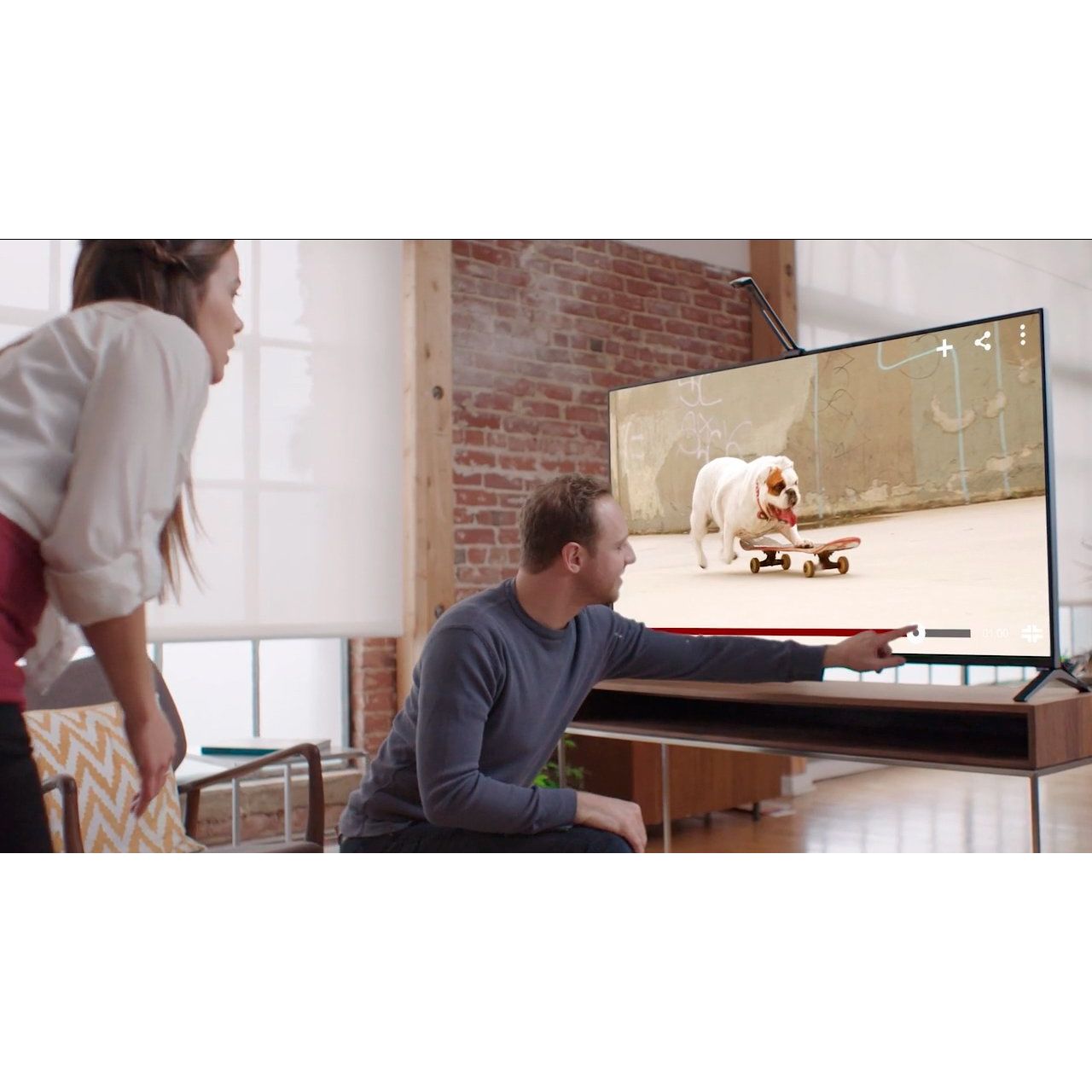
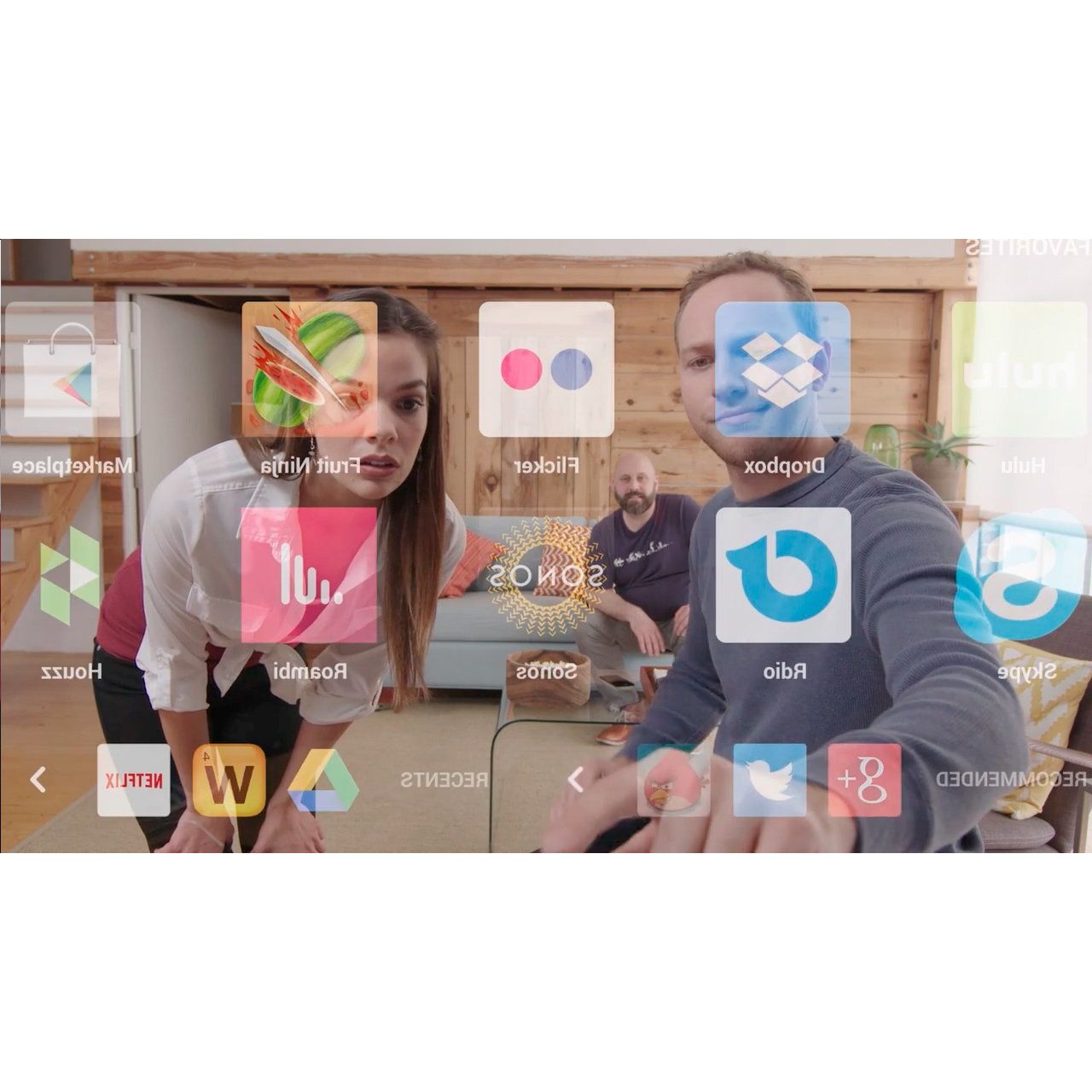
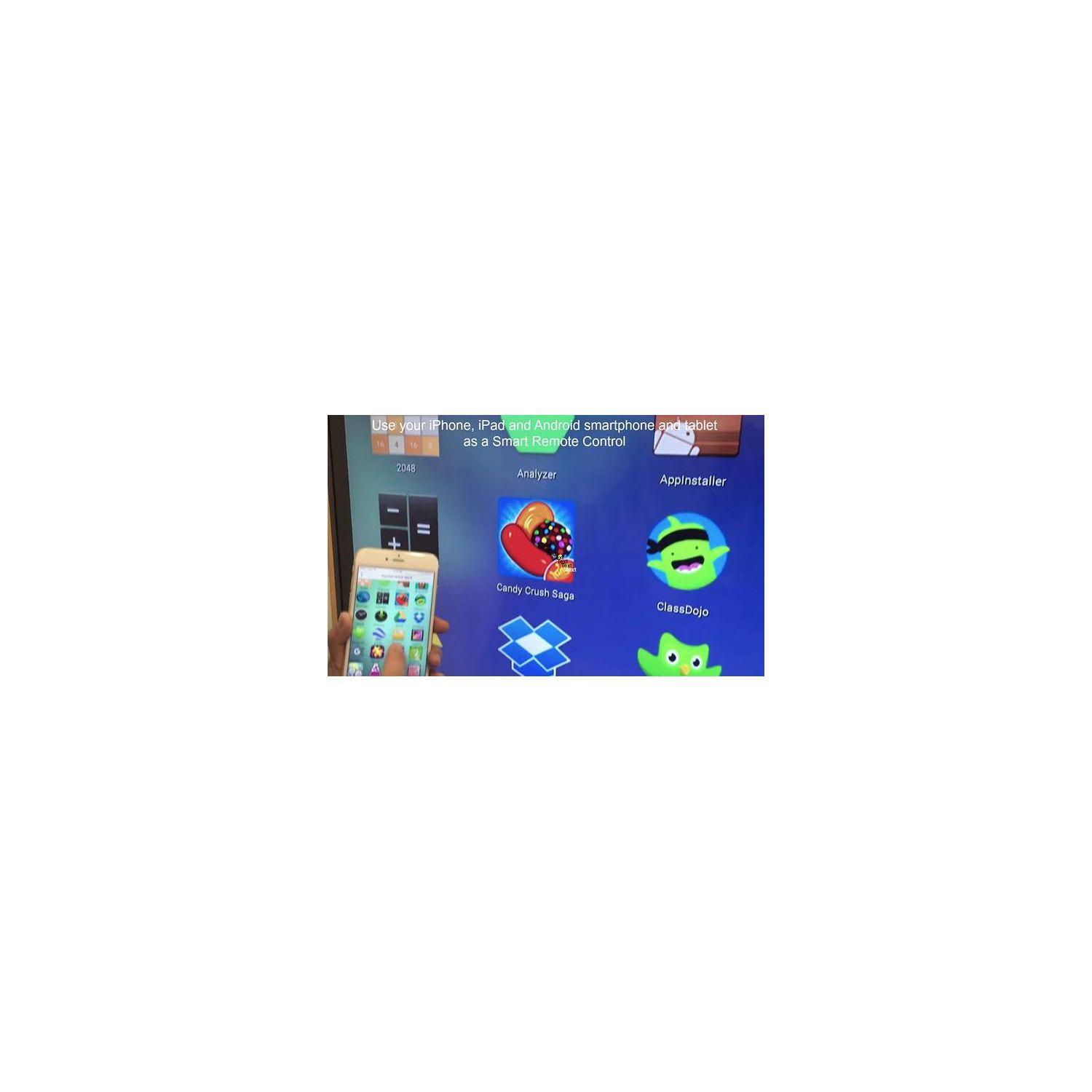
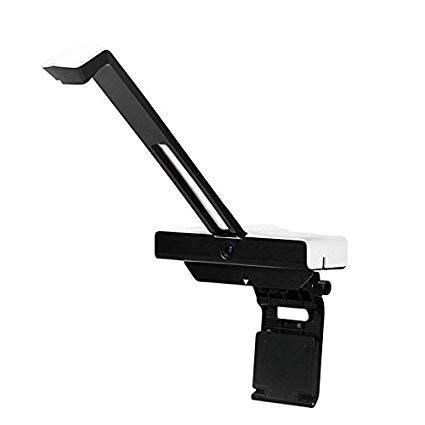
Make sure this fits by entering your model number. Please refer to the user manual for setup instructions. If there are issues, please contact Touchjet Customer Service at 415-579-3399 for assistance. Virtual Touchscreen - Touchjet WAVE adds a virtual touchscreen onto flat screen TVs and display monitors up to 65" (smart TV is not required). Simple Connection - Simply attach the WAVE to the top of your TV and plug the WAVE into your TV via . Giant Tablet - The WAVE is preloaded with the Android OS, Wi-Fi and it comes preloaded with apps so that you can start enjoying right out of the box. Work View / Class Time - Flip through your presentation directly on the big screen just like John King on cnn. Streaming - Stream your favorite shows and movies on Netflix or your favorite streaming app without having to connect to other devices. Support - Please download the Touchjet App onto your smart device (iOS and Android) for step-by-step instructions. Connect, Collaborate, and Share - With WAVE, bring presentation and education apps, and connect individual tablets to the big touchscreen. An affordable alternative to IWB and giant tablets.
Reviews
4.4
Reviews: 20
5 stars
75%
4 stars
10%
3 stars
0%
2 stars
10%
1 star
5%
Kevin Taylor
2
As you can see from the round tape patch in the attached picture, I apparently wasnt the first one to use and then return this product. That should have been my first red flag. To be fair, I really like the concept and the overall design of the mount and hardware is on point. The problem is with the underlying android technology. Over the course of the three hours I spent working with it, I got frequent app crashes. I slowly went from loving the idea of the product to wanting to rip it apart and take a large axe to the android hardware. It made the product nearly unusable and definitely not something Im going to put in a board room or conference room. I did try to run an update to see if that would take care of the app crashes but as you can see in the second picture, it wouldnt connect to the update server. The error message was amusing, though: Check Your OTA Servier Argent[SIC]. Thats not a typo on my part. Bottom line, this would be a great product with the Android innards replaced by an HDMI In port or just a straight up USB3 or 3.1 connection so I could run the touch/pen portion off of a PC or a Mac. The buggy Android implementation ruined an otherwise great piece of hardware.
Chan Chun Wai
2
Pro: -Unique on the market -Creativity Idea Cons: -Not working on 40”+ TV (see the photo. I can’t write properly at the lower part of my 55” TV) - Only on Android 4.4 = almost no apps could run on it from PlayStore - No power button. U have to unplug to switch it off. Otherwise it will just in reboot loop - (updated as of 3 dec) Calibration doesn’t work with the screen next to any window. I guess sunlight affected the alignment process but is not sure. Same setting could be calibrated after sunset.
You may be interested
  • Bestsellers
  • Recently Viewed
 
Fast and high quality delivery

Our company makes delivery all over the country

Quality assurance and service

We offer only those goods, in which quality we are sure

Returns within 30 days

You have 30 days to test your purchase