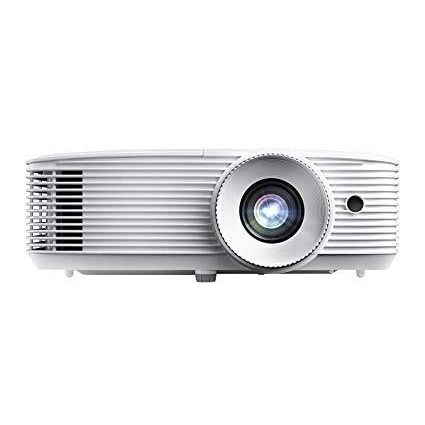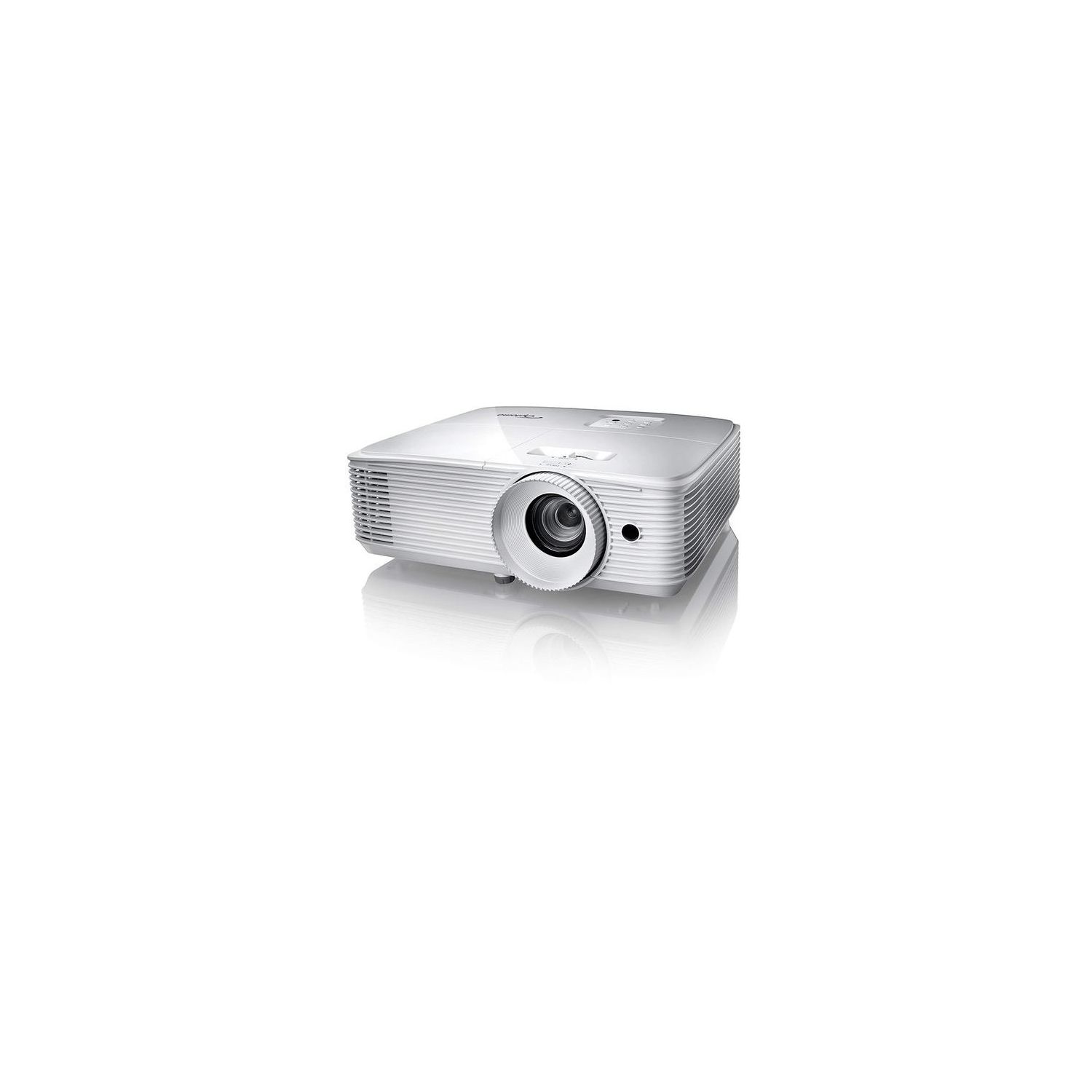
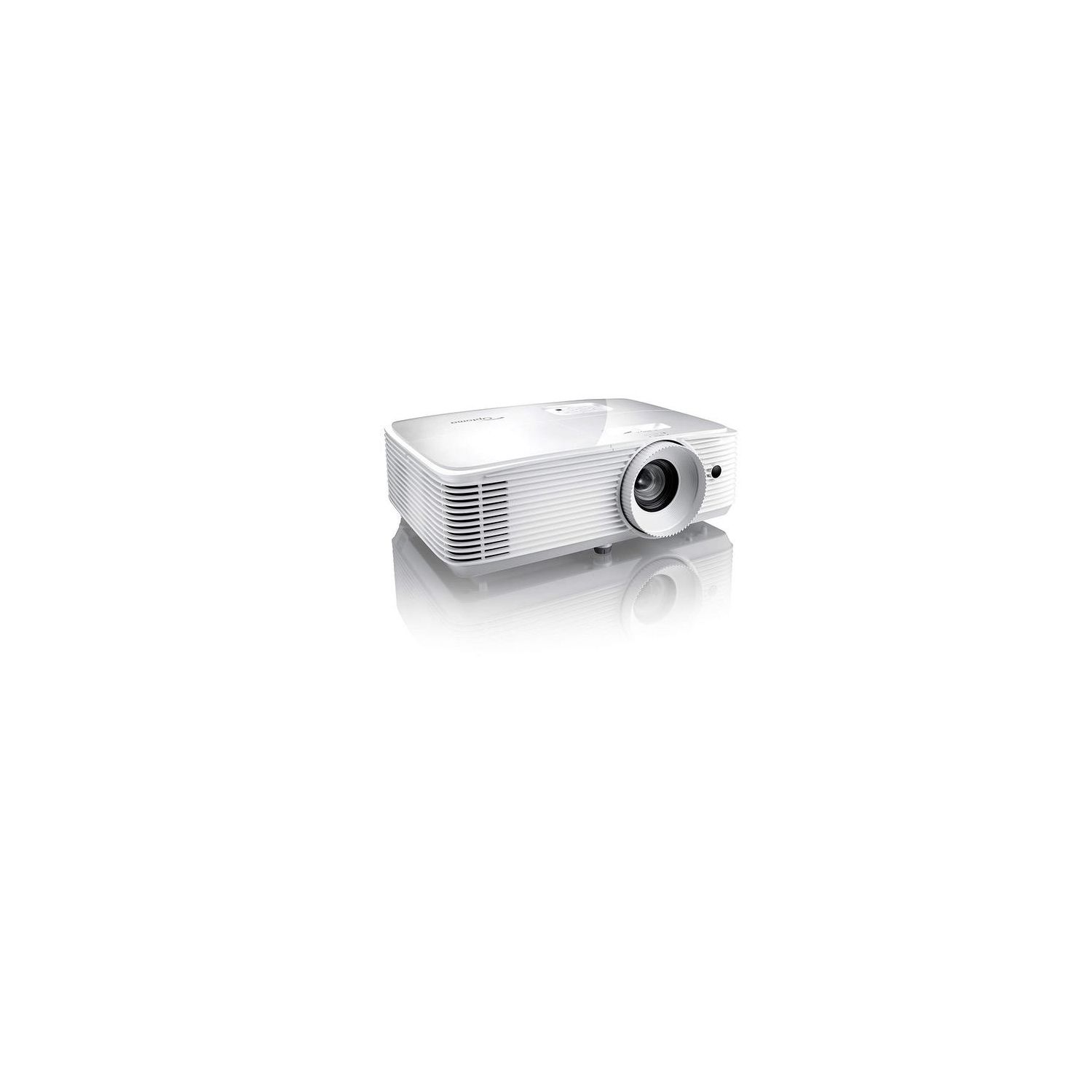
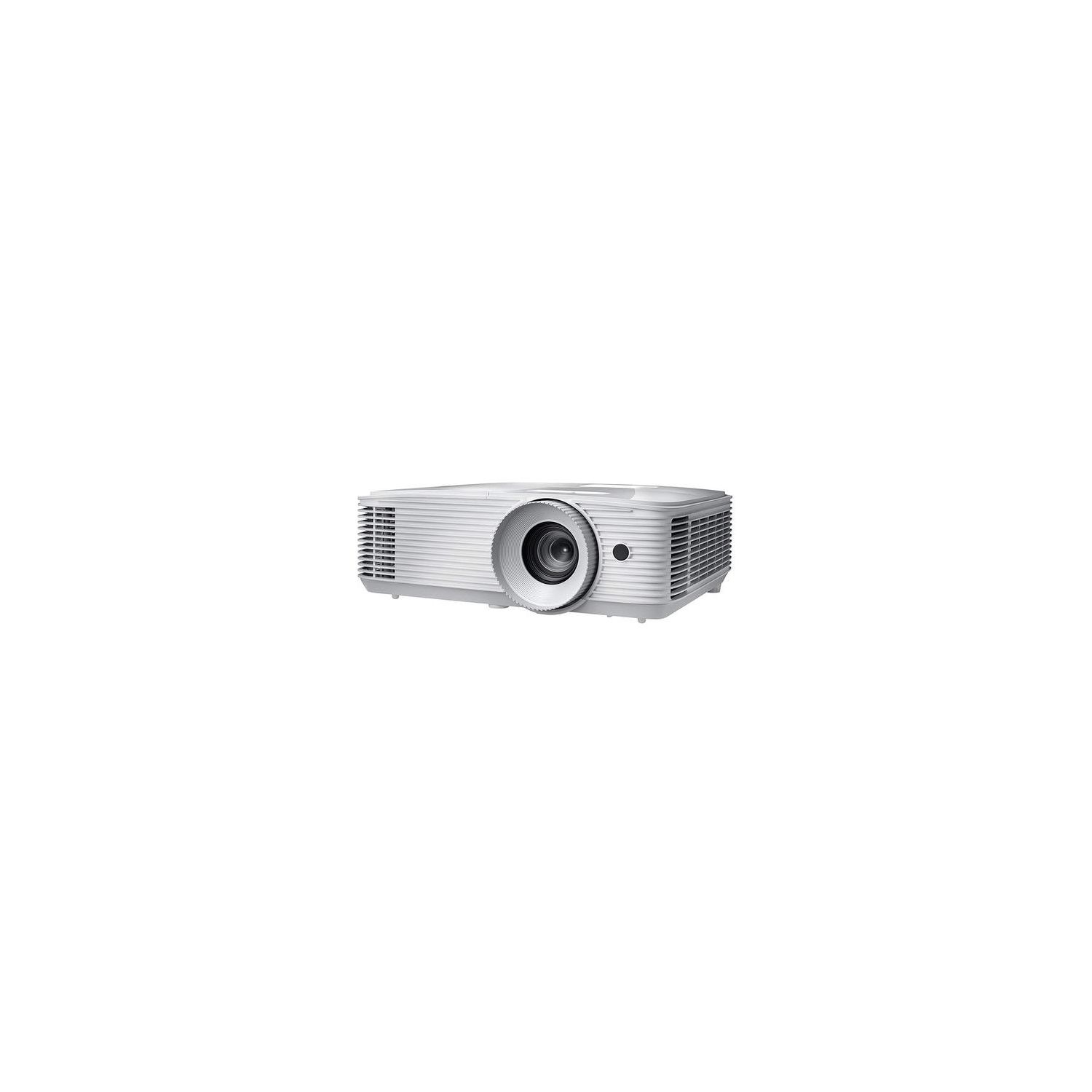

Optoma WU334 WUXGA High Brightness 3D DLP Office and Business Projector for meeting rooms and classrooms, Long 15,000h lamp life with bright 3,600 lumens for lights on viewing
Write a review
$45600

Optoma WU334 WUXGA High Brightness 3D DLP Office and Business Projector for meeting rooms and classrooms, Long 15,000h lamp life with bright 3,600 lumens for lights on viewing

Write a review
B077PMQL3H
+
Add to wish list
Walmart
Gold
Walmart sells virtually everything you can think of, from produce to tires. Given thei...

City: US, Turnpike

Delivery
Pickup at your own expense
Tomorrow from 09:00 to 20:00, Store location
Free
Payment options
Apple Pay Google Pay Mastercard Visa
Cash, bank card, credit/installment payments, cashless payment for legal entities
Warranty and returns
Exchange/return of products of proper quality within 14 days Official manufacturer's warranty: 12 months
Features
Connectivity Technology
VGA, USB, HDMI
Display Type
DLP
Resolution
1920×1200 (WUXGA)
Description
This fits your .
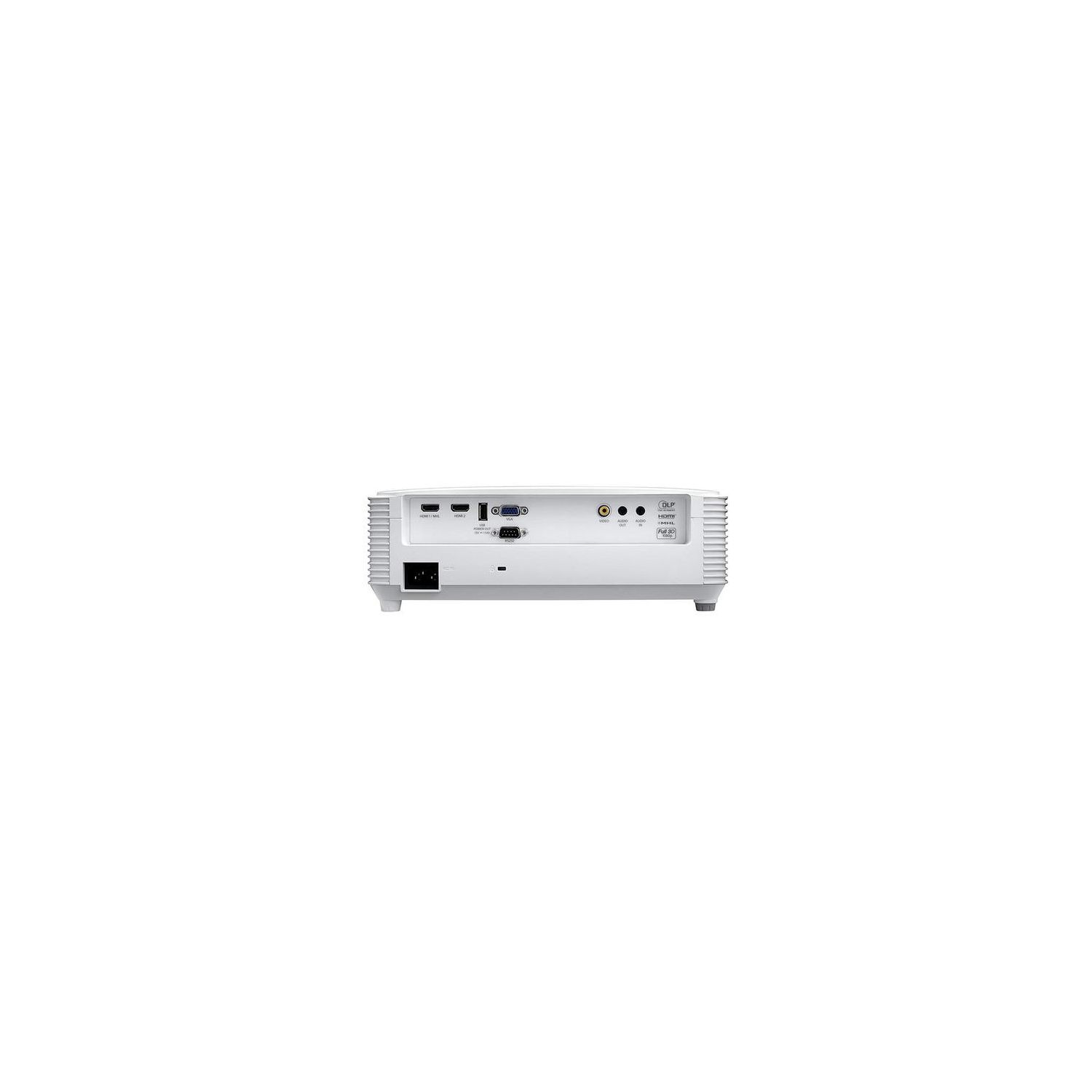
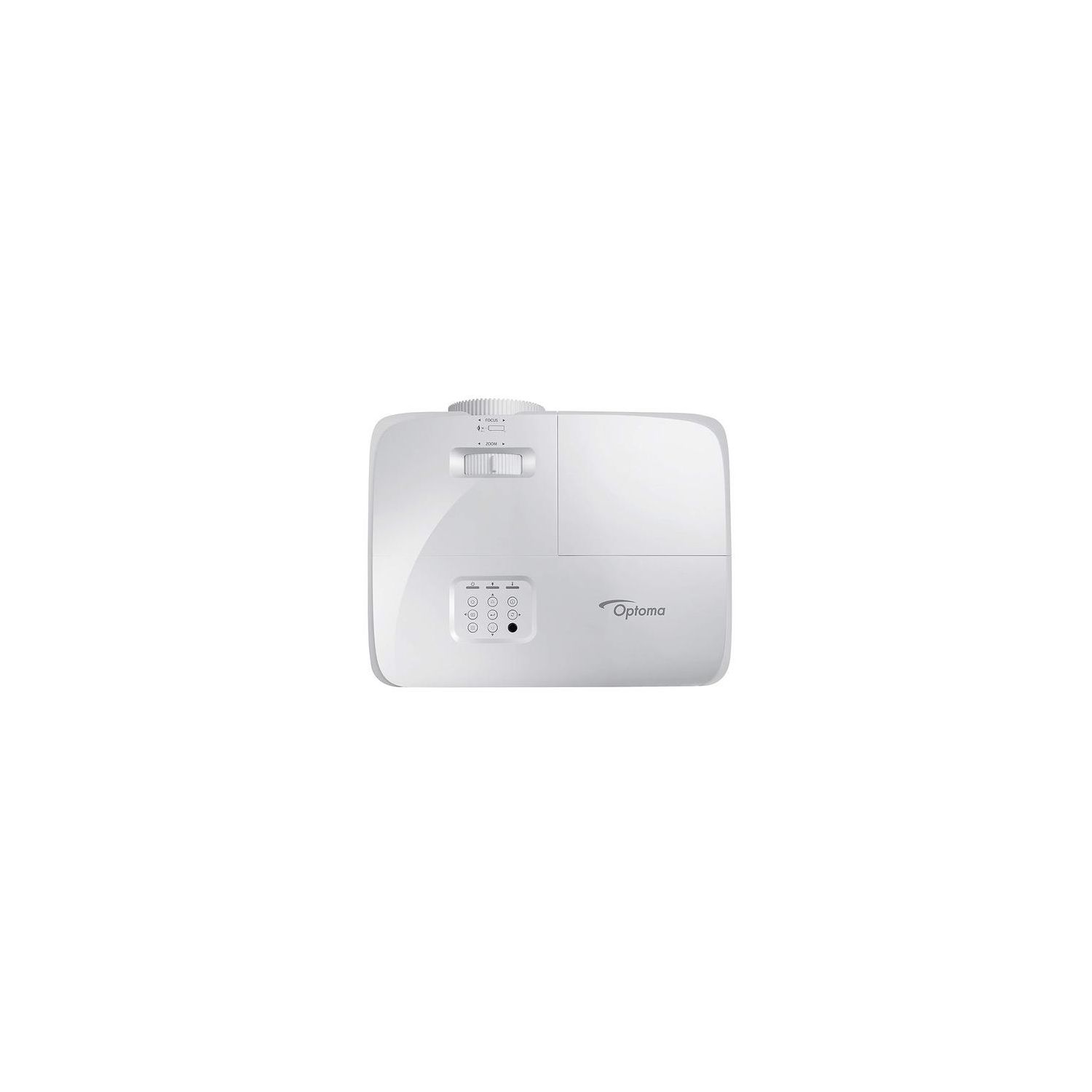
Make sure this fits by entering your model number. OPTOMA portable projector optimized for small-to-medium rooms, such as classrooms, meeting rooms and training labs. HIGH RESOLUTION WUXGA 1920x1200 projection with 3600 lumens and 20, 000: 1 contrast ratio. Bright and vivid colors and deep blacks bring your presentations alive. WIRELESS IMAGE MIRRORING with optional HDCast Pro. Enables wireless mirroring and streaming from PC, Mac, Chromebook and Android, iPhone and iPad. FLEXIBLE installations with 1. 3x zoom and LAN network connection for Room View supported devices. MINIMAL MAINTENANCE with super long 15, 000 hour lamp life. Many years of worry free projection. Extremely high price-performance value. EXTENSIVE CONNECTIONS, support with 2xHDMI (including MHL), VGA, composite, audio-in, audio-out, USB power and RS-232. POWERFUL 10 watt speaker enhances presentations and video with crisp and clear sound. Loud enough to be used without external speakers.
Reviews
4.5
Reviews: 20
5 stars
65%
4 stars
25%
3 stars
5%
2 stars
0%
1 star
5%
William W
5
I owned Optoma project years ago (with one lamp change) and want to upgrade mine. So I bought the top-tier in 1920x1200 category. Love: * Super bright, even in my room under sunlight from window * 1.6x zoom is a lot, about 80" screen in 8 feet setup * Business projector for gaming means no video processing and less latency * Hack-ready: Ethernet port for remote control, no more RS-232C * Ports on side means you can put the projector as close to the wall as possible, projecting bigger screen * Built-in speaker is loud enough for home use, but you always want to upgrade it Okay: * Powered USB port for Miracast adapter * Analog audio output to connect to my Bose SoundLink speakers Hate: * 5-10 seconds for input change (HDMI1 -> HDMI2) * Lens control feel plastic and cheap, should add more fraction to lens control so you dont easily turn the lens too easily
Eric
5
Sharp image! It has potential to go even bigger, unfortunately our from is only that big. Watch 1080p movies like a champ!
Clyde Washburn
5
We ordered this for use at our church annual meeting, to allow projected text to be easily read. Very nice image.
Jarucia Jaycox
5
Setup: Tested in the living room using my 100" screen at a distance of 11. Not much is included in the box--the projector in a case, with a remote and power cable. There are batteries and an owners manual on disc in the front pocket of the case. Setup was pretty straightforward, though navigating the menu isnt intuitive, it doesnt take long to figure out. It took me about 10 minutes to unpack, setup, adjust and start to use the projector from a flat surface. After adjusting the keystone, zoom and focus, and I was immediately satisfied. I have an Epson 1080p mounted to the ceiling at 11 as well, so I tried to do an apples to apples comparison. The differences were minimal. The Optoma appears a little brighter, while still maintaining good contrast, but image clarity was identical. One point worthy of mentioning is the zoom--you dont have a lot of range with this projector (1.1x zoom). Most of the sizing will need to be done by physically moving the projector closer or farther to get the size you need. You can change the aspect ratio between 16:9, 4:3, LBX, Native and Auto. The sound was just ok. It is fine for a presentation, but I wouldnt count on it for movies. You can hear the fan, but it isnt that noticeable--at least no more so than any other projector Ive seen or used. All-in-all, I think this is a great device. Im not in any way disappointed with it. The projection is clear and colorful, with plenty of brightness and contrast. Im very pleased.
A. Fabbri
5
Have been using multiple brands of projectors in business and home use for over a decade so I was happy to test out this new DLP projector and see how it compares. Likes: - Brand. Optoma has been one of the major brands for years and Ive had good experiences with their quality *and* their support department. In the past when I had an optoma projector that was acting up, they erred on the side of fixing it for me. This is the third optoma projector Ive used extensively. - Contrast. Not surprising for a DLP-based projector, but this thing has excellent contrast. This helps with visibility in brighter business scenarios, but looks stunning when you lower the lights. - 3600 lumens. Pretty bright for mid-sized meeting rooms and larger display sizes. - Lamp life: rated at 15k hours, which is great. - Connectivity: 2x HDMI plus "legacy" vga and composite video inputs. - HDMI audio-out is a nice touch, and comes in handy for some installations. - Price. Amazing what you can get for ~$600 these days. - Usual array of display modifiers: keystone, reverse, etc.. all work well. Dislikes: - No complaints so far. I will update this review if I encounter any issues in use.
M. Reynard
5
0:00 0:00 This video is not intended for all audiences. What date were you born? January February March April May June July August September October November December 1 2 3 4 5 6 7 8 9 10 11 12 13 14 15 16 17 18 19 20 21 22 23 24 25 26 27 28 29 30 31 2019 2018 2017 2016 2015 2014 2013 2012 2011 2010 2009 2008 2007 2006 2005 2004 2003 2002 2001 2000 1999 1998 1997 1996 1995 1994 1993 1992 1991 1990 1989 1988 1987 1986 1985 1984 1983 1982 1981 1980 1979 1978 1977 1976 1975 1974 1973 1972 1971 1970 1969 1968 1967 1966 1965 1964 1963 1962 1961 1960 1959 1958 1957 1956 1955 1954 1953 1952 1951 1950 1949 1948 1947 1946 1945 1944 1943 1942 1941 1940 1939 1938 1937 1936 1935 1934 1933 1932 1931 1930 1929 1928 1927 1926 1925 1924 1923 1922 1921 1920 1919 1918 1917 1916 1915 1914 1913 1912 1911 1910 1909 1908 1907 1906 1905 1904 1903 1902 1901 1900 Submit Adobe Flash Player is required to watch this video. Install Flash Player Ok, so the name is a little misleading. This can be used for far more than "business". In fact, were using it for pleasure (as you can see from the video). The video was shot outside on an inflatable projector screen with the Optoma projector sitting about fifteen feet away from the screen on top of a trashcan (cause thats what we had that was tall enough). Weve used it inside on a white painted wall as well with no issues. Setup is relatively easy. To setup: First you plug the power into the a/c outlet, and then plug the hdmi cable from the device youre using into the projector. Turn on (after removing lens cap) and twist to adjust focus. The screen was honestly harder to setup than the projector. There is no input lag. We hooked the Nintendo up to it and played games and theres no delay when youre using the controller to what is being shown on the screen. And the images are crisp (well as crisp as you get with Nintendo). I will say that you need to also hook some kind of speaker up to it; it obviously doesnt play sound on its own. In addition to the Nintendo, weve been able to plug a computer, raspberry pi, and Switch as well on it. Pretty much anything you can connect with an HDMI cable. The unit didnt seem to get too hot, even when using it for over an hour at a time. The fan you have to keep clear and seems to work properly and it isnt very noisy so that the sound of whatever youre running will cover up any operating noise. Nice projector! Were looking forward to many movie nights out on the lawn with it. Review by M. Reynard 2018
C. Hill
5
This Optoma WU336 WUXGA 3400 Lumens Business & Education Projector provides excellent clarity and very good sound for both business and home use! We have 7 good quality projectors (mostly Epson) that we use for my wifes business training rooms and this one is by far the clearest of the lot! Up till now, we have been using XGA projectors and have been happy with the resolution but the difference with WUXGA is nothing short of amazing! The projector is easy to setup and configure for the specific application. The options are selectable from the included remote or via the control panel on the unit. As noted above, the clarity for presentations is far better than actually needed but this really shines for movies and video games (be sure to select the right video profile). This also has very good internal speakers which has allowed us to reprurpose the sound bar we had been using in our main training room. My only minor issue with this unit is the very bright light that shines through the vent on the side of the unit. Highly Recommended! CFH
Jacopo
5
I got the Optoma WU334 to replace an older Epson business projector. I didnt need a projector that was super high quality since it was only going to be for business use and mainly for powerpoints, but I did want something that was decent as my previous one can be hazy which is hard to see unless you are up close. I was pretty blown away by the quality of the Optoma, especially since it is from a brand I have never heard of. It has a very sharp picture and the focus adjustment is great. Ive even used it as an entertainment projector at the office and it works great and is pretty high quality. The best part about it is that it is quiet. This is pretty critical since my old projectors fan would cause problems if it was within a couple feet of the conference line phone. Highly recommend the Optoma.
Gavin Scott
5
I have been using this for presentations and set it up with a cheap vinyl 120" screen at home for watching movies, and it has been working great. The extra resolution is nice for presenting a computer screen and for watching video sent from the computer as well. Its quiet, and the 10 watt speaker is more than sufficient for watching a movie. Obviously it aint surround sound, but it fills the room well enough with clear audio. Overall it does great for not being intended as a home-theater device. It has limited zoom control, and I have the front of the projector 14 feet back from the screen to fill the 120". Brightness is excellent as you might expect for a brand new projector. There are numerous power saving settings to trade off brightness for lamp life. Otherwise its mostly indistinguishable from your standard business projector for factor, and has the usual adjustments for keystone, etc. and can be mounted table, ceiling, front or rear projection. The remote is a bit fiddly to get pointed towards the projector so that it sees it. Loving it so far, and no issues. Five stars. G.
ZanzibarGirl
5
Im so thrilled with this projector! I have a presentation coming up and this is going to make set-up so much easier. There was nothing to install on my machine to use this. It is just plug and play. I connected it to my laptop with an HDMI cable and it worked just perfectly. This has the option to hang from a ceiling or, of course, sit on a table, or to project from behind a screen or to project from the regular frontal position. It was a tad slow to start up, but I think most projectors are like that - takes time to heat everything up. It was warm when I unplugged it, but not too hot. The focus and Zoom options really make it possible to use in a wide variety of settings. It comes with a remote, the power cord, and a handy carrying case. It also has a nice speaker, right in the projector itself. This wouldnt work well for large venues, but would be perfect in a classroom setting. it has adjustable feet so that you can change the angle if needed - a Keystone feature is also available to fix the distortion in the picture this might cause.

Showing 10 of 13 reviews

You may be interested
  • Bestsellers
  • Recently Viewed
 
Similar products
Fast and high quality delivery

Our company makes delivery all over the country

Quality assurance and service

We offer only those goods, in which quality we are sure

Returns within 30 days

You have 30 days to test your purchase