
















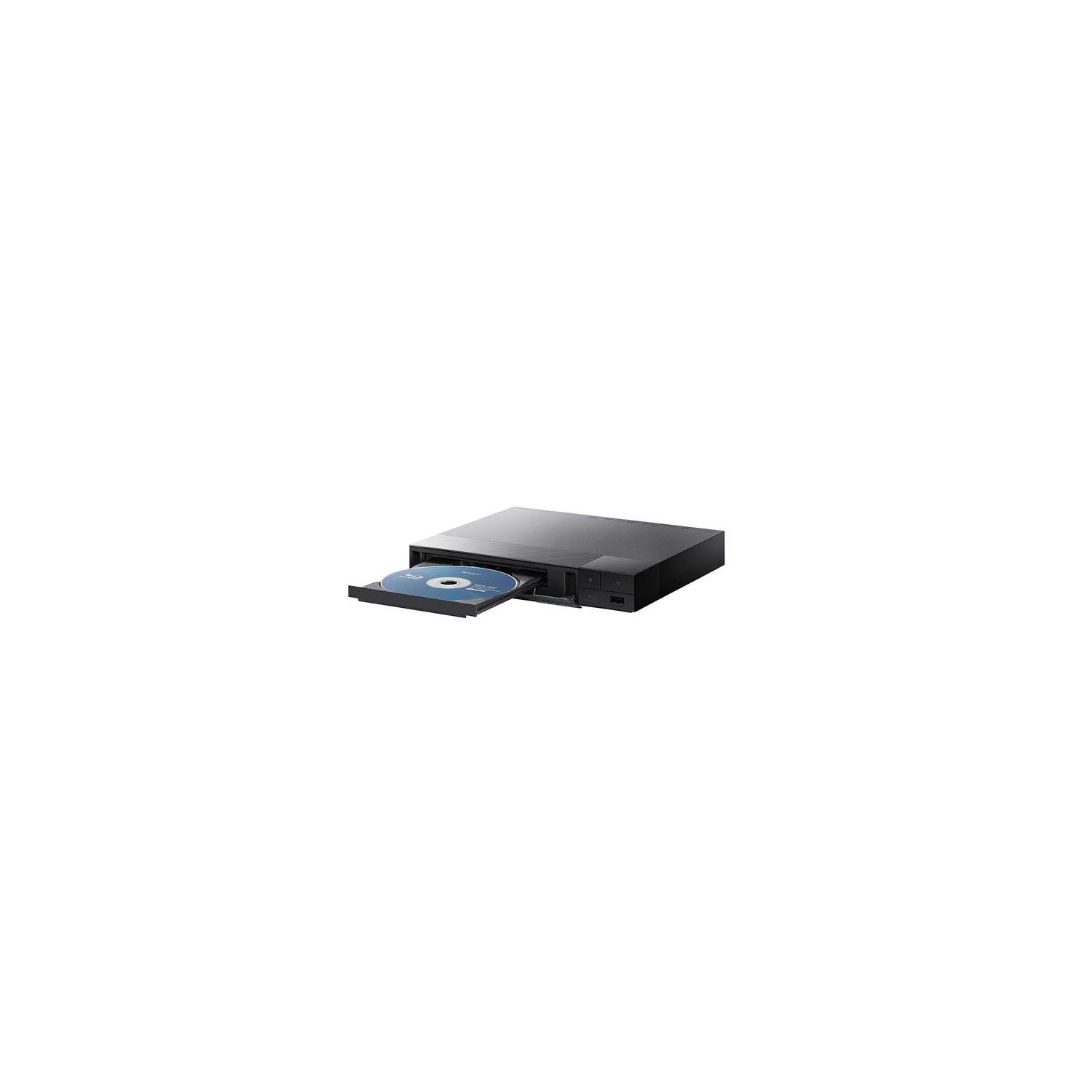
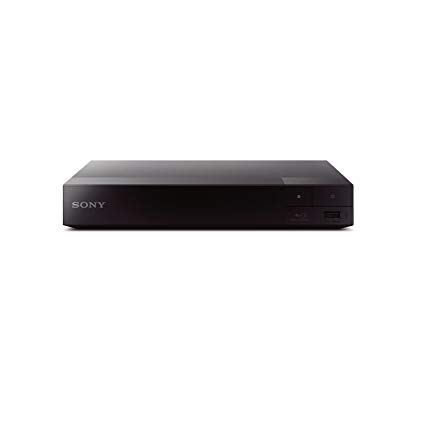
Sony BDPS1700 Wired Streaming Blu-Ray Disc Player (2016 Model) (Renewed)
Write a review
$5200

Sony BDPS1700 Wired Streaming Blu-Ray Disc Player (2016 Model) (Renewed)

Write a review
B01G640T0Y
+
Add to wish list
BestBuy
Silver
Best Buy Co., Inc. is an American multinational consumer electronics retailer headqu...

City: US, Richfield

Delivery
Pickup at your own expense
Tomorrow from 09:00 to 20:00, Store location
Free
Payment options
Apple Pay Google Pay Mastercard Visa
Cash, bank card, credit/installment payments, cashless payment for legal entities
Warranty and returns
Exchange/return of products of proper quality within 14 days Official manufacturer's warranty: 12 months
Features
Item Dimensions
7.63 x 9 x 1.53 in
Item model number
BDP-S1700
Item Weight
2 lbs
Model Year
2015
Built-In Media
Brand Name
Sony
Description
  • Stream from 300+ apps and entertainment services
  • PlayStation Now : Stream and enjoy PlayStation 3 games instantly
  • Full HD 1080p Blu-ray Disc playback & DVD upscaling
  • Easy access to apps and functions with a new customizable user-friendly interface
Reviews
3.6
Reviews: 20
5 stars
50%
4 stars
10%
3 stars
10%
2 stars
5%
1 star
25%
Wayne Michael
3
Warning: It took a lot of work to set up this Blu-ray player to stream!! When you receive the package, there is one power supply, one remote control (no batteries), one product info sheet, one note detailing your rights on the refurbished product, and the unit itself. The unit itself seemed to be in excellent condition! Okay, why was the setup such a PAIN? 1. When you turn the unit on, you must update the software. However, they do not tell you that you must set up the Network Connections. 2. After getting the Network Connections all set, you get the message: "Internet Settings is now complete. The unit has successfully connected to the internet. Physical Connection is OK Internet Access is OK" 3. However, several attempts to update via Internet failed with the message: "Connection Status Cannot Be Confirmed Cannot Communicate With Server Please try again Later." (now I am frustrated and try the USB method of updating) 4. I went online via my laptop and went to the Sony site and found the update file 5. Can you believe it was compressed and had to be unpacked? Although I tried it packed first! 6. If you hide any previous file on your USB memory stick, AND unzip the Update file, you are finally all set. 7. Turn OFF your player and then insert your USB memory stick. 8. Turn ON your player and I was pleased it asked to update, via USB, and I did. 9. The rest of the update process went smoothly and it took about 3 minutes. 10. You can now add any of the many apps available. Whew! Seems like a lot of work to simply replace one outdated Panasonic DVD player with a newer Blu-ray player that has more apps available.
Al Binder
3
Overall, it works OK for the prices, but I really dont like the way the remote works. Very hard to get to the menu that allows you to return to the list of available programs without logging out and logging back in. Also dislike the delay between the time you push the OFF button and the time the machine actually shut off. Sometimes when a DVD is in the tray it does not want to shut off at all until the plug is pulled. Mostly I tolerate these idiosyncrasies because of the relatively low price I paid for the unit. A higher price model would no doubt perform better but of course it would cost more.
You may be interested
  • Bestsellers
  • Recently Viewed
 
Fast and high quality delivery

Our company makes delivery all over the country

Quality assurance and service

We offer only those goods, in which quality we are sure

Returns within 30 days

You have 30 days to test your purchase