
















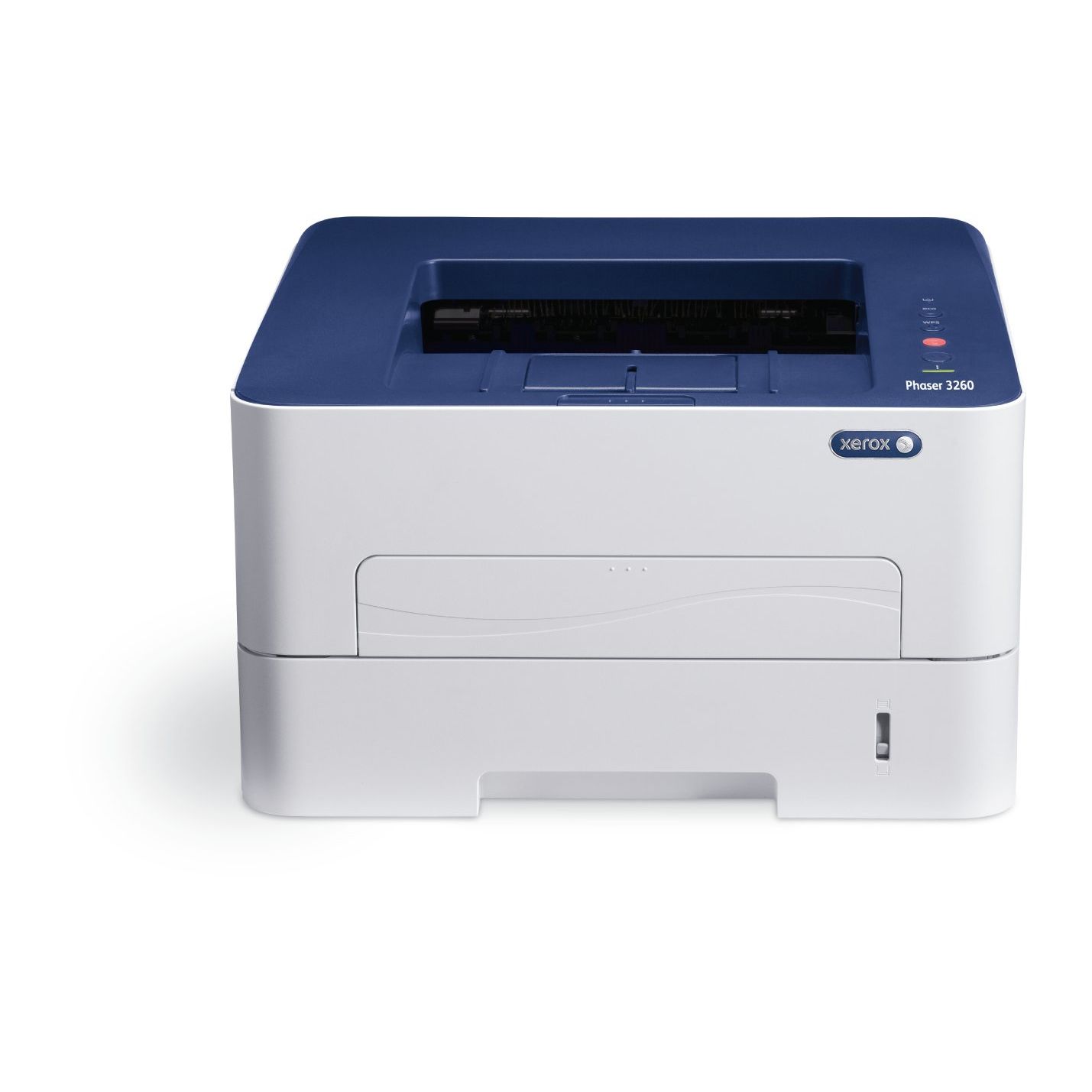
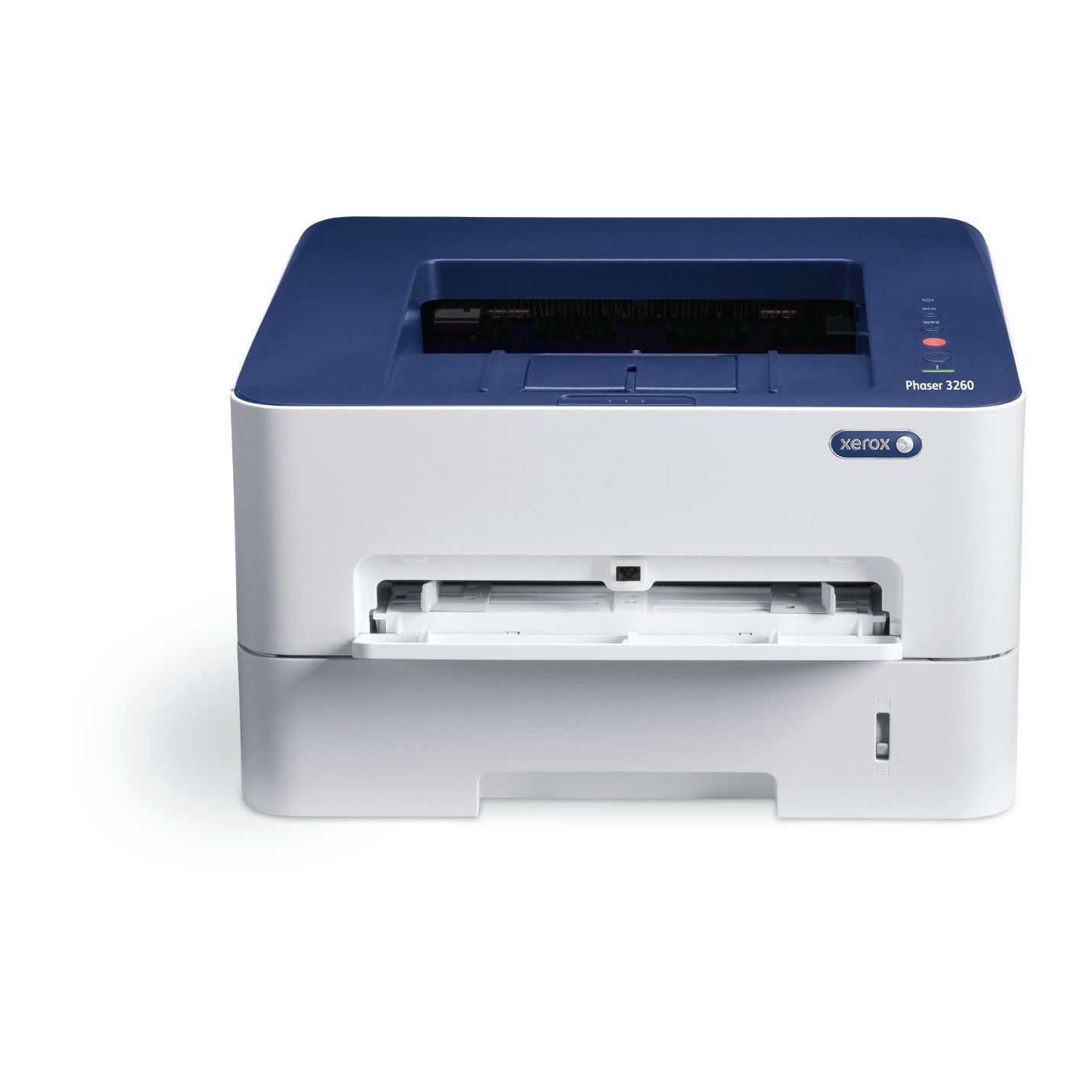
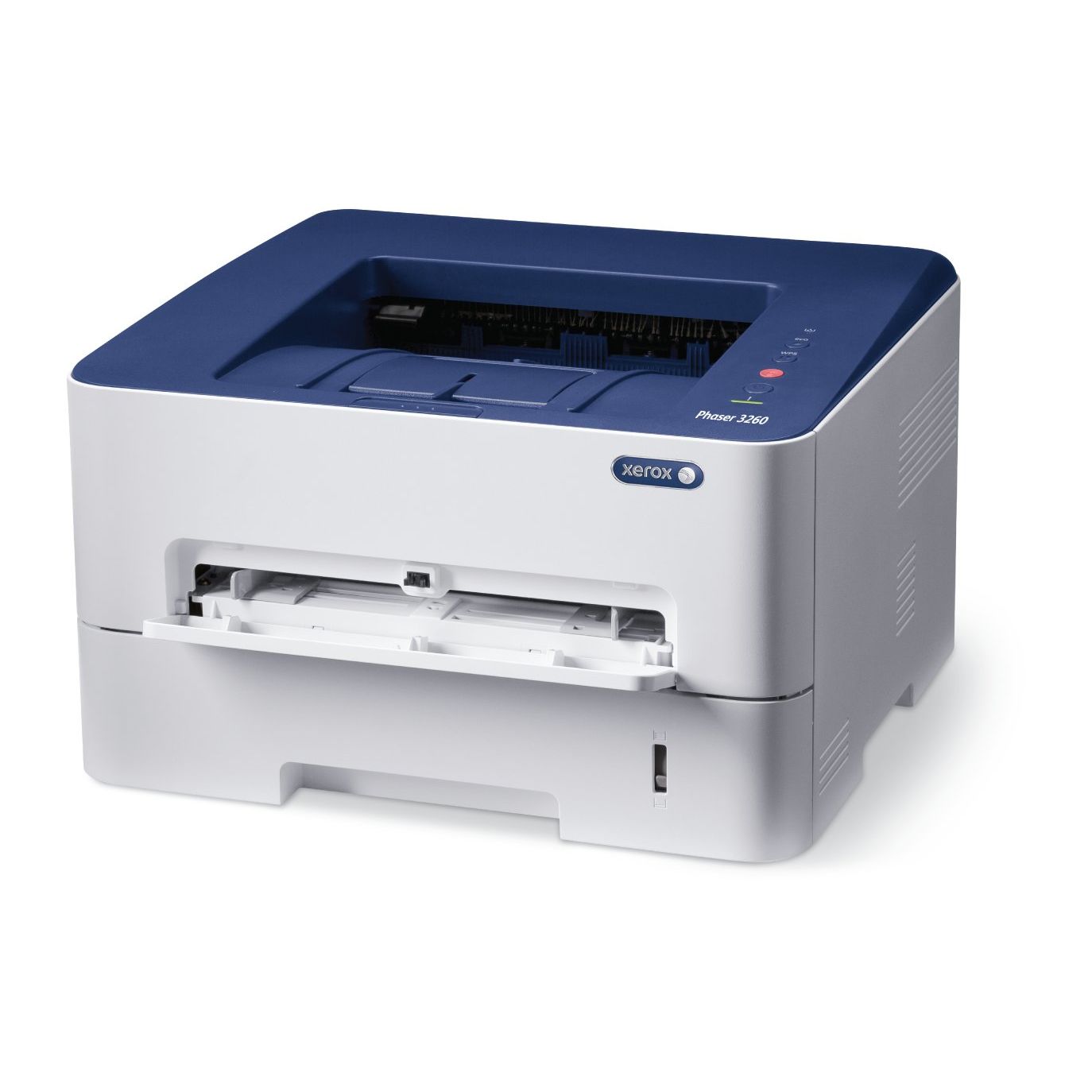
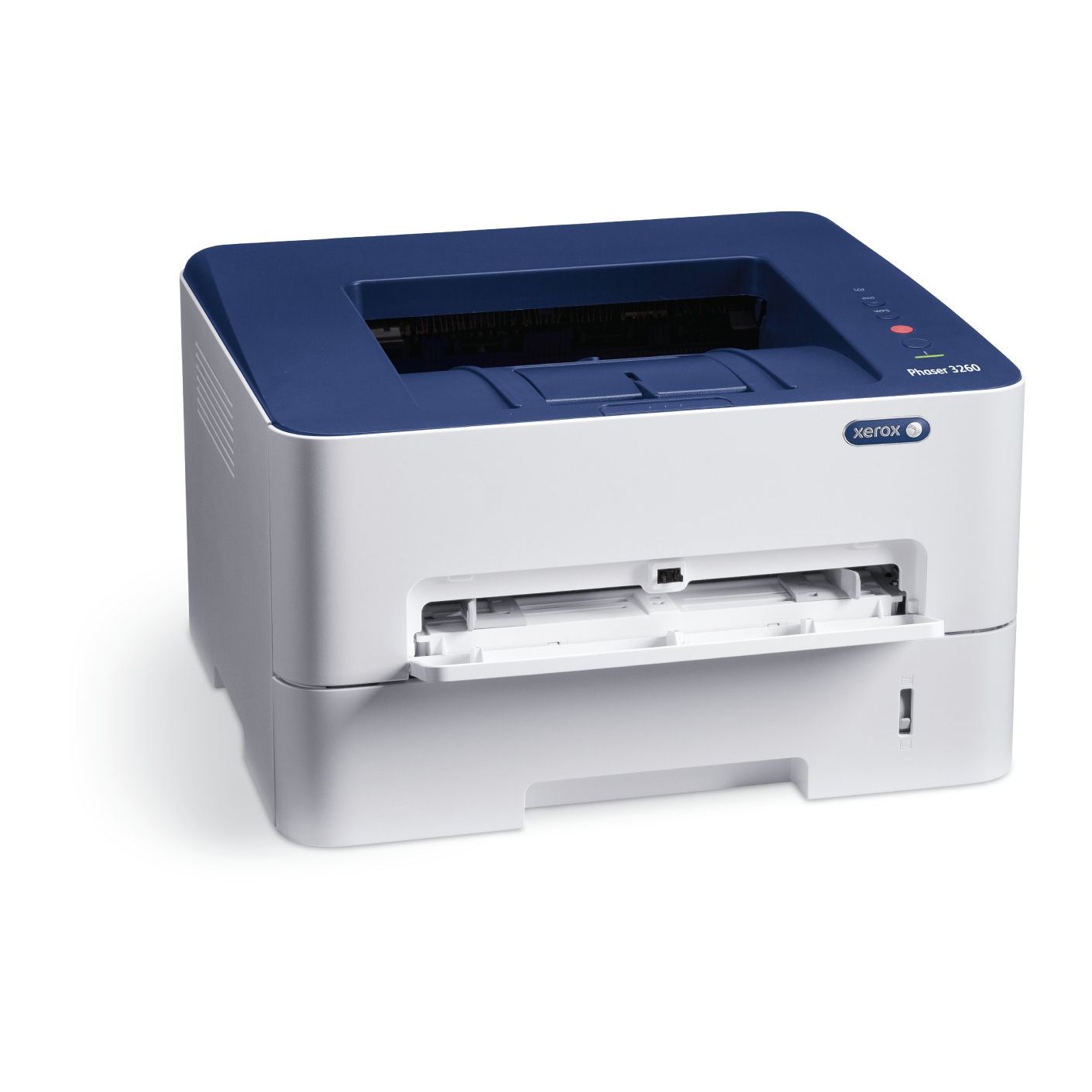
Xerox Phaser 3260/DNI Monchrome Laser Printer - Wireless
Write a review
$8900

Xerox Phaser 3260/DNI Monchrome Laser Printer - Wireless

Write a review
B00OKD3XZM
Printer
+
Add to wish list
Target is a general merchandise retailer with stores in all 50 states and the District...

City: US, New York

Delivery
Pickup at your own expense
Tomorrow from 09:00 to 20:00, Store location
Free
Payment options
Apple Pay Google Pay Mastercard Visa
Cash, bank card, credit/installment payments, cashless payment for legal entities
Warranty and returns
Exchange/return of products of proper quality within 14 days Official manufacturer's warranty: 12 months
Features
Connectivity Technology
Wi-Fi
Item Dimensions
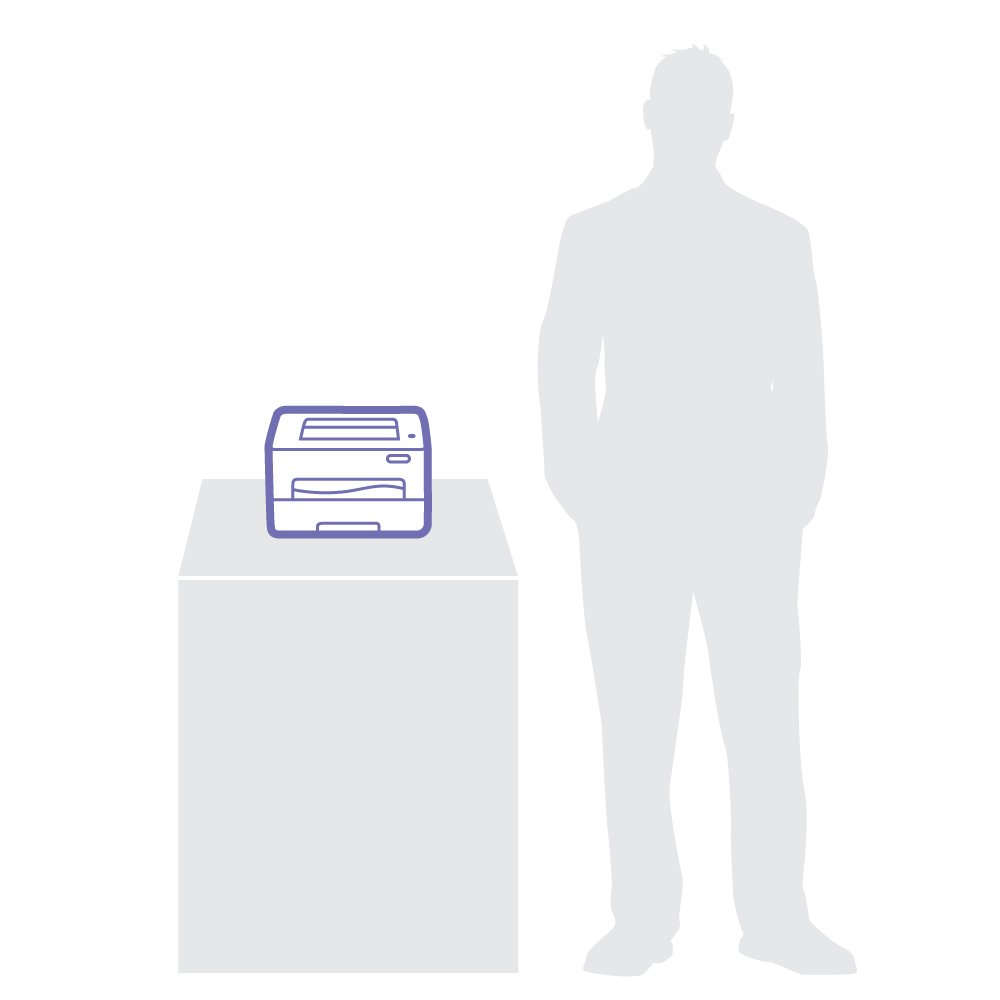
16.5 x 17.75 x 13 in
Item Weight
16.76 lbs
Operating System
  • Windows, Mac, Linux
Printer Output
Monochrome
Printer Technology
Laser
Style
Printer
Description
This fits your .
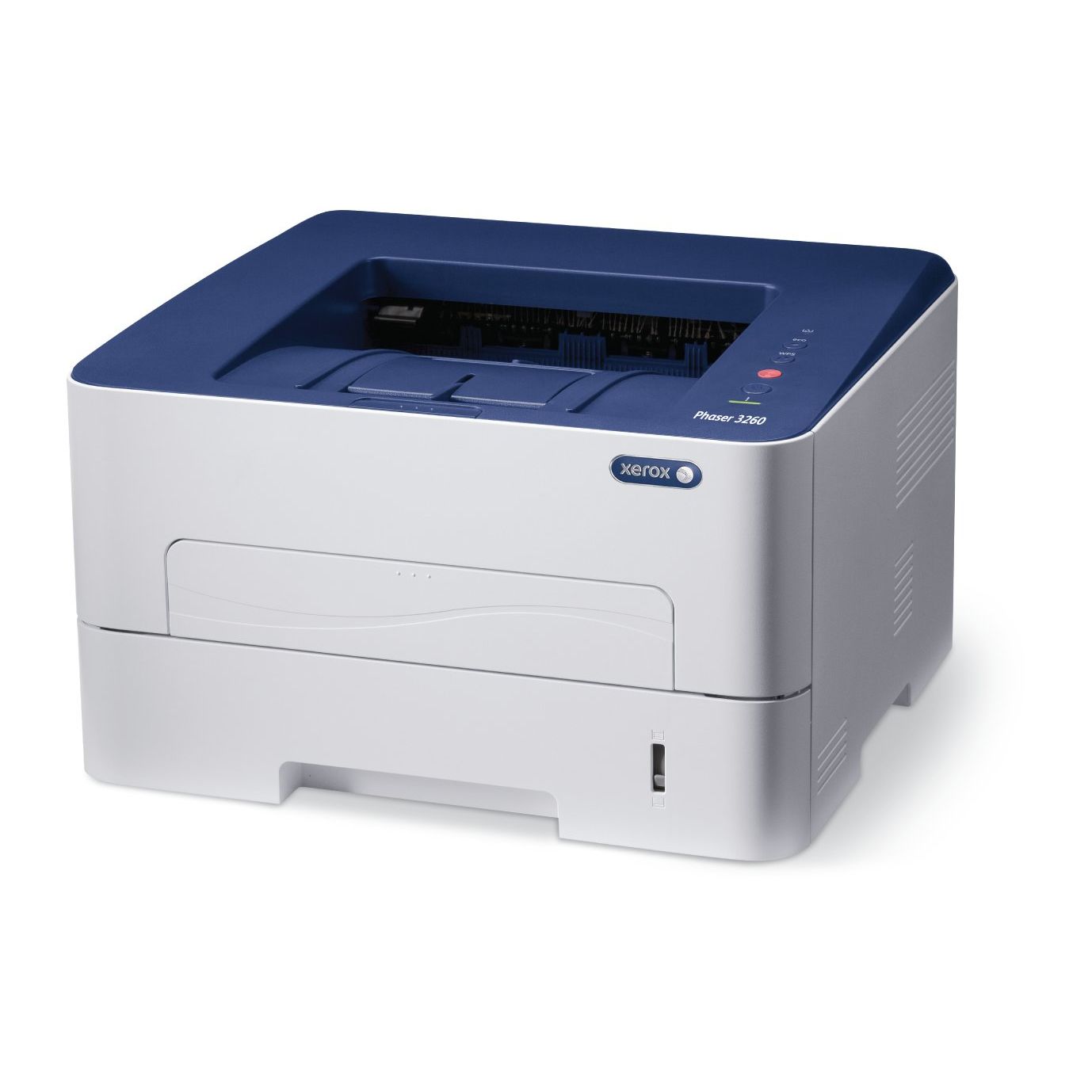
Make sure this fits by entering your model number. The Phase 3260 is a compact yet powerful monochrome laser printer designed Xerox Phase 3260DNI Mono Laser Printer (29 ppm) (600 MHz) (256 MB) (8.5" x 14") (4800 x 600 dpi) (Max Duty Cycle 30 000 Pages) (Duplex) (USB) (Ethernet) (Wireless) (Energy Star) (250 Sheet Input Tray Mono Laser
Reviews
3.7
Reviews: 20
5 stars
45%
4 stars
15%
3 stars
10%
2 stars
20%
1 star
10%
arb
3
my last printer was an hp all-in-one printer. the hp set up was super easy and straightforward--even for a non-tech savvy person like me. I chose a b&w laser this time because I really only print academic documents (e.g., papers, articles) and amazon return slips. I dont need color or scanning for that; and the all-in-one printers are kinda bulky. (also, a pet peeve with my inkjet printers has always been that the ink bleeds when I highlight; I really hate that blurring and smudging.) plus, I wanted a laser with auto duplex printing--a must. so I unboxed it last night. live and in person, its more compact than the listed dimensions led me to imagine; so thats a def plus. the major downside was trying to set it up. my laptop doesnt have a cd drive and they dont offer a link or anything in the installation instructions that come with it--strike one. I kept trying to find drivers and installation stuff online. I downloaded stuff from the Xerox web site, but nothing worked. I spent longer than an hour or two trying to figure out how to do it. I searched youtube videos, articles, chats--nothin. finally broke down and called Xerox tech support. the woman who answered seemed to have no deeper knowledge than reading a list of instructions. when I told her I dont have a cd drive, and Im on a Mac, she had no idea. she told be shed transfer me to a special department which had expertise with my model printer and doing a wireless install on a Mac-fair enough. she transferred me into an automated message that the department was closed and to call back. sly?--strike 2. what I ended up having to do was dig out an older Mac that has a cd drive; copying the cd information onto a usb drive, and then using that usb to do the set up on my Mac. that worked, but by then I was kinda annoyed and put out... if I had nothing to compare the experience with Id automatically assume that it was just my fault, but given that Ive had canon and hp printers and never had any such issues doing wireless set up, Im left no very impressed with xerox tbh. I did print out a document to test. it was fine. the auto duplexing worked fine; no jamming. the toner kinda had a strong smell, but maybe that will dissipate after some more use... the lost two stars are for how difficult it was to find installation software; how unintuitive the wireless installation process was; and how disappointing--kinda rude actually--the tech cust service was. however, I does get three stars because it works--finally.
Elwood
3
No hesitation to buy the WiFi and Apple friendly.Phaser 3260 because of my great experience with the Phaser 3250. BUT, setup of this 3260 was a nightmare due to initialization issues and was accomplished only after hours and hours on the phone with tech support. Also, unlike the ease of the single sheet-feed on the 3250, the 3260 requires the press of a button to "refresh" it before it will grab and hold the media. This was not described in the user manual but was confirmed by tech support. Thats a step backward. Its now working over WiFi and regular printing is doing OK. Also, I kept the 3250 up and running until I felt comfortable with the 3260 and guess what? My laptop cant access the 3250 any longer due to, yes, you guessed it, initialization issues. No problem at all with the 3250 until the 3260 was finally installed. To their credit, the techs, for the most part, did their best and seemed determined to resolve the issues and one finally did as to the 3260 issue. Havent gotten back to them about the 3250 yet.
Product variations
Column filling
Sort by Price Sort by Availability Sort by CODE Sort by Style
$8900
In stock
+
B00OKD3XZM
Style:
Printer
You may be interested
  • Bestsellers
  • Recently Viewed
 
Fast and high quality delivery

Our company makes delivery all over the country

Quality assurance and service

We offer only those goods, in which quality we are sure

Returns within 30 days

You have 30 days to test your purchase