




























Born in Kansas
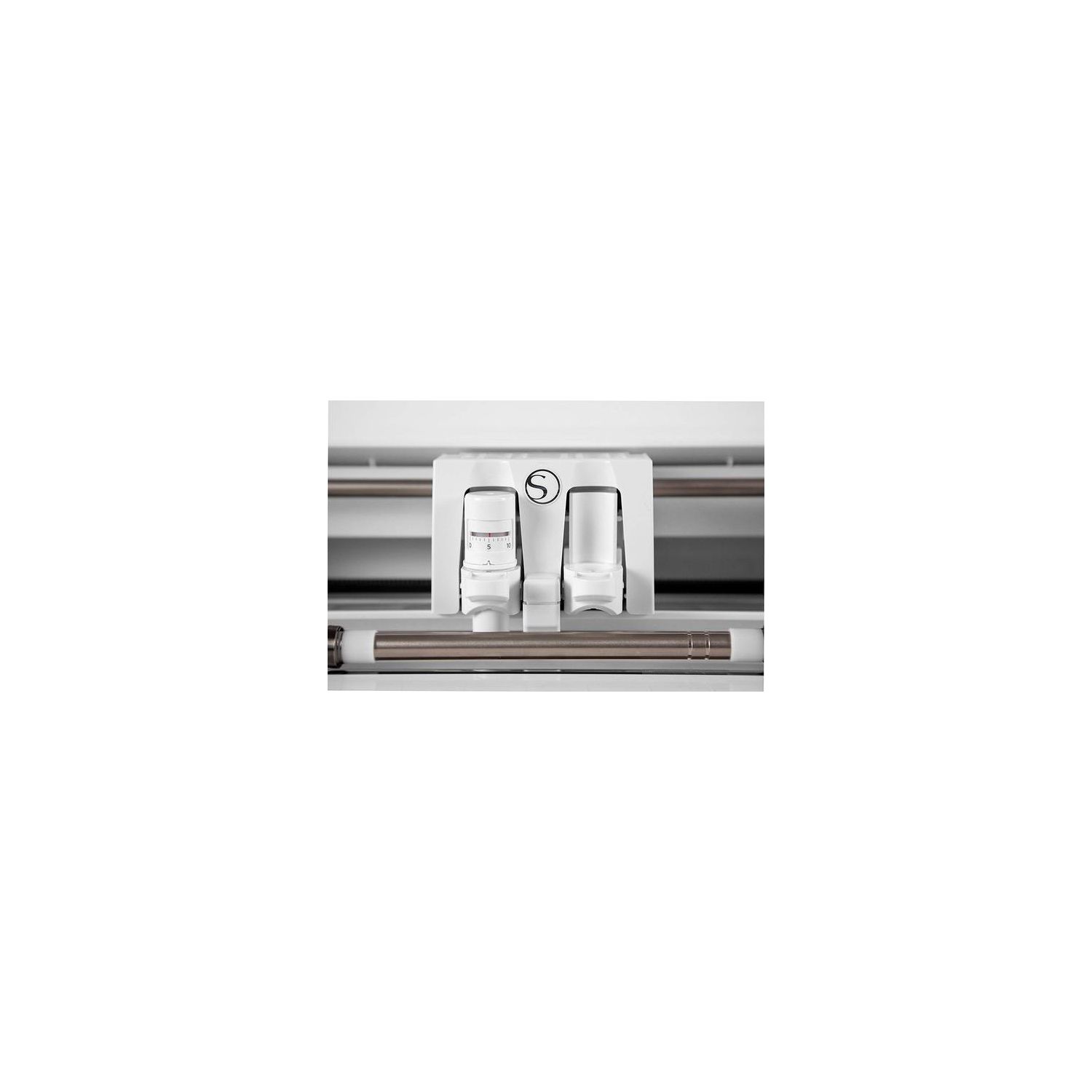
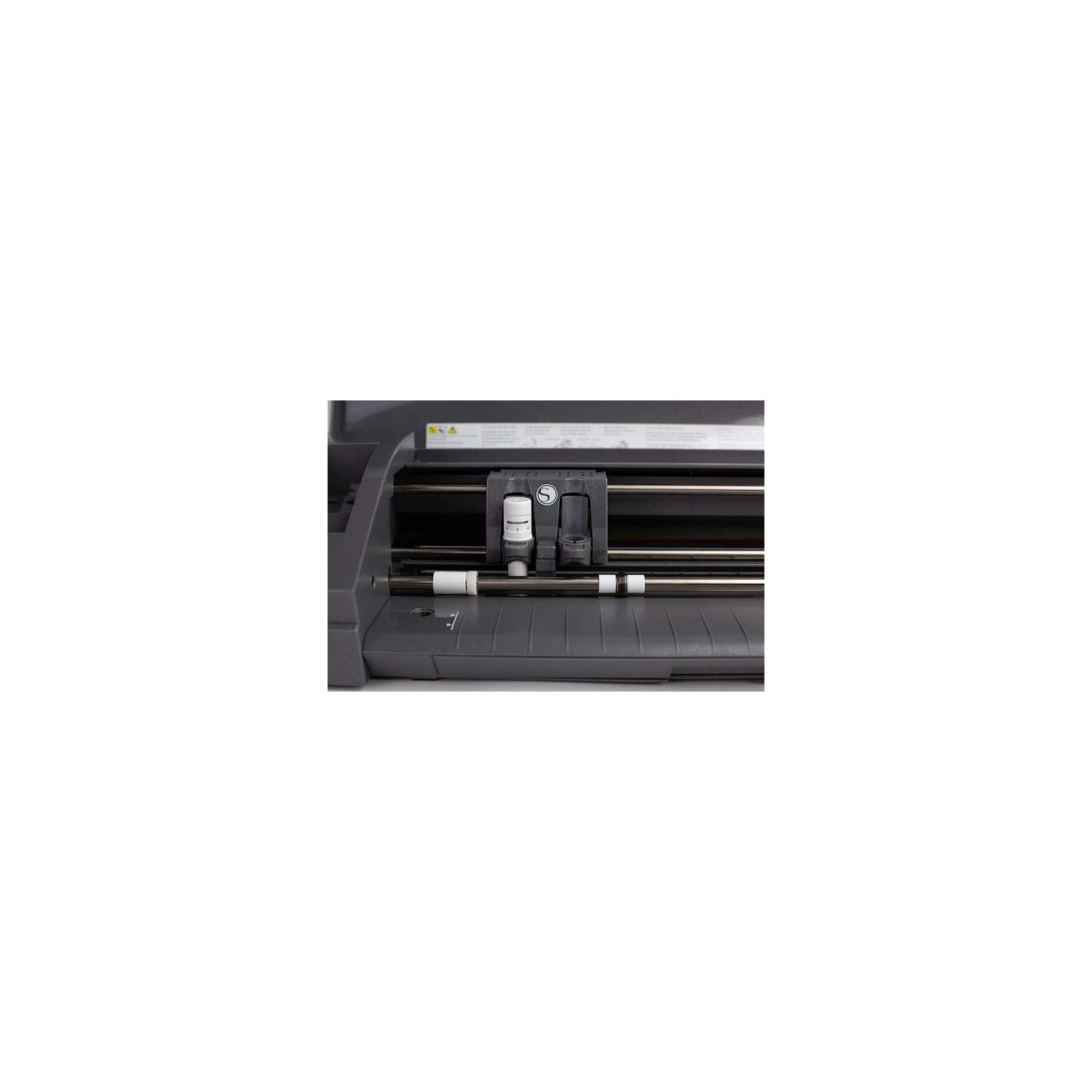
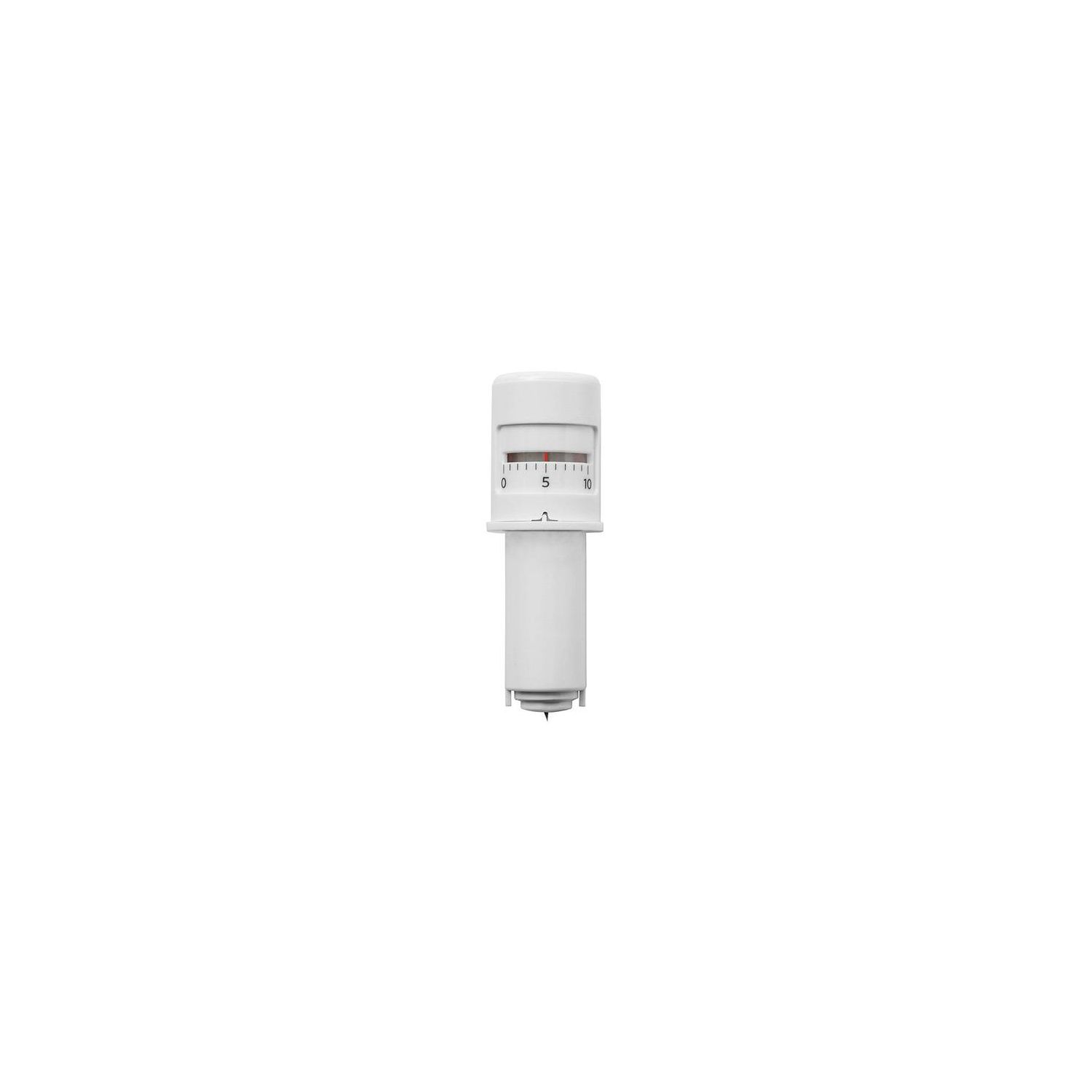
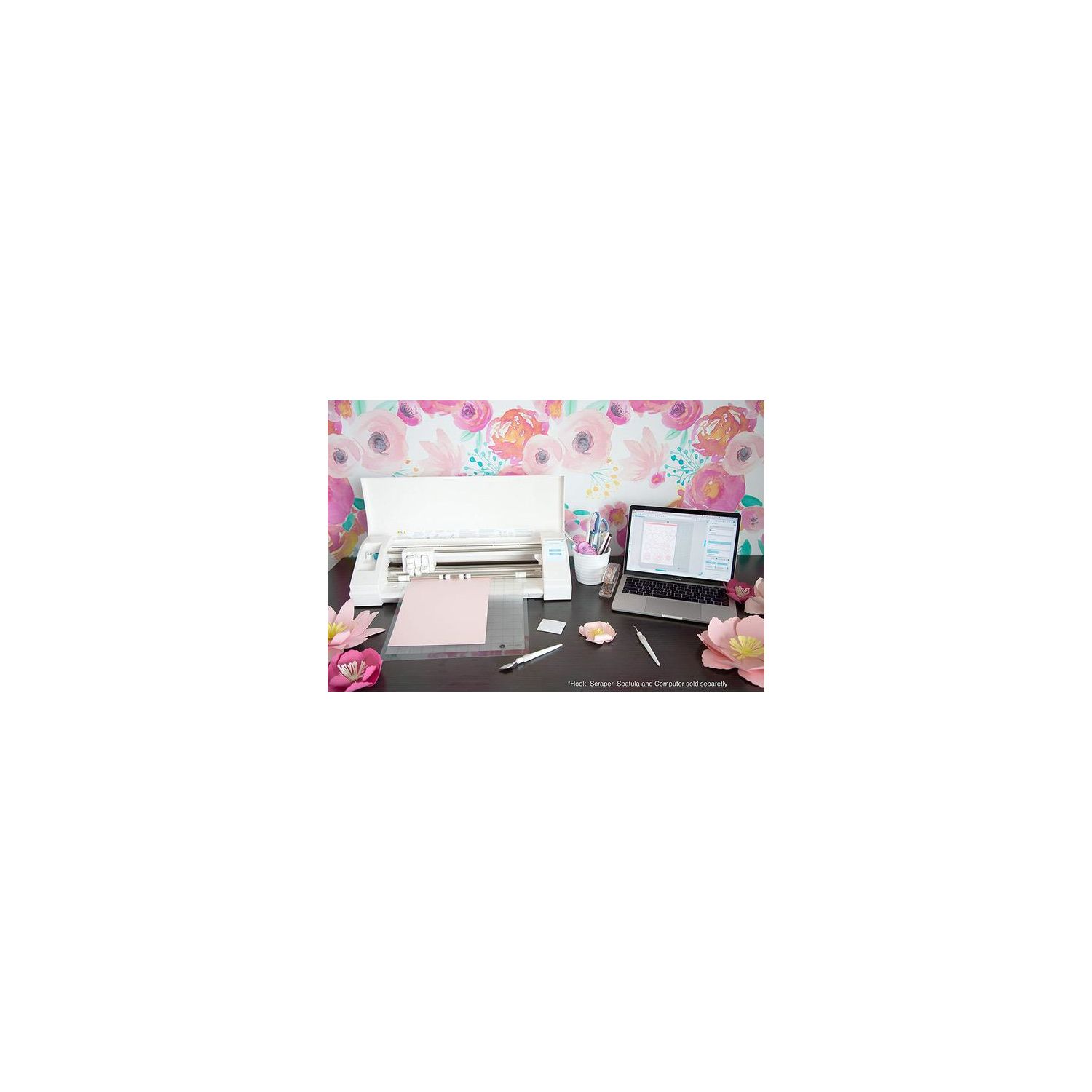
Please note that my 2 Star rating primarily reflects dissatisfaction with the manufacturers lack of educational support in learning how to use the software and the machine. This appears to be an incredible machine that does some pretty impressive things for crafting. HOWEVER, you must know that if you have never had one of these machines, the learning curve is very steep, due to lack of instructional support from Silhouette. The included user guide is nothing more than how to fire up the machine and connect to your computer and potentially download updated software. I am absolutely new to this type of machine. The software, at first glance is very impressive, in its potential capabilities and levels of sophistication (reminds me of Photoshop). Although, knowing what to use and where to find instructions on how to use its basic and advanced features, is the most frustrating part of owning and getting familiar with the Cameo 3. I went to their website in hopes of getting information on use of the machine, and found the only helpful area was in "Blogs", where you can find cookie cutter examples of different projects to get you started, BUT, if you have any hiccups in your project and you get stuck on a specific step, in which the machine is not doing what you expected it to do, there is very little help to figure it out, even after resorting to numerous YouTube searches to find out what you might have done wrong. Their website is dedicated almost exclusively to up-selling other services and subscriptions and darned little in the way of support. And you cant look to their FAQs for any definitive solutions to problems you might encounter. Silhouette is the classic example of "no support after the sale". At one point in my trials explained below, I tried to call their customer support line, several times, and was on hold forever every time, and finally gave up, resorting to Google keyword searches for information and tutorials. There seems to be a lot of 3rd party information on the Cameo 2, which I suspect will be your best resource for figuring out the Cameo 3, so I focused on Cameo 2 online tutorials (YouTube and others), to figure out what to do in basics. As an example of my early experience, see the first two included pictures. I am making a mobile for a soon-to-be newborn, named Hudson, to hang above his bed. The theme for his room is going to be Aviation related, so I am making faux 3-D clouds by cutting the shapes shown in the first two pictures and then folding them in half vertically, and using four of the shapes, glued together down the centers of the folds for "four spoke" clouds, which will then dangle from fishing line attached to metal hoops. I found the basic cloud shape on another site and loaded it pretty easily into the Cameo, arranging them as shown in the Cameo 3 software "screen shot" for the most efficient use of material. I used a fairly light weight card stock (scrapbook paper). First I tried using the auto blade, which did NOT automatically adjust to the thickness of the card stock. After multiple attempts to automatically cut through the paper, using every possible thickness selection, from 105# to 122# for card stock (which appear in the on screen menu selections of the software), I could never get anything beyond "scored" patterns in the card stock, without a clean cut through. Note that the auto blade is not really automatic because you have to go into the software screen and pick a thickness that you want to cut through, at which point the blade will cut a pre-determined depth. So I then resorted to frustrating online searches (outside of Silhouettes website...which is of no help in troubleshooting), and was not able to find out what I might have been doing wrong. At that point, I abandoned the auto-blade settings and resorted to setting it manually, at which point, I had to experiment with a setting which would actually cut all the way through the material, at which point, I finally cut my first sheet of cloud patterns. However, upon lifting the paper from the sticky mat, I discovered that the blade had made visible impressions in the surface of the mat. Thankfully, it did not cut through the mat, and appears to have only very lightly scored the sticky surface. No harm done, but am scratching my head on how to avoid that in the future. I needed to cut cloud shapes out of multiple sheets of three different colors (white, black, and blue) of card stock, so I settled into that part of the project, first cutting my white clouds. After wasting time and paper, in experimentation for proper cutting depth, due to the inability of the auto blade to do a truly "automatic" job, my first successful sheet cut flawlessly, using the manual cutting depth adjustments. At that point, I started to get very excited with the result. BUT, when I attempted to cut the second sheet, the cutter had a mind of its own and traveled diagonally down the sheet to the lower right hand corner, as shown in the 2nd picture. I thought, "what the heck?" So here I am back online trying to figure out what might have caused that. Finally gave up and proceeded with the rest of the sheets, which did cut properly, from that point on. I had no further problems cutting the rest of the sheets, but certainly a bit puzzled as to why the machine went astray that one time. At one point I forgot to advise the software that I was using the mat and it started to cut a hole in the mat, but I caught it immediately and stopped the cycle, in order to go into the software and select "cut with mat". Just be careful on all of your jobs that the proper cutting selections and options are "ticked". Easy to overlook. In my experimentation in setting the manual cutting depth, I discovered how absolutely precise the machine is, when I removed the cutting mat with the "first cut" card stock still on it, after the first pass was made. I wanted to check to see if the blade had cut all the way through the material, so I partially peeled a corner of the "cut" paper off of the mat. It had not quite, so I re-inserted the mat, with the first "cut" sheet of stock still positioned on the mat, and adjusted for a slightly deeper cut and...WOW...the machine followed the first cut line with absolute precision, and all the way through, which says a lot about the software to machine interface. My second project with the Cameo, for Hudsons aircraft themed room, was to fabricate a metal valance over his window (3rd picture), with a nod to his name, cutting out self adhesive vinyl that said "The Hudson Flyers". That was fairly straight forward, cutting without the mat. The sad thing is that Silhouette seems to be operating under the attitude that you just need to "figure it all out on your own" and go online to all sorts of unrelated sites such as YouTube, to find needles in a haystack to get answers to simple questions regarding a particular aspect or step in the process of whatever project you are attempting to work on. There is absolutely NO MANUAL with this machine. I did find that the software was a heck of a lot of fun to explore, in trying to discover all of its capabilities and features. And my exploration of the software, has me salivating at its possibilities, after I become more proficient with the machines software, which will take a great deal of time, with trial and error. I just wish there were a book out there like "Cameo 3 For Dummies" which clearly explained how to use all of its features and explained all of its software screen functions ( like the scores of books out there telling you how to use Photoshop and other software progams). Shame on Silhouette for not offering a definitive manual, beyond the "Help" screen functions. They should produce an in depth manual, for which I would gladly pay extra for. My last comment regards the NEBULOUS offer that comes with the machine purchase, allowing a $25 credit towards purchase of items in their online store, for the first 30 days of ownership, upon registering. This, to me, is BOGUS, because I scoured their site to its very depths to find anywhere that I could access the offer or to enter my code for $25 worth of merchandise credit. They should have a prominently displayed link to a page on their site that has this offer and a code entry box. I honestly think that they want to discourage anyone from being able to use the 30 day freebie. After much frustration and searching I thought, "Well, maybe I just need to go into their online store and actually put some tentative purchases into a shopping cart (at which point one normally sees promotional code entry boxes, upon check out)." So, I did that as well....absolutely nothing. Just got an error message, "Invalid". Dishonest and deceptive, at worst. Uncaring and callous at best. Bottom line negative....dont expect any assistance, support, or clarity from Silhouette. They just want to take your money and run. And their website clearly demonstrates that, when every page and every link on their site is dedicated only to selling you more of something. You be the judge, by checking it out yourself. I give them 0 stars on that count. So be prepared to educate yourself. Bottom line positive.... Cameo 3 seems like an absolutely phenomenal machine, with some incredible capabilities when you figure out how to get it to work. When I got it to do its thing, I was absolutely amazed at its precision (although it is a bit slow). I cant wait to wade through the fog to figure it all out, which can be filled with frustration and head scratching, mixed with the amazement at what it might do for you. And if you are already proficient in earlier Cameo models, I suspect you will be pleased, although I still doubt the ability of the auto blade to be as functional as the manufacturer professes it to be. Great machine. Kind of like going to a restaurant which has the very best cuisine, but your experience is ruined with lousy and inattentive service.
