




























Amazon Customer
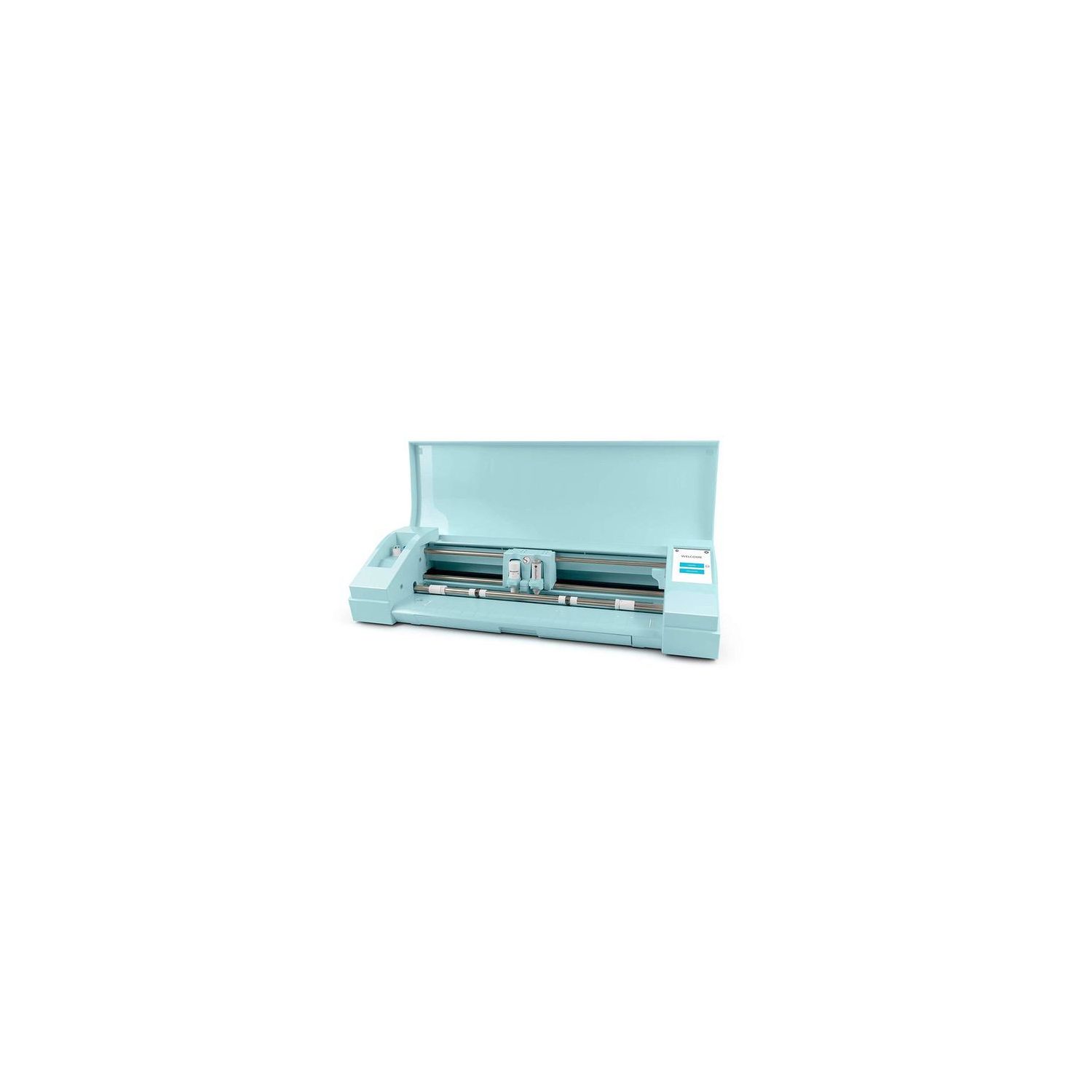
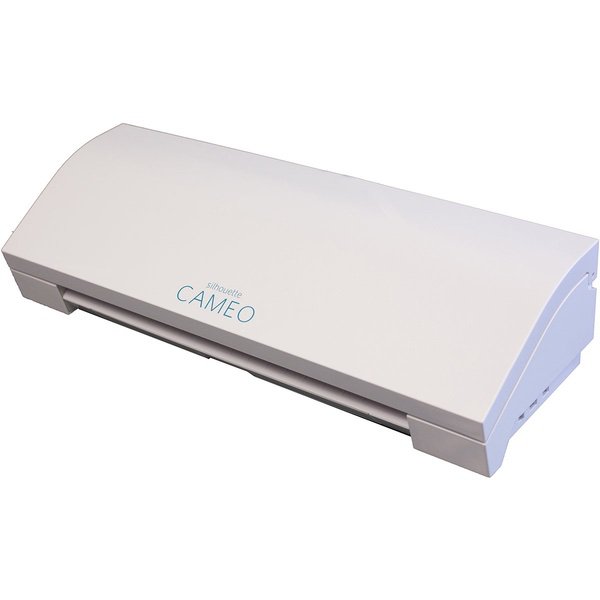
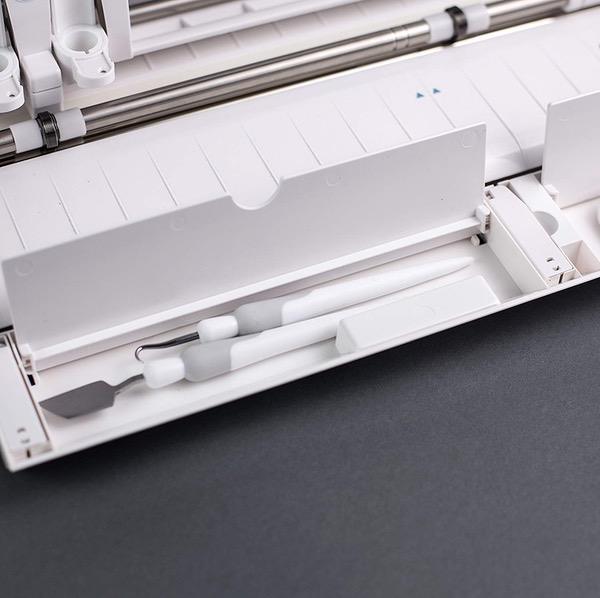
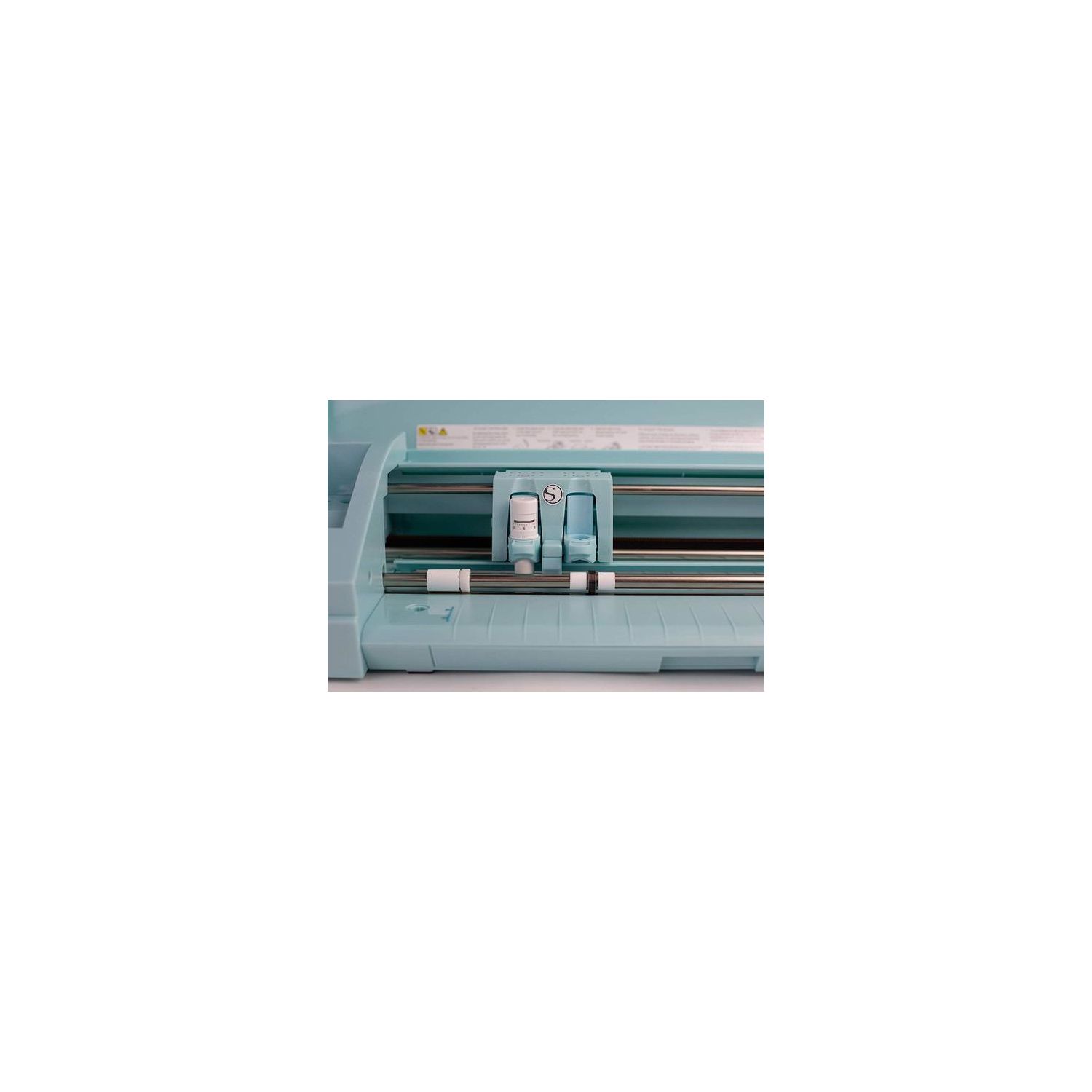
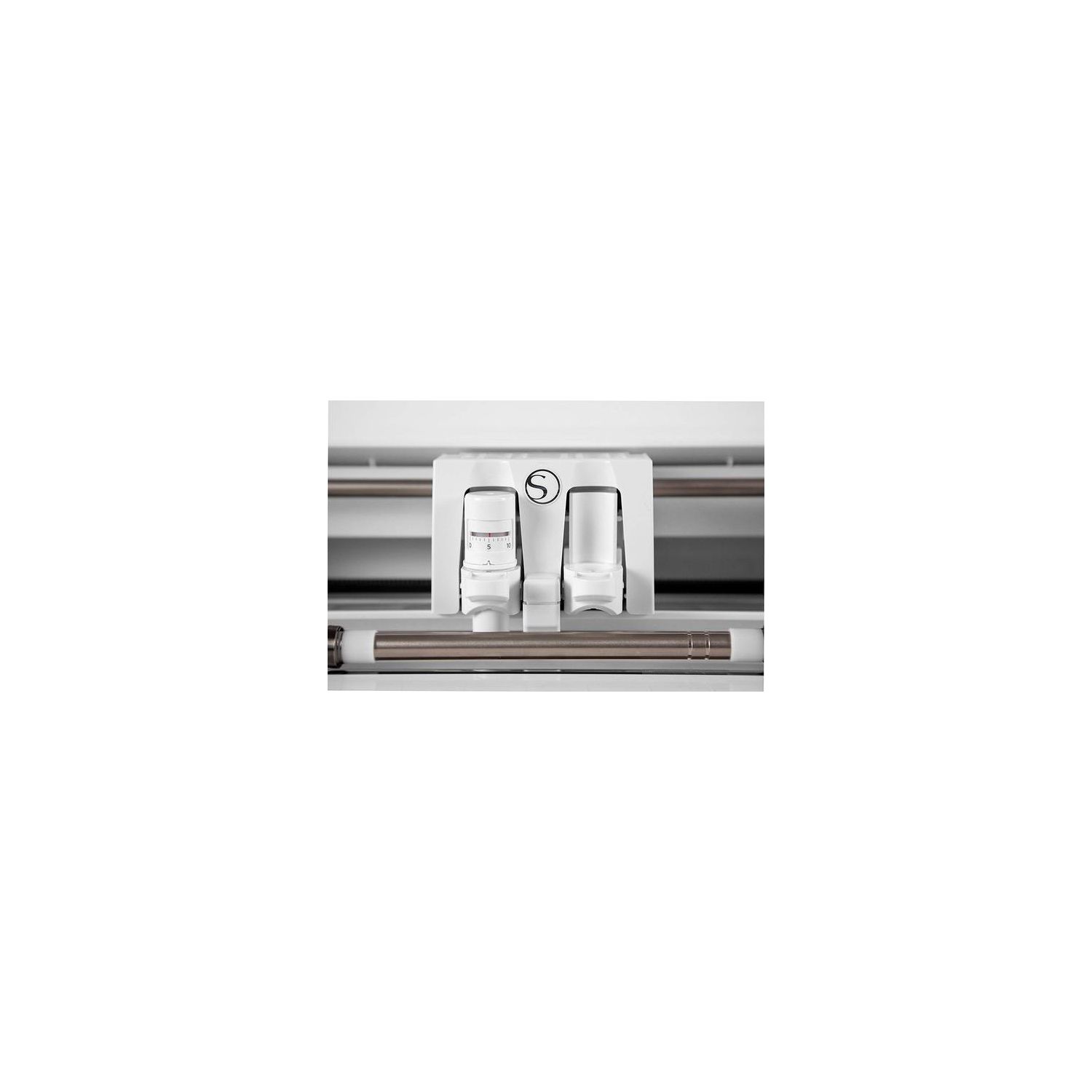
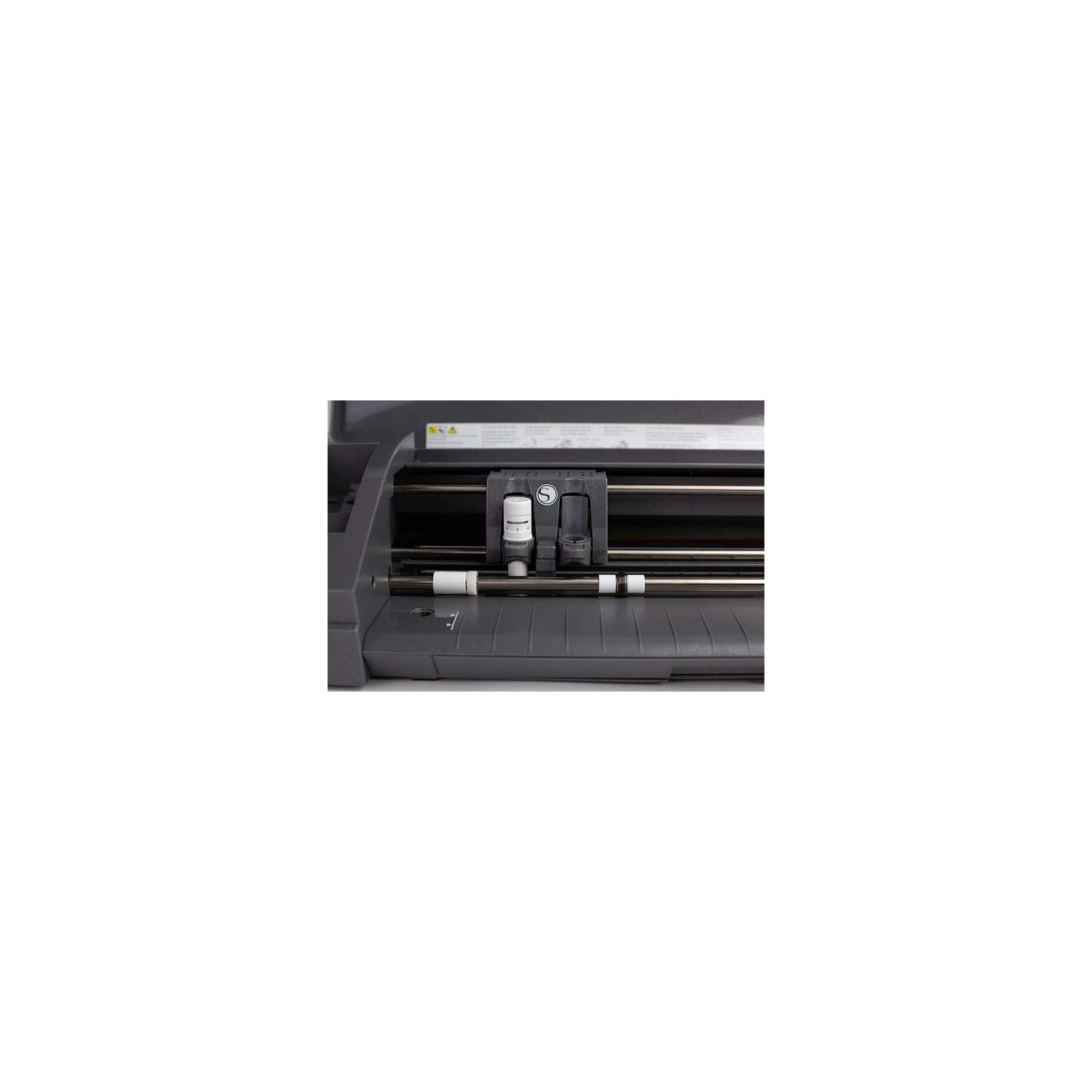
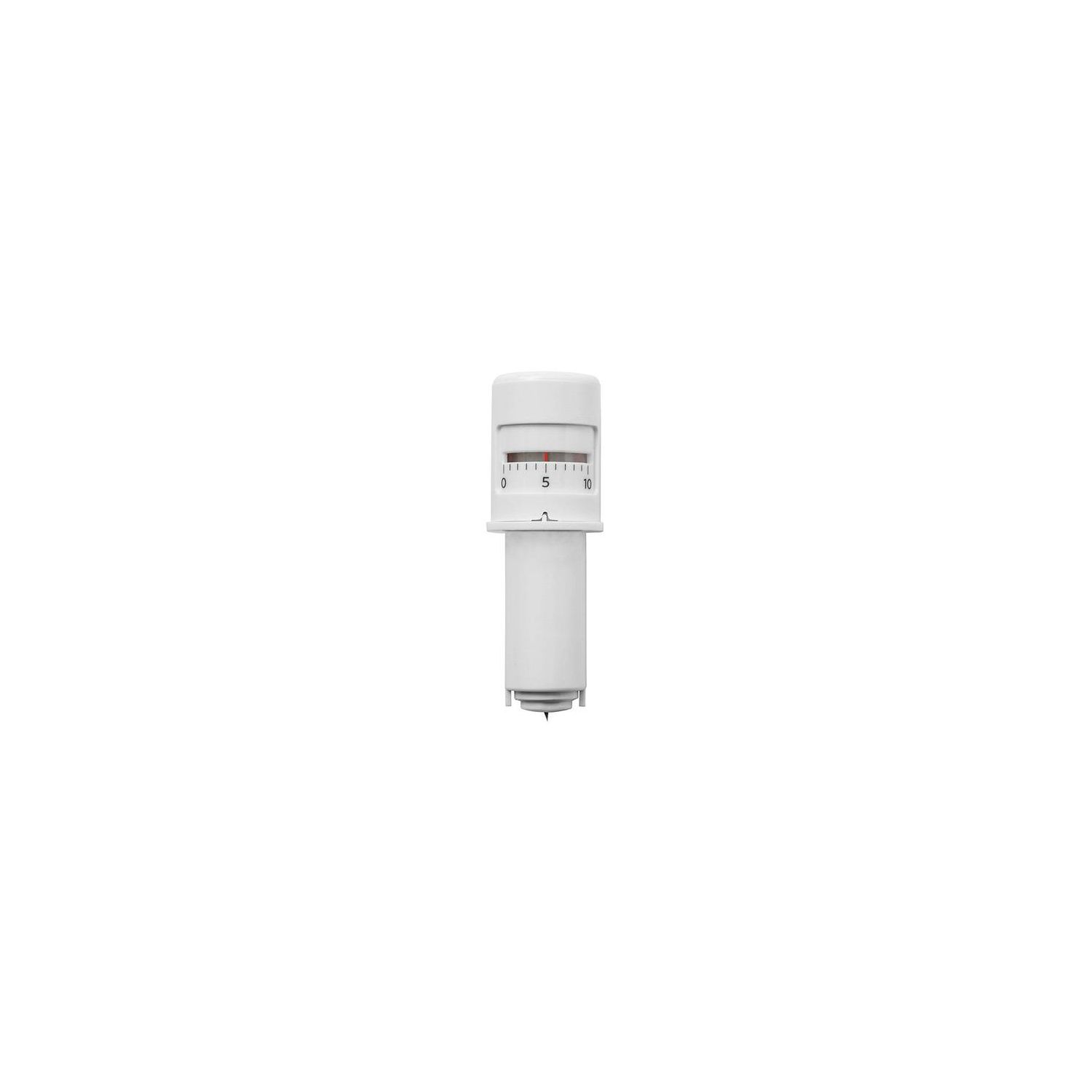
Slightly unrelated, whats with ALL the free product reviews? Theyre out of control. I have the original silhouette cameo and Ive had it since 2012 or 2013. I use it quite a bit, and Im very familiar with the software. Also, I do not read instructions. My cameo 3 came with one, I think, but it didnt get opened. So take all of that into consideration. Pros: 1. auto-blade saves a bit of time and, with my brief experience cutting both glitter paper and card stock, the autoblade settings were accurate. 2. Bluetooth is nice for minimizing cords. 3. Built in storage is nice enough. It doesnt add much to the overall size (and this version is quite a bit larger than the cameo and cameo 2), so its good they were thoughtful about how to utilize the added size. 4. Cord management built into the machine to direct the plug to either side . 5. Touchscreen menu seems fairly responsive and intuitive. 6. New blade holder. Theyve switched the old clamp/key turny method of holding the blade (or pen) with a slide mechanism that is SO NICE. I did not expect this to be such a great addition, nor did I realize how fussy and inconvenient the old design really was. This feature is lovely and well thought out. 7. Dual carriage. Ok, I havent put this through its paces quite yet. I tend to do a lot of straight cutting basic card stock, so I dont often switch to pens, fabric blades, deep cut blades, etc. However, this feature is really well designed and intuitive. Its color coded and laid out very clearly in the software, so you have a lot of control over the settings. Im working on some designs that will use both cutting and sketching, so I think the dual carriage will be a great help when I do find I need it. That said, its important to keep in mind the sides dont work at the same time - theyre attached and move together. So, one side will cut and then, when its finished the other side will write. You wont be able to save time by running two tasks silmultaneously. Cons: 1. Autoblade isnt really all that "auto". I expected to stick material in the mat and go. Nope. You still select the material from the preloaded list in the silhouette software, and the blade just "auto" adjusts to those settings. It saves a bit of time, but not as much as expected and not quite as wonderful as hyped. Theres absolutely no sensing or measuring of whats on the mat; you have to select and change the material settings manually. 2. My Bluetooth was a royal PITA to set up, but I think this may be an ongoing Mac issue with a failure to discover Bluetooth devices and not an issue with the cameo specifically. Turning the Bluetooth on on the cameo end was easy. However, there is an update needed to pair the silhouette software with the new cameo 3, but when you "check for updates" through the software itself, its not an option. You have to go to the website and look for it, which seems like an oversight they can quickly fix. When theres an update available, I expect the software to at least be able to find it. Fortunately, after the initial set up issues, I havent had any problems. 3. The touchscreen menu has speakers so you hear a click when you touch a button. This would be awesome, except mine didnt even last two hours. The sound is gone. Theres a menu option to turn it off and on, but that doesnt fix the problem. I also tried shutting the machine off and on, but that also didnt fix the issue. While sound was nice, its not worth it for me to return because of this issue. However, I question the quality when a simple feature like speakers or sound breaks almost immediately. Hopefully its a quirk not representative of the overall quality, but Im wary. 4. Did it get louder? It definitely didnt get quieter. These things are ungodly loud. You wont be watching tv and cutting things at the same time. So, is it worth buying? I would say yes, absolutely. Silhouette machines are useful and fun without a steep learning curve. They do what theyre intended to do and their software is light years behind competitors. Seriously, the silhouette software was THE deciding factor for me when comparing brands. Ive used 3 or 4 different softwares and silhouette is my favorite. It works. Its easy to use. It lets you do what you want, when you want. Although, worth noting, it doesnt let you save SVG files - you can open, alter, and cut SVG files with the designer software upgrade, but anything you save is saved as a .studio file. There are work arounds, but just something to be aware of if you plan to share custom designs with people who use different brand machines. So, is it worth upgrading? Maybe. Once I got everything set up, I enjoyed using it more than the old, original cameo. The features theyve added are nice, even when theyre maybe not QUITE as nice or as useful as I wouldve hoped. The autoblade, Bluetooth, dual carriages, touch screen, new holder clamps, etc, are all features that make it faster and more enjoyable to use, but I wouldnt say theyre necessarily nice enough or different enough to justify the price tag, unless money is no object or your work or workspace demands it. If youre currently not able to keep your machine out, for example, because it needs to be within a couple feet of your computer, then perhaps the Bluetooth capability alone would be enough to justify the purchase. In summary, its a nice machine and pleasant to use, once everything is set up. The new features are very welcome, but not really as revolutionary as they might seem. I would say, though, the cameo 3 is nicer to use than the original cameo. Its a little bit easier and a little bit quicker. If you use the machine often enough, those improvements may be worth the $250 price tag if youre upgrading or contemplating new vs used older version. However, I dont think any of the features are nice enough or big enough game changers that someone should feel they have to upgrade. At its heart, the cameo hasnt changed much since inception. And, lastly, Im a small bit wary of the quality and longevity of the cameo 3, given the immediate speaker/sound issues. Im afraid it may be indicative of larger quality control issues. Ill update if/when my opinions change. Update: Ive been using it for 2 or 3 weeks, and I continue to have random Bluetooth issues. My computer says its connected, silhoettes own software says its connected, but still sometimes cut jobs sit in limbo, cued but doing nothing. Clearing it and resending it does nothing. Turning off the machine and closing the software sometimes resolves the issue and then it works totally fine. I dont think this is a mac issue as other times its totally fine, and it always shows as a connected device. It seems to be a problem with communicating with the machine. If you plan to buy this specifically for bluetooth, perhaps consider waiting until these issues are resolved. Or just dont expect it to work every single time.
