
















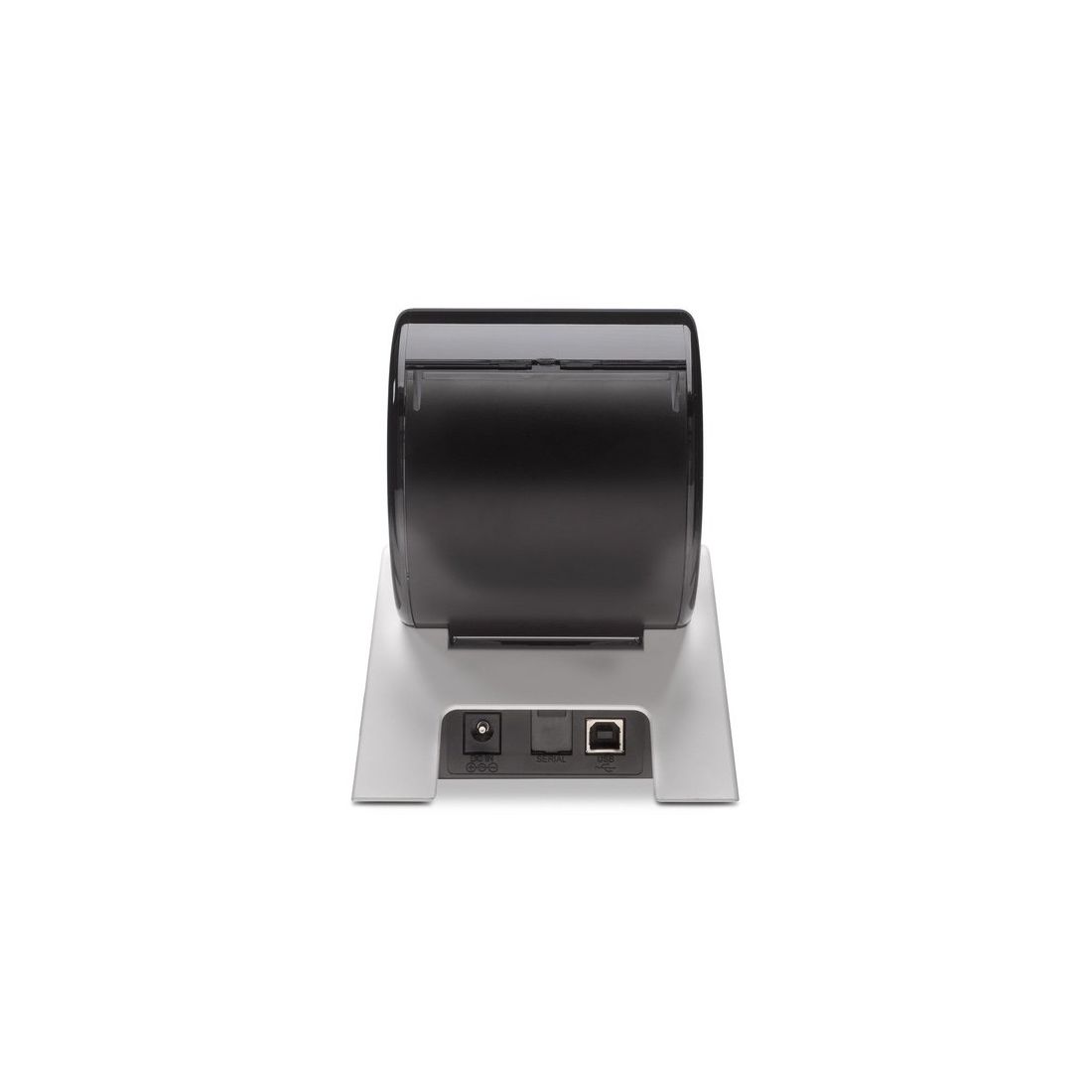
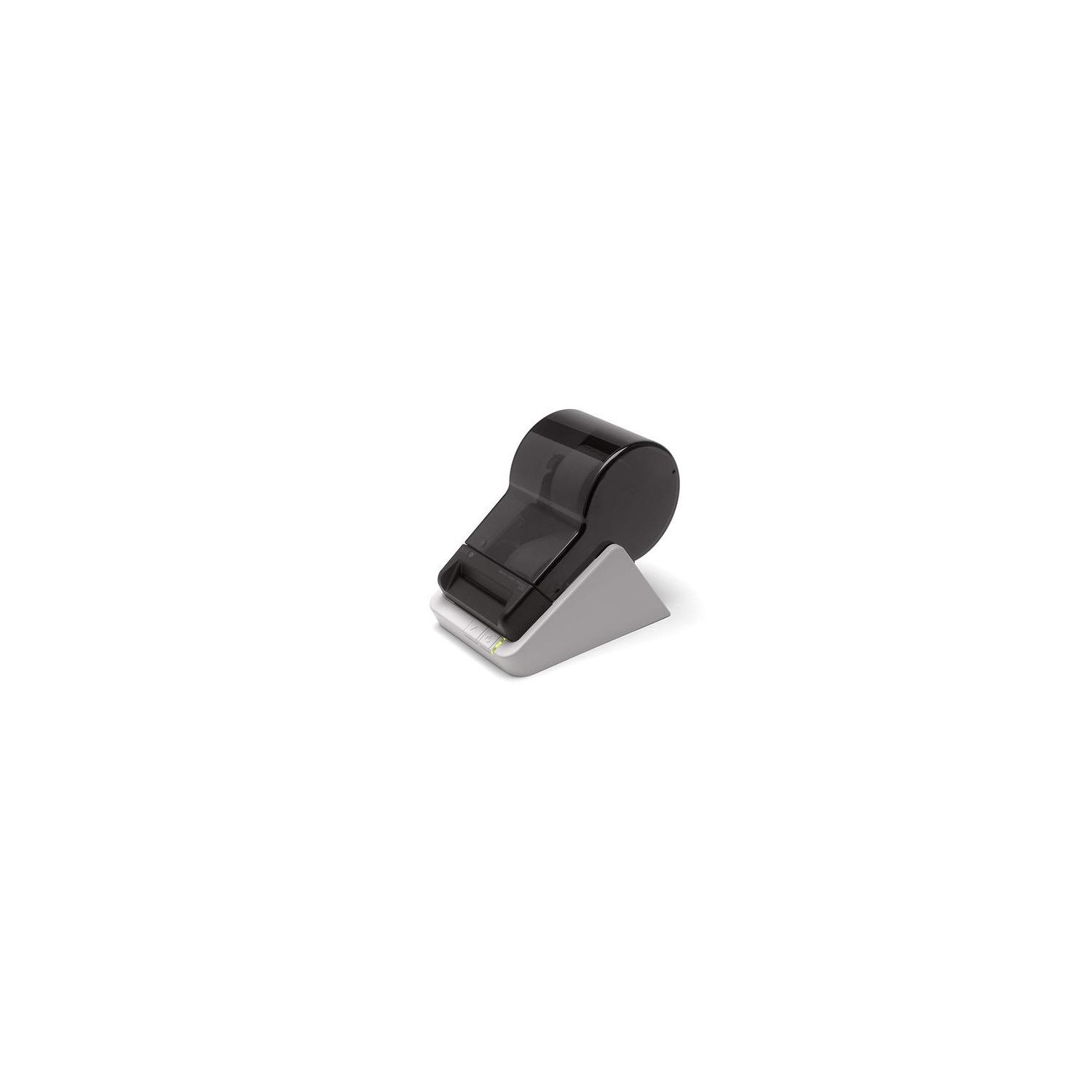
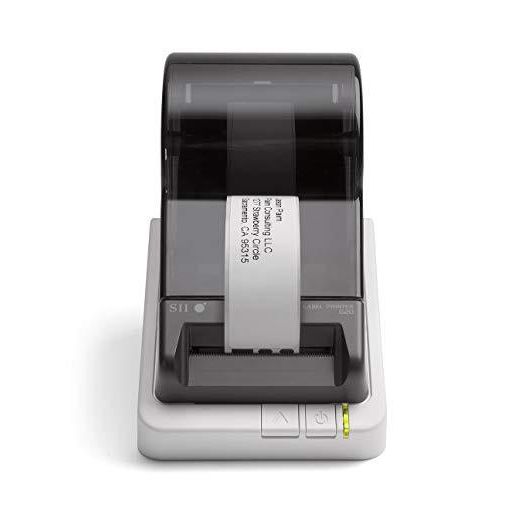
Seiko Instruments Smart Label Printer 620, USB, PC/Mac, 2.76 inches/second
Write a review
$5200

Seiko Instruments Smart Label Printer 620, USB, PC/Mac, 2.76 inches/second

Write a review
B00BTKXPYI
+
Add to wish list
Target is a general merchandise retailer with stores in all 50 states and the District...

City: US, New York

Delivery
Pickup at your own expense
Tomorrow from 09:00 to 20:00, Store location
Free
Payment options
Apple Pay Google Pay Mastercard Visa
Cash, bank card, credit/installment payments, cashless payment for legal entities
Warranty and returns
Exchange/return of products of proper quality within 14 days Official manufacturer's warranty: 12 months
Features
Connectivity Technology
USB
Item Dimensions
6.77 x 4.48 x 5.83 in
Printer Technology
Thermal
Description
This fits your .
Make sure this fits by entering your model number. Versatile, easy to use, desktop label printer and software Supports all major label formats: address, shipping, file folder, name badge, and more Direct thermal - no ink, toner, or ribbons Sleek new design frees up space 3-year warranty
Reviews
4.3
Reviews: 20
5 stars
70%
4 stars
10%
3 stars
5%
2 stars
10%
1 star
5%
L. Worthington
5
I have used Seiko Label Printers for several years. The last one I owned (#420) had serious design flaws: the label compartment was fiendishly difficult to open, and feeding the labels into the printer to start a roll was awful - reaching around behind the printer, trying to insert the end of the roll into an invisible slot, and often seeing 1/2 a label emerge. I was hopeful when this new model was announced. I ordered it through Amazon and recieved it the next day. When I installed the software from the included CD it imported all of my labels from the previous address book, including the images used on some. Loading new labels is fantastically easy: Insert the roll into the compartment and run the label leader into a little slot in the compartment, in plain view. The roll feeds smoothly and cleanly. This means that I can change sizes (ie: Address, Shipping, etc.) in a snap - something I never bothered with in the older model due to the difficulty. There is a choice of interface colors,label sizes, fonts, etc., making this the perfect tool for home and/or office. My only question to Seiko is: What took you so long to improve this product? I would certainly recommend the #620 to anyone who wants to print labels for any and all purposes.
J. A. Eastman
5
I had a Seiko SSII label printer.It just stopped working in the middle of a label. I checked all the usual and came to the conclusion it was just done. I have a lot of label materials for that printer, so I wanted another just like my old one.I went looking for a used one on e-bay. Much to my shock and amazement, an old one costs nearly as much as a brand new one. That was also when I realized that my old label printer was from 1999. I was using Windows 98SE then. After I determined that my existing supply of labels would fit a new printer, I ordered the 620.When I upgraded to Windows 7 in 2010, I upgraded the Seiko software. When I loaded the new software, it converted my labels file. I was surprised, but happy, of course. The new software compared to the old is as night and day. Wow, how the software has grown up! The new stuff is in color, and you can do so much more with it. As someone mentioned, it is much easier to load the labels in the printer. My printer is white, whereas it looks grey in the picture. I always loved my old Seiko label printer, and now I love this one too. I hope it lasts as long as the old one did.
Neal in SLC
5
Finally, very happy. I bought this to replace a very old Seiko 100. The main problem I had was with the 1.1.1.0 version of software that came with the printer on a disk. I called their tech support and ended up talking to three people over the course of two days. BOTTOM LINE: I ended up downloading a 7.1.1 software version from their web site, which really works great. I sent an E-mail to their support area and they responded to that too. They have a toll free number which works on Saturday as well: (800) 688-0817. I was able to create a .csv file with my old Seiko software. Did a quick edit to get rid of old records, then imported into the new Seiko software. Everything works great now. My one suggestion to new users is to NOT waste time with the disk, go straight to their web site and download the newest software.
Ferraz
5
Underrated label printer, its a hidden gem. Its not fancy like the DYMO, but it is easy to open and change rolls, so you dont waste time trying to figure out. Very clever product design. Seiko software works great on my Mac and on my Windows, no complains. Beware that you need the specific labels for this one, those with the black square behind.
Phil Rich
5
Ive had a Seiko smart label printer for years, since the 120 model, and have had various models throughout the years. I recently got the 620 for use with Windows 8, and like the others Ive owned it works perfectly, and does a great job. In fact, it does a better job as it now accepts different label sizes, for larger and smaller labels. There is no other product like it that I know of, as it can be managed entirely through your computer. Highly recommended.Im not sure if its yet set up for Windows 8, but the Windows 7 drivers work perfectly.
msperdue
5
I had to replace my old SLP 200 and wanted the same brand as I was familiar with the software, etc. For some reason these label printers are hard to find on the internet. Got this new and improved model, the 620, and was able to just use the software from the 200 and not have to transfer my library. Its lightning fast. Tech support walked me through a problem with downloading the new software. Overall very pleased with it.
Ams
5
I like this new model so much, I have bought two, replacing two older 4x0 models. It prints at higher resolution, and much much faster. I label everything, organizer tubs, file folders, envelopes, backup disk drives, USB memory sticks, travel-size medicine viles, telephone extensions, ... The list goes on. I seem to have a labeling fetish. 5 stars.
Helen
5
I got this label printer to replace my old Smart Label Printer 100 that wouldnt work with Windows 8.1. I tried to find updated software for the 100 but none is available. This printer is much faster and prints better quality so I am pleased with it. The price from Amazon is reasonable also. I wish there was a way to save my label files from my old printer to the new one, but I couldnt find a way to do it, so I have to re-enter all my old addresses. If anybody knows how to get the old files and transfer them to the new printer, please comment on this review.
Dr. Melvin D. Stein
5
I have other label writers, but none can compare to ease of use, speed,and quality of label. There are also features that are easily accessible, that require much time on other writers.. I would recommend this(620) to all needing a great label writer , thats easy to use.....Dr. M. Stein
J. Kreider
5
I have used a Seiko label printer for many years. Rarely has a electronic device worked for so long and so well. Thus, when it finally gave up the ghost and went to printer heaven I did not hesitate to replace it with another Seiko label printer. I use this printer for more tasks that I can begin to enumerate. It works fast and I am glad I upgraded to a machine that will print the wider labels. When I upgraded it imported all the data I had saved in the previous software and I was up and running in no time.

Showing 10 of 14 reviews

Product variations
Column filling
Sort by Price Sort by Availability Sort by CODE
$5200
In stock
+
B00BTKXPYI
You may be interested
  • Bestsellers
  • Recently Viewed
 
Fast and high quality delivery

Our company makes delivery all over the country

Quality assurance and service

We offer only those goods, in which quality we are sure

Returns within 30 days

You have 30 days to test your purchase