
















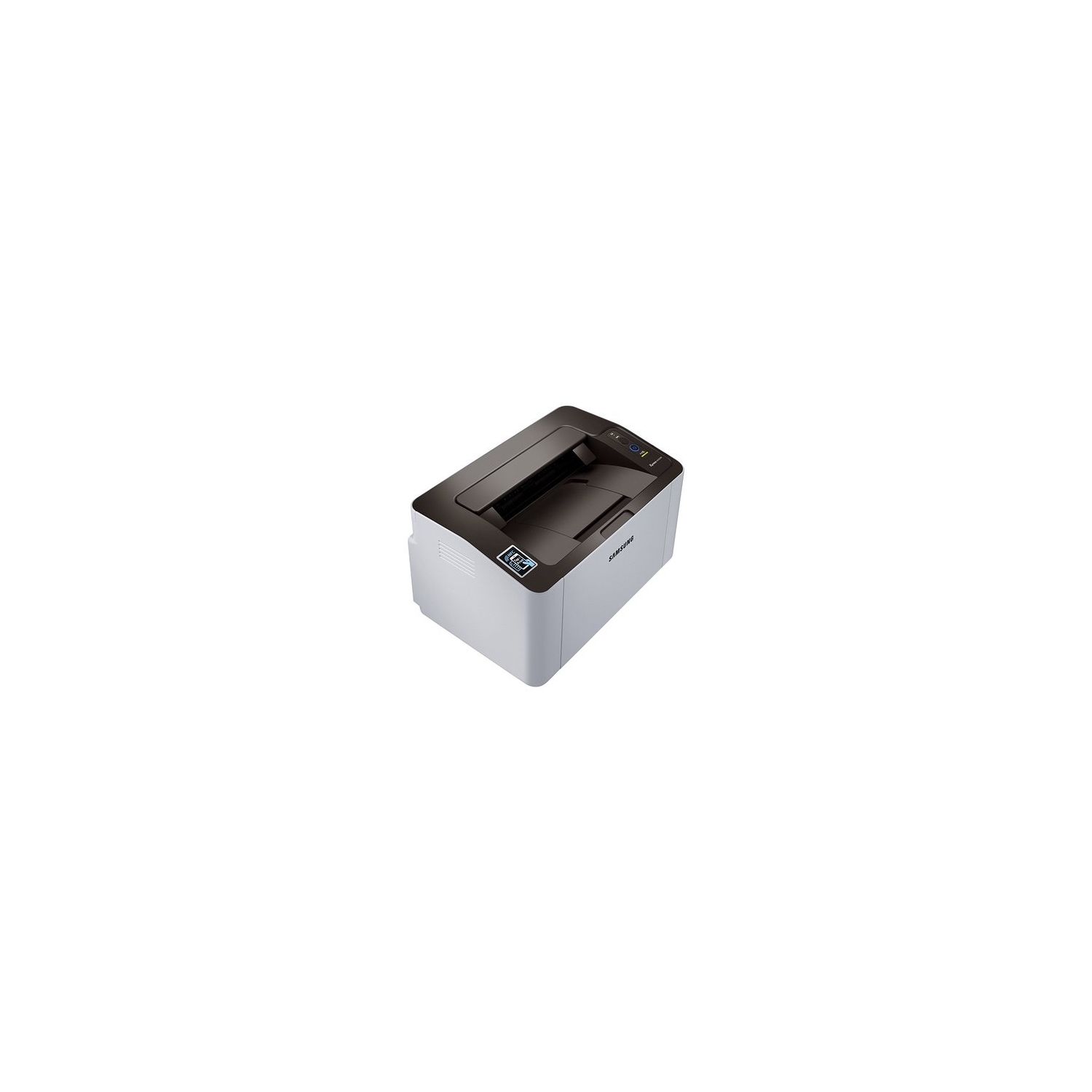
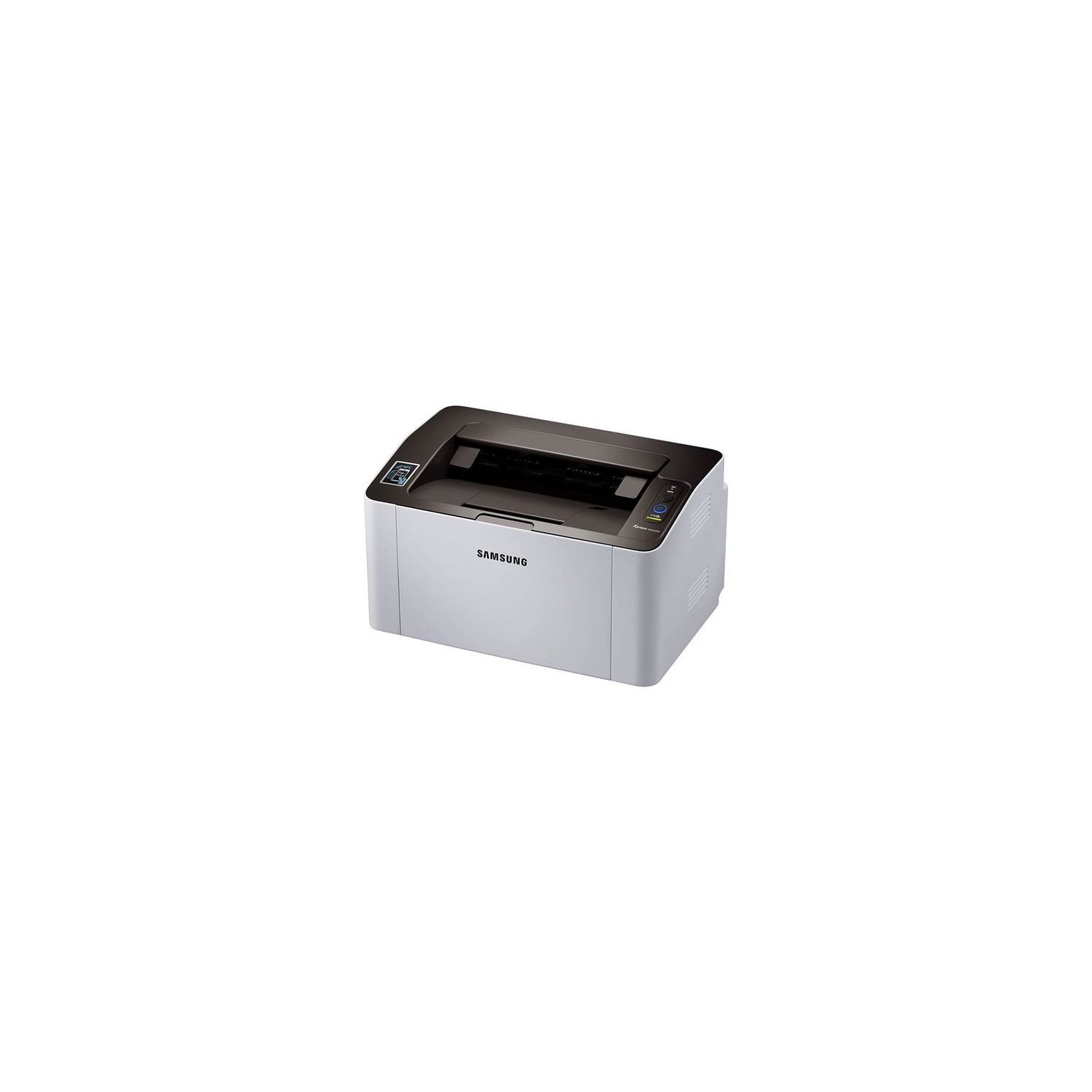
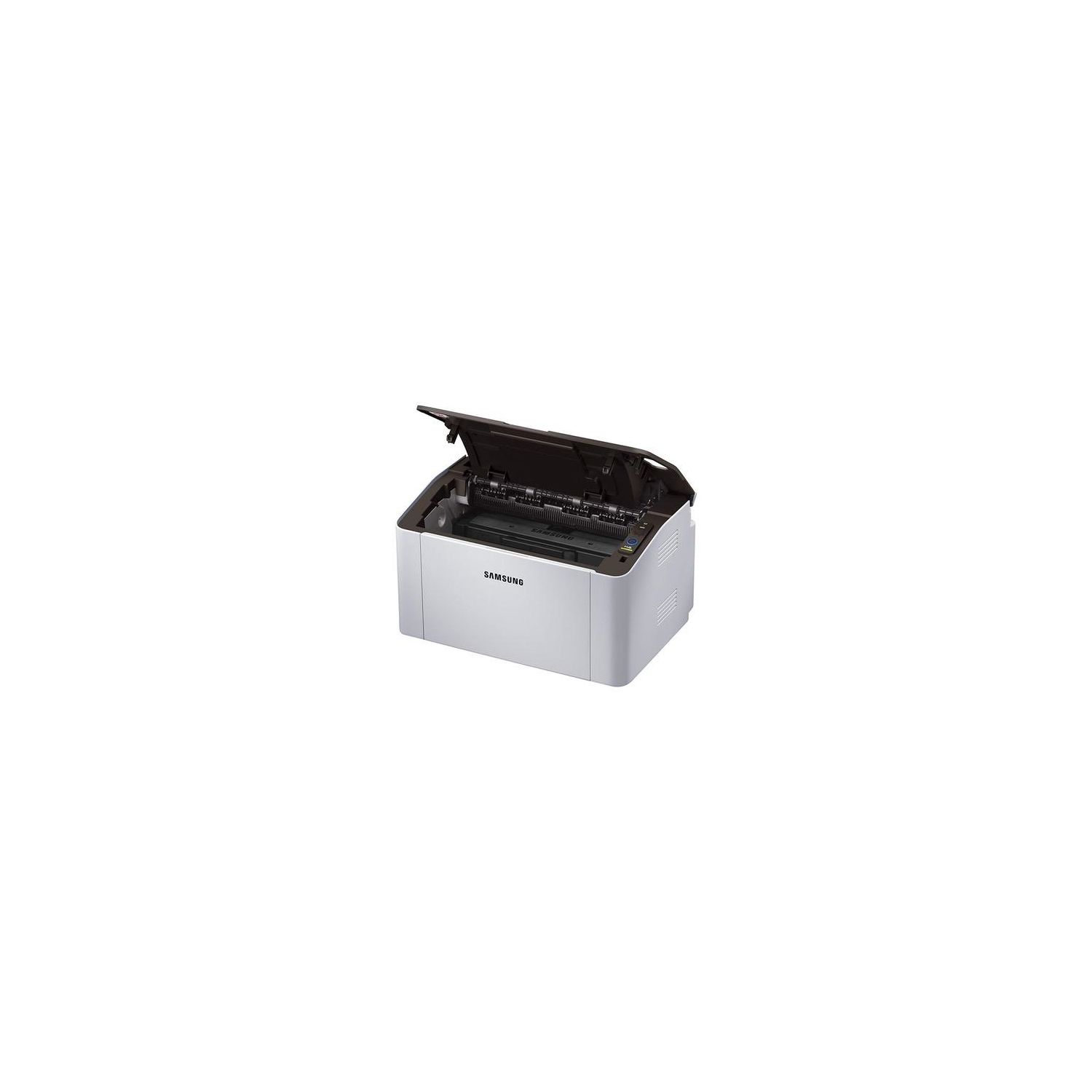
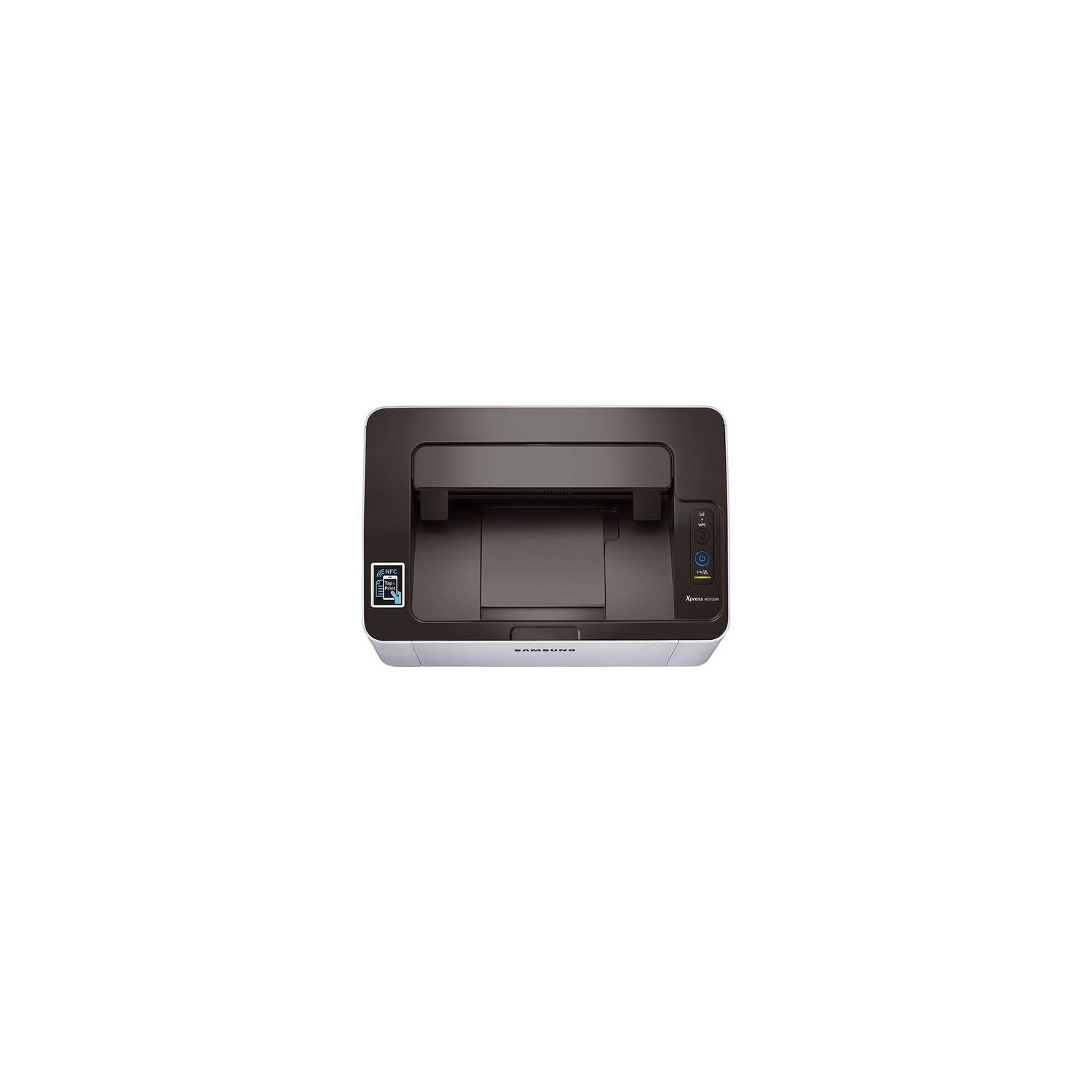
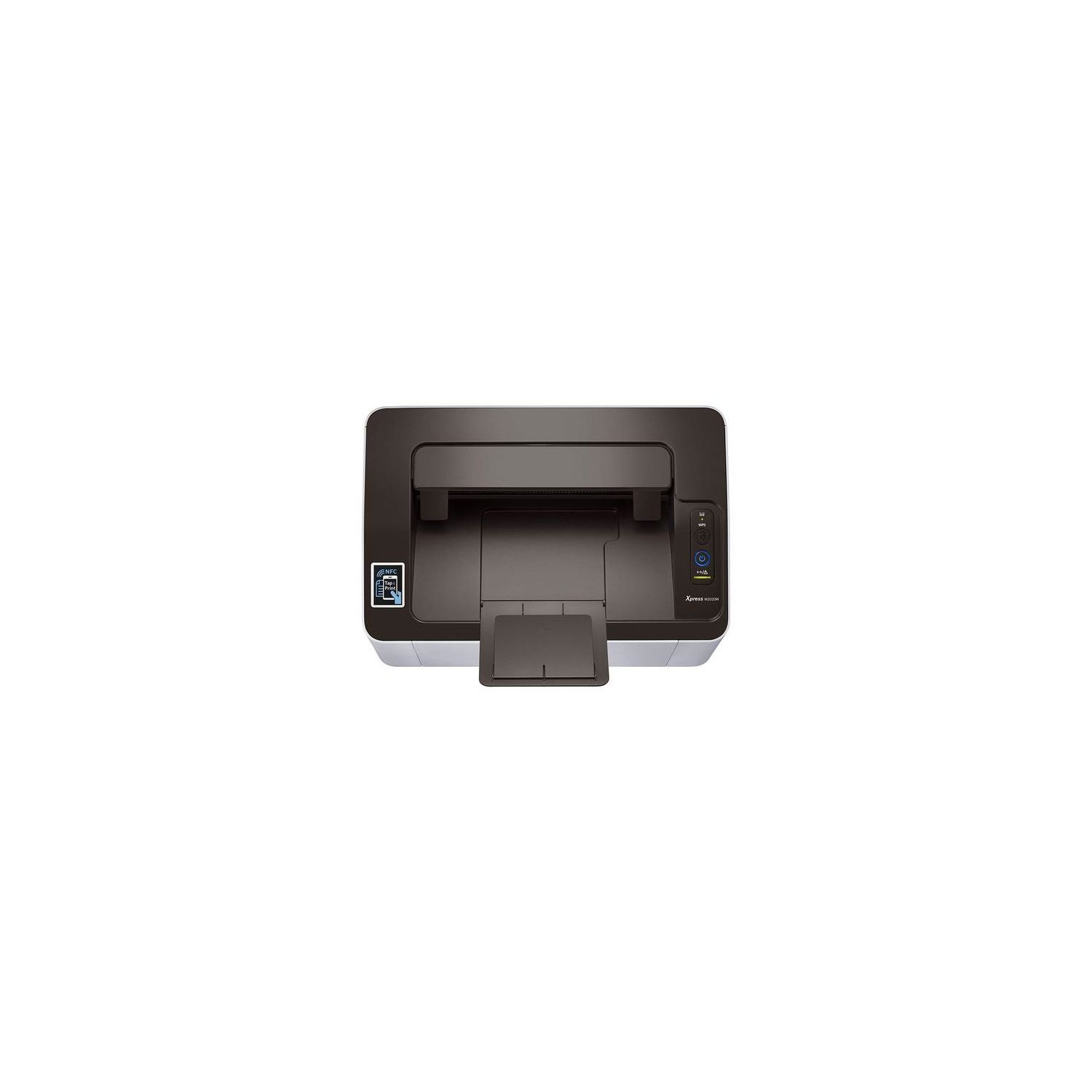
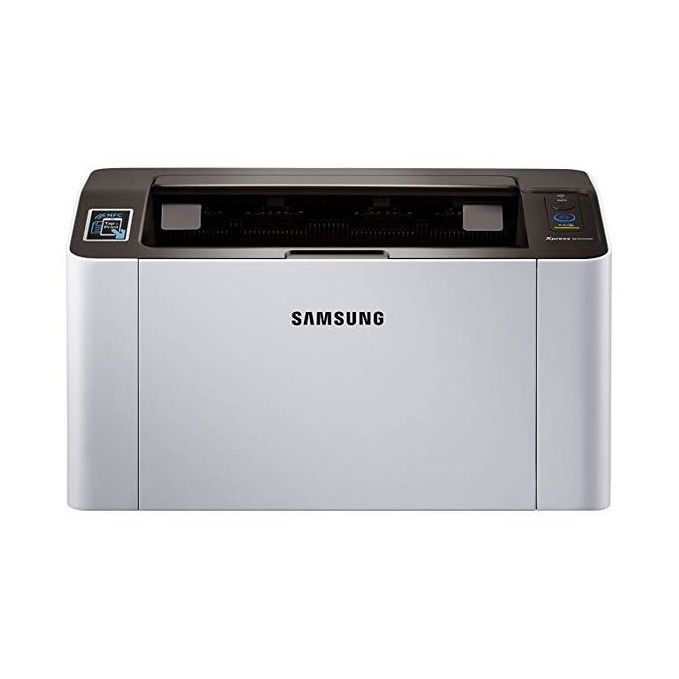
Samsung SL-M2020W/XAA Wireless Monochrome Printer
Write a review
$6900

Samsung SL-M2020W/XAA Wireless Monochrome Printer

Write a review
B00JCA4GQS
+
Add to wish list
Target is a general merchandise retailer with stores in all 50 states and the District...

City: US, New York

Delivery
Pickup at your own expense
Tomorrow from 09:00 to 20:00, Store location
Free
Payment options
Apple Pay Google Pay Mastercard Visa
Cash, bank card, credit/installment payments, cashless payment for legal entities
Warranty and returns
Exchange/return of products of proper quality within 14 days Official manufacturer's warranty: 12 months
Features
Connectivity Technology
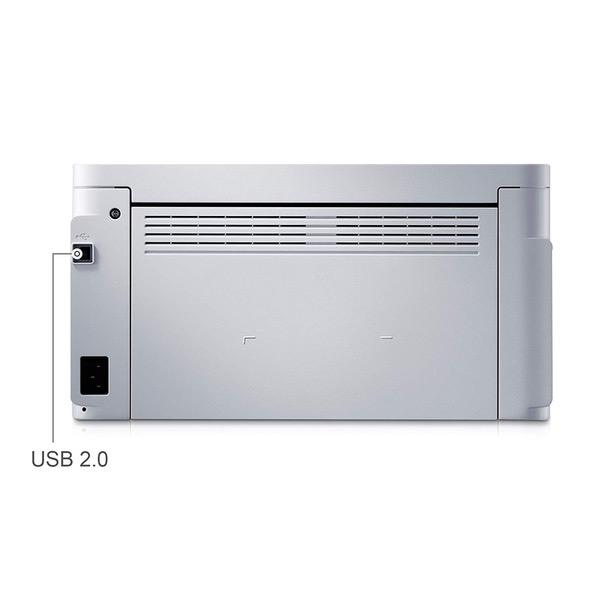
Wi-Fi; USB
Item Dimensions
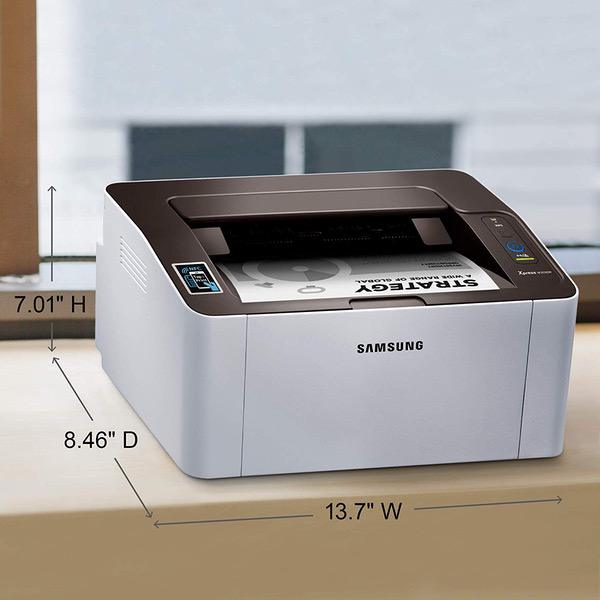
7 x 13 x 8.5 in
Item Weight
8.8 lbs
Operating System
  • Windows, Mac, Linux
Printer Output
Monochrome
Printer Technology
Laser
Description
This fits your .
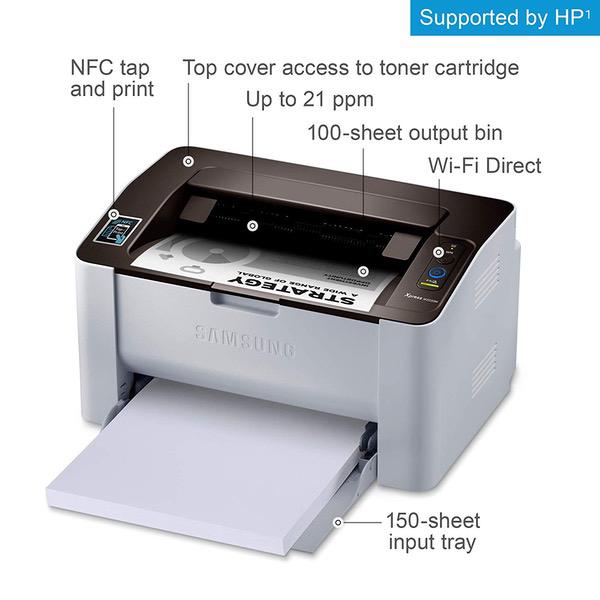
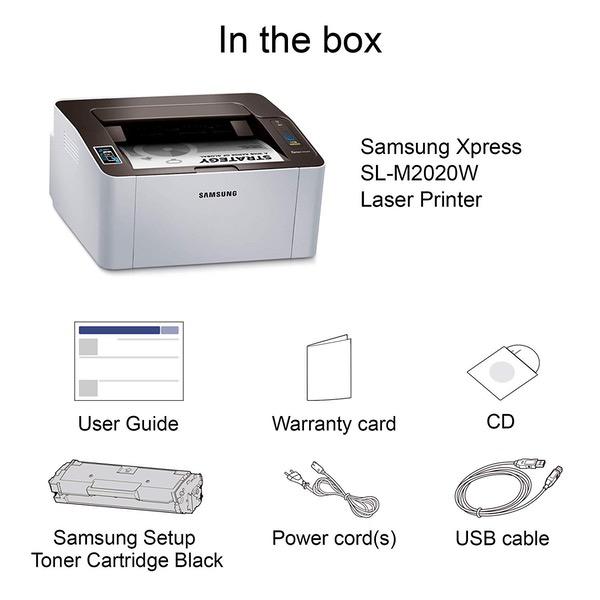
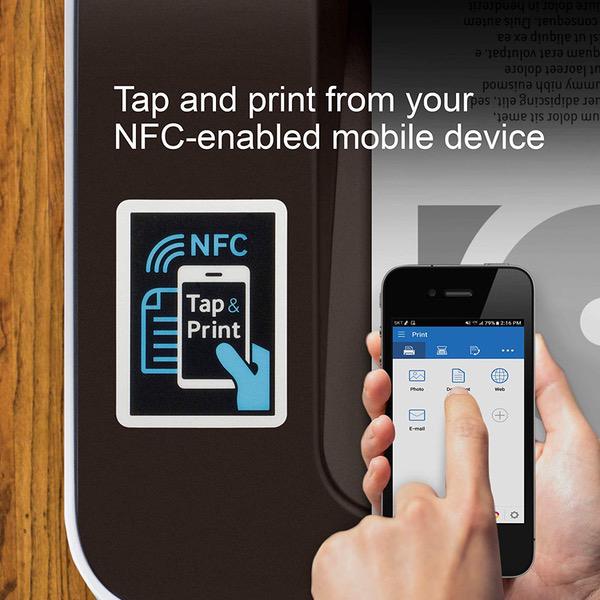
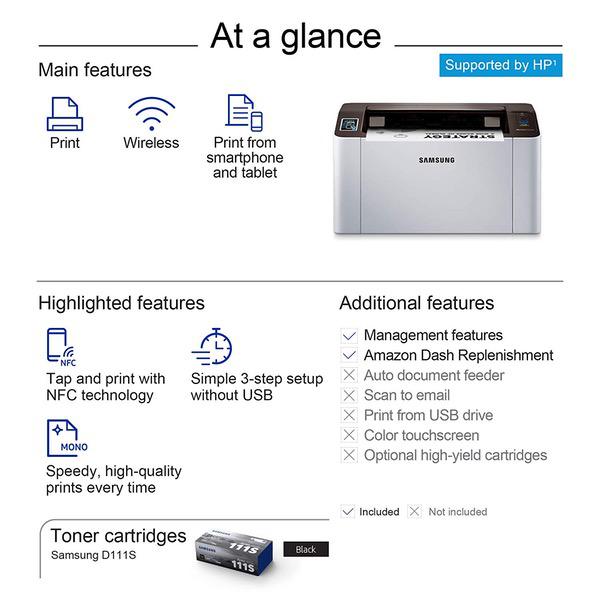
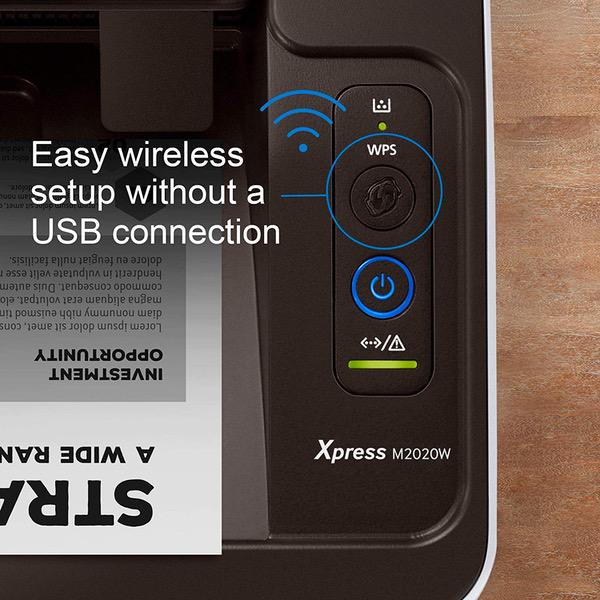
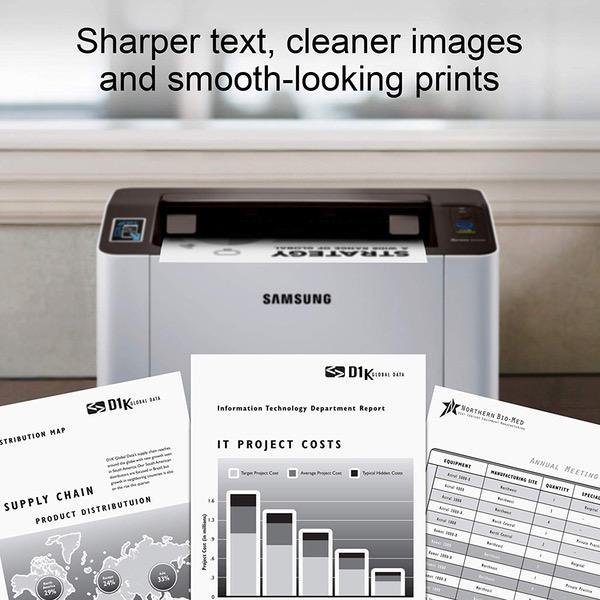
Make sure this fits by entering your model number. GREAT VALUE FOR YOUR HOME OFFICE - This Samsung single-function monochrome laser printer features superior print quality, NFC + WiFi connectivity, and fast print speed. GET PRINT ON TAP - NFC enables your mobile device to connect and communicate with your printer. Simply tap your NFC-enabled phone to this black and white laser printer and start printing (Android device only). EASY MOBILE PRINTING - Download the free Samsung Mobile Print app or use Google Cloud Print and print directly with your mobile device from this wireless laser printer. FAST SPEED PRINTING - Print up to 21 pages per minute. Recommended monthly volume of 100-1,500 pages. PROFESSIONAL IMAGE QUALITY – Get sharp, crisp images and text produced by Samsung's innovative imaging technology. WIDE RANGE OF PAPER SIZE SUPPORT – from 3" x 5" – 8.5" x 14" plain paper, recycled paper, label, cardstock, color paper and others. ORIGINAL SAMSUNG CARTRIDGES - Use Samsung MLT-D111S toner cartridge for best results. Noise Level - <50 dBA while printing ONE-YEAR LIMITED HARDWARE WARRANTY – Samsung printer, now supported by HP(1), provides 24-hour, 7 days a week Web support.
Reviews
2.3
Reviews: 20
5 stars
20%
4 stars
10%
3 stars
5%
2 stars
10%
1 star
55%
Güerito
4
Considering price point, quality, and ease of use this is a great product. Since I could turn on a computer and work electronics, there hasnt been a piece of technology I despise more than the printer. In high school and college I was always out of paper, too poor for ink, or just didnt have a printer. Ten years ago they were unreliable, had ugly obnoxious printer-specific cords, and buying ink was the difference between printing and not eating for a month. Well hello 2017 & Samsung laser printer (M2020), It was easy to set up! (Comes with its own printer software that is more like bloatware) It was hard to find the toner saving printer function, I think I had to gothru a web portal. But beside that it was easy. My phone connected, my computer did too no problem! Not a cable in sight. It already came with toner, but I bought an off brand here on Amazon for FIFTEEN DOLLARS! I believe the Samsung equivalent is $60? The first page I printed came out super dark but very very nice looking. Thats when I went to find the toner saving option that was buried under multiple prompts and caused some confusion. I think they wanted the printer to stay that way for you to use up more ink. Problem solved, pages come out lighter. Only downside is that it doesnt automatically print on both sides which I was dissapointed about. If you choose double sided it will print 1 page stop then let you feed it back in to print the other side. Pretty easy, not automatic tho. Thank you Samsung for this great printer!
MJ
4
I love the printer. Does what it says. Its fast and ink is reasonable.cost. Very quick and easy to replace the ink cartridges. I found the Printer is easy to set up IF you follow the directions. I attached the printer to my laptop and went online to download drivers and then printer wizard took over. You have 3 choices, USB, Media (smart phone) or Wi-Fi. I selected the Wi-Fi set up. Had no problems. UPDATE: Having problems with it auto connecting to my Wi-Fi. Keep getting "not connected" Samsung Customer service is great but I have to keep on calling them to fix the problem which happens all the time. UPDATE: 11/14/2017 *** SAMSUNG HAS FARMED OUT PRINTER HELP TO HP- GOOD LUCK TRYING TO GET AHOLD OF THEM. IM VERY UPSET. ONCE YOU SAY ITS A SAMSUNG PRINTER YOU CANNOT GET A HUMAN VOICE OR PHONE NUMER TO CALL
Product variations
Column filling
Sort by Price Sort by Availability Sort by CODE
$6900
In stock
+
B00JCA4GQS
You may be interested
  • Bestsellers
  • Recently Viewed
 
Fast and high quality delivery

Our company makes delivery all over the country

Quality assurance and service

We offer only those goods, in which quality we are sure

Returns within 30 days

You have 30 days to test your purchase