
















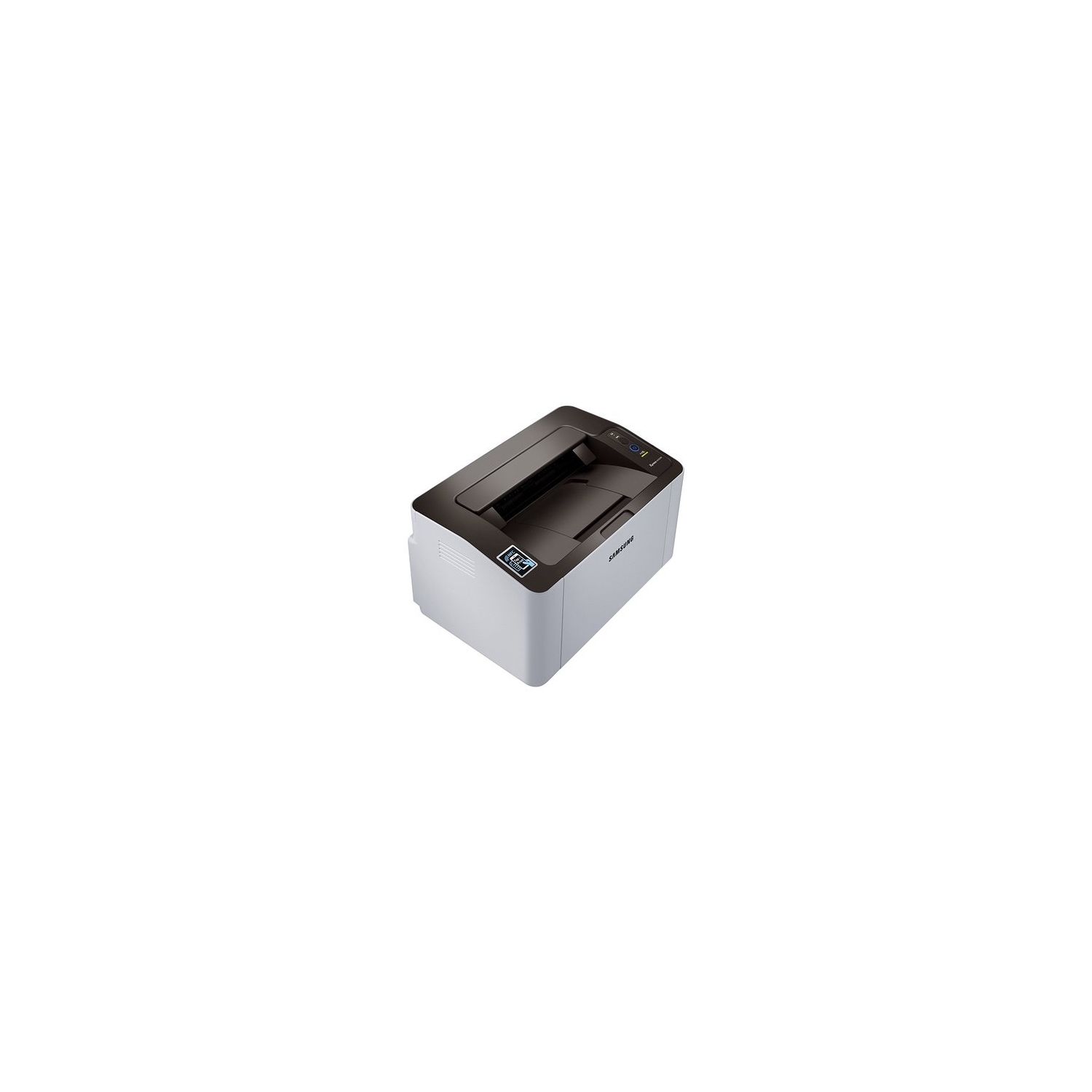
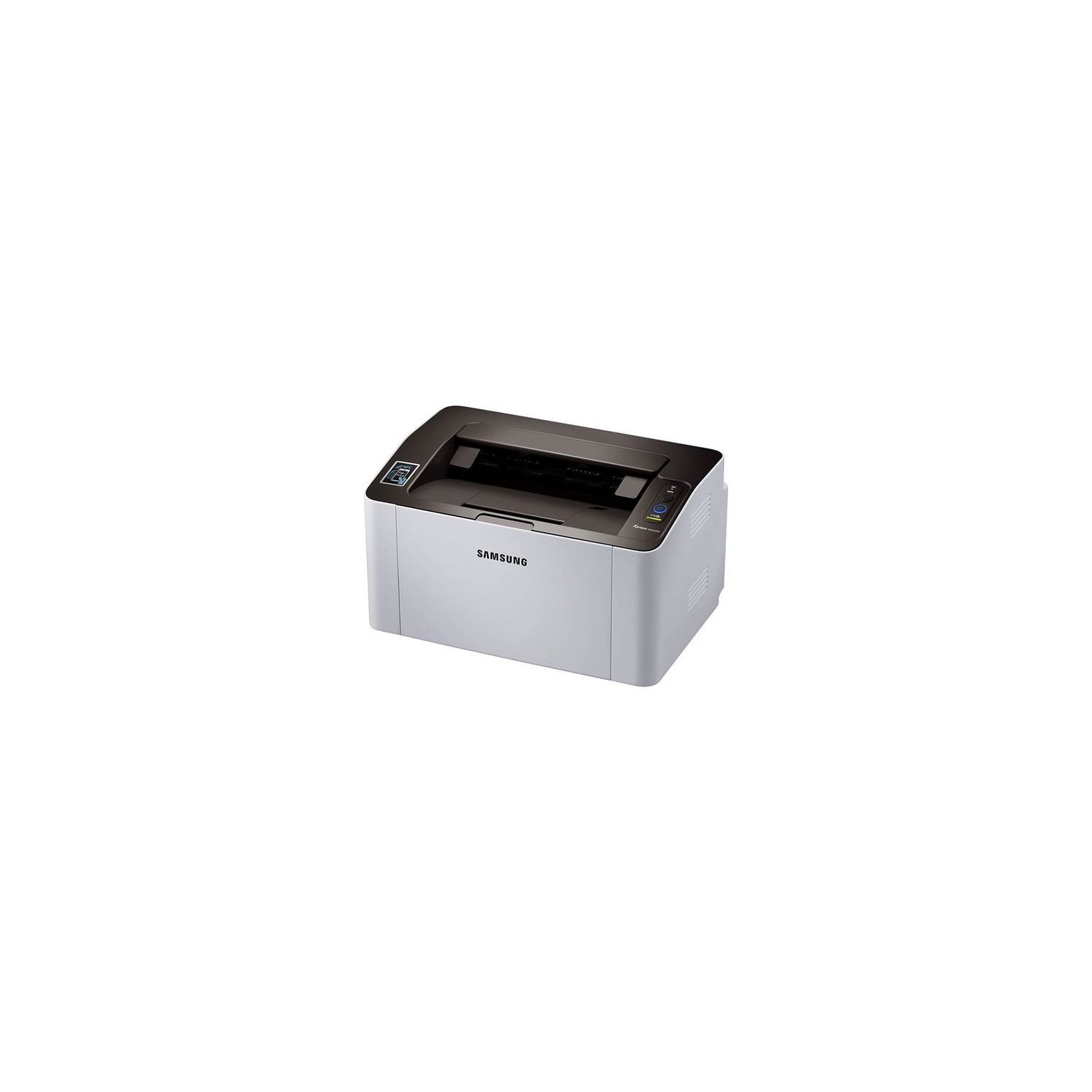
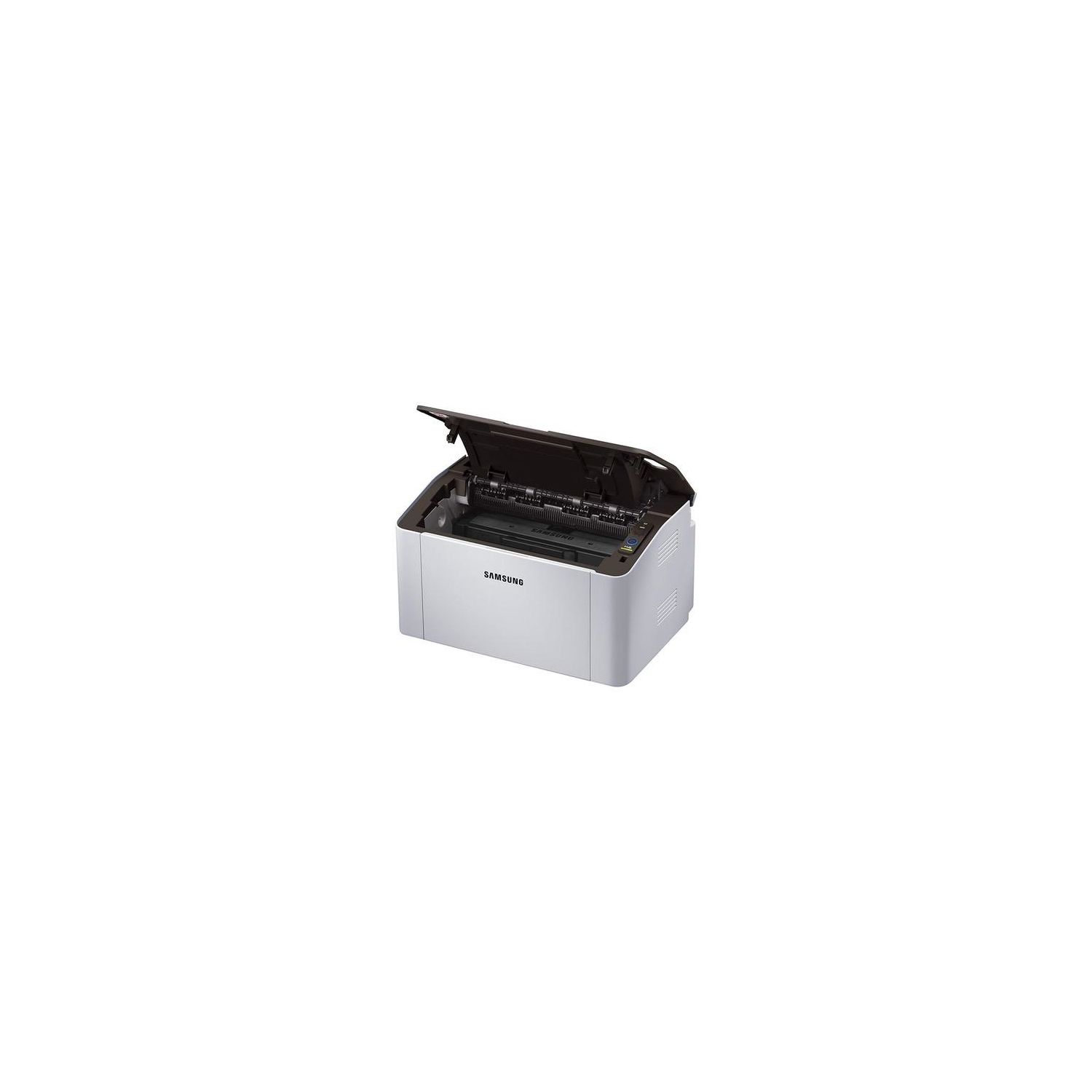
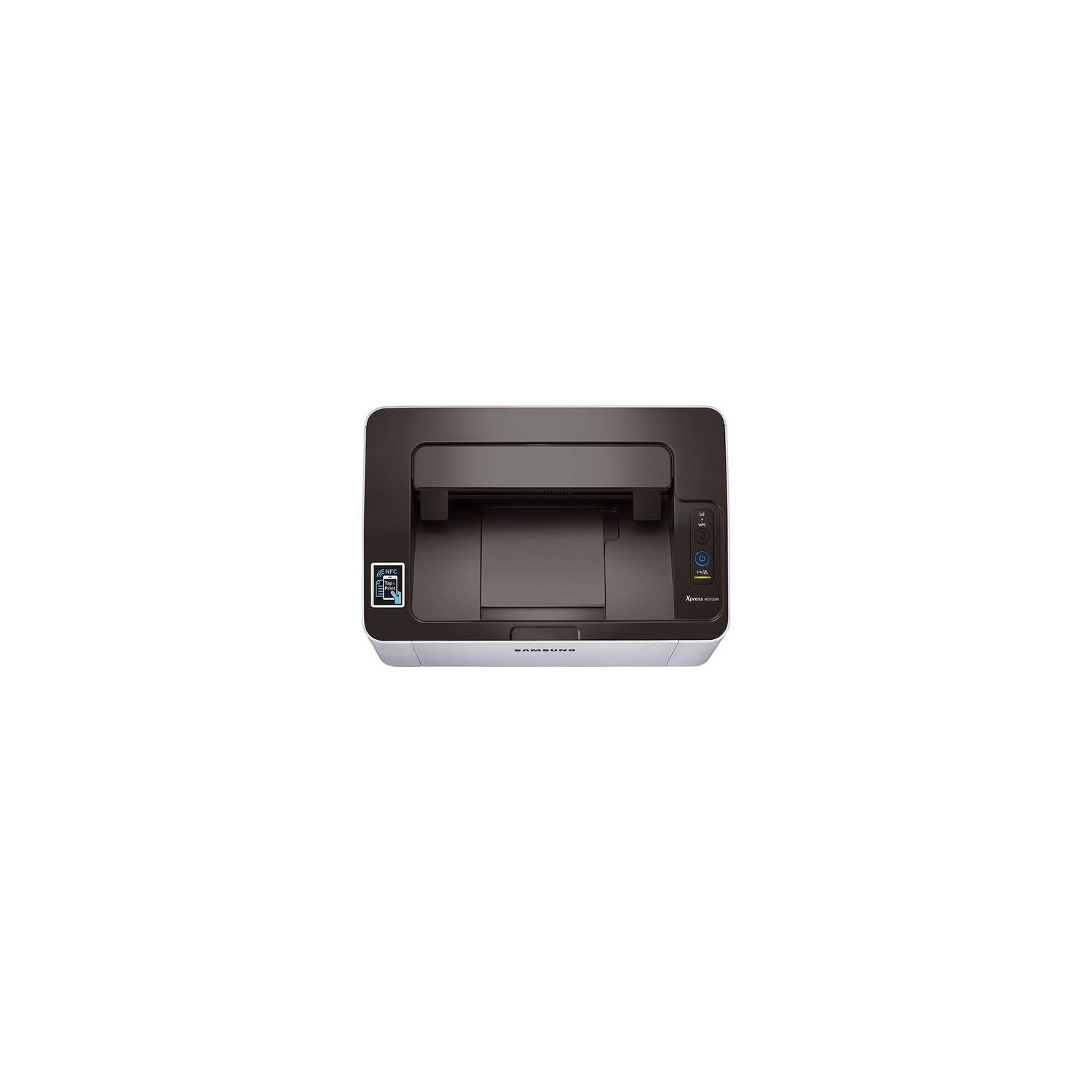
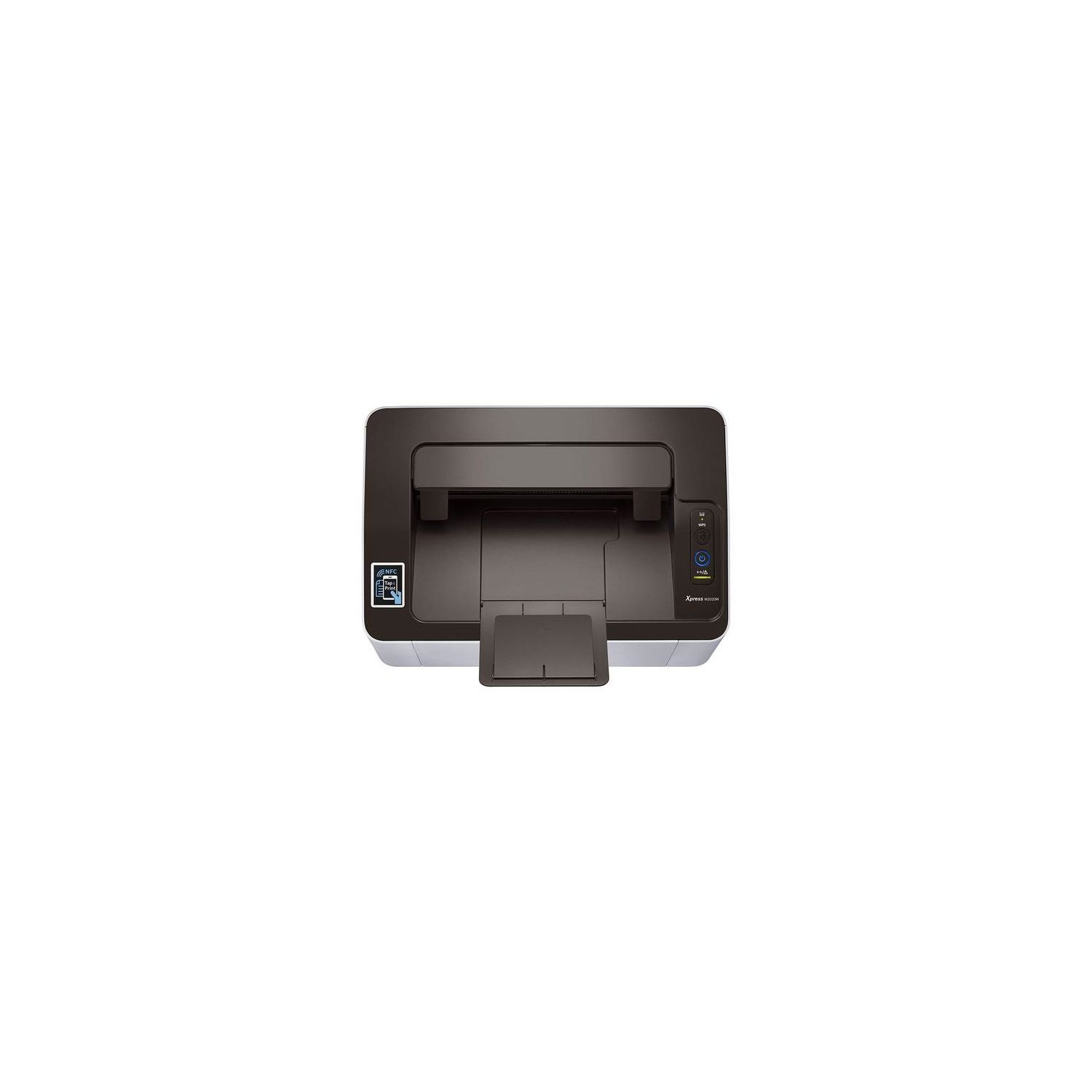
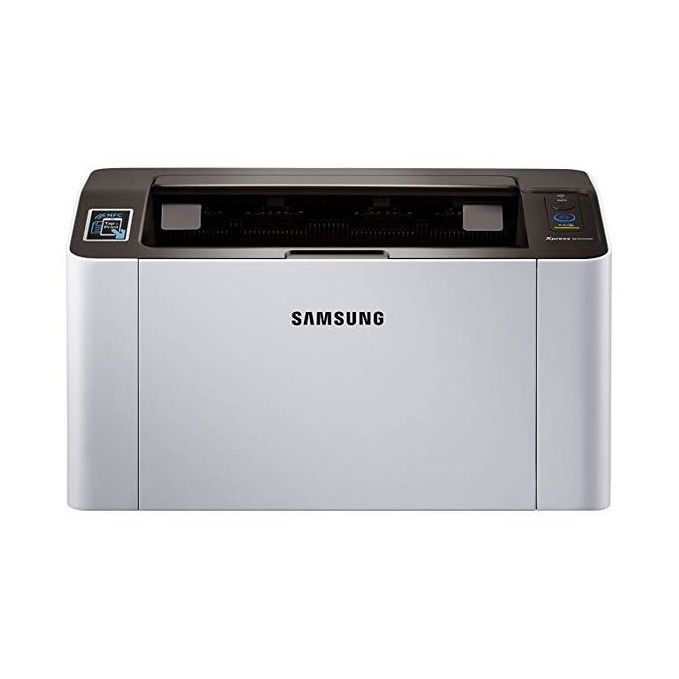
Samsung SL-M2020W/XAA Wireless Monochrome Printer
اكتب تقييم
$‎ 6900

Samsung SL-M2020W/XAA Wireless Monochrome Printer

اكتب تقييم
B00JCA4GQS
Target is a general merchandise retailer with stores in all 50 states and the District...

المدينة: US, New York

Delivery
Pickup at your own expense
Tomorrow from 09:00 to 20:00, Store location
Free
Payment options
Apple Pay Google Pay Mastercard Visa
Cash, bank card, credit/installment payments, cashless payment for legal entities
Warranty and returns
Exchange/return of products of proper quality within 14 days Official manufacturer's warranty: 12 months
Features
Connectivity Technology
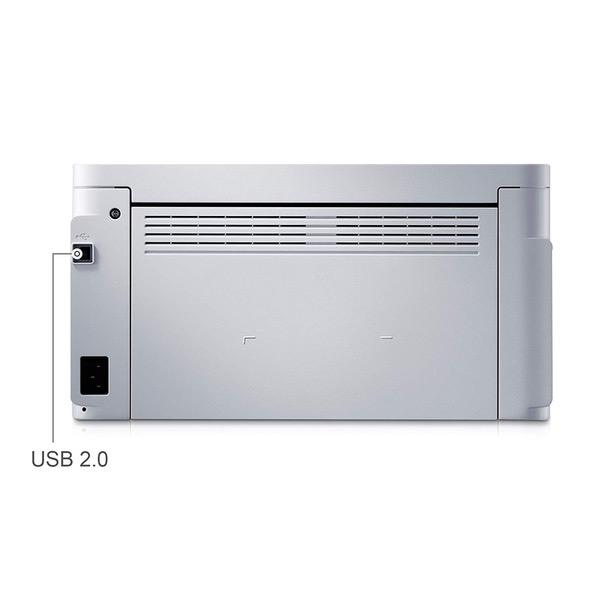
Wi-Fi; USB
Item Dimensions
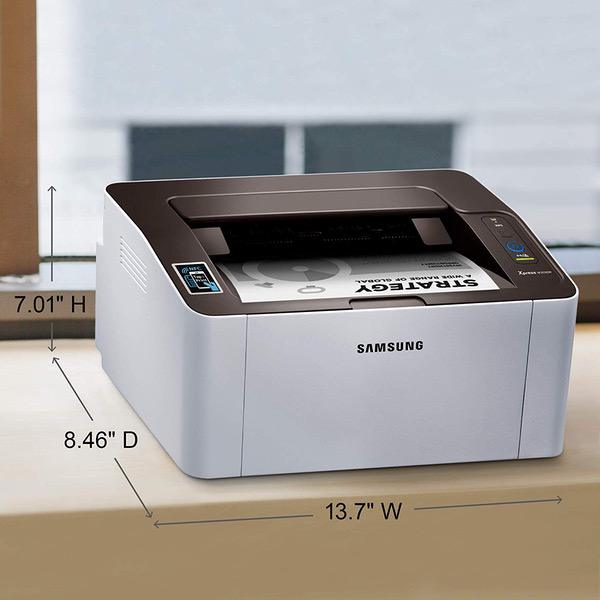
7 x 13 x 8.5 in
Item Weight
8.8 lbs
Operating System
  • Windows, Mac, Linux
Printer Output
Monochrome
Printer Technology
Laser
Description
This fits your .
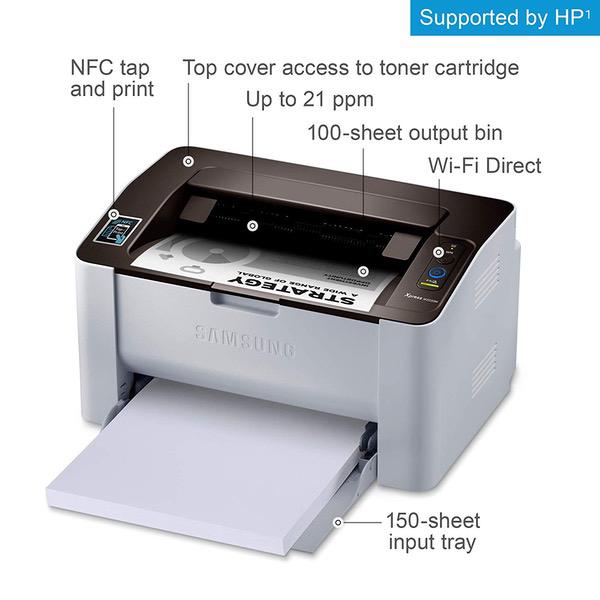
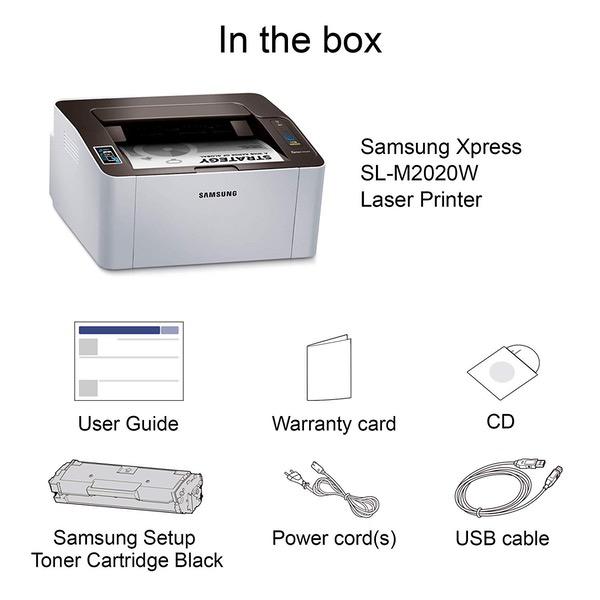
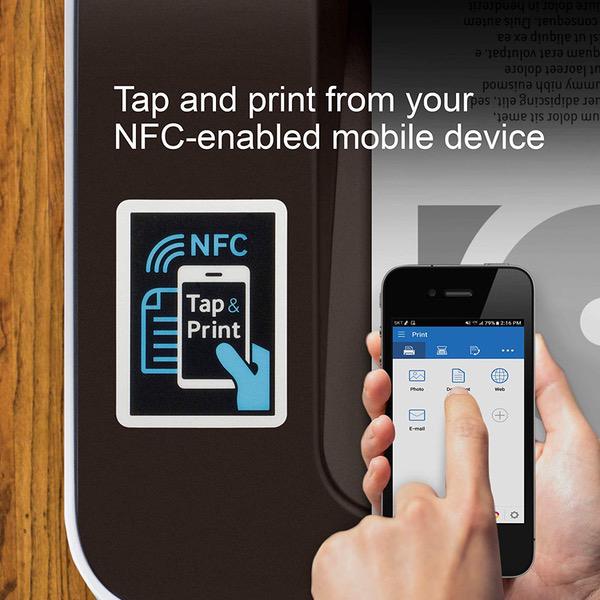
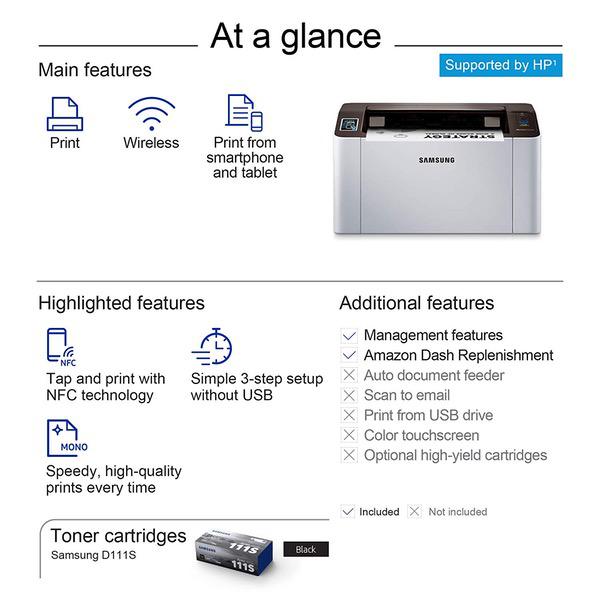
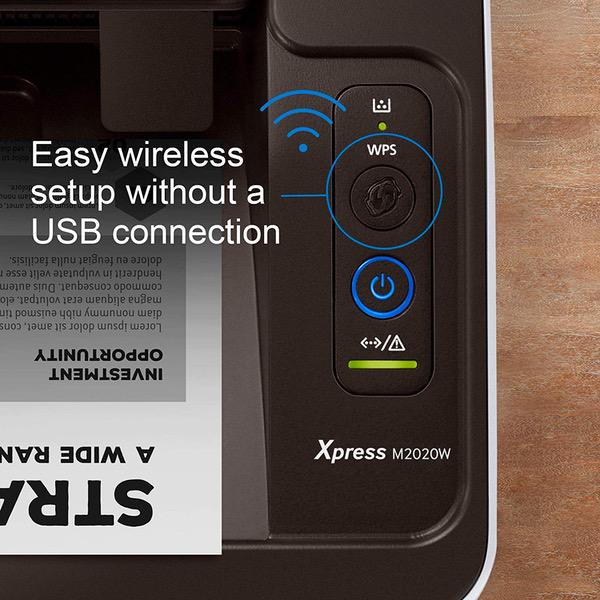
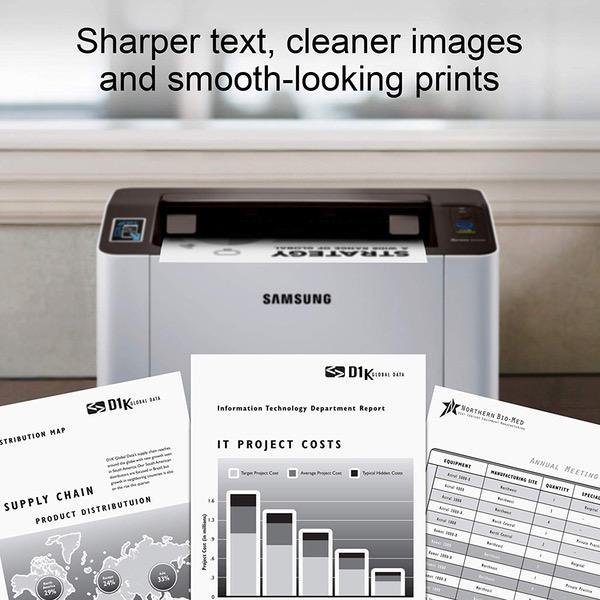
Make sure this fits by entering your model number. GREAT VALUE FOR YOUR HOME OFFICE - This Samsung single-function monochrome laser printer features superior print quality, NFC + WiFi connectivity, and fast print speed. GET PRINT ON TAP - NFC enables your mobile device to connect and communicate with your printer. Simply tap your NFC-enabled phone to this black and white laser printer and start printing (Android device only). EASY MOBILE PRINTING - Download the free Samsung Mobile Print app or use Google Cloud Print and print directly with your mobile device from this wireless laser printer. FAST SPEED PRINTING - Print up to 21 pages per minute. Recommended monthly volume of 100-1,500 pages. PROFESSIONAL IMAGE QUALITY – Get sharp, crisp images and text produced by Samsung's innovative imaging technology. WIDE RANGE OF PAPER SIZE SUPPORT – from 3" x 5" – 8.5" x 14" plain paper, recycled paper, label, cardstock, color paper and others. ORIGINAL SAMSUNG CARTRIDGES - Use Samsung MLT-D111S toner cartridge for best results. Noise Level - <50 dBA while printing ONE-YEAR LIMITED HARDWARE WARRANTY – Samsung printer, now supported by HP(1), provides 24-hour, 7 days a week Web support.
Reviews
2.3
التقييمات: 20
5 نجمة
20%
4 نجمة
10%
3 نجمة
5%
2 نجمة
10%
1 نجوم
55%
Tim H.
3
To install on google cloud print (for chromebooks) you have to use a mac/windows/linux computer first (painful, -1 star). I wish you could install this directly with your phone/chromebook. Anyways, it isnt all that well documented but the key is to get the IP address so you can access the printer to get it connected to googles cloud print. 1. power up 2. download "easy wireless set up" via the samsung support site (which is actually HPs support site) 3. install via usb (most reliable) and add printer to your wireless network 4. download samsung mobile print app (iOS and Android) 5. Grab the printers IP address from the app 6. put the IP address in your chrome browser (e.g., 192.168.86.25) 7. login to Samsung Sync Thru Services (default is: admin/sec00000) 8. connect it to your google account (under "settings>network settings>Google Cloud Print") 9. register with Google & done!
Product variations
Column filling
ترتيب بواسطة السعر ترتيب بواسطة الامكانية ترتيب بواسطة الكود
$‎ 6900
متوفر بالمخزون
+
B00JCA4GQS
You may be interested
  • Bestsellers
  • Recently Viewed
 
Similar products
$‎ 9900
New York, US
Gold
Operating System Printer TechnologyLaser
$‎ 66900
New York, US
Gold
Operating System Windows, Mac Printer TechnologyInkjet
$‎ 64900 $‎ 69900 -7%
New York, US
Gold
Operating System Windows, Mac Printer TechnologyInkjet
$‎ 31900
New York, US
Gold
Operating System Windows, Mac Printer TechnologyInkjet
Show more
Fast and high quality delivery

Our company makes delivery all over the country

Quality assurance and service

We offer only those goods, in which quality we are sure

Returns within 30 days

You have 30 days to test your purchase