
















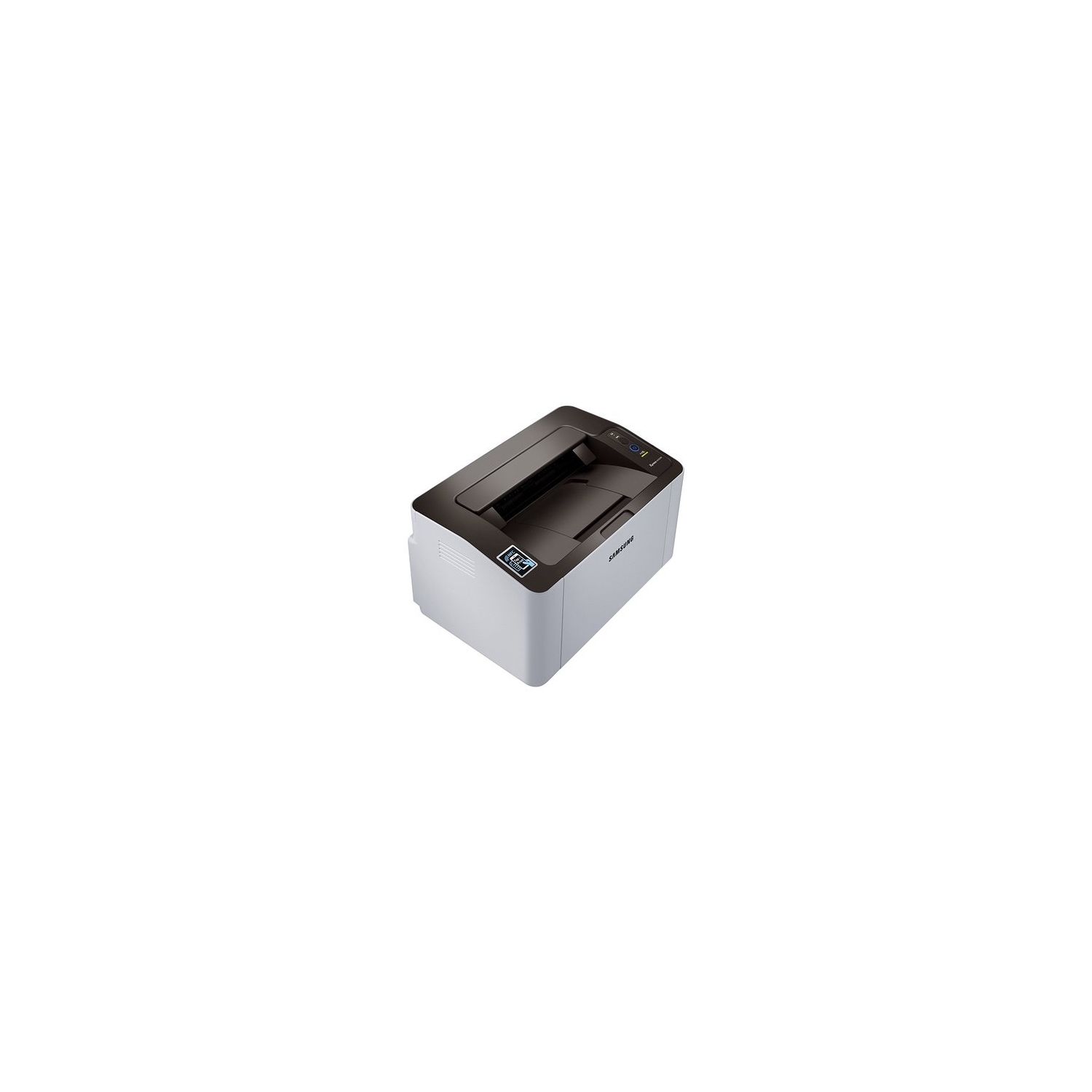
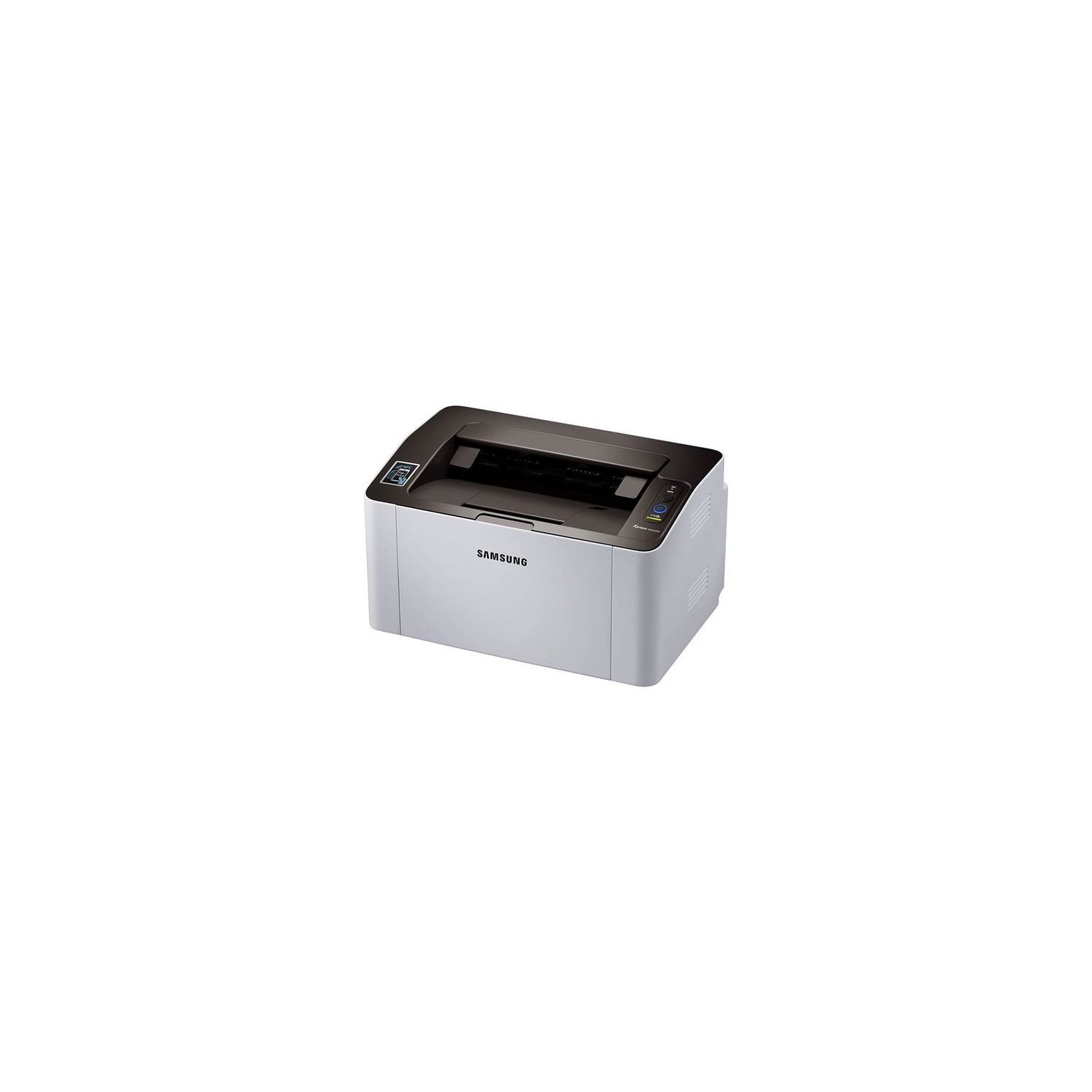
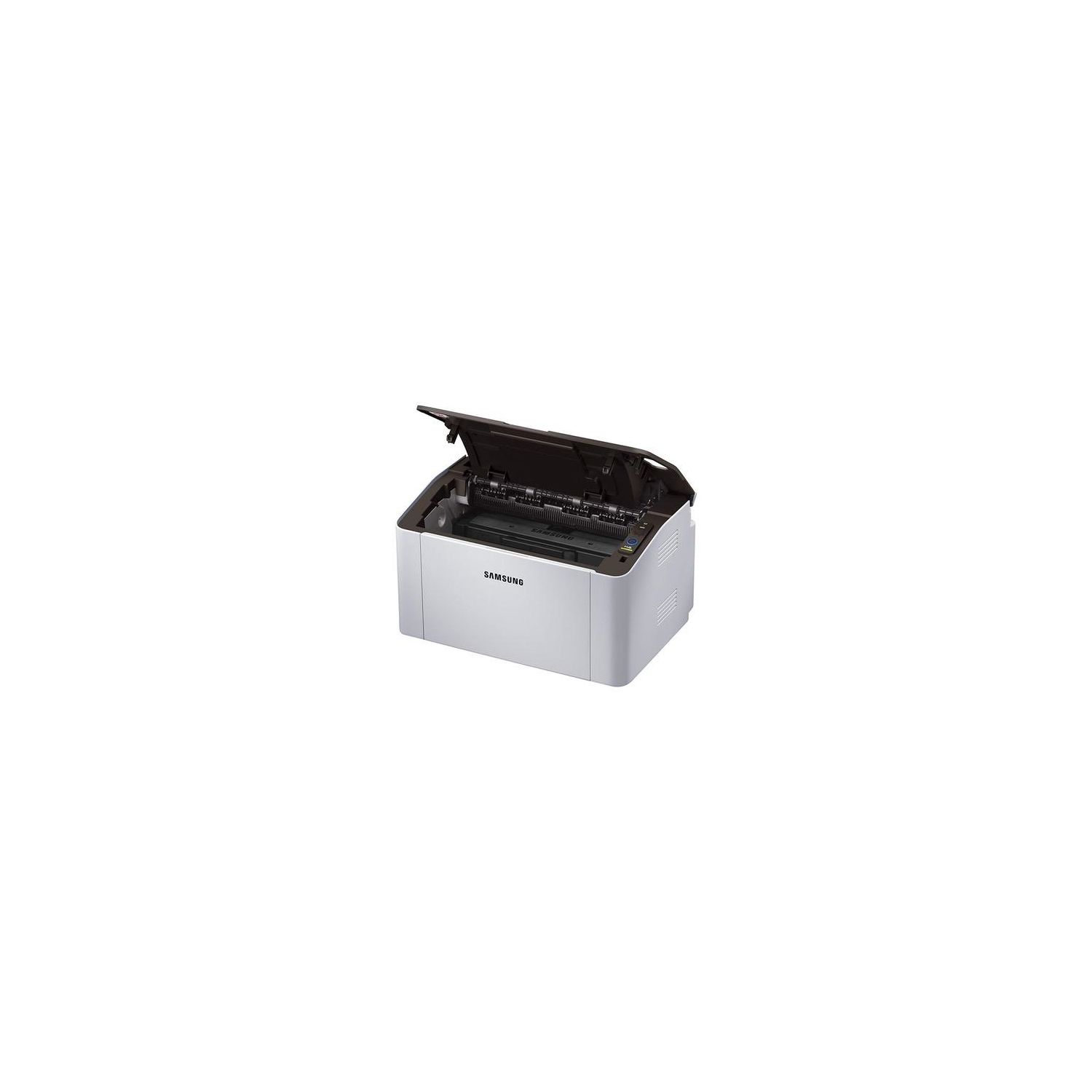
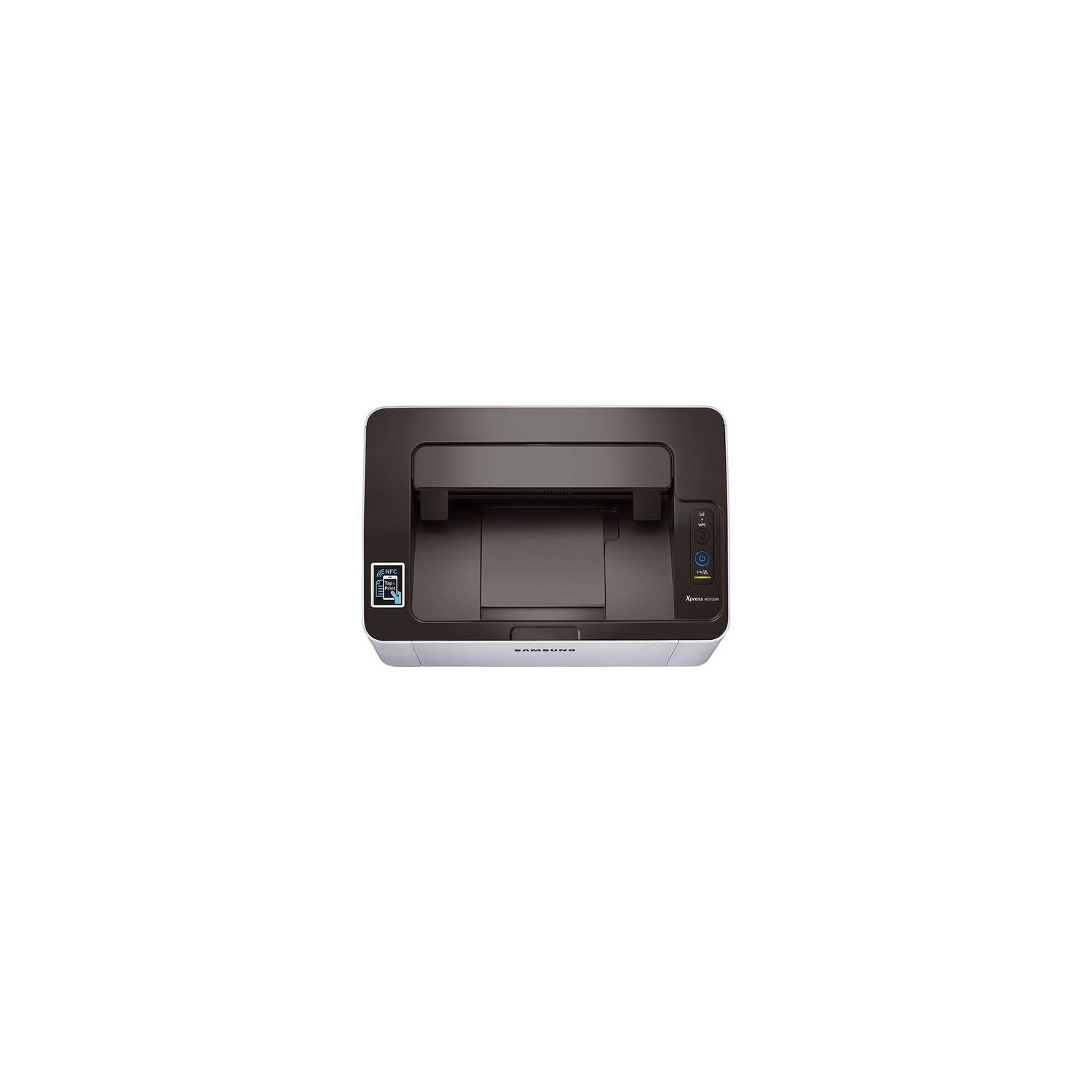
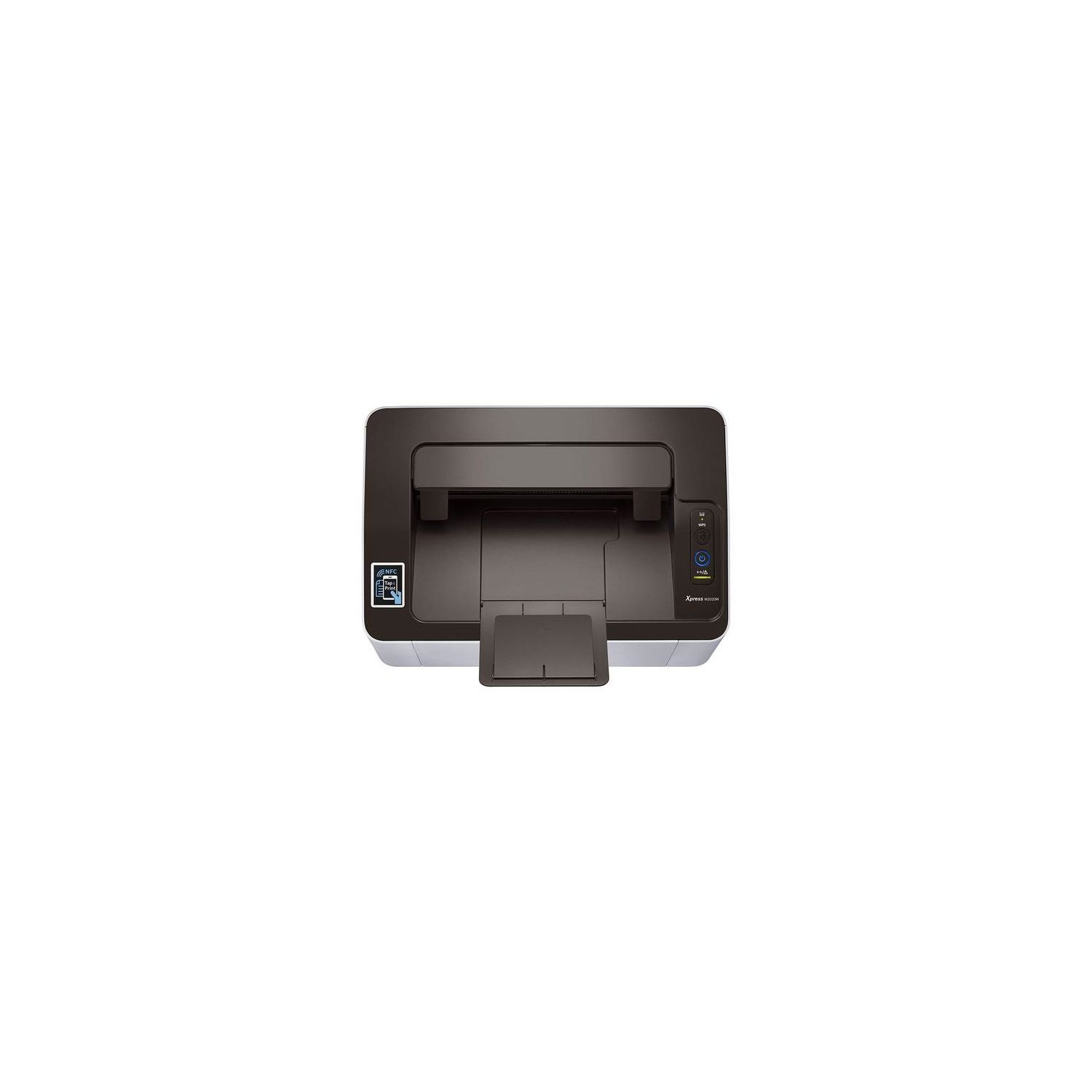
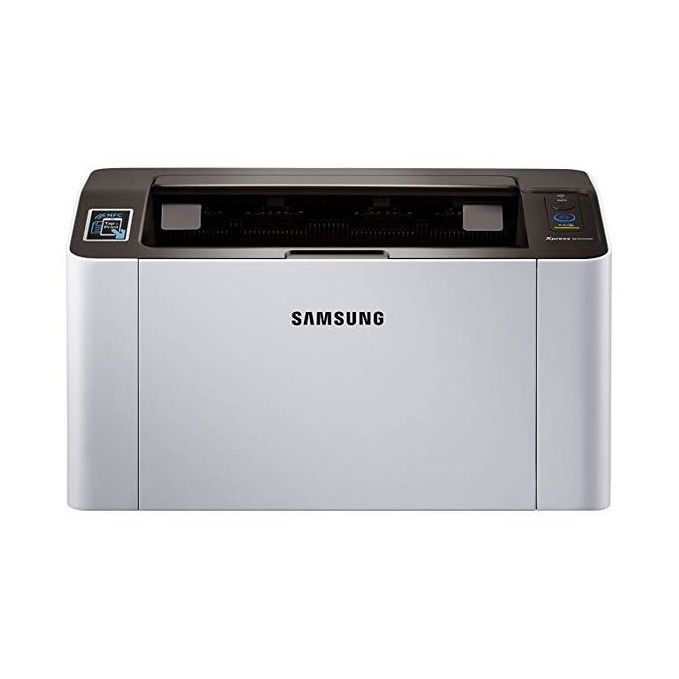
Samsung SL-M2020W/XAA Wireless Monochrome Printer
Write a review
5391

Samsung SL-M2020W/XAA Wireless Monochrome Printer

Write a review
B00JCA4GQS
+
Add to wish list
Target is a general merchandise retailer with stores in all 50 states and the District...

City: US, New York

Delivery
Pickup at your own expense
Tomorrow from 09:00 to 20:00, Store location
Free
Payment options
Apple Pay Google Pay Mastercard Visa
Cash, bank card, credit/installment payments, cashless payment for legal entities
Warranty and returns
Exchange/return of products of proper quality within 14 days Official manufacturer's warranty: 12 months
Features
Connectivity Technology
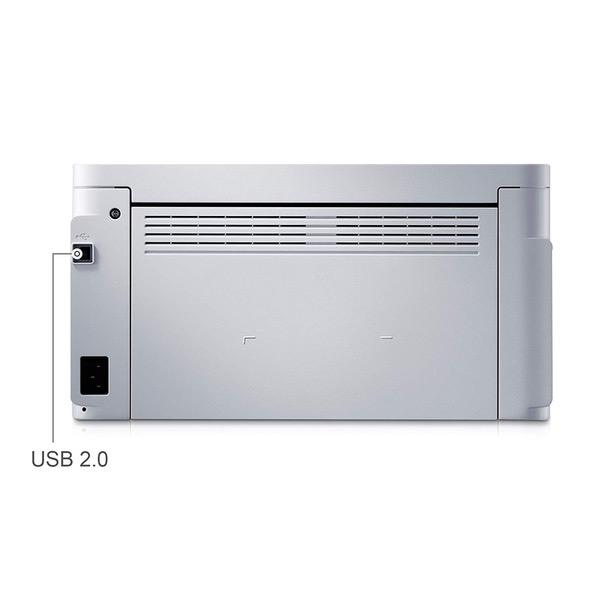
Wi-Fi; USB
Item Dimensions
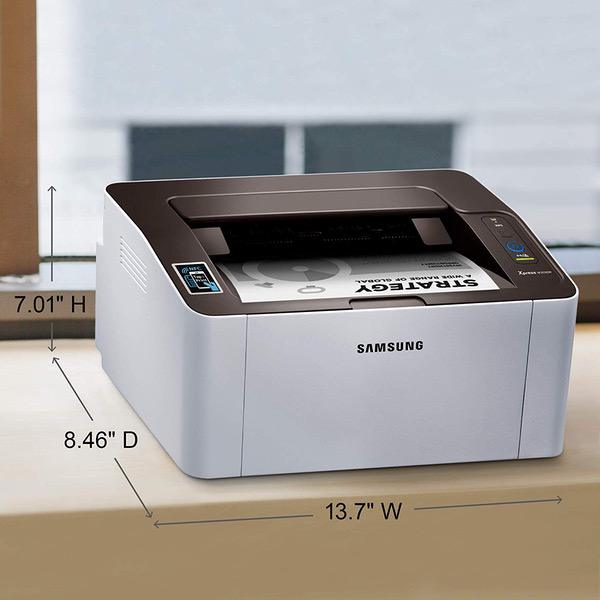
7 x 13 x 8.5 in
Item Weight
8.8 lbs
Operating System
  • Windows, Mac, Linux
Printer Output
Monochrome
Printer Technology
Laser
Description
This fits your .
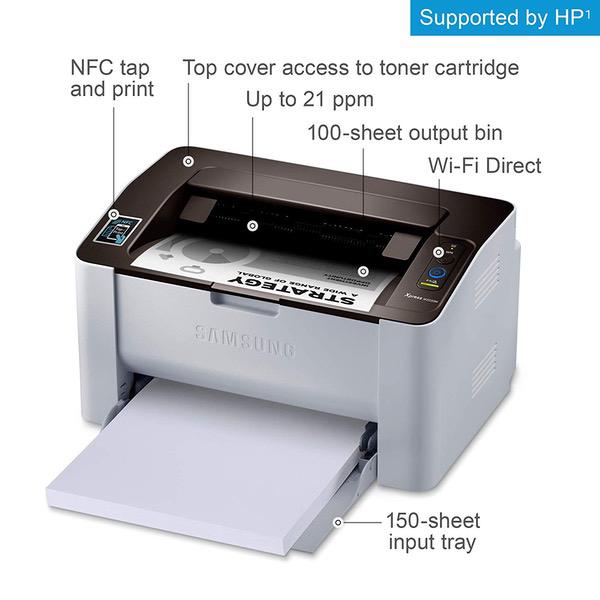
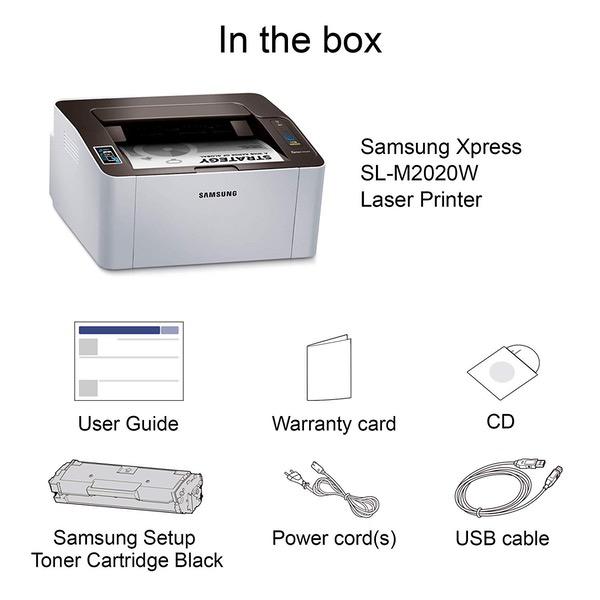
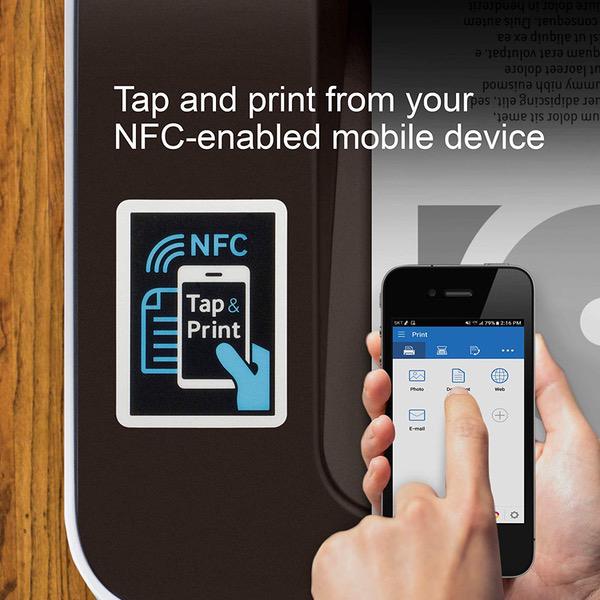
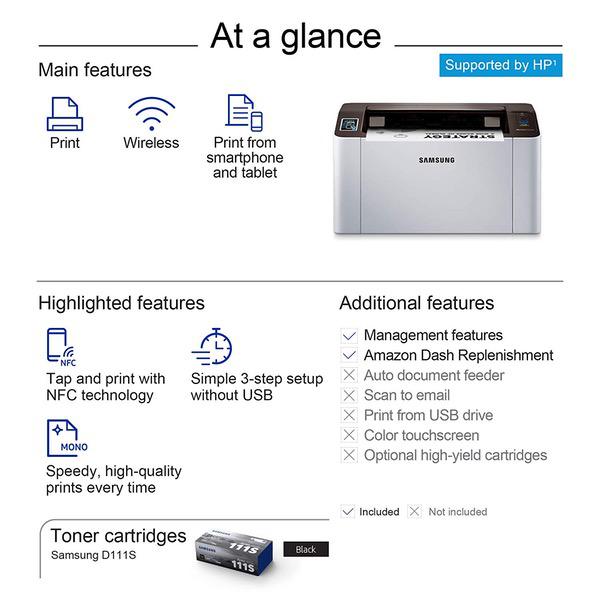
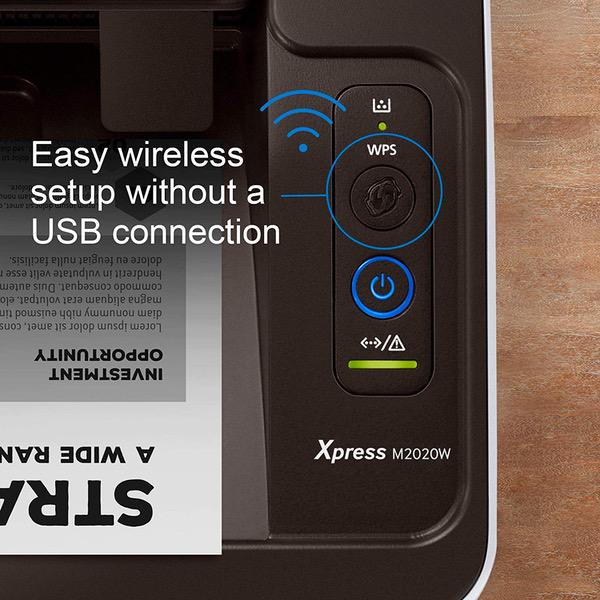
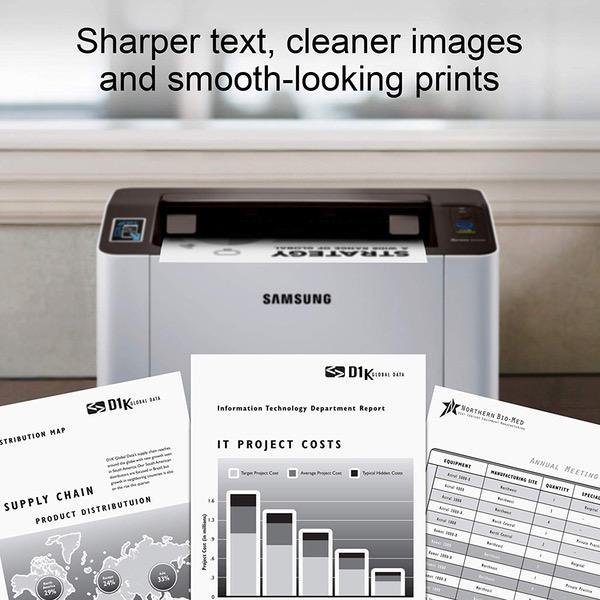
Make sure this fits by entering your model number. GREAT VALUE FOR YOUR HOME OFFICE - This Samsung single-function monochrome laser printer features superior print quality, NFC + WiFi connectivity, and fast print speed. GET PRINT ON TAP - NFC enables your mobile device to connect and communicate with your printer. Simply tap your NFC-enabled phone to this black and white laser printer and start printing (Android device only). EASY MOBILE PRINTING - Download the free Samsung Mobile Print app or use Google Cloud Print and print directly with your mobile device from this wireless laser printer. FAST SPEED PRINTING - Print up to 21 pages per minute. Recommended monthly volume of 100-1,500 pages. PROFESSIONAL IMAGE QUALITY – Get sharp, crisp images and text produced by Samsung's innovative imaging technology. WIDE RANGE OF PAPER SIZE SUPPORT – from 3" x 5" – 8.5" x 14" plain paper, recycled paper, label, cardstock, color paper and others. ORIGINAL SAMSUNG CARTRIDGES - Use Samsung MLT-D111S toner cartridge for best results. Noise Level - <50 dBA while printing ONE-YEAR LIMITED HARDWARE WARRANTY – Samsung printer, now supported by HP(1), provides 24-hour, 7 days a week Web support.
Reviews
2.3
Reviews: 20
5 stars
20%
4 stars
10%
3 stars
5%
2 stars
10%
1 star
55%
Brian Gomez
1
Im about to throw this thing at the wall. Im pretty tech-savvy, but I keep getting hit with a stupid "Network Error" message. My password is correct, I restarted everything including the router and printer, etc. Still no luck. Tried it on TWO DIFFERENT MACs, both hardwire connection and wireless. Been almost 3 hours trying to do this. Now i have to leave for a game, and come back in a few hours and try again. Very annoyed at this product right now. I would return it, but got it for my father as a present in May 2018, and he didnt open it until August 2018 and so now I cant return it. We will see what happens - if anyone has any advice please give it.
docsam
1
On the first print job, after running out of paper, I reloaded the paper. Nothing happened. Most printers either restart once the paper is reloaded or you have to press a resume or go button. Not this one. Spent 2 hours on the phone with Samsung. They had no idea what I was talking about. Finally, I determined on my own that the only way I could get the printer to resume printing without losing the print job was to pretend like there was a paper jam, then lift the cover, and shut the cover. Then it prints. Sent it in for repair because apparently this is not normal and was just emailed that there was nothing wrong with the printer. Every single person I talked to on the phone had absolutely no clue even what buttons or what the control panel looks like on this printer. I will send it back to Amazon straight away. Dont waste your time or money.
Jim
1
Purchased 12/15/2015. Used once or twice a month to print 1 to 2 pages per month ; it broke down 3/27/2016. The power button would not work. I changed power outlets. It still would not work. Tried to do Samsung warranty service online. But they rejected their own warranty saying it was expired when in fact the Samsung warranty is documented at 1 yr. Samsung sent me an email explaining they would consider replacing the printer and would let me hear from them soon. Needless to say I have not heard from them.
Daniel Fleck
1
That headline is harsh. All consumer printers are worthless pieces of crap... This printer prints and it prints well. However, if you want to use it wirelessly you get all the printing you want after you set it up. The next time you want to print. Be prepared to spend half an hour or longer to completely reset your printer, your router, your network settings, and maybe reinstall windows while you are at it to get the stupid printer to connect to wifi again. I dont know why this is so hard for a printer to figure out... Also, support is now through HP which is even more worthless than this printer.
Jennifer M. Lopez
1
Printer was a hassle. It would go into sleep mode and would not wake up when sending documents to print. I had to turn it off and on so it would print. Even when I changed the settings for it go to sleep in the max, 60 mins, it would still not print. I really like Samsungs printers, but I cant understand why they do not let the user turn off the sleep mode or why I was having so much trouble. The printer was returned.
Erich Keane
1
Ive had this printer for about 18 months. It takes forever to join the configured WiFi network, it leaves it randomly, and requires a ton of irritating work to get it to actually join long enough to be printed on. I found a firmware update from Samsung that seems like it might fix it, however it enforces that you purchase the $50 toner directly from them! Even THEN, the $50 toner from amazon is 50/50 as to whether the printer will accept it. Im going to trash this one and buy a printer not made by scumbags.
Amanda R. Warren
1
I was excited by this purchase and thought I had done my research. Reviews stated that it was easy to set up and worked right out of the box. That was not my experience. The printer was returned after four hours of attempting to install and troubleshoot; two of those four hours were with an HP tech remoting my desktop as we both worked to fix whatever connectivity issue the printer had. He could not solve the problem. Highlights: 1. Needing to use USB connection to set up wireless printing. Why? The whole point is that its wireless, yes? Anyway, I did not look forward to completing the same wired install on every device in my house. 2. After installing program I was unable to "find" the printer, mostly because it kept turning itself off. Repeatedly. In fact it wouldnt stay on, and sometimes it was on when the power light was off, but sometimes not. So...absolutely no way to indicate if the thing was on or off. 3. In attempting to locate troubleshooting information I suddenly, and angrily, realized that this is an HP product. Thats my mistake. I did not realize that HP had purchased Samsung. I bought the Samsung to replace an HP product that decided to not connect to anything (despite all signs saying it was connected, and no changes to system or network) after a year and a half of light use printing. I plan on taking the old printer into the yard and "Office Spacing" it with a baseball bat since no one at HP seems able to help me. So, new printer...and hey, surprise, I accidentally fell right back into the HP trap. HP computers are okay. HP printers are flimsy unsupported crap. 4. Install did not recognize the serial number on its own product. So, thats a thing. I dont know what it means, but its a thing. And it happened. Troubleshooting on HP website also did not recognize the serial number and provided limited information without it. Does this mean it is a fake? I have no idea. 5. Took about an hour for me to give up and get in touch with HP customer service. Surprise! The phone lines are closed on the weekends, and the troubleshooter is useless AF. 6. FINALLY got through to customer service on chat. Thankfully the tech on duty didnt treat me like an idiot (this happens). We ran down the list of things I had already tried, and I begrudgingly decided to allow him remote access to my computer. I hate having to resort to this. Hate it! 7. Spent two hours fidgeting with settings, getting frustrated with the automatic turn off. Finally it printed a test page while connected to desktop with USB, but we could not discover the problem with wireless. The printer is NO USE to me as a wired printer. 8. After four total hours of trying to get the printer to do its one job, print wirelessly, we gave up. The tech didnt know what to do next, so I thanked him and said I was done. I uninstalled, fixed the settings we had changed, and went to return. 9. The irony of needing to print a return label for a printer is worthy of note. I sent it to a friend and asked him to print it. I am not amused. Attempting to get this stupid printer to work on a HP desktop running Win10 was ridiculous. I lost 4 hours of my life, and a trip to the UPS store and back to return it to Amazon. Now I have to go find another option and am printerless again.
Bruce Leinaar
1
Worst electronic purchase ever. Would hardly ever work wireless. The grand finale was that is quit functioning at all two weeks after warranty expired. Probably did not print 10 pages a month is why I purchased such a cheap printer. Also, it would not print envelopes. This is junk. If you are still inclined to buy this printer, get the 4 year extended warranty. But plan on spending hours on the phone with Samsung Tech service.
Amazon Customer
1
Ive never posted a review before but this printer is so bad that I have to alert other buyers. I had to frequently do a reset because the pinter would ignore the wireless printing command. Because it worked for a couple of print jobs at my last re-do, I let the return window slide by before, alas, before the same problem returned. My computer keeps telling me that my printer is offline when it is not, no matter what I do. If I want to print I have to physically connect the units. Look, I graduated from physical connections and multi-wirings years ago, and I do not want to return to having to have the physical obstruction of this machine in my immediate workplace. I am going to leave it in the lobby for someone who does not consider this a hindrance. Im sure that if they print once every couple of months that this will be a lovely printer for them. (In fact, I will pin a note describing this situation.) Oh, and is says it does two-sided printing. Yes, it does---- by hand in a time consuming and complicated manner, defeating the purpose of efficiency. I would not recommend this to anyone, and I extend my sympathies and apologies to the person who grabs this in the lobby
ItsArose
1
Impossible to set up, connect to a computer or to a wireless network. Ive tried for 4 days. I HATE HATE HATE this thing. Ive tried so many ways to connect and look how LONG the Samsung website is to try and connect this baby. Its pages and pages and pages of possible options. Update - 3 weeks of trying. You cant say I didnt give it the old college try. Samsung will not provide customer service but only refers you to HP. HP will only tell you to go to their website. HPs website will only spin you in circles with endless links that make no sense and no troubleshooting assistance. Dead in the water and with 6 days left, its going back. I had such high hopes for art class. Black lasers are great for coloring and painting images. But this one wont even hook up, wifi (unsecure visitor, 2.4G or 5G) or by direct USB -- nada.

Showing 10 of 11 reviews

Product variations
Column filling
Sort by Price Sort by Availability Sort by CODE
5391
In stock
+
B00JCA4GQS
You may be interested
  • Bestsellers
  • Recently Viewed
 
Fast and high quality delivery

Our company makes delivery all over the country

Quality assurance and service

We offer only those goods, in which quality we are sure

Returns within 30 days

You have 30 days to test your purchase