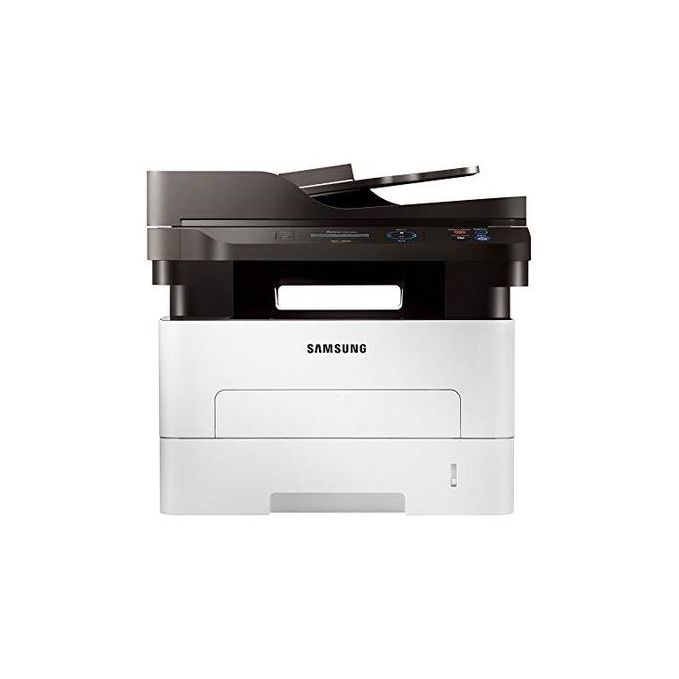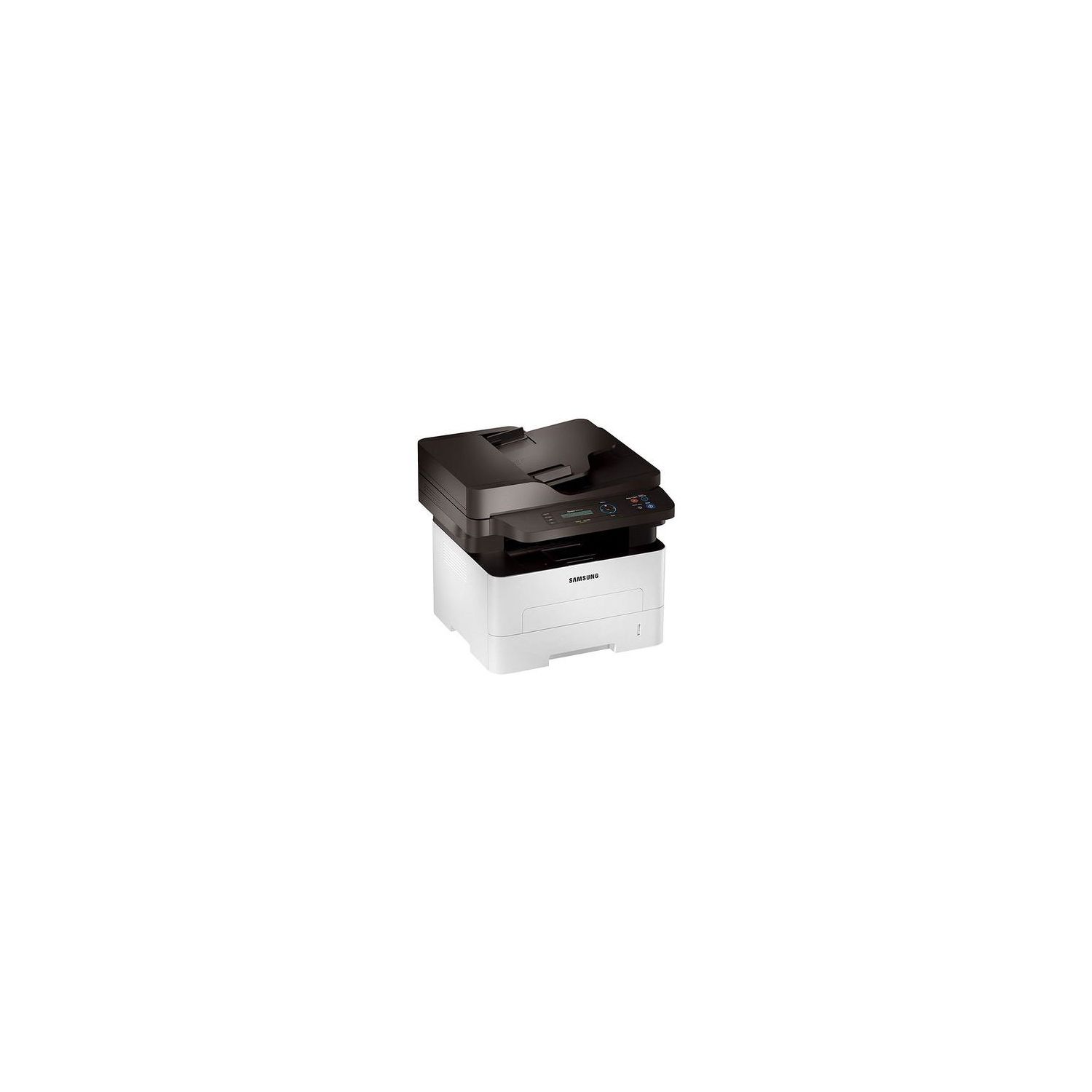
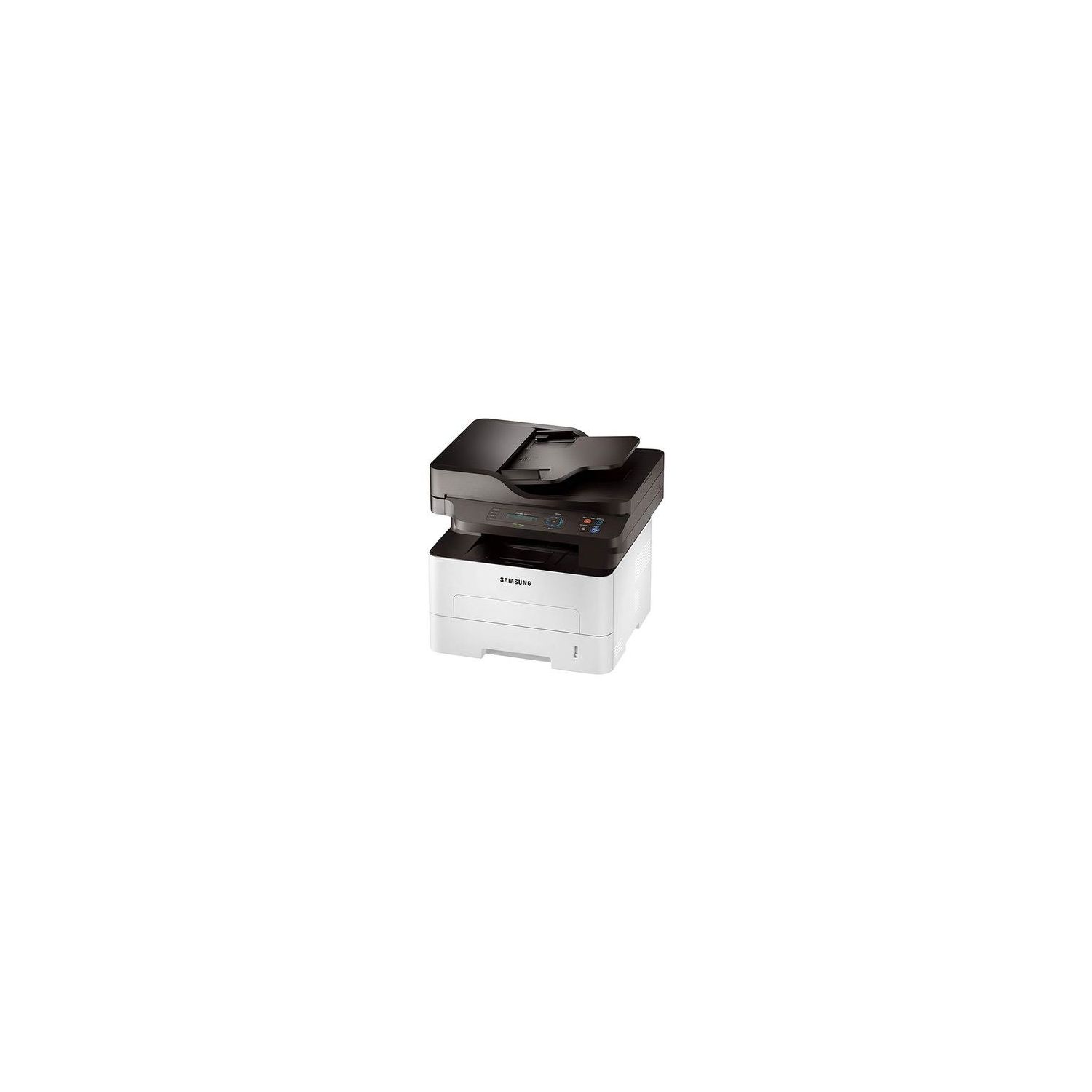
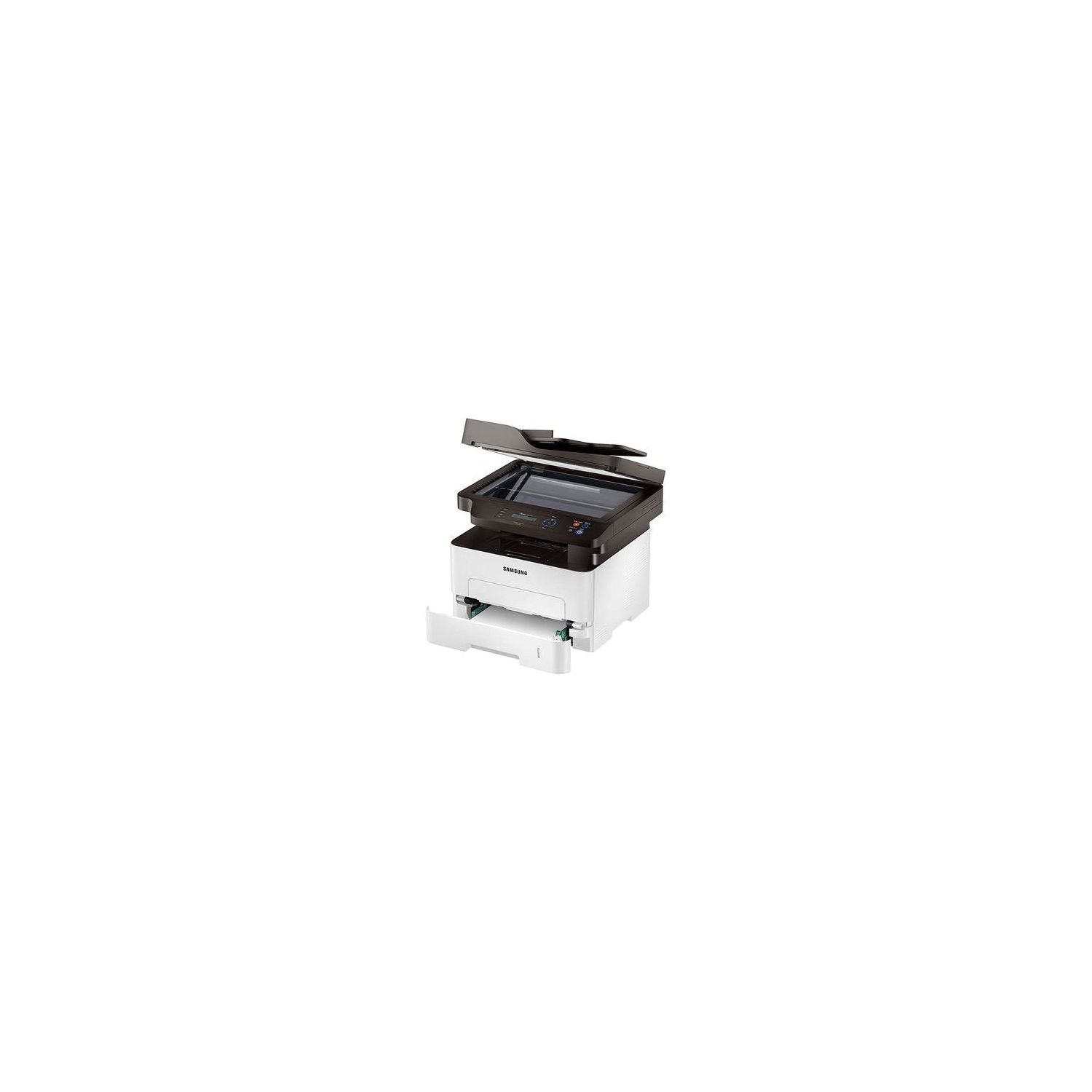
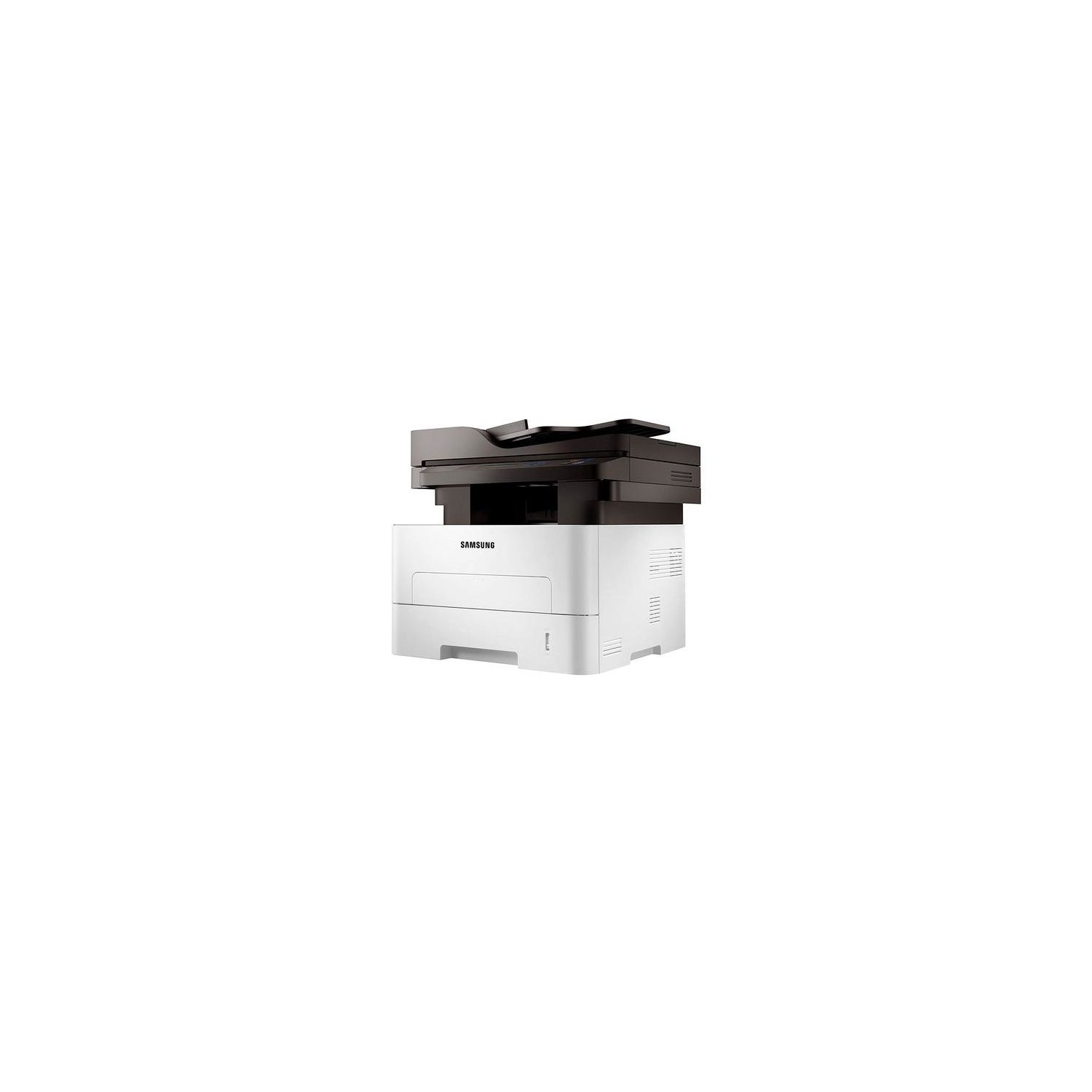
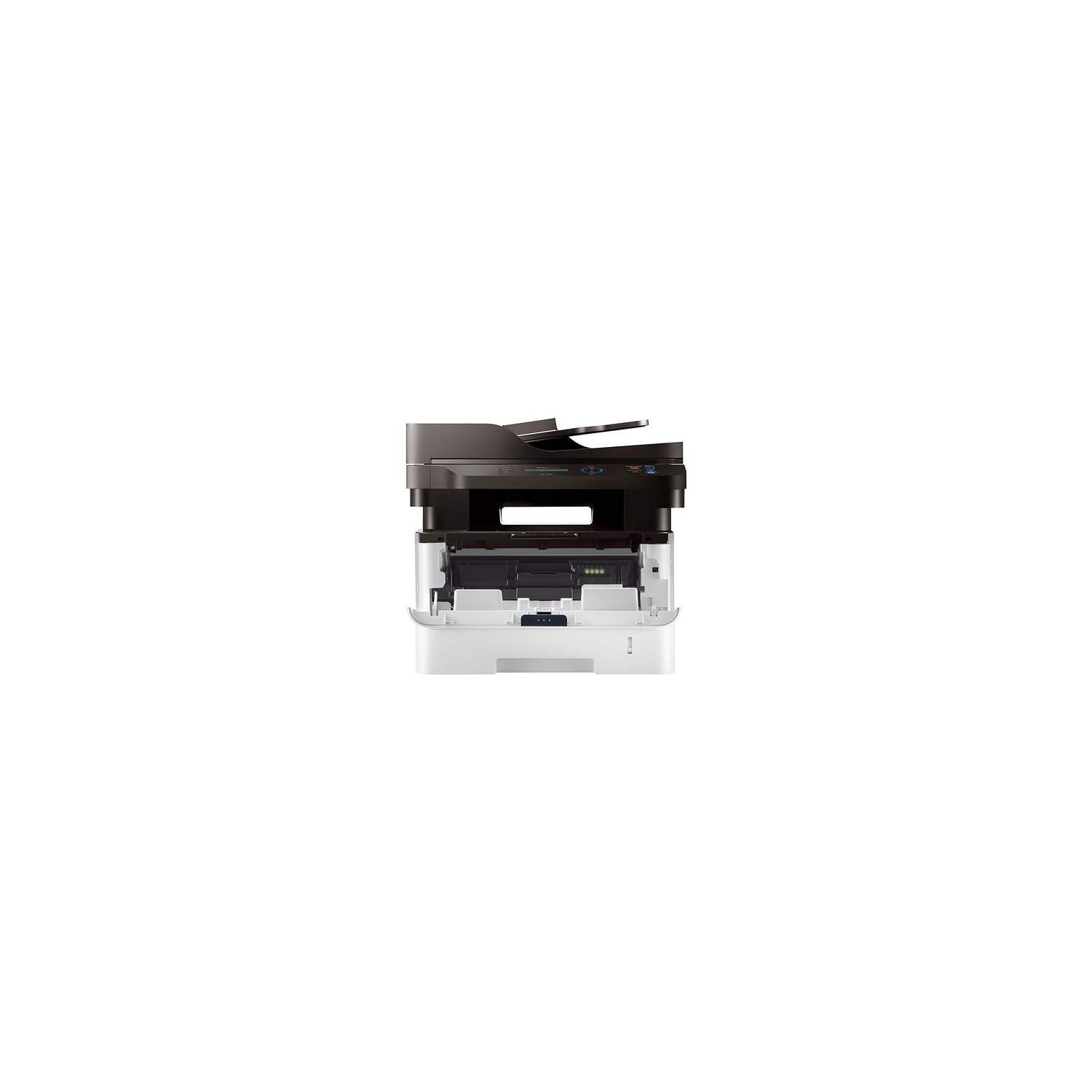
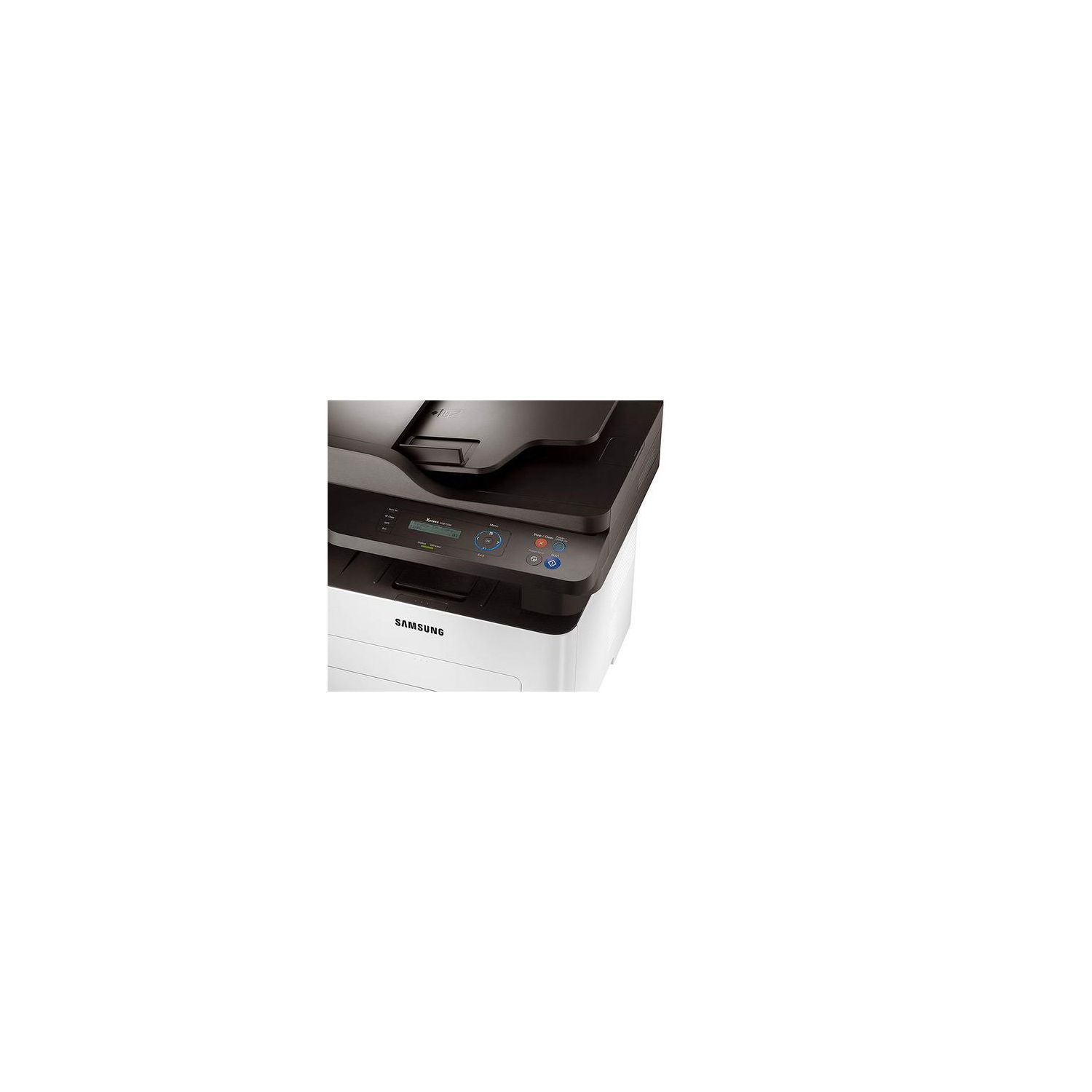
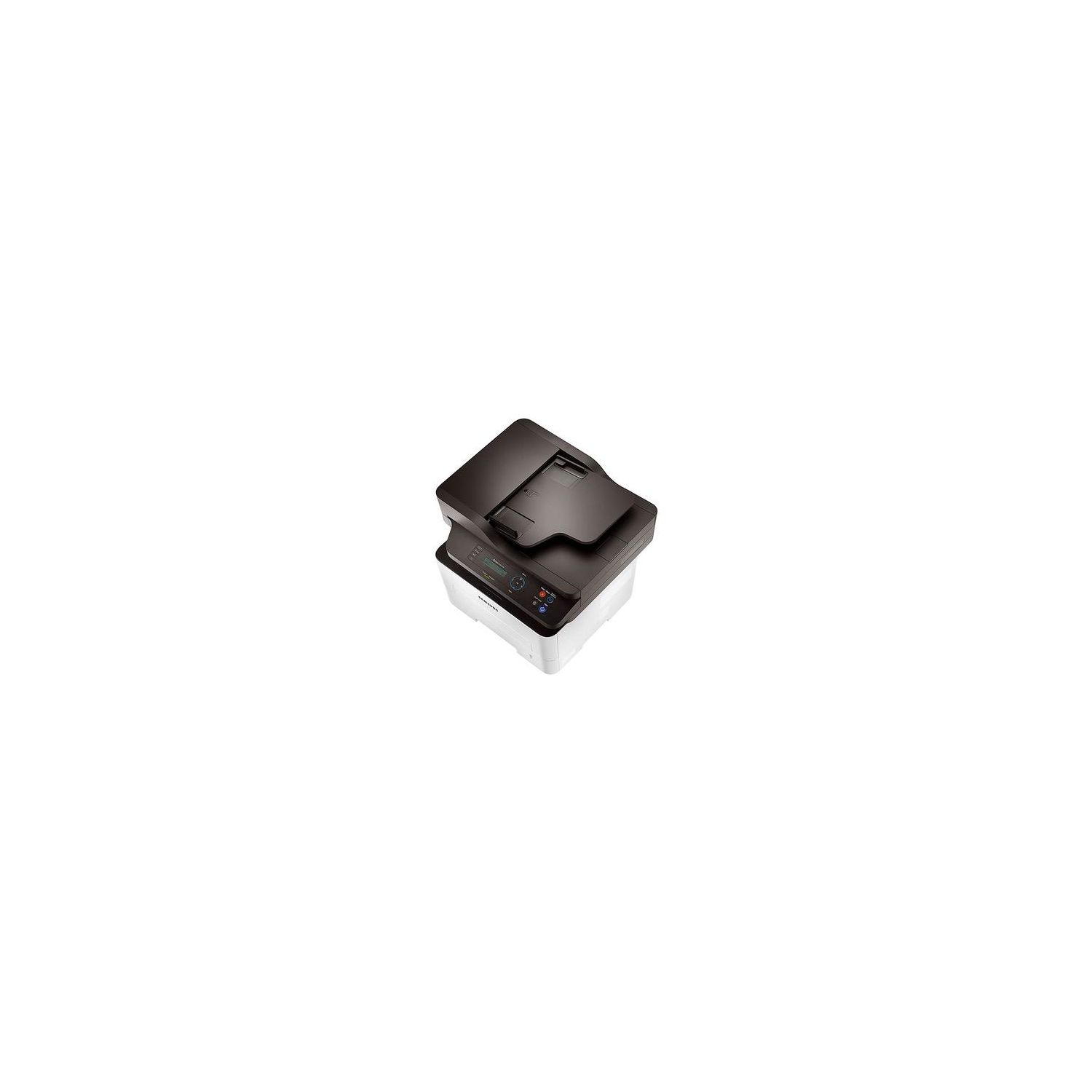
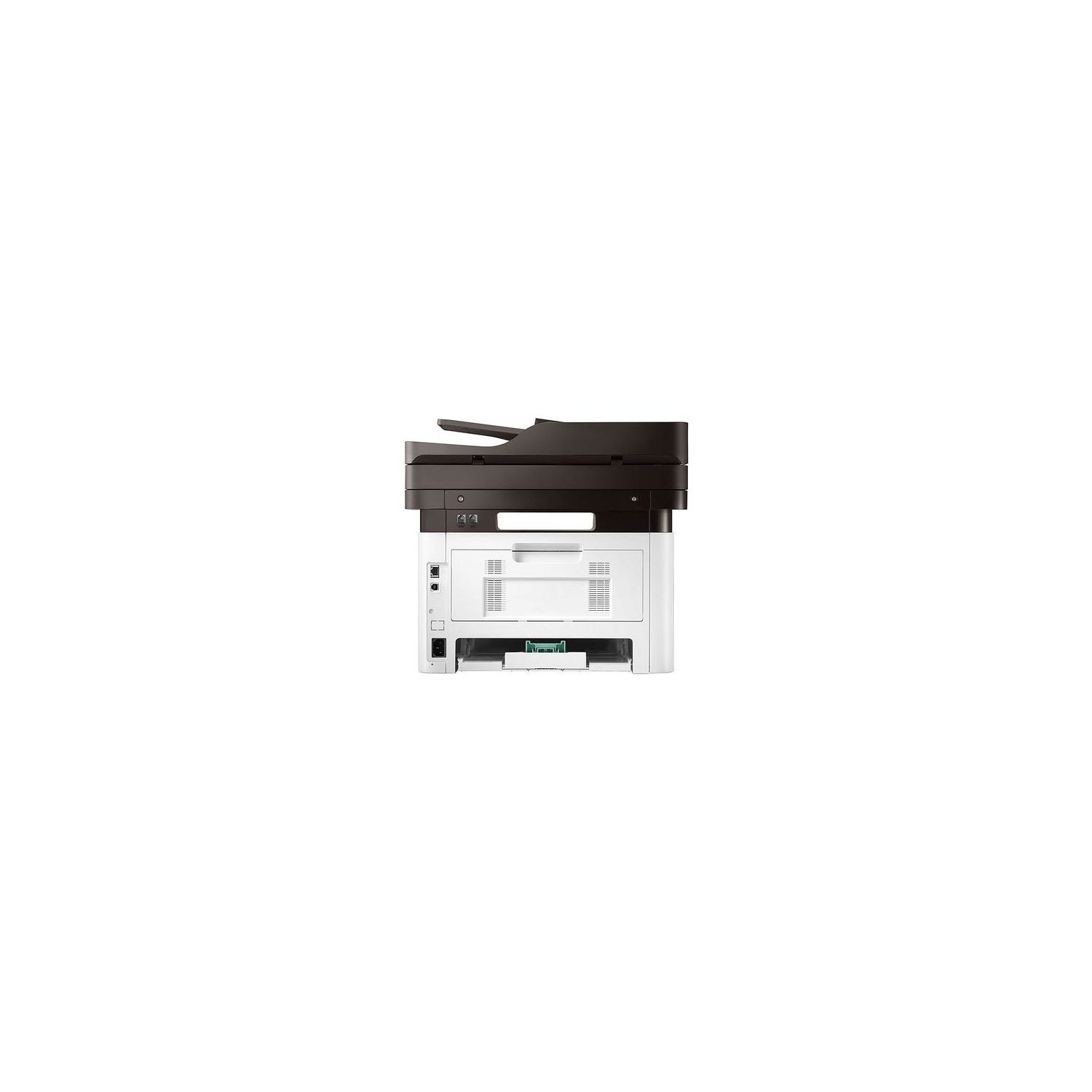
Samsung Electronics SL-M2875DW/XAC Wireless Monochrome Multifunction Printer (SS351A) (SS351A#BGJ)
Write a review
$12900

Samsung Electronics SL-M2875DW/XAC Wireless Monochrome Multifunction Printer (SS351A) (SS351A#BGJ)

Write a review
B00IKPTI1E
+
Add to wish list
Target is a general merchandise retailer with stores in all 50 states and the District...

City: US, New York

Delivery
Pickup at your own expense
Tomorrow from 09:00 to 20:00, Store location
Free
Payment options
Apple Pay Google Pay Mastercard Visa
Cash, bank card, credit/installment payments, cashless payment for legal entities
Warranty and returns
Exchange/return of products of proper quality within 14 days Official manufacturer's warranty: 12 months
Features
Connectivity Technology
Wireless, Ethernet
Item Dimensions
14.2 x 15.8 x 14.4 in
Item Weight
24.7 lbs
Operating System
Printer Output
Monochrome
Printer Technology
Laser
Description
This fits your .
Make sure this fits by entering your model number. ONE-YEAR LIMITED HARDWARE WARRANTY – Samsung printer, now supported by HP(1), provides 24-hour, 7 days a week Web support Print even complex documents at speeds of up to 29 pages per minute with Cortex-A5 core processor and 128MB memory Sharp text and clear images on a range of media sizes and weights with Samsung unique Rendering Engine for Clean Page (ReCP) technology Cut down on paper waste, save on paper costs with built-in duplexing..Print from a smartphone with Samsung Mobile Print app Dimensions(inches):14.40 x 15.80 x 14.20
Reviews
3.4
Reviews: 20
5 stars
50%
4 stars
5%
3 stars
5%
2 stars
15%
1 star
25%
meembo
2
The wireless setup was ridiculous - poorly documented, non-linear, non-intuitive, and I do this for a living. Im going to keep it because I can still plug it in via Ethernet, but that wireless setup is a serious drawback, and if youre considering buying it for a purely wireless environment, I cant recommend it. I tried installing via the USB/wireless instructions from two Windows 10 machines and a Mac, but the wireless installation failed on all three and none of the machines would recognize the USB connection. I have to surmise that the wireless setup fail (and the subsequent installation pivot to the backup USB connection) is planned, part of the obscure installation procedure. The Samsung USA site is no help. I did find a March 2017 firmware update, and the release notes mentioned a fix for connections to a Netgear access point, but I havet found how to update the firmware yet. Installation for a modern printer shouldnt take two (or more) hours of my time. Im keeping the printer because I can use it with a wired connection (that installation was straightforward). The print quality is good, and the scans look acceptable. Samsung, spend some money on documentation and professional software.
Florian Rohde
2
Cant say much about the printer... trying to get it to work since a week. The CD (!) with the driver included is from 2012, not having any words for that. Googling for a driver leads to a lot of disappointment... You like a good printer, this is maybe it, you like a hassle free start into your printing, this is not it.
Dragos Seghete
2
Printer worked great for 2 months or so. Now it stopped connecting to WiFi. Ive spend upwards of 5 hours with tech support to troubleshoot the issue to no avail. I have a very big paperweight (with paper in it!).
Product variations
Column filling
Sort by Price Sort by Availability Sort by CODE
$12900
In stock
+
B00IKPTI1E
You may be interested
  • Bestsellers
  • Recently Viewed
 
Fast and high quality delivery

Our company makes delivery all over the country

Quality assurance and service

We offer only those goods, in which quality we are sure

Returns within 30 days

You have 30 days to test your purchase