
















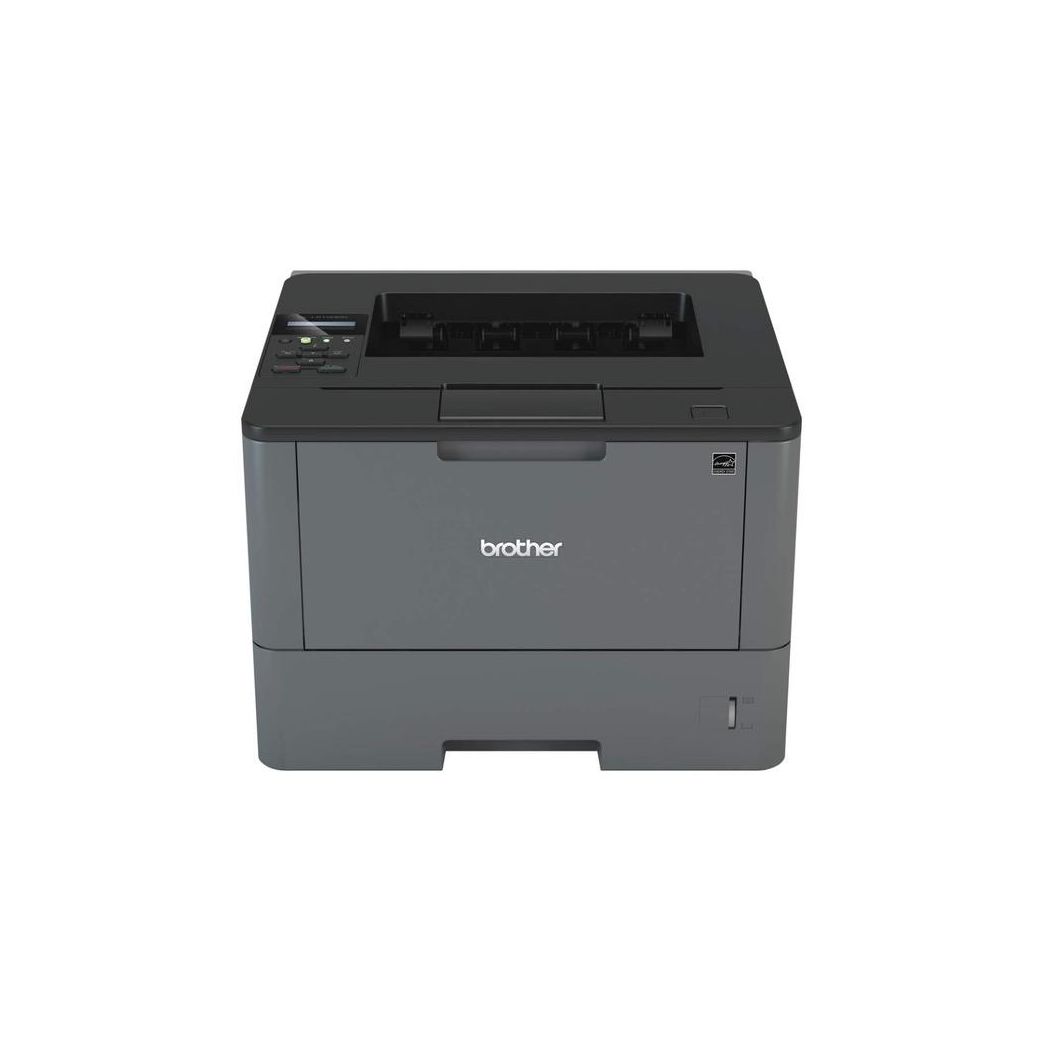
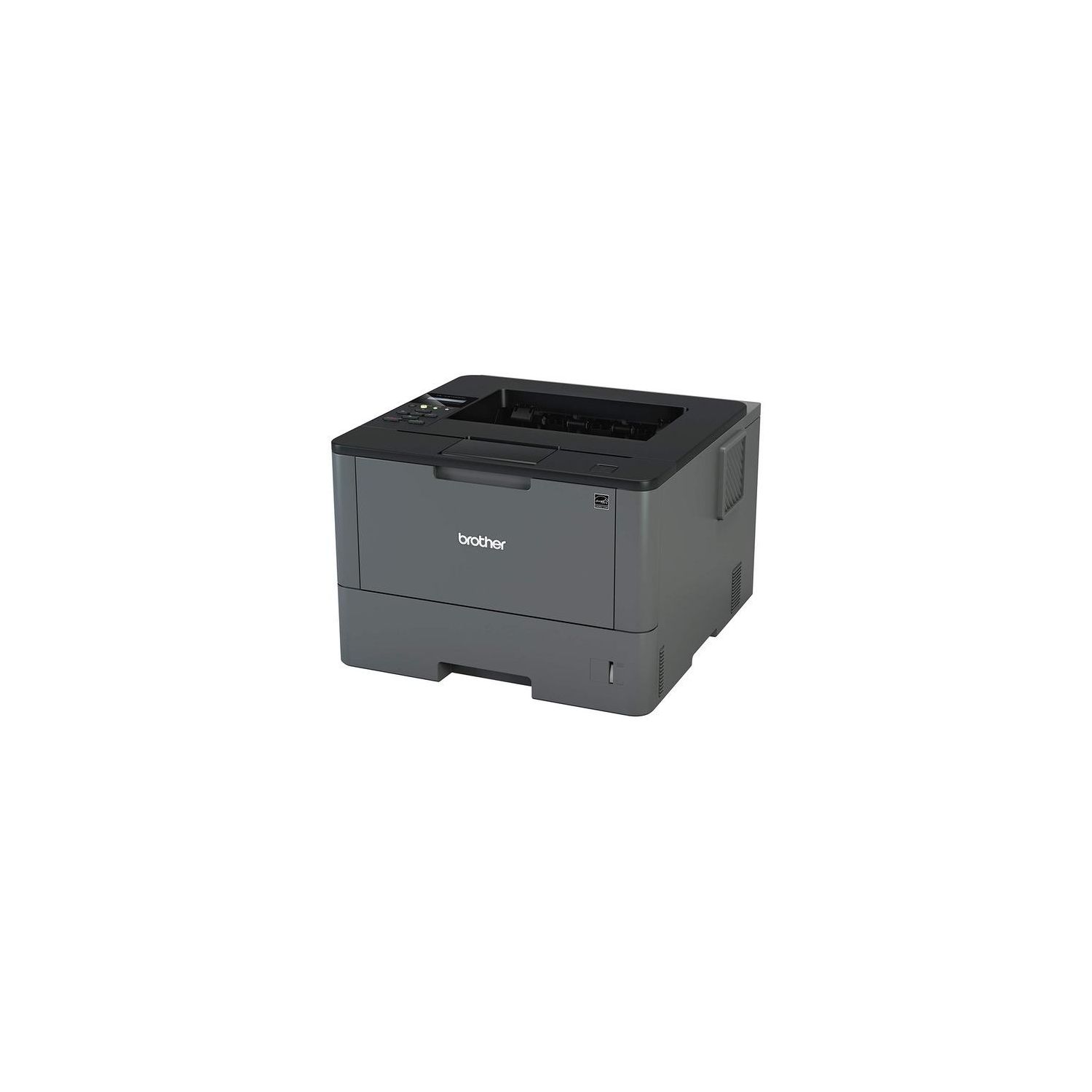
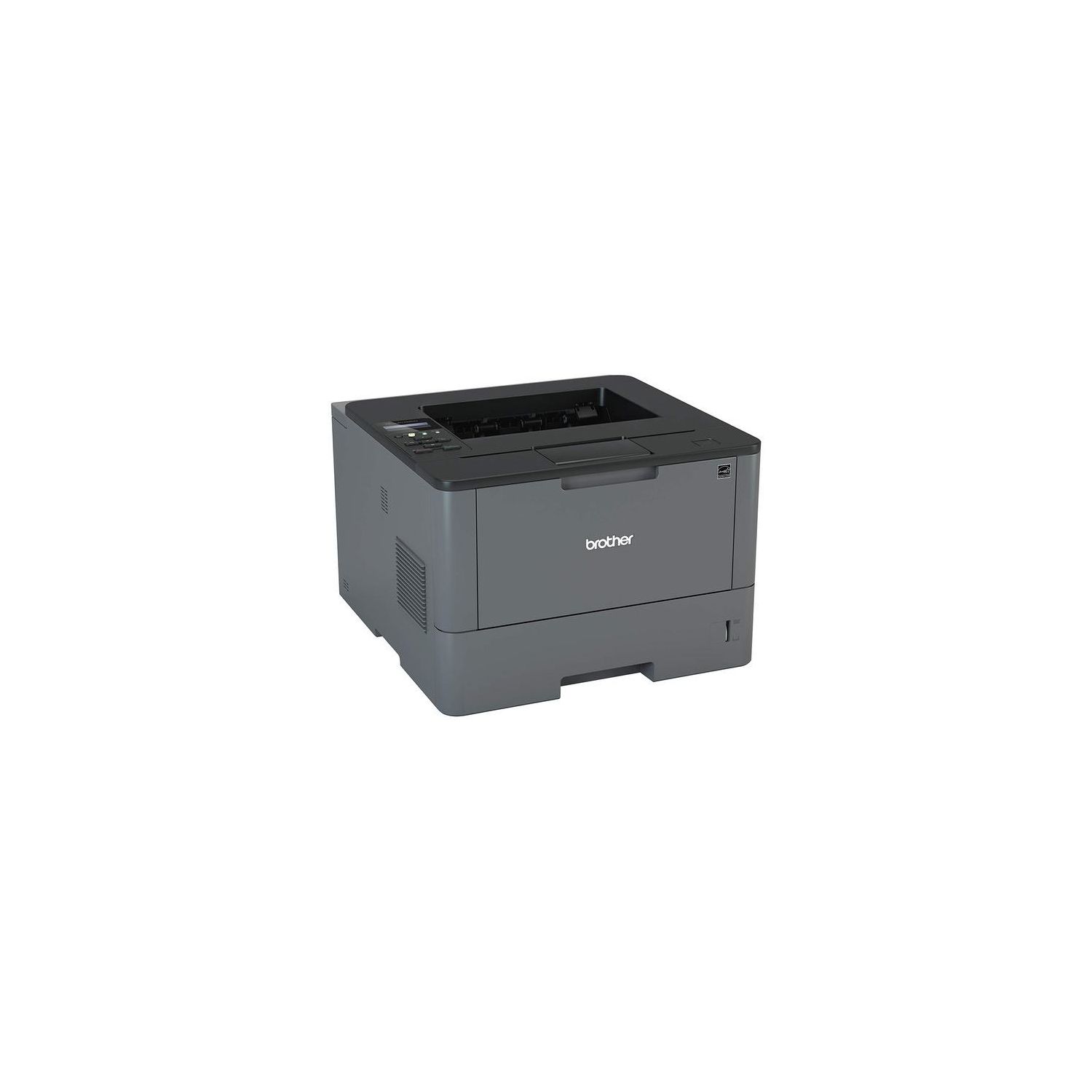
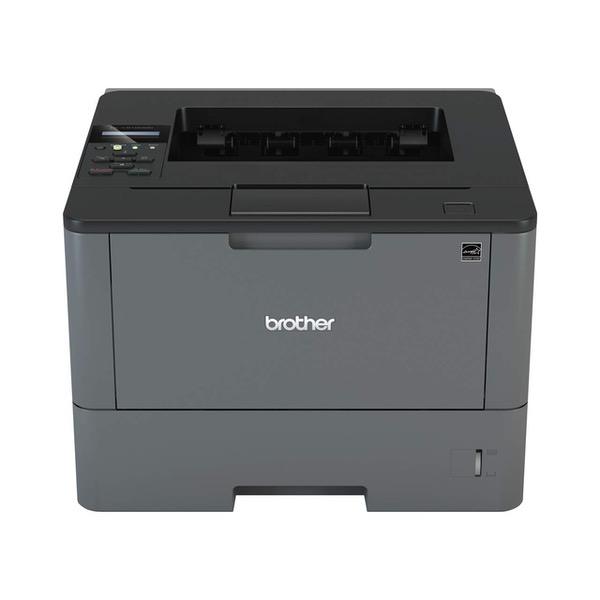
Printer and High Yield Black Toner Bundle
Write a review
20000

Printer and High Yield Black Toner Bundle

Write a review
B0798LF9F4
Printer and High Yield Black Toner Bundle
+
Add to wish list
Target is a general merchandise retailer with stores in all 50 states and the District...

City: US, New York

Delivery
Pickup at your own expense
Tomorrow from 09:00 to 20:00, Store location
Free
Payment options
Apple Pay Google Pay Mastercard Visa
Cash, bank card, credit/installment payments, cashless payment for legal entities
Warranty and returns
Exchange/return of products of proper quality within 14 days Official manufacturer's warranty: 12 months
Features
Style
Printer and High Yield Black Toner Bundle
Reviews
4
Reviews: 20
5 stars
55%
4 stars
15%
3 stars
10%
2 stars
10%
1 star
10%
Sean S Walker
5
I looked at probably a hundred printers before landing on the Brother HLL5100DN. I needed something that could handle a high-volume output without burning a hole in my wallet. Most laser printers seem like a great value...and then you look at the cost of toner. With most printers I researched, I also looked up the cost of toner. Only a few printers stand out from the pack with toner yield and cost– the Brother HLL5100DN is one of them. There is an off-brand toner available for this printer that yields 8,000 pages that costs only $20. I could not find a better cost-to-yield ratio on any printer in this price range, so I purchased this one. A few notes about this printer are in order: 1. It is not a WiFi printer. You must hook this up via a printer cord (to USB) or an ethernet cable. You MUST have one of these hooked up for the printer to work. 2. It is monochrome (it prints black ink only). If you need color printing, its not for you. 3. It is not a scanner. Its only a printer. 4. It works with Google CloudPrint if it is hooked up to a computer in the aforementioned way. 5. It takes about 15 minutes to set up (including unboxing and driver download). 6. Works on PC and Mac. I set it up on both. Overall, this product is the best monochrome printer for the price. It will give you a ton of prints for a low cost. Its pretty basic, but is awesome in certain contexts. I highly recommend this to anyone in the market for this type of printer!
Peter Besenbruch
5
Like their other printers (and all-in-ones), Brother has been relatively Linux friendly for some time. Brother provides driver support for rpm and deb based distributions. They even provide a script to help you install things. Naturally, the script failed in my case. I went ahead and installed the deb files, anyway, and my printer was installed. I used the ubiquitous system-config-printer program to set up the printer. It located the printer and offered various options for connecting. I purchased this printer to replace another failed Brother printer I had purchased a couple of years ago (a 5450DN). This one, the 5100DN, let me set the IP address to a fixed address from the printer console itself. I did not have to find the printer, and then log in via the printers Web server to set the IP address. Further, when downloading the driver, I received a pop-up telling me that there was an important firmware update for the printer. Once the printer was set up, I logged into the new printers Web server and found another new feature, the firmware update button. I clicked it. A couple of minutes later I could log in again and I had the updated firmware. So, this printer is user friendlier than the last one. The old printer didnt have the best paper handling. To be blunt, it would jam more often than I would like. This one hasnt jammed, yet. Another aspect I like: The 5100 prints better. The 5450 printed too dark at 600 and 1200 dpi. This one is somewhat dark at 1200, but 600 is fine. No insane amounts of Gamma correction applied to each image if you want to print. If you run Linux, and live within easy wire distance to your router, this is a very good printer. 12 December 2016 update: The thing still hasnt jammed. Im raising this to five stars.
James R. Forgione
5
I replaced my older Brother HL5250DN with this newer model. The printing speed has increased (42ppm) and overall printer operation is vastly improved. The software (FW) control has been expanded and such operational features as "duplex" is now called "2 sided" with sheet control. Nice feature to have. Its a little LARGER than the older printer (not by much) but does take more room on the table top. However, thats not a problem. The "deep sleep" mode is great since you really need not turn the printer off. Just leave it on and its always ready to print when commanded. Overall, its a great printer. And the price is LESS than HALF that of the older model.
Brandon
5
easily connected to our wired network. I have problems with wireless brother printers in the past so I didnt get that. Found immediately by windows for simple printing. Had to install the brother printer driver from the disc to get the full function of the multiple tray printing (I bought two LT5500 trays). Working great so far and it is pretty fast with 18 seconds to first page out from full sleep mode. next print job had the first page out in about 7 or 8 seconds. Its a keeper, so I better go buy some more toner. Havent set up the amazon dash yet, but may not use it.
Matthew Garner
5
1:39 0:00 This video is not intended for all audiences. What date were you born? January February March April May June July August September October November December 1 2 3 4 5 6 7 8 9 10 11 12 13 14 15 16 17 18 19 20 21 22 23 24 25 26 27 28 29 30 31 2019 2018 2017 2016 2015 2014 2013 2012 2011 2010 2009 2008 2007 2006 2005 2004 2003 2002 2001 2000 1999 1998 1997 1996 1995 1994 1993 1992 1991 1990 1989 1988 1987 1986 1985 1984 1983 1982 1981 1980 1979 1978 1977 1976 1975 1974 1973 1972 1971 1970 1969 1968 1967 1966 1965 1964 1963 1962 1961 1960 1959 1958 1957 1956 1955 1954 1953 1952 1951 1950 1949 1948 1947 1946 1945 1944 1943 1942 1941 1940 1939 1938 1937 1936 1935 1934 1933 1932 1931 1930 1929 1928 1927 1926 1925 1924 1923 1922 1921 1920 1919 1918 1917 1916 1915 1914 1913 1912 1911 1910 1909 1908 1907 1906 1905 1904 1903 1902 1901 1900 Submit Adobe Flash Player is required to watch this video. Install Flash Player This printer is amazing. I’ve had several different inkjets and laser printers, but this one takes the cake. This printer will work great for a wired Ethernet connection. I have had it for 6 months now and never once have had a connection problem. Unless you count the time my one year old unplugged it. It has jammed only once in the over 1000 pages printed, and that was because my family put a towel on it not allowing the paper to come out. The back opens for a very easy paper jam fix though. I’m not sure how well the usb portion works as it’s not included and I’ve only used the wireless connection. All in all I think this is perfect for a small business or Home printer dedicated to print mass quantities of black and white (and double sided) prints. There is also a way to “reset/trick” toner on this model to make it print even if it gives you a low toner warning. I would happily buy this printer again.
Rick Y
5
I ordered this printer for the 50 sheet manual feed tray, spending $40-50 more than the cheaper, smaller ones for printing shipping labels. Not disappointed! The manual tray works great and its a lot handier to feed a stack of label sheets than one at a time like some previous Brother printers I have owned. This is my 4th or 5th Brother laser between the USA and Asia and they have all been great laser printers, but my need to print lots of labels drove me to a bigger, slightly more expensive model and Im glad I spent the $$$. Still havent even tried to figure out the wireless (Android) feature, nor have I connected to my home network to take advantage of the ethernet (not WiFi) network printing feature. Ill save that for the weekend when I have some time to burn. Sadly, I always have problems with Windows networking every time MS sends out a Win10 update, so Im not looking forward to dealing with it...
V1
5
Excellent output, very crisp, sharp text and good graphics. Takes a big electrical load when heating up and is a bit noisy, but quieter than the older HL-5470DW. There is a setting that makes it even quieter but slows it down a bit. The fuser started to go after almost 4 years on that similar older HL-5470DW and it cost more to replace the fuser and drum than a new printer, sure hope this one is longer lasting. Even set to automatic duplex (called 2-sided now) it doesnt pull the paper back through when printing a single one-sided page thus speeding the output, unlike the older model. Have had no problems with it quickly waking up from sleep mode.
sturner
5
The HLL5100DN is a nice printer at a very good price point. It has an LCD display and small control panel that makes it easier to configure and do certain things compared to cheaper ones that dont have that feature. The print quality is quite good very sharp and crisp and it prints pretty fast. This is a small office class printer even though for me it is mainly home and some business use. It has usb and Ethernet connectivity but not built in wireless. Thats fine for my purposes because I prefer to connect it directly to my wireless router. If you need the built in wireless capability then get the 5200, 6180 or the 6200 which will cost you about $100 - $200 dollars more.
L. Angier
5
After twelve years my old Brother laser printer died. I wanted the same but they are no longer made. Yet for half the price, I got the latest, though larger, printer from Brother to replace my most reliable printer in my office. Hard to believe that my first laser printer 30 years ago cost a couple of thousand and put out 4 ppm after it took several minutes to compile a page. This one was less than a couple of hundred and spits out pages by the ream!
Adam H
5
This has been our "go to" printer for the office. It prints on both sides, is fast, connects to the network, and generally runs without any problems. Best of all, there are many options online for replacing the toner cartridge. I would highly recommend for any small office environment.

Showing 10 of 11 reviews

Product variations
Column filling
Sort by Price Sort by Availability Sort by CODE Sort by Style
20000
In stock
+
B0798LF9F4
Style:
Printer and High Yield Black Toner Bundle
11641
In stock
+
B01BBL2TRS
Style:
Printer
You may be interested
  • Bestsellers
  • Recently Viewed
 
Fast and high quality delivery

Our company makes delivery all over the country

Quality assurance and service

We offer only those goods, in which quality we are sure

Returns within 30 days

You have 30 days to test your purchase