
















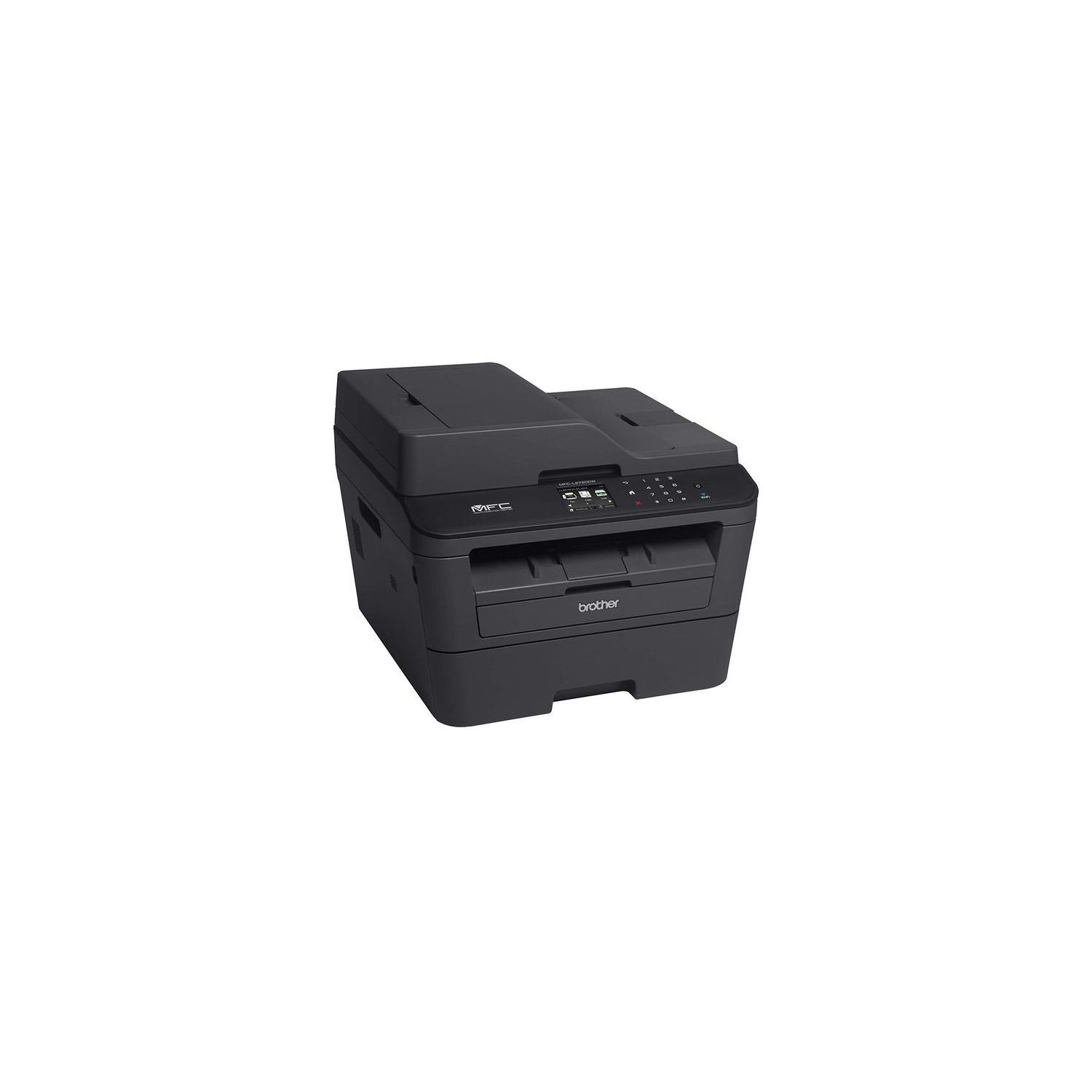
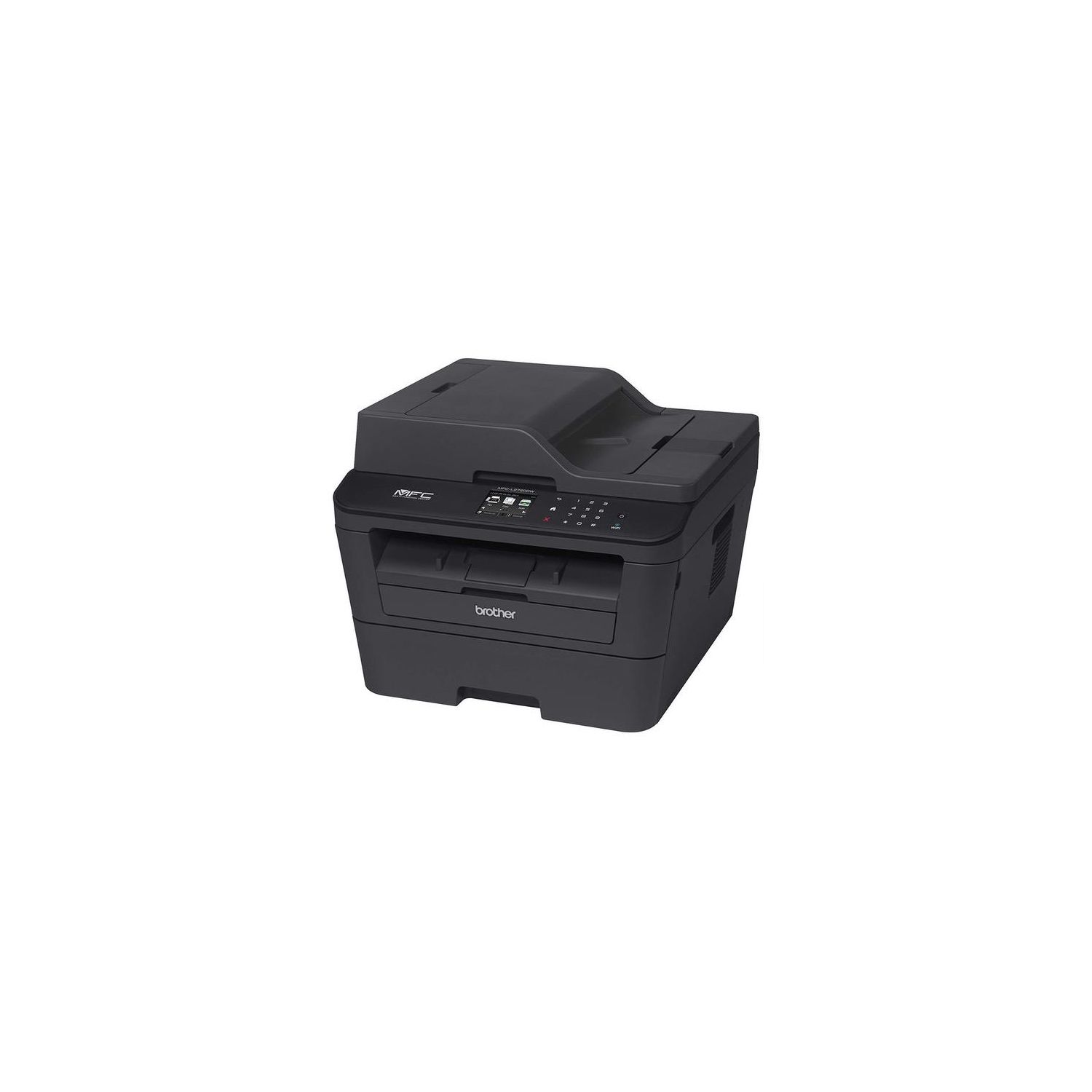
MFC-L2720DW and High Yield Toner

Write a review
B01CUR0OGA
Printer with Hi-Yield Toner
Target is a general merchandise retailer with stores in all 50 states and the District...

City: US, New York

Delivery
Pickup at your own expense
Tomorrow from 09:00 to 20:00, Store location
Free
Payment options
Apple Pay Google Pay Mastercard Visa
Cash, bank card, credit/installment payments, cashless payment for legal entities
Warranty and returns
Exchange/return of products of proper quality within 14 days Official manufacturer's warranty: 12 months
Features
Style
Printer with Hi-Yield Toner
Reviews
3.5
Reviews: 20
5 stars
40%
4 stars
20%
3 stars
15%
2 stars
0%
1 star
25%
M. J. Mccaffrey
4
This is my third Brother printer (along with several AIOs Ive used in various workplaces). Compared to an older machine, this Brother has a small color touchscreen that is a huge improvement on the two-line LCD matrix display, and it is much quieter. It still uses the two-part consumable cartridge system (separate toner and drum), to which Ive become accustomed. A new user might be a little befuddled by nesting the toner cartridge into the drum cartridge on first installation. Imaging quality remains very good, and for most tasks the imaging engine is very fast. Duplexing on this machine does not add appreciable time to page output, as Brother seems to have eliminated the maddening pauses between side A and side B. On a Mac OS X machine, the printer driver supports all functions of the printer. Networking is another story. I wanted to hang this machine on my Ethernet network. After weeks of troubleshooting non-responsive print jobs and weird results, it appears that the Ethernet interface does not always respond to "Wake on LAN" requests. It also appears that the interface does not sync properly to the network. I finally abandoned Ethernet and switched to WiFi, which works flawlessly and fast. I would have preferred to keep the printer off the wireless network, on principle (in my mind, its a fixed utility, not a mobile device, and should be networked as such). Oh, well. Consumables are relatively inexpensive for OEM, and really inexpensive if you use a third party cartridge. Look for one that is compatible, not remanufactured.
John George Peppers
4
Two issues: 1) It will print double-sided but it wont scan double-sided, meaning the document feeder is useless if youre scanning a two-sided document, and you have to flatbed scan each page. This is an incredible hassle, especially since Apples scanner interface is not the greatest. 2) If you use an Airport Extreme base station to connect to the internet, and something goes wrong with the base station, the solution might subsequently cause problems with the printer. I was having a problem with my base station and once I fixed it, the printer would disconnect from the wifi as soon as it went into "sleep mode," meaning every time I had to print something, I had to reconnect it to the wifi. If I had to print multiple documents in a day, with more than a minute or so in between each one, it became really annoying. I spent a lot of time trying to fix the printer, but ended up solving it by resetting the base station. Theres a compatibility issue there that should be addressed. Otherwise its good quality and Ive never had a problem with the printer in itself.
Krkrjk
4
This Brother Printer MFCL2720DW had a high rating from many reviews which helped me make this selection. I have not been disappointed. Out of the box and plugged it, it immediately saw my local WiFi, I entered the password and every Apple computer, iPad and iPhone in my home was able to print to it. Later I purchased an Android phone and Chromebook and the Brother process getting the printer on the Google Print service was convoluted and difficult to follow. Apparently the different varieties of Android OS and the different models of Brother printers required me to get a code from Brother, register it with Google Print, then connect the printer to my Chromebook. Even then, the wait time to print a page on the Chromebook was 10 times longer than it was on any of my Apple devices. If it would have been easier to set up and would print better from my Android devices, I would have given it five stars.
Steven M
4
Once up and running very nice and fast high quality printer. My only issue was the difficulty getting it hooked up to two different computers behind a firewall - one with USB one over wireless. The wireless took several attempts and a full uninstall/reinstall to finally work. One computer wires I would definitely give 5 stars. The support pages online did eventually resolve my problem, but it took 1.5 hrs.
Product variations
Column filling
Sort by Price Sort by Availability Sort by CODE Sort by Style
16328
In stock
+
B00MFG588Q
Style:
Printer only
Contact us for a price
In stock
B01CUR0OGA
Style:
Printer with Hi-Yield Toner
You may be interested
  • Bestsellers
  • Recently Viewed
 
Fast and high quality delivery

Our company makes delivery all over the country

Quality assurance and service

We offer only those goods, in which quality we are sure

Returns within 30 days

You have 30 days to test your purchase