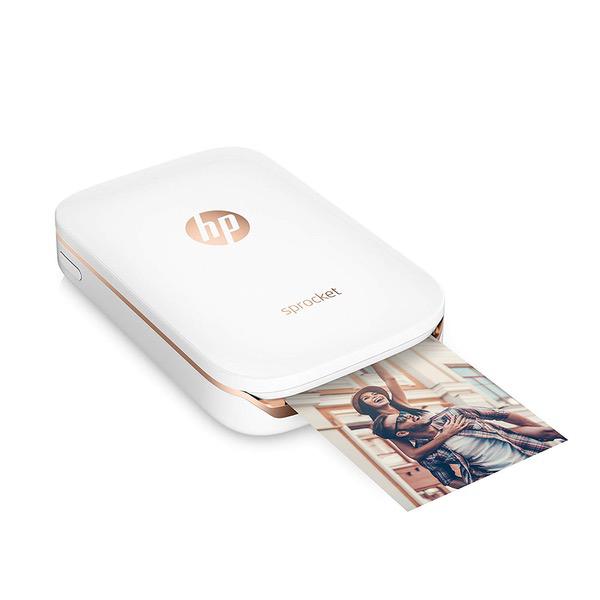
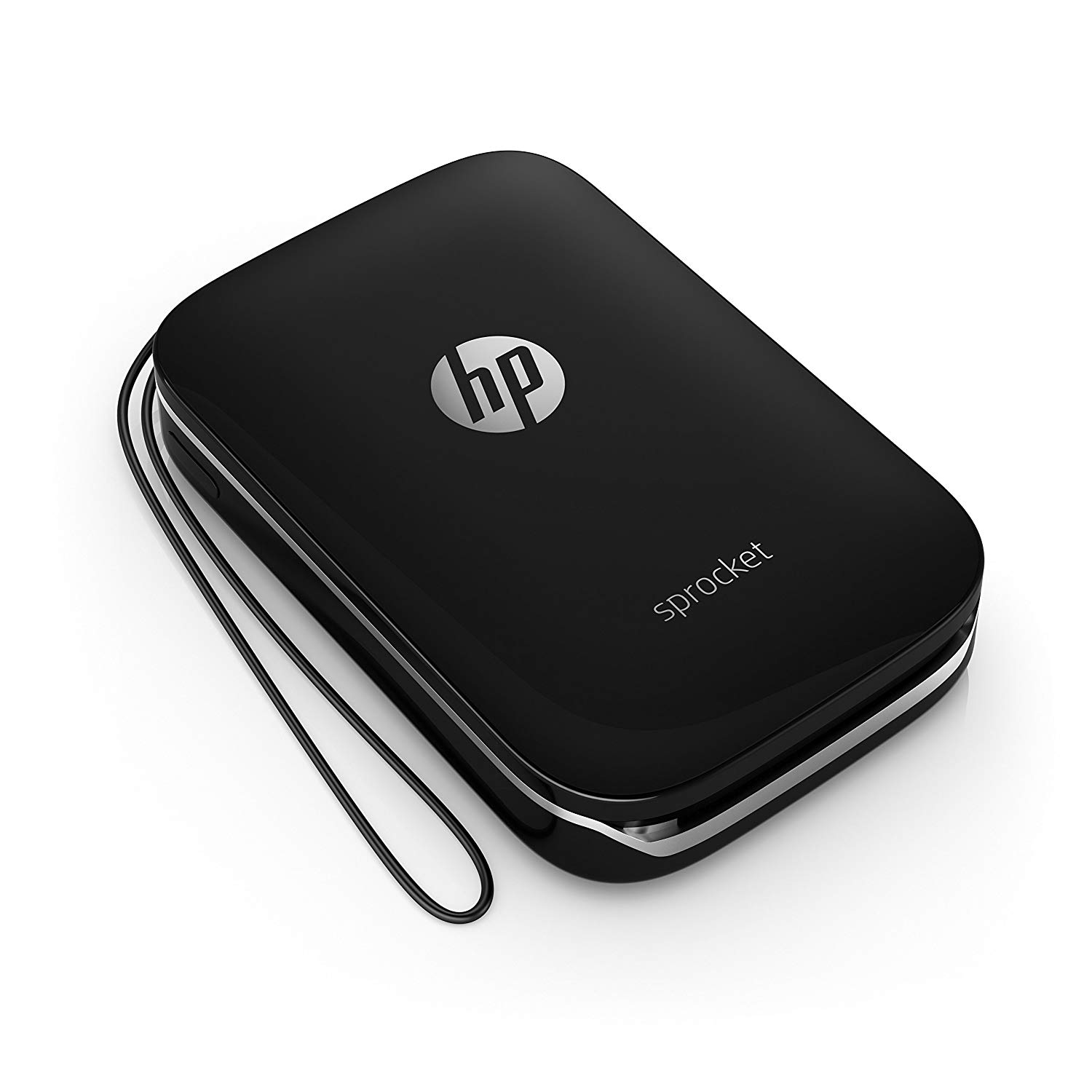
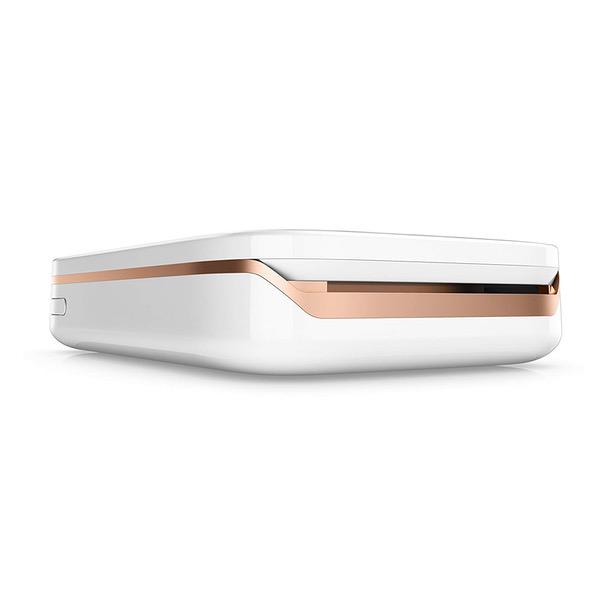
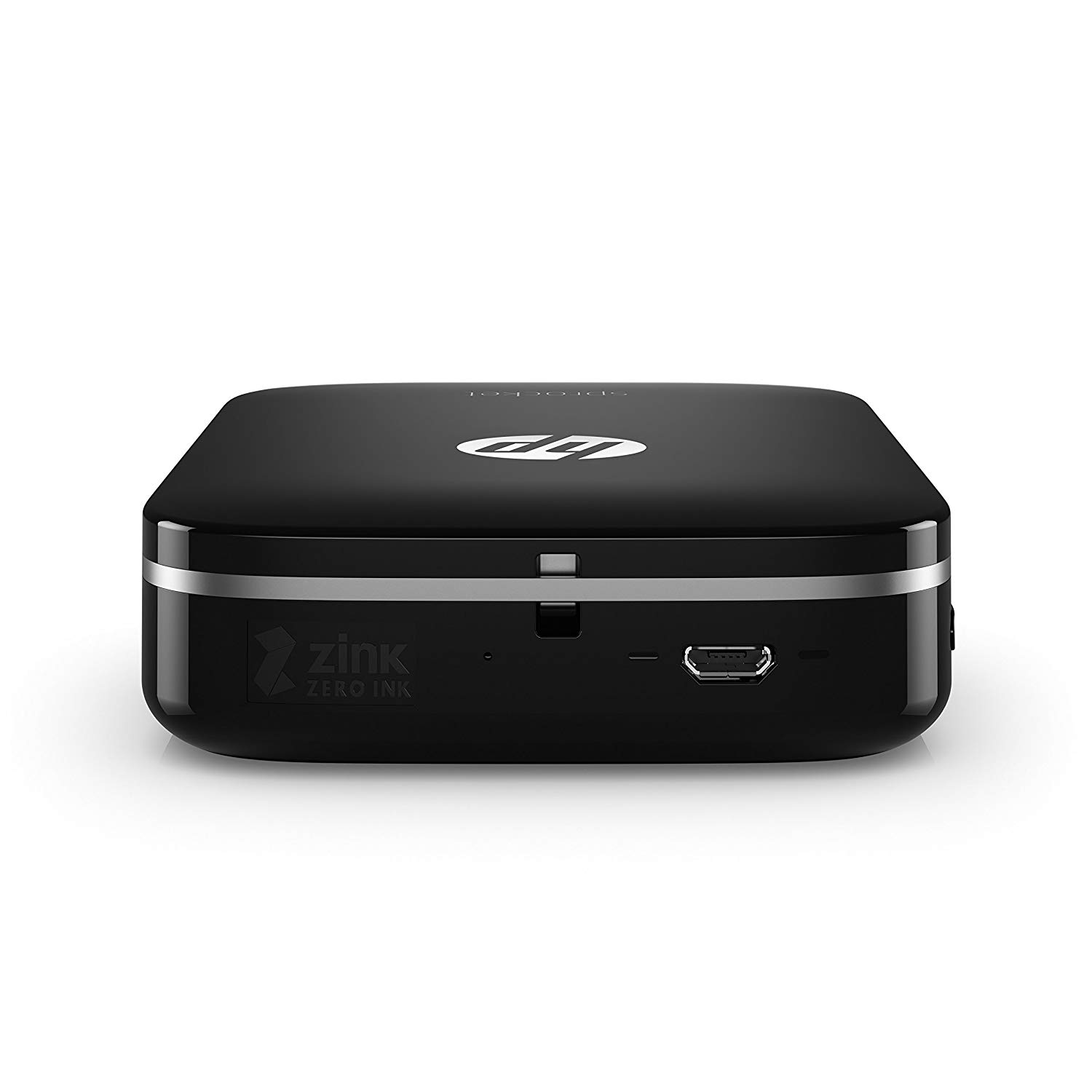
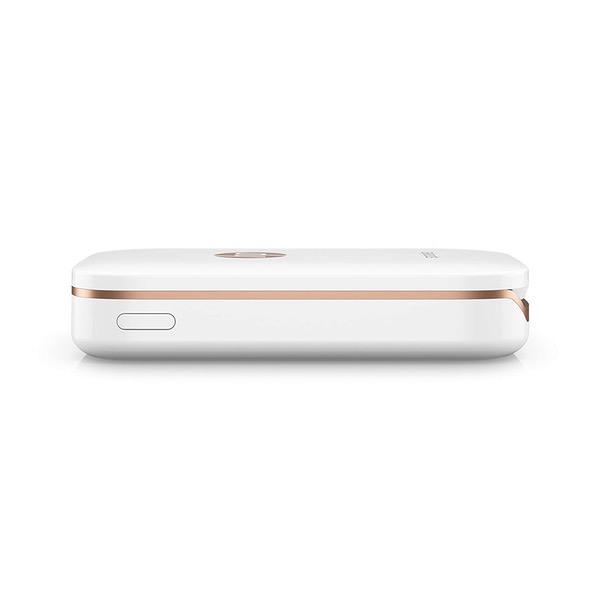
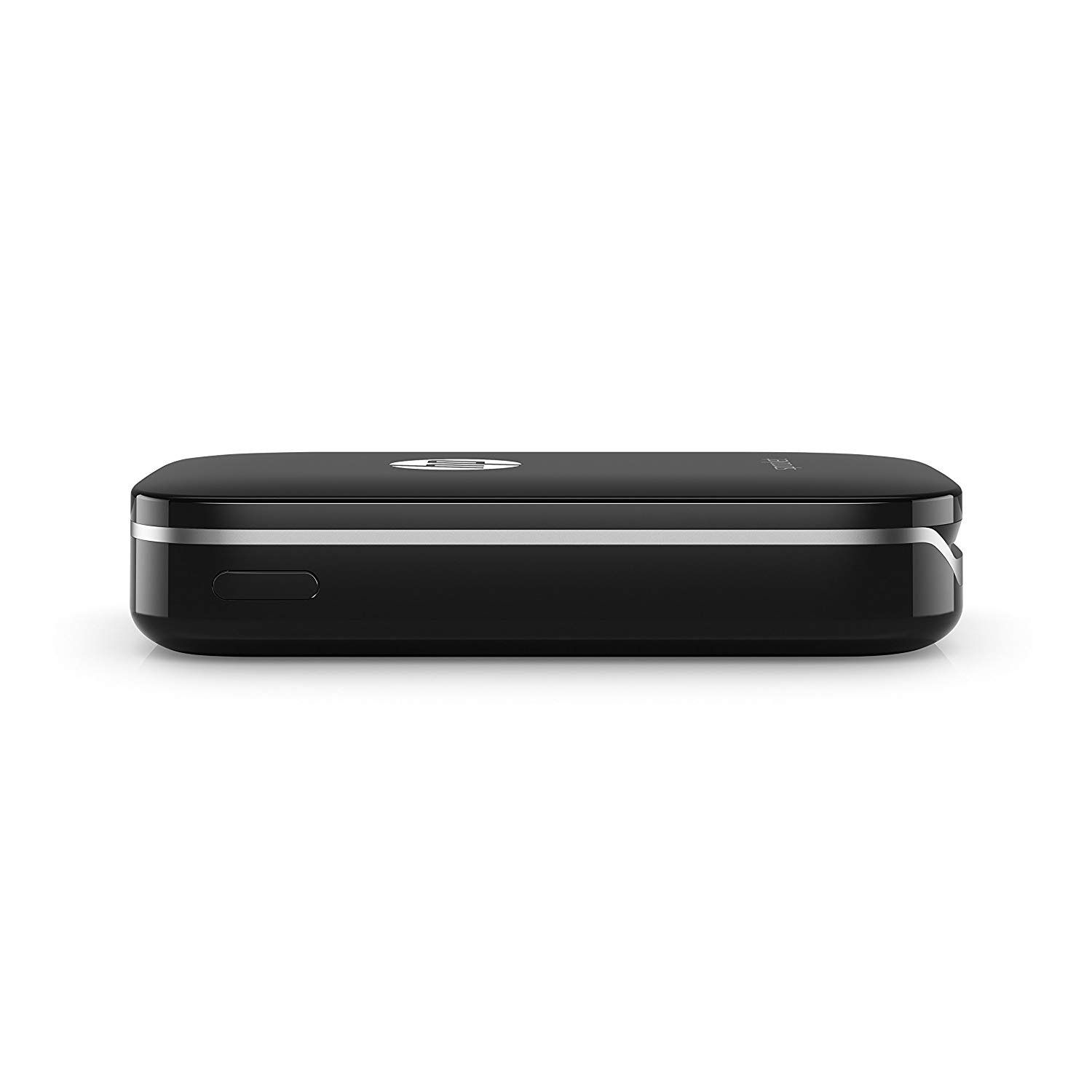
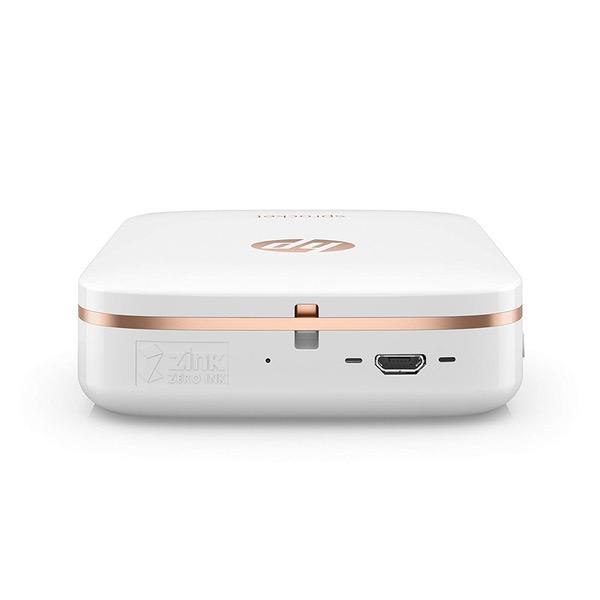
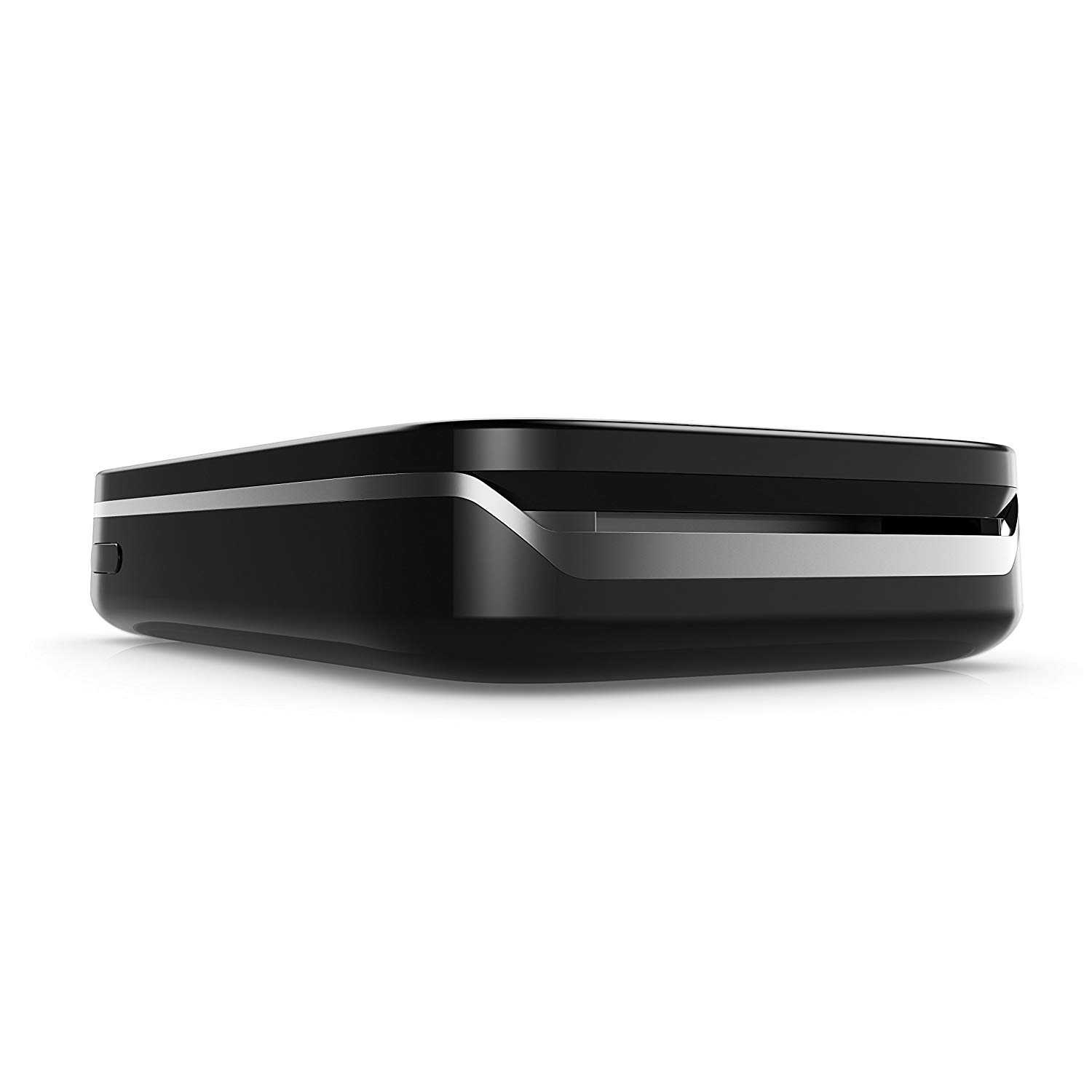
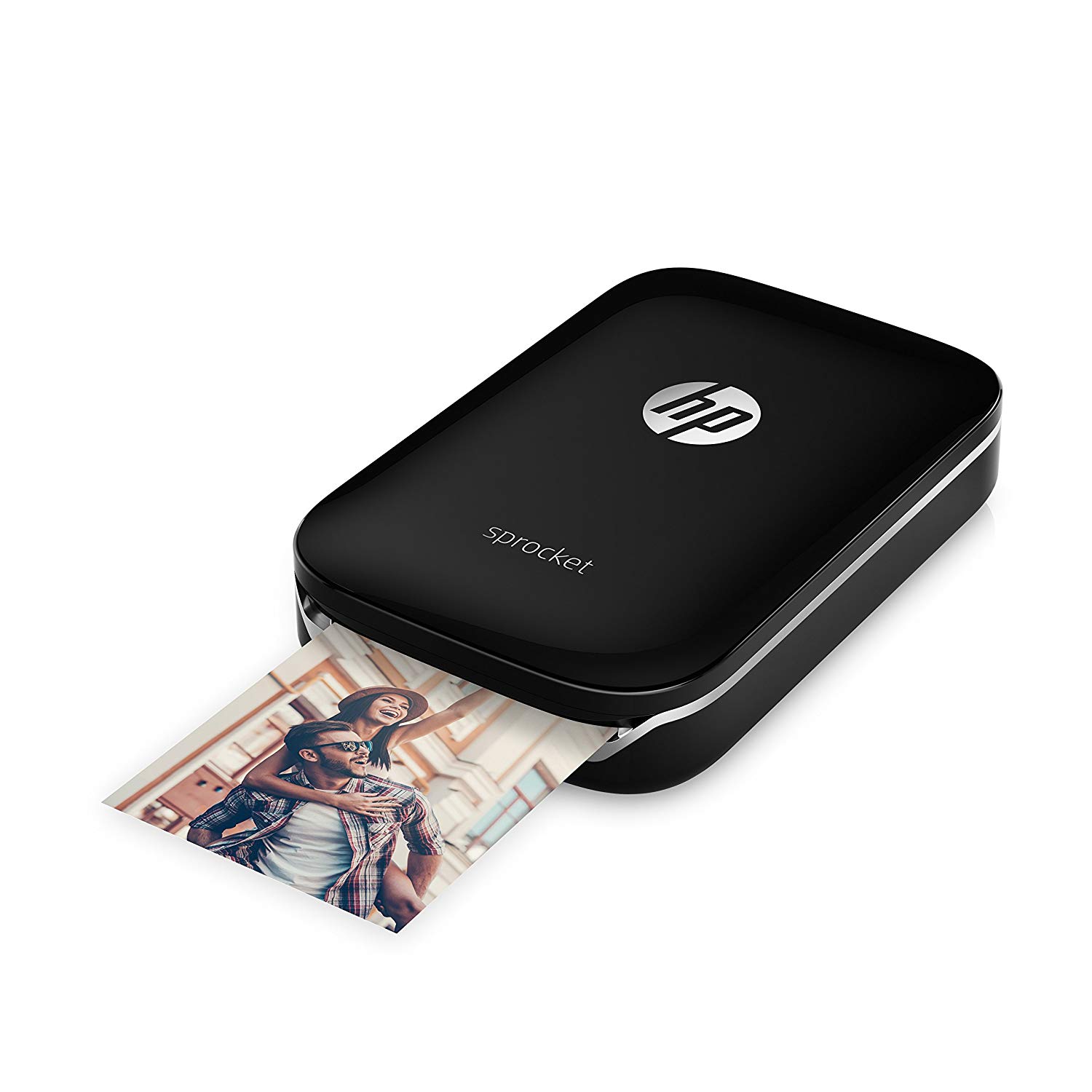
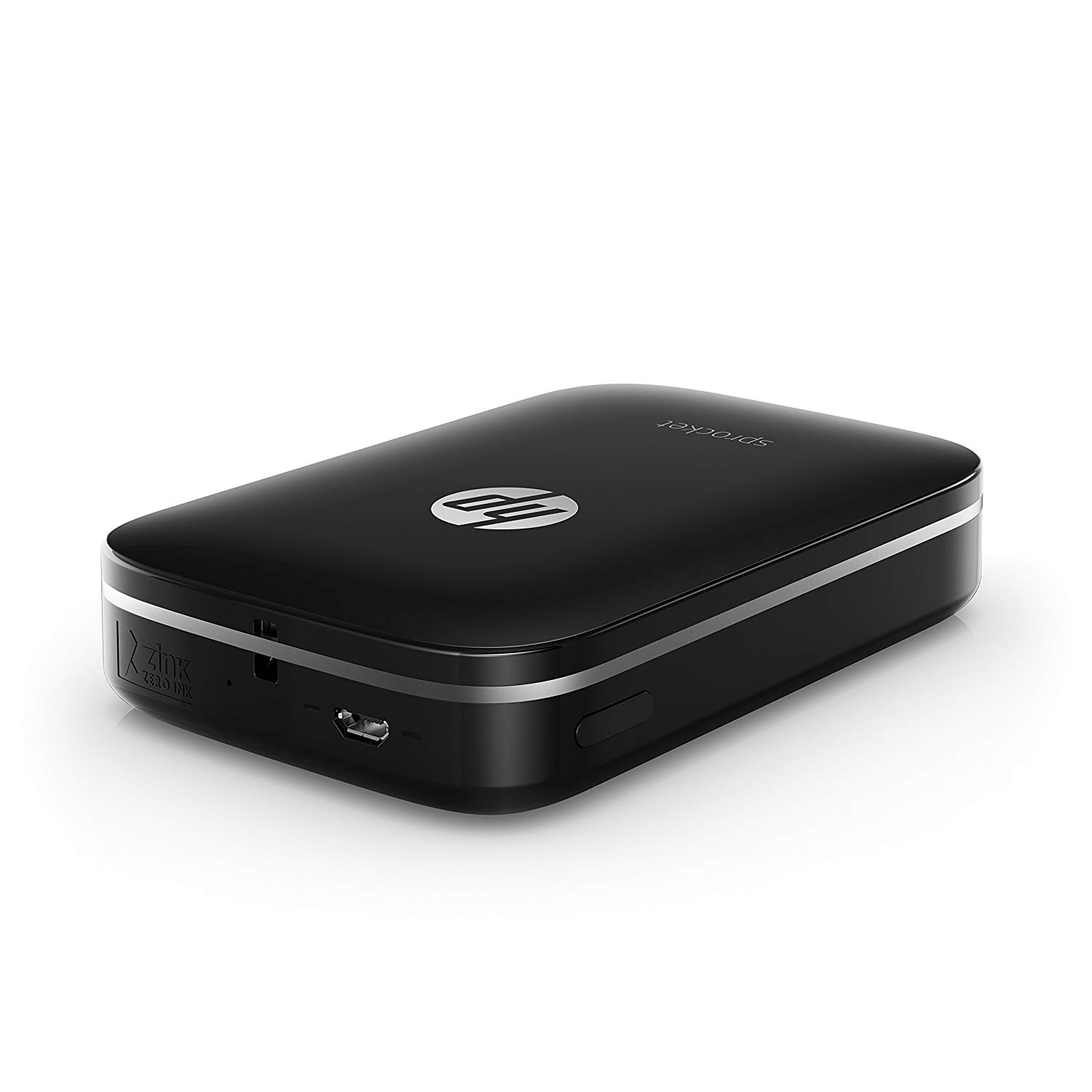
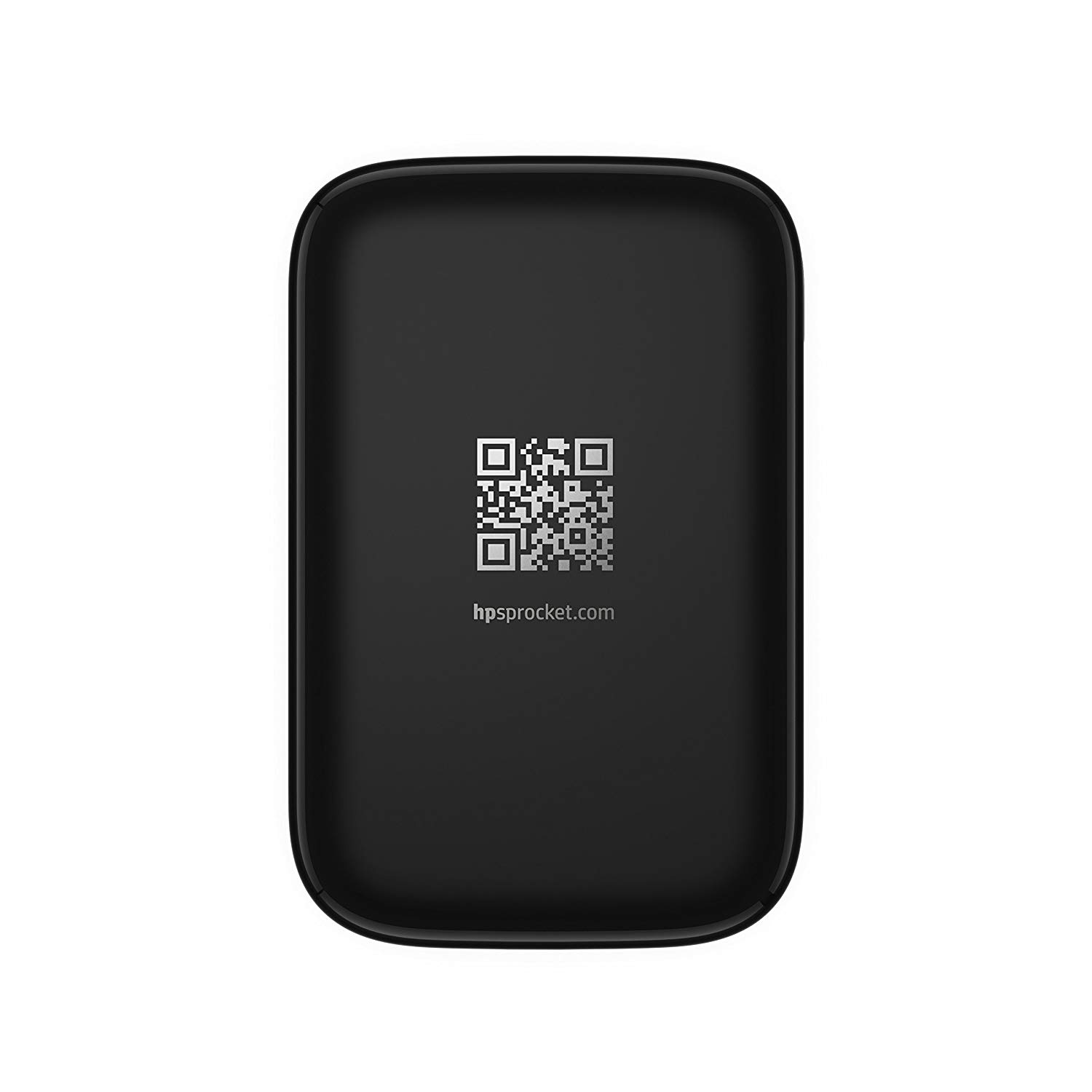
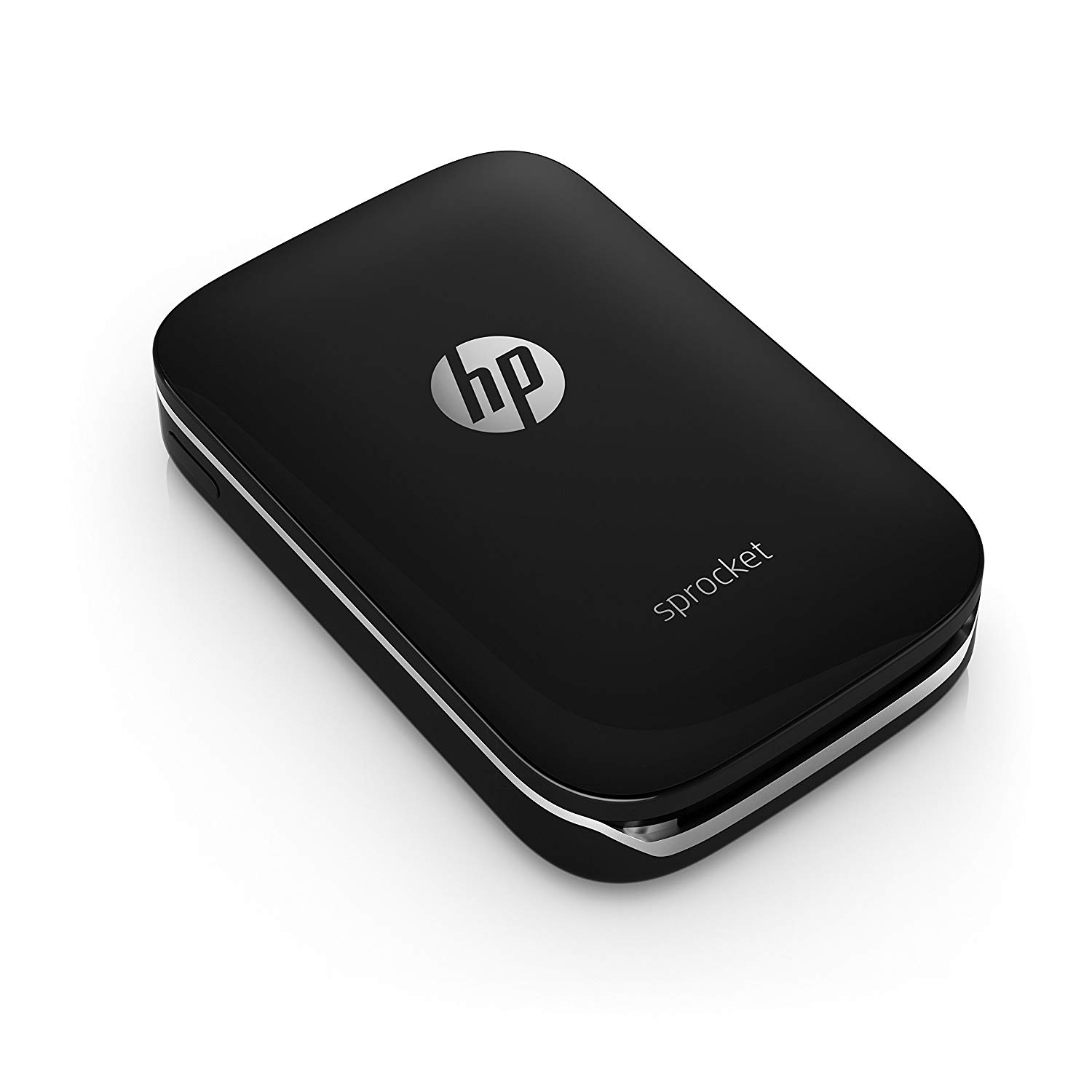
HP Sprocket Portable Photo Printer, print social media photos on 2x3 sticky-backed paper - black (X7N08A)
Write a review
$9900

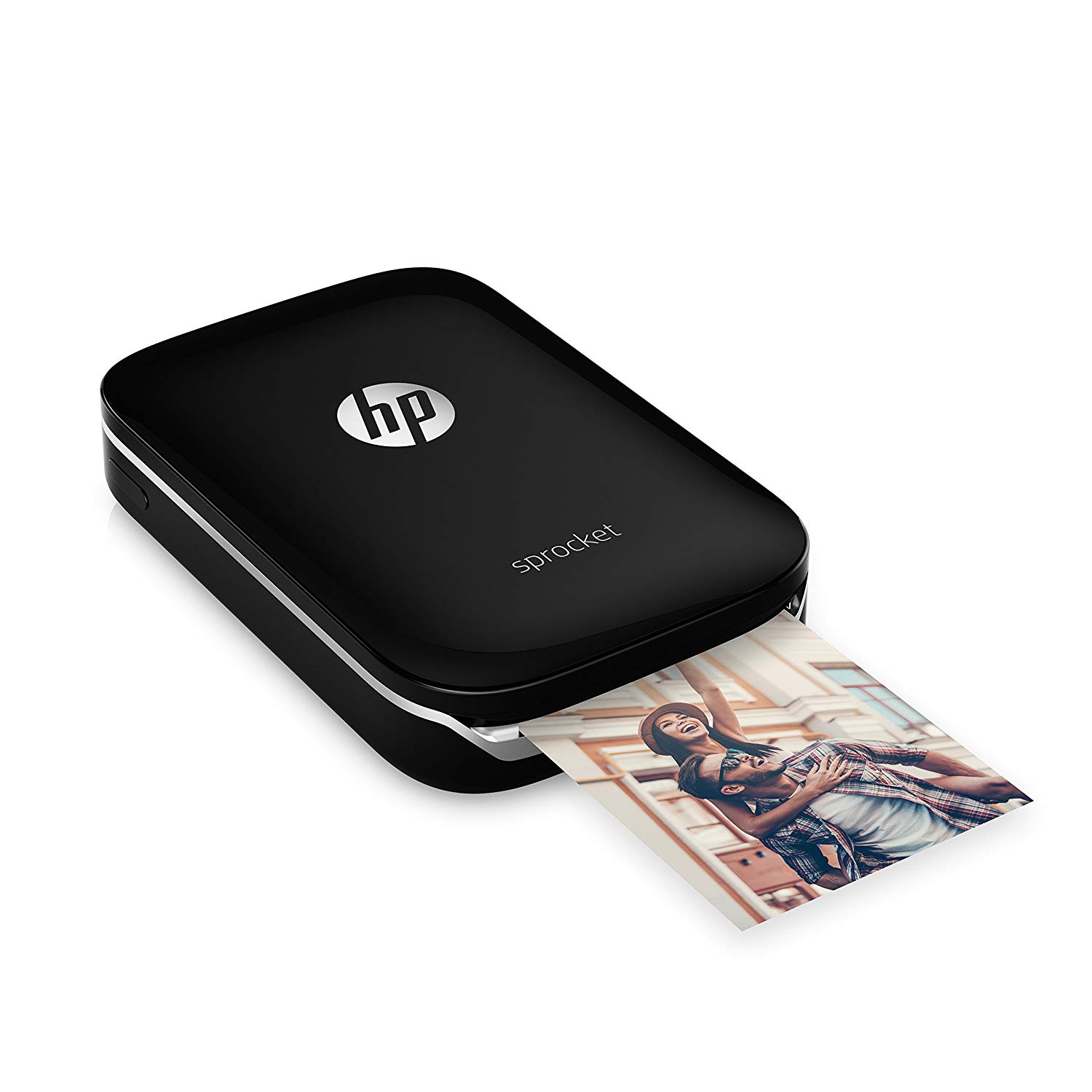
HP Sprocket Portable Photo Printer, print social media photos on 2x3 sticky-backed paper - black (X7N08A)

Write a review
B01LBWELHI
Printer
+
Add to wish list
Target is a general merchandise retailer with stores in all 50 states and the District...

City: US, New York

Delivery
Pickup at your own expense
Tomorrow from 09:00 to 20:00, Store location
Free
Payment options
Apple Pay Google Pay Mastercard Visa
Cash, bank card, credit/installment payments, cashless payment for legal entities
Warranty and returns
Exchange/return of products of proper quality within 14 days Official manufacturer's warranty: 12 months
Features
Item Dimensions
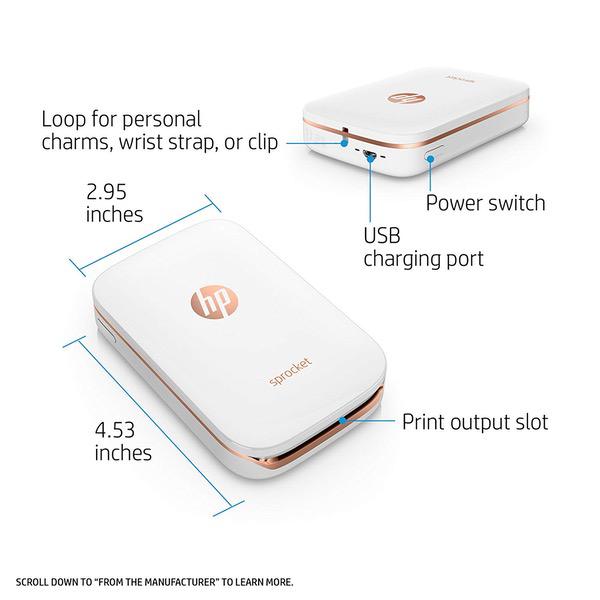
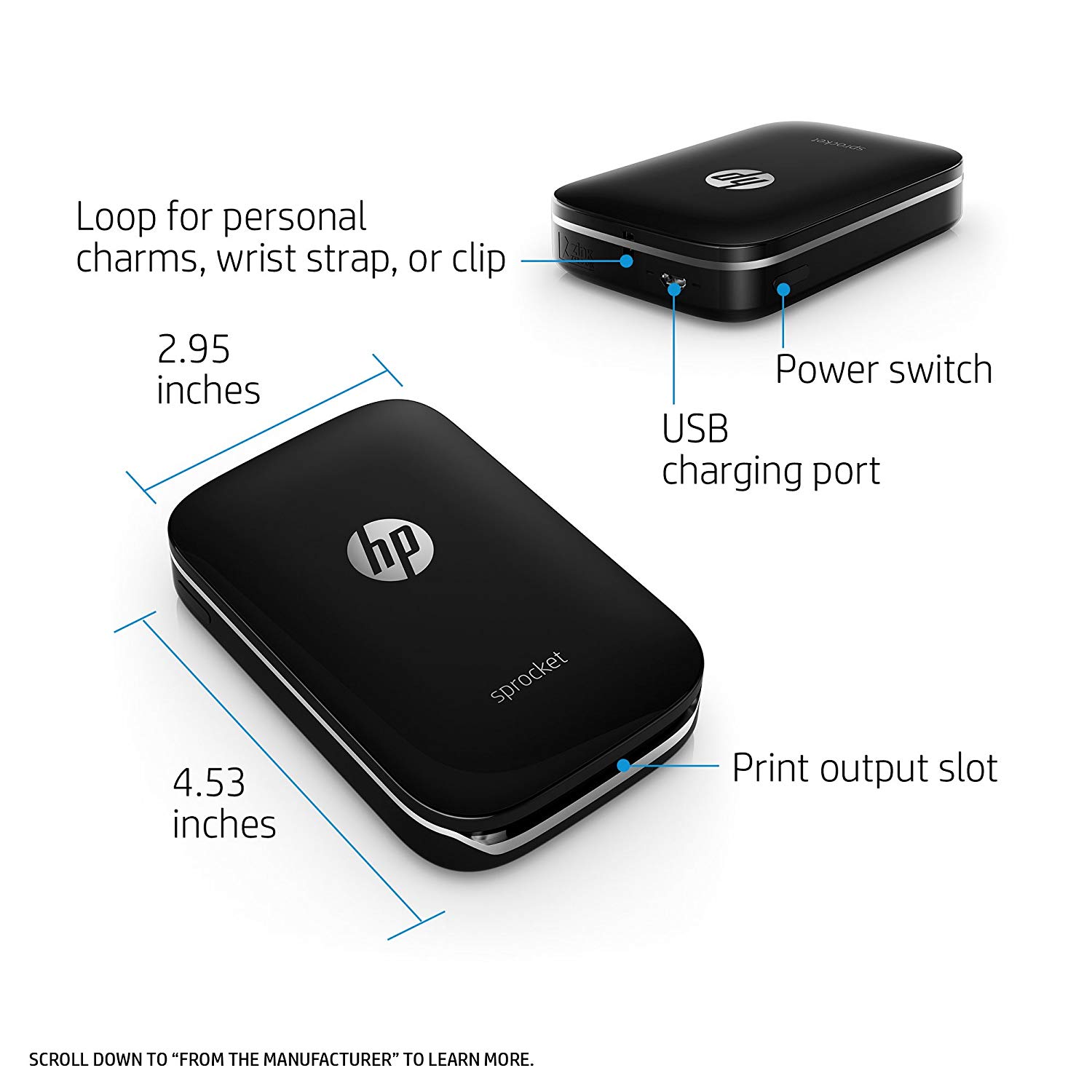
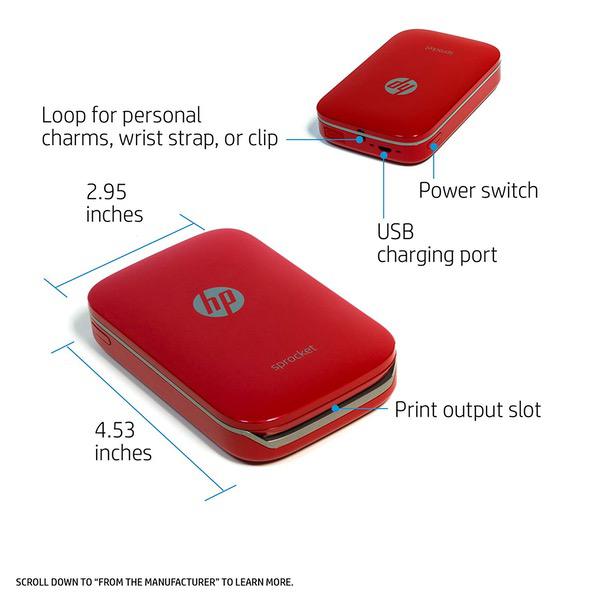
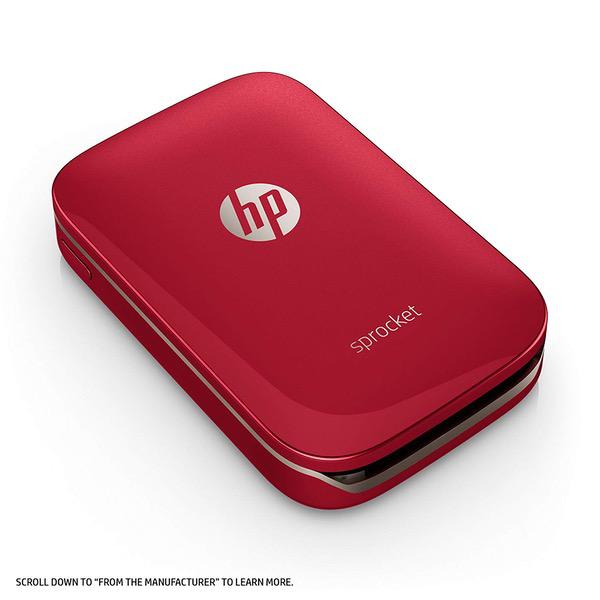
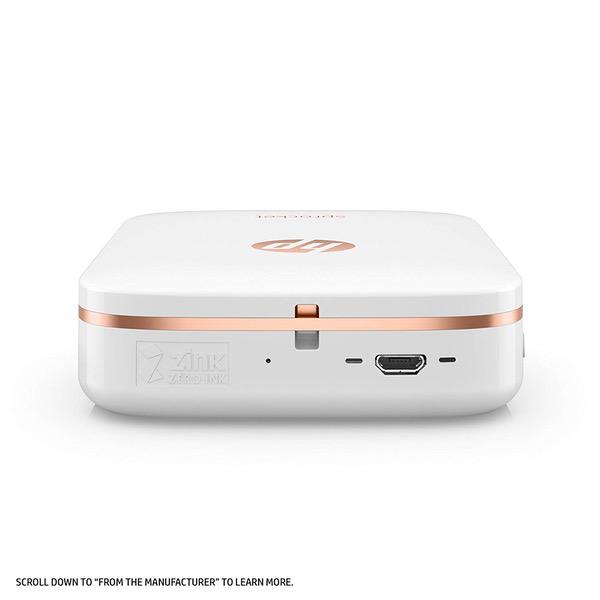
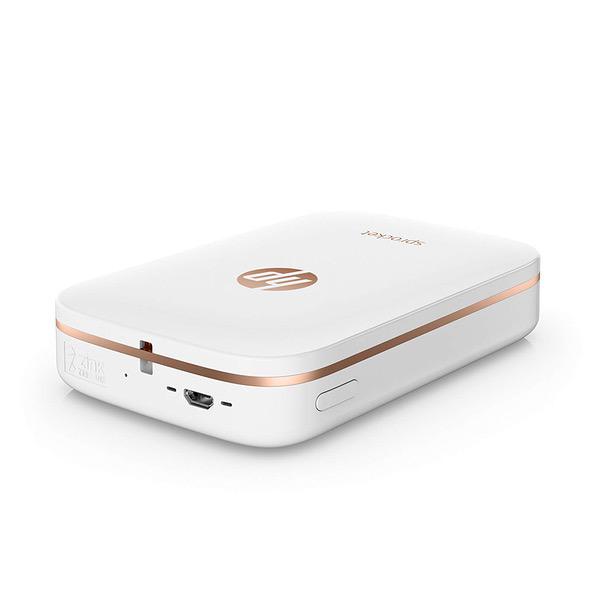
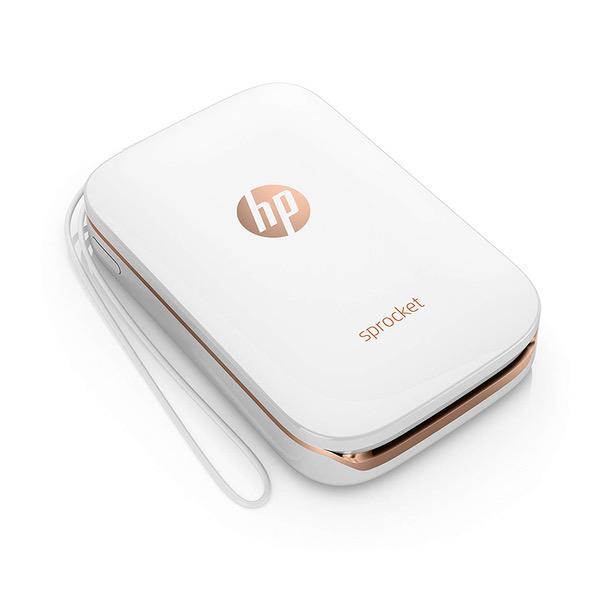
2.95 x 4.53 x 0.87 in
Model Year
2016
Style
Printer
Description
This fits your .
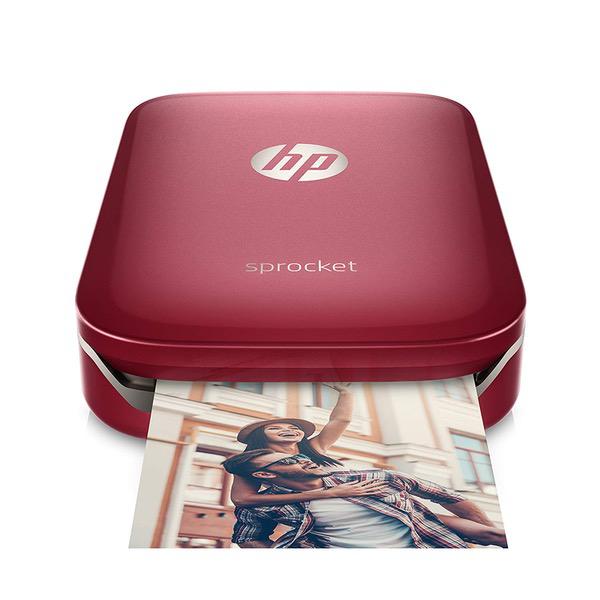
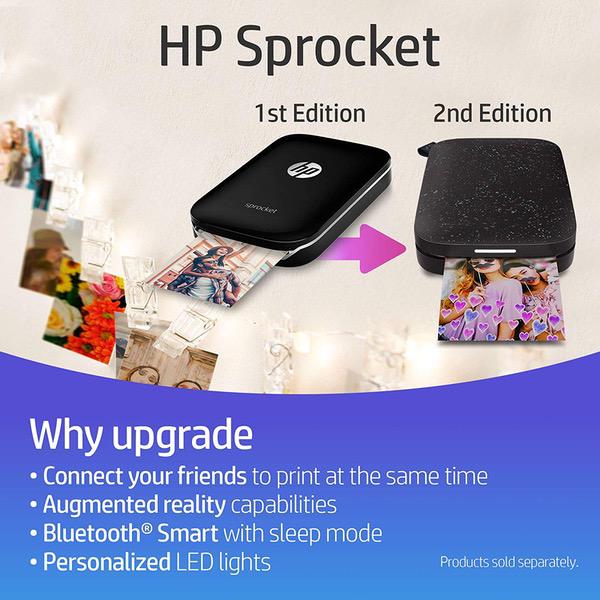
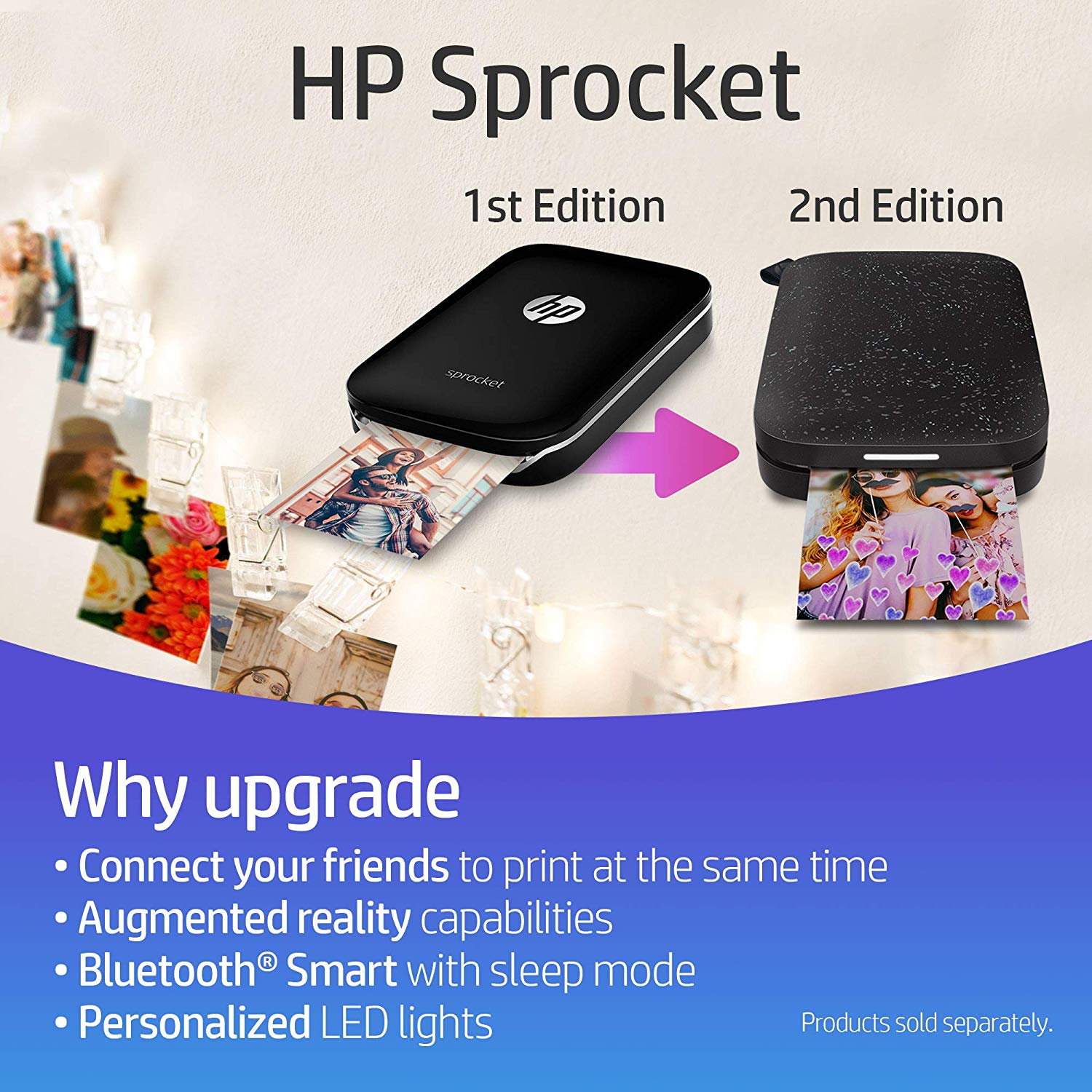
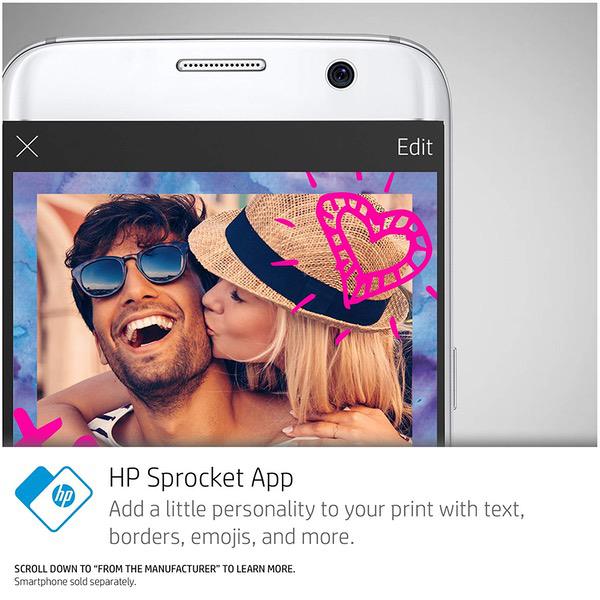
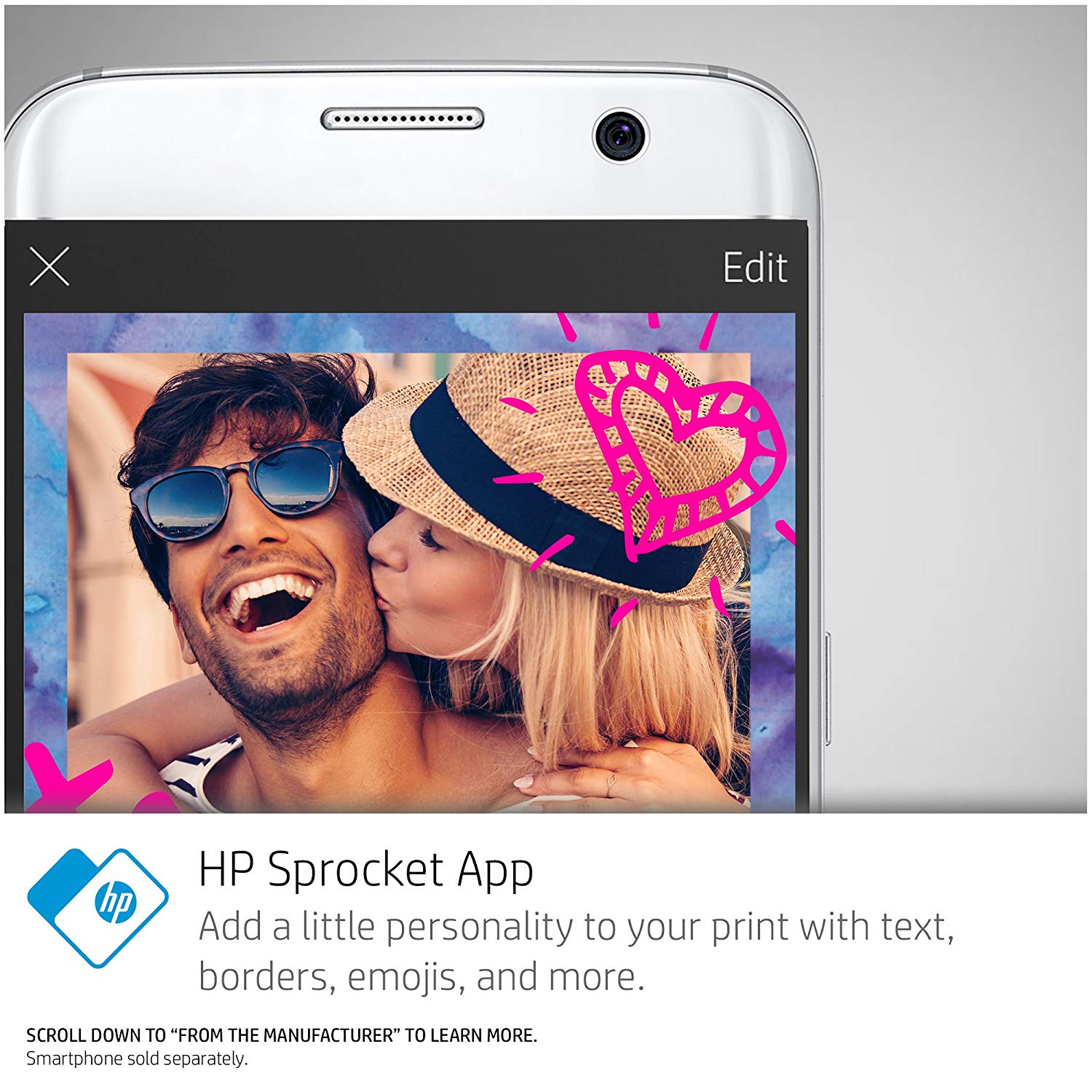
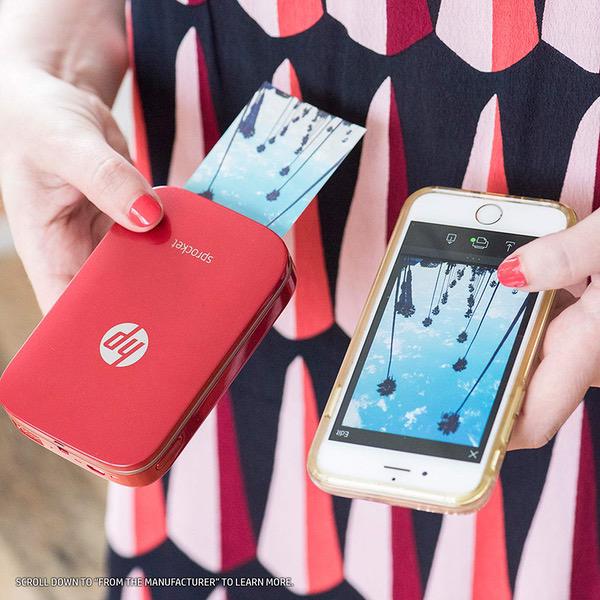
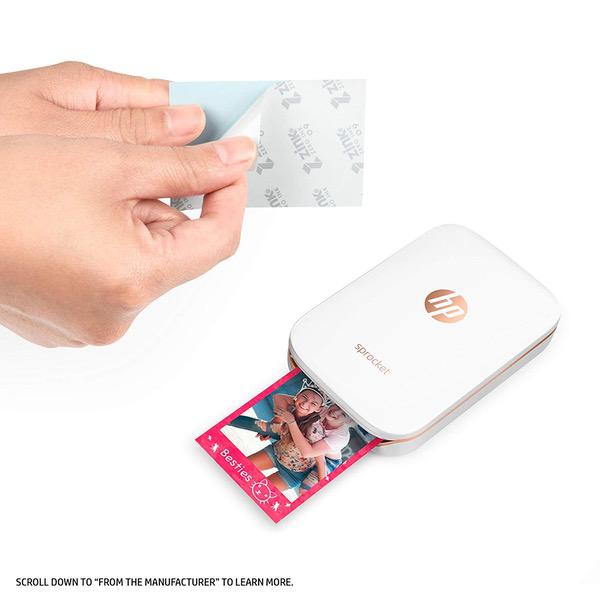
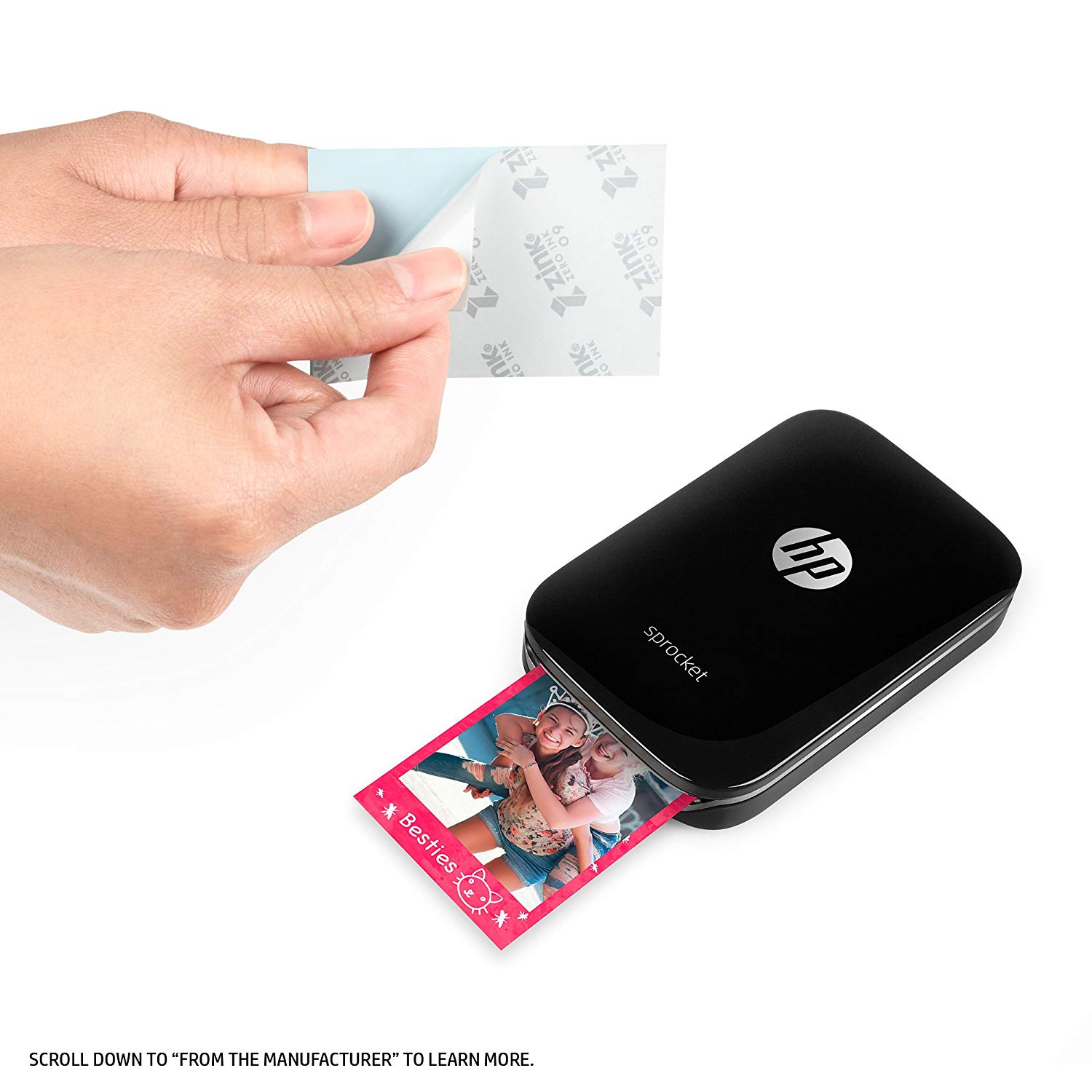
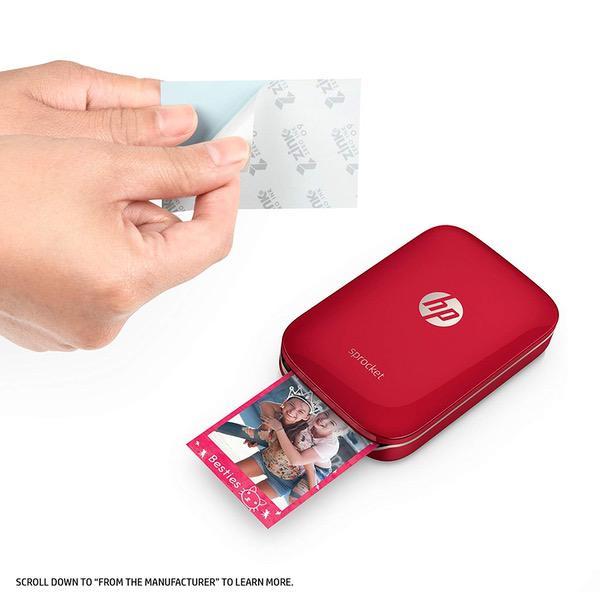
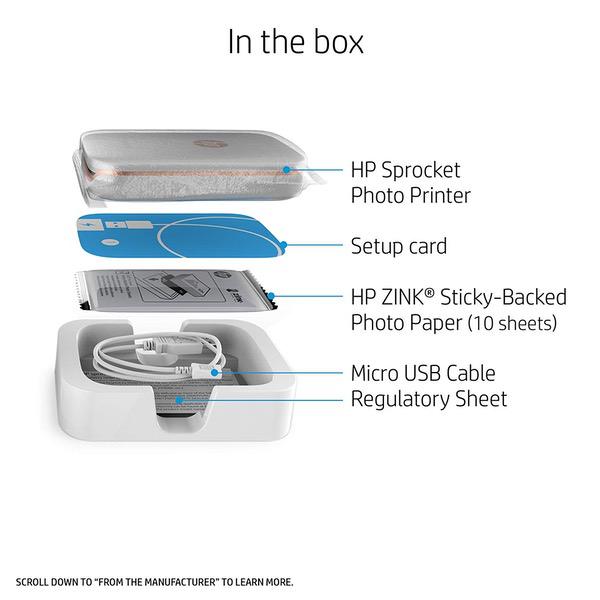
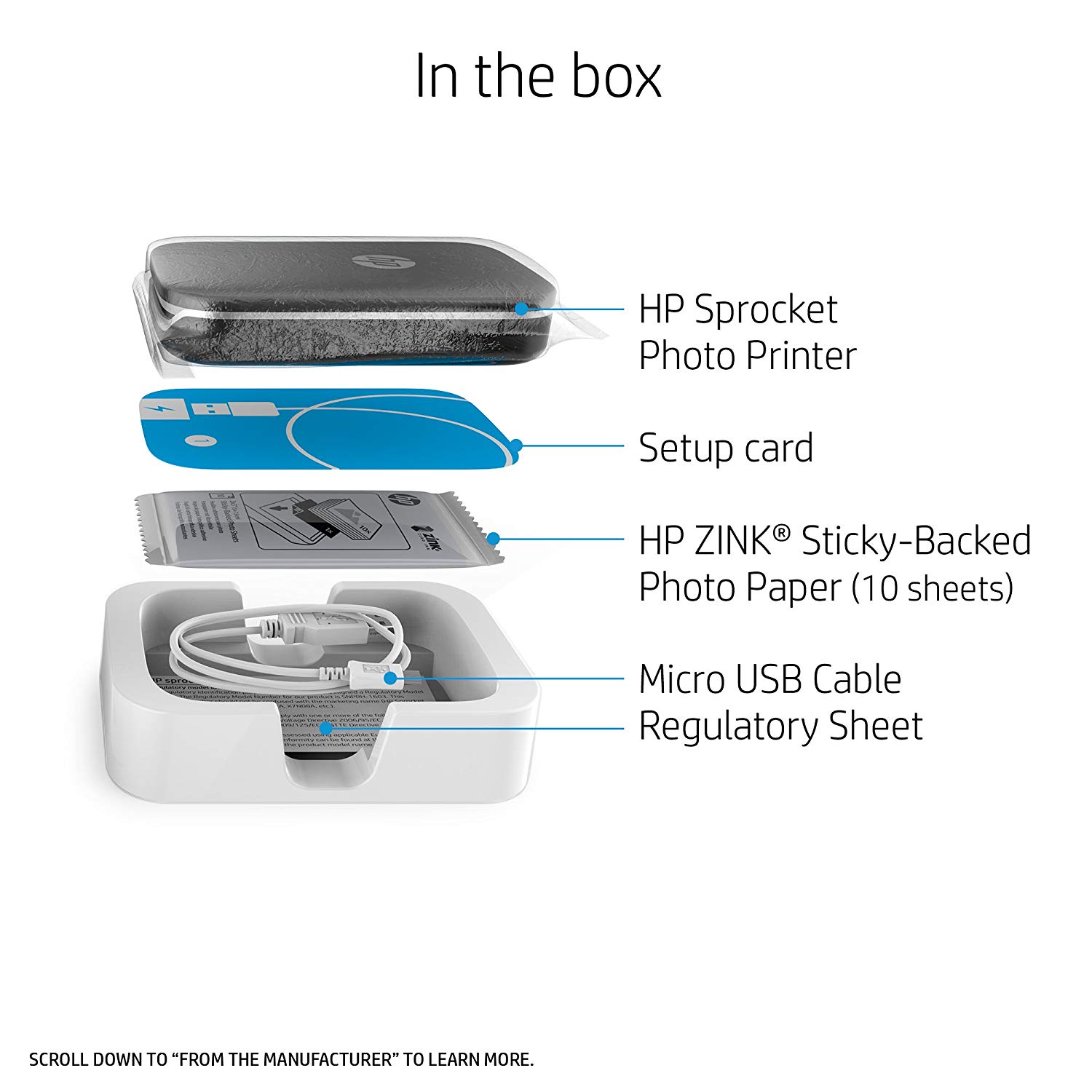
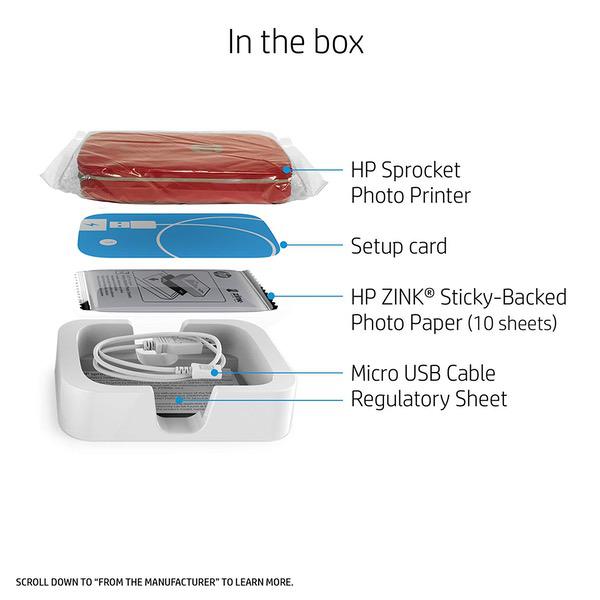
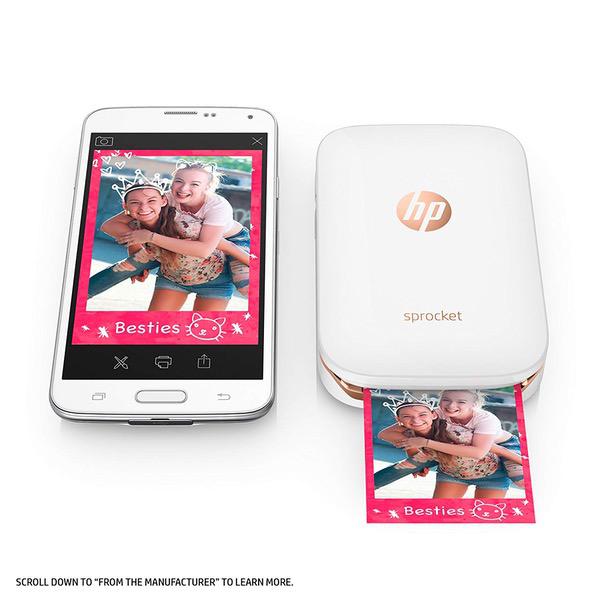
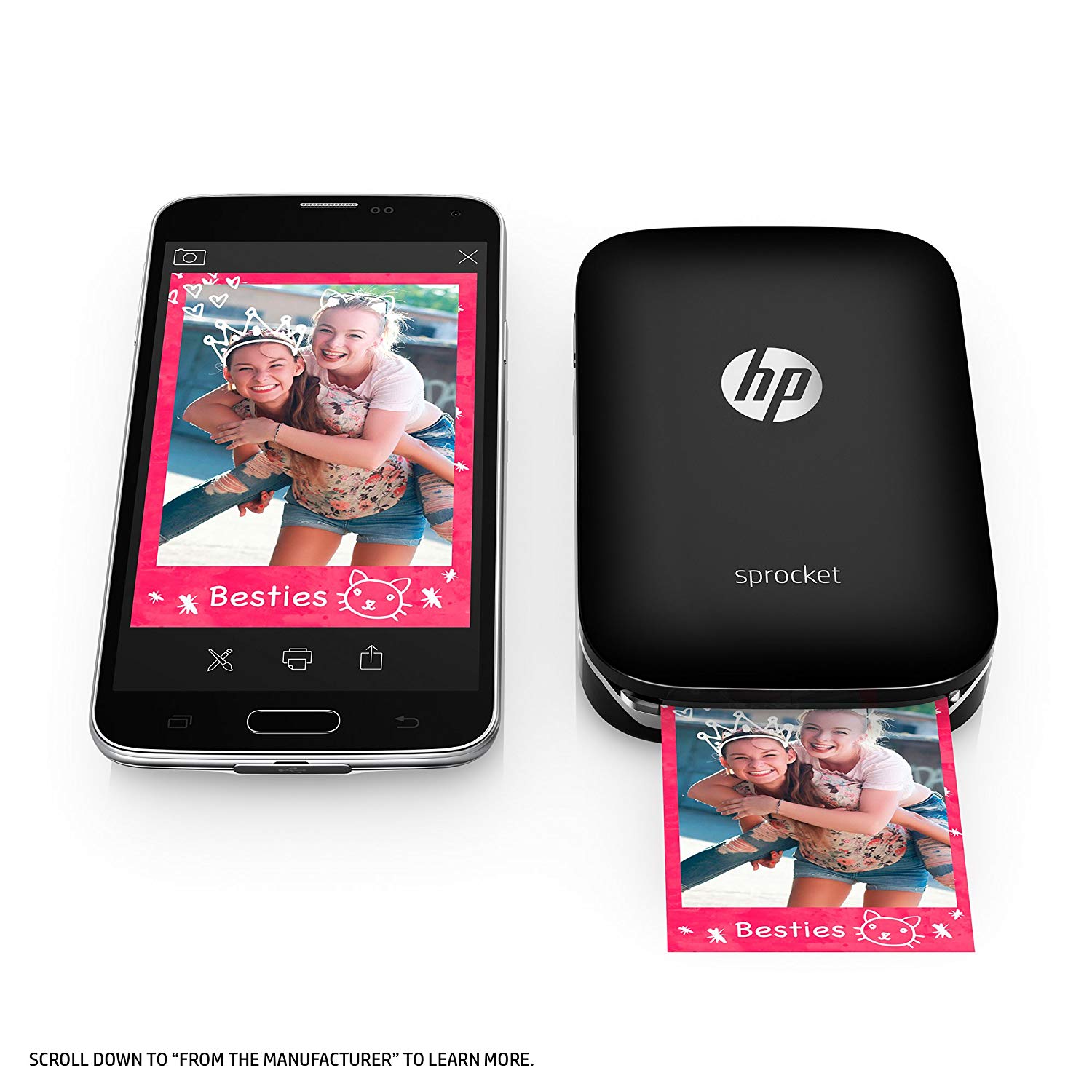
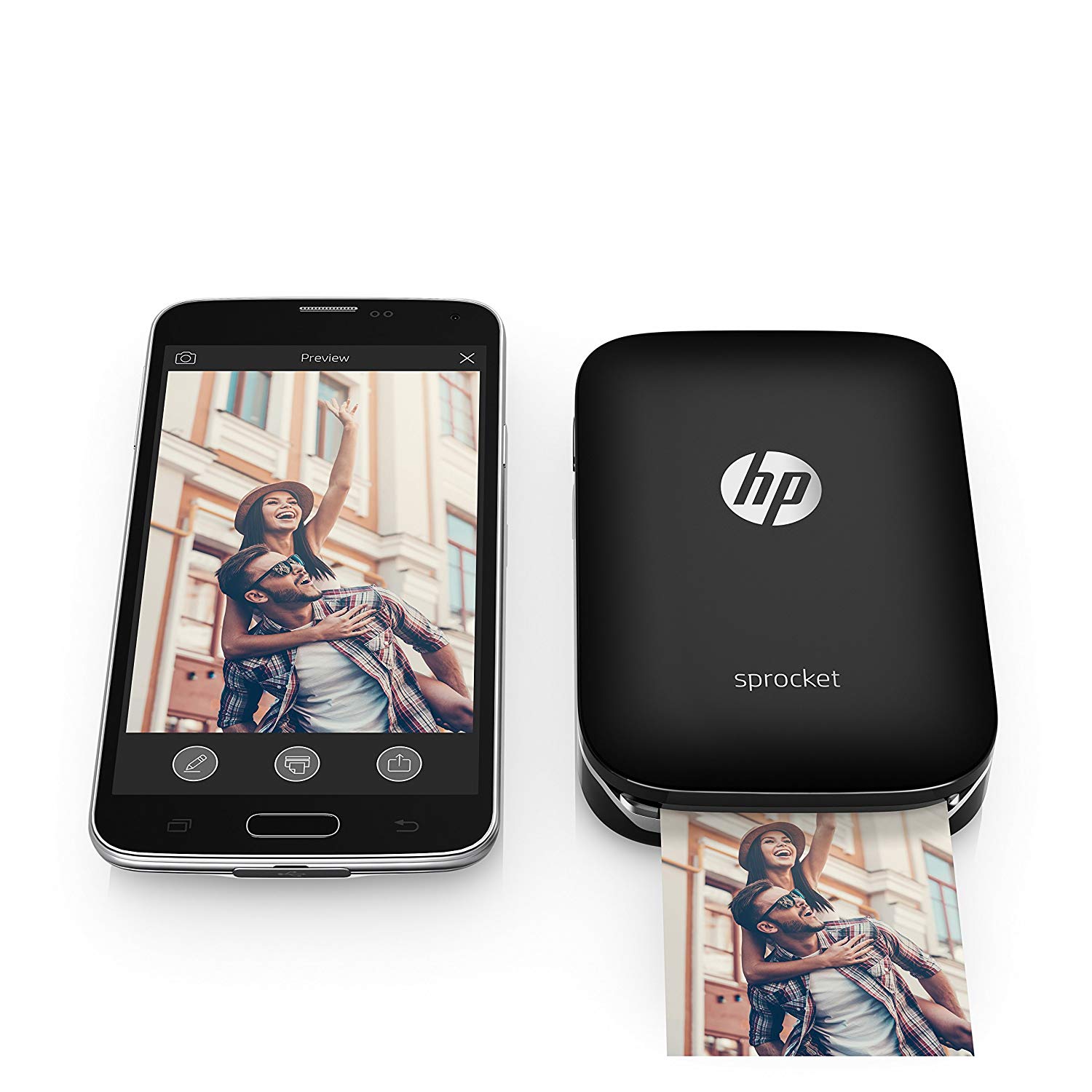
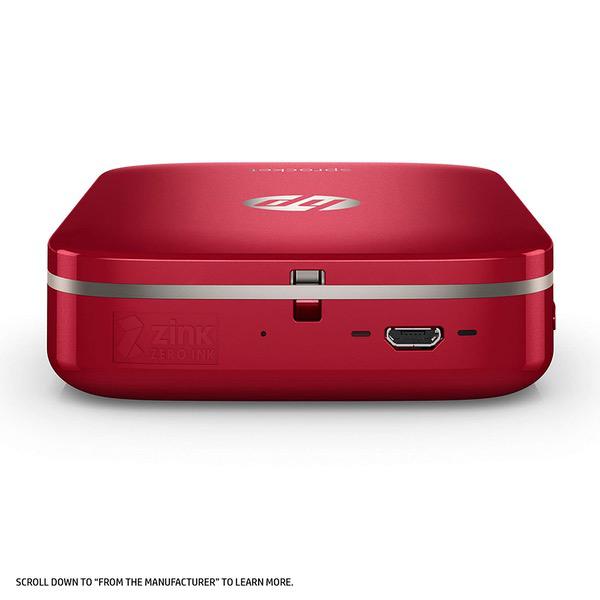
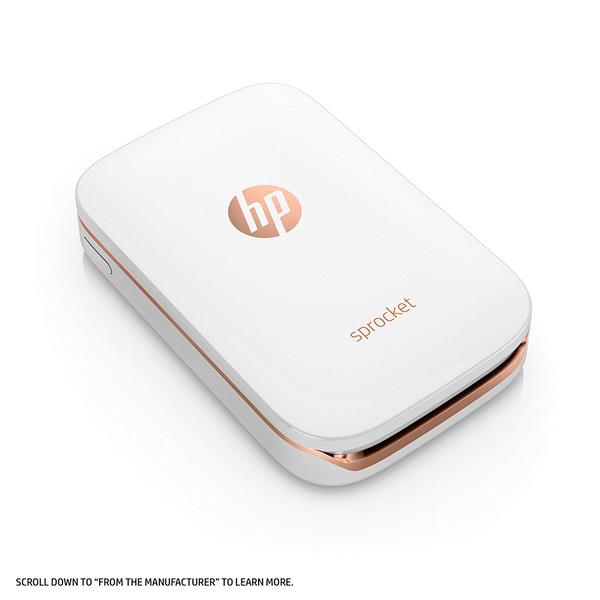
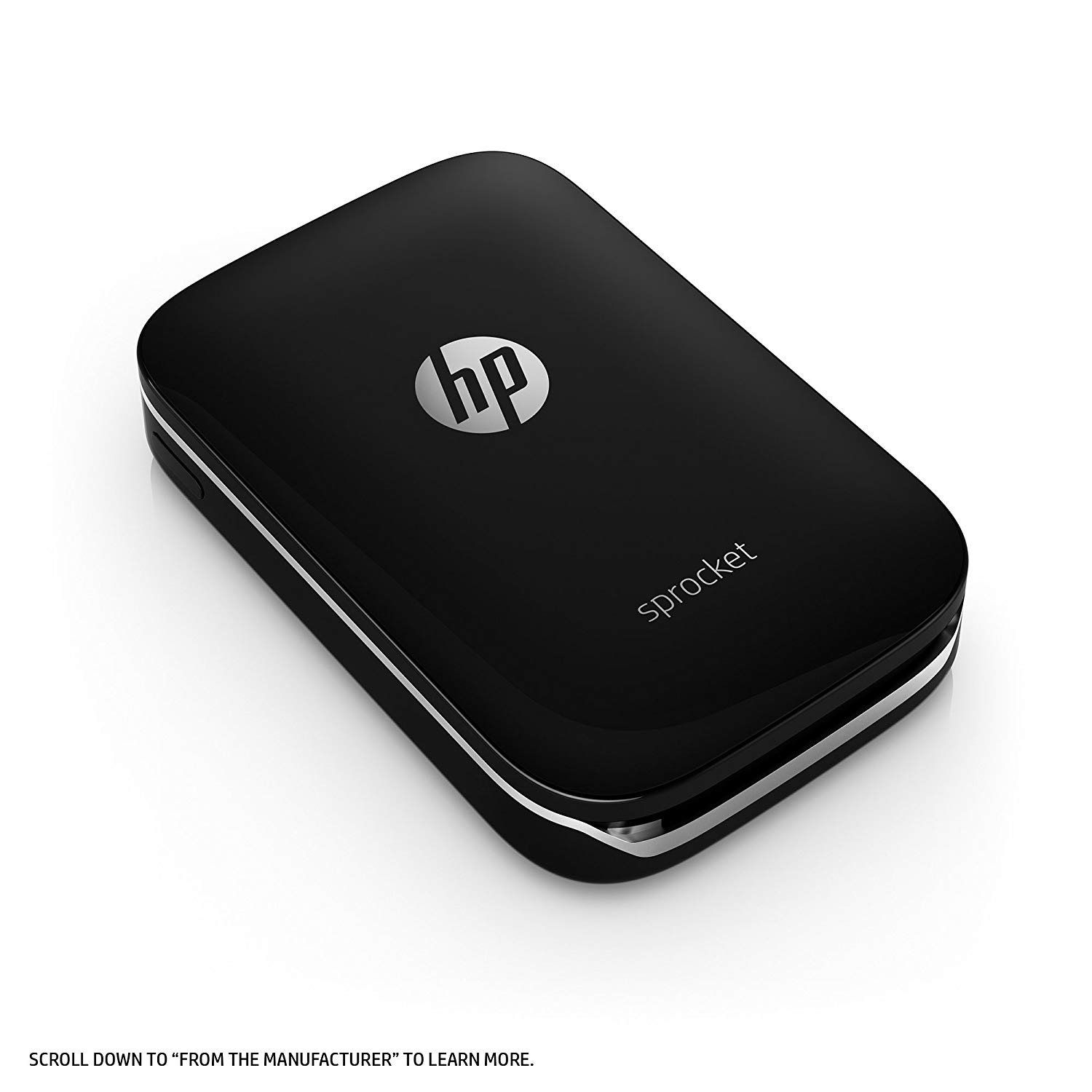
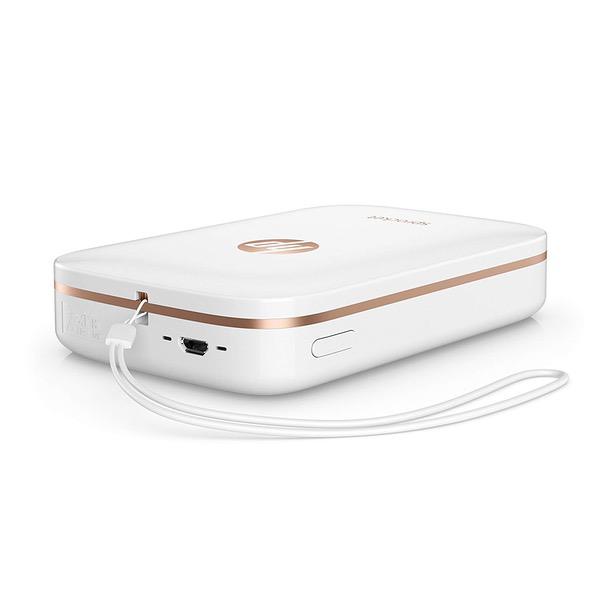
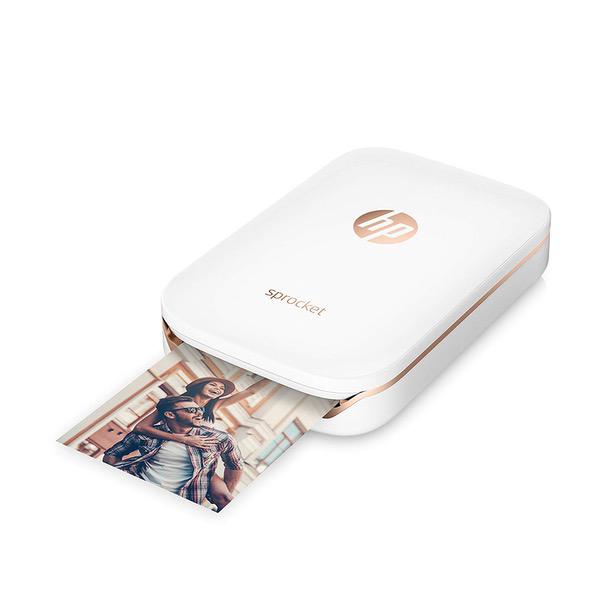
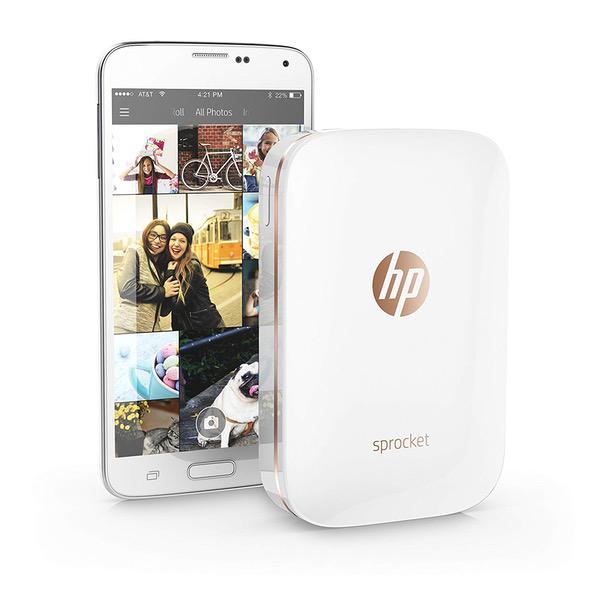
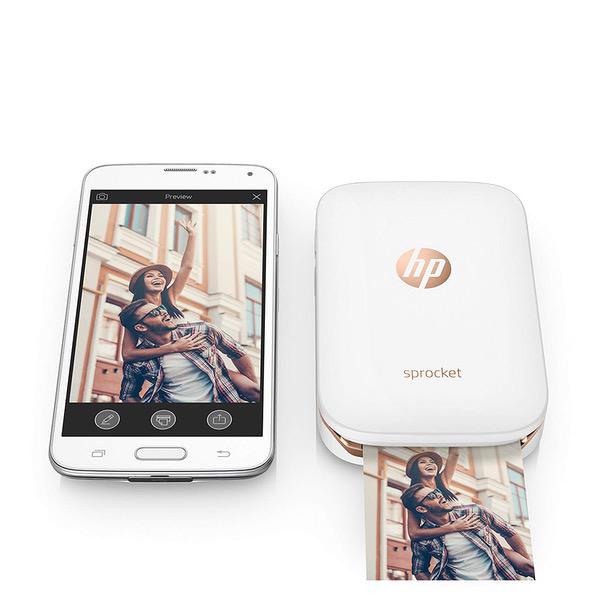
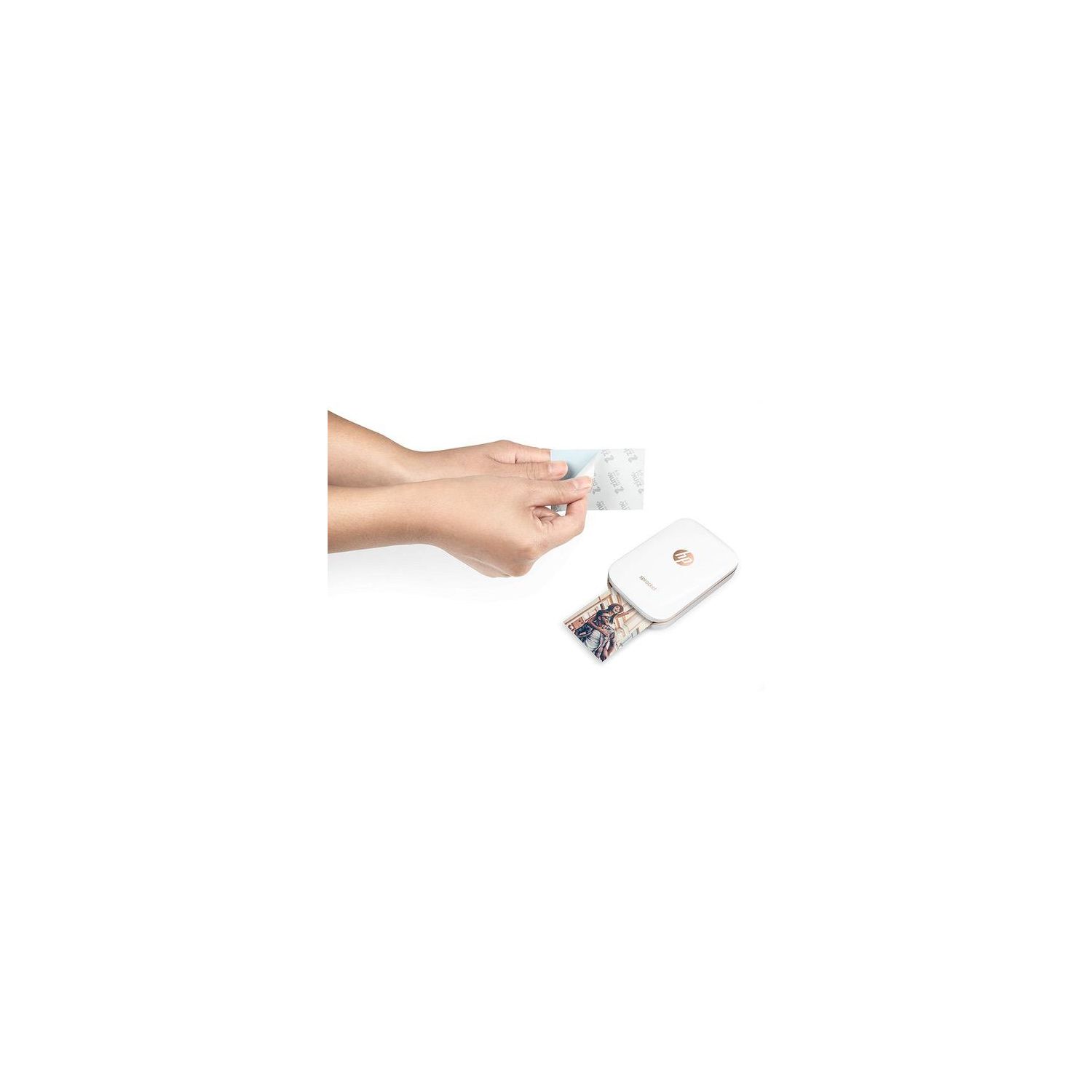
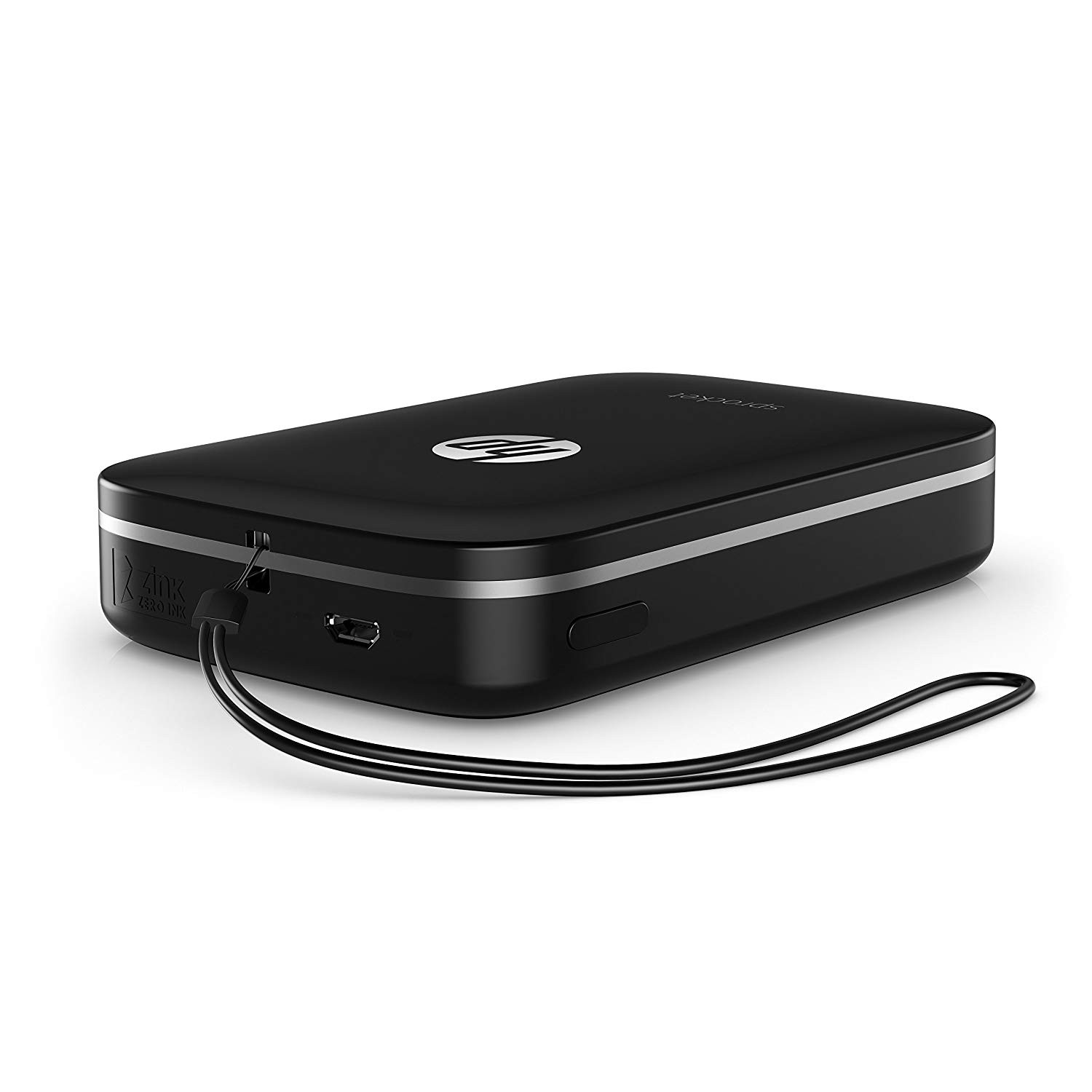
Make sure this fits by entering your model number. A PHOTO PRINTER FOR ON-THE-GO FUN – Print and share 2x3-inch snapshots or stickers from your iOS or Android devices with a simple tap PERFECTLY PORTABLE – About the size of a smartphone, this lightweight, portable photo printer easily fits into a pocket or backpack EASY WIRELESS PHONE PRINTING – Set up Sprocket at parties and events, and everyone can connect to your mobile printer using Bluetooth connectivity (HP Sprocket app required) CREATE AND SHARE MEMORIES – Connect your social media accounts to HP Sprocket app and instantly turn any of your online photos into color prints PERSONALIZE PHOTOS OF UNFORGETTABLE MOMENTS – Download the HP Sprocket app to create customized snapshots using filters, borders, emojis and drawings created within the app. You can even scan in printed photos and view entire photo collections INCLUDES HP ZINK PHOTO PAPER – Use Original HP ZINK Photo Paper to ensure bright, glossy photos every time you print. Just peel off the back of your prints and your photos become instant stickers HOW TO PRINT – Load HP ZINK photo paper into the Sprocket Printer. Connect the printer to your mobile device via Bluetooth. Download the free HP Sprocket app and enjoy fun portable printing WARRANTY - One-year limited hardware warranty
Reviews
3.6
Reviews: 20
5 stars
45%
4 stars
15%
3 stars
15%
2 stars
5%
1 star
20%
AllieT12
1
So I have had a long history with these portable photo Zink printers. I got a Polaroid Zip last December. It broke a few times and I had to get it replaced by Polaroid (great company and they were wonderful about sending me BRAND NEW replacements) I got really tired of that so I turned to HP because I had heard good things. I really wanted to love this printer. But it printed my pictures out extremely splotchy compared to the zip. I tried reconfiguring and resetting the printer and nothing worked. Then after I printed about 10 or so shots, the printer refused to print. It kept saying I was out of paper when I wasn’t and it would freeze in the “sending to printer” stage and the printer would get hot. I ended up returning it and getting another Polaroid zip printer. I wanted to love you HP I did, but you let me down.
Andrew
1
The image on the left is from my HP Sprocket and the picture on the right is from the Canon ivy. I wanted a small photo printer to use for bullet journalling and went with the HP Sprocket because even though there were A LOT of bad reviews, there were still a ton of good reviews and it seemed like the easiest choice for what I needed. Big mistake. Please listen to the bad reviews and go with another small printer - like the Canon ivy. As you can see, the picture quality is so much better and it has the same 2x3 printouts on sticker paper. There was no difference in editing, I printed the exact same image
Brian Hill
1
The Android app absolutely _refuses_ to work unless you allow it access to your location. If you allow location access just to install and disable it later then the app with refuse to do anything. And dont forget agreeing to robust data tracking, targeted adds and acknowledging HPs "privacy" policy. I really rather pissed about this product as Ive rarely been by any other. An I really the first of 1400 reviewers to notice this? Or have any such complaints been disappeared?
Cee
1
Photos don’t print anywhere close to how they appear on your phone’s screen. Everything prints on the yellow/warm side. Yes our iPhones have the latest os. Yes the sprocket is running on the latest firmware. Yes we calibrated the sprocket as per instructions. The color temp is way off on everything we print. As a work-a-round, we edited some photos in another app - yeah one can’t edit color temp in the sprocket app - and made them cooler. This didn’t help matters, the color temp is still off. We’re sending this thing back.
Product variations
Column filling
Sort by Price Sort by Availability Sort by CODE Sort by Style
$12400
In stock
+
B075JXM5VN
Style:
Printer + Sprocket Photo Paper 50 Sheets
$9900
In stock
+
B01LBWELHI
Style:
Printer
Contact us for a price
In stock
B077N4CN2Y
Style:
Printer + Sprocket Photo Paper 20 Sheets
You may be interested
  • Bestsellers
  • Recently Viewed
 
Fast and high quality delivery

Our company makes delivery all over the country

Quality assurance and service

We offer only those goods, in which quality we are sure

Returns within 30 days

You have 30 days to test your purchase