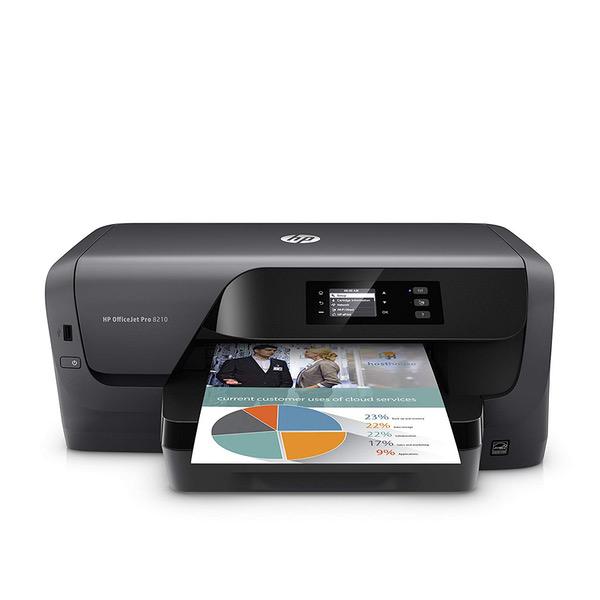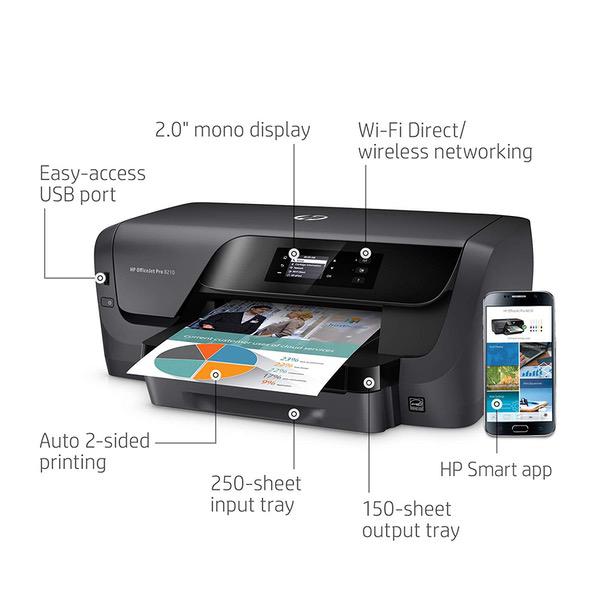
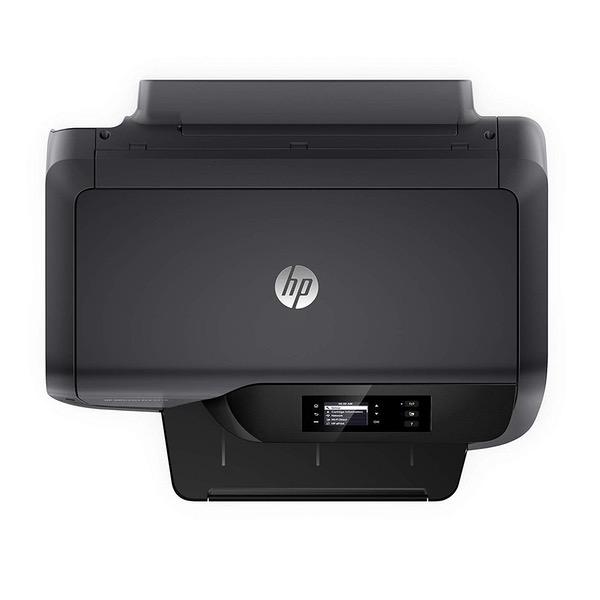
HP OfficeJet Pro 8210 Wireless Printer with Mobile Printing, HP Instant Ink & Amazon Dash Replenishment ready (D9L64A) with XL High Yield Ink Cartridges Bundle
Write a review
$24900

HP OfficeJet Pro 8210 Wireless Printer with Mobile Printing, HP Instant Ink & Amazon Dash Replenishment ready (D9L64A) with XL High Yield Ink Cartridges Bundle

Write a review
B07MJBTHXK
Printer + 4 Color High Yield Ink Cartridges
+
Add to wish list
Target is a general merchandise retailer with stores in all 50 states and the District...

City: US, New York

Delivery
Pickup at your own expense
Tomorrow from 09:00 to 20:00, Store location
Free
Payment options
Apple Pay Google Pay Mastercard Visa
Cash, bank card, credit/installment payments, cashless payment for legal entities
Warranty and returns
Exchange/return of products of proper quality within 14 days Official manufacturer's warranty: 12 months
Features
Item Dimensions
Style
Printer + 4 Color High Yield Ink Cartridges
Description
This fits your .
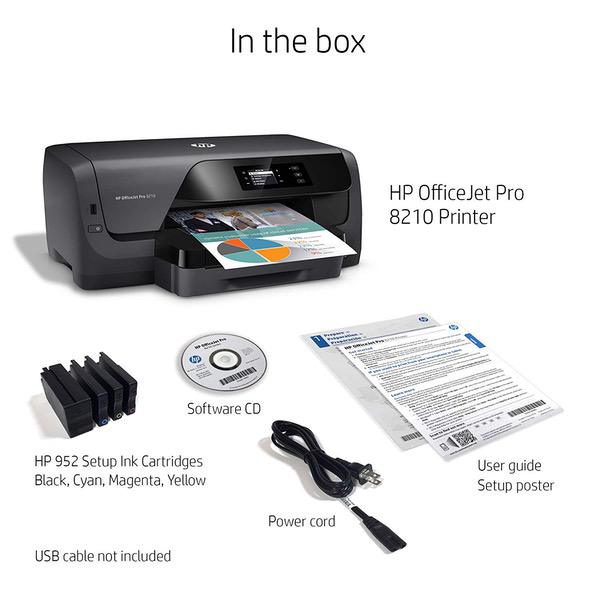
Make sure this fits by entering your model number. 1 of HP OfficeJet Pro 8210 Wireless Printer with Mobile Printing, HP Instant Ink & Amazon Dash Replenishment ready (D9L64A) 1 of HP 952XL Black High Yield Original Ink Cartridge (F6U19AN) for HP OfficeJet Pro 7740 8702 8710 8715 8720 8725 8730 8740 1 of HP 952XL Cyan High Yield Original Ink Cartridge (L0S61AN) 1 of HP L0S64AN 952XL Magenta High Yield Original Ink Cartridge for OfficeJet 7720, 8702, OfficeJet Pro 7740, 8210, 8216, 8710, 8715, 8720, 8725, 8730, 8740 1 of HP 952XL Yellow High Yield Original Ink Cartridge (L0S67AN)
Reviews
3.7
Reviews: 20
5 stars
50%
4 stars
15%
3 stars
10%
2 stars
0%
1 star
25%
Robert J. Badman
5
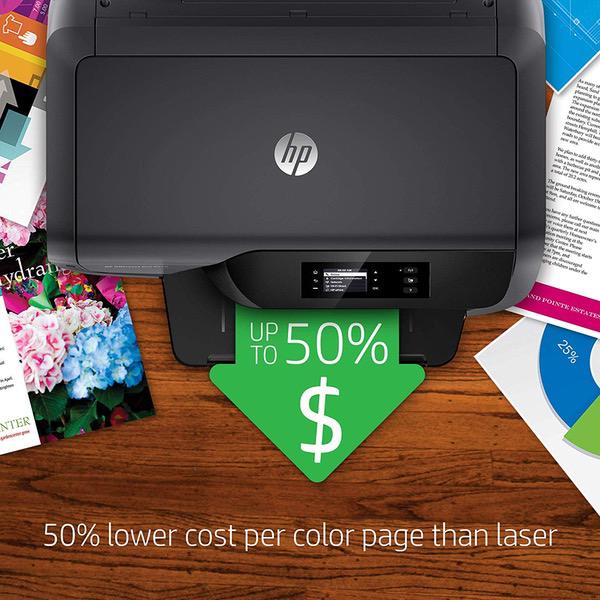
This printer is amazing! Obviously, this is not a top of the line premium printer, but I purchased it because of its low cost per page. I was not disappointed. While printing in low quality and normal, the ink cartridges last forever. My estimate puts the cost per page at about 1 penny for ink. It prints fast and it has built in two-sided printing, which is one of my favorite features. There is also a quirky "quiet mode." This is an interesting idea and I liked it because of the originality, but the functionality of this mode is lacking. It makes the printer significantly quieter, but it accomplishes by reducing print speed. It is easy to install on both Windows and Mac OS. If you are looking for a good, reliable printer that has a low cost per page, the HP OfficeJet Pro 8210 (This Printer) is a great bet. I love this product. NOTE: I have not used any of the wireless features.
D. M.
5
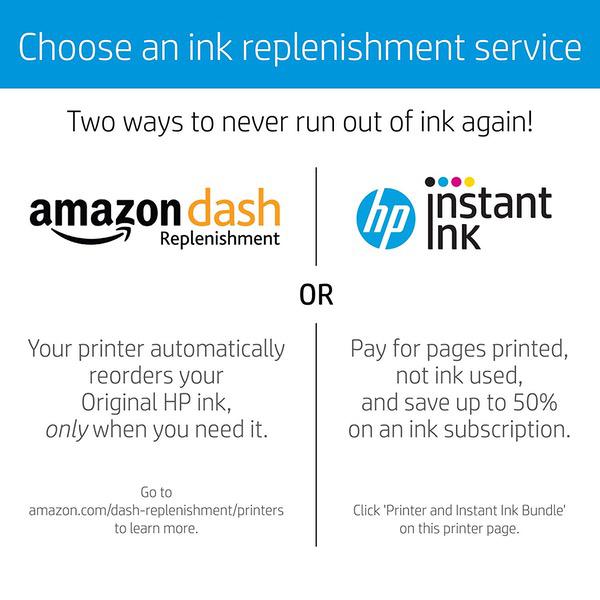
As advertised, yet even better. Very competent printer. Color is without fault. For intermittent home and home office use, this is ideal and the price was is very attractive. Setup was straightforward. Ethernet was plug and play but Im not using it in favor of other methods. Printer is shared among 3 computers, 2 phones and one tablet, primarily wirelessly though the nearby computer uses USB. I recommend using the enclosed CD for setup rather than downloading setup files from the HP web site. Pop in the CD, run setup.exe and answer the prompts. Presto. HP wants to know if you want fries with your order. They have an automatic ink replenishment program that costs a small amount each month with the first 3 months free, and they want you to sign up during installation. They claim that their ink is cheaper this way and comes in larger tanks. I may be able to let you know how this works out, say, in a year. The success of setup does not depend on signing up.
jt_2011
5
Setup it using windows 10 and works from Linux/Xubuntu 16.04 after setup. The only issue I had was a DNS error with web connect for the e-print/Instant-ink plan. I had to go to the Local Area Network(LAN) ip-address of the printer via web browser and change the DNS. How to correct the DNS Error. On the printer click "Home" / "Network" / "Wireless" / "View Network Details" to find the LAN ip-address. Open a web browser and type the LAN ip-address of the printer in the address bar. Click the "Network tab" / "Wireless 802.11" / "IPv4 Configuration" / "Manual IP" click "Suggest a Manual IP Address" Then tick "Manual DNS Server" and change the 1st DNS to "8.8.8.8" and the 2nd to "8.8.4.4" Or to whatever DNS you want to use. Click "Apply". Turn the print off and unplug and wait 30sec. Then turn it back on. On the front of the printer press the "ePrint" icon and chose "accept" and the print the "code" to finish the setup on the HP web site. --------------------------- The printer is a bit bulky but looks very nice and the prints are good quality. The printer does print in rather heavy ink. The cheap 20lb paper I had on hand was a bit too wet after printing very colorful prints and smudged easily. I bought some 24lb paper and it works better but still a bit wet. I see that this printer is going to be ink hungry. Overall Im very happy with the printer so far. Will update if theres any problems with the HP ink plan.
grn4jd
5
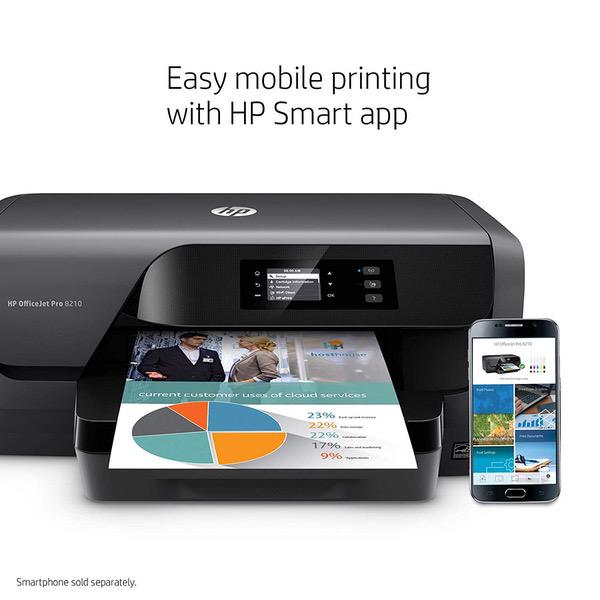
Ive had this printer for almost 2 years now, and have no complaints in that time. Instant Ink is much cheaper that buying your own cartridges, and HP has always shipped me cartridges well in advance of when I might need them. Instant Ink plans are very flexible and, if you have having a super heavy printing month, you can even upgrade the plan on the last day of the billing period and the upgrade (with lower per-page costs) will be retroactive to the beginning of the billing period. The only thing Id like to see for this price (I paid a hundred bucks) is a flatbed scanner, but the HP Smart app allows you to take a snap of the book or document with your smartphone and quickly print it, so it is arguably more useful.
Thousands of Books Read
5
Very nice printer, but it will not copy a letter etc. no copy process is included, other than that it is nice fast printer. Note this printer is one that is approved by HP for the Instant Ink process using HPs automatic ink replacement for a fixed monthly price. It is fast printer and take less than a minute to print most pages.
Pearly
5
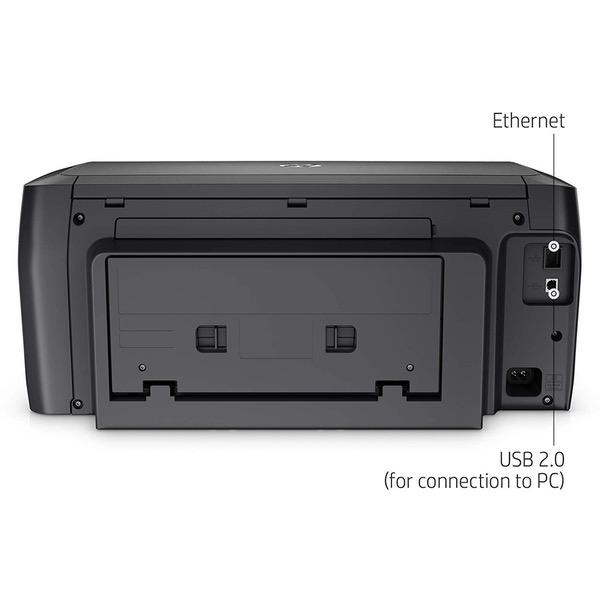
My last HP network printer was $600! Although this does not have the ability to print tabloid it is made for the home office. I expect it to have the long life of my other HP pro printers. So nice to have a choice of connectivity! You can connect with Ethernet, USB, or wirelessly! Comes with HP Instant Print capability. Hope to save money on ink.
Wayne W.
5
Bought this to upgrade from my old printer which suddenly failed. The older one was almost 5 years old and well outside of warranty so opted to buy this one. The installation was very easy and it has been working great so far.
Duff
5
Solid printer, had an old version years ago and this is the best printer to use with glossy photo paper. I had an HP 8720 and it was horrible with photo paper. Buy this printer if you print photos or graphics as the HP Instant Ink saved me a ton of money on my projects. Great seller and terrific price. Would buy again for sure. Thanks a ton!
Danl
5
Works fine, we have two of these for intermittent use at the office. Easy and not too expensive. Yes ink is costly but thats life.
Cheryl
5
I love this HP printer. It prints fast and the printed photos are beautiful.
Product variations
Column filling
Sort by Price Sort by Availability Sort by CODE Sort by Style
$9900
In stock
+
B01HSADJIO
Style:
Printer
Contact us for a price
In stock
B07CSXB8QQ
Style:
Printer + Instant Ink Prepaid Card
$19800
In stock
+
B07MQ5V717
Style:
Printer + 4 Color Ink Cartridges
$24900
In stock
+
B07MJBTHXK
Style:
Printer + 4 Color High Yield Ink Cartridges
You may be interested
  • Bestsellers
  • Recently Viewed
 
Fast and high quality delivery

Our company makes delivery all over the country

Quality assurance and service

We offer only those goods, in which quality we are sure

Returns within 30 days

You have 30 days to test your purchase