

























WB Halper
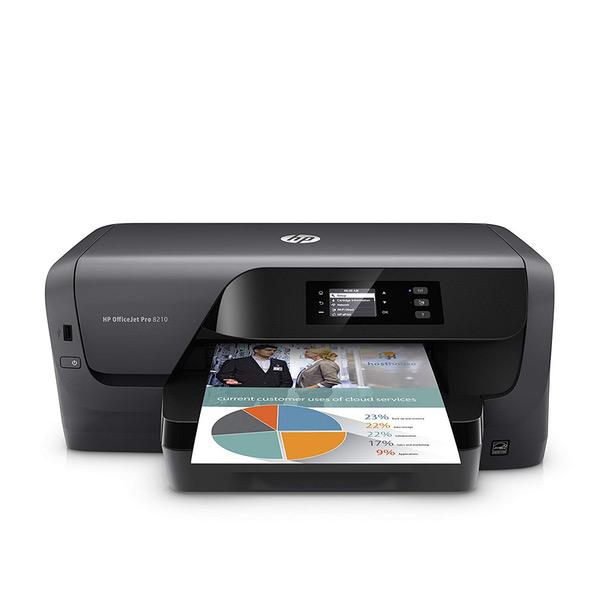
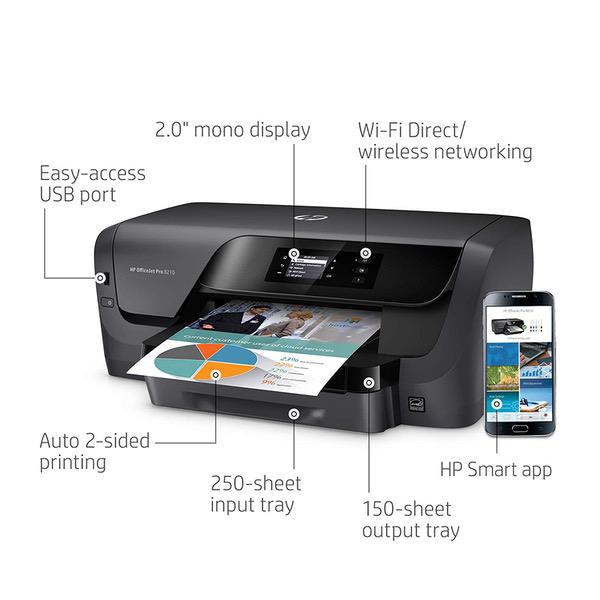
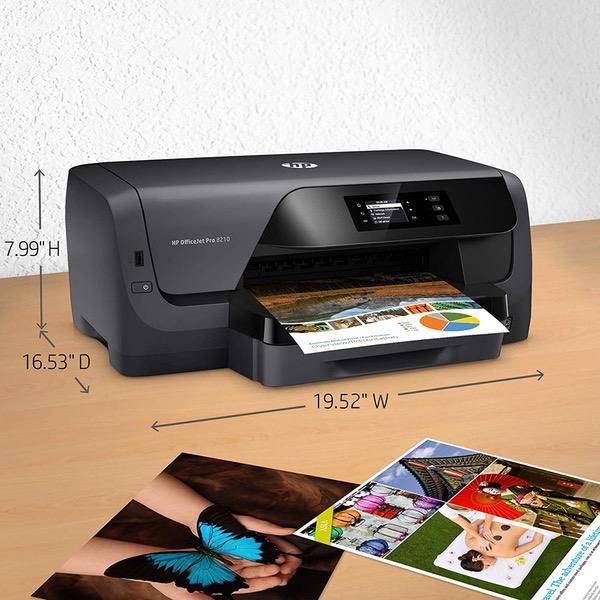
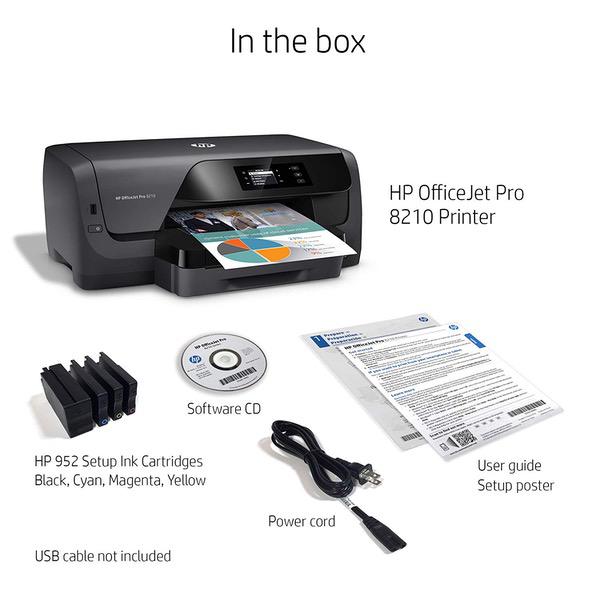
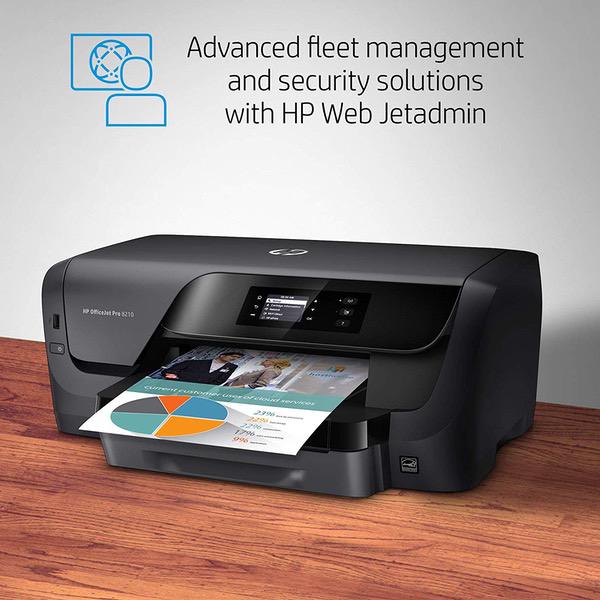
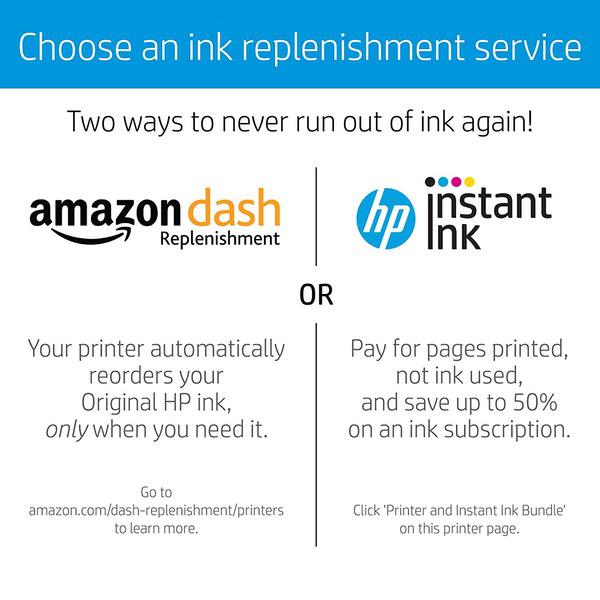
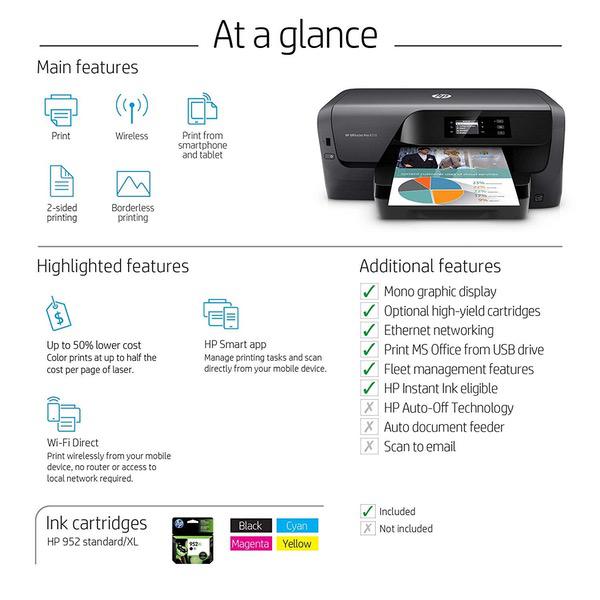
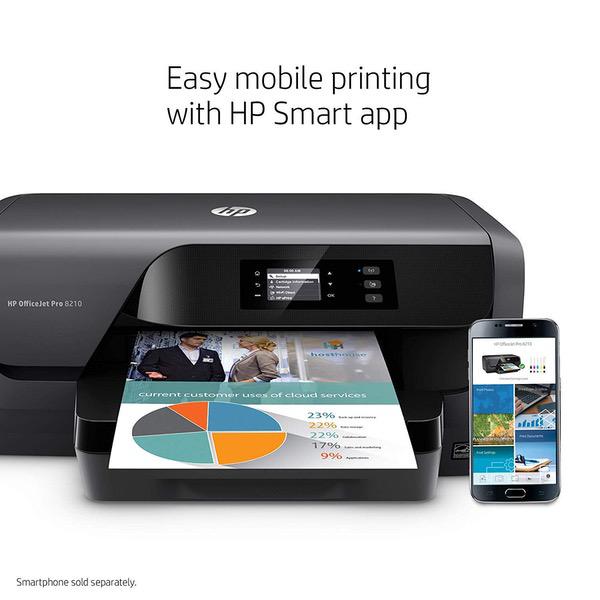
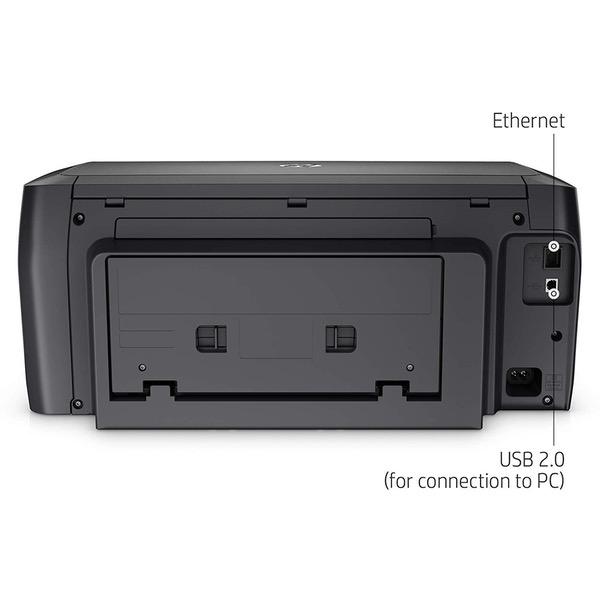
Update - 1/24/17 - After using this printer for a couple of months, Im dropping it from five stars to two. As a printer, it works well...when its working. Three times, Ive had it give me a "printhead not installed" error message. Its locked up a number of times, and this morning displayed a new indecipherable error message which Ive uploaded. All the errors were reset after powering off (sometimes only pulling the plug worked), but WTF HP? You guys have a summer intern design this thing? If this keeps up, Im scrapping it and going back to an Epson. Thats too bad, because when it worked, it worked really well. However, reliability is critical and this puppy doesnt cut it. Heres the original review: Quick Summary: The HP OfficeJet 8210 is a capable printer designed for low to moderate printing volumes. The overall feature set, including remote management, fast printing speed, excellent printed documents, along with the HP Instant Ink program point it towards office use. The lack of scanning and fax capability are significant deficits unless those capabilities are provided in other nearby machines. Business Printing: Black and White print resolution is superb. Using a magnifying glass, and on decent paper, 2-point type is readable. Normal size type – 8 point and above – is clear and sharp. My 13-page test document printed in almost exactly one minute. One of my complaints about HP print drivers is that they print the first page first, then the second page and so on. The resulting stack has the first page at the bottom and the last page at the top. There’s a check box to print the pages in reverse order, so the last page is at the bottom and the top page is on top, but it slows things down considerably. The document that took 1:00 min to originally print, took 1:19 min to print in “reverse order.” In contrast, my Epson WorkForce 845 and Canon MX922 both define normal order in a human readable form. The first page is on top and the last page is on the bottom. This is the reverse of the HP definition and if you have both on them on one network, you need to make sure the “reverse order” box is appropriately checked depending on the printer you choose…more than once I printed something and had to manually resort the output. (Incidentally, the Epson took the same amount of timetable print in either direction…1:17 minutes. The Canon took 1:33 to print my test document. Printing the pages in reverse order took longest of all – 1:49 minutes.) Bottom line—The output is crisp and completely usable for office documents. Speed is competitive, but you have to be careful about the page order. Photo Printing: The HP OfficeJet Pro 8210 is not designed to be a high quality photo printer. It works, but color stippling is very evident when compared to my Canon printers (the MX922 and iP8700). If highest quality photo printing is a requirement, look elsewhere, but if you’re willing to put up with decent, but not the best prints, this will do it. Plus, the HP instant ink program is a real bargain when you’re printing photos. More on that in the next section. High quality photo printing requires special coated paper that instantly locks in the ink droplets. HP makes two grades: Advanced and Premium Plus. Further evidence that this isn’t designed as a photo printer is in the paper selection choices in the printer driver…Premium Plus isn’t listed. The Advanced paper is less expensive and works fine. The default color balance is a little cooler than my Canon printer, but that’s adjustable if you use any photo editing software. Instant Ink: The HP Instant Ink program is a monthly subscription service that automatically sends ink whenever the printer runs low. The printer is in constant communication with the HP servers. There are three levels of the program: Low Volume – 50 pages per month @ $2.99/month. Extra pages are 15/$1.00 Mid-Volume – 100 pages/month @ $6.99/month. Extra pages are 20/$1.00 High Volume – 300 pages/month @ $9.99/month. Extra pages are 25/$1.00 All plans allow you to roll over unused pages up to a maximum of the monthly subscription. e.g. If you’re on the 300 page/month plan, you can have a maximum of an additional 300 pages in the rollover bank. The extra page charges are imposed after you’ve used up the monthly allocation, plus whatever is in the rollover account. For business users, where the use is fairly predictable and uniform, the program is a great deal if you run close to your subscription volume. It gets progressively worse if you go substantially over or modestly under it. On the 300 page/month plan, 300 pages (that’s only 10/day) cost 3.3₵ each. Due to the overage charges, if you run 1000 pages/month, that increases to 3.8₵ per page. In the other direction, the cost per page rapidly escalates. If you only print 150 pages, but are enrolled in the 300 page/month plan, your cost per page doubles to 6.6₵/page. To prevent theft, Instant Ink cartridges are serialized and tied to the printer. An employee can’t take the cartridge home at night, print a large number of pages, and reinstall it in the morning. For home users, where usage is much less predictable, the Instant Ink program has an advantage in a different area – printing photos. Because the Instant Ink charges are based on page count, a photograph costs as much to print as a plain typed page. Since, with conventional cartridges, a 8x10” photo can use as much as a dollar in ink, this can be a huge savings. On the other hand, if you’re mostly printing a few text pages now and again you should look at purchasing the conventional XL ink cartridges. The Instant Ink program is convenient, but the cost per page for the low volume plans is high. Other Items… The printer’s internal web server allows every function of the printer to be remotely monitored and controlled. For corporate installations, access to the web page can be controlled through an administrative password. Asset tracking information can also be stored in the printers memory...another important feature for businessses. The default time zone was set to Casablanca, Monrovia. Unless you actually live there, you might want to change it to your own time zone. Like practically everything from your phone on down, the printer gets a reference time from an internet-based time server. It uses the time zone setting to calculate an offset from that. (If your company has one, you can also set it to use an internal time server.) The power button is really, really, really cheap. You’re basically bending a piece of plastic when you push it. It’s a low duty-cycle part, but Im surprised that HP engineers would make something thats so visible so cheesy...I hope that this isnt reflective of other design tradeoffs inside the printer. Lastly, if youre using this in your home and only have space for one printer, I strongly suggest that you look at the OfficeJet Pro 8710. Its roughly the same price and footprint, looks like it has the same print mechanism (from the specs), but also includes scanning, copying and fax. At my house, I dont often copy things or send a fax, but its nice to have a machine that can do it when I have to.


