
















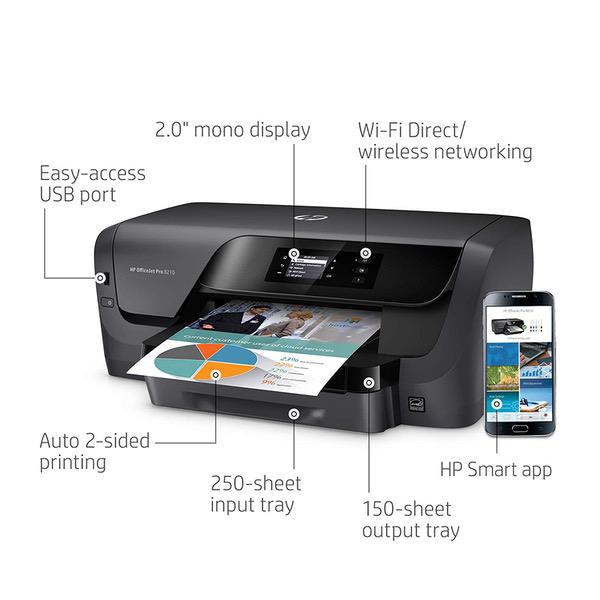
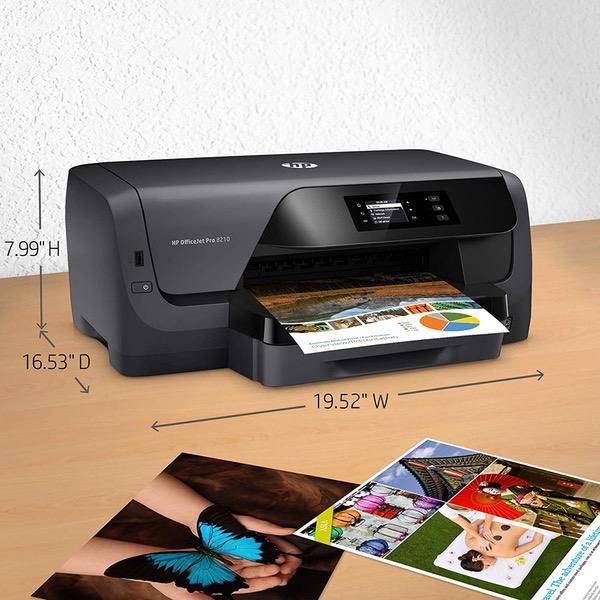
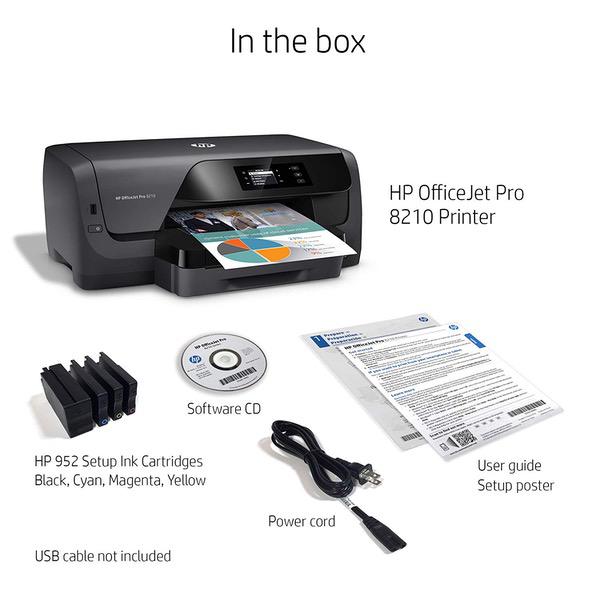
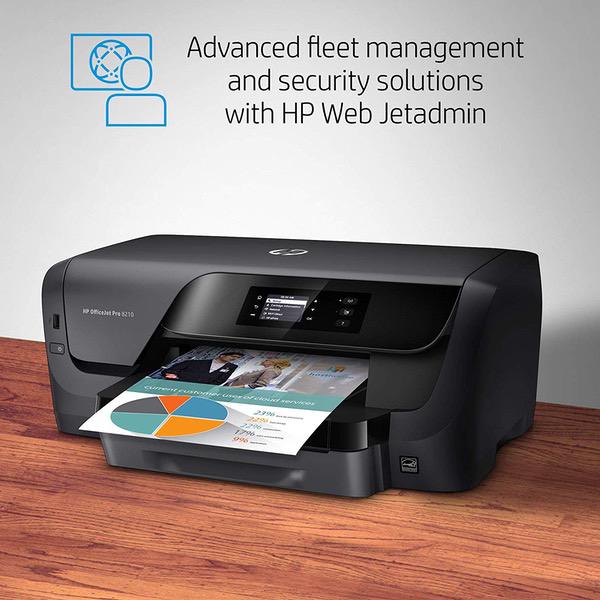
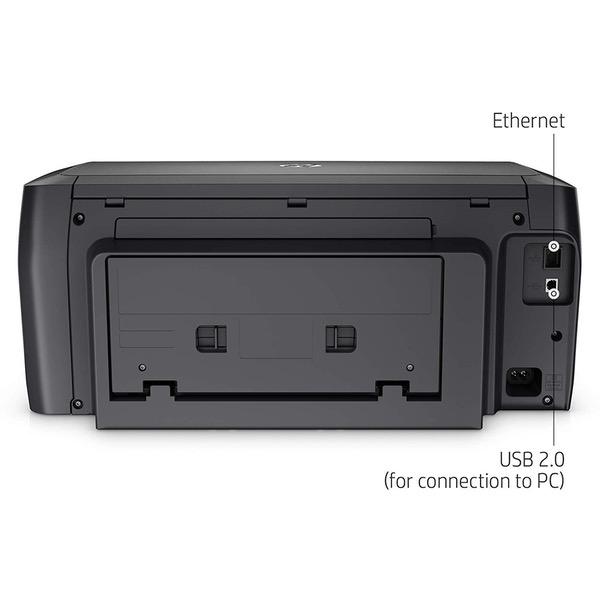
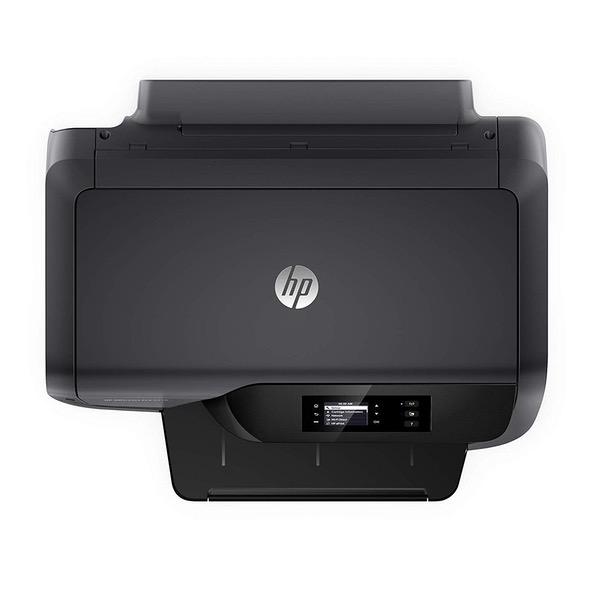
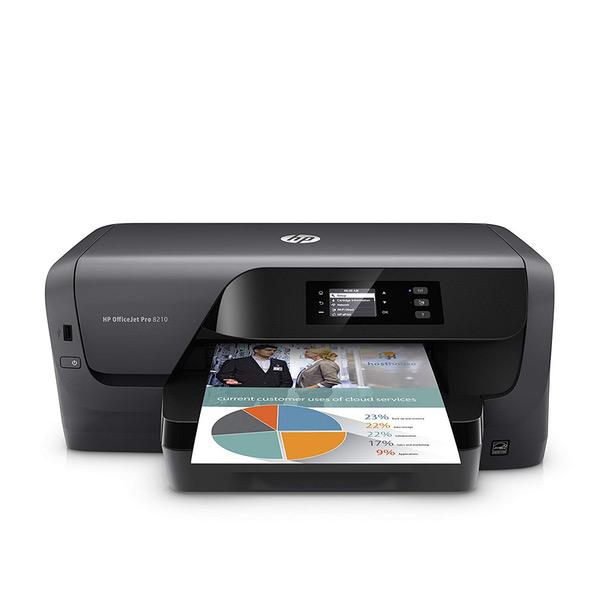
HP OfficeJet Pro 8210 Wireless Printer with Mobile Printing (D9L64A) and Instant Ink Prepaid Card for 50 100 300 Page per Month Plans (3HZ65AN)

اكتب تقييم
B07CSXB8QQ
Printer + Instant Ink Prepaid Card
Target is a general merchandise retailer with stores in all 50 states and the District...

المدينة: US, New York

Delivery
Pickup at your own expense
Tomorrow from 09:00 to 20:00, Store location
Free
Payment options
Apple Pay Google Pay Mastercard Visa
Cash, bank card, credit/installment payments, cashless payment for legal entities
Warranty and returns
Exchange/return of products of proper quality within 14 days Official manufacturer's warranty: 12 months
Features
Style
Printer + Instant Ink Prepaid Card
Description
This fits your .
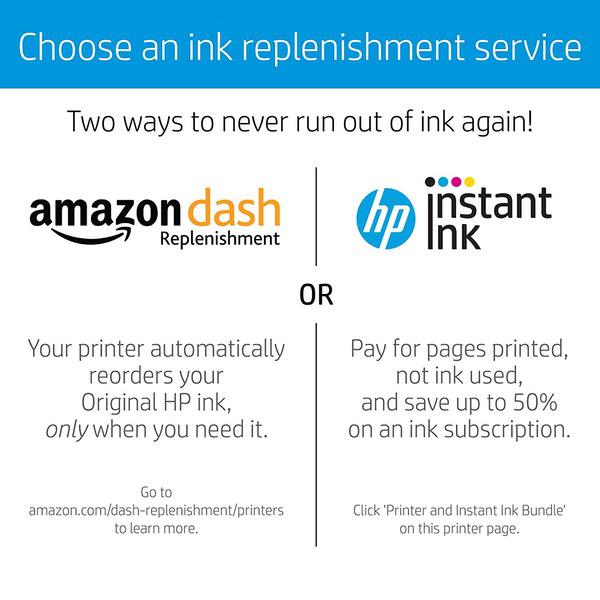
Make sure this fits by entering your model number. NEVER RUN OUT OF INK. This $5 prepaid card will facilitate the setup of an Instant Ink account. Ink, shipping and recycling are all included in a monthly HP Instant Ink plan. $5 is credited to your Instant Ink account upon setup and will be applied to whichever plan you choose. Monthly plans available include 50-page, 100-page, and 300-page plans. Card is not required for account setup but is a convenient way to get started on HP Instant Ink Instant Ink bills by pages printed each month, not by ink used. Black ink, color ink, shipping and recycling are all included in your service Change or cancel service anytime (note: you will need to install traditional ink cartridges if you cancel) This card can be combined with any other Instant Ink offer which may be provided from HP Want to learn more? Watch the video on this page
Reviews
3.7
التقييمات: 20
5 نجمة
50%
4 نجمة
15%
3 نجمة
10%
2 نجمة
0%
1 نجوم
25%
Michael P. Lashinsky
1
I have two of these now. I am returning the 2nd one, the first order was too long ago. The print drivers are buggy. Sometimes a job will print, but the document never clears out of the print queue. The next job cannot print because the job is stuck. The stuck job will not delete. Restarting the spool service prints another copy and creates another line item in the print queue. I have to stop the spool service and delete the print job manually from the Windows directory. HP says I should contact my service provider (which is me, BTW.) I have nearly 200 windows computers and as many printers, and only these two OJP 8210s have this problem. I dont think I can blame this on Microsoft. This model replaces the OJP 8100. I have dozens of those and they all work fine, but HP discontinued the model ...because selling printers that work well is apparently bad business? Yeah, Im getting tired of HP. *The poor online tech tried his best.
DavidC
1
DO NOT BUY THIS PRINTER. I purchased this as a replacement for my old OfficeJet which gave out after 5 years which seemed fair. This one worked great for two weeks, then it died. Ok. That can happen. I called HP, they courteously sent me a new print. All good. This one worked for 3 days. Died. Called HP. They were embarassed, but knew the problem immediately. Sent me out a new part via Fedex overnight. This one worked for 2 days and died. Called again. They basically admitted that the ink carriage on these printers is hit and miss. Sometimes they are able to fix it. Sometimes they are not and then they keep sending out new printers until they find one that works..... but for how long? HP service was great but they should just take this thing off the market since they know they are lemons.
MidwestAmazonLover
1
All this thing had to do was print envelopes. Thats its only purpose. I bought it because it says capacity is 30 envelopes, better than most other inkjet printers. I have a HP laserjet for scanning/printing everything else. So to start with, the driver that comes on the CD or for download doesnt work on Windows 10 Enterprise N. After installing, it would not print from Word, Excel, text files, etc. However, it would print from a web browser. I tried IE, Firefox and Chome and it successfully printed from all 3, but refused to print from any other type of file. I could watch the print job enter the queue for a moment and disappear like it printed (with no errors generated), but nothing came out of the printer. After much research, I downloaded the Universal print driver and BINGO!, everything was printing. There was 2 days of my life wasted because of a stupid print driver. So on to the envelope test... which is an epic fail. I use peel-n-seal envelopes for my business. The pick up roller bar on the printer sits right on top of the envelope flap, which is on the left side. Envelopes are loaded long ways with flap on left. Anyway, the pickup roller would touch the little bit (and I mean little, 3/32") of the "peel off" strip and then fail to get the envelope 99% of the time. On the rare occasion it did pick up, the "slipping" of the peel off strip contacting with the roller skewed the envelope anywhere from 10deg to 45deg, making it unreadable. I verified all of this by simply turning the envelopes 180deg so the flap was on the right side. It will pick up and print envelopes perfectly when oriented that way. But that means your address is printing upside down on the envelope front. How unprofessional does that look?!? My old HP 6100 never had this problem. It lasted about 3 years. I cant wait till the color cartridges dry up and I have to buy a set to make the printer work, even though Im only printing B/W. This is absolutely the last HP product I will ever buy.
Wizdude
1
Been keeping up on you Mac OS updates? If so, dont even consider this printer. If youve made it up to OSX 10.14, this is not for you. No drivers available. Was not compatible with the bandwidth of my Wi-Fi. And while I could use WiFi Direct, the printer would continually try to connect to my router, freezing and making it impossible to shut off. The technicians suggestion was that I modify my WiFi and computers to accommodate the printer! Lets see...I need to change $2500 worth of computer/router to suit a $150 printer? I dont think so.
Gary B
1
There is a persistent print queue problem with this printer if it is connected via USB; the print queue does not clear after printing anything.. The only fix is to stop the print spooler, reboot the PC, and and restart the spooler. You have to do this EVERY time you print a document. This problem is well documented on the forums and such, but HP has not seen fit to correct this via a driver update or anything else. I for one will never buy another HP product, and I have been using their printers fo 20 years.
Product variations
Column filling
ترتيب بواسطة السعر ترتيب بواسطة الامكانية ترتيب بواسطة الكود ترتيب بواسطة Style
$‎ 9900
متوفر بالمخزون
+
B01HSADJIO
Style:
Printer
اتصل بنا لمعرفة السعر
متوفر بالمخزون
B07CSXB8QQ
Style:
Printer + Instant Ink Prepaid Card
$‎ 19800
متوفر بالمخزون
+
B07MQ5V717
Style:
Printer + 4 Color Ink Cartridges
$‎ 24900
متوفر بالمخزون
+
B07MJBTHXK
Style:
Printer + 4 Color High Yield Ink Cartridges
You may be interested
  • Bestsellers
  • Recently Viewed
 
Similar products
$‎ 9900
New York, US
Gold
Operating System Printer TechnologyLaser
$‎ 66900
New York, US
Gold
Operating System Windows, Mac Printer TechnologyInkjet
$‎ 64900 $‎ 69900 -7%
New York, US
Gold
Operating System Windows, Mac Printer TechnologyInkjet
$‎ 31900
New York, US
Gold
Operating System Windows, Mac Printer TechnologyInkjet
Show more
Fast and high quality delivery

Our company makes delivery all over the country

Quality assurance and service

We offer only those goods, in which quality we are sure

Returns within 30 days

You have 30 days to test your purchase