
















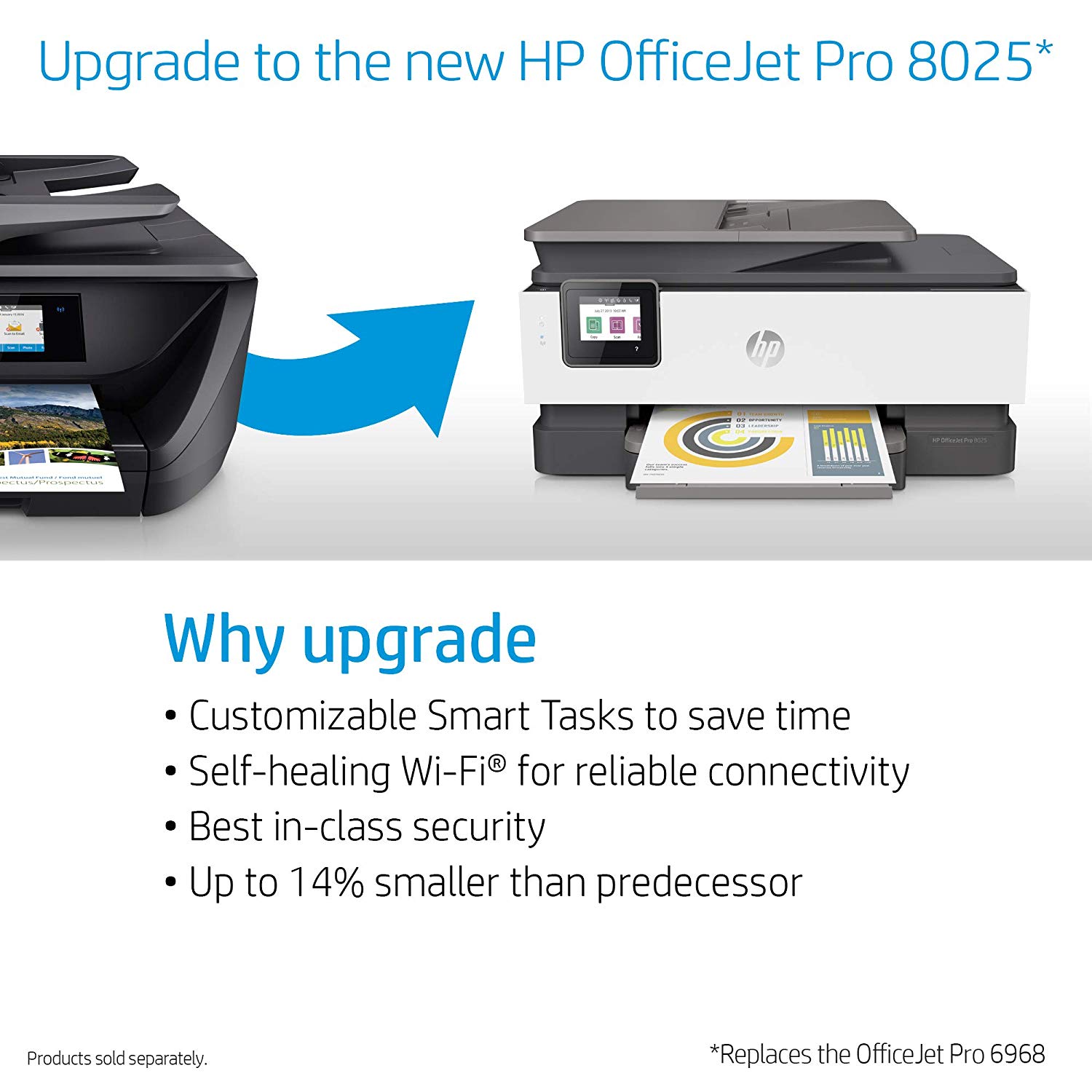
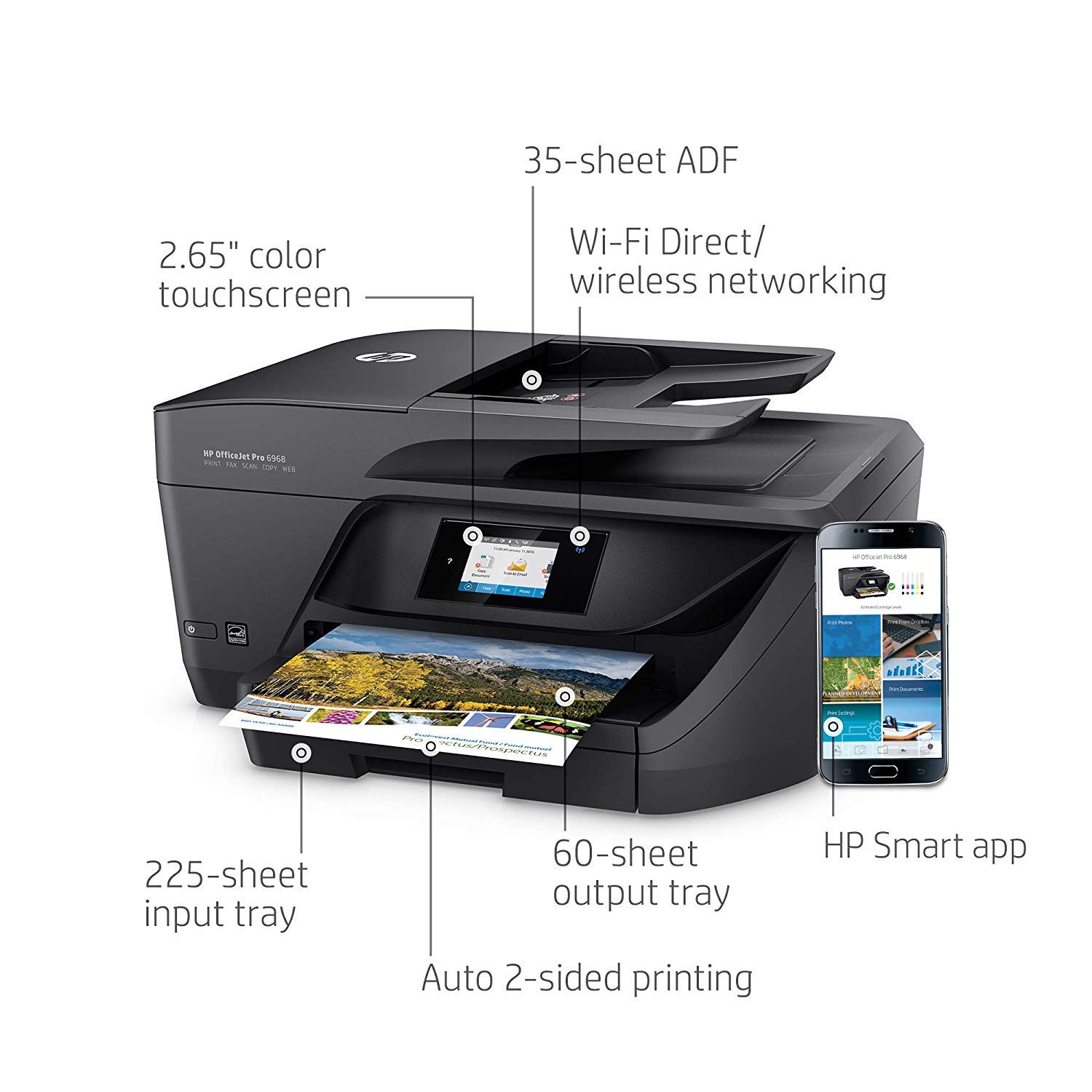
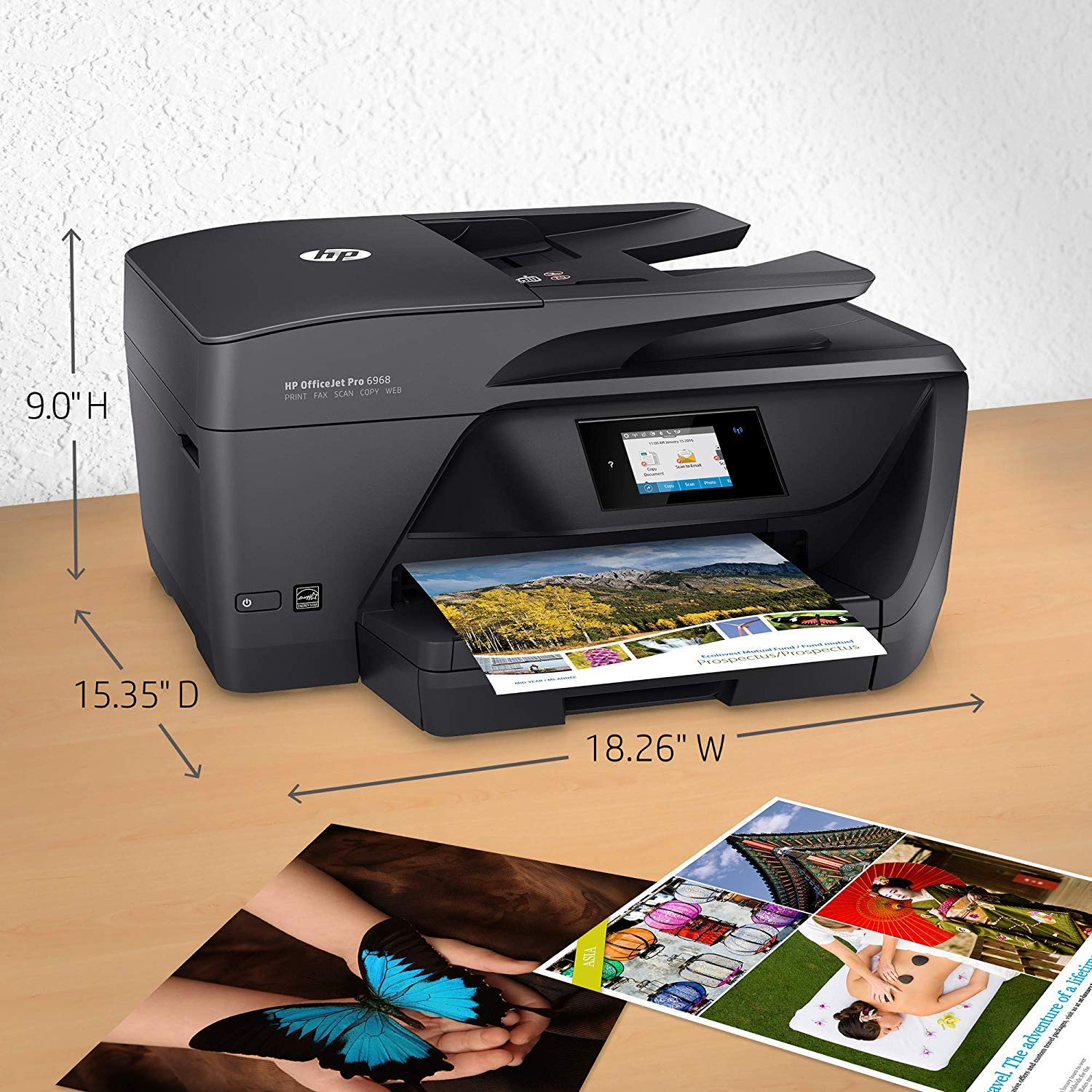
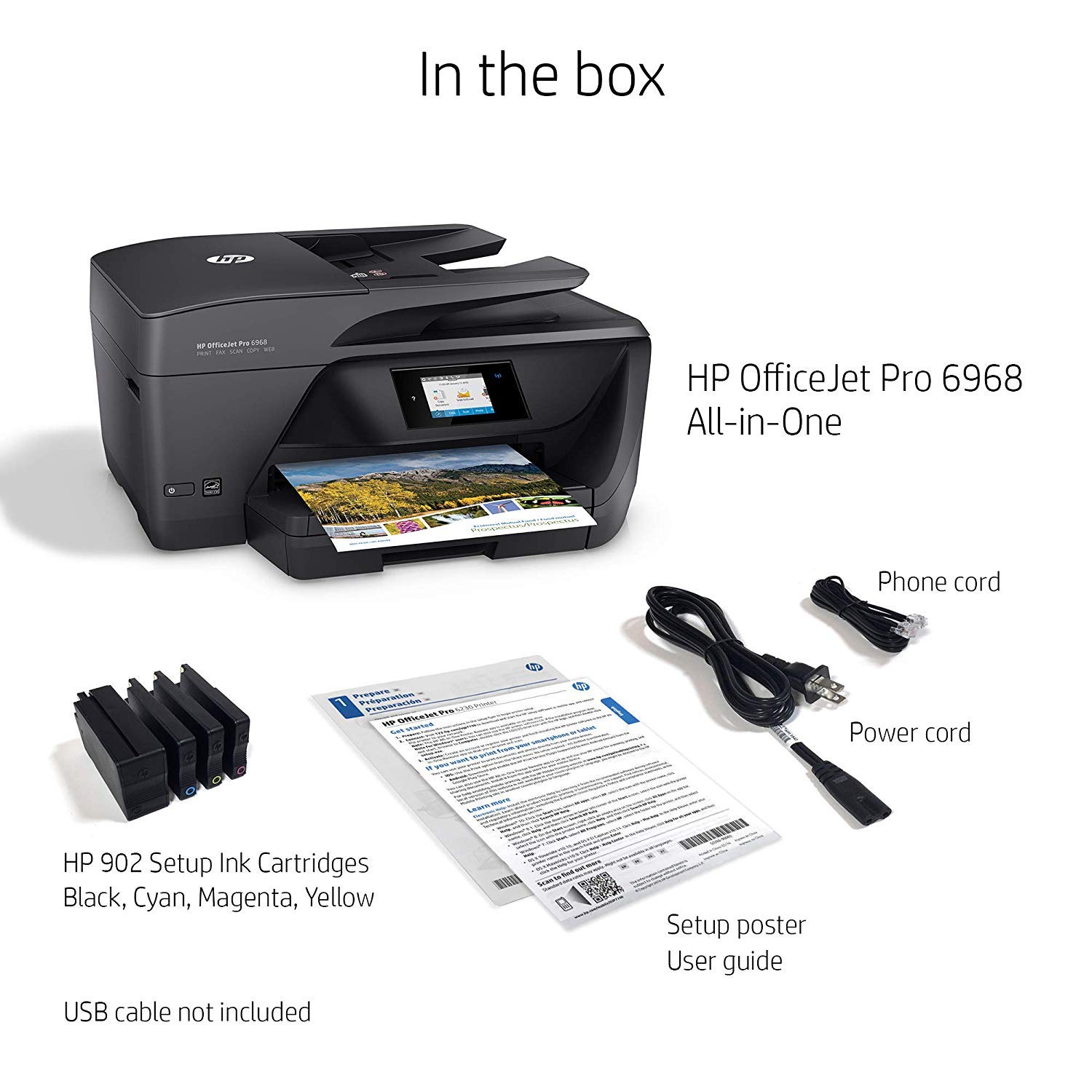
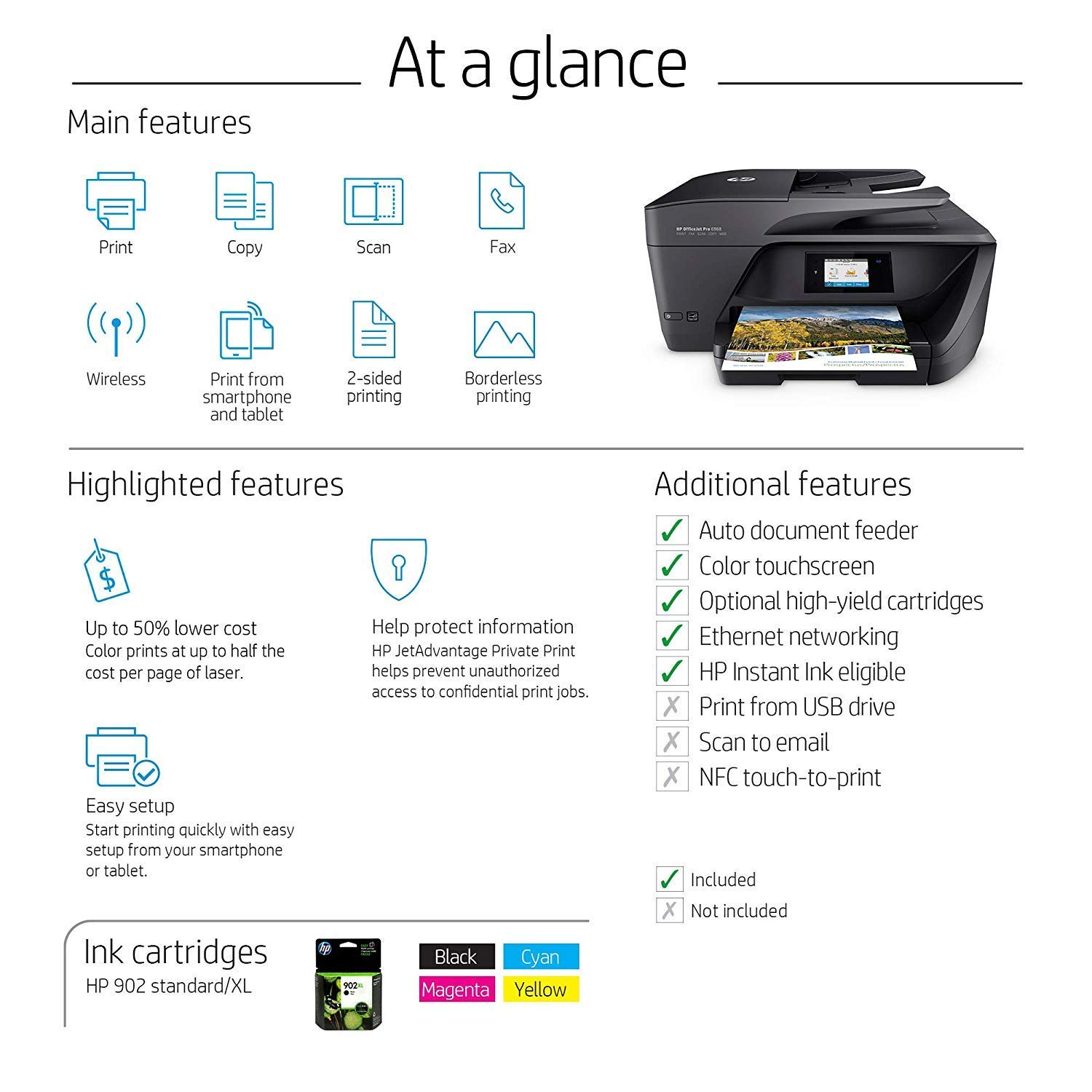
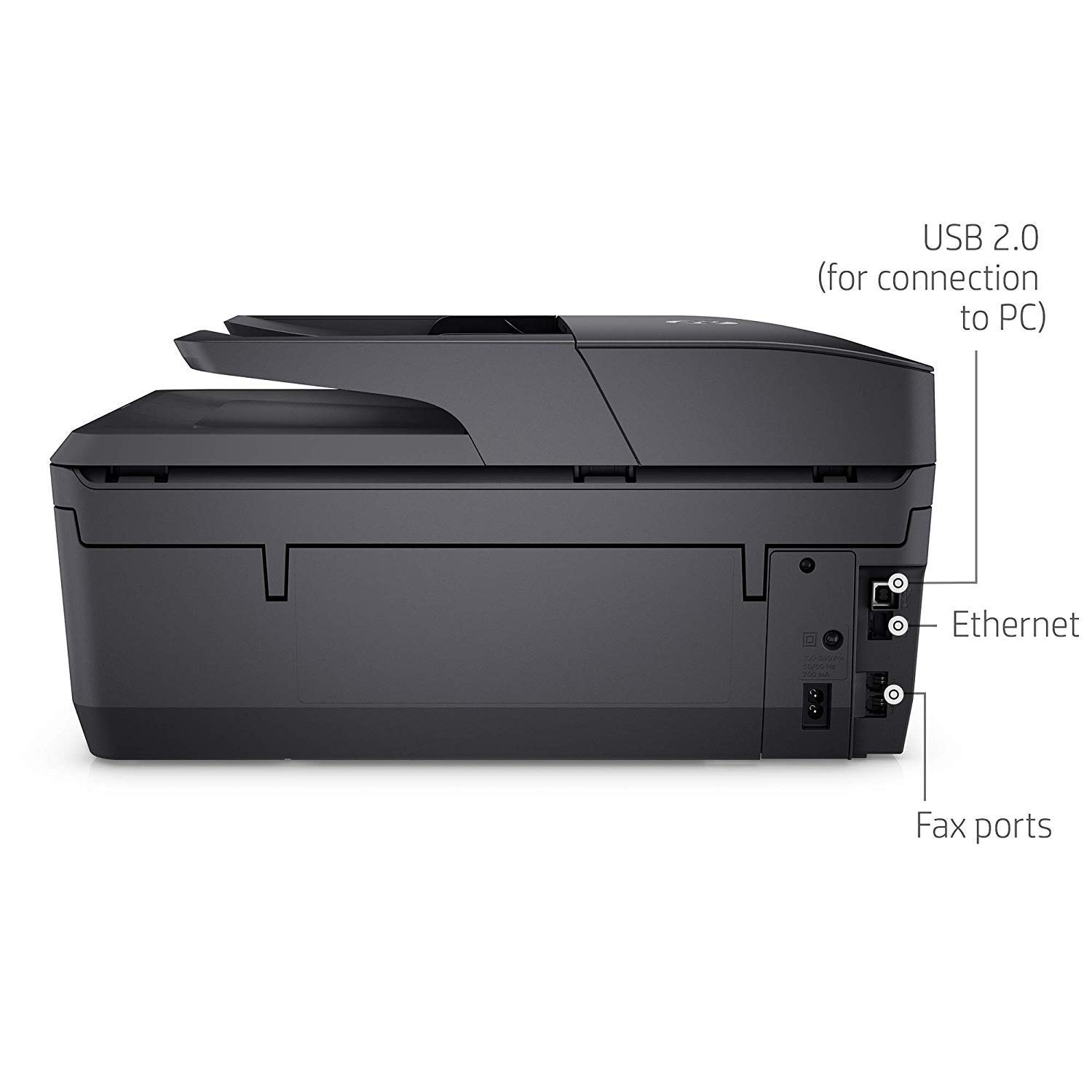
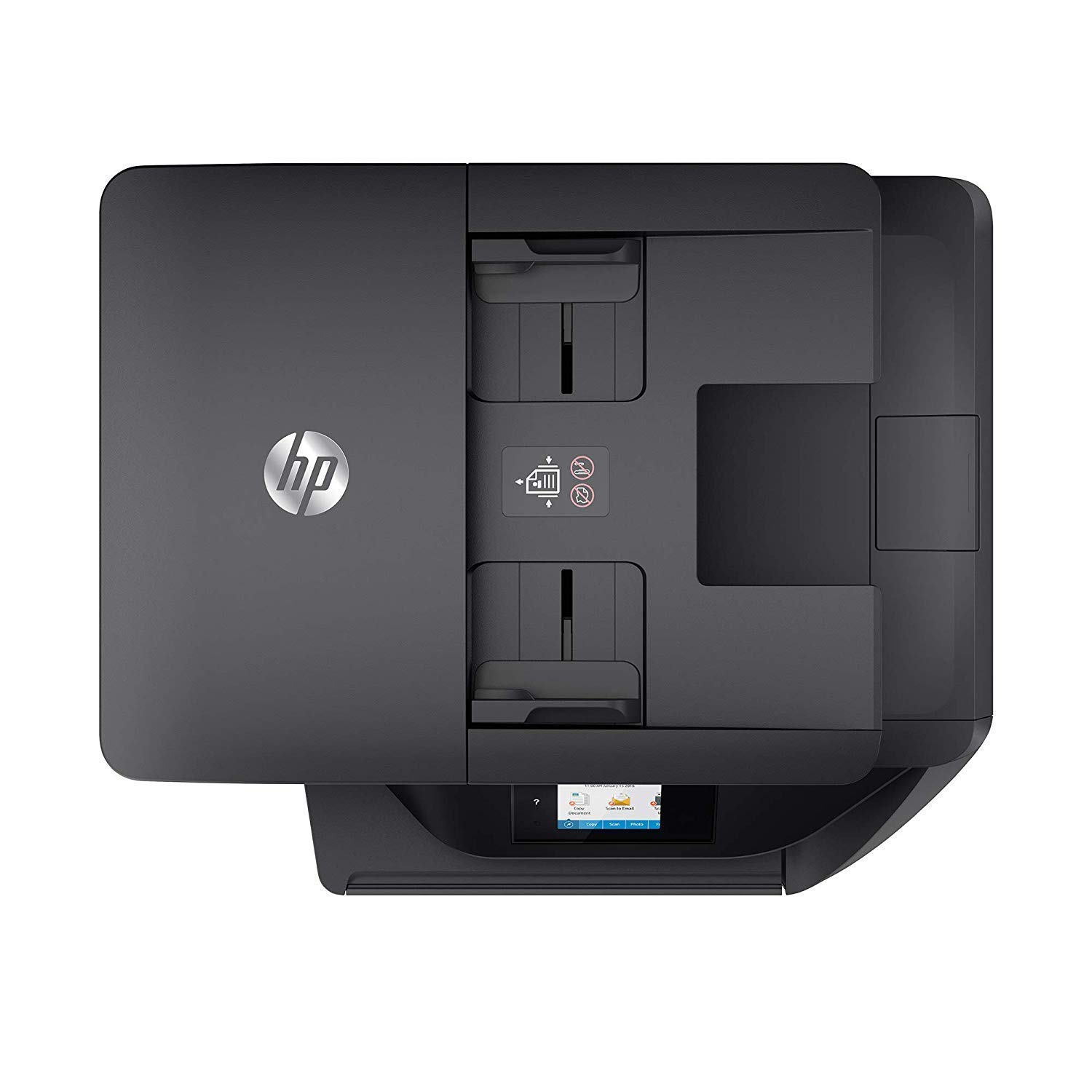
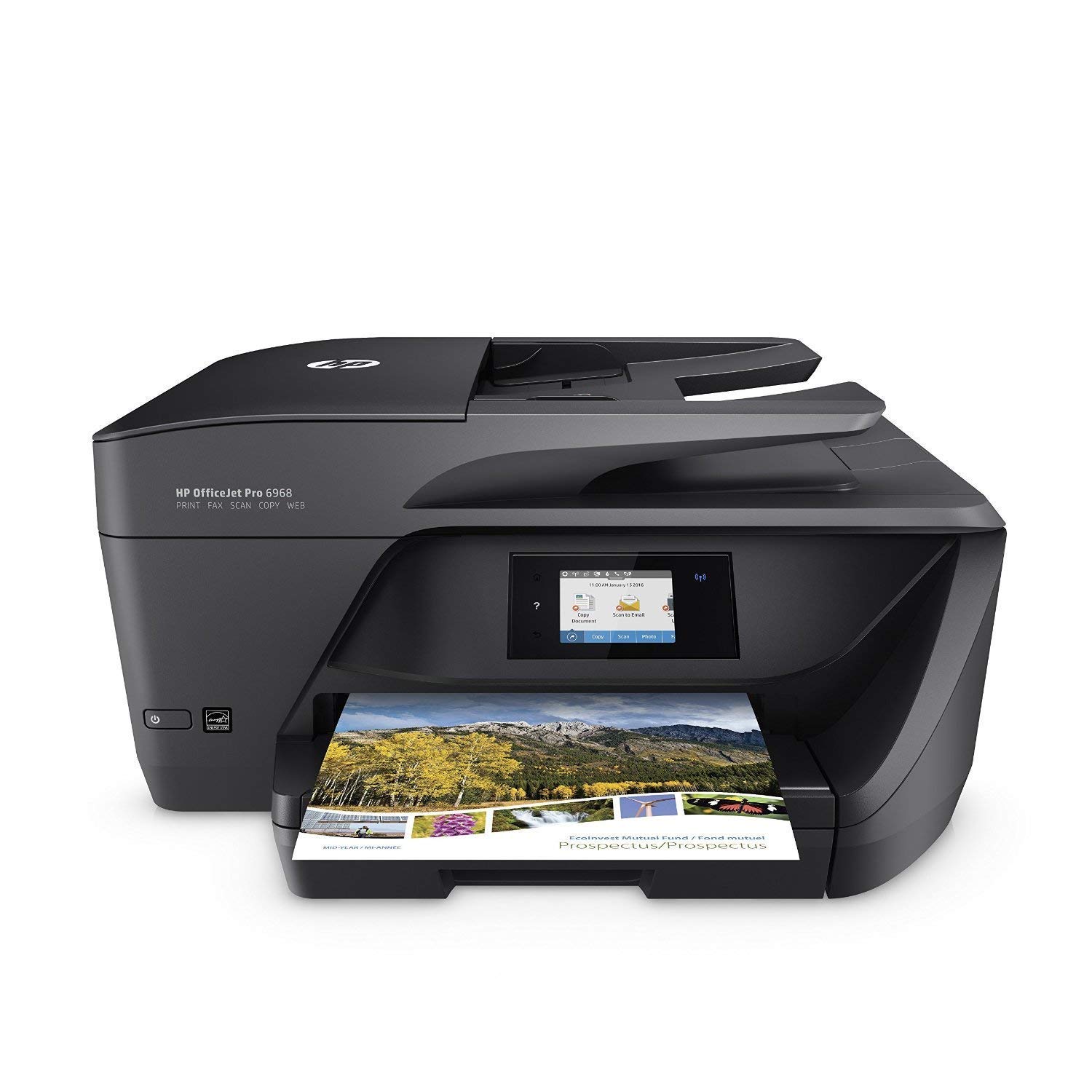
HP OfficeJet Pro 6978 All-in-One Wireless Printer with Mobile Printing (T0F29A) and Instant Ink Prepaid Card for 50 100 300 Page per Month Plans (3HZ65AN)

Write a review
B07CTR4TTP
Printer + Instant Ink Prepaid Card
Target is a general merchandise retailer with stores in all 50 states and the District...

City: US, New York

Delivery
Pickup at your own expense
Tomorrow from 09:00 to 20:00, Store location
Free
Payment options
Apple Pay Google Pay Mastercard Visa
Cash, bank card, credit/installment payments, cashless payment for legal entities
Warranty and returns
Exchange/return of products of proper quality within 14 days Official manufacturer's warranty: 12 months
Features
Style
Printer + Instant Ink Prepaid Card
Description
This fits your .
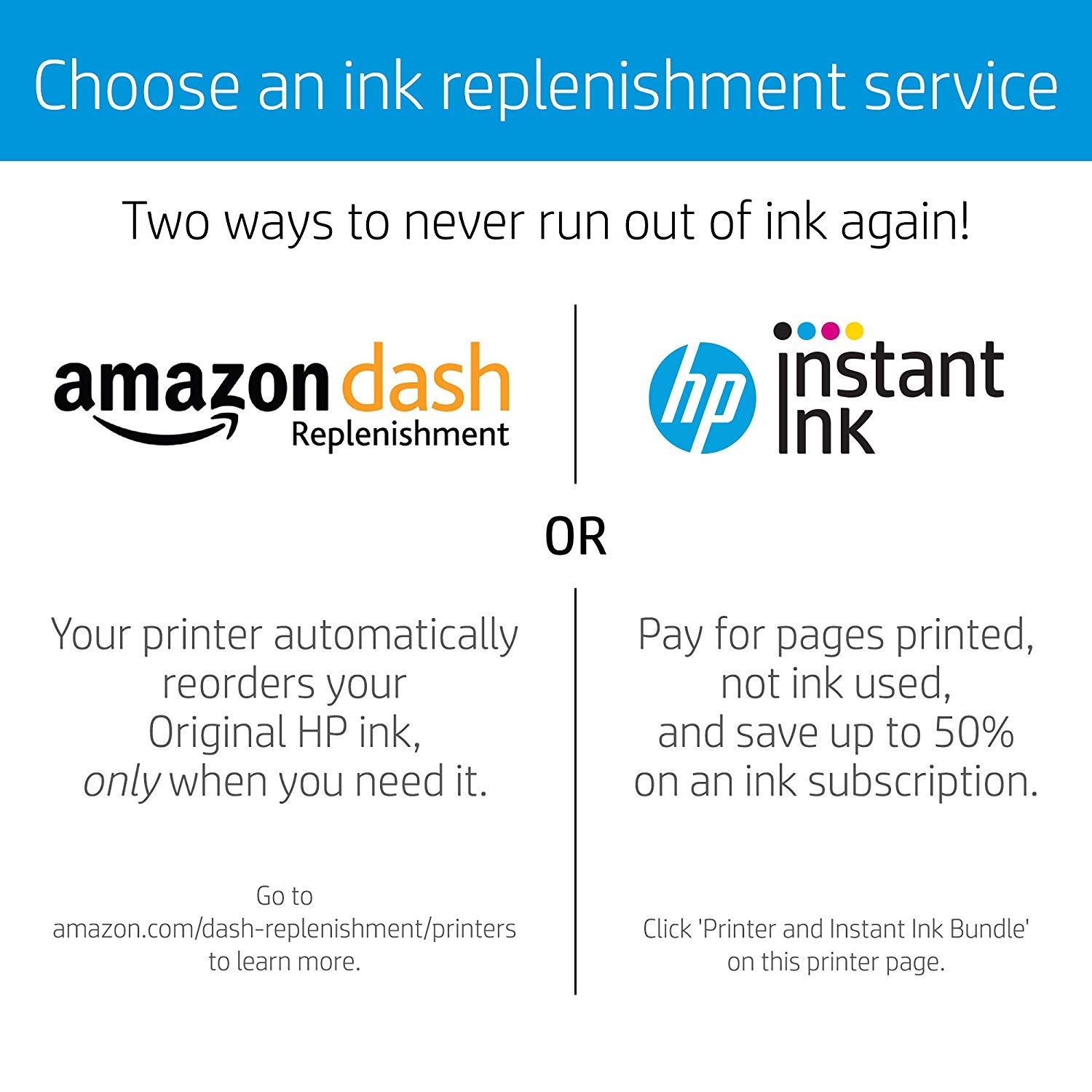
Make sure this fits by entering your model number. NEVER RUN OUT OF INK. This $5 prepaid card will facilitate the setup of an Instant Ink account. Ink, shipping and recycling are all included in a monthly HP Instant Ink plan. $5 is credited to your Instant Ink account upon setup and will be applied to whichever plan you choose. Monthly plans available include 50-page, 100-page, and 300-page plans. Card is not required for account setup but is a convenient way to get started on HP Instant Ink Instant Ink bills by pages printed each month, not by ink used. Black ink, color ink, shipping and recycling are all included in your service Change or cancel service anytime (note: you will need to install traditional ink cartridges if you cancel) This card can be combined with any other Instant Ink offer which may be provided from HP Want to learn more? Watch the video on this page
Reviews
1.8
Reviews: 20
5 stars
15%
4 stars
5%
3 stars
0%
2 stars
5%
1 star
75%
Richard K
1
I cannot begin to say how disappointed my wife and I are with this printer. If I had any sense, Id walk it to the trash can rather than waste one more minute with it. Weve been purchasing HP printers since the mid 1980s and have never seen such funky printer driver software. The driver caused my wireless HP Officejet Pro x451dw to fail and since I gave up and handed it to her (some rotten husband I), she is wild with frustration (and she was a LAN manager for a large firm, very skilled) but the scanner driver has stepped on her Scanjet. This may be the last product from HP that my wife and I purchase. Do yourself a favor and avoid this sad piece of technology.
Karin
1
Terrible connectivity and software issues. As so many people have stated, and yet I held out faith that it would work for me. Im a Software Consultant, which by no means makes me an expert, but I say that just to indicate that I have decent knowledge of how to set up wireless connections and install drivers. The setup process was not smooth, and I frequently got an error that the setup tool could not connect wirelessly (Ive never had issues with any other wireless setup - printers, laptops, phones, etc.) and even when I was able to get my printer connected on one attempt, the printer would not scan - instead the software would hang and eventually I gave up and quit trying. Its great that some people were able to overcome these issues and make the printer work, however in my opinion, printer installation should be seamless and require almost no effort. Its not worth my time to spend any more minutes troubleshooting these issues - and if its any indication of issues that could occur over the next couple years with this printer...no thank you. FYI - Im on Windows 10, 64-bit.
Jim Horst
1
This printer is a piece of junk. It never prints without streaks or missing lines. Every time I have to clean the heads through all three cleaning processes. I would like to return it for another one, if possible. I have been a good customer to Amazon and would appreciate it if I can return this one and try another. I travel a lot and am not home to always use the printer. I have attached a picture of what it looks like after the third level of head cleaning. Thank you very much
Maine Shopper
1
I have had a problem from the start with the wifi connection to this printer. After a few hours, i either need to restart the printer or my router to get it to work. I contacted HP support and gave them access to my laptop and they insisted the problem was fixed but it wasnt. Unfortunately, i guess I waited too long to return it to Amazon, so it will have to go to the electronics recycler. Have already ordered a different printer. Very disappointed.
Jim G.
1
Perhaps this is my unique experience, but unit was unpacked, set up, connected, and ink (privided with printer) installed as per manufacturers directions. Powered up, and immediately got a paper jam message that I am unable to clear. Followed instructions on printer - no progres. Went to HP Site, followed instructions - no progress. Very frustrating
Product variations
Column filling
Sort by Price Sort by Availability Sort by CODE Sort by Style
Contact us for a price
In stock
B01HSYFIA2
Style:
Printer + 4 Color Ink Cartridges
Contact us for a price
In stock
B01HSYHM0Q
Style:
Printer + 4 Color High Yield Ink Cartridges
$8900
In stock
+
B01FS2W6KG
Style:
Printer
Contact us for a price
In stock
B07CTR4TTP
Style:
Printer + Instant Ink Prepaid Card
You may be interested
  • Bestsellers
  • Recently Viewed
 
Fast and high quality delivery

Our company makes delivery all over the country

Quality assurance and service

We offer only those goods, in which quality we are sure

Returns within 30 days

You have 30 days to test your purchase