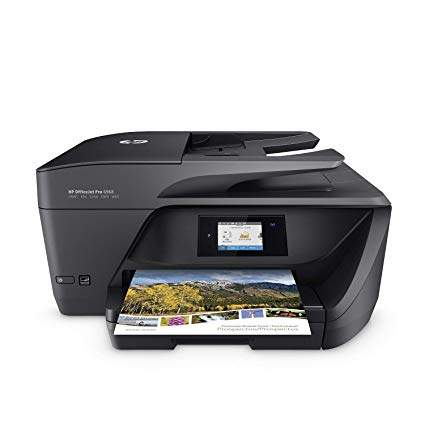
HP OfficeJet Pro 6968 All-in-One Wireless Printer, HP Instant Ink & Amazon Dash Replenishment ready (T0F28A)
اكتب تقييم
$‎ 8900

HP OfficeJet Pro 6968 All-in-One Wireless Printer, HP Instant Ink & Amazon Dash Replenishment ready (T0F28A)

اكتب تقييم
B01FS2W6KG
Printer
Target is a general merchandise retailer with stores in all 50 states and the District...

المدينة: US, New York

Delivery
Pickup at your own expense
Tomorrow from 09:00 to 20:00, Store location
Free
Payment options
Apple Pay Google Pay Mastercard Visa
Cash, bank card, credit/installment payments, cashless payment for legal entities
Warranty and returns
Exchange/return of products of proper quality within 14 days Official manufacturer's warranty: 12 months
Features
Connectivity Technology
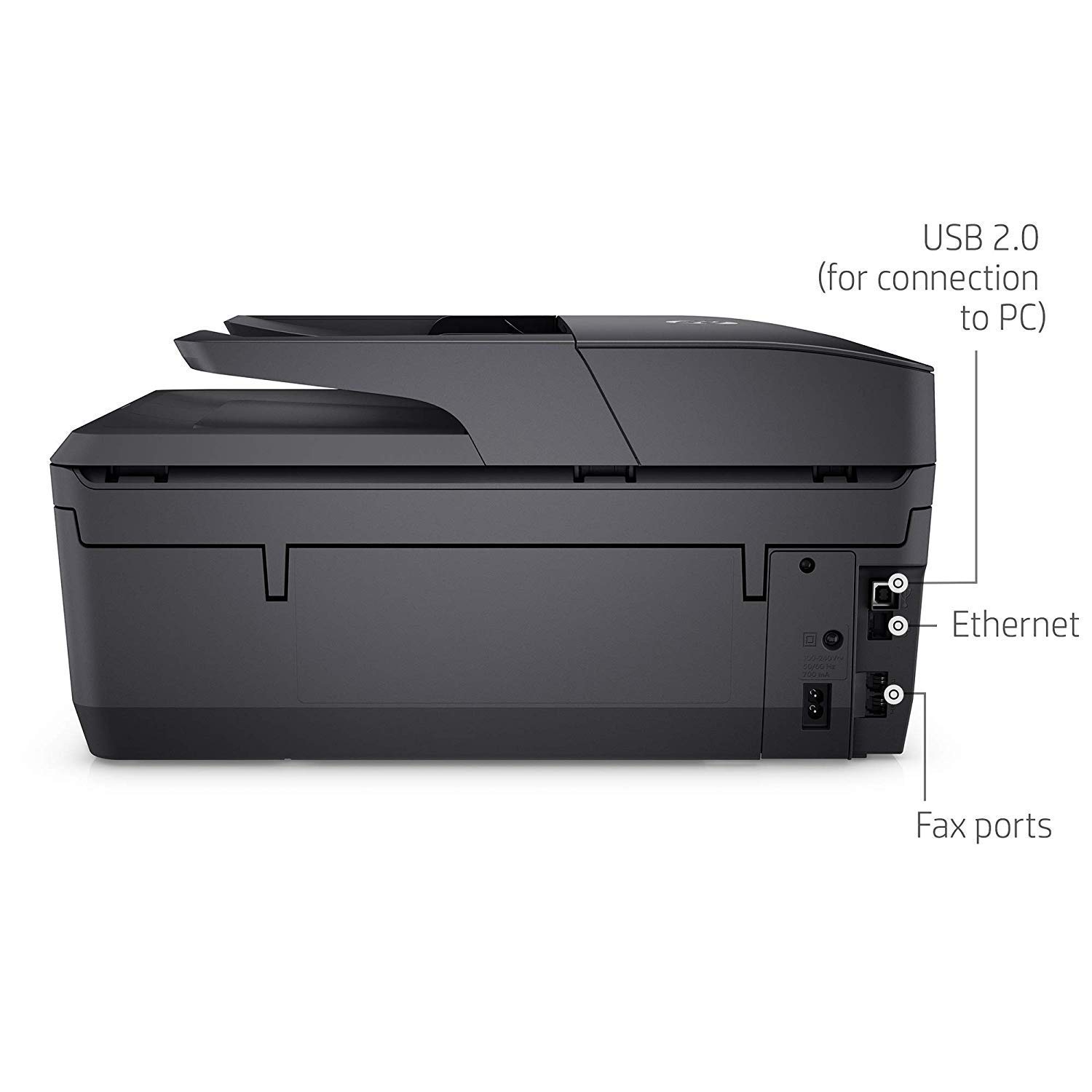
USB; Ethernet; Wireless
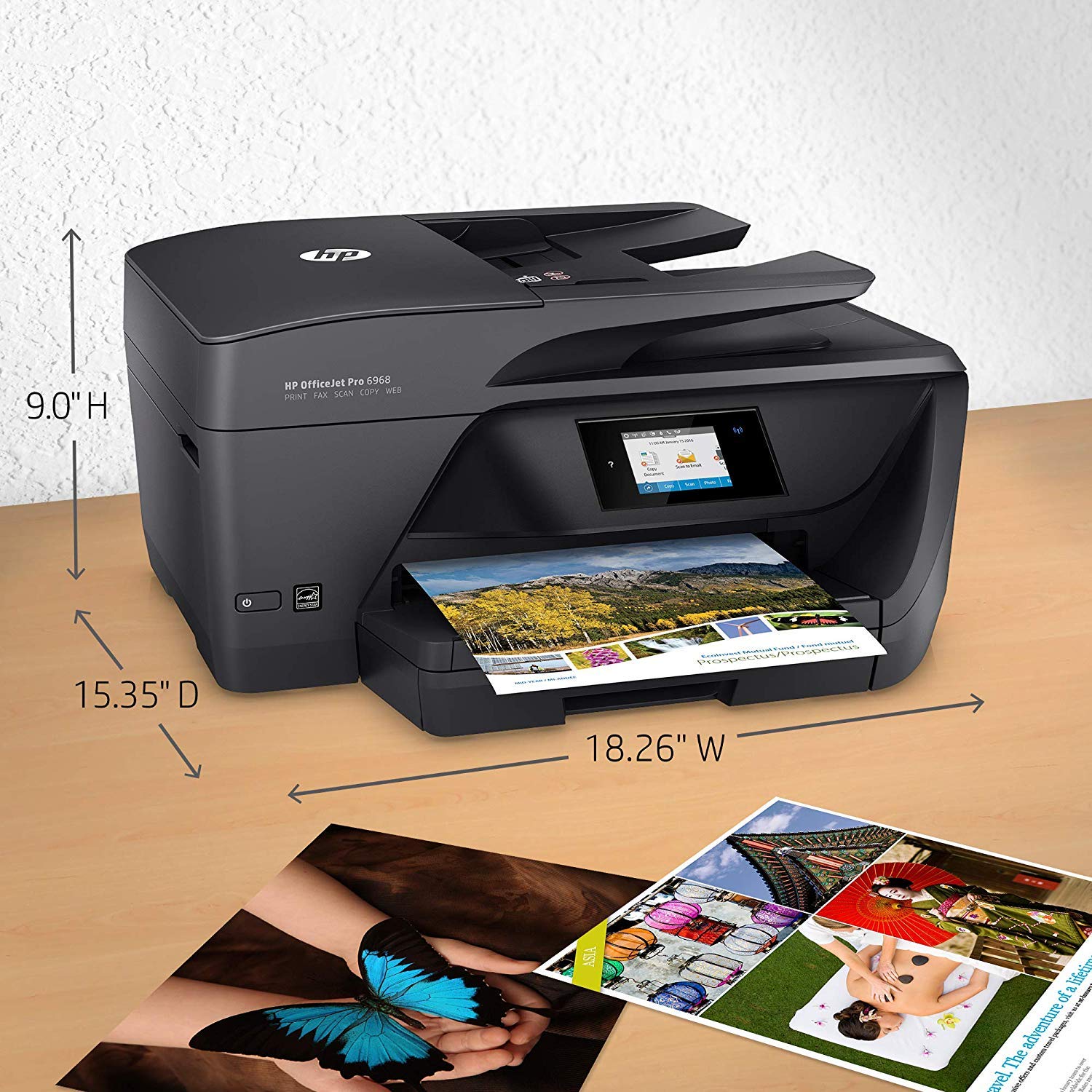
Item Dimensions
15.35 x 18.26 x 9 in
Item Weight
17.7 lbs
Operating System
  • Windows, Mac, Linux
Printer Output
Color
Printer Technology
Inkjet
Style
Printer
Wireless Type
802.11bgn
Description
This fits your .
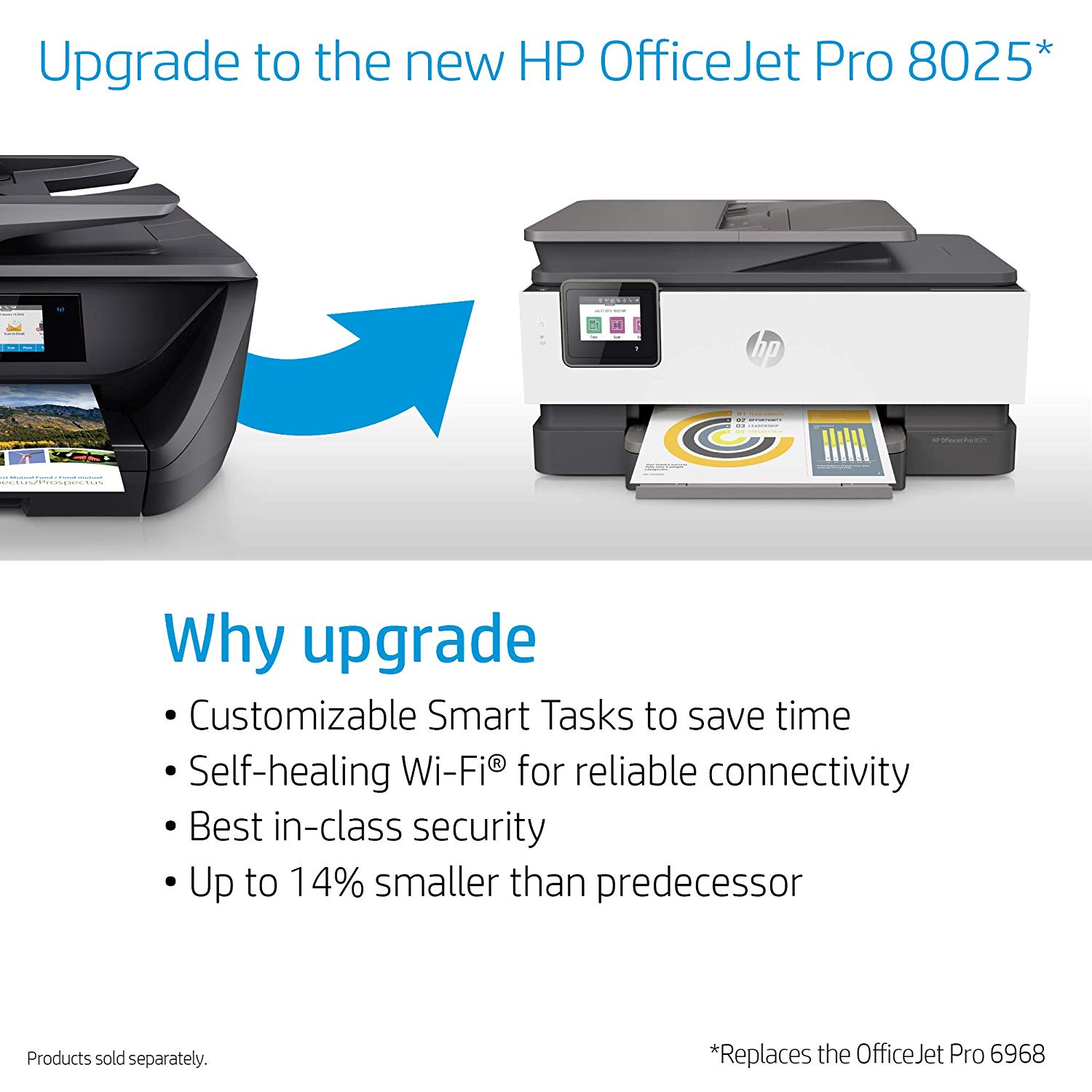
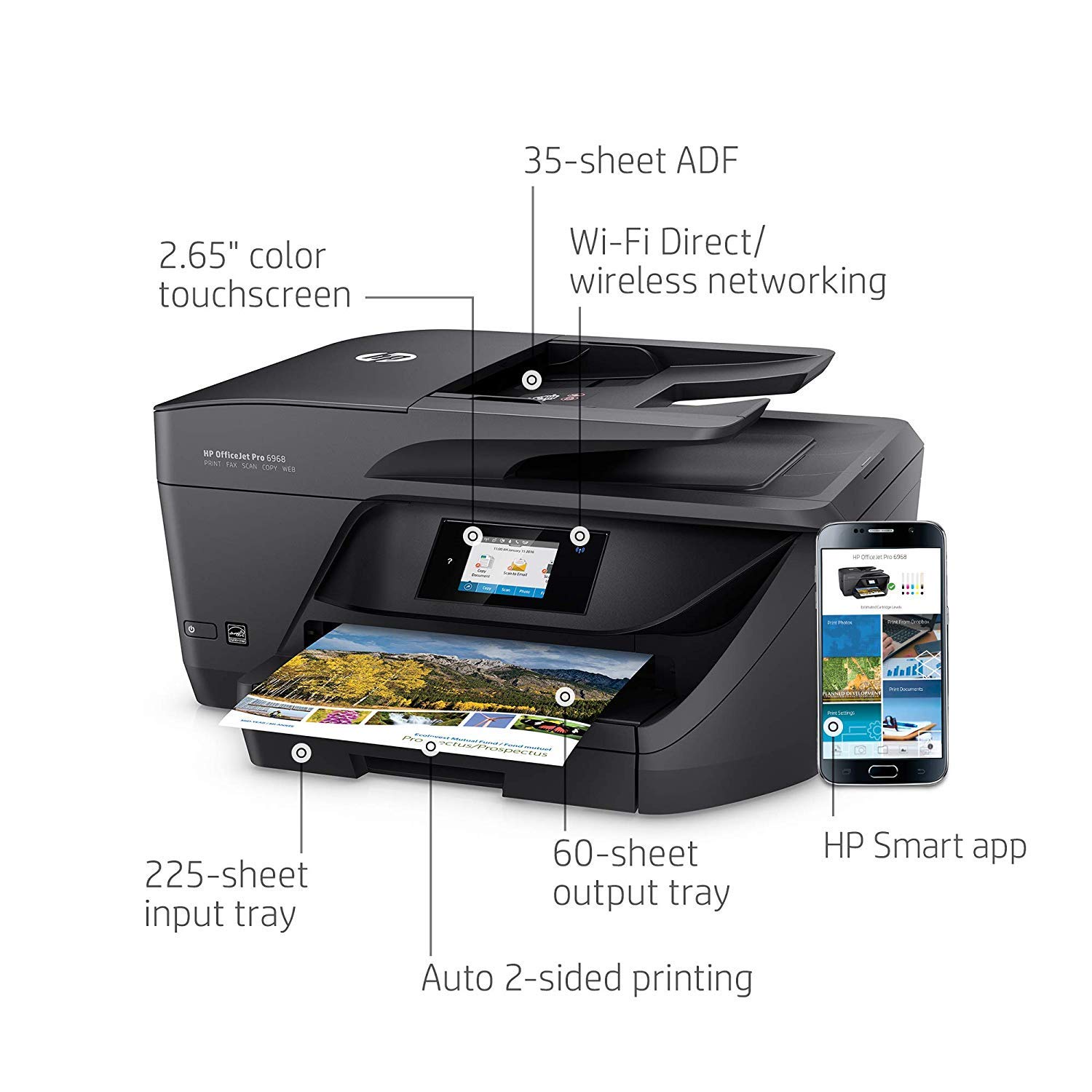
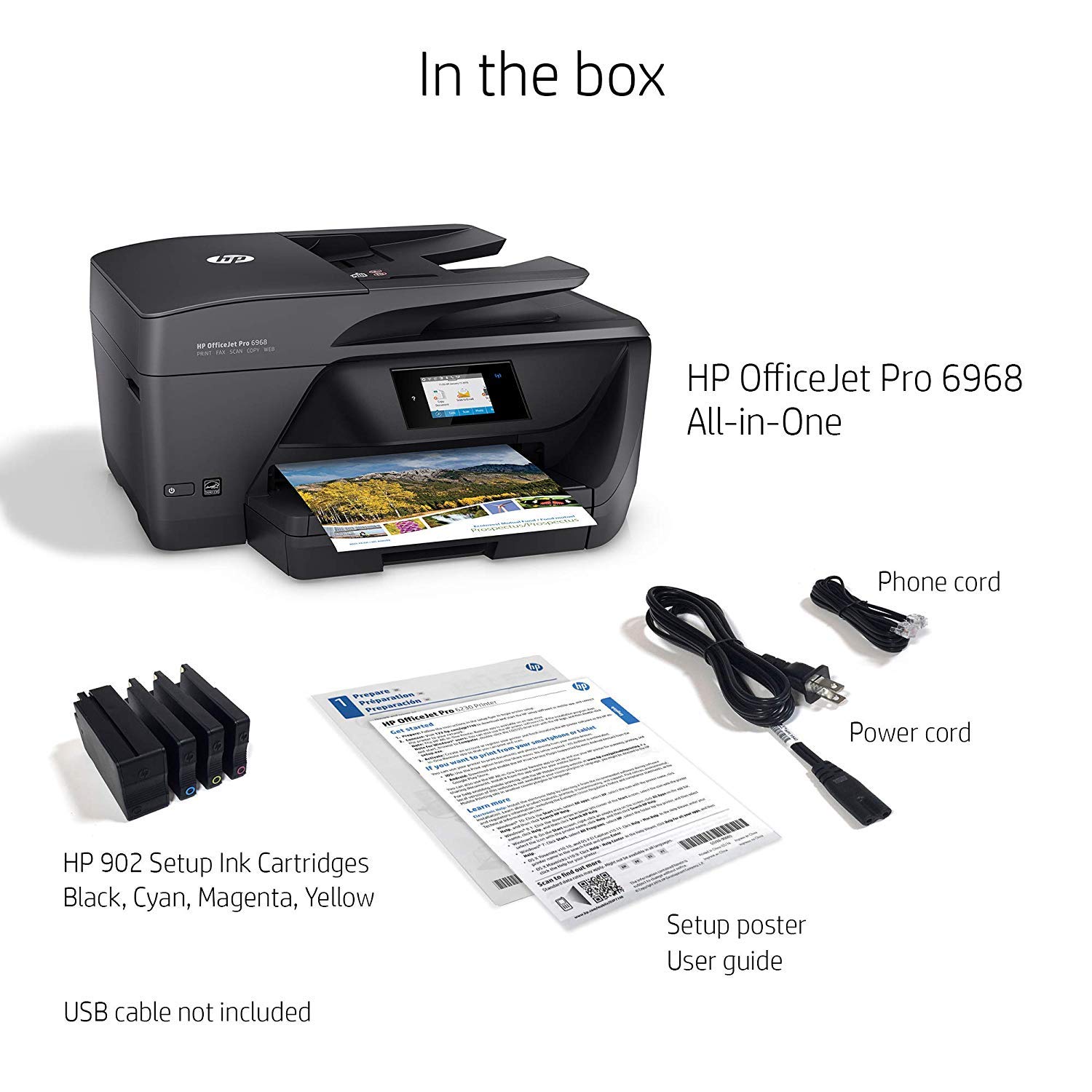
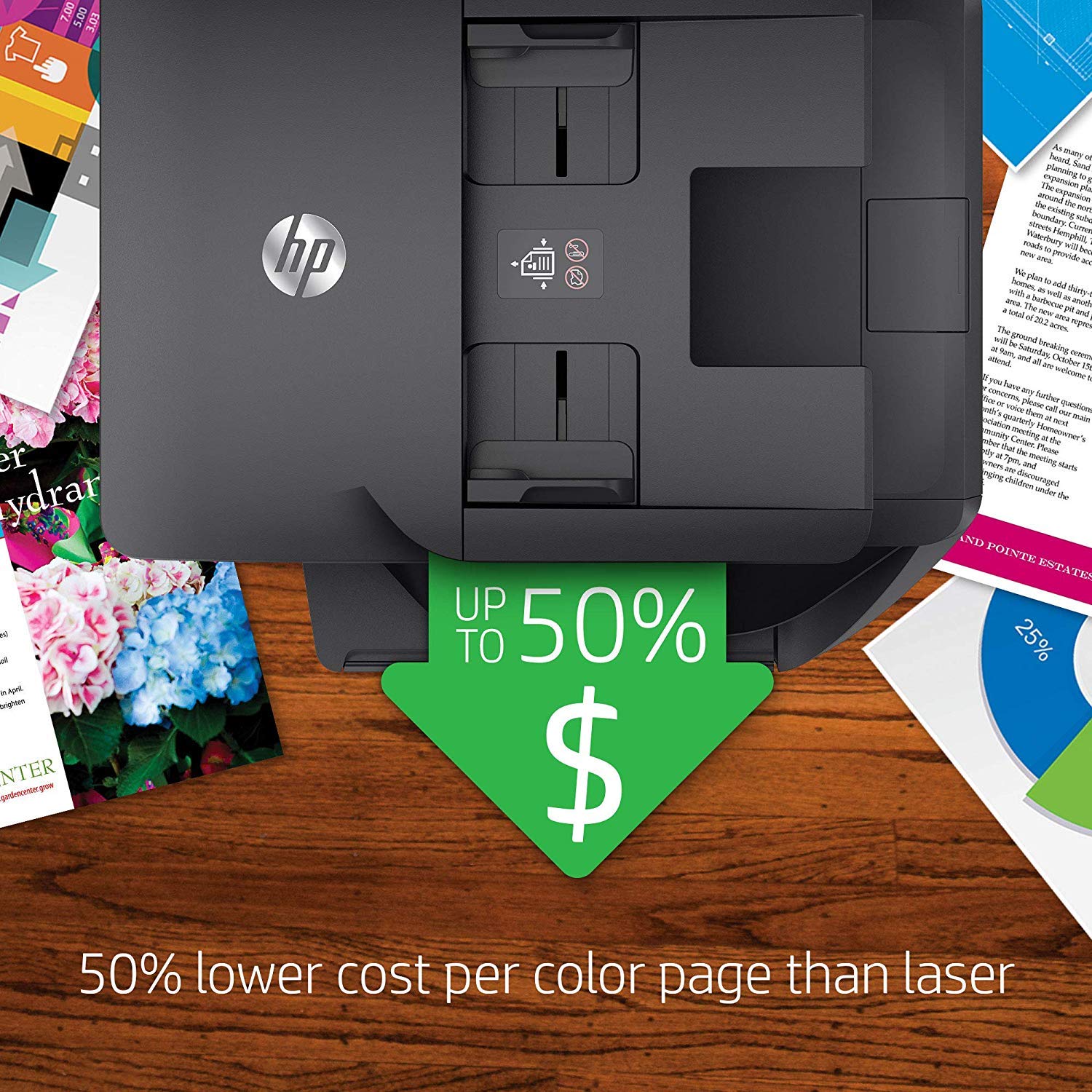
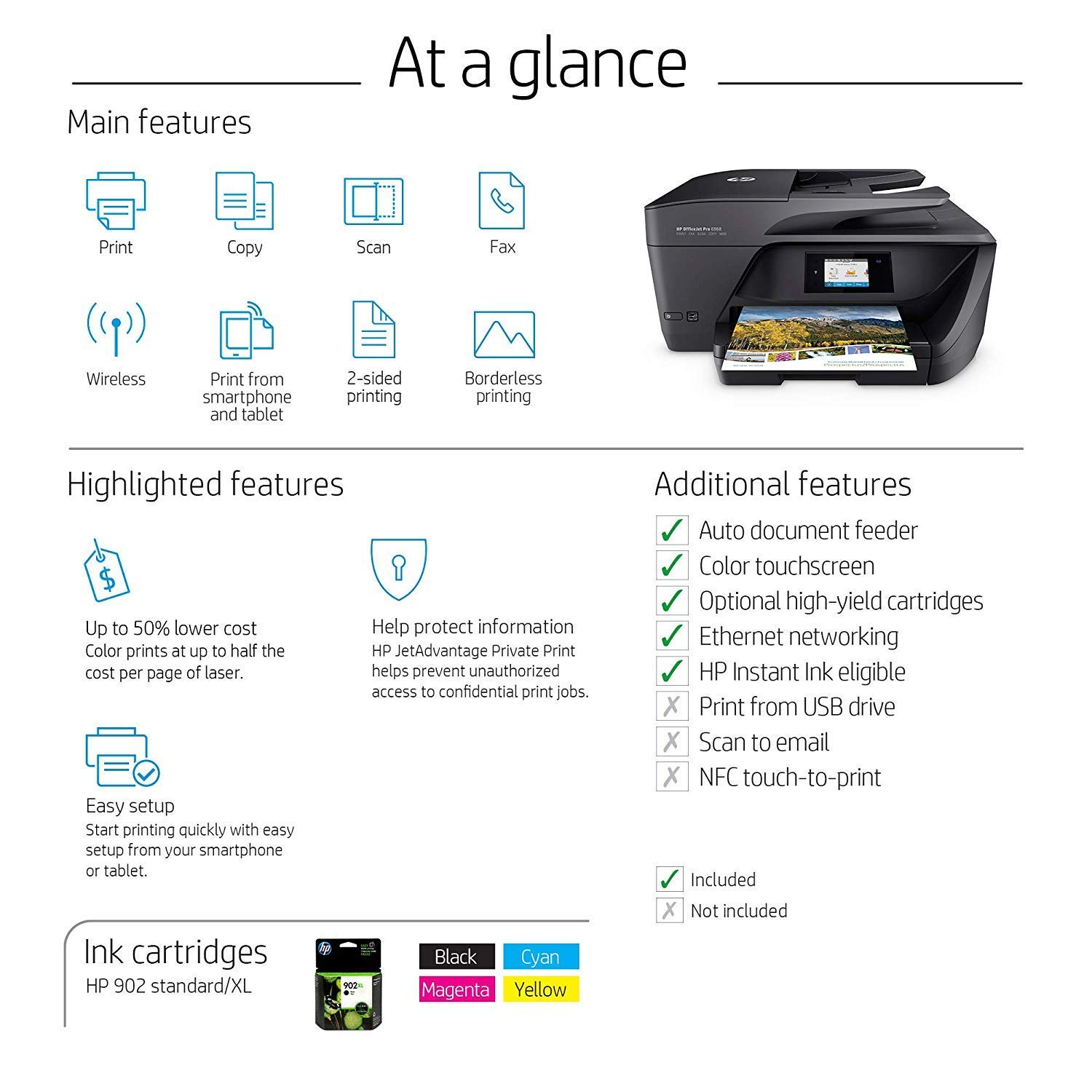
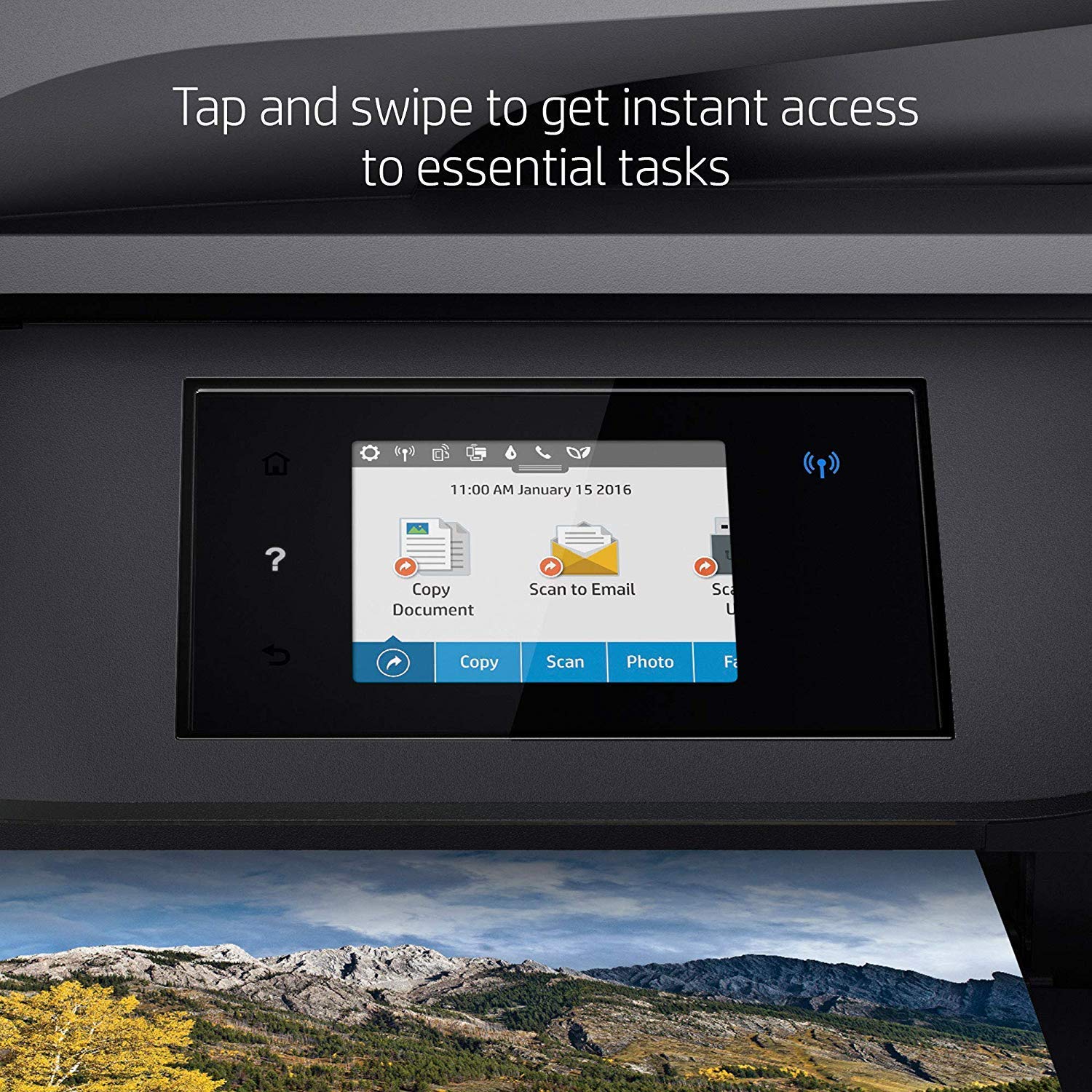
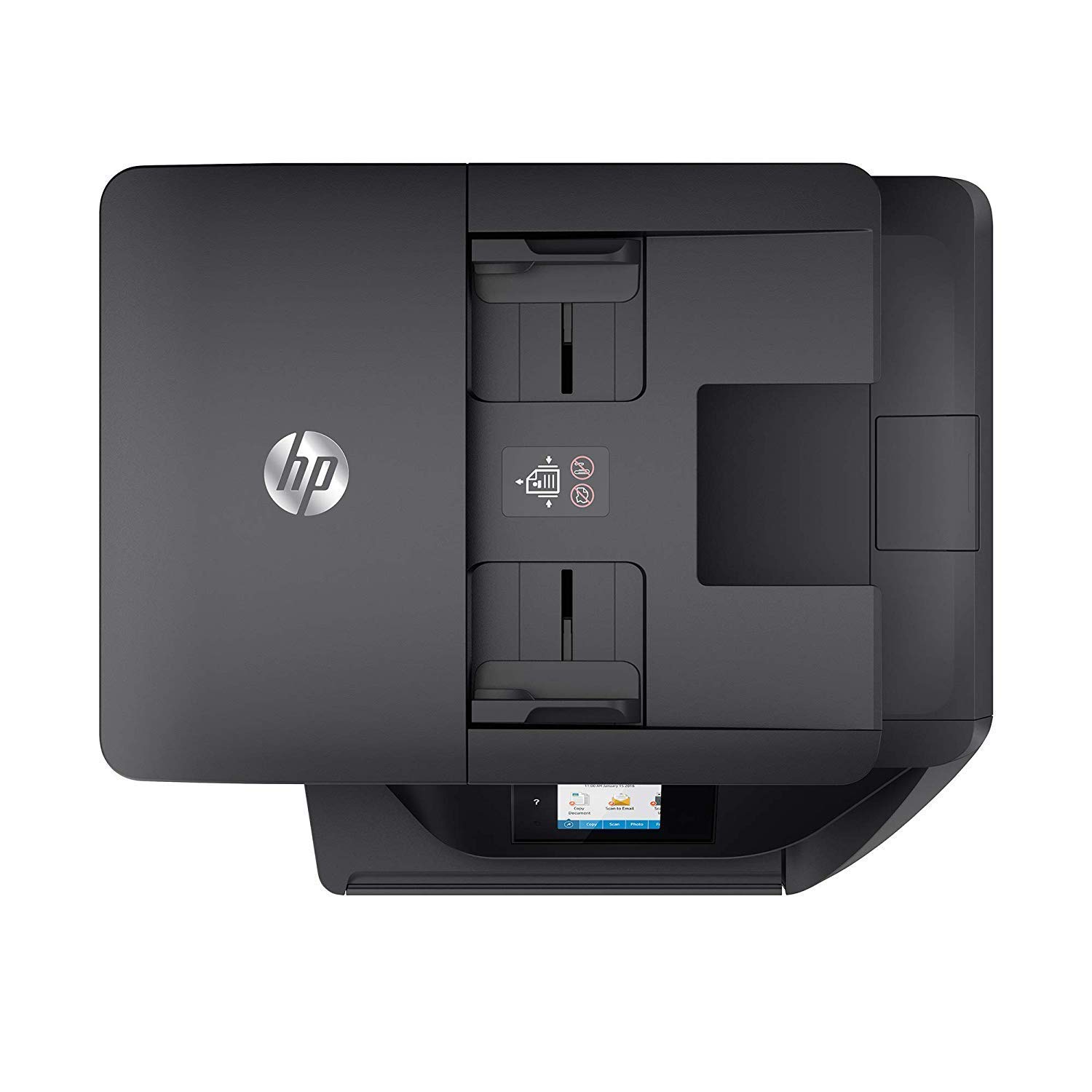
Make sure this fits by entering your model number. Main functions of this HP color inkjet photo printer: copy, scan, fax, wireless printing, two-sided duplex printing, color touchscreen, automatic document feeder, Instant Ink ready so you'll never run out of ink, and more Easily print when and where you need to from your smartphone, tablet, or notebook PC. Get convenient mobile printing options and mobile setup. Connect the way you want to with Ethernet and wireless networking Built for business. Produce fast professional-quality color for 50% less than lasers, save paper, and handle more tasks without slowing down HP OfficeJet Pro 6968 is ideal for the home office or small workgroups that need professional-quality, affordable color with powerful productivity and fast functionality Choose an ink replenishment service - Save up to 50% with HP Instant Ink or Save 10% on all reorders with Amazon Dash Replenishment. With Dash Replenishment, your printer detects when you are low and places a smart reorder. No subscription fees. Includes most features of HP OfficeJet Pro 5700 series plus higher print speed of up to 20 pages/minute (black) and monthly duty cycle up to 20,000 pages Paper sizes supported: A4, Letter, 5x7 in, 4x6 in, Legal, 4R, L, Panoramic/10x30 cm, 10x15 cm, 10x15 cm plus tab, 13x18 cm, 4x8.5 in, 13x18 cm One-year limited hardware warranty; 24-hour, 7 days a week Web support
Reviews
1.8
التقييمات: 20
5 نجمة
15%
4 نجمة
5%
3 نجمة
0%
2 نجمة
5%
1 نجوم
75%
02nz
1
Ergh. I wanted to like this printer. And for the first few months of ownership it worked just fine. It printed faster and with better quality than the Epson WF-3620 that it replaced. But about four months in, after no more than just a few prints a week, the problems started. First I got a cryptic error message on the display that wouldnt go away no matter how many times I restarted the printer. Chatted with HP support for about two hours, and finally they instructed me to use a special series of key presses (a super-reset, I guess) that cleared up the error code. It hasnt recurred since, but I was pretty annoyed that I wasted all that time. Then I discovered that the ADF duplex function didnt work properly on this printer - when trying to scan or copy a two-sided document it would always pull two pages at the same time but slightly offset (single-sided was fine, and trying different documents didnt solve the issue; strangely my parents printer of the exact same model doesnt have this issue). Figured Id live with the problem and just scan/copy single-sided. But today the printer started giving an "out of paper" message even though the cartridge was loaded with paper. No amount of restarting the printer, reloading the paper tray, or trying different paper would get rid of the message. Back to the Epson. HP, youve let me down, and I wont be buying one of your printers again. UPDATE 10/18/2017: The out of paper message on my OfficeJet Pro 6978 went away after the printer was unplugged for a few months. Who knows how long it will work properly before it malfunctions yet again. I also made the mistake a year ago of buying another of the same model for my parents, who also use theirs very lightly. Guess what - a week ago, 9 days after expiration of the warranty, the printer gave the same cryptic error message I had gotten earlier on mine, insisting there was a paper jam when there was not, and then indicating there was a problem with the “printing system.” No amount of restarting or even the hard reset HP support showed me earlier would make it go away. I’ve NEVER seen failures like this with any printer I’ve used, inkjet or laser. Done with HP!
Creative elbell
1
I purchased this for an 83 year old lady friend. It worked great for the first month. Since then it has started streaking. Even after cleaning the heads--multiple times--it is still streaky. Ive changed out the ink cartridges. And changed out the ink Cartridges again. so its not them. Very frustrated. Ive attached several pictures. These scans were after I had run the clean the printheads 5-6 times. then the next one is after I changed out the cartridge and cleaned the heads another 5 times.
Just Molly
1
This printer is great...if you enjoy spending your time replacing ink cartridges and cleaning printheads repeatedly. It was easy to install, and that the last thing easy about using it. It is constantly grabbing my attention for low ink, and when that happens, it will not print correctly...only blobs of certain colors of ink or black text partially prints (with no warning that there is a print problem going on). I am a huge fan of HP printers, but this ink-vampire-masquerading-as-an all in one machine has me jumping ship to something else. To say I am disappointed as a loyal HP customer is a tremendous understatement. I am trashing this printer and going in search of one that functions correctly and dependably.
Neil C.
1
I purchased this to replace an older HP printer that had a bad document feeder. While it solved my scanning problem, the printer is not good at all. Now, I dont use the printer often and that is probably contributing to the issue but I have an Epson all in one ink jet in a vacation home that I use every 6 months and works flawlessly. The problem is that the jets continually clog up on this printer. Running a cleaning cycle seems to use about 20% of the ink in the cartridge so in the last few months, I have printed a total of 10 pages and gone through an entire ink cartridge because I need to run multiple cleaning cycles to get the print heads clean just to print a single page. Today, I needed to print something and actually ran out of ink just trying to clean the print heads so I have to run to Office Max to pay to have something printed. By the way, I should note that i have only used original HP cartridges, well that wont be the case anymore. Im going to only buy cheap ink until I replace this with an Epson.
juno
1
This is absolutely the worst piece of equipment I have ever purchased. I very rarely review my Amazon purchases, but I had to review this one, because its so frustrating and infuriating. About 75% of the time, when I try to print something, the computer says the printer is not connected (despite the fact that it IS connected, and not wirelessly but with a cord); when I restart the printer, then it works. But seriously, this is SUCH a pain in the ass. And during the past week, some kind of malfunction has caused the printer to swiftly spew out pages with bizarre symbols across the top edge that bear no resemblance to what I was trying to print. So thats a pain in the ass AND a serious waste of paper. Speaking of waste, do not waste your time with this printer. I have never owned anything that performed this poorly.
Anthony Willingham
1
HP released a firmware that sabotages third party ink cartridges. It had a time delay so everyone was sure to upgrade before the bomb exploded, ensuring the warning would come too late. The firmware was released in March 2016 but was designed not to "explode" until Sept 2016. Anti-competitive? You bet. Long time HP customer gone forever? You bet. They finally admitted to sabotaging third party ink cartridges in late Sept in an apology letter.
Dixie Lee
1
Every time we print, the print heads need cleaned. We have spent over $150 in ink in the first month we used this printer. Called HP and was told this needs done each time you change ink and/or once a month. The amount of ink you use to clean the print heads is too much. I was on the phone with a rep for 45 minuites. It took 3 cleanings to get the right print. This used 1/2 of each ink container, which was about $45.00. I would never buy another HP Product with this kind of customer service. This printer should be replaced. They offered to send a new print head. Who knows how to put this in?
GiGi L.
1
Totally regret buying this printer. Literally NEVER connects to my computer via wi-fi which is the main reason I bought it. Im not sure if its supposed to come with a USB connection, but my package did not have one otherwise I would default to that. And going through troubleshooting never seems to fix it. Im not sure if others have had this problem, but when it does seem to work (which is rare) its only on one computer at a time. So sometimes it will work if Im printing from our desktop computer, but then it wont print from my laptop and then I have to go through set up allllll over again from my laptop. But then of course, it will stop printing from the desktop and only print from the laptop and the cycle continues. Im getting frustrated even typing it out, wish I could return this complete waste of money :( Save your money, time, and frustration and do not purchase.
Paul Hardiman
1
Not even 6 months old and its temperamental. Message: Cartridge Problem One or more cartridges are missing or damaged. Blah Blah Blah We are not heavy users to add insult to injury. Replacement cartridges are expensive enough, that might as well chuck the unit and get a new one. Please God, let there be an honest OEM out there somewhere.
Jennie K Foster
1
Ive had this product since October 16, and it is broken now. It says in the window that it has a paper jam. It doesnt have a paper jam. I followed the directions to clear the jam then it said the printer wasnt shut off properly. The printer was shut down correctly. Now its broken and I just bought new ink. Im a writer and have another business where I need a printer. WHAT WILL I DO? GO BUY ANOTHER PRINTER, HOWEVER, IT WONT BE A HP!!!!!

Showing 10 of 15 review

Product variations
Column filling
ترتيب بواسطة السعر ترتيب بواسطة الامكانية ترتيب بواسطة الكود ترتيب بواسطة Style
اتصل بنا لمعرفة السعر
متوفر بالمخزون
B01HSYFIA2
Style:
Printer + 4 Color Ink Cartridges
$‎ 8900
متوفر بالمخزون
+
B01FS2W6KG
Style:
Printer
اتصل بنا لمعرفة السعر
متوفر بالمخزون
B01HSYHM0Q
Style:
Printer + 4 Color High Yield Ink Cartridges
اتصل بنا لمعرفة السعر
متوفر بالمخزون
B07CTR4TTP
Style:
Printer + Instant Ink Prepaid Card
You may be interested
  • Bestsellers
  • Recently Viewed
 
Similar products
$‎ 9900
New York, US
Gold
Operating System Printer TechnologyLaser
$‎ 66900
New York, US
Gold
Operating System Windows, Mac Printer TechnologyInkjet
$‎ 64900 $‎ 69900 -7%
New York, US
Gold
Operating System Windows, Mac Printer TechnologyInkjet
$‎ 31900
New York, US
Gold
Operating System Windows, Mac Printer TechnologyInkjet
Show more
Fast and high quality delivery

Our company makes delivery all over the country

Quality assurance and service

We offer only those goods, in which quality we are sure

Returns within 30 days

You have 30 days to test your purchase