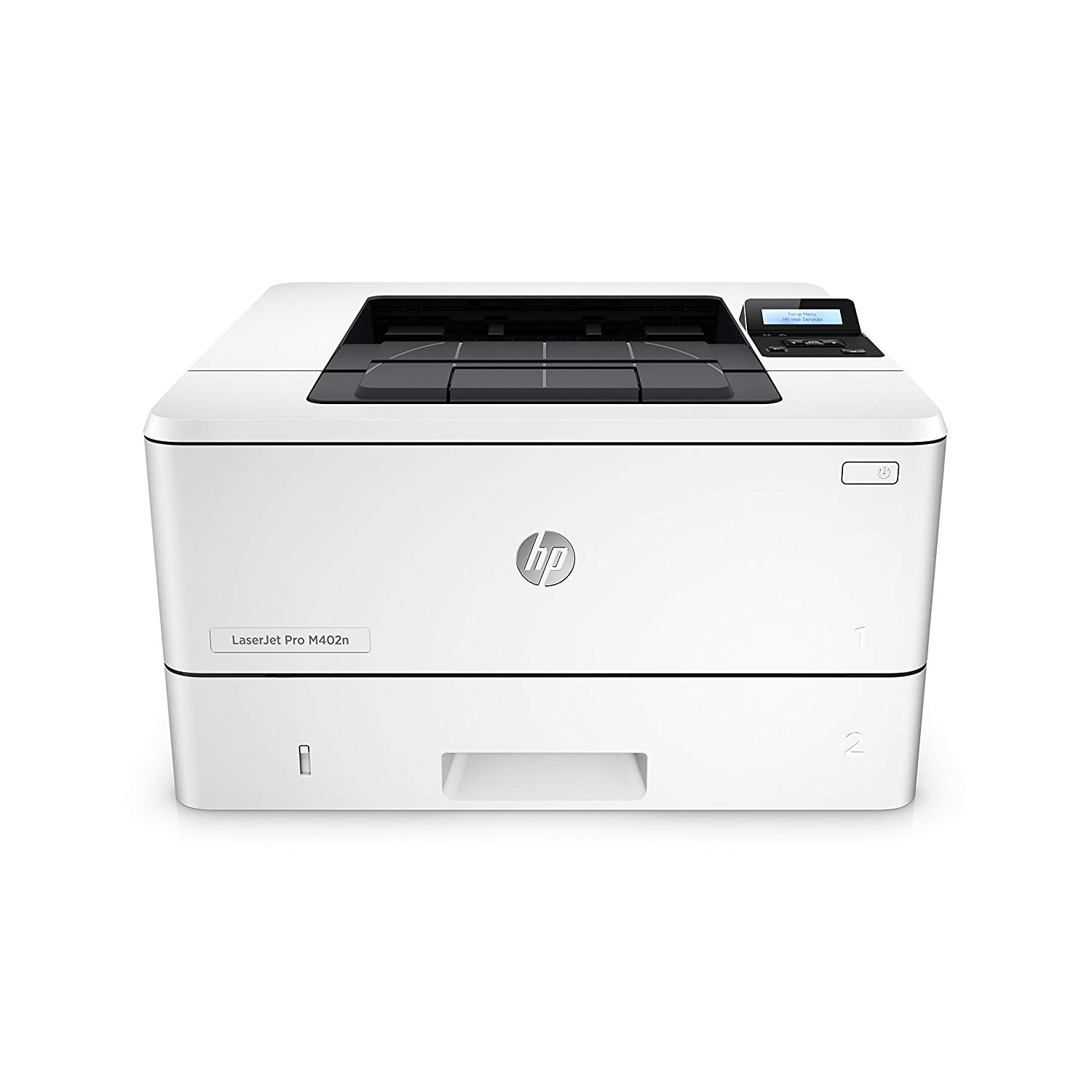
HP LaserJet Pro M402dw Wireless Laser Printer with Double-Sided Printing, Amazon Dash Replenishment ready (C5F95A)
Write a review
$22900 $27900

HP LaserJet Pro M402dw Wireless Laser Printer with Double-Sided Printing, Amazon Dash Replenishment ready (C5F95A)

Write a review
B013SKIBXG
+
Add to wish list
Target is a general merchandise retailer with stores in all 50 states and the District...

City: US, New York

Delivery
Pickup at your own expense
Tomorrow from 09:00 to 20:00, Store location
Free
Payment options
Apple Pay Google Pay Mastercard Visa
Cash, bank card, credit/installment payments, cashless payment for legal entities
Warranty and returns
Exchange/return of products of proper quality within 14 days Official manufacturer's warranty: 12 months
Features
Connectivity Technology
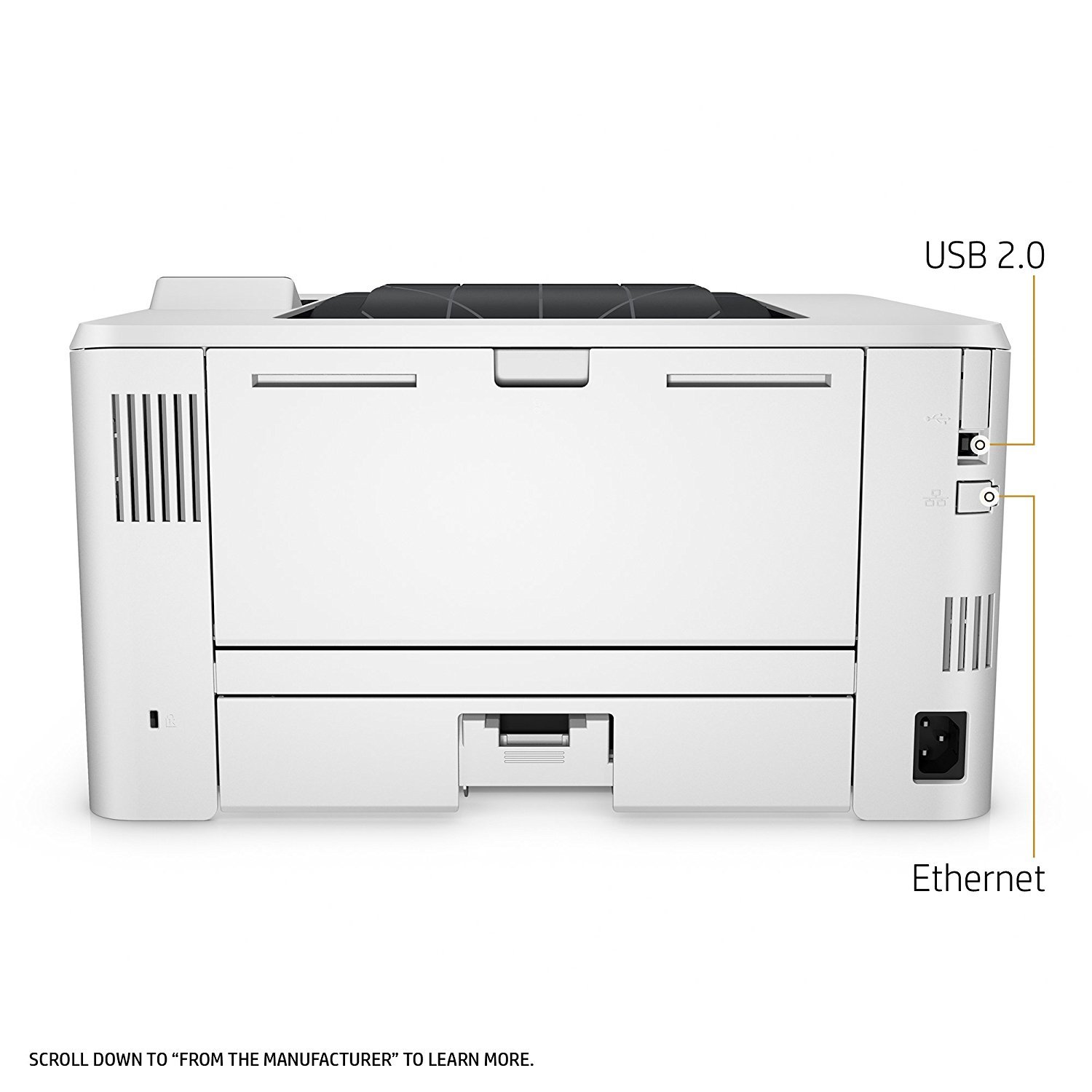
USB; Ethernet; Wi-Fi
Item Dimensions
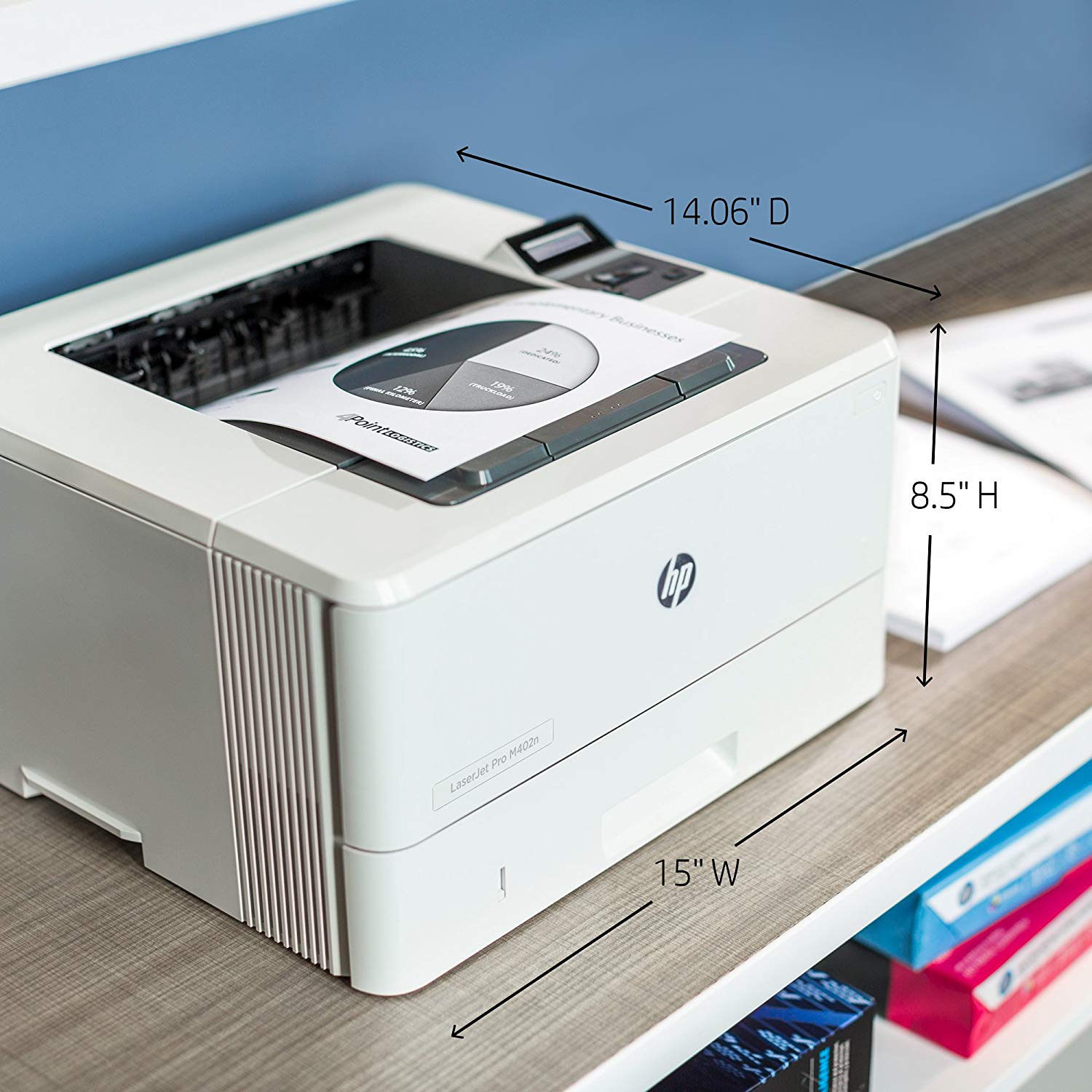
17.44 x 10.78 x 18.26 in
Item Weight
18.92 lbs
Operating System
  • Windows
Printer Output
Monochrome
Printer Technology
Laser
Style
Printer
Description
This fits your .
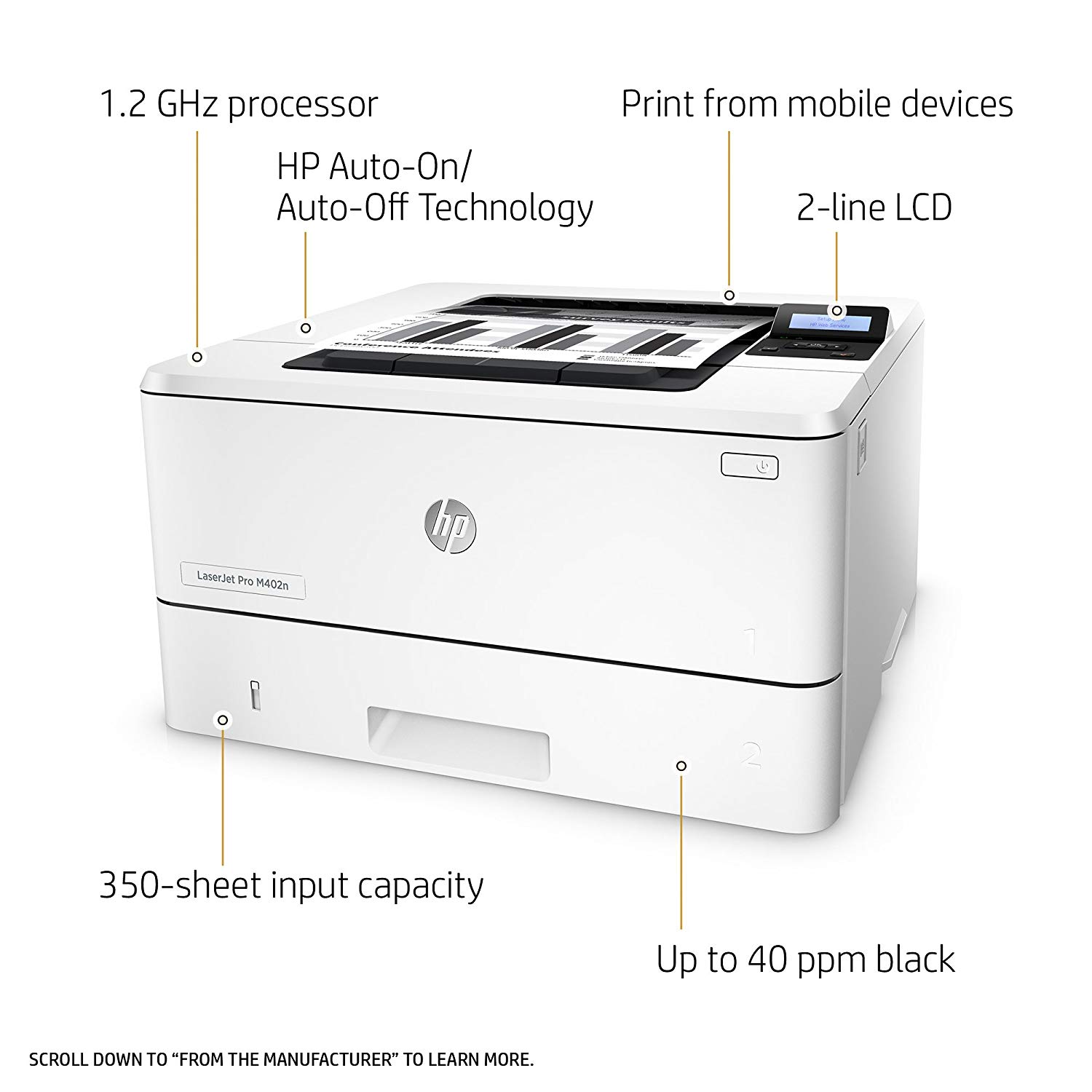
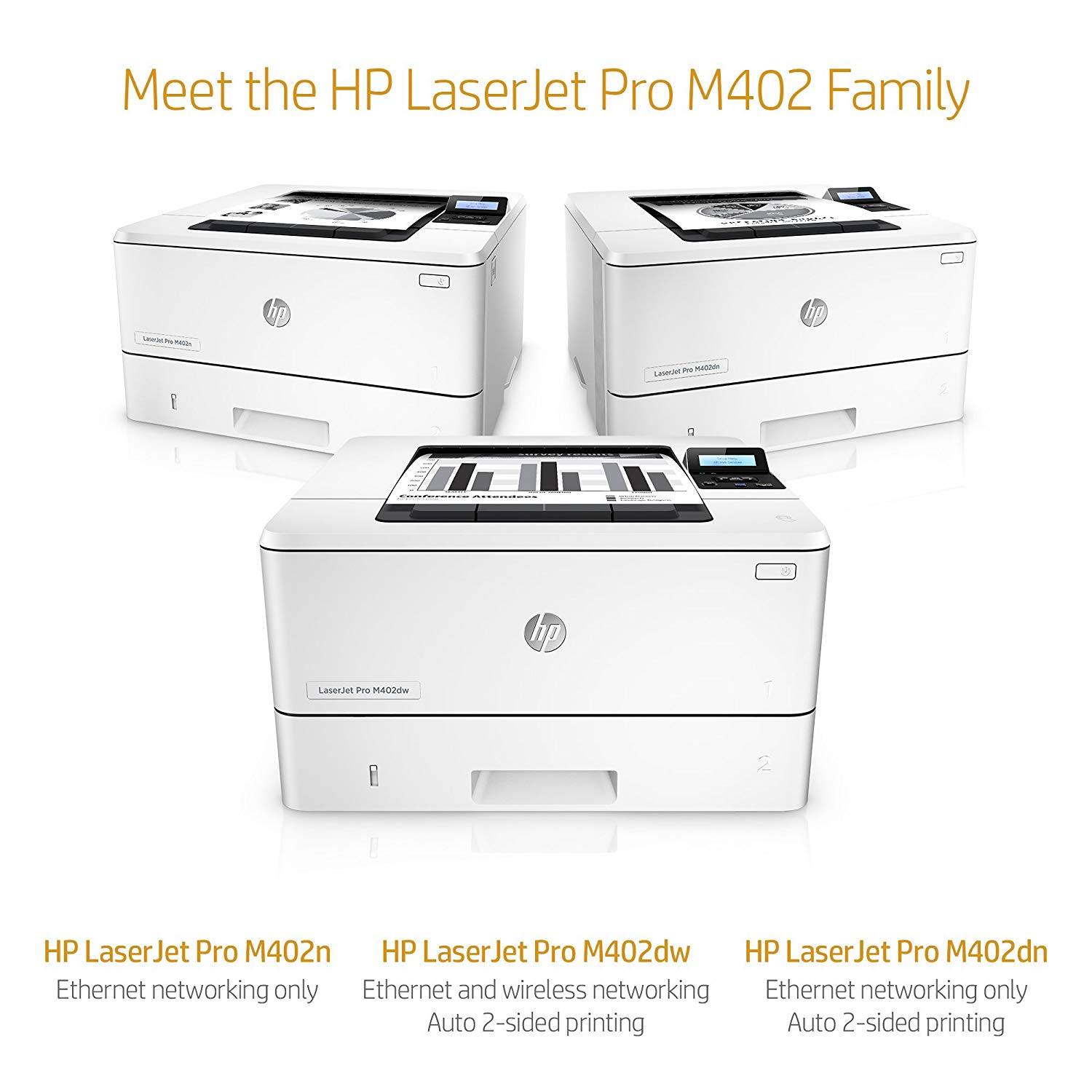
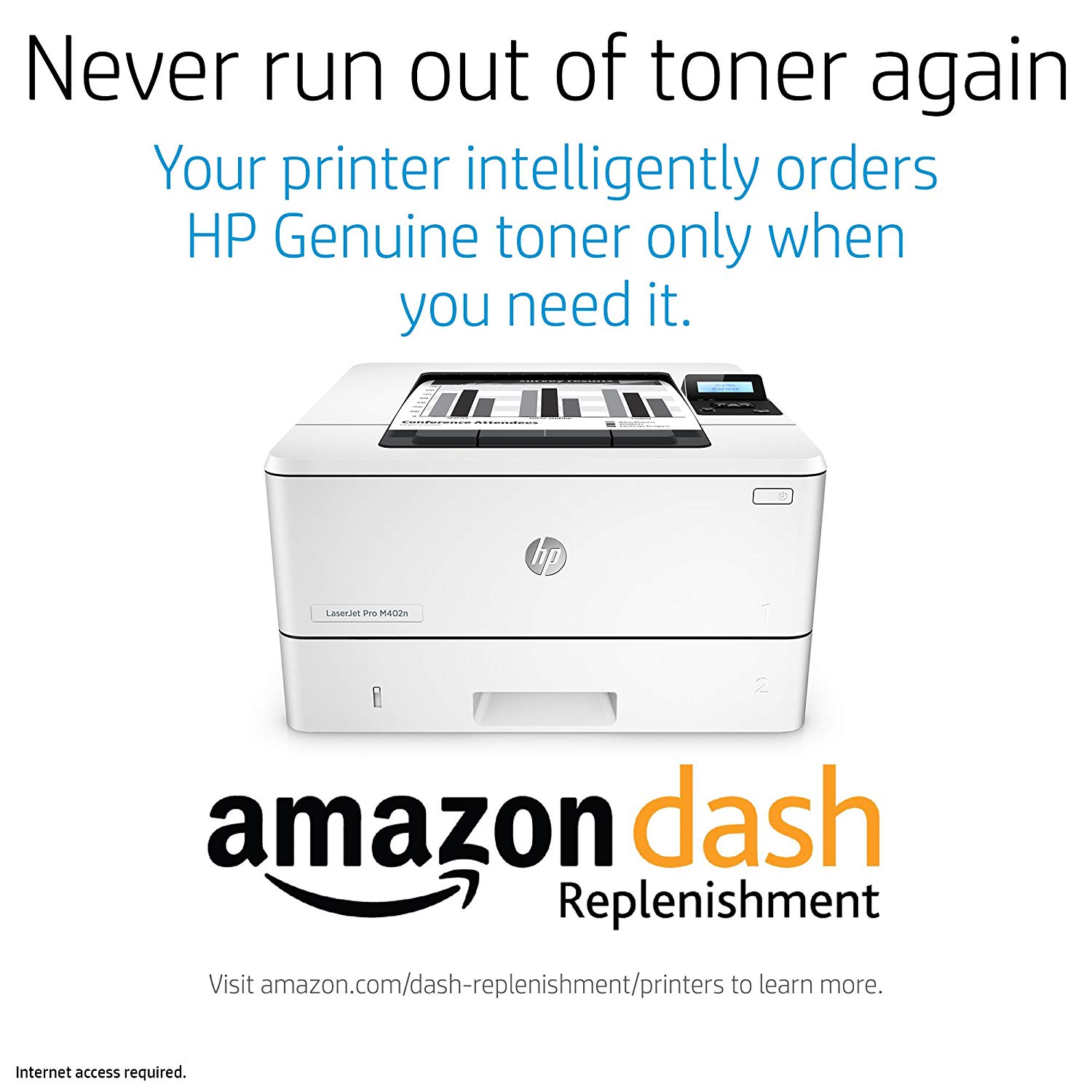
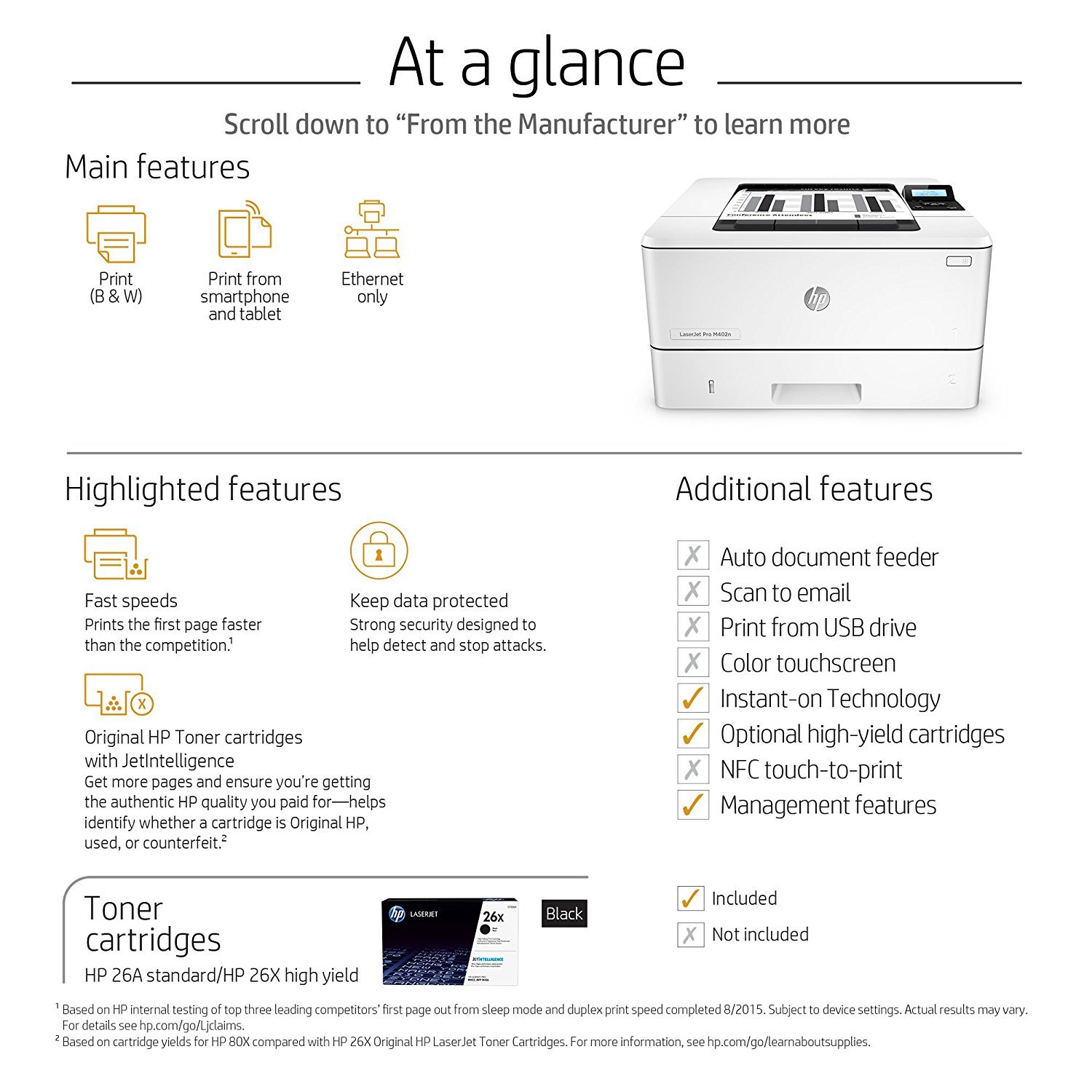
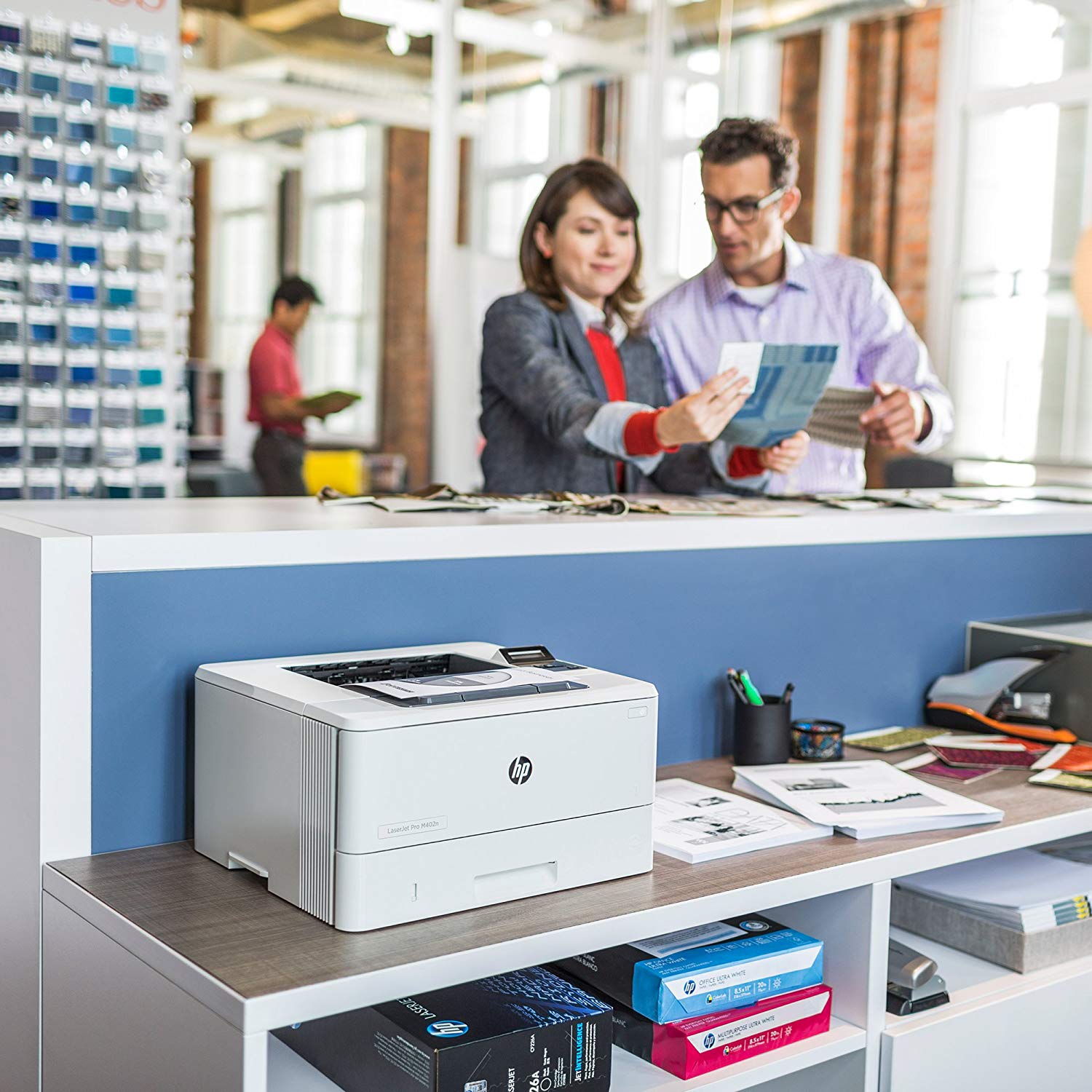
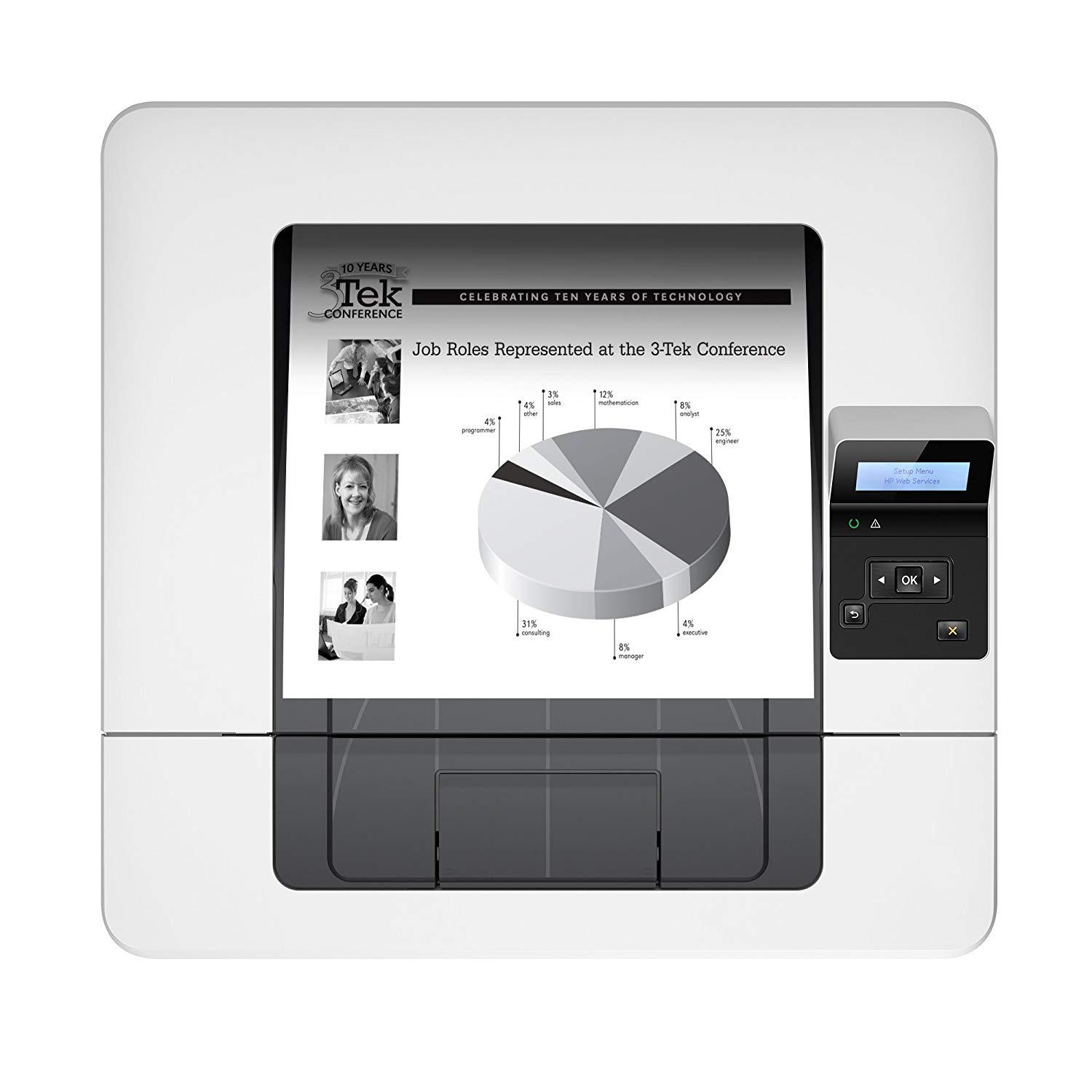
Make sure this fits by entering your model number. FEATURES DESIGNED FOR YOUR BUSINESS: Monochrome laser printer, 2-line display with keypad, wireless printing, duplex printing FAST PRINT SPEED: print up to 40 pages per minute. First page out in as fast as 6.4 seconds. SOLID SECURITY: Keep printing safe from boot up to shutdown with security features that guard against complex threats. HP JETINTELLIGENCE VALUE: Choose Original HP Toner cartridges with JetIntelligence - engineered to help your HP LaserJet printer print faster and more prints. IDEAL FOR SMALL BUSINESSES: 350-sheet paper input capacity, up to 4,000-page monthly volume, and up to 10 users for your workgroup. Paper sizes supported: Letter, Legal, Executive, Oficio, A4, A5, A6, B5 (JIS), 16K, Envelope (#10, Monarch B5, C5, DL), 4x6 in, 5x8 in, B6 (JIS), 10x15 in, statement NEVER SHOP FOR TONER AGAIN: Save 10% with Amazon Dash Replenishment. Upon activation your printer measures toner level and places smart reorders when you are running low. No subscription fees. Warranty information: One-year warranty, return to HP Authorized Service Provider
Reviews
4
Reviews: 20
5 stars
65%
4 stars
5%
3 stars
10%
2 stars
0%
1 star
20%
Blue Frog
5
Working great with my Chromebook via an Ethernet connection. Hardware was easy to setup but instructions on how to get the equipment operating via Ethernet was fairly useless so I thought Id outline what I did here to get it working: 1) Place the toner into the machine, power up the machine, connect to home network via Ethernet cable. IP address will display on screen when ready. 2) On your Chromebook, go to Google Cloud Print and register the device by going to chrome://devices in a new browser tab and adding the new printer (it will show up on the screen as an option already) 3) After adding the printer, it will send a confirmation to the printer**. Go back to the printer and hit "OK" to confirm making the new connection 4) Youre done. When printing your first document, make sure you change the print default to the new printer. Otherwise it will probably default to Save as PDF. ** If the confirmation is never received by the printer, someone may have fiddled with the printer settings. Scroll through the menu options on the printer and reset all settings on the printer to the factory settings. Go back to Step 2 and try again. Because I purchased my equipment through Amazon Warehouse, a previous owner had fiddled with the network settings and I was not receiving Google Cloud Prints confirmation message. But once I reset to factory settings, the confirmation came through. Hope this helps other Chromebook owners!
UKL
5
I do not have hardwired computer at home. IPad Air 2 and IPhone, Cox wifi, those are all I have. I use mostly wifi at home and Ipad data picks up if I am traveling. I bought this printer so that I could print out from IPad and IPhone directly. I tried get help from HP Printer and it did not go nowhere after 2 hours of repeated set up process. It was frustrating! She was pretty new at this and was trying to set it up so that I had to sign up for the support program. After 2 hours, she said she would call me back in an hour so that we could start again after she does some more research. I got off the phone and figured out myself. How to set up: You only need this printer and the power cord. You do not even need the USB/Ethernet cable or the software disk. What you need: Wifi Modem/router Steps.: Step 1. After powering up the printer, use screen panel to set up. OK - Set up mode -network set up-wireless menu- wifi protected set up-push button-screen will tell you to push WPS button on the router. Mine was on the top of the modem/router. You remain pushing the button until the printer is hooked up to the wifi. Step 2. Make certain your Ipad is connected to your wifi ( go to settings - wifi address is same as your home wifi, NOT DATA) Step3. Go to the page you want to print. Click the symbol ( square with arrow sign) and click print. HP support lady called me back in an hour and my printer was already began printing. She asked me how I did it so I had to explain her. She had been trying to connect to Wifi direct. It does not work for what I am trying to do with what I have -Ipad and printer only. Basic: connect your printer to your wifi wireless, connect you Ipad to your same wifi wireless, then it will print! I am thrilled!!!
McTechie
5
A great little printer that can handle fairly heavy use. HP, like car companies, loves to regularly obsolete their printers with "newer" models. Sometimes this is good, many times it is marketing. Of course new printers seem to NEVER USE the old toner cartridges you paid serious money for, and if youre like my business, you probably have a ton of toner carts for obsoleted printers you no longer have. A huge annoyance. Plus HP does NOT print a list of the compatible printers on the toner cart box, thats another irritant. Still, we are way happy with this little fellow, our prior version (same model) lasted two years of VERY HEAVY use in an auto dealership.
JMN
5
Works great! Although this model, M402n, does not have wireless capabilities built in, i can print wirelessly from laptops easily thru Wi-fi. Set up was so easy. First, connected the printer to my Wi-Fi router with a USB cable. Then turned on the printer. Then opened my Macs System Preferences, "Printers and Scanners". Just clicked "+" to add a printer. The printer shows up , I selected it and ticked the box, "Share this printer on a network". Now, as long as my laptops are connected to the same Wi-Fi network as the Wi-Fi router, the printer shows up. I had an antiquated non-network printer. I had it connected to my desktop via USB. For or other computers, like our laptops, to print, they had to go thru a computer to computer network, so the desktop computer where the printer was connected had to be on, and the first page took a long time. Now, connecting this printer to the router, our MacBook and Chromebook can print without the desktop being on, and the first page is out super fast.
G. Scott Souchock
5
Im delighted that I got this printer. Its hooked up to my Mac running MacOS 10.12 Sierra. Its wicked fast and super easy to set up. I got it to replace my Xerox 3250N that, while good, started giving me fits. Im back to HP after multi-year absence from them for laser printers and I am very happy that I made the right choice. Its not quite as solid as the laser printers of old in some of the paper alignment aspects, but then again its probably consistent with others on the market. The image is super crisp. And the power button is on the FRONT of the unit right where I would expect it! (How many other pieces of equipment do you have that you need contortionist training to access the power on button?)
BurtB
5
Got this to replace my 14 year old Samsung printer that finally died. This is very fast and works well. There is the issue with HP that they must pick and arbitrary "purchase" date based on manufacture date. So when you go on link to check the warranty you find that HP says that some number of months have already expired. In my case it was 3 months worth. HP has a link that you are supposed to click to request a review and warranty adjustment to correct the issue. But that link was dead, so I had to open a support request and e-mail a copy of the invoice for the purchase. After about a week HP did finally adjust the warranty. So just be aware that you likely will need to do the same thing. This printer works very well with Linux using HPLIP. If you can get this model at a good price I would recommend it.
Ski Area I.T.
5
Over the last couple of years we have made this our go-to printer for small to medium sized office deployments. We configure and deploy them and that is typically the last time we have to touch them. We dont get calls on our helpline with users having problems with them, so they have become a staple piece of equipment for us. OEM ink is easy for users to purchase, so my team and I dont have to get involved with the ink purchasing/replacing/recycling process either.
rlh2311
5
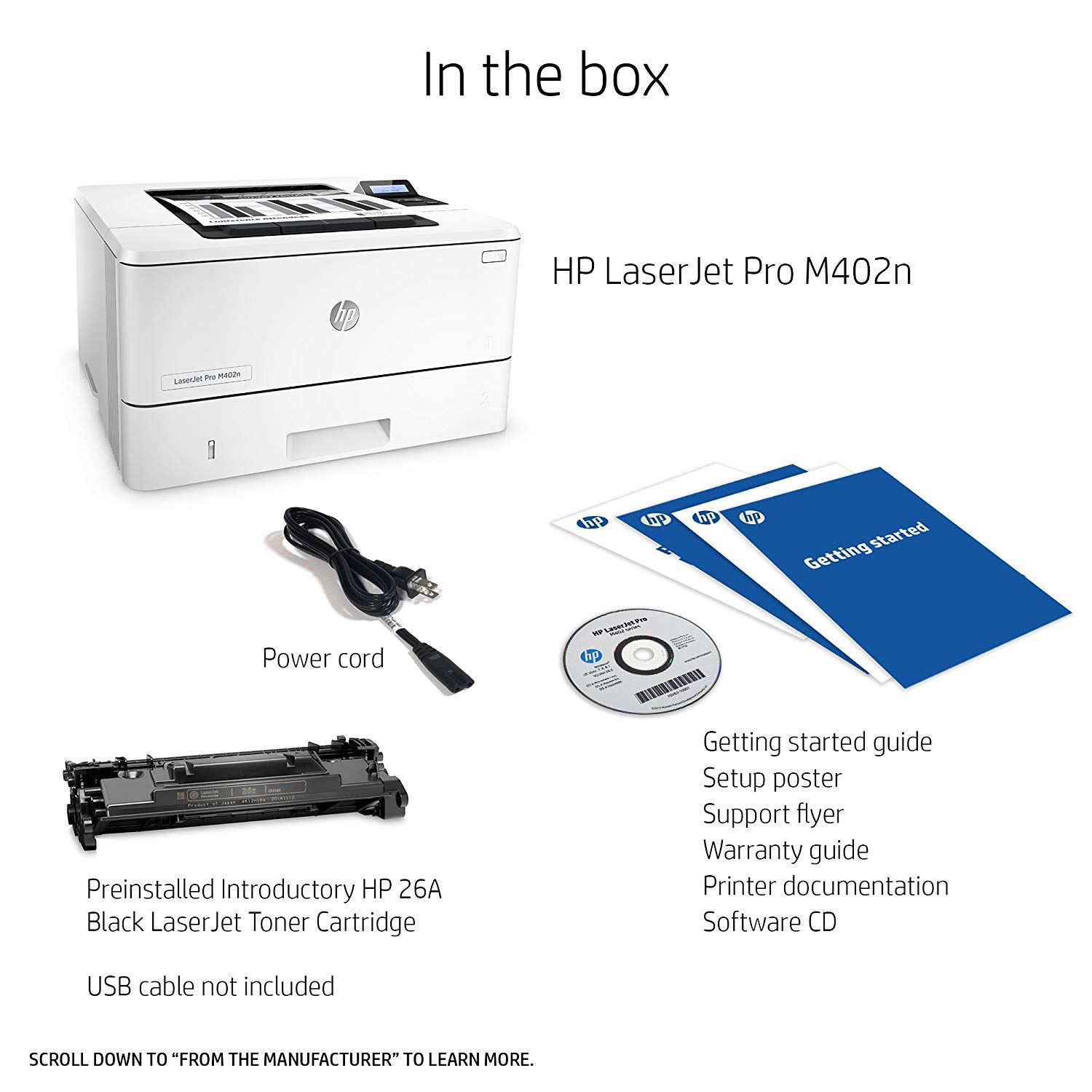
I set this printer up today (December 22, 2015), so far I am impressed with everything about it. It was was plug and play. You might want to know that a USB cable is not included. I had a few on hand from other long gone products so it was not an issue for me. The printer also has an ethernet port if you want to connect that way. I am a bit of a dinosaur and had been using an HP Laserjet 4 I purchased well over 10 years ago which did its duty well but sadly decided to retire without giving me any notice. Luckily Amazon had this shiny new replacement at my doorstep in two days an I am pleased to say I am printing away again. The first page I printed jumped out of the feed tray and into the output bin so quick I missed it. I thought the printer was just warming up, but low and behold the document was done and the printer was waiting on me to give it some more. The printer looks good, has a small footprint and is quiet. I hope this new printer has the longevity my last HP printer did, so far so good though. If not, you can bet Ill be back with an update. I am not one to write a lot of product reviews so I hope this helps if your having trouble picking a printer.
Trench & Traffic Supply, Inc.
5
Its an HP, what more do I need to say? I have never owned an HP printer that was difficult to setup or use. This is no exception. Took less than 5 minutes to get this printer up and running on not only my desktop, but my iPhone. This thing is packed with neat features like the ability to print to it by sending it an email. Well thats just neat. Yes, this only prints in black in white, but for work or school docs this is perfect. The machine prints quickly and clearly. I replaced an HP laser jet 1160 that I bought in college in 2004 with this guy, not because the laser jet stopped working, but because Im trying to move into todays tech age. There have been too many times that I was laying in bed working on something on my iPad or iPhone and wanted to print it out and couldnt with my old printer. Well now I can. I also dont have room on my desk for a printer and I dont want ethernet or USB cords to run across the house just to get my printer on the network. Glad I trusted my gut and not some of these reviews. Get one and enjoy trouble free printing. Networking doesnt need to be a pain in the neck. Im running Mac OS 10.12.1 (Sierra) iPhone 7
Billet Bubba
5
Dont be like me and read all the negative reviews first when trying to figure out what printer to buy. After fretting for over a month... I pulled the trigger on this one. I am very pleased I did. For my home office it has worked flawlessly. Small foot print, works well with both 24# paper & 20# book card stock.

Showing 10 of 13 reviews

You may be interested
  • Bestsellers
  • Recently Viewed
 
Fast and high quality delivery

Our company makes delivery all over the country

Quality assurance and service

We offer only those goods, in which quality we are sure

Returns within 30 days

You have 30 days to test your purchase