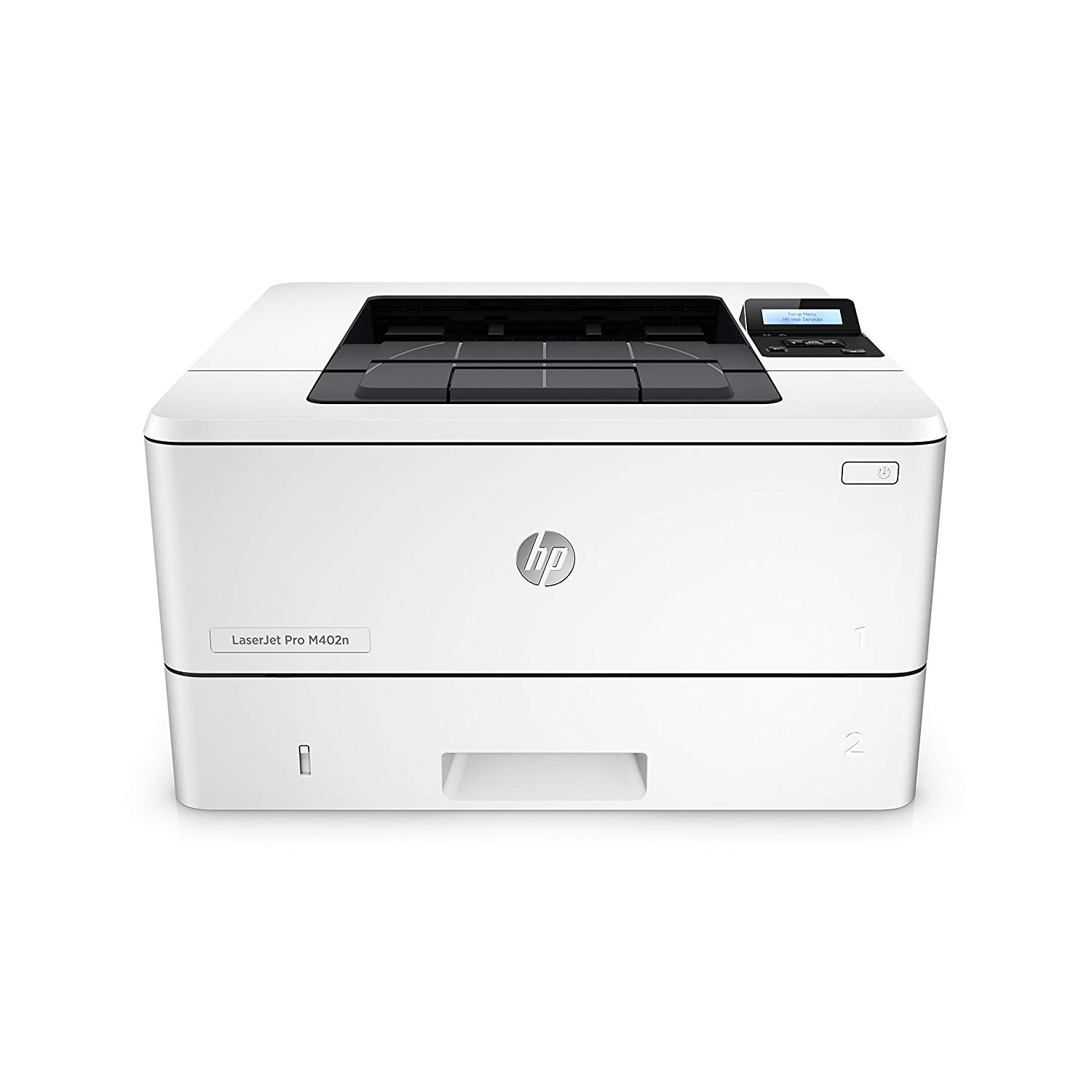
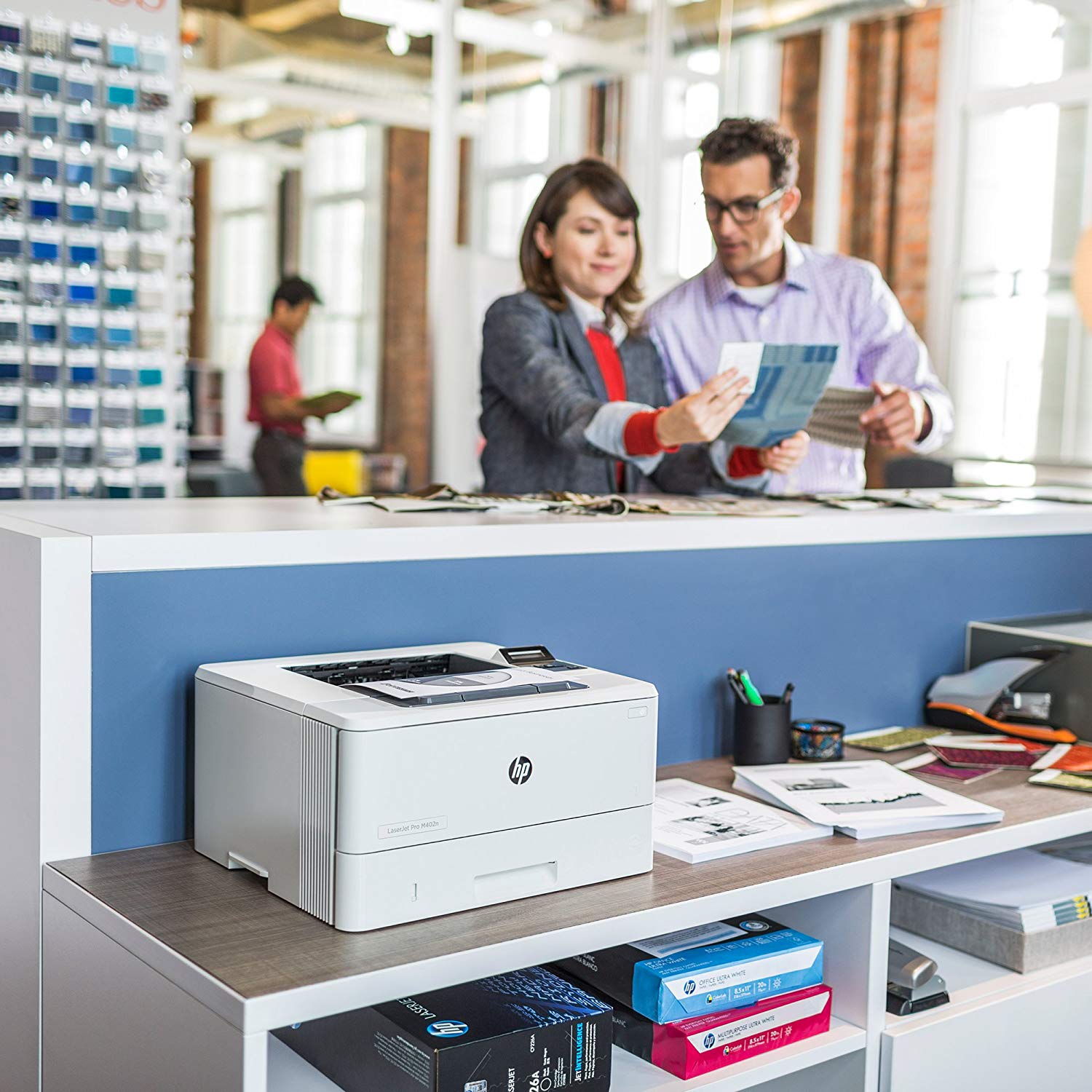
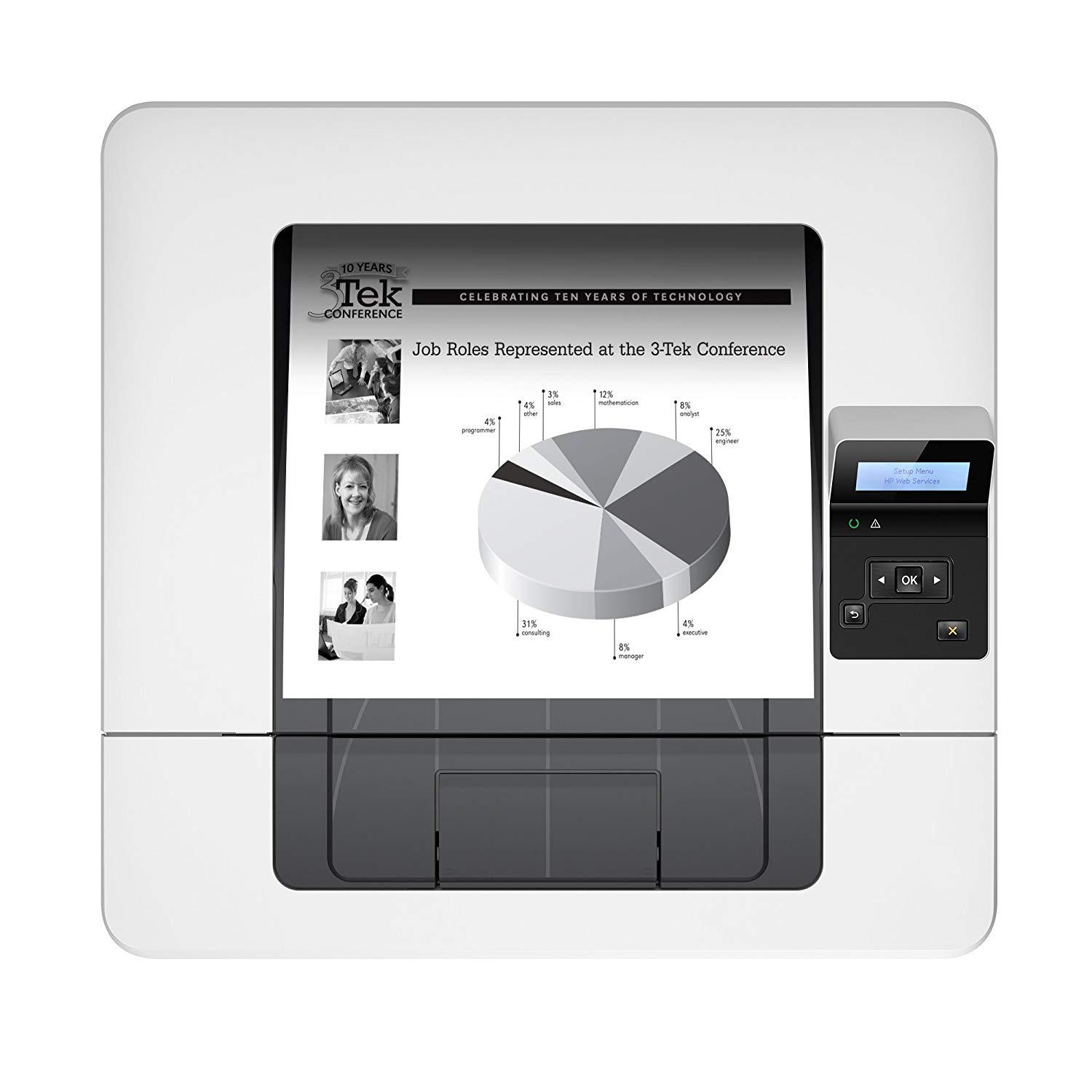
HP LaserJet Pro M402dw Wireless Laser Printer with Double-Sided Printing, Amazon Dash Replenishment ready (C5F95A)
Write a review
$22900 $27900

HP LaserJet Pro M402dw Wireless Laser Printer with Double-Sided Printing, Amazon Dash Replenishment ready (C5F95A)

Write a review
B013SKIBXG
+
Add to wish list
Target is a general merchandise retailer with stores in all 50 states and the District...

City: US, New York

Delivery
Pickup at your own expense
Tomorrow from 09:00 to 20:00, Store location
Free
Payment options
Apple Pay Google Pay Mastercard Visa
Cash, bank card, credit/installment payments, cashless payment for legal entities
Warranty and returns
Exchange/return of products of proper quality within 14 days Official manufacturer's warranty: 12 months
Features
Connectivity Technology
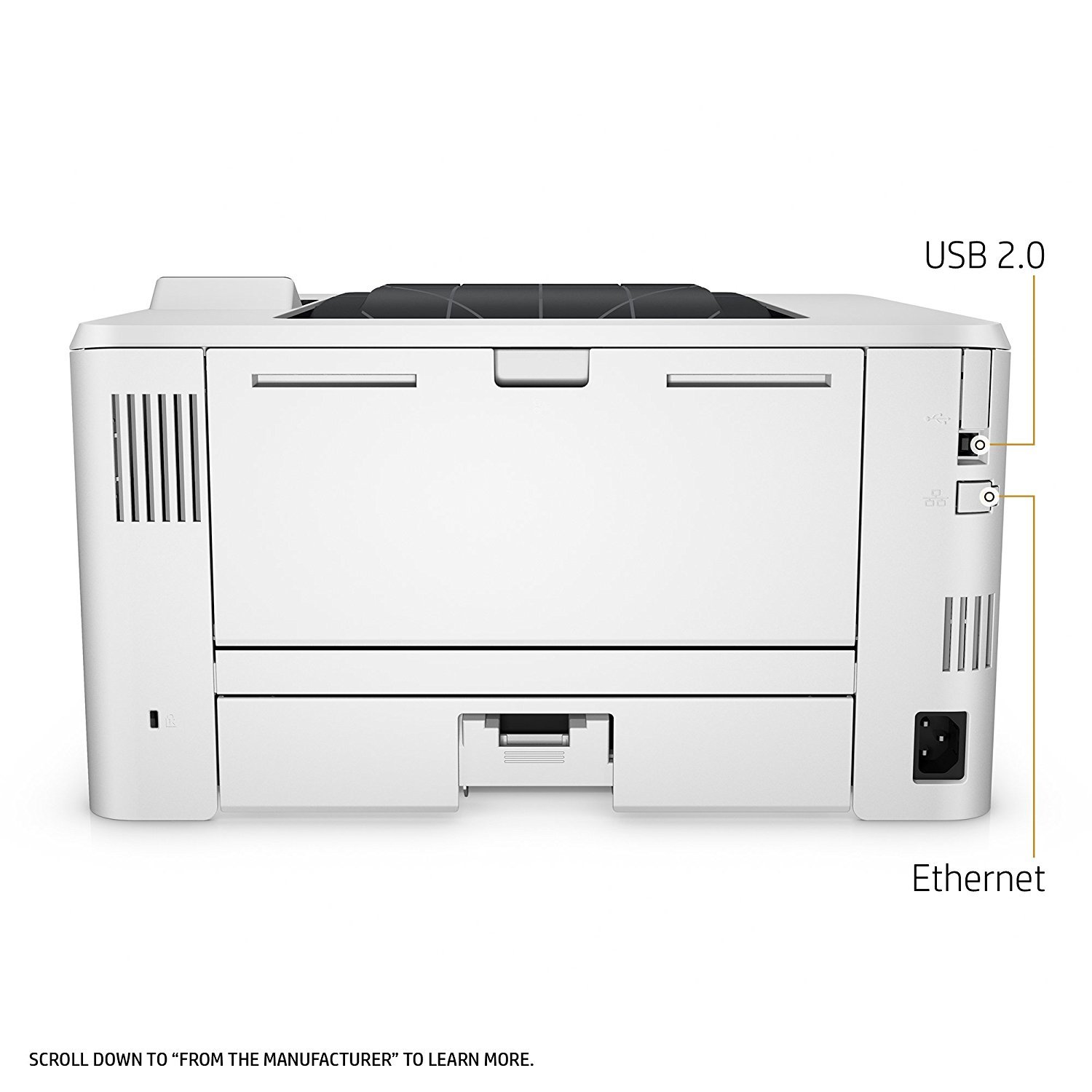
USB; Ethernet; Wi-Fi
Item Dimensions
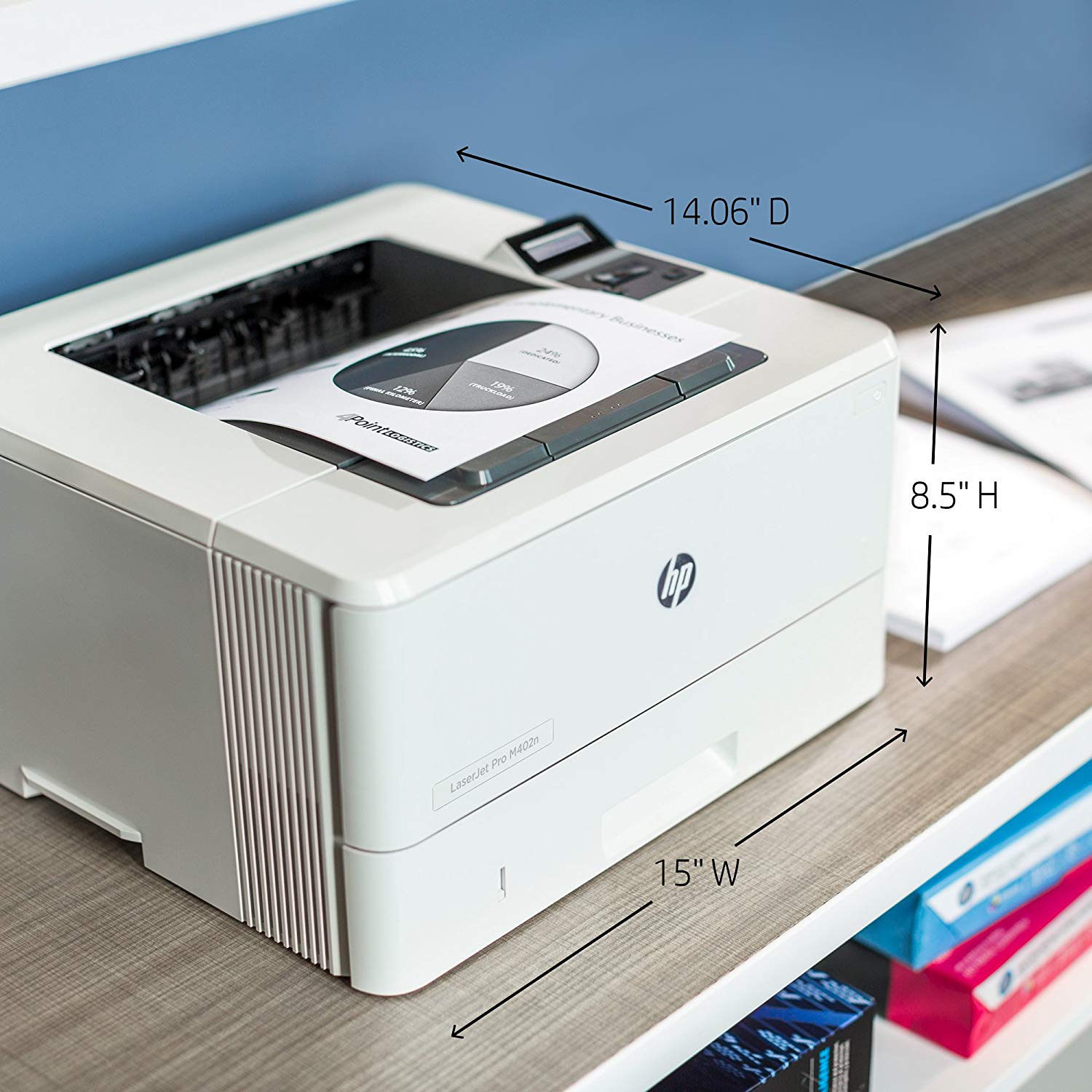
17.44 x 10.78 x 18.26 in
Item Weight
18.92 lbs
Operating System
  • Windows
Printer Output
Monochrome
Printer Technology
Laser
Style
Printer
Description
This fits your .
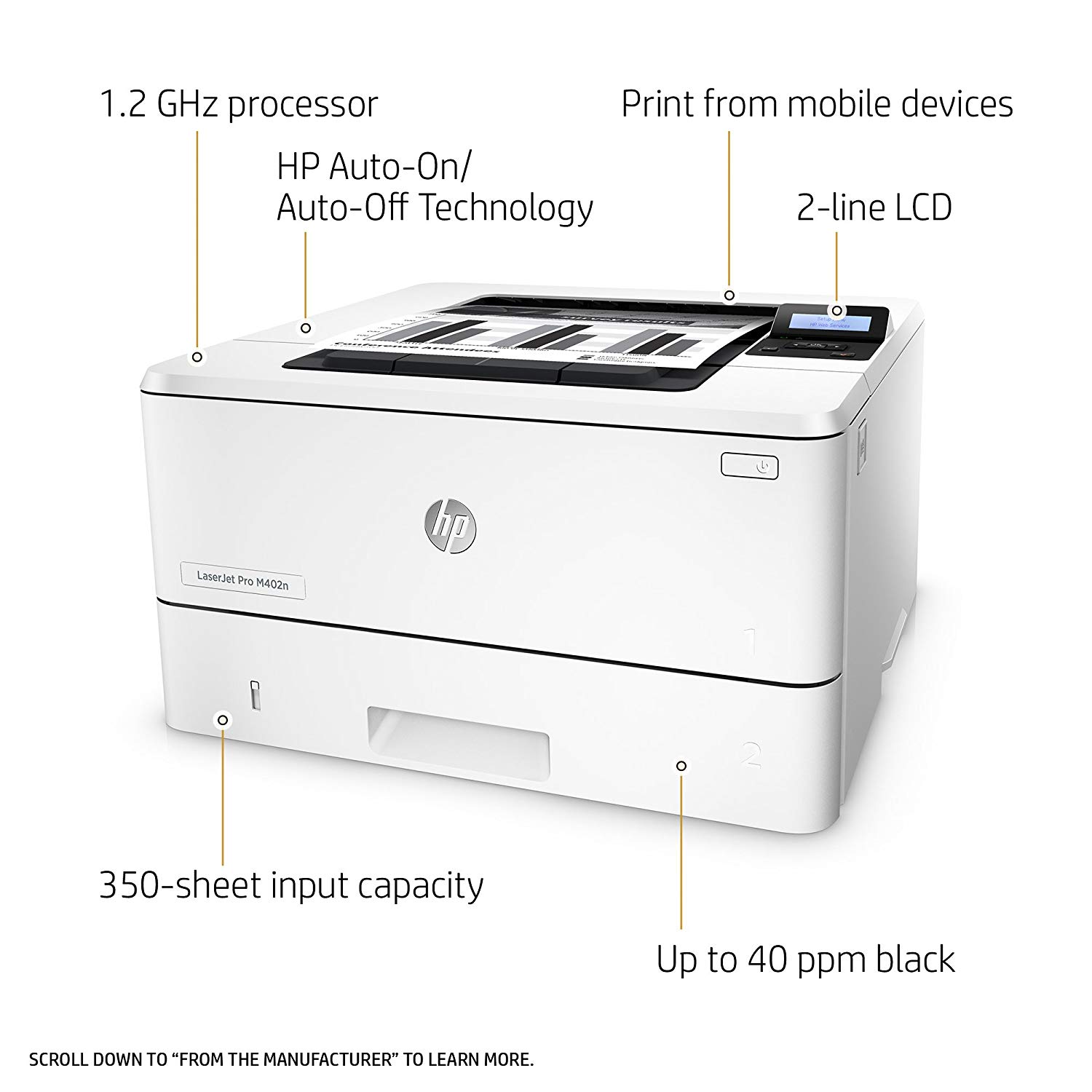
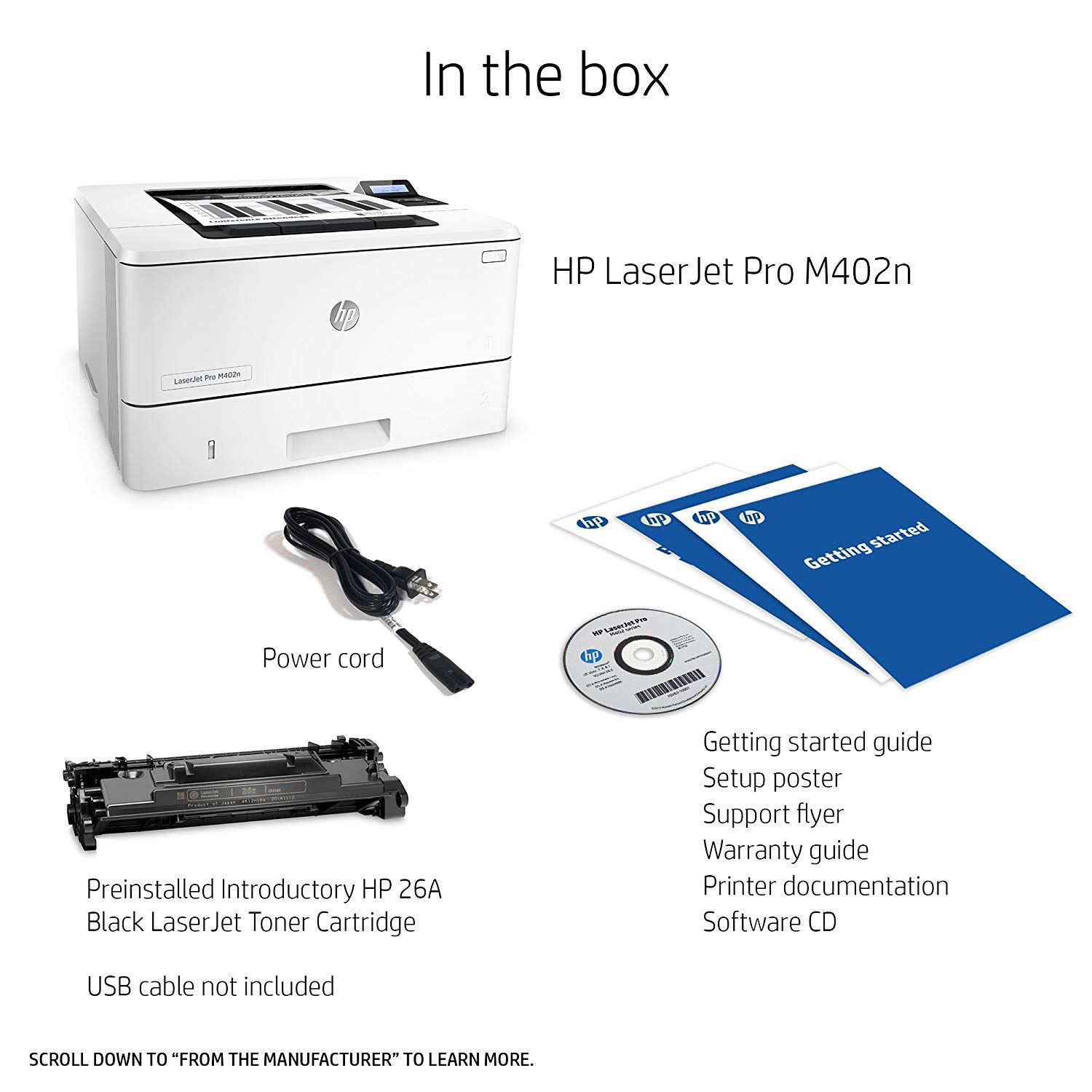
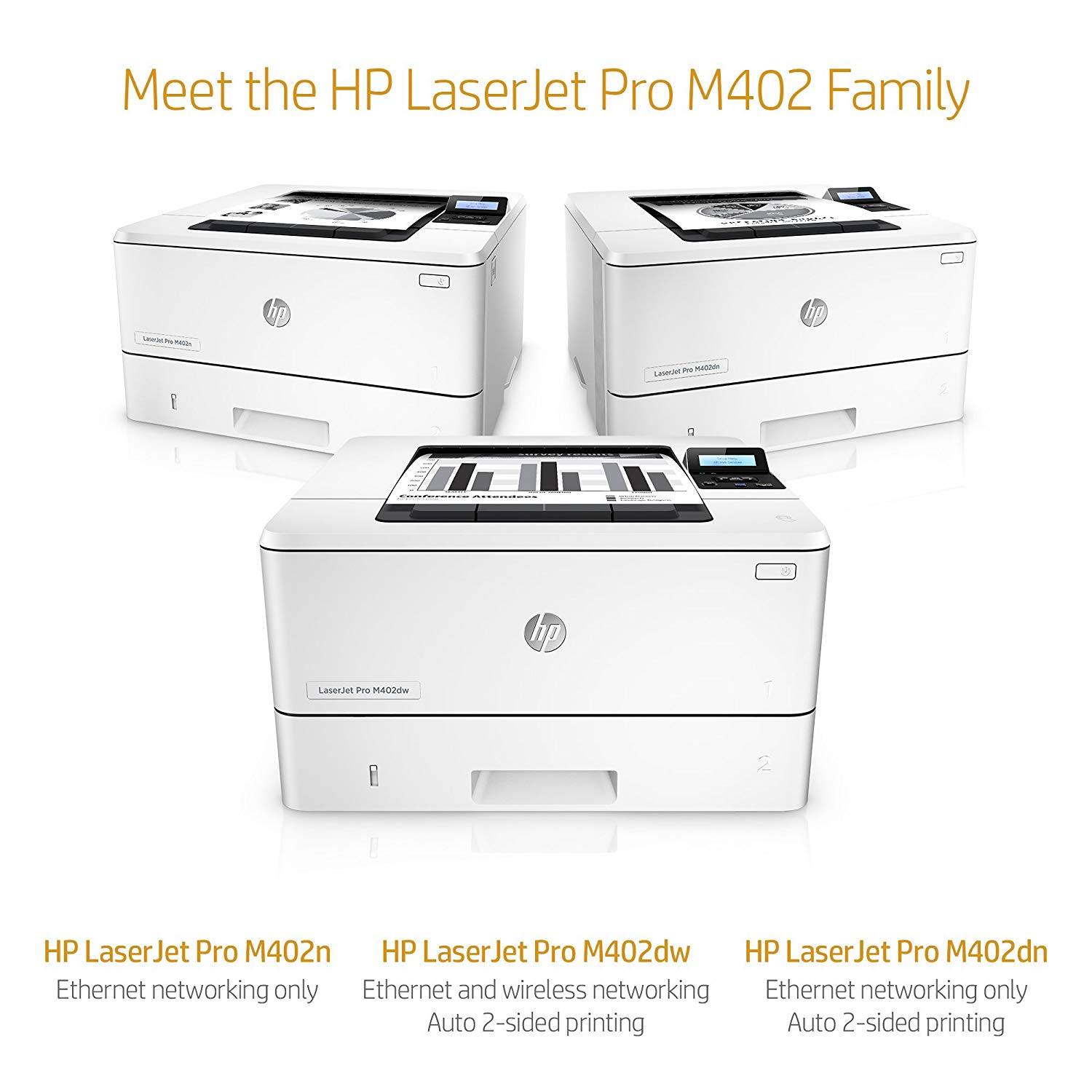
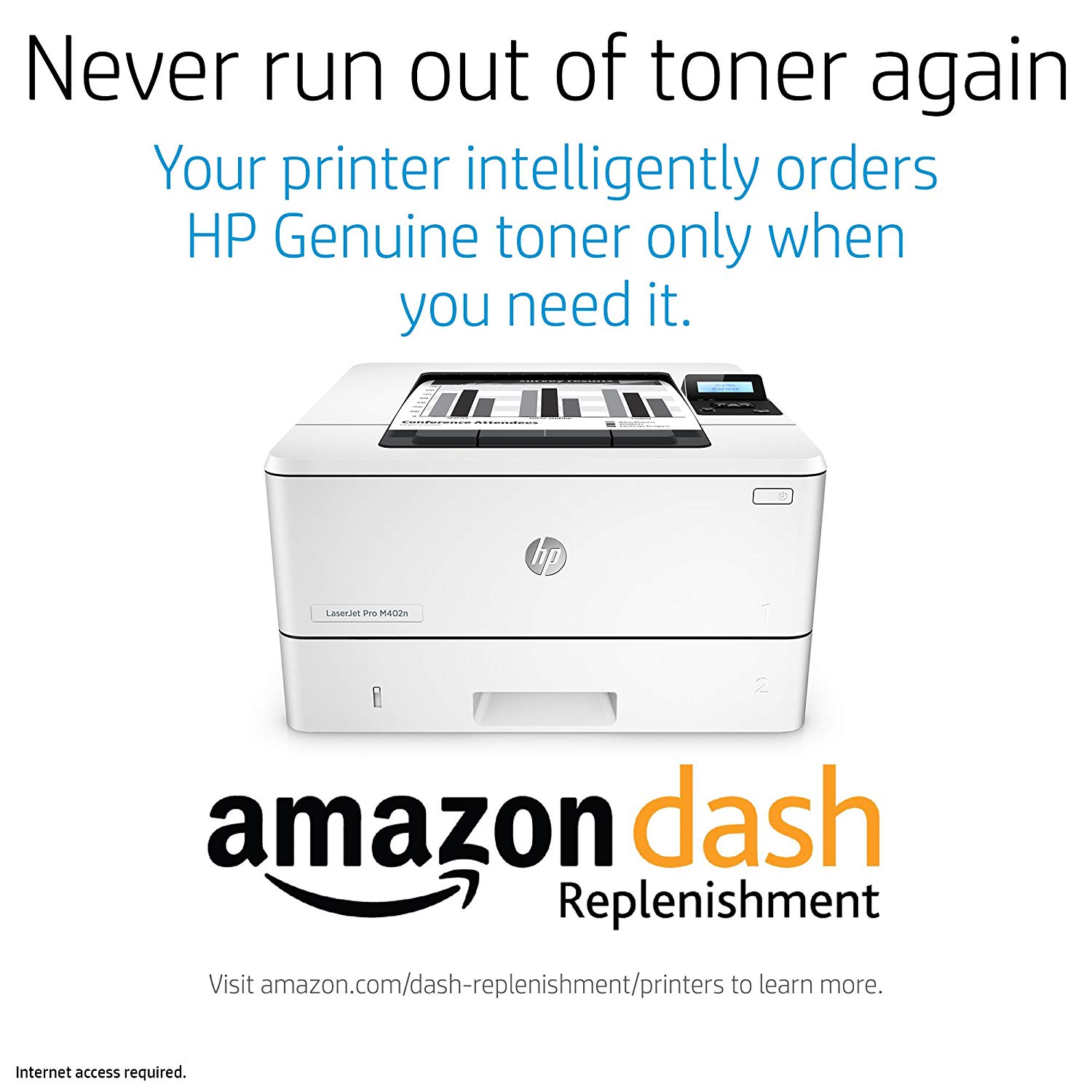
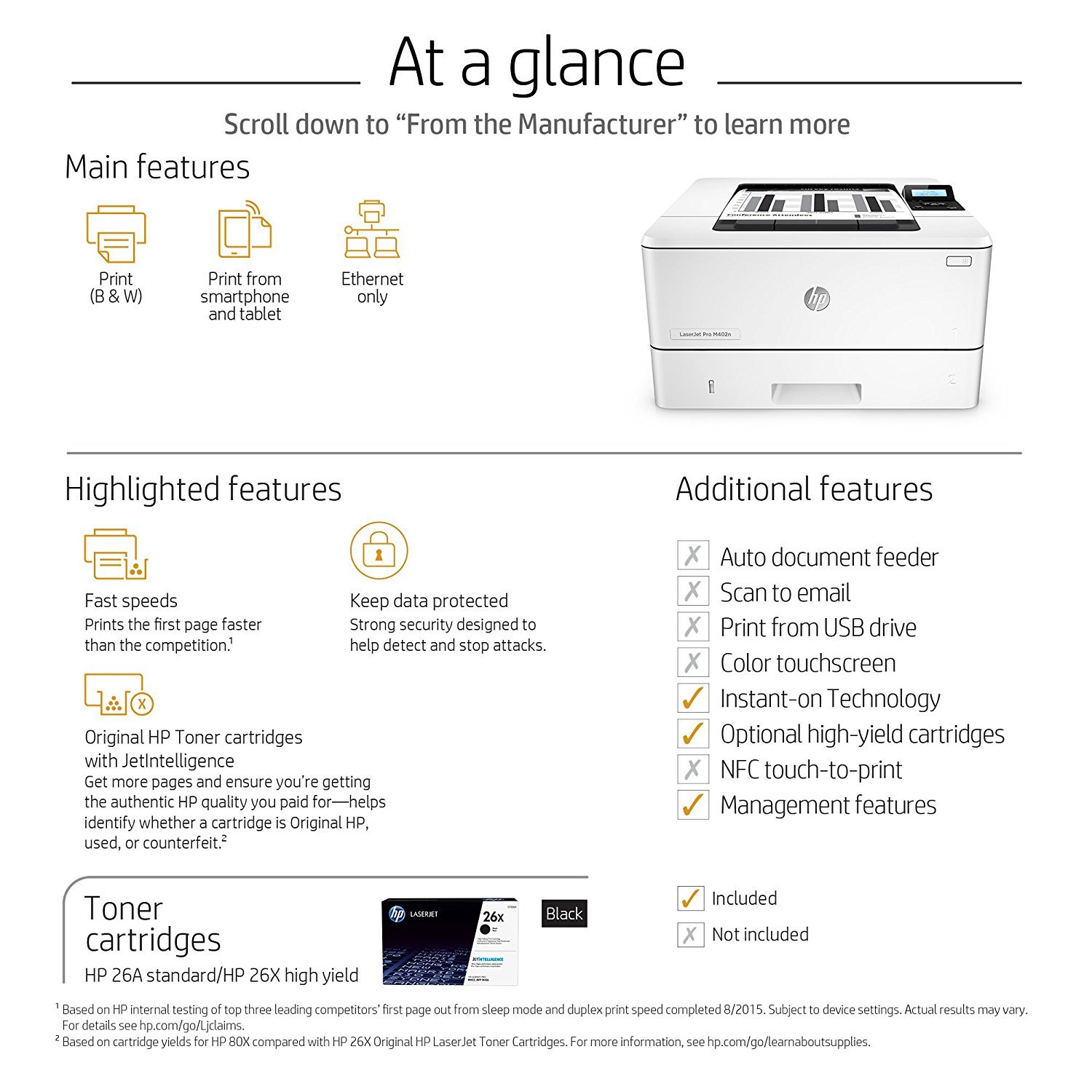
Make sure this fits by entering your model number. FEATURES DESIGNED FOR YOUR BUSINESS: Monochrome laser printer, 2-line display with keypad, wireless printing, duplex printing FAST PRINT SPEED: print up to 40 pages per minute. First page out in as fast as 6.4 seconds. SOLID SECURITY: Keep printing safe from boot up to shutdown with security features that guard against complex threats. HP JETINTELLIGENCE VALUE: Choose Original HP Toner cartridges with JetIntelligence - engineered to help your HP LaserJet printer print faster and more prints. IDEAL FOR SMALL BUSINESSES: 350-sheet paper input capacity, up to 4,000-page monthly volume, and up to 10 users for your workgroup. Paper sizes supported: Letter, Legal, Executive, Oficio, A4, A5, A6, B5 (JIS), 16K, Envelope (#10, Monarch B5, C5, DL), 4x6 in, 5x8 in, B6 (JIS), 10x15 in, statement NEVER SHOP FOR TONER AGAIN: Save 10% with Amazon Dash Replenishment. Upon activation your printer measures toner level and places smart reorders when you are running low. No subscription fees. Warranty information: One-year warranty, return to HP Authorized Service Provider
Reviews
4
Reviews: 20
5 stars
65%
4 stars
5%
3 stars
10%
2 stars
0%
1 star
20%
Russ S.
3
This is a nice little printer. Small footprint, fast time-to-first-page, duplexes, excellent print quality. But it disappoints. Users were complaining it would go to sleep and they would manually have to turn the printer on or reboot their computer to print. Turns out when the printer is connected via USB (which it was) it will go to sleep and power down the USB port, making the printer unreachable. This is a non-changeable setting, you are stuck with it. The solution was to communicate with the printer using Ethernet. In our situation this required adding a small switch under the desk to accommodate an extra patch cable. Another expense and another energy user.
Bill
3
Good print quality. Horrific software. HP has always made reliable printers. This one was just purchased a few weeks ago to replace a similar model and Im happy with the actual print functions. But getting the software to stop automatic duplex printing is not easy and may take several attempts. Worse, for no apparent reason, I started getting the error message about "Load Paper Tray 2" and then "load available media...". I searched the forums and deduced that, once again, it was the settings that had to be adjusted. This is easier said than done and none of the HP forum responses (when they didnt turn out to be dead links) addressed the issue, given that Id reset the software and restarted the printer several times. It was extremely frustrating to reset and apply all the settings only to have the same error messages. Even when "job storage" is disabled the printers software still wanted me to have to manually start the printer every time I sent a print job to it. Not only are the software settings meant to be set in printer preferences, but there are settings one has to fix on the menu screen on the printer itself. This makes me think that HPs drivers and software configurations are unnecessarily complex and frustrating for their lower end printers--but, worse, that the software will ultimately conspire to disable this printers use well before actual wear and tear do. (I already had to junk a lower end inkjet right out of the box because the "set up" ink cartridges were not recognized. With its cartel and monopoly on ink, HPs software essentially confirmed what their support people did: the bad chips in the set-up cartridges meant that there was never going to be a way to use the inkjet.)
You may be interested
  • Bestsellers
  • Recently Viewed
 
Fast and high quality delivery

Our company makes delivery all over the country

Quality assurance and service

We offer only those goods, in which quality we are sure

Returns within 30 days

You have 30 days to test your purchase