HP Laserjet Pro M130nw All-in-One Wireless Laser Printer (G3Q58A) with Standard Yield Black Toner Cartridge
Write a review
$17400

HP Laserjet Pro M130nw All-in-One Wireless Laser Printer (G3Q58A) with Standard Yield Black Toner Cartridge

Write a review
B07DM3F27S
Printer with Black Toner
+
Add to wish list
Target is a general merchandise retailer with stores in all 50 states and the District...

City: US, New York

Delivery
Pickup at your own expense
Tomorrow from 09:00 to 20:00, Store location
Free
Payment options
Apple Pay Google Pay Mastercard Visa
Cash, bank card, credit/installment payments, cashless payment for legal entities
Warranty and returns
Exchange/return of products of proper quality within 14 days Official manufacturer's warranty: 12 months
Features
Style
Printer with Black Toner
Description
This fits your .
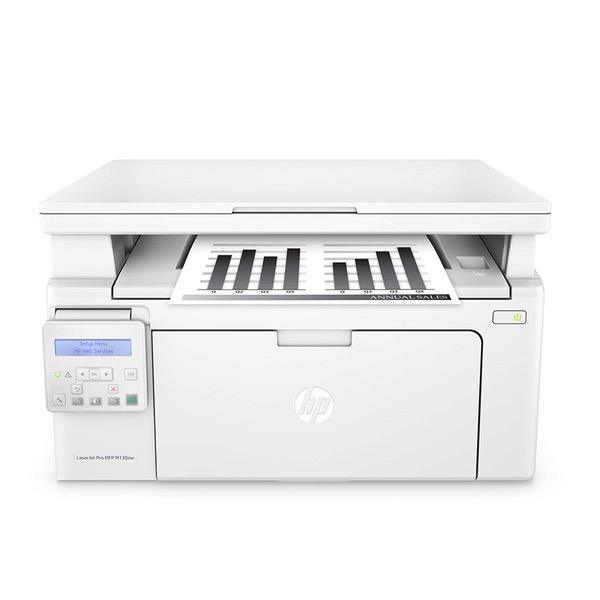
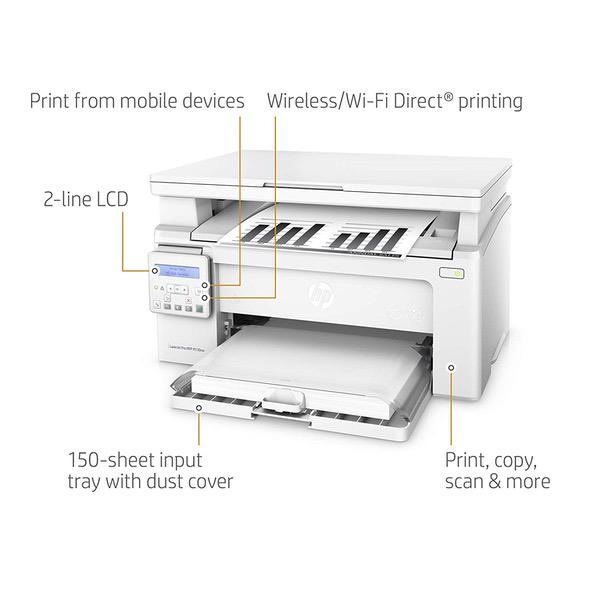
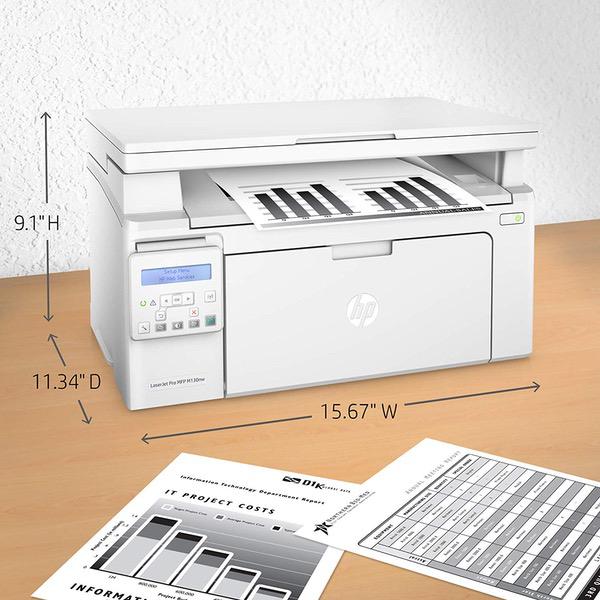
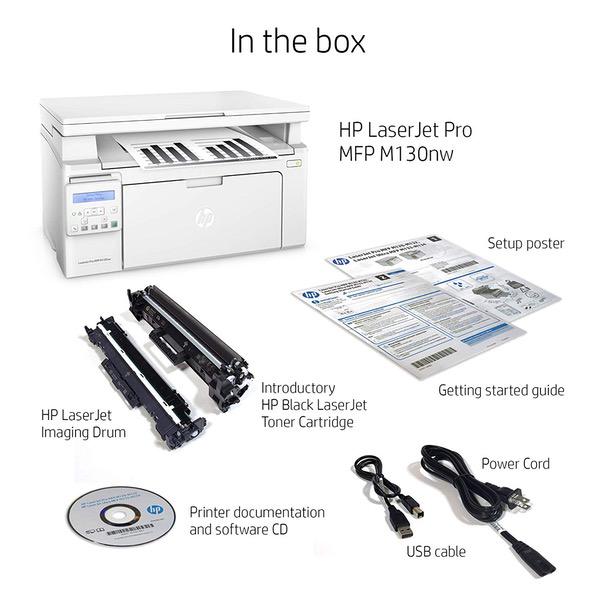
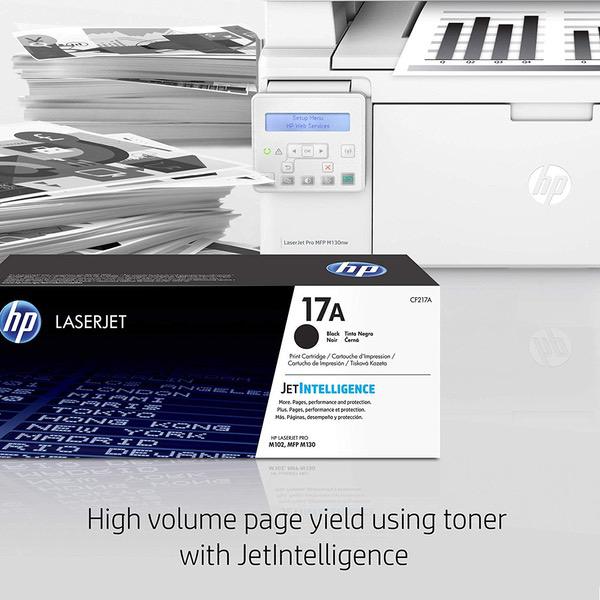
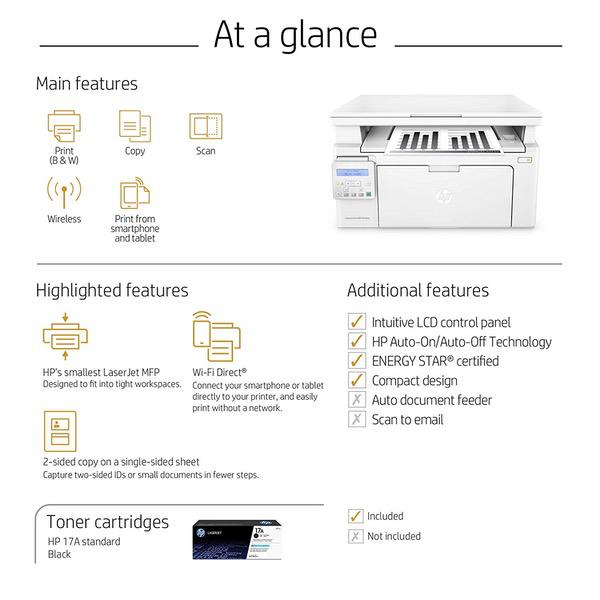
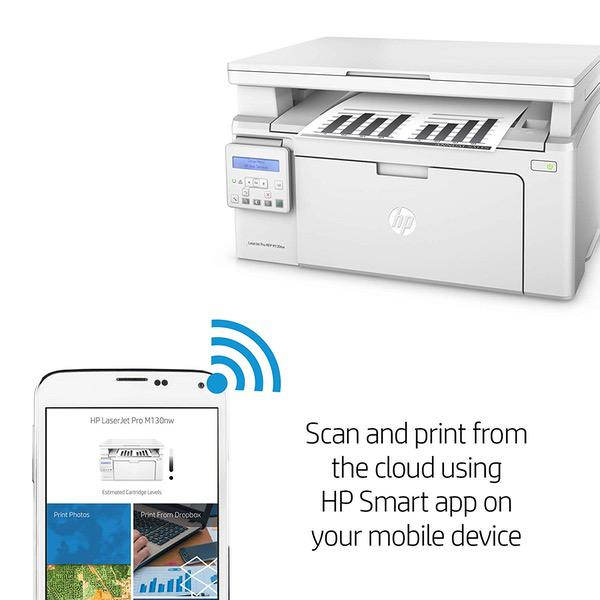
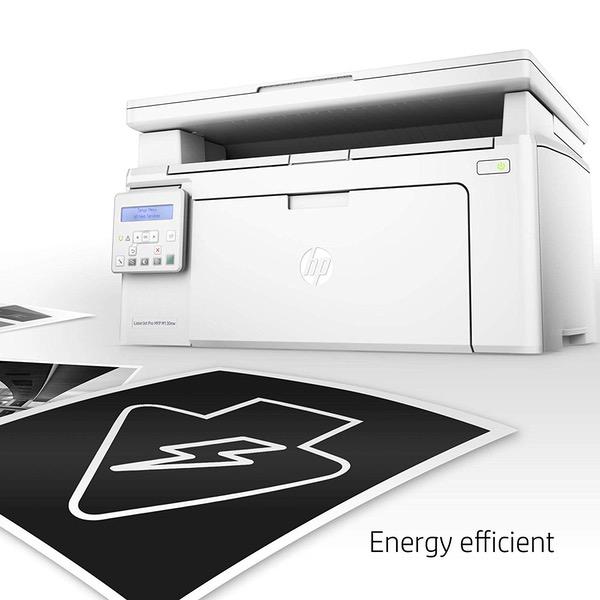
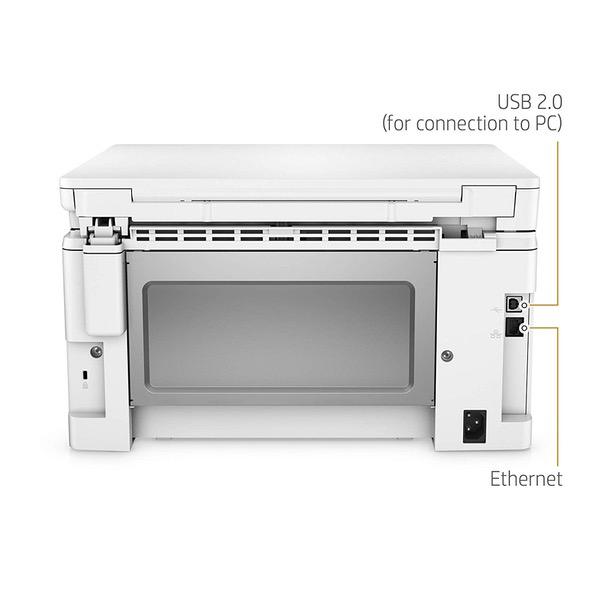
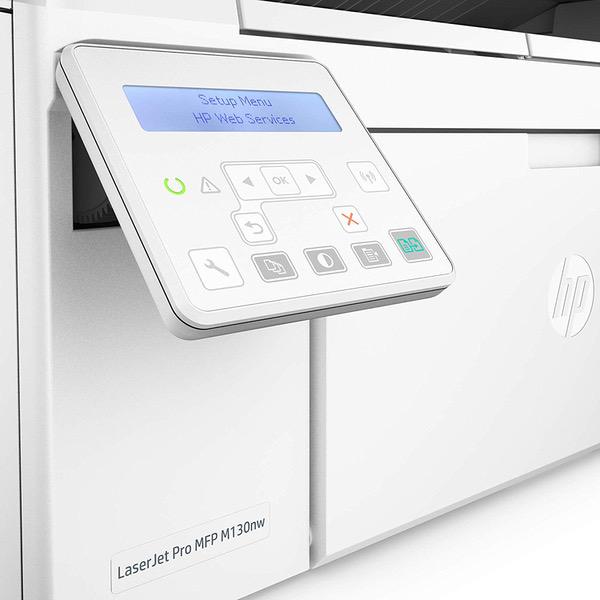
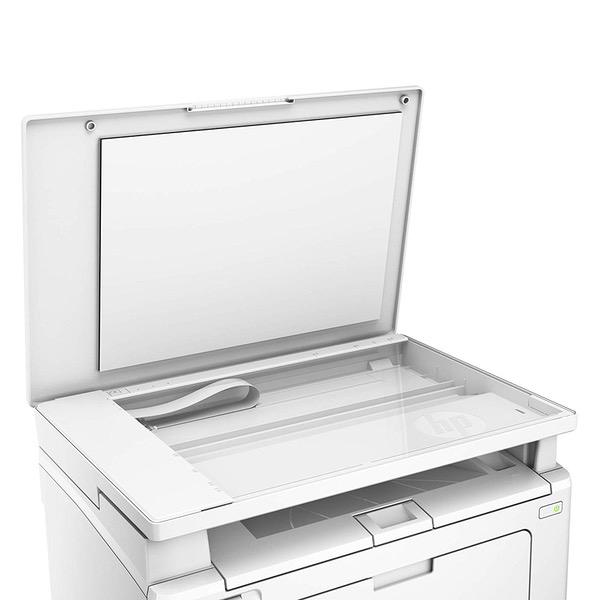
Make sure this fits by entering your model number. Main functions of the HP M130nw laser printer: monochrome print, scanner, copier, wireless printing, LCD display, Ethernet network connectivity, and more This HP M130nw laser printer replaces the HP M125nw printer, additionally the newer HP M130nw has 10% faster print speed plus improved mobile printing experience Prints up to 23 pages per minute, input tray paper capacity up to 150 sheets, duty cycle up to 1,500 pages per month Mobile printing: Use the HP Smart app to easily set up your printer, scan business documents with your mobile camera, and print through online services like Google Drive or Dropbox. Print also using AirPrint, Google Cloud Print or Wi-Fi Direct printing Keep things simple with HP’s smallest laser all in one. Print professional documents from a range of mobile devices, plus scan, copy, and help save energy with a wireless laser printer designed for efficiency Original HP Toner cartridges with JetIntelligence - engineered to help your printer print faster and more pages Choose Original HP 17A Toner cartridges specially designed to work with your printer and avoid frustrating reprints, wasted supplies, and delays Ideal for home and small to medium businesses with work groups of 1-5 users. One-year limited hardware warranty
Reviews
3.1
Reviews: 20
5 stars
30%
4 stars
10%
3 stars
25%
2 stars
10%
1 star
25%
Donn Fishburn
4
I bought this to replace a dead inkjet printer I use for wrestling tournaments. Used once so far - about 500 prints of text and linework. Pretty fast for an inexpensive unit. Prints come out quite warm. Unit seems a little flimsy. I used it with a USB cable so have no knowledge how well the Wi-Fi works. Also not enough prints to know how long a toner cartridge will last.
Slacker5001
4
This printer has been a great choice for me. I am a student in college and training to be a teacher as well. This printer was consistently reliable and worked well for me. Setup was fairly easy. I used the software that HP provides for setting it up. It provided instructions with both words and visually. So if you are considering purchasing this for someone who isnt as computer literate, this may be a viable choice. Once set up, printing worked well. The front panel comes out and creates the paper tray.The tray cant hold a whole ream of paper but it definitely can hold 50+ pages. The printing tray has a small little piece of plastic that needs to be extended to hold the papers, otherwise they just fall to the floor. The menu and buttons on the printer itself is limited, you can only change basic settings, such as turning certain features on or off. However you can easily change other settings by connecting a computer with the provided usb cable. Replacing the cartridge or fixing jams is easy (I have had two jams in the 6 months of owning it and one was caused by my own errors). You lift up the print tray and you get easy access to the internals of the printer if needed. I never had difficulties using its various features and was able to figure out how to print from my phone on the fly. The only frustration I had was with using any of HPs scanning and printing software. I do not use any of HPs printing software, rather my computers default options for changing printing options. For scanning, I could not figure out what was the "correct" scanning software to use. I ended up using a windows store app, which is definitely not my preference. But I really dont use the printer for scanning. The few times I have, the scans werent of the best quality. But they are passable and do their job if really needed. It has various options to print other than through direction connection. I connected the computer to my network. I have issues with it coming disconnected from the network, but I suspect it is my router and not the printer itself since other devices in my home occasionally have the same issue. A quick restart of the printer or the router always fixes the problem. The ink cartridge it came with seemed to run out fairly quickly. I had printed under 200 sheets with basic text before it ran dry. But I just replaced it with a cheap replacement cartridge and it worked just fine. Overall the printer works well, setup was easy, and issues are minimal or easily solved with a restart.
Product variations
Column filling
Sort by Price Sort by Availability Sort by CODE Sort by Style
$17400
In stock
+
B07DM3F27S
Style:
Printer with Black Toner
You may be interested
  • Bestsellers
  • Recently Viewed
 
Fast and high quality delivery

Our company makes delivery all over the country

Quality assurance and service

We offer only those goods, in which quality we are sure

Returns within 30 days

You have 30 days to test your purchase