HP Laserjet Pro M130nw All-in-One Wireless Laser Printer (G3Q58A) with Standard Yield Black Toner Cartridge
Write a review
$17400

HP Laserjet Pro M130nw All-in-One Wireless Laser Printer (G3Q58A) with Standard Yield Black Toner Cartridge

Write a review
B07DM3F27S
Printer with Black Toner
+
Add to wish list
Target is a general merchandise retailer with stores in all 50 states and the District...

City: US, New York

Delivery
Pickup at your own expense
Tomorrow from 09:00 to 20:00, Store location
Free
Payment options
Apple Pay Google Pay Mastercard Visa
Cash, bank card, credit/installment payments, cashless payment for legal entities
Warranty and returns
Exchange/return of products of proper quality within 14 days Official manufacturer's warranty: 12 months
Features
Style
Printer with Black Toner
Description
This fits your .
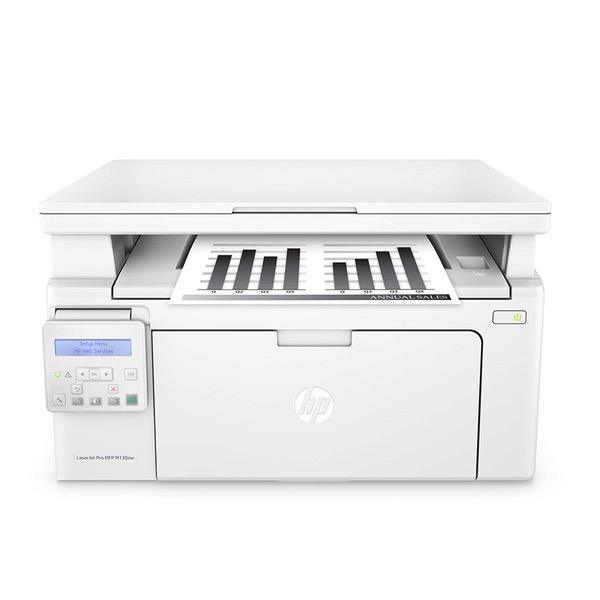
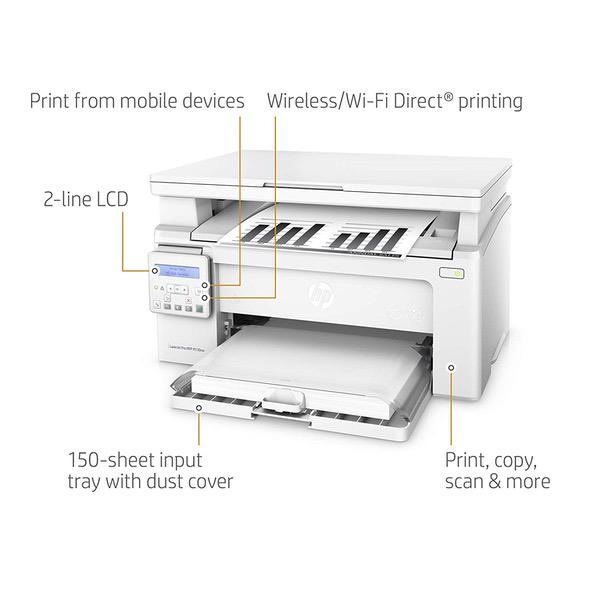
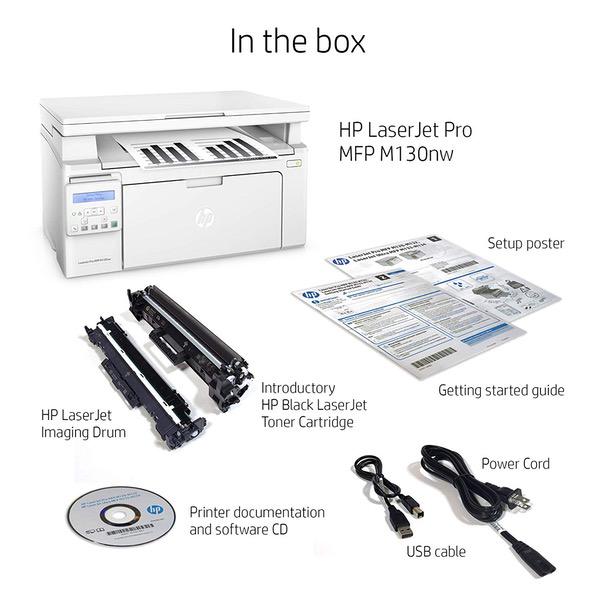
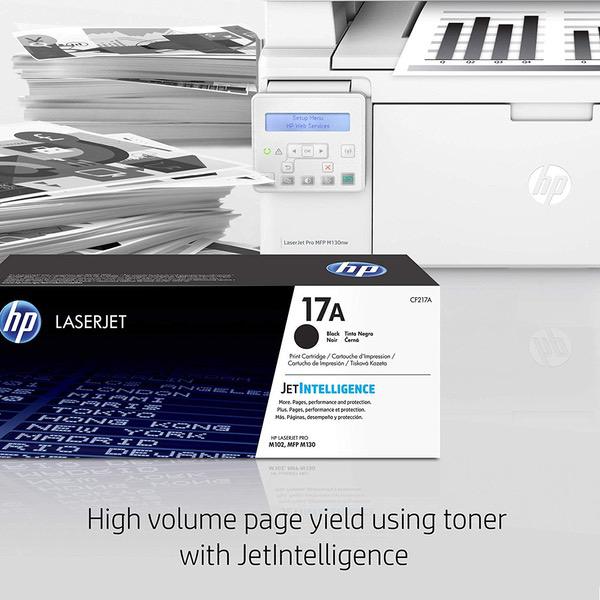
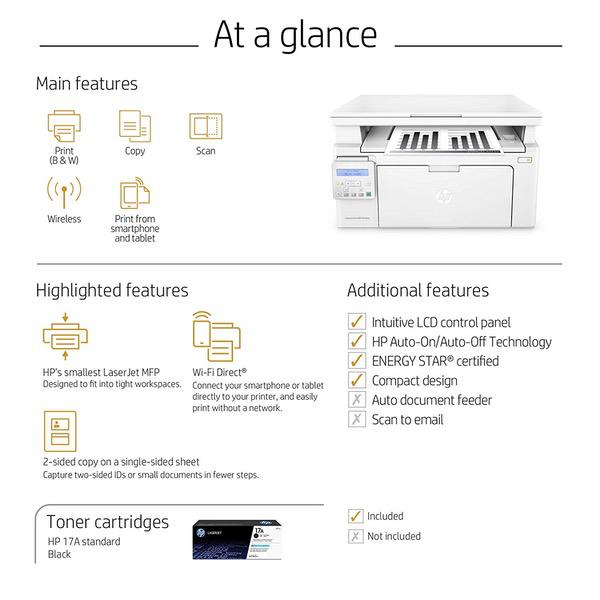
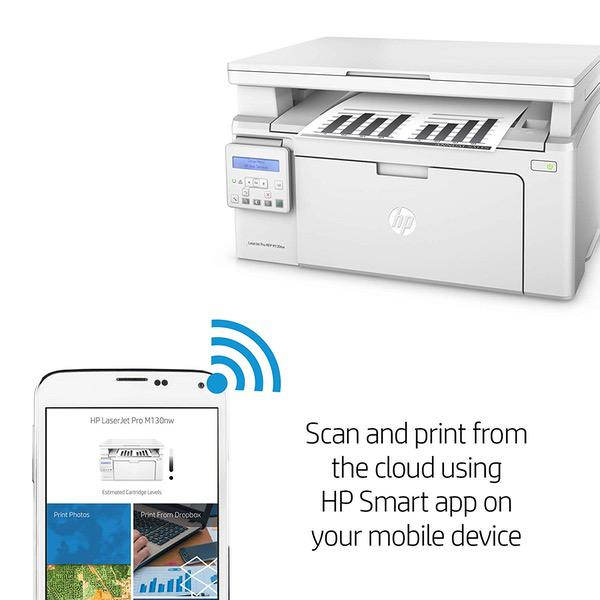
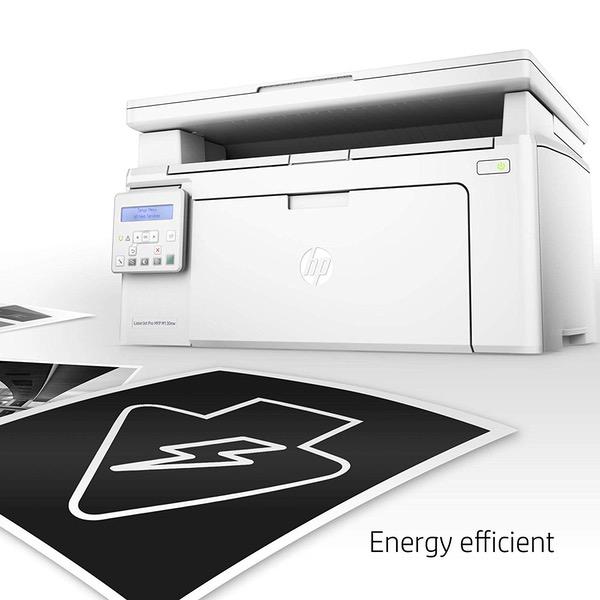
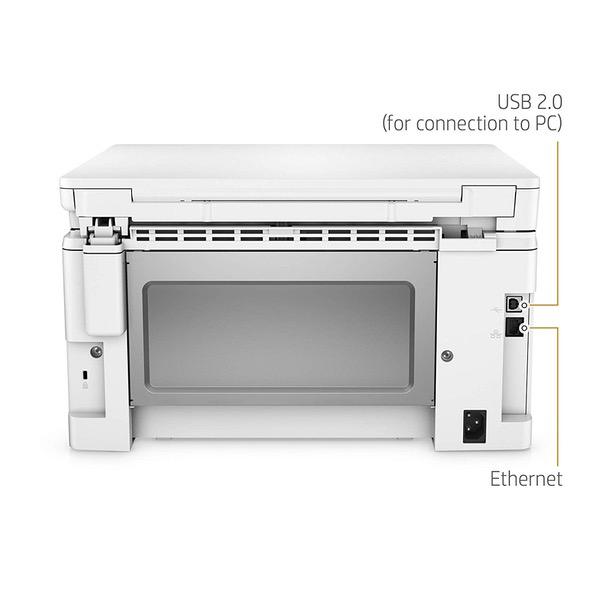
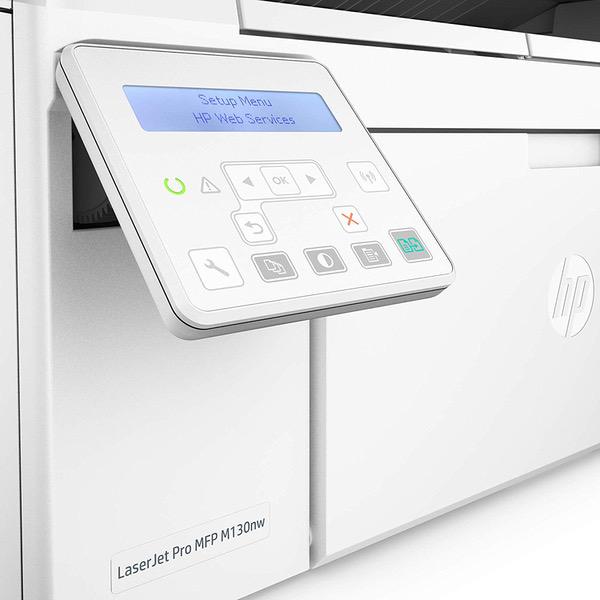
Make sure this fits by entering your model number. Main functions of the HP M130nw laser printer: monochrome print, scanner, copier, wireless printing, LCD display, Ethernet network connectivity, and more This HP M130nw laser printer replaces the HP M125nw printer, additionally the newer HP M130nw has 10% faster print speed plus improved mobile printing experience Prints up to 23 pages per minute, input tray paper capacity up to 150 sheets, duty cycle up to 1,500 pages per month Mobile printing: Use the HP Smart app to easily set up your printer, scan business documents with your mobile camera, and print through online services like Google Drive or Dropbox. Print also using AirPrint, Google Cloud Print or Wi-Fi Direct printing Keep things simple with HP’s smallest laser all in one. Print professional documents from a range of mobile devices, plus scan, copy, and help save energy with a wireless laser printer designed for efficiency Original HP Toner cartridges with JetIntelligence - engineered to help your printer print faster and more pages Choose Original HP 17A Toner cartridges specially designed to work with your printer and avoid frustrating reprints, wasted supplies, and delays Ideal for home and small to medium businesses with work groups of 1-5 users. One-year limited hardware warranty
Reviews
3.1
Reviews: 20
5 stars
30%
4 stars
10%
3 stars
25%
2 stars
10%
1 star
25%
Steve Simmons
3
I purchased this mainly as a printer, after years of throwing away dried-out ink cartridges. The scanner was important to me, but was secondary. Connectivity was very important. If this were just a laser printer, it would get 5 stars ...BUT: 1. The wireless would not connect, no matter what I tried. 3 hours and I gave up (bear in mind I have a Comp Sci degree and am no stranger to printers or networking). Fortunately I have the option of hardwiring to my network, but if Im buying a wireless-capable device, the wireless functionality should work. 2. The scanner works well for a single sheet, but subsequent sheets scan about the first 1/2 inch and then either nothing or it looks as if the first 1/2 inch is smeared down the rest of the page. I rarely scan more than one page at a time, and found that if I reboot the printer between each page (leaving the scanning application open on my PC) then I can do multi-page scans. Annoying and time-consuming but less hassle than returning it and buying something else.
Gee Gee
3
Absolutely the worse instructions I have ever read! They guide me to a button on the control panel that does not exist! Getting this set-up wirelessly was a real challenge. I had to connect the printer to my MacBook using a USB connection, which worked fine...until I was instructed to remove the cable. When I removed the cable, the wireless connection light was on. However, I got an error message that the printer could not be found. I tried removing and downloading the printer drivers three times, hoping that would solve the problem...but it didnt help. Furthermore, I could only use the printer when it was connected to my MacBook via the USB cord. Finally, I noticed that the printer panel had the IP address for my wireless connection. So I removed the printer and added it back using the IP address...and finally, it worked! This was the most frustrating computer set-up I have ever experienced. My advice? Unless you have access to a 10-year-old computer genius and you buy this anyway: 1) Dont try to connect wirelessly, because it probably wont work. 2) Use the USB cord to connect to your Internet and then go back and change it to the wireless connection. 3) If you get an error message that the printer cannot be found, use the IP address instead of the name of the printer when you add it to your network. Finally, there is a plastic part that is supposed to support the printer paper. There is a drawing that indicates how to use it. Unless you are an architect or an engineer, this drawing will not make any sense. I gave up and put the part back in the box. The good news -- and yes, there is good news -- is the printer, scanner and copier all work perfectly, turning out easy to read products. Good luck and may you have eternal patience for this process.
Erika
3
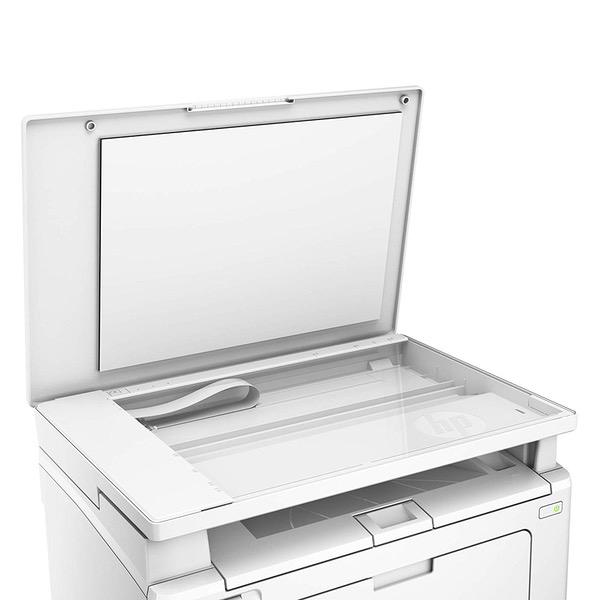
It seems like a cheap home printer, not what I have come to expect from HP products for small office use. The wireless printing mostly doesnt work with our setup in the office (I have successfully gotten 1 test page to print wirelessly from a PC one time only), so pretty much functions as a copier only. The clear paper guard top cover always gets stuck in the up position and its so flimsy feeling Im afraid that pushing too hard down will break the whole thing. I dont like the touchpad control at all.
Steve
3
The printer meets expectations for a $100 laser printer. l like that I can click print on my computer and it will start up from sleep mode and print a sheet in about 8 seconds. The quality of printing is average at best. The first few sheets came out fine, but then I started getting a series of small dots about 1 inch apart and 1/2" in from right side of page. I ran the cleaning utility from the menu and the dots were much smaller, but still visible. For my printing needs, I can live with the print quality in exchange for fast start up and saving about $75 per year in inkjet cartridges.
Susannah
3
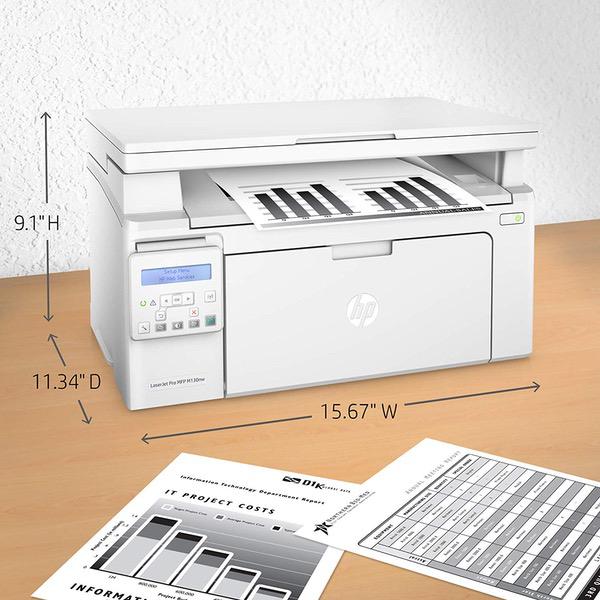
I needed a printer to fit into a very specific weirdly small space in my tiny home office and was pretty excited that this one seemed to fit the bill exactly. Just a heads up: The listed dimensions DO NOT include the paper tray, which sticks out of the front and must live open to print. (I thought the paper magically lived inside it? why doesnt it?) Perhaps this is a no-brainer for some people but I didnt realize it until I received it that with the paper tray sticking out, the workable footprint is actually ~6" deeper than the measurements indicate. IF it would have fit in my space it totally seems like a fine printer and is actually surprisingly sleek looking.
Product variations
Column filling
Sort by Price Sort by Availability Sort by CODE Sort by Style
$17400
In stock
+
B07DM3F27S
Style:
Printer with Black Toner
You may be interested
  • Bestsellers
  • Recently Viewed
 
Fast and high quality delivery

Our company makes delivery all over the country

Quality assurance and service

We offer only those goods, in which quality we are sure

Returns within 30 days

You have 30 days to test your purchase