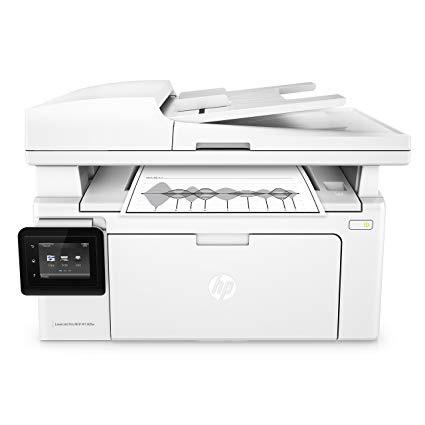
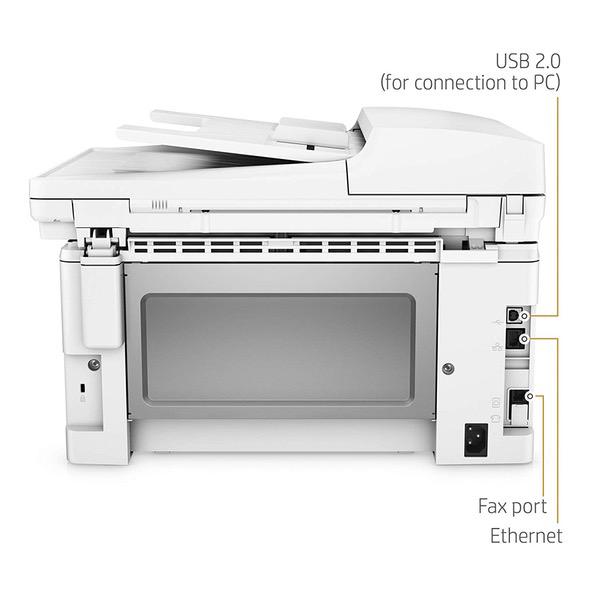
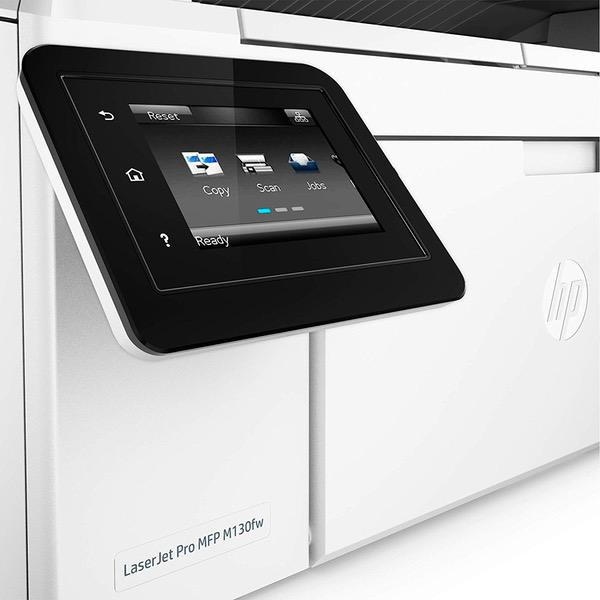
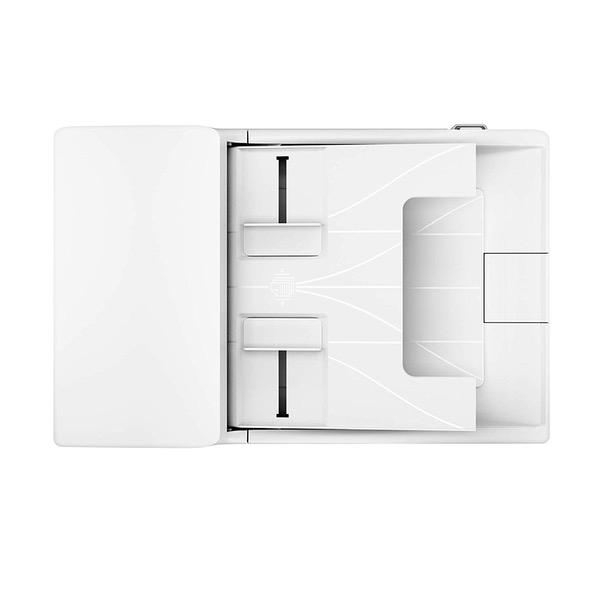
HP LaserJet Pro M130fw All-in-One Wireless Laser Printer, Amazon Dash Replenishment ready (G3Q60A). Replaces HP M127fw Laser Printer
Write a review
$19800

HP LaserJet Pro M130fw All-in-One Wireless Laser Printer, Amazon Dash Replenishment ready (G3Q60A). Replaces HP M127fw Laser Printer

Write a review
B01LBWELFK
+
Add to wish list
Target is a general merchandise retailer with stores in all 50 states and the District...

City: US, New York

Delivery
Pickup at your own expense
Tomorrow from 09:00 to 20:00, Store location
Free
Payment options
Apple Pay Google Pay Mastercard Visa
Cash, bank card, credit/installment payments, cashless payment for legal entities
Warranty and returns
Exchange/return of products of proper quality within 14 days Official manufacturer's warranty: 12 months
Features
Connectivity Technology
USB
Item Dimensions
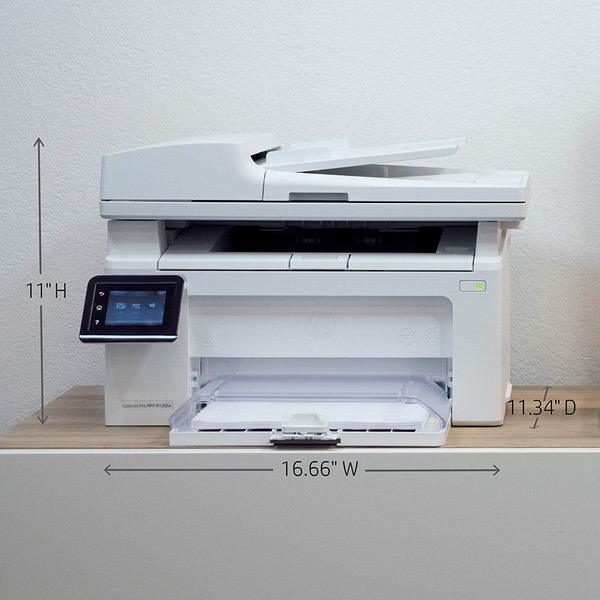
20.13 x 16.66 x 16.68 in
Item Weight
16.76 lbs
Operating System
  • Windows, Mac
Printer Output
Monochrome
Printer Technology
Laser
Description
This fits your .
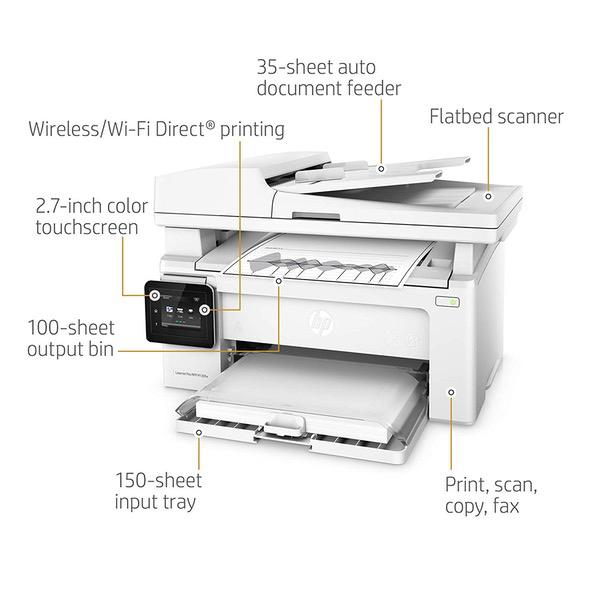
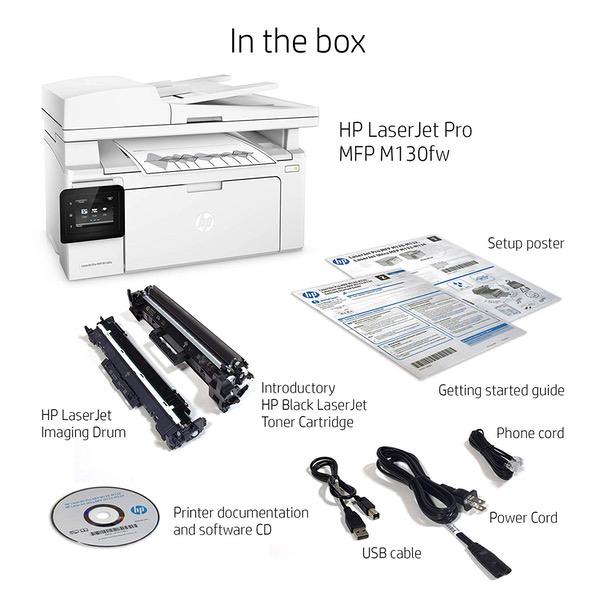
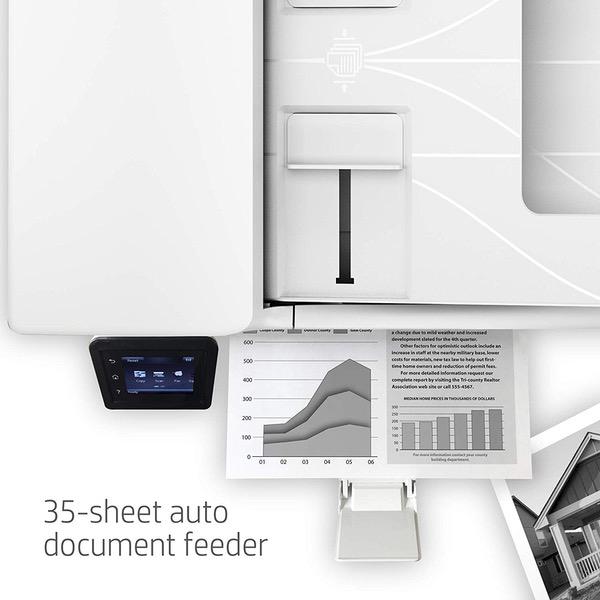
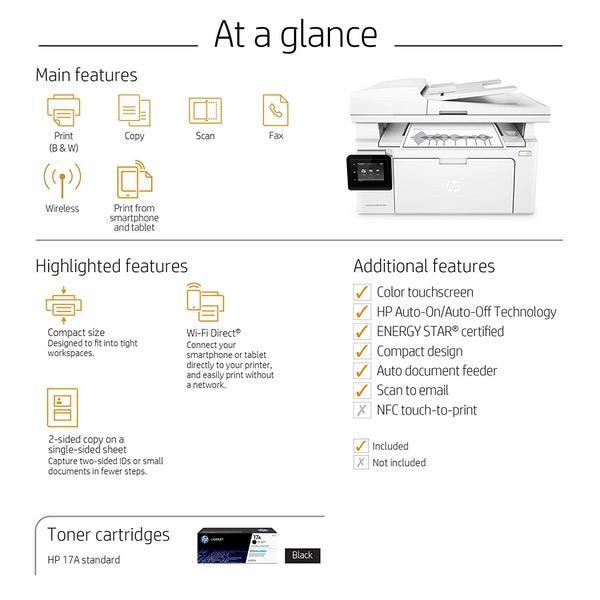
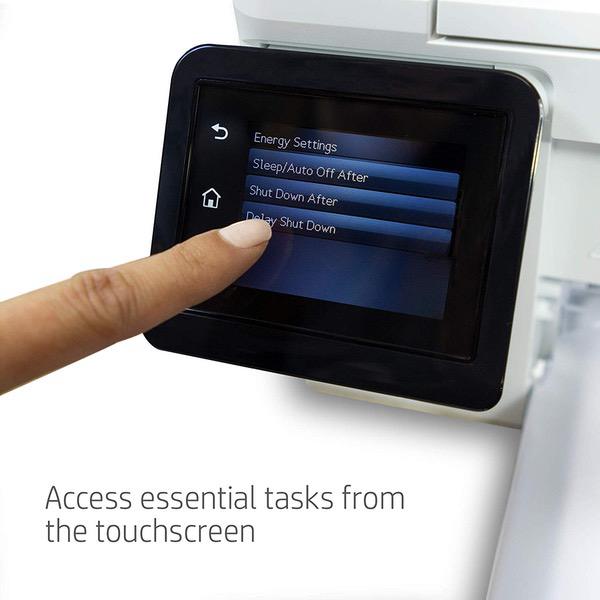
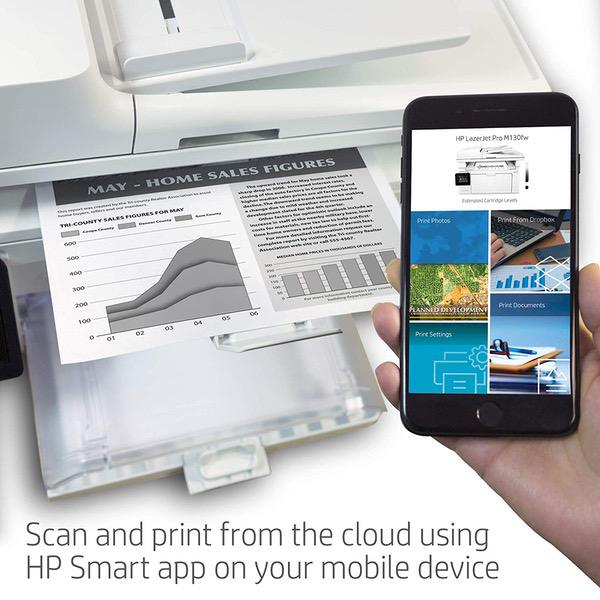
Make sure this fits by entering your model number. Main functions of the HP M130fw laser printer: monochrome print, scanner, copier, fax, wireless printing, color touchscreen, and more This HP M130fw laser printer replaces the HP M127fw printer, additionally the newer HP M130fw has 10% faster print speed plus improved mobile printing experience Prints up to 23 pages/minute, input tray paper capacity up to 150 sheets, duty cycle up to 1,500 pages/month Mobile printing: print from anywhere using your smartphone or tablet with the free HP ePrint app, easily print from your iPhone or iPad with AirPrint, print even without a network using Wireless Direct printing Keep things simple with a compact HP LaserJet Pro. Print professional documents from a range of mobile devices, plus scan, copy, fax, and help save energy with a wireless MFP designed for efficiency Original HP Toner cartridges with JetIntelligence - engineered to help your printer print faster and more pages NEVER SHOP FOR TONER AGAIN: Save 10% with Amazon Dash Replenishment. Upon activation your printer measures toner level and places smart reorders when you are running low. No subscription fees. Ideal for home and small to medium businesses with work groups of 1-5 users. One-year limited hardware warranty; 24-hour, 7 days a week Web support
Reviews
2.8
Reviews: 20
5 stars
20%
4 stars
20%
3 stars
10%
2 stars
15%
1 star
35%
Anthony
4
I bought this little HP unit over two years ago and its seen light to moderate use in my home printing off school items, event tickets, return labels, etc. I also make pretty extensive use of the document feeder on top. This unit has Scan to Network Folder capability, so you can either set up shared folders on your computer or use a NAS like I do (Raspberry Pi w/ Open Media Vault). It will also do print-from-email via HP ePrint. Its performed very well considering other units with the same function set can run you $300+, I mainly have two small complaints: 1: The unit will sometimes lose network connectivity even though it *thinks* its still connected - a reboot fixes the issue, my firmware is fully updated as of Dec 2018. This is probably a once-a-quarter thing. 2: When scanning via the automatic document feeder (ADF), the image will appear tilted by a few degrees despite feeding into the machine perfectly straight. Nothing gets cut off, but its a bit annoying. A huge plus is that its a laserjet that uses dry toner, so you wont have to worry about any ink drying up or clogging the carriage. All in all, Im satisfied with the M130fw. For $150, its a good value as long as it will see light/moderate use. If youve got a full-blown home office, you will need something more heavy-duty; start looking in the $300 range.
Dr. Fortyseven
4
Easy to use and set up. Prints wicked fast. Did not use the fax features, so I cant comment on those. The scanner function is terrific...but not out of the box. My initial scans were terrible. Detail was dramatically lost in color areas, while blacks and whites were clean and sharp. There was also a great deal of compression artifacts. I decided to try installing the official software (it was working great out of the box, and Id hoped to avoid the bloat), since none of the on-device settings menus even acknowledged there was a scanner on the device. (There is a scan button, however, but again, no settings.) The official software only offered resolutions of 75 (who uses this?), 200, and 300dpi. Supposedly the printer does up to 600 (more on this afterward), but that option was not provided. Regardless, none of the new settings offered any improvement to the scan quality. I tried various things, and eventually I found some success. The trick is to avoid the TWAIN drivers with the native HP panel, and just use the vanilla WIA controls. From there, you can force the DPI all the way up to 1200, and IT WORKS. The quality increases dramatically. It goes from being one of the worst scanners Ive owned, to one of the best Ive had. Thing is, I tried this method before installing the HP software and didnt have success. But afterward, it worked.... so YMMV. Im not sure if HP purposely gimped the software on this thing, but its not the first time a hardware manufacturer has done something like that when selling a budget-minded version of a more expensive product. Other than that, its a nice little printer. :)
Sam Swire
4
The HP LaserJet Pro M130fw is a great printer if you are occasionally printing papers. Its fast, it connects to your email accounts, it has a scanner, printer, and fax all built into one, and you can print from your smartphone. It is also very fast and energy efficient. The reason I give it 4 stars instead of 5 is because there is no sleep mode for the printer. Its either on or off so if you want to print you have to go to the printer to turn it on. If you leave the printer on, then the screen is on 24/7 which can be annoying, otherwise, I highly suggest this product.
Ray
4
The wireless printing is okay, but slow to wake after the printer goes to sleep. I decided to hook the printer directly to my modem via a LAN cable. I assigned a fixed IP address and set the sleep mode for a longer time. I also disabled the fax because every time my phone rings and the call is not a fax the printer hangs and needs to be reset. Also, the auto or manual update does not find the web. I checked for firmware updates, but there are none since August 2017. I went with a black and white laser printer because those color inkjet cartridges are not worth the money. Inkjet printers seem to sell very well, so HP does not seem motivated to perfect more economical laser printers like the M130fw.
Product variations
Column filling
Sort by Price Sort by Availability Sort by CODE
$19800
In stock
+
B01LBWELFK
You may be interested
  • Bestsellers
  • Recently Viewed
 
Fast and high quality delivery

Our company makes delivery all over the country

Quality assurance and service

We offer only those goods, in which quality we are sure

Returns within 30 days

You have 30 days to test your purchase