HP LaserJet Pro M130fn All-in-One Laser Printer with print security (G3Q59A) with Standard Yield Black Toner Cartridge
Write a review
$24400

HP LaserJet Pro M130fn All-in-One Laser Printer with print security (G3Q59A) with Standard Yield Black Toner Cartridge

Write a review
B07DLVH7H6
Printer + Black Toner Cartridge
+
Add to wish list
Target is a general merchandise retailer with stores in all 50 states and the District...

City: US, New York

Delivery
Pickup at your own expense
Tomorrow from 09:00 to 20:00, Store location
Free
Payment options
Apple Pay Google Pay Mastercard Visa
Cash, bank card, credit/installment payments, cashless payment for legal entities
Warranty and returns
Exchange/return of products of proper quality within 14 days Official manufacturer's warranty: 12 months
Features
Style
Printer + Black Toner Cartridge
Description
This fits your .
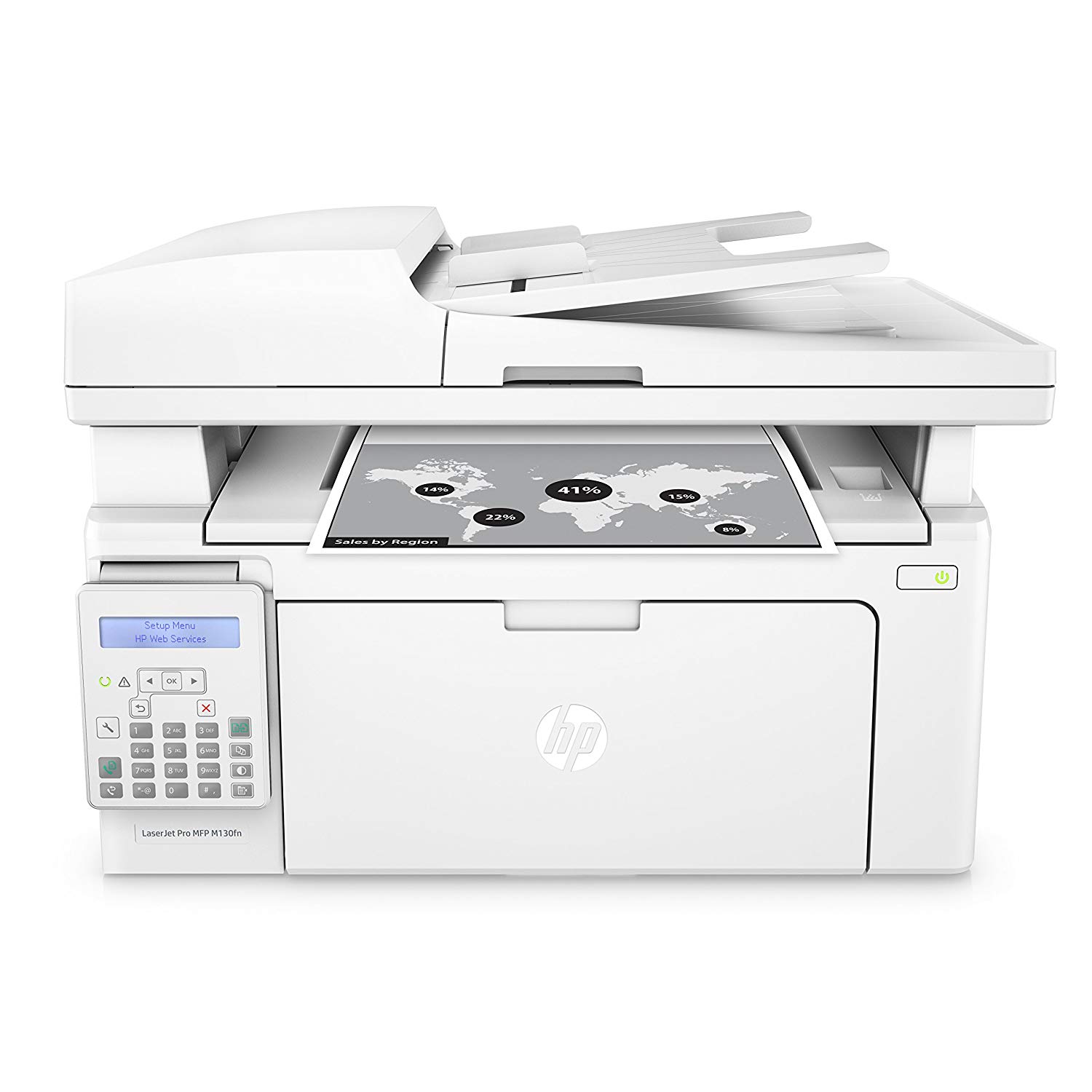
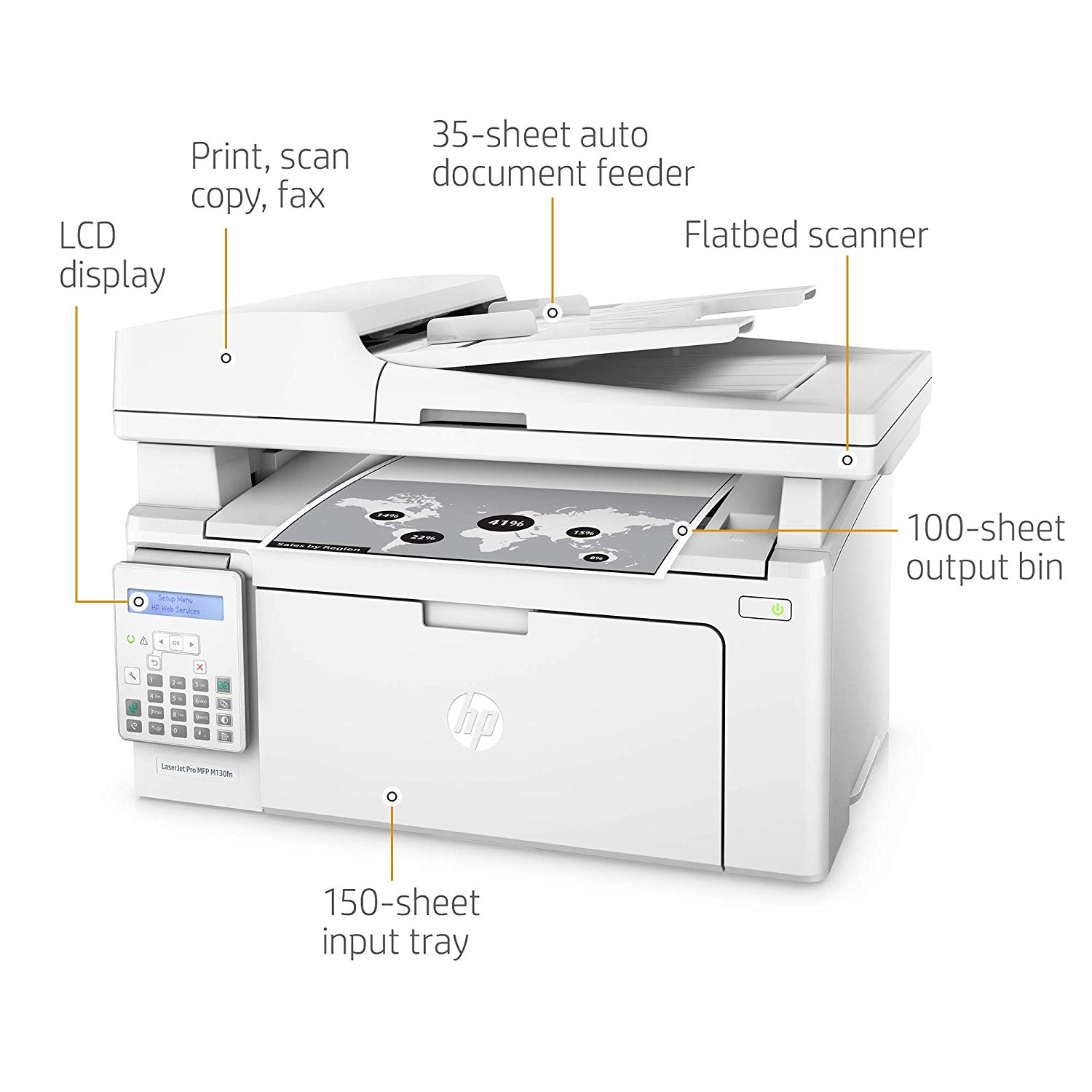
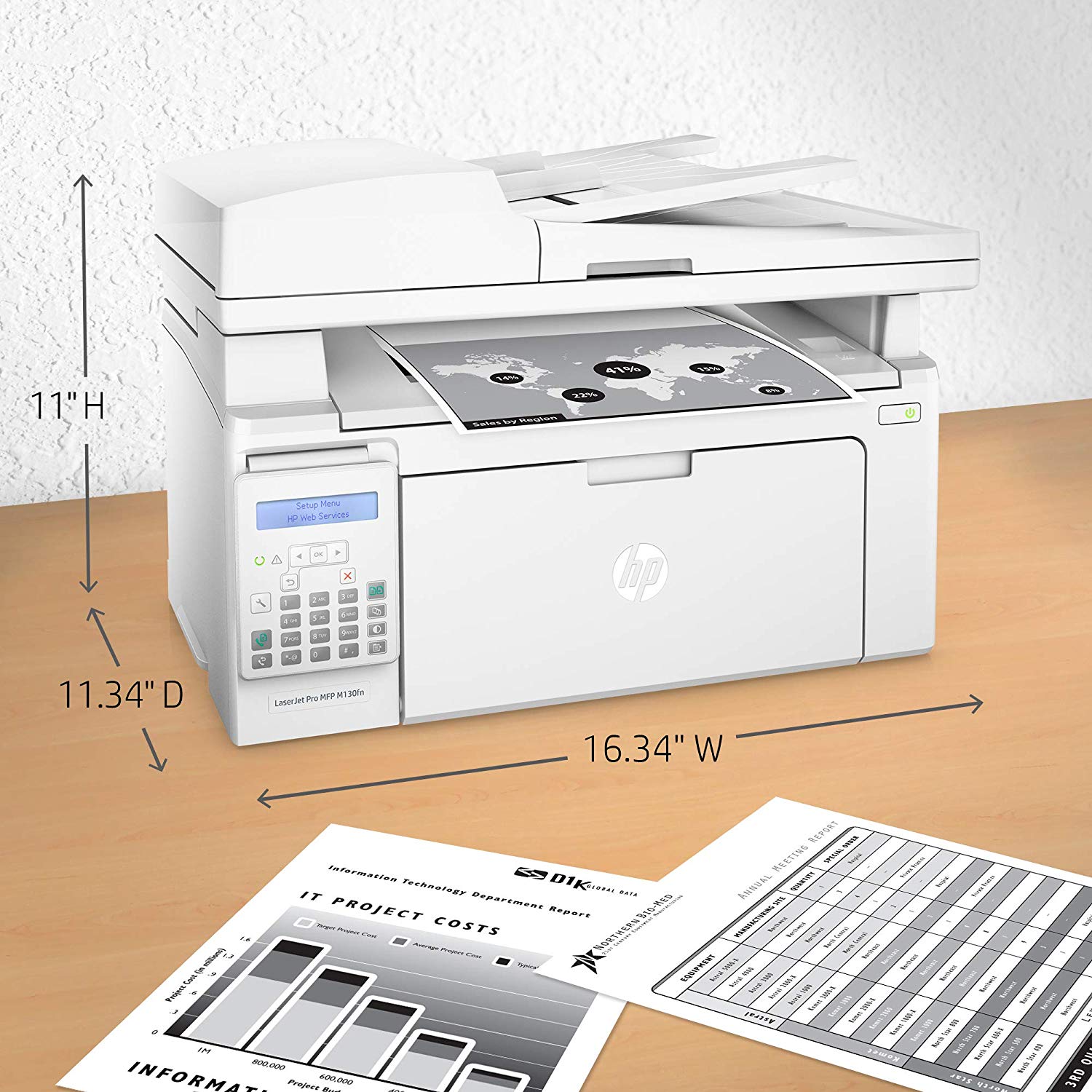
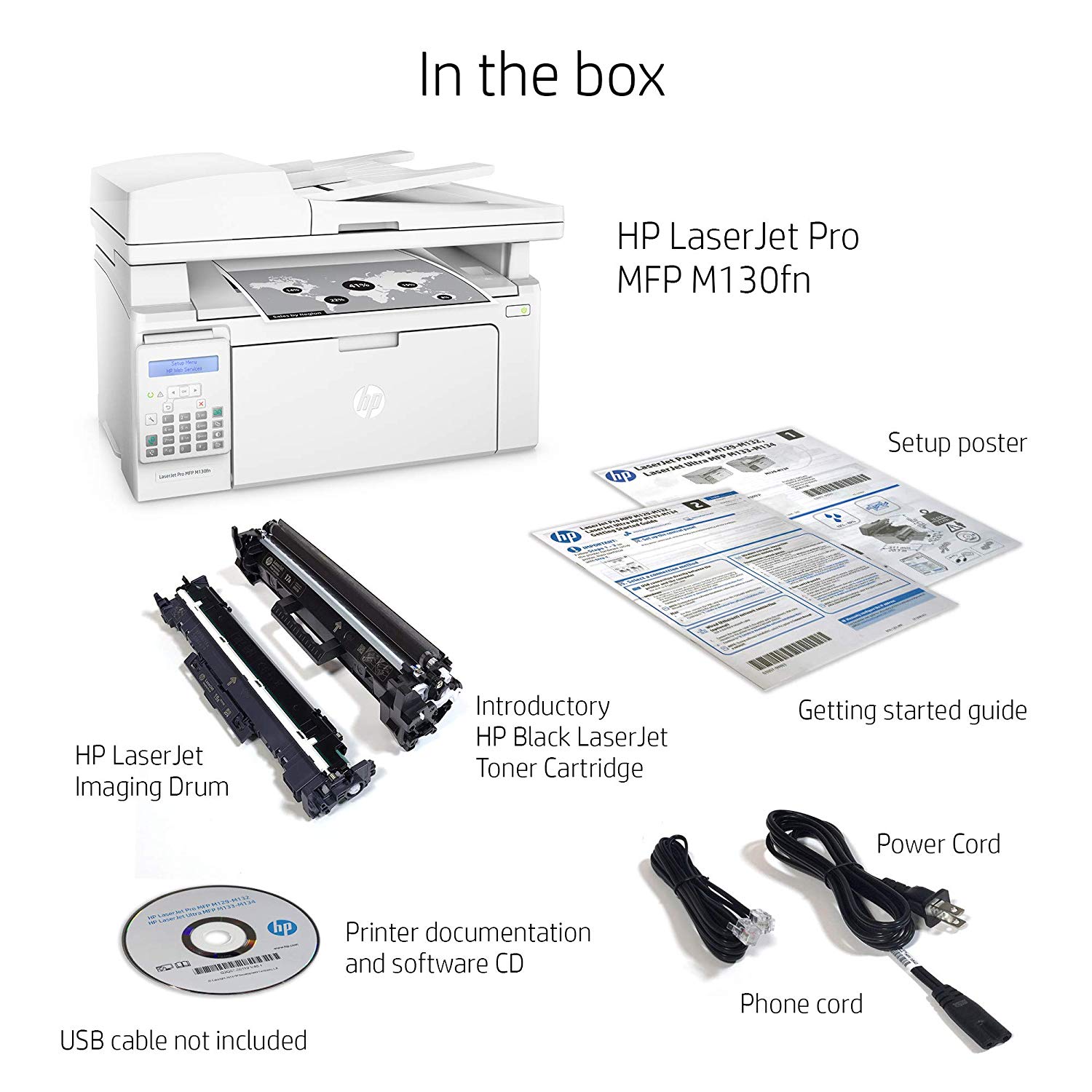
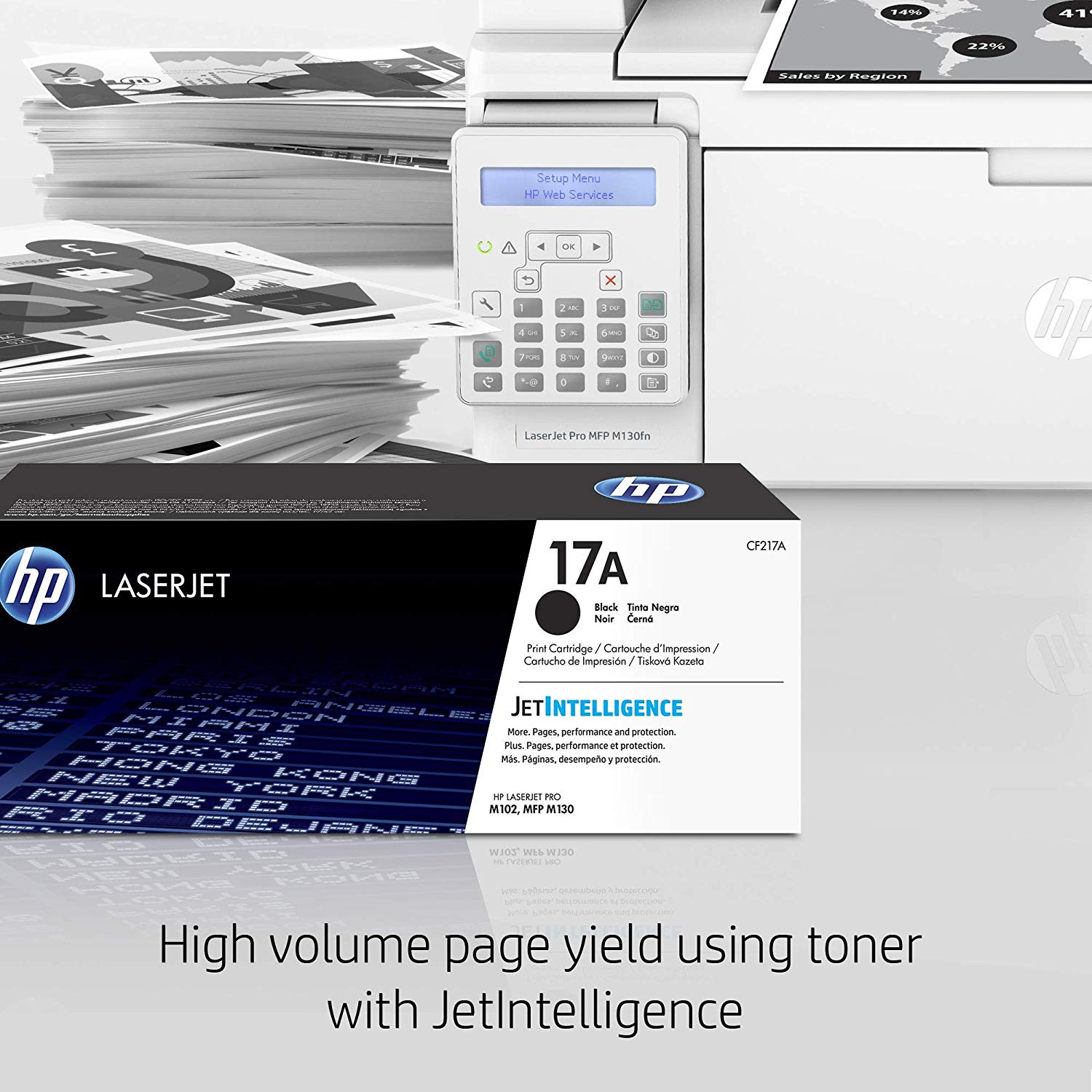
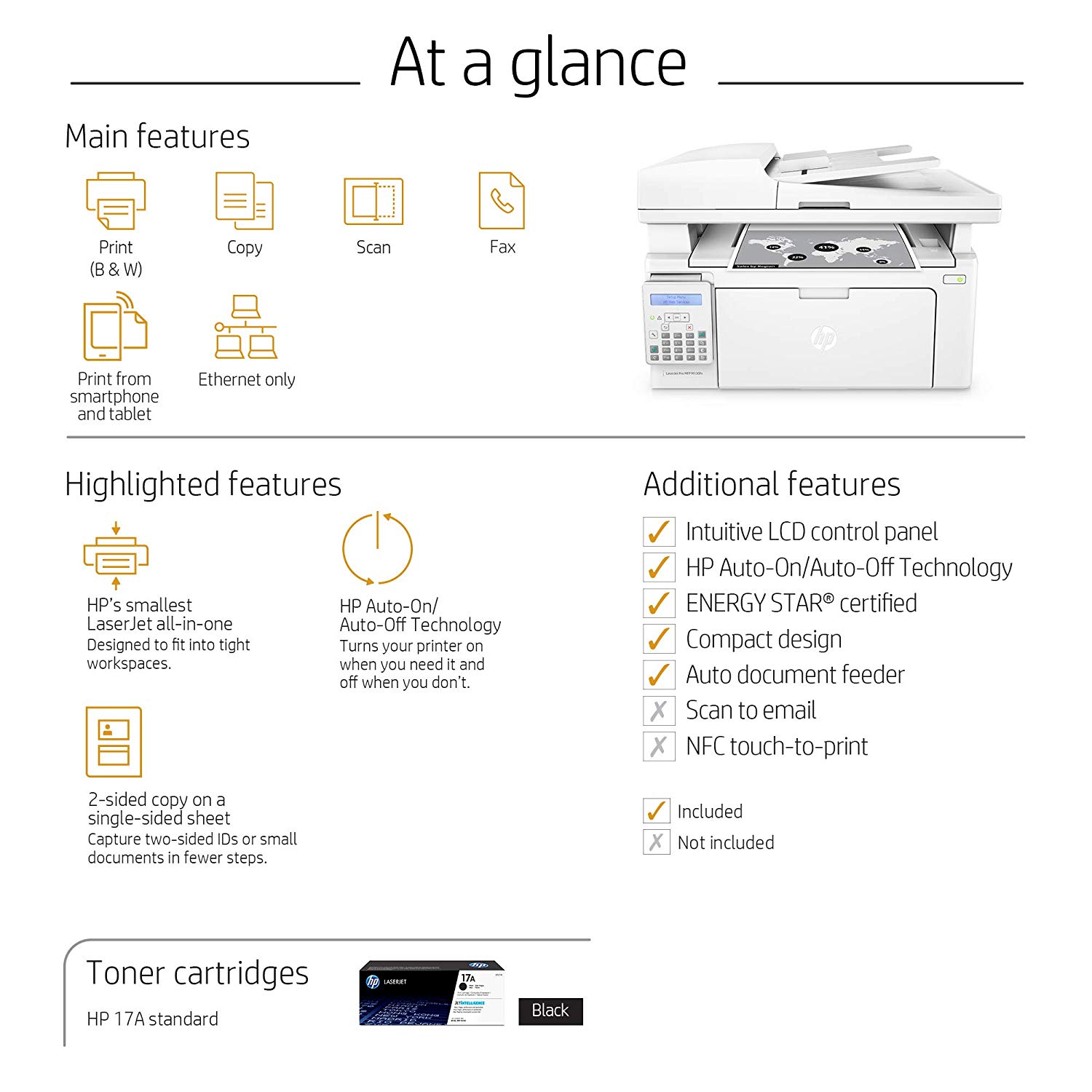
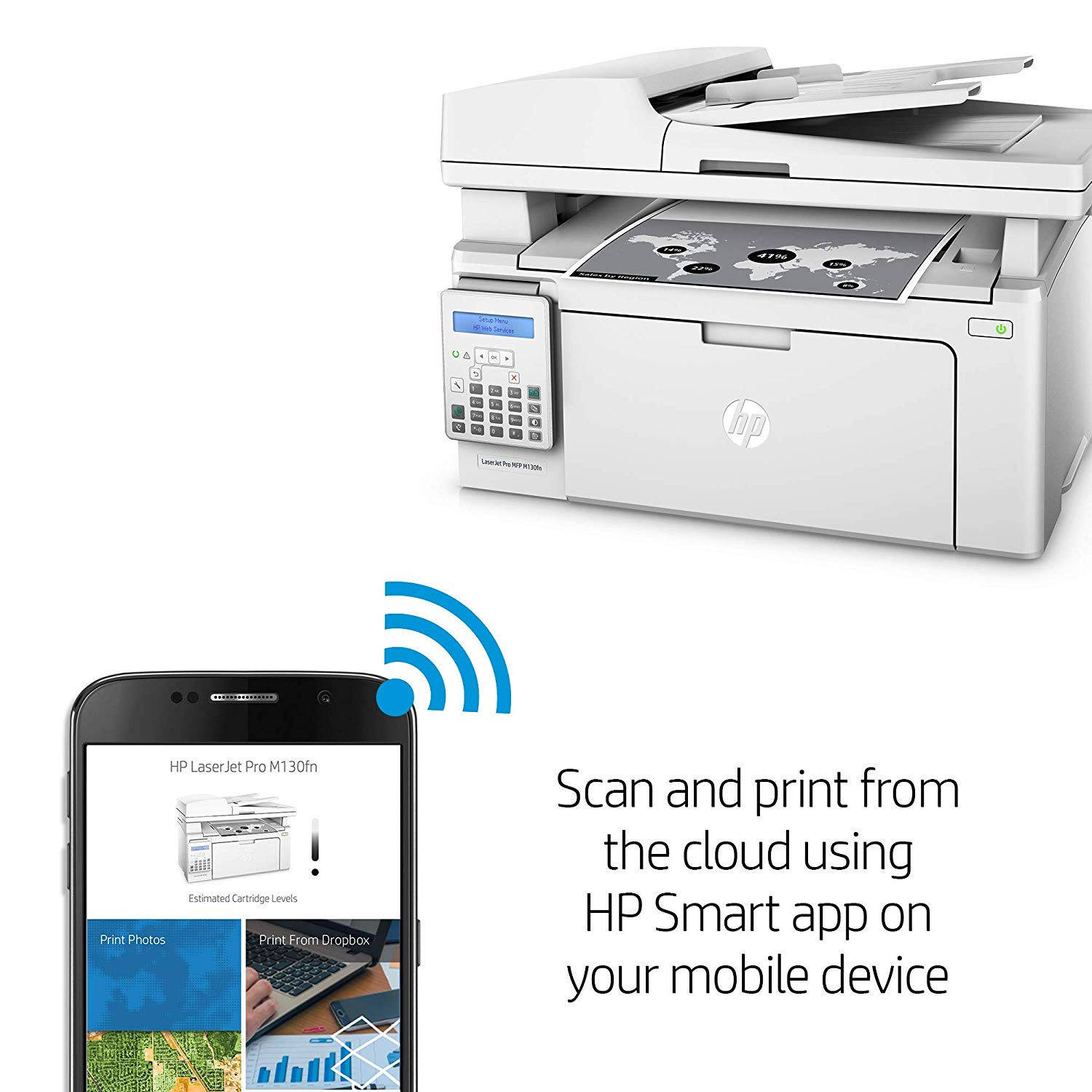
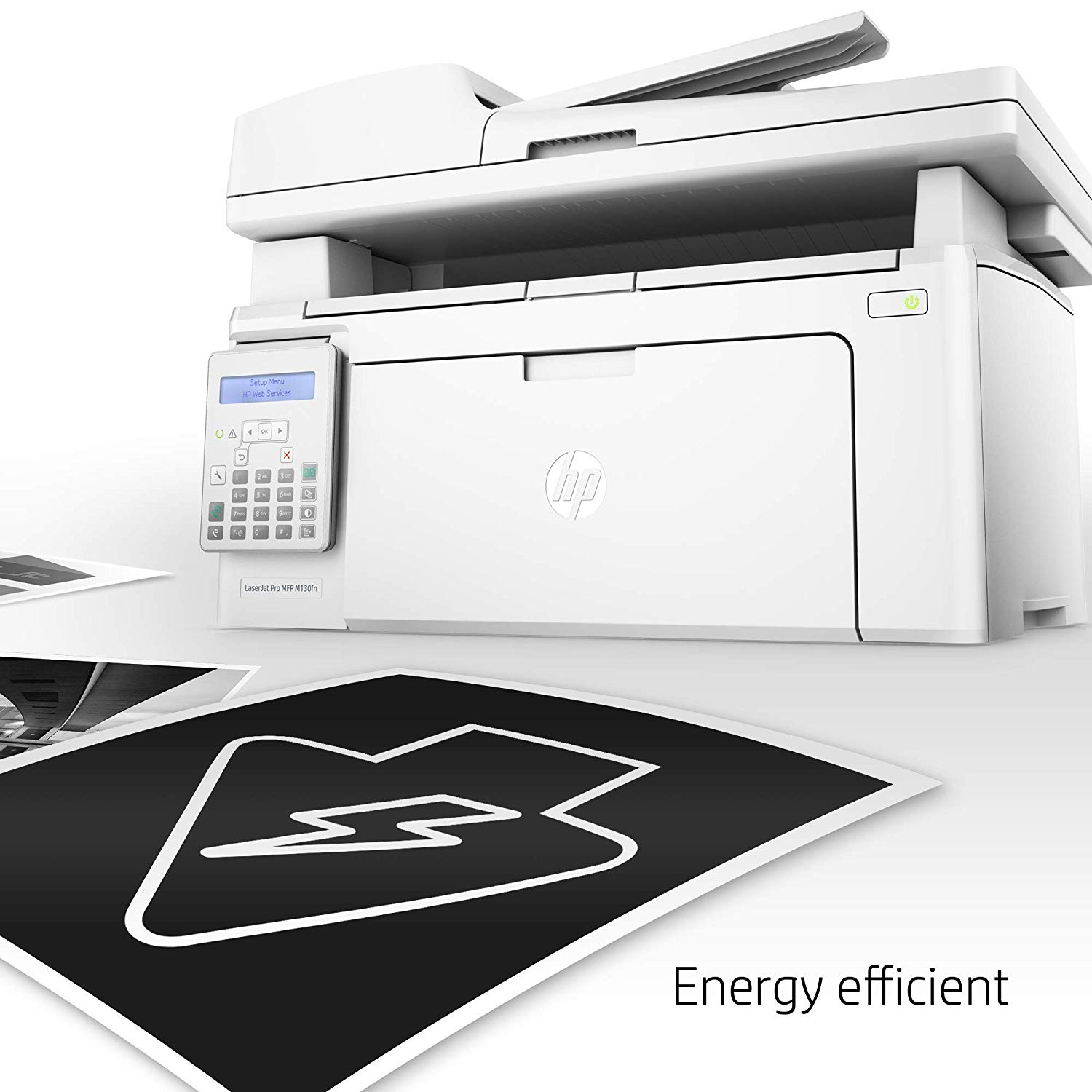
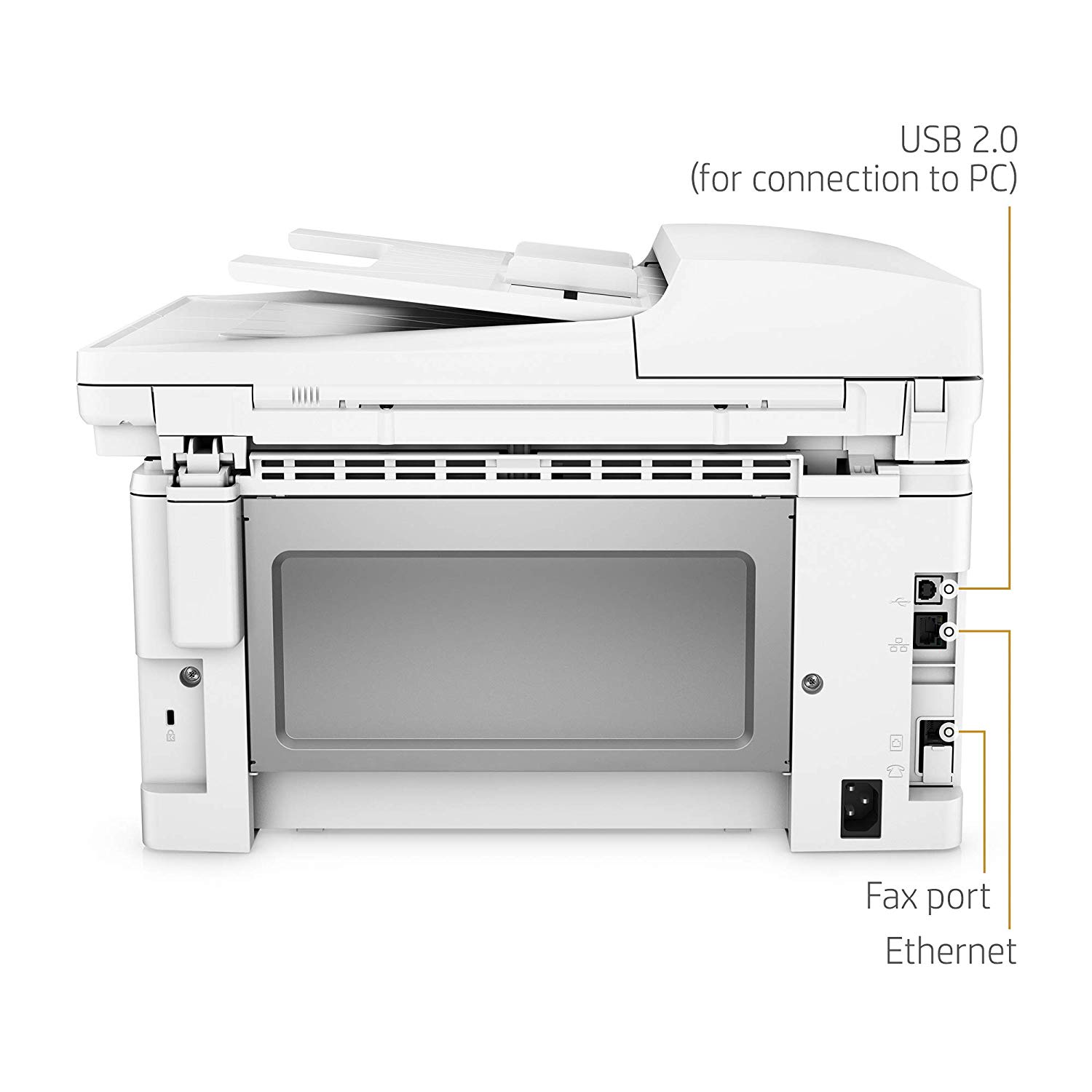
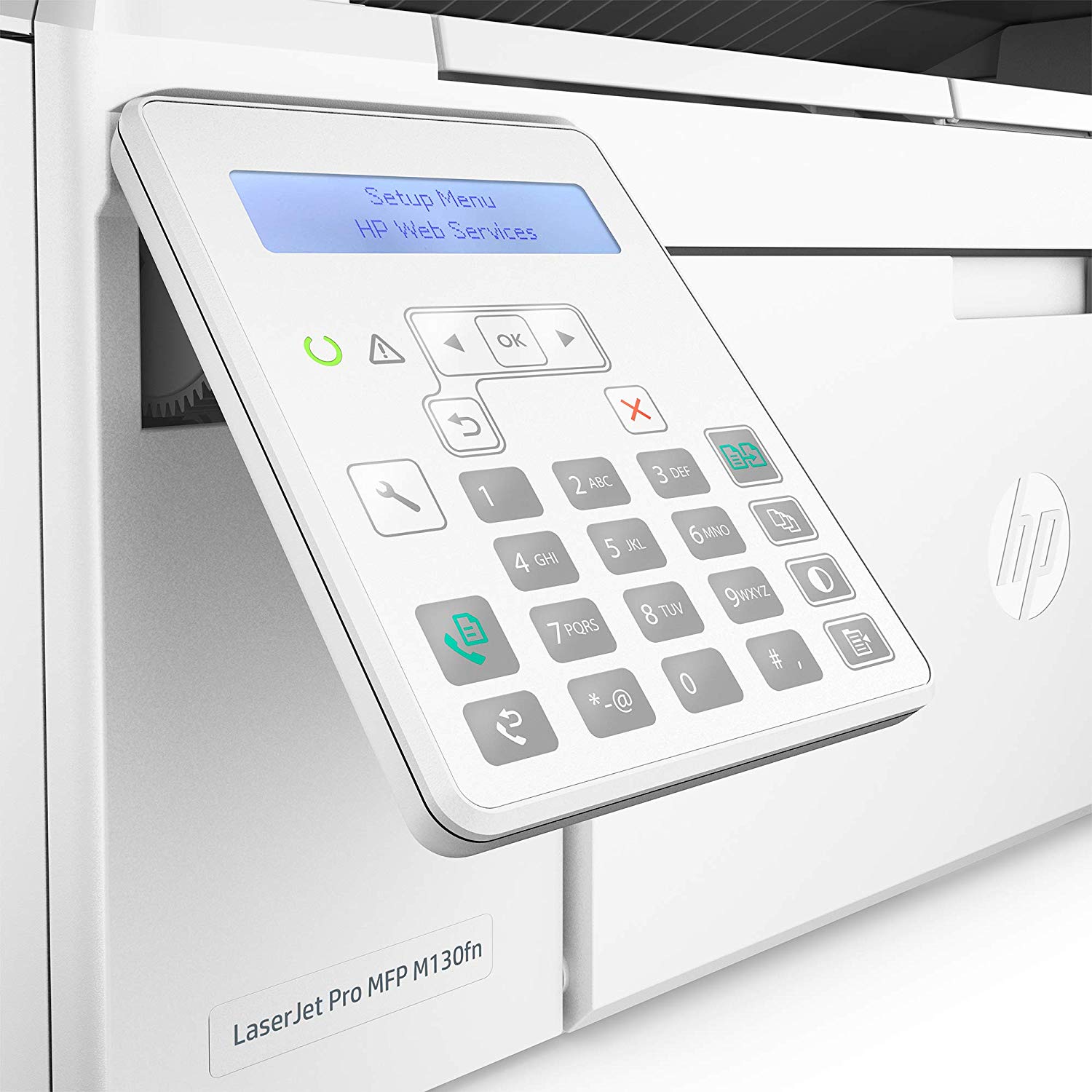
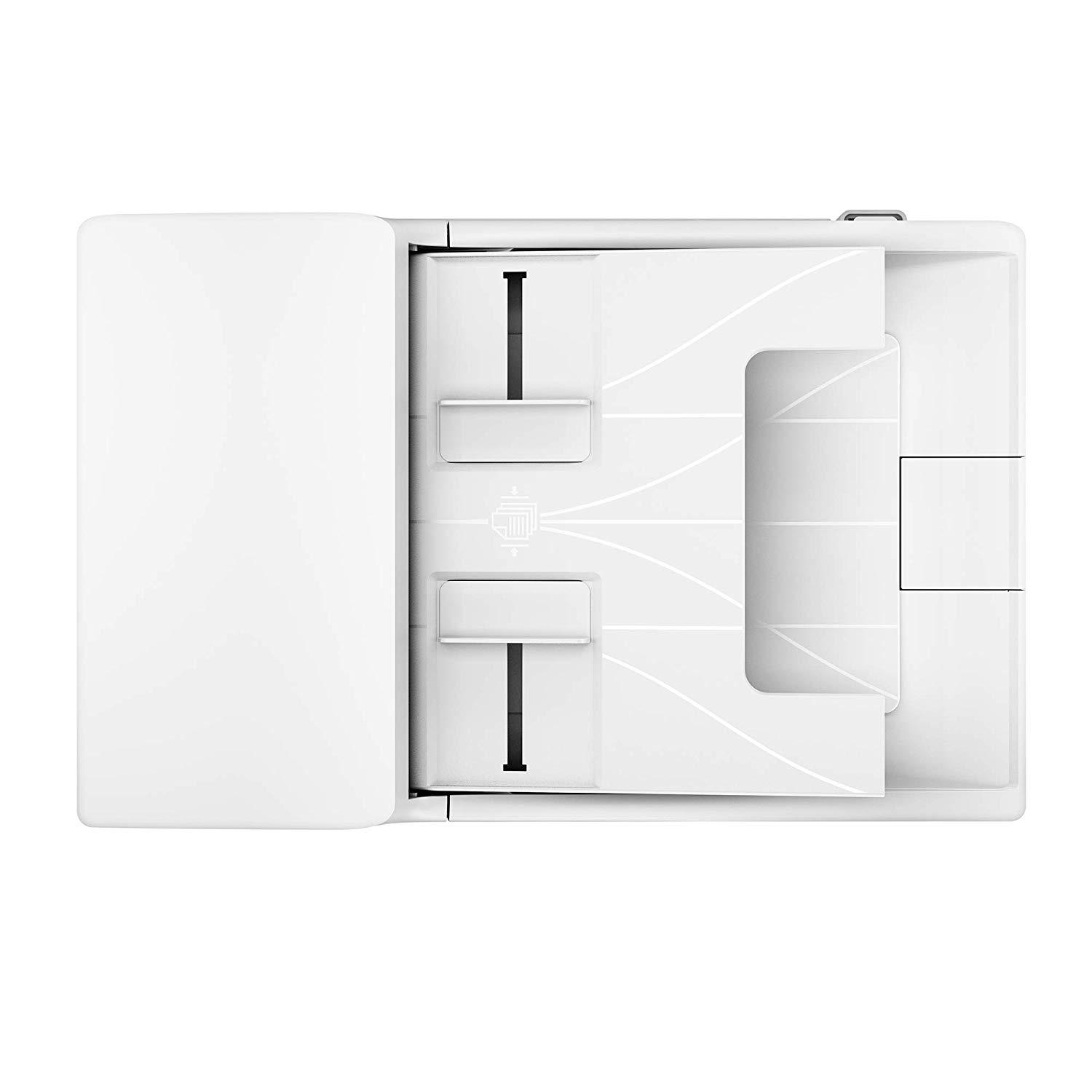
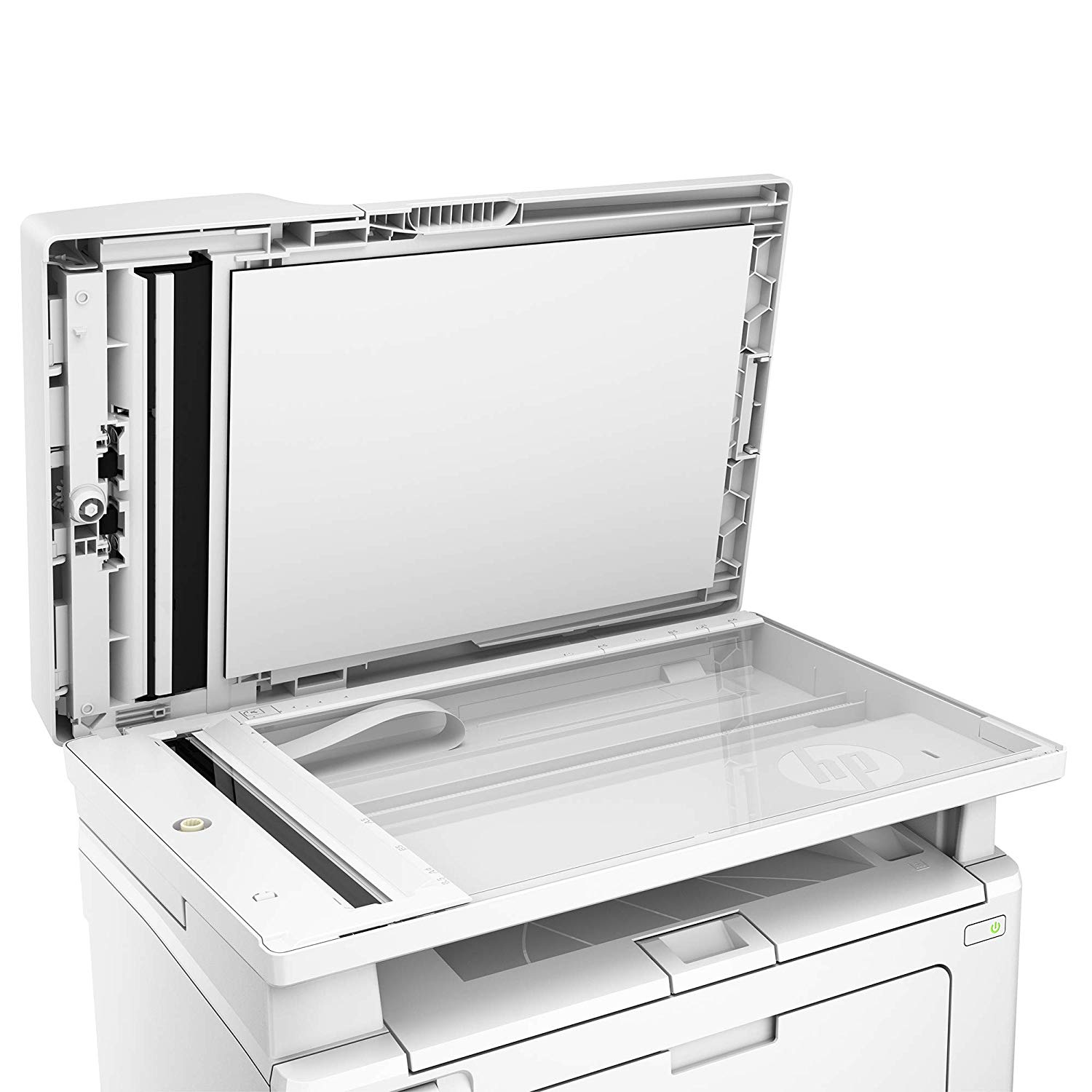
Make sure this fits by entering your model number. Main functions of the HP M130fn laser printer: monochrome print, scanner, copier, fax, LCD display, secure Ethernet connectivity, and more This HP M130fn laser printer replaces the HP M127fn printer, additionally the newer HP M130fn has 10% faster print speed plus 25% faster first page out Prints up to 23 pages/minute, input tray paper capacity up to 150 sheets, duty cycle up to 1,500 pages/month Mobile printing: print from anywhere using your smartphone or tablet with the free HP ePrint app, easily print from your iPhone or iPad with AirPrint, send jobs from your devices to any company printer using Google Cloud Print Keep things simple with HP’s smallest LaserJet MFP. Print professional documents from a range of mobile devices, plus scan, copy, fax, and help save energy with an MFP designed for efficiency Original HP Toner cartridges with JetIntelligence - engineered to help your printer print faster and more pages Choose Original HP 17A Toner cartridges specially designed to work with your printer and avoid frustrating reprints, wasted supplies, and delays Ideal for home and small to medium businesses with work groups of 1-5 users. One-year limited hardware warranty; 24-hour, 7 days a week Web support
Reviews
3.7
Reviews: 20
5 stars
40%
4 stars
20%
3 stars
20%
2 stars
5%
1 star
15%
Memyself Andi
1
DO NOT install HP software from DVD or HP website if you are running Windows 10!!!!!!!!!!!!!!!!!!!!!!!!!!!!!! If you install the software by HP that came with the MFP ( mine did not work ) or download from HPs website DO NOT USE if you are running windows 10. HPs software will only install the fax and scanner software but the print driver does not work. You can scan and fax but can not print to the printer. called HP and they said it was an USB issue on my computer and wanted to remote in. I explained that I had 2 different Windows 10 machines fail the installation of the HP software but they still claimed it was a machine issue. I tested 2 other windows 10 machines and just plugged in the MFP windows installed correctly on both. Printer and scanning worked but the fax software was not installed. The driver install from HPs website does not let you choose what to install so I can only hope faxing can be done manually from the printer. Another issue is I decided to try printing through the Network and that failed as well. The software can see the printer, give me a MAC address and IP address. I can go to the web services web page on the printer but the software fails to install the Network drivers properly to Print. So this confirms for me that it was never a USB machine issue on the 2 failed machines since the driver did not install for Network printing as well but an issue with HPs software. Another note on the 2 failed installs windows did come up with a HP print driver update but that failed as well. I will try a few more things but I can see myself boxing up this printer and sending back in the next couple of days. ( One more thing I tried cleaning the registry of this printer after uninstall and cleared the driver files from system32spool from a failed machine but that did not work either ). I was able to an HP 400 printer on a failed machine without an issue and setup Network printing to a HP 600 printer and was able to print. which only proves to me that the software is buggy and HPs customer support is lacking. ****Update**** Well after cleaning out the HP drivers and registry entries for the printer...... Tried to reinstall the HP drivers again. And as expected the same result Fax and Scanning works but the printing does not. As with the initial install Device Manager displayed the Printer as being fine with no issues. Force installed the print driver to the print device and after a reboot it looks like the printer is now working. No USB issues just buggy software install for Windows 10. Once again with Windows 10 just let the PC load its own drivers. A lot less Headaches
Kindle Customer
1
This printer did not work with my Windows computer; and it didnt work with Ubuntu 16.04 Linux either.
Bob Ford
1
I can not get it to print with windows 7. I it will scam and fax fine. If you want to use it at a printer, you are out of luck.
Product variations
Column filling
Sort by Price Sort by Availability Sort by CODE Sort by Style
$17900
In stock
+
B01LBWEL6E
Style:
Printer
$24400
In stock
+
B07DLVH7H6
Style:
Printer + Black Toner Cartridge
You may be interested
  • Bestsellers
  • Recently Viewed
 
Fast and high quality delivery

Our company makes delivery all over the country

Quality assurance and service

We offer only those goods, in which quality we are sure

Returns within 30 days

You have 30 days to test your purchase