

























Z.M.
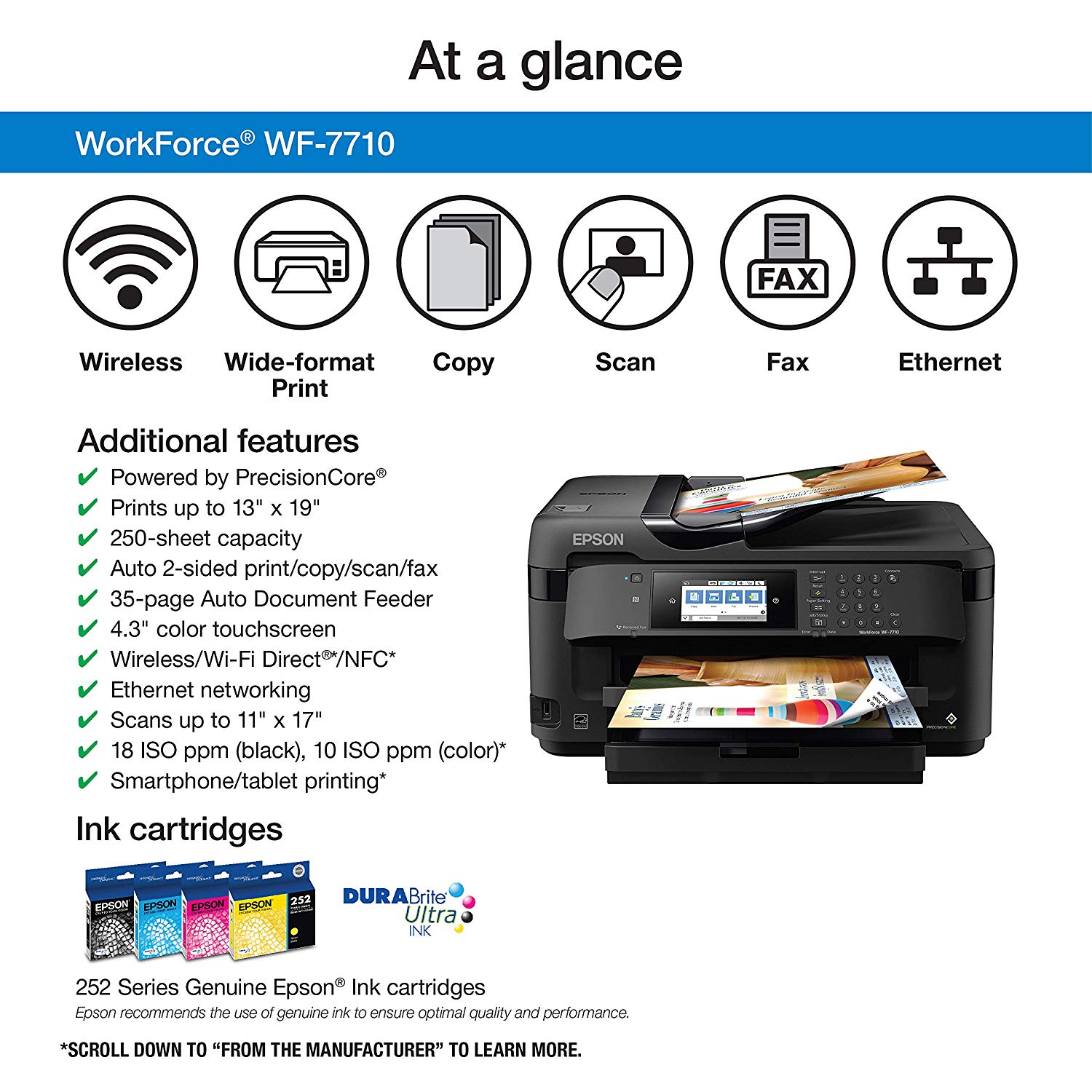
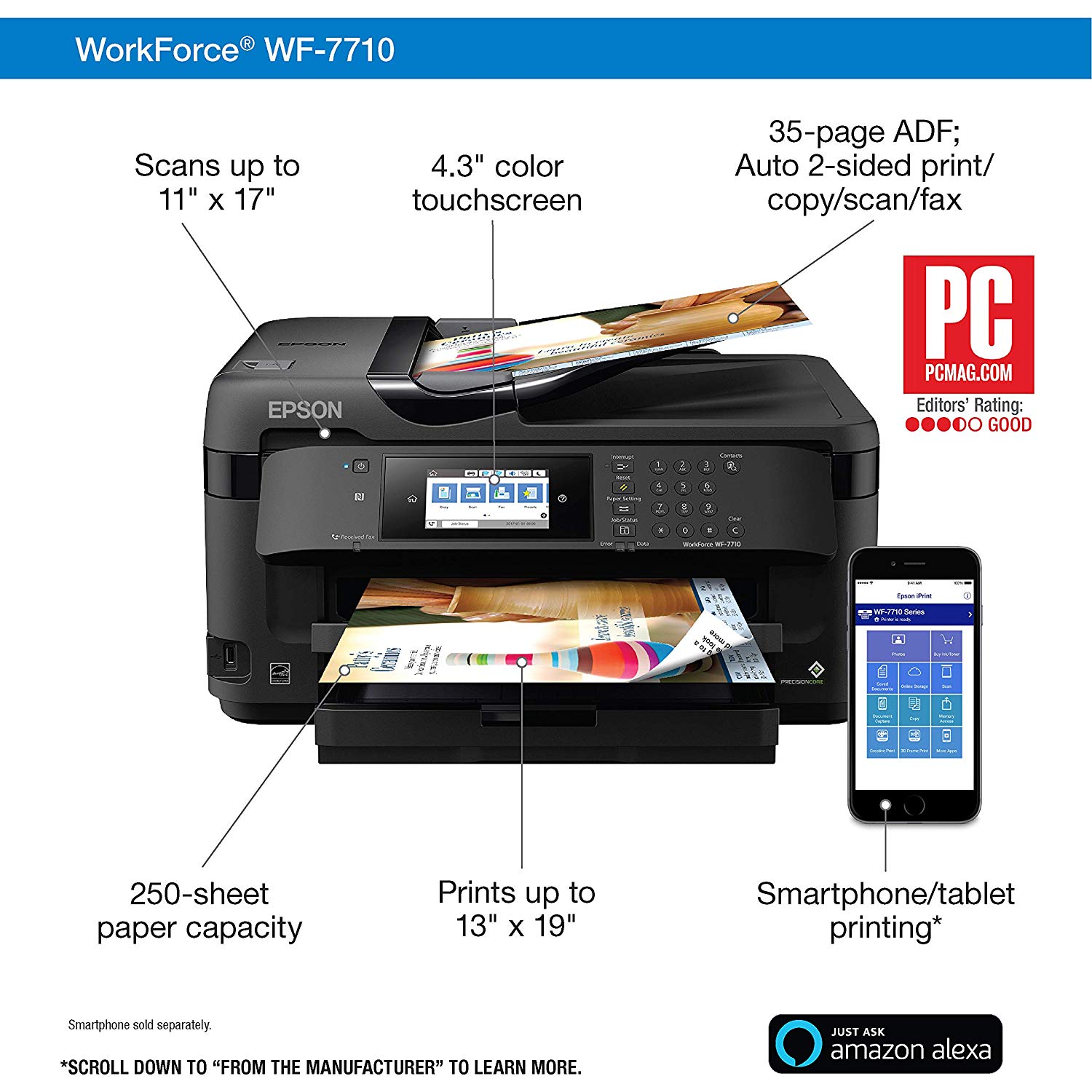
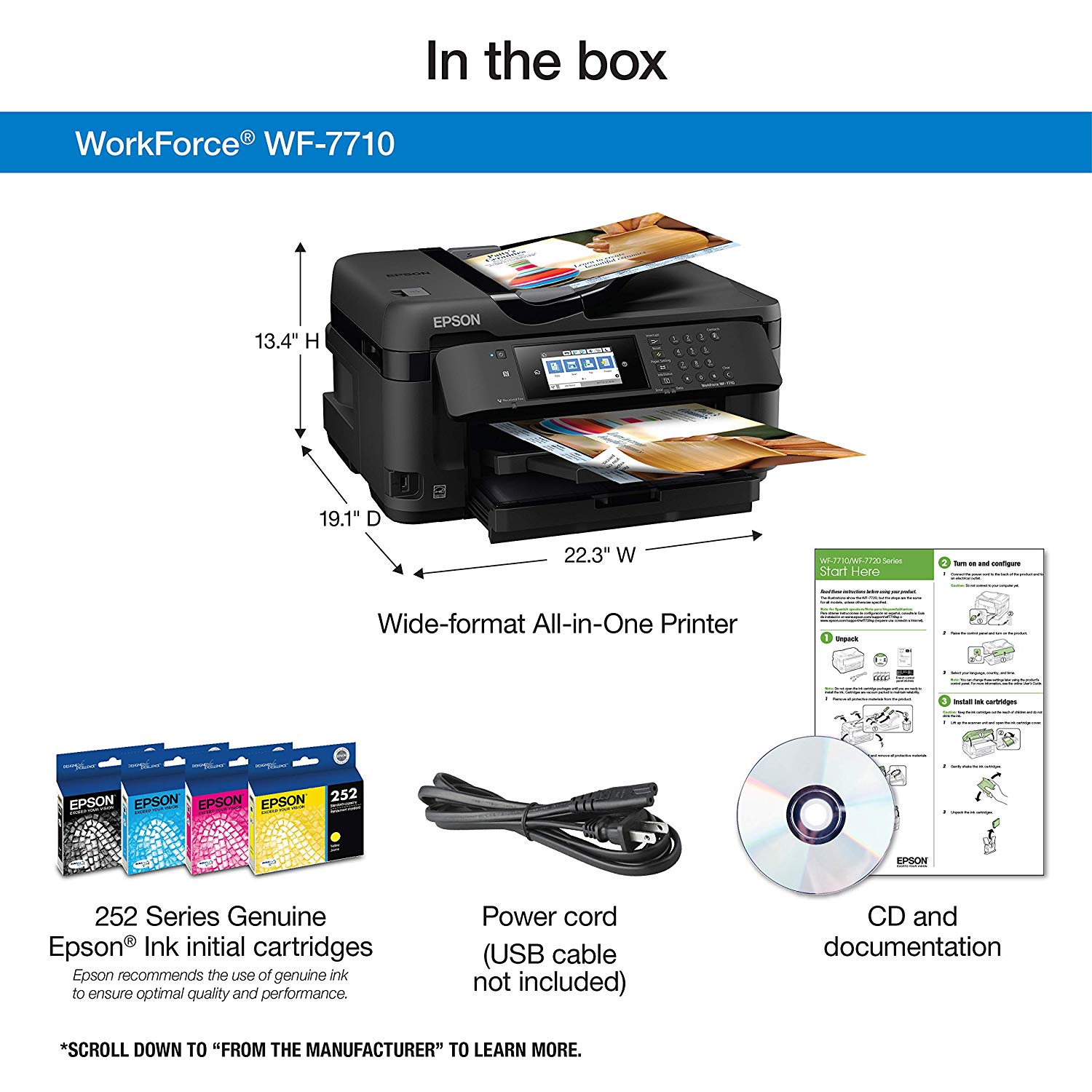
I am updating an earlier 1-star review, in light of some updates, which I explain briefly below + I then include my observations on the "pluses and minuses". First, the reason for the 1-star previous review and the update. I ran out of ink (see more on this later) and ordered replacement cartridges. Based on the suggestions here on Amazon, I bought both color and black and white. Turns out that as I was going based on a search for this printer model (WF-7710), the cyan XL (for greater capacity) version came at "702" and NOT (what is compatible) "252" and I failed to notice this upon ordering or installing (of note, the cartridge form factor is exactly like the cyan 252 - in other words 702 WONT fit in magenta or yellow in WF-7710, but it will to cyan, just like 702 - whats the point of having 2 identically shaped cyan cartridges that only differ in their chip?). The confusion then was made graver by the printers handling of error messages. It wouldnt say that it is an incompatible cartridge. It gives you a red X marked error message, which looks nearly IDENTICAL between the "cannot recognize" and the "need to replace" messages (attached). So when I placed the old 252 OR when I inserted the new 702 I saw these similar messages. When I searched the internet I saw that people often found this printer not recognizing cartridges (compatible ones) and there is a 16-step walk-through that includes even bending the pins in the printer (to contact/connect with the chip contacts) straight, using alcohol to wipe all the contacts, hard reset, etc. So I tried that all, not recognizing that 702 was just incompatible and my old 252 was just completely spent (as opposed to the magenta - you can see on the attached picture - that is not a red X but a yellow exclamation mark type error, which contributed to the confusion, because I figured that when it doesnt recognize the cartridge it would be the yellow exclamation, whereas the red X is for not recognizing the cartridge). Again, in great part this is my bad, therefore definitely not fair to mark down the whole printer to 1 star over it. Below is my far review completely apart from the cartridge fiasco. The good: 1. This is a dependable printer with not too many errors or issues, which readily connects to your WiFi or LAN/Ethernet network. I have multiple subnets, switches, and hubs in my house, including my main WiFi home network being the Google Mesh, which assigns its subnet and IP addresses under that, different from the IP sub-domain of the main LAN. This led to the printer put on the Google WiFi not being visible/accessible from our desktops, which were on the LAN. What I had to do to circumvent this was to put the primary access point of the Google mesh into the office, use its throughput feature to feed a wired/LAN connection to a switch (to which then Google assigned IP addresses on its own sub-domain) and connect the desktops to that switch. So both desktops now see the printer now + it remains also accessible to any mobile device (phone, tablet) that connects to the Google WiFi. 2. Which takes me to the 2nd "plus" here, which is wireless/mobile printing. I used to have an HP OfficeJet 8710 and used their mobile printing platform, which went through the cloud and sucked. The print form factor and overall quality was such that we never actually used this feature. On the other hand, when the Epson mobile print app is running on your mobile device, it can effectively print anything from your handheld - attached PDF files for example. I really like this feature and it definitely seems like an upgrade from HP. The bad: 1. My wife and I are very low volume users, weeks go by between prints and even then we print usually 1-2 page documents, almost never color. With such very low volume use, since April 2018 (I am writing this review in November 2018, so little over 1/2 year usage, really) we managed to run out of our black and (as discussed above) our cyan, with the magenta about to go any minute, and the yellow being very low as well. I did not count the pages we printed, but just as many people complained, it is true that ink usage isnt exactly economical. 2. Compared to the HP interface I am used to, the computer interface (we are Windows users and have 5 PCs between the 2 of us, 2 desktops, 2 laptops, and 1 surface tablet) for scanning is cumbersome. One particular area where it sucks is the folder selection. I always have my folders open in various Windows Explorer windows, from which I used to easily copy-paste the folder path to whatever interface I need to specify the "save to" location/path. The "Epson Scan 2" interface wont let you do this - you will have to manually navigate each time you wish to change the target folder. And this is in the 21st century, the age of AI, where my TV shows me targeted commercials, they cant have a list of favorite folders prompted and/or have an easy copy-paste for the path to be entered. 3. Talking cumbersome, the menu on the printer display is not very user friendly either. As I mentioned above, I was struggling a bit setting up the printer across all our devices, with a variety of sub-domains and I needed to quickly check what IP address the printer was drawing. The HP has an easy network settings display available 2nd down from the main menu, but the WF-7710 has a very difficult to access, hidden area where you can display the IP, while if you "print network settings", it will produce a 4 pages long single-sided document each time, which is a huge waste of paper. They should instead make it very easy to show the IP settings on the display. 4. The BIGGEST minus of this printer is that the ADF is almost entirely dysfunctional. I say almost entirely, because if you want to use the ADF for a single page, only 1 sided, then it works - but so would the scanner glass do the job for that. If it needs to turn it around (2-sided) it may work (or works most but not all of the time), but it NEVER works for multiple page scans. Not once, not ever, not even by accident, and I have a large sample size as I kept trying for many many times. No matter how you separate the pages, no matter how they are not stuck together, it just takes in multiple pages. If you put say 20 pages there, it would take 4-5. If you have 2 pages, it will scan them together EVERY time. I mean I had several printers in the past with ADF and almost every one will take multiple pages together if they are particularly stuck together. Normally what you need to do then is to separate them, perhaps wrinkle a bit, make sure they are not perfectly aligned at the edges, feed again, and most of the time youre good. Not with this printer, not ever. It will ALWAYS take the multiple pages no matter what you do. Whats the point of having an ADF then??
