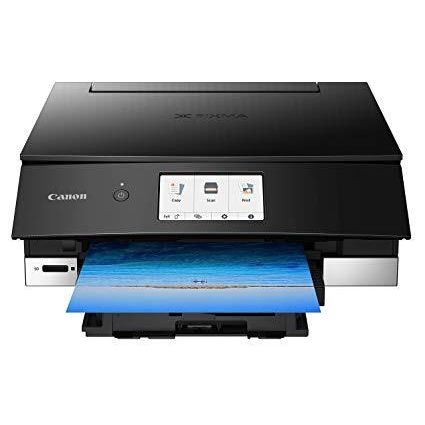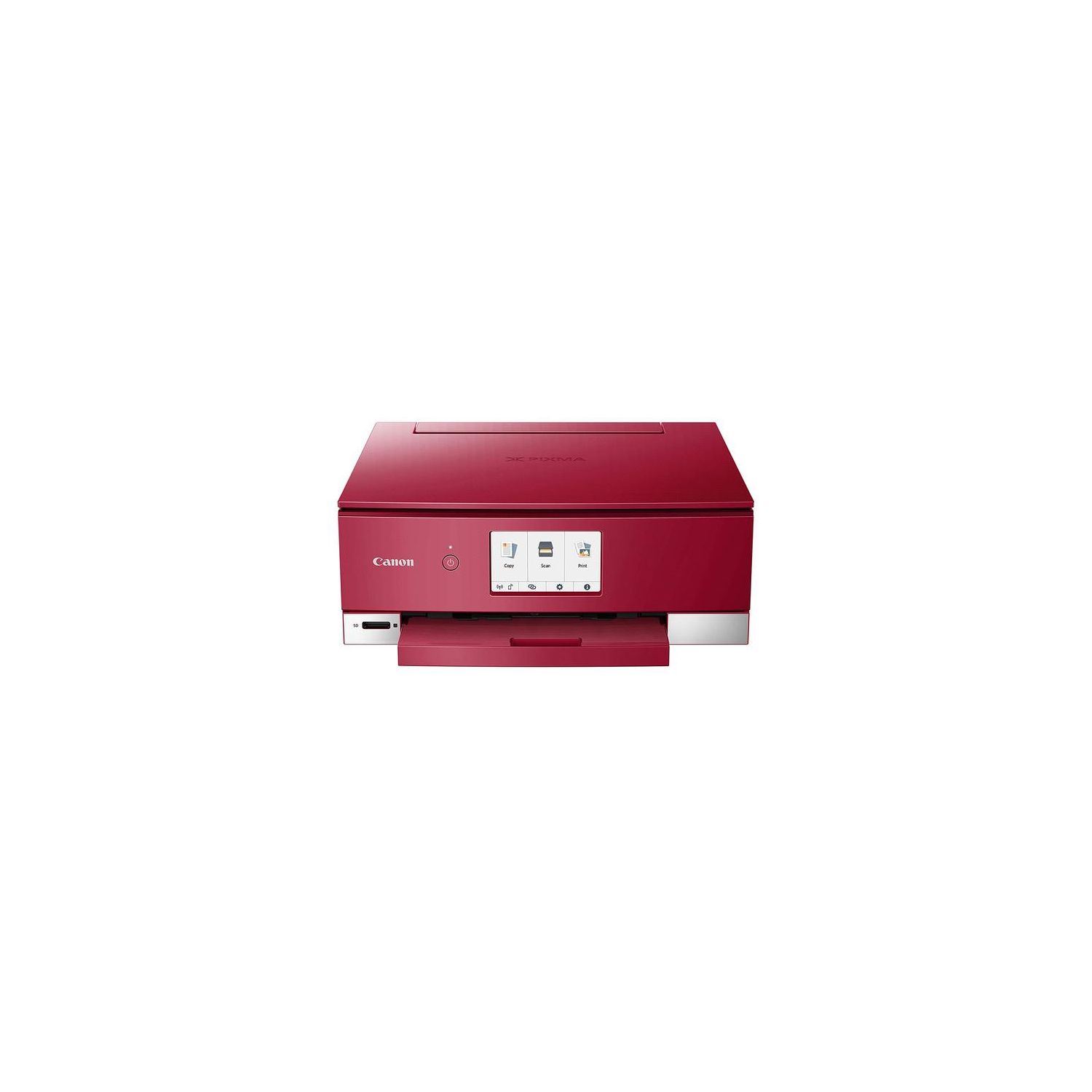
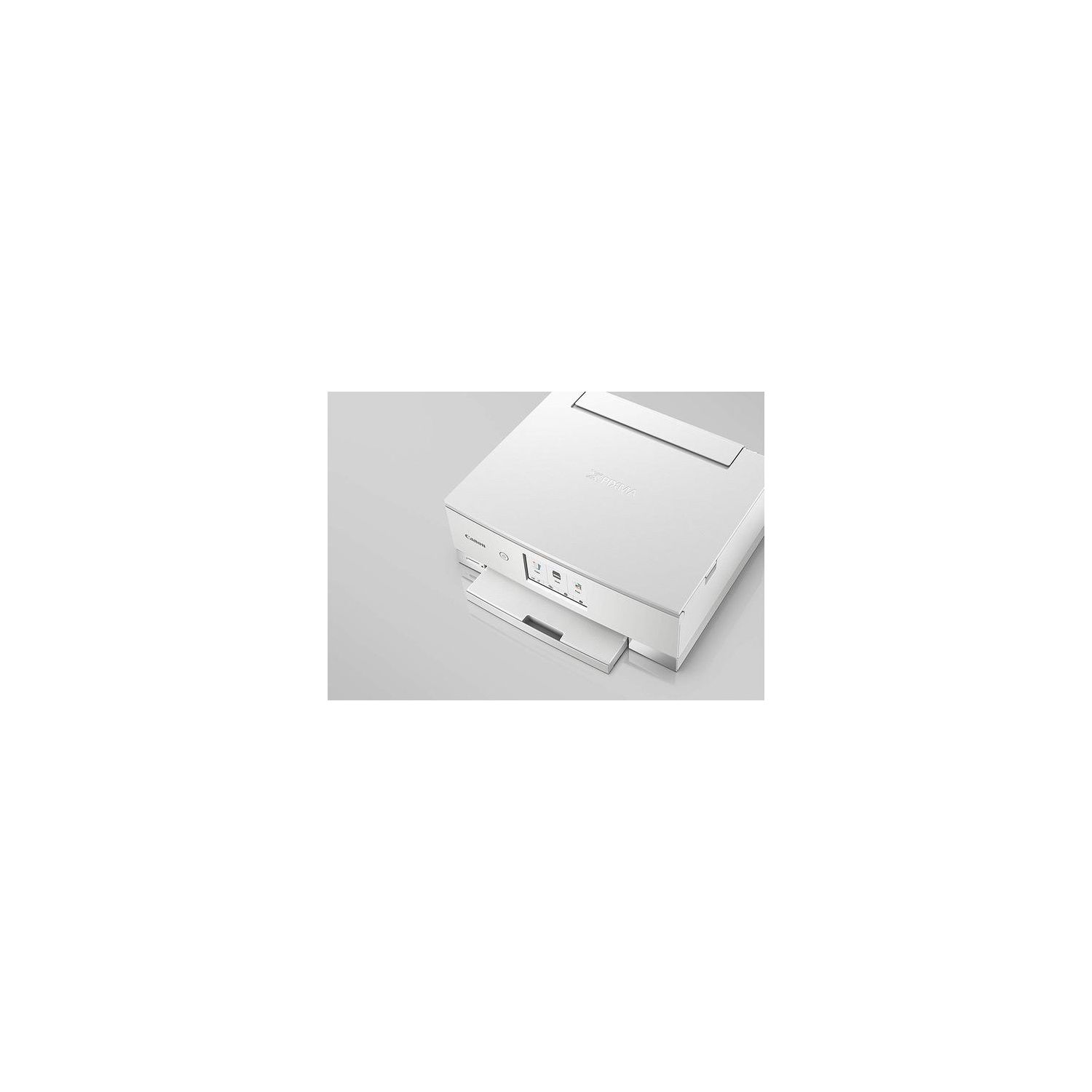
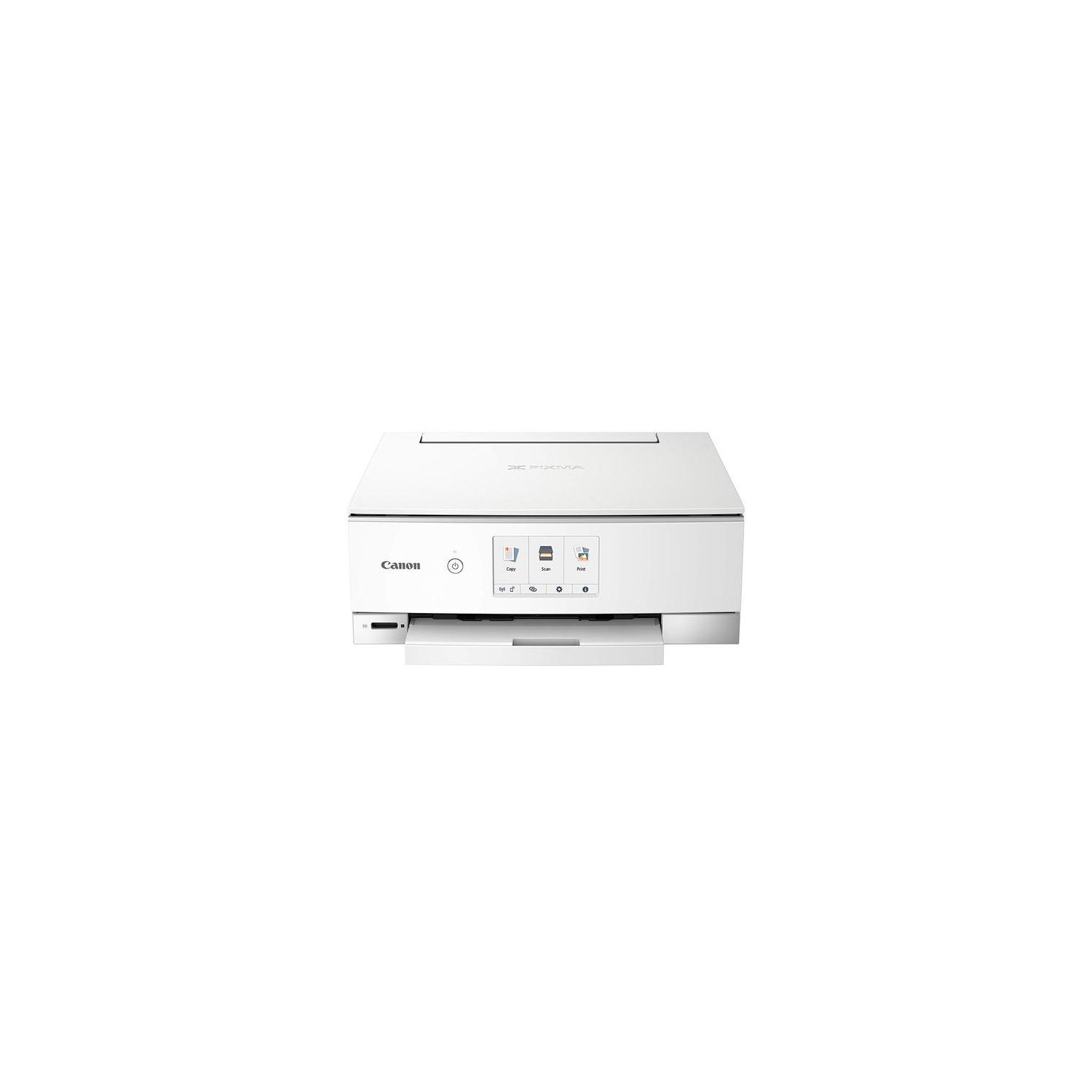
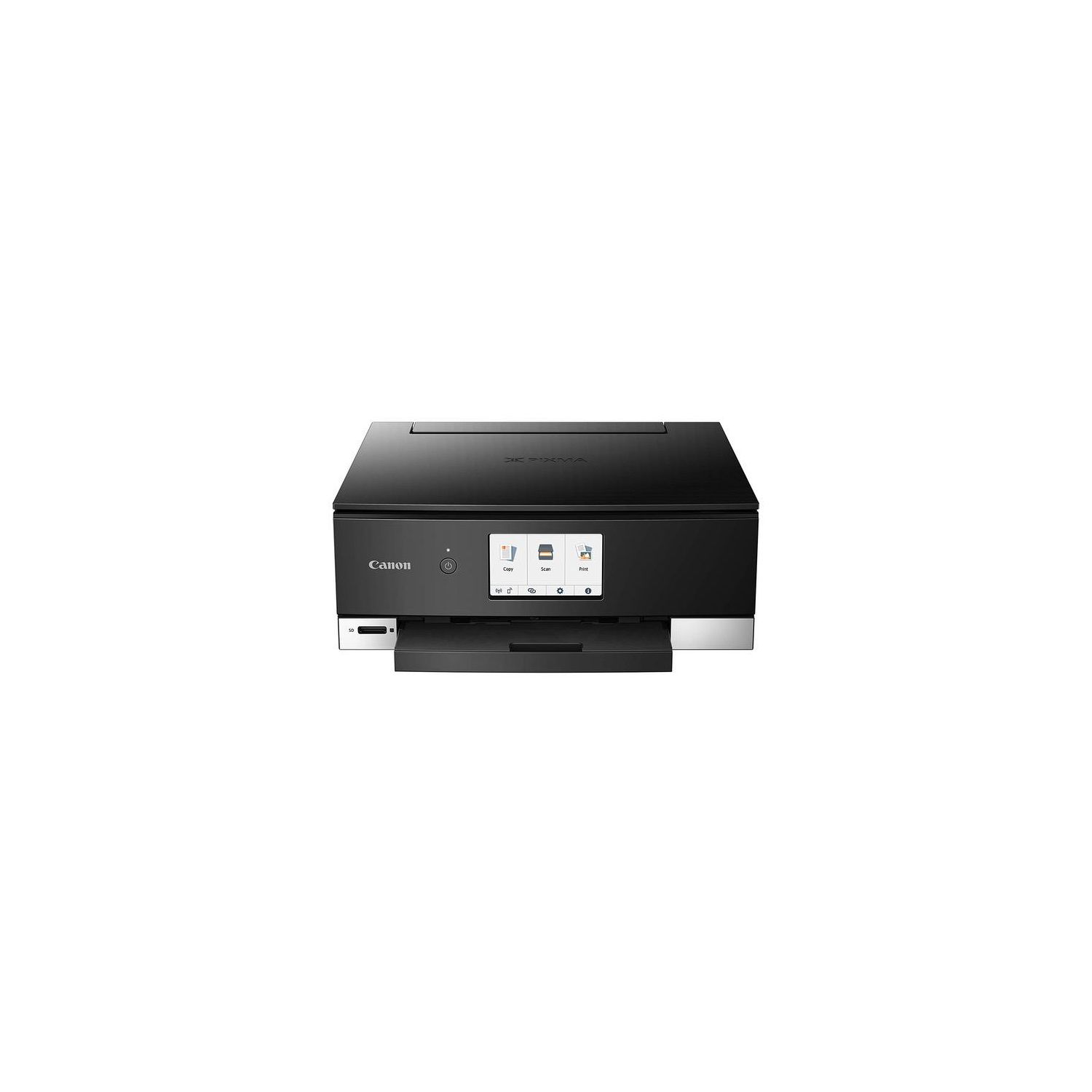
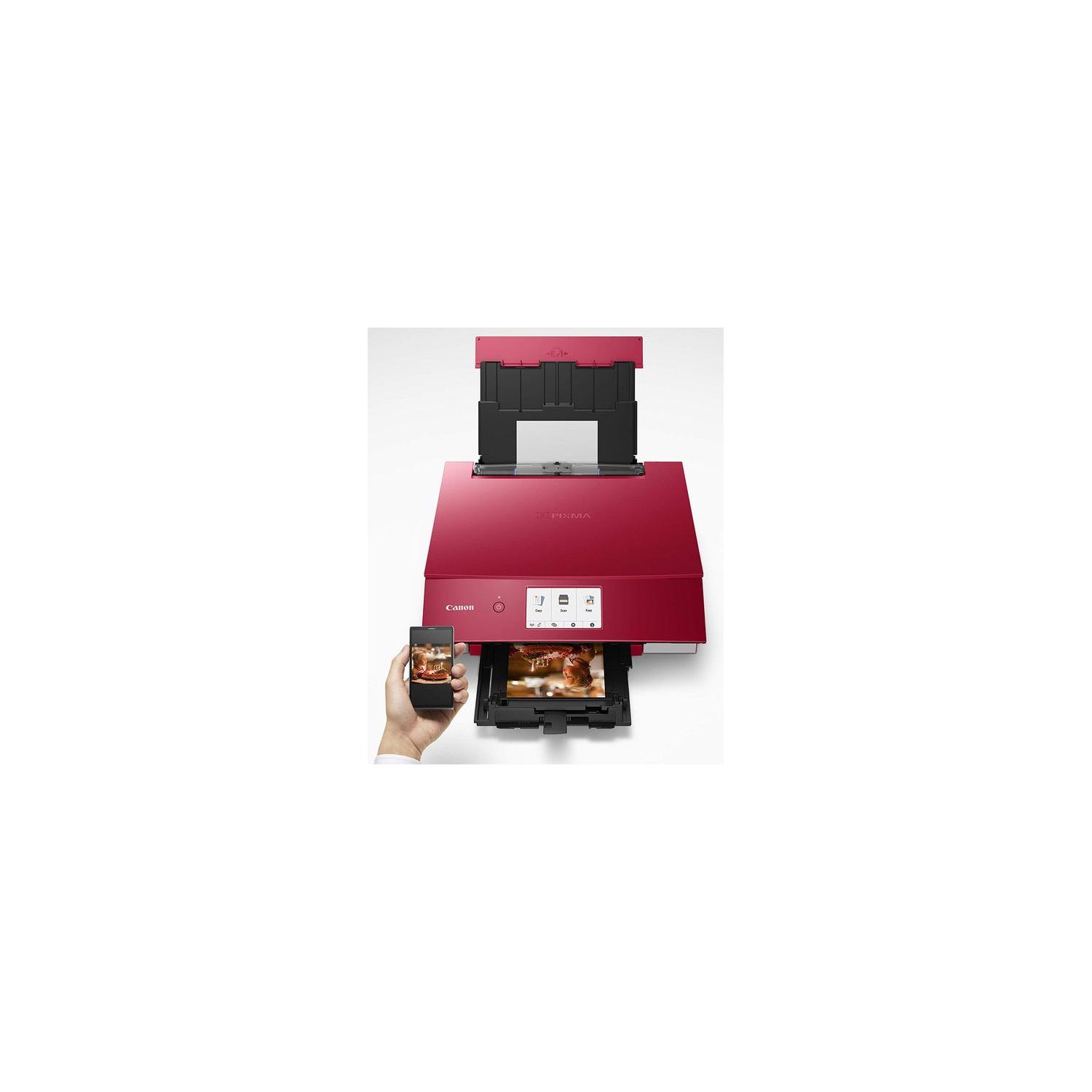
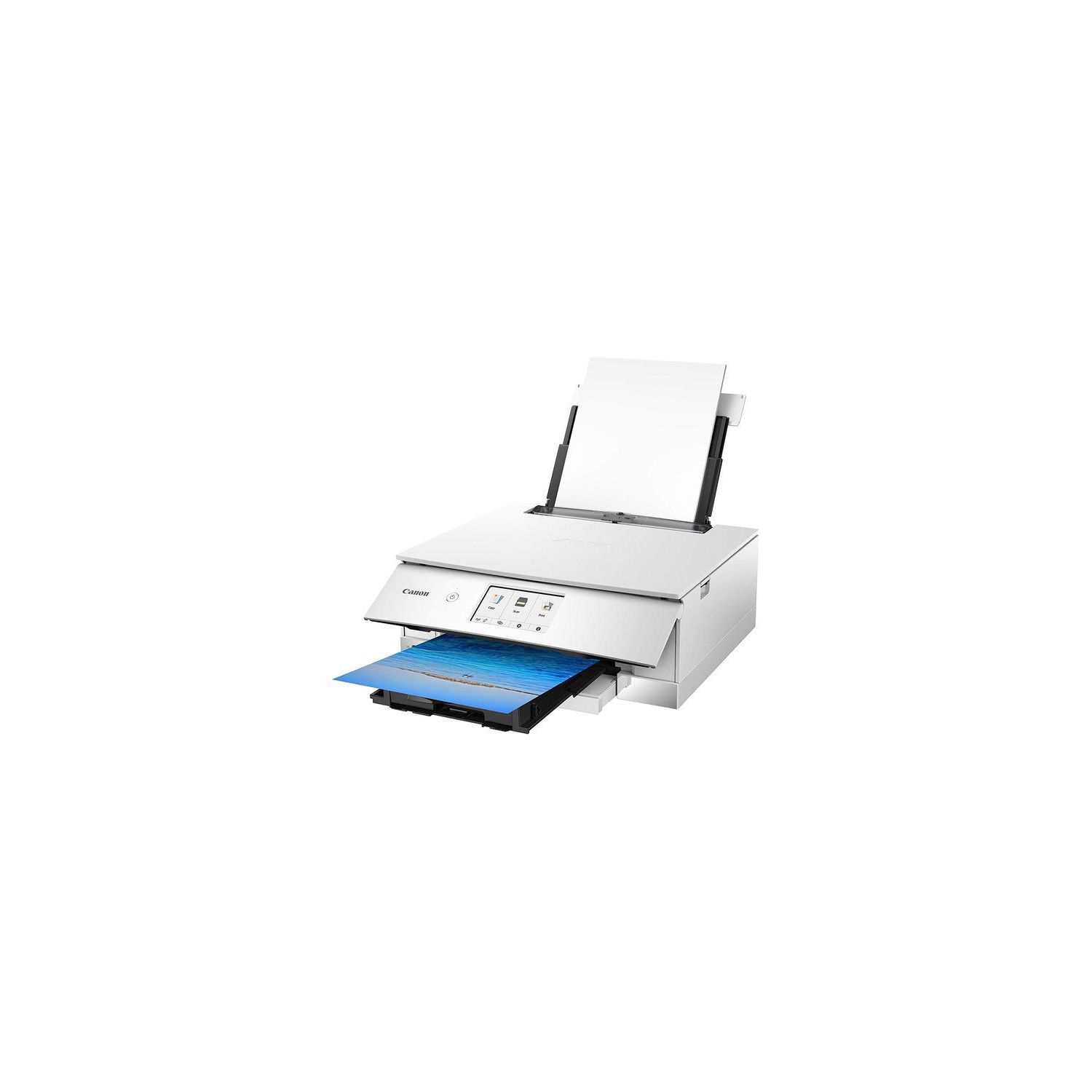
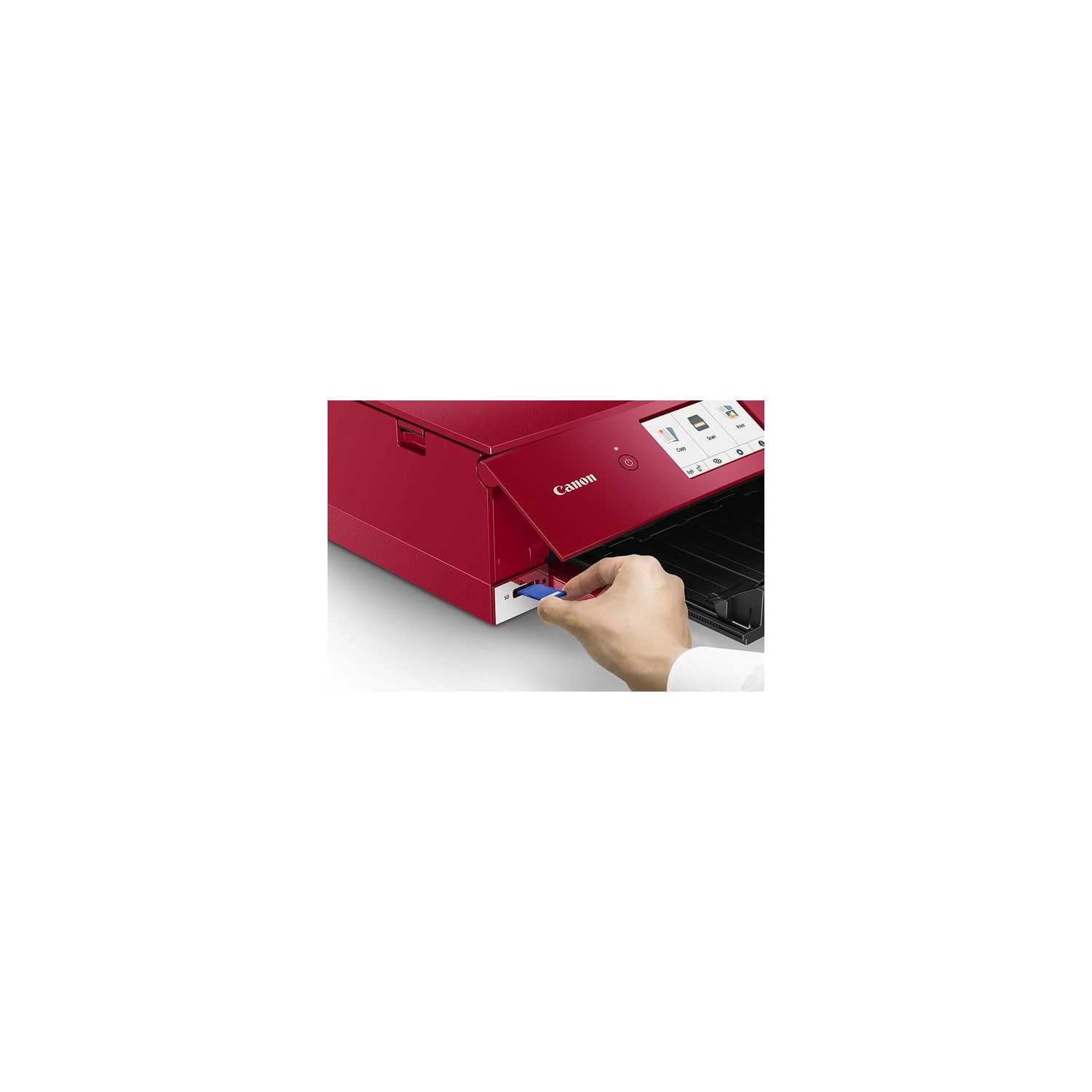

Canon TS8220 Wireless All in One Photo Printer with Scannier and Copier, Mobile Printing, Black
Write a review
7734

Canon TS8220 Wireless All in One Photo Printer with Scannier and Copier, Mobile Printing, Black

Write a review
B07G69QCXX
+
Add to wish list
Target is a general merchandise retailer with stores in all 50 states and the District...

City: US, New York

Delivery
Pickup at your own expense
Tomorrow from 09:00 to 20:00, Store location
Free
Payment options
Apple Pay Google Pay Mastercard Visa
Cash, bank card, credit/installment payments, cashless payment for legal entities
Warranty and returns
Exchange/return of products of proper quality within 14 days Official manufacturer's warranty: 12 months
Features
Connectivity Technology
Bluetooth, USB, Wireless
Item Dimensions
14.7 x 12.8 x 5.6 in
Item Weight
14.5 lbs
Operating System
  • Windows, Mac
Printer Output
Color
Printer Technology
Inkjet
Wireless Type
802.11bgn
Description
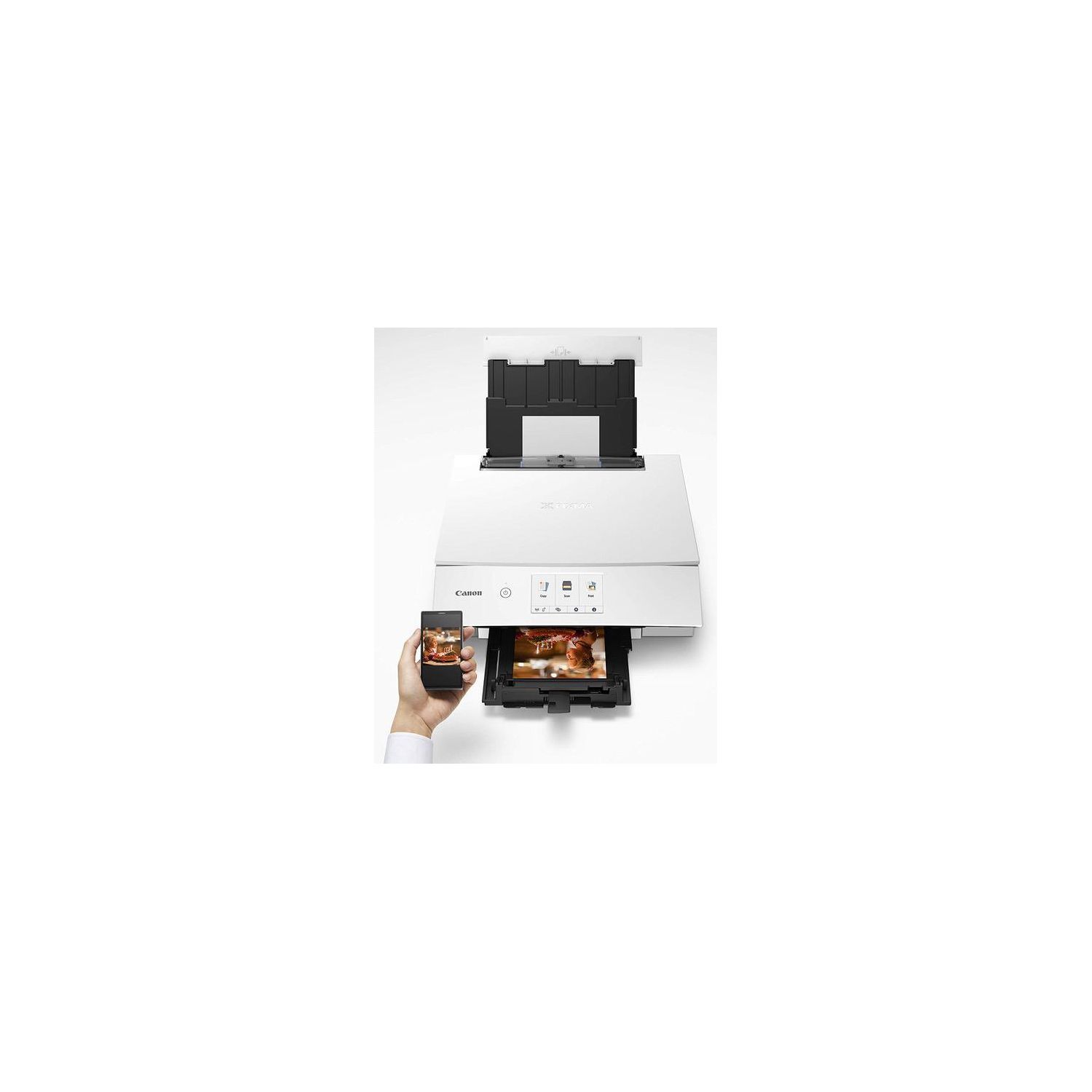
  • Quickly print detailed documents with sharp black text and stunning photographs with the 6-Color Individual Ink System. With the PIXMA TS8220 all your everyday prints will always look great.
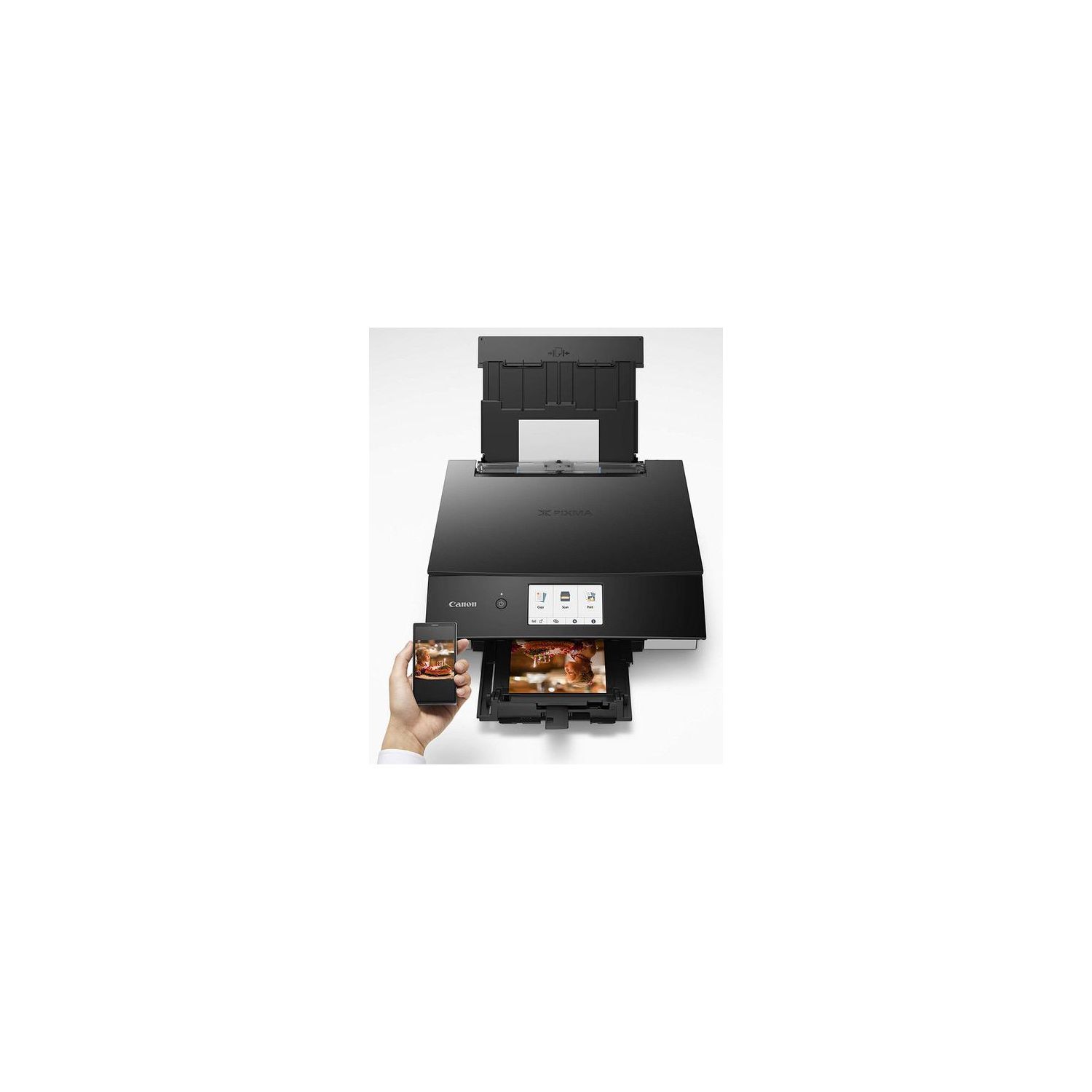
  • Print documents and photos using AirPrint, Mopria Print Service, Bluetooth, and the Cloud. Print with IFTTT (IF This Then That) support and use web services/applications to automate printing.
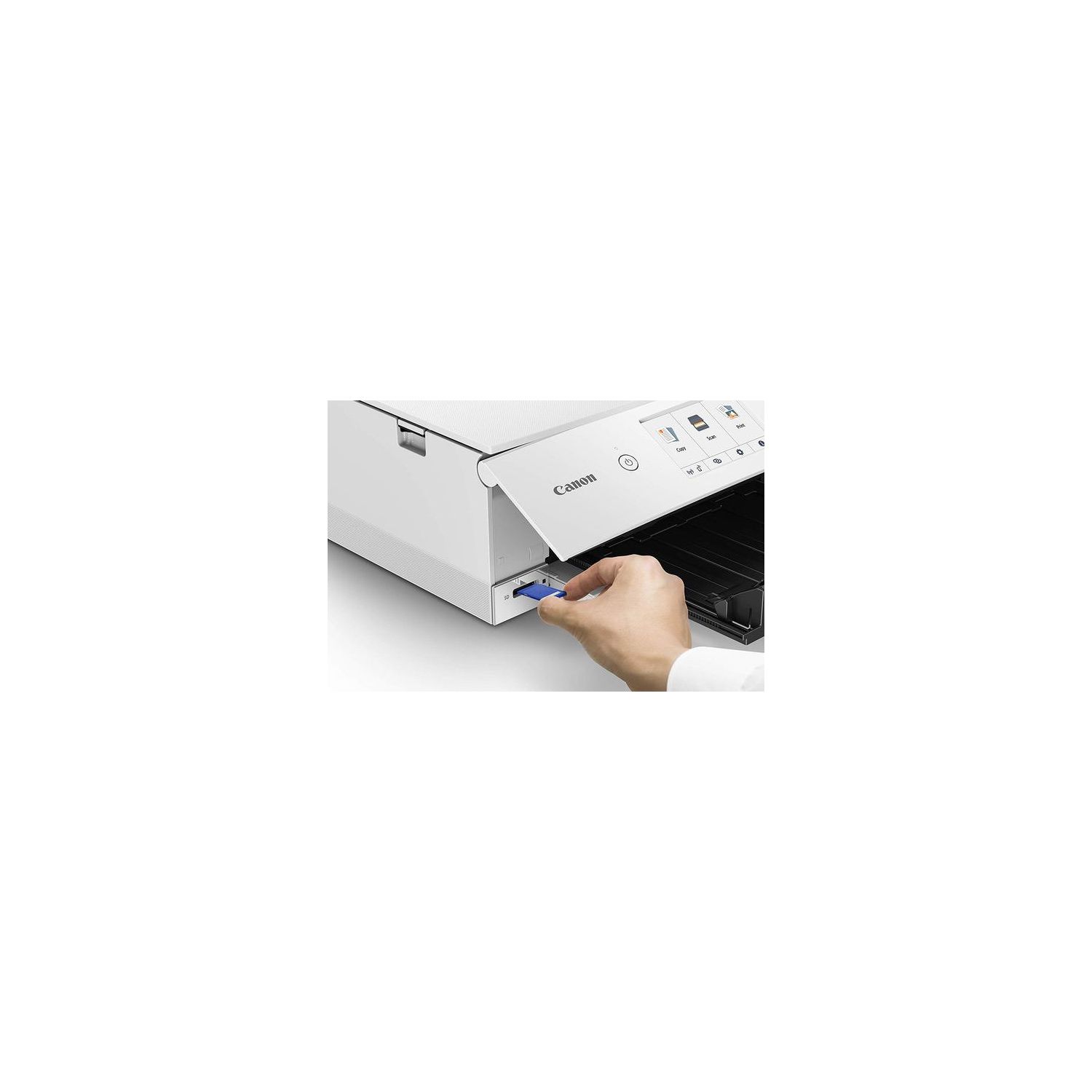
  • The PIXMA TS8220 wireless printer is the All-In-One that fits perfectly anywhere in the home with its sleek design, is simple to use, and delivers outstanding quality results every time.
  • FOR NUMBERS LISTED IN PRODUCT DESCRIPTION SEE “SPECIFICATION SHEET” IN TECHNICAL SPECIFICATION SECTION BELOW
Reviews
2.7
Reviews: 20
5 stars
25%
4 stars
15%
3 stars
5%
2 stars
15%
1 star
40%
Danny S.
3
This review will mostly interest Mac users but there is some general information included. First, there is no Mac disc included only Windows so you have to use the online setup for Macs. Before beginning, to avoid interference, I disabled my firewall, and I do not run any active security software. After downloading the setup program, I was unable to get the printer to connect wirelessly to my network. It would see the printer, but the connection failed. It would also not connect to my iPhone using Airprint, or even using the Canon Photo Print App. I tried all the wireless options given but none worked. The remaining option was to connect directly with a USB printer cable (which I had to go buy). Once I connected the cable, the setup program gave me the option to manually enter my wireless network password and the setup completed quickly, in a matter of a few minutes. I disconnected the cable after setup and everything worked fine after that, strong wireless connection on all devices. So, Mac users, and perhaps Windows users as well, might want to consider having a USB printer cable handy to help with setup. Overall, I was disappointed in how flimsy the printer is compared to my old MG6220. Im sure it wont last nearly as long. Its probably fine for occasional light duty home printing which is my purpose. But, if I was planning on frequent use, Id go with a printer thats more robust. Finally, I found that some of the default settings made the printer more difficult to use. For instance, the auto detect paper mismatch sounds good but it constantly requires you to affirm loaded media which was more hassle than it was worth. So, I had to go through all of the settings making adjustments to get the printer to print without balking or awaiting further input. So, it took most of the day, but I finally got this new Canon working as well as the six year old Canon it replaced.
Product variations
Column filling
Sort by Price Sort by Availability Sort by CODE
7734
In stock
+
B07G69QCXX
You may be interested
  • Bestsellers
  • Recently Viewed
 
Fast and high quality delivery

Our company makes delivery all over the country

Quality assurance and service

We offer only those goods, in which quality we are sure

Returns within 30 days

You have 30 days to test your purchase