




























Marc OPolo
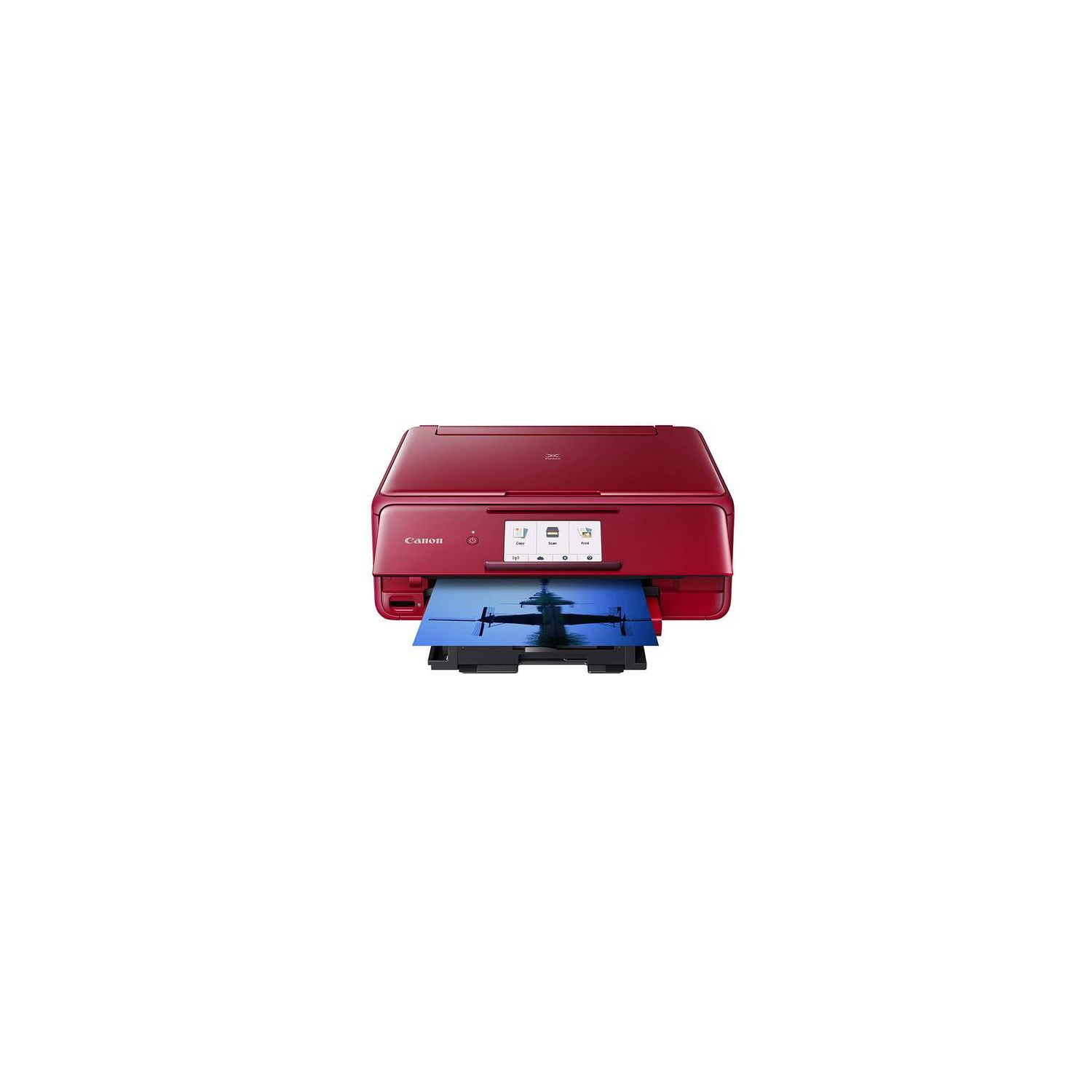
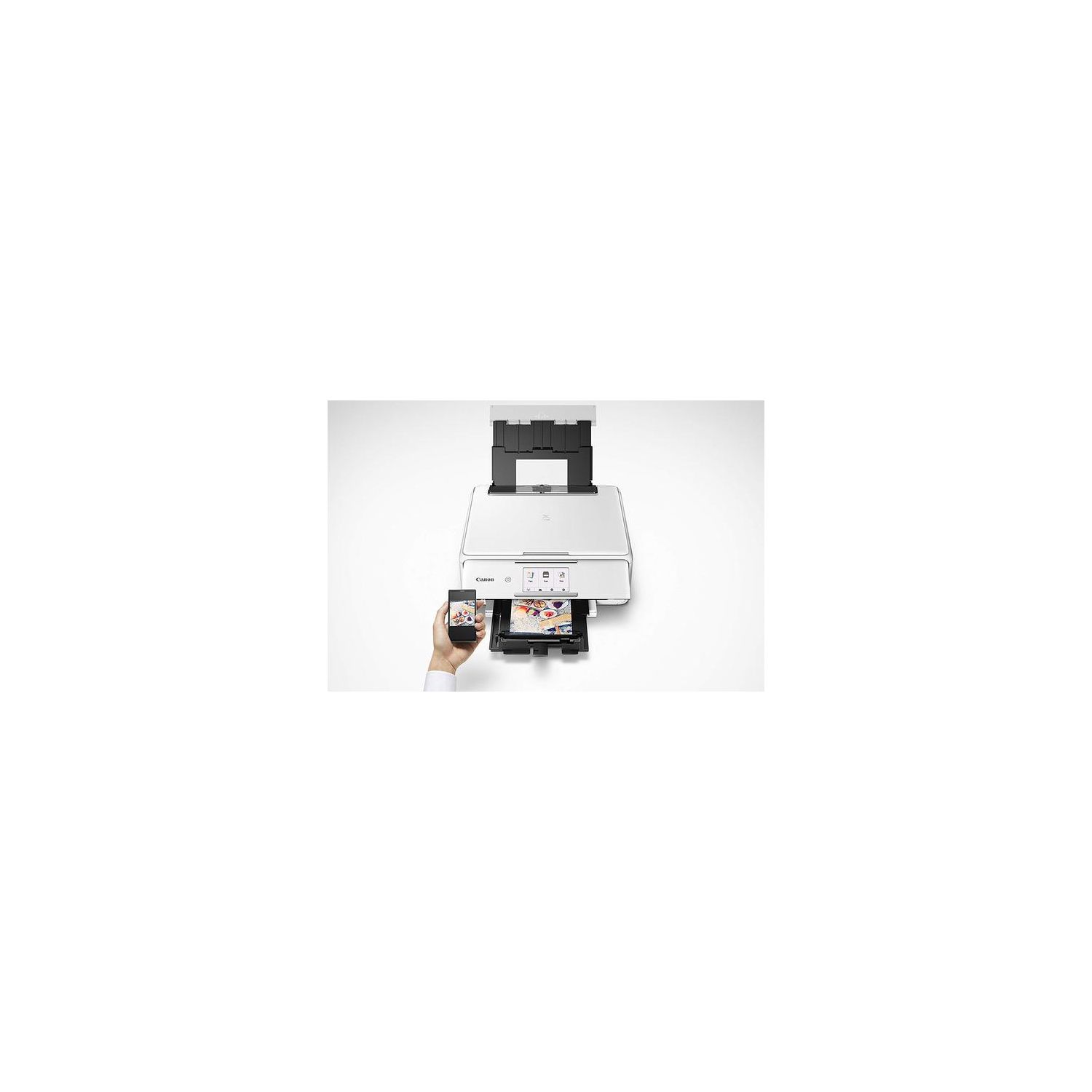
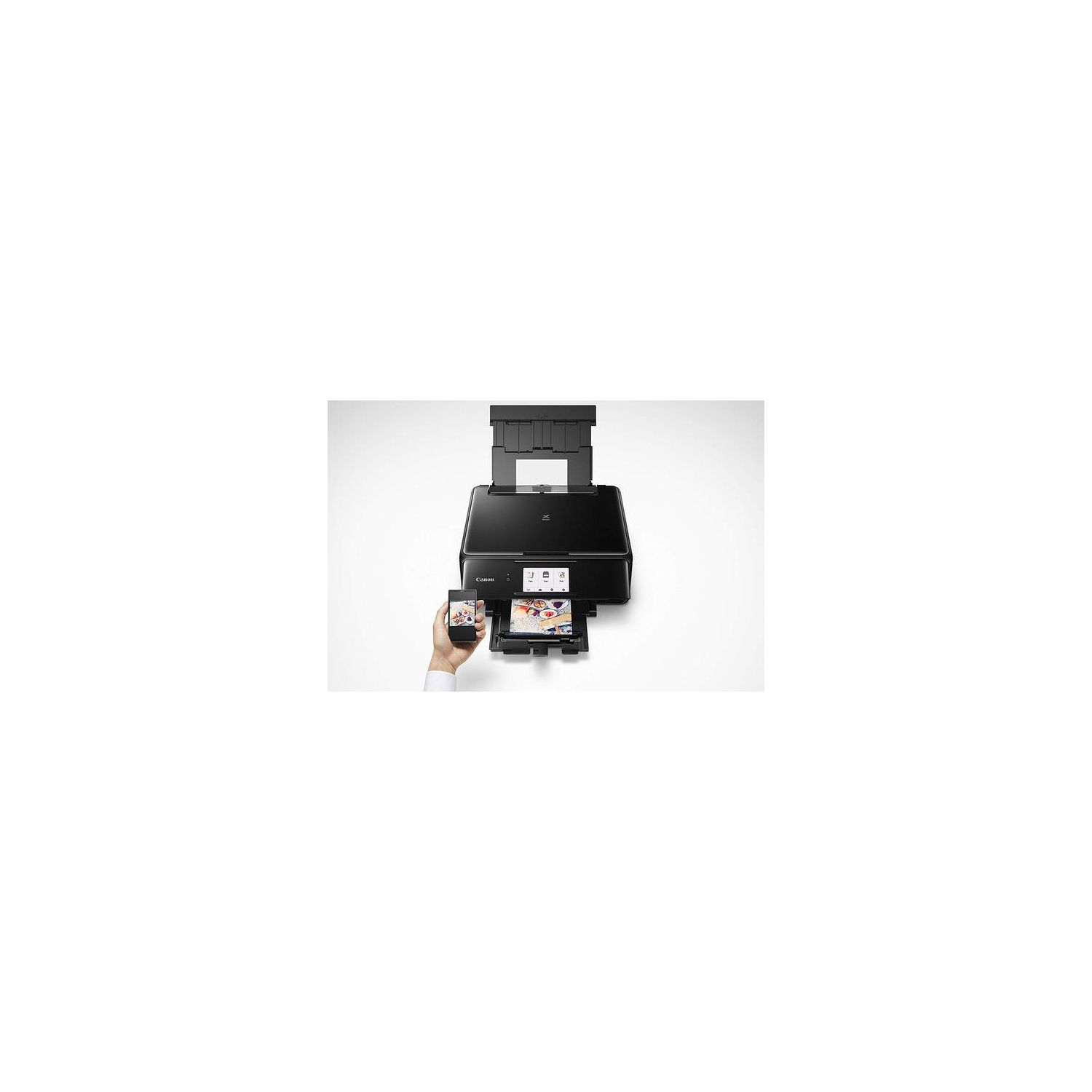
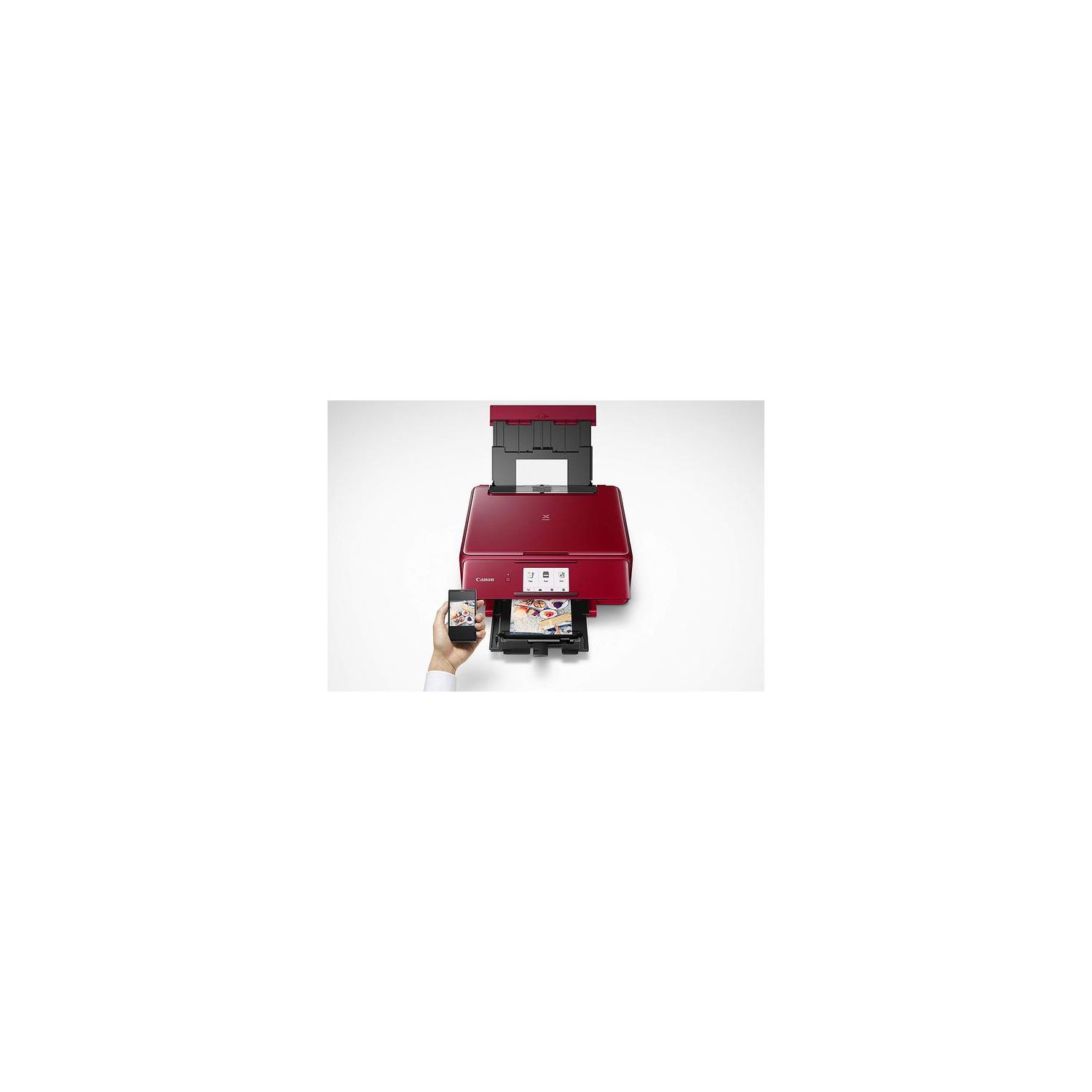
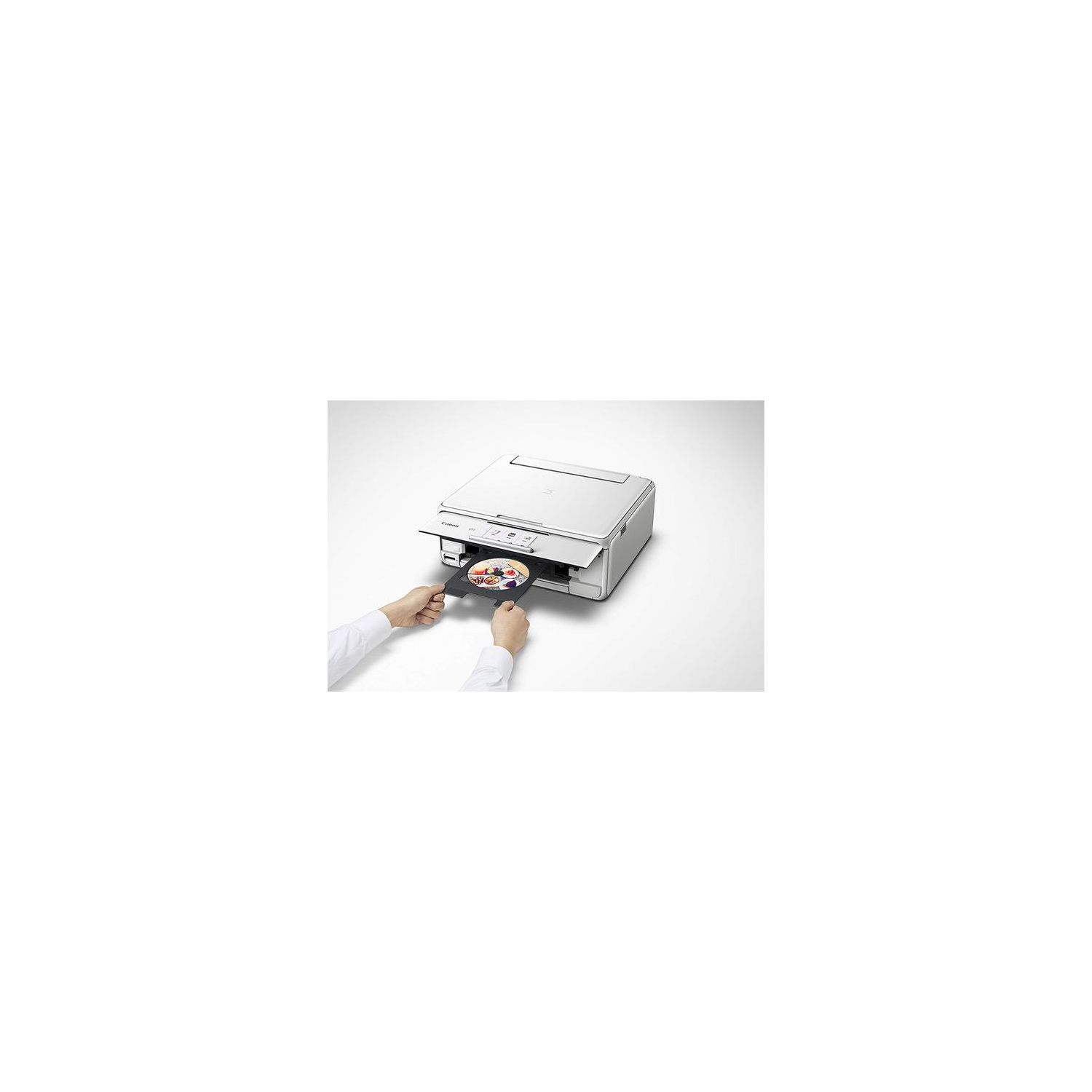
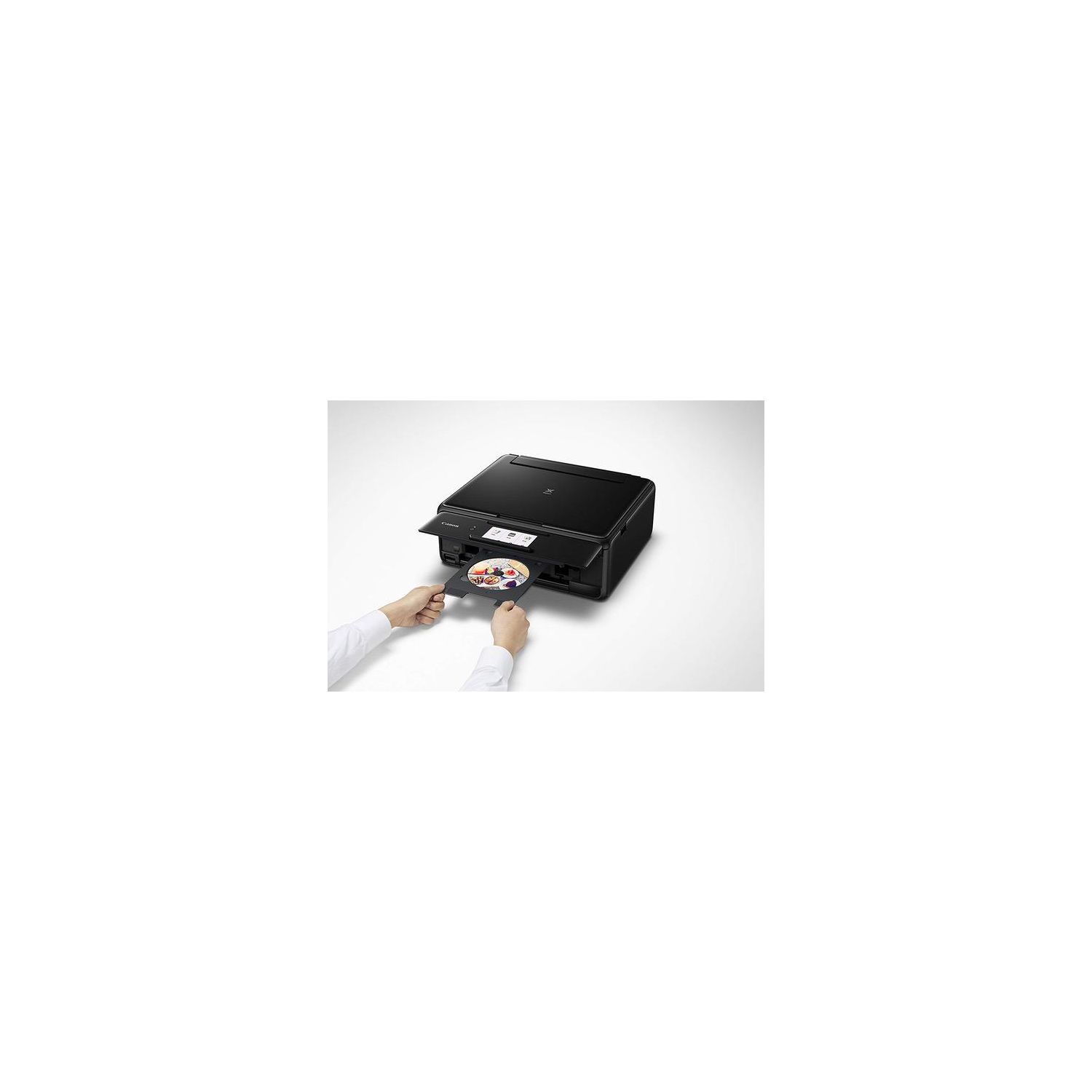
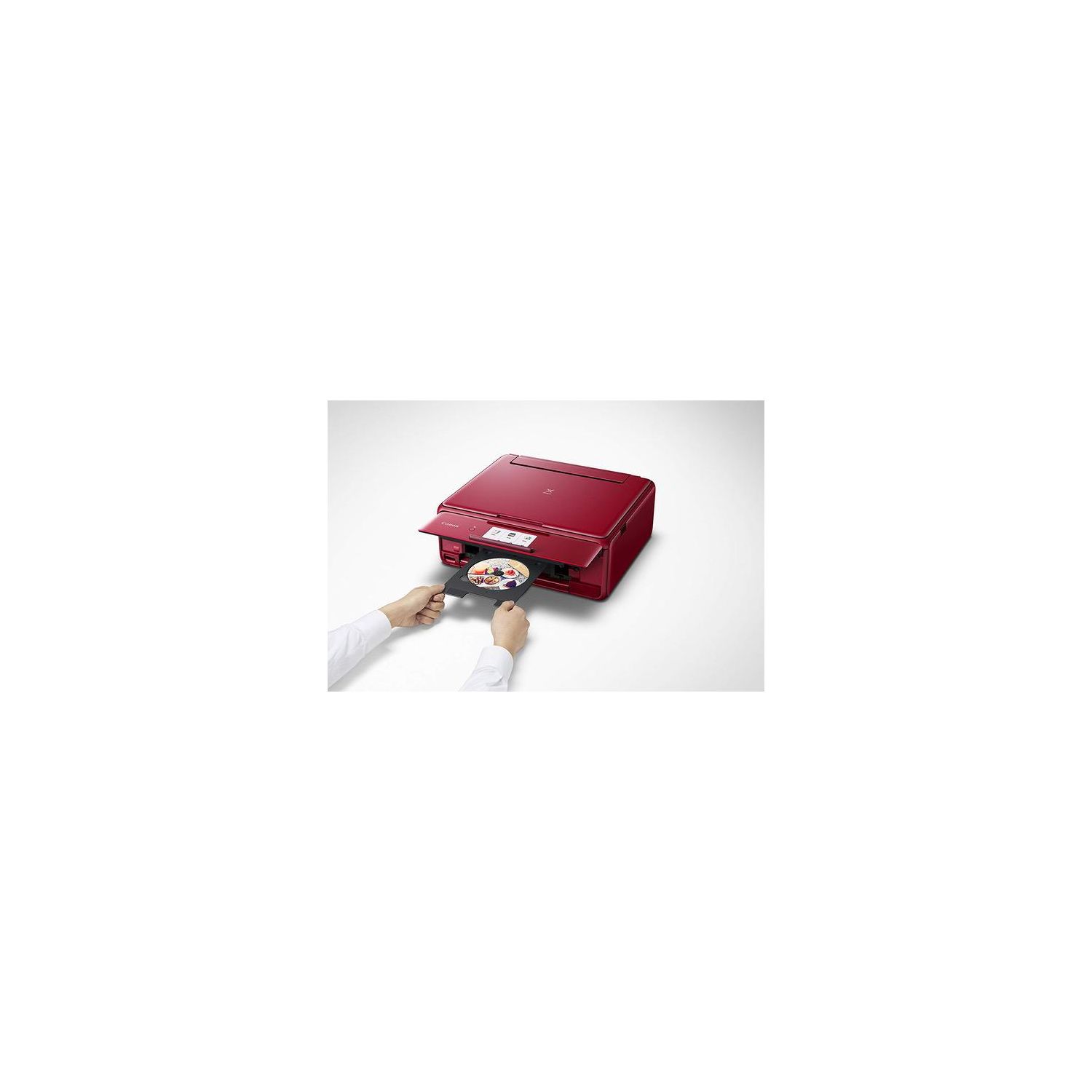
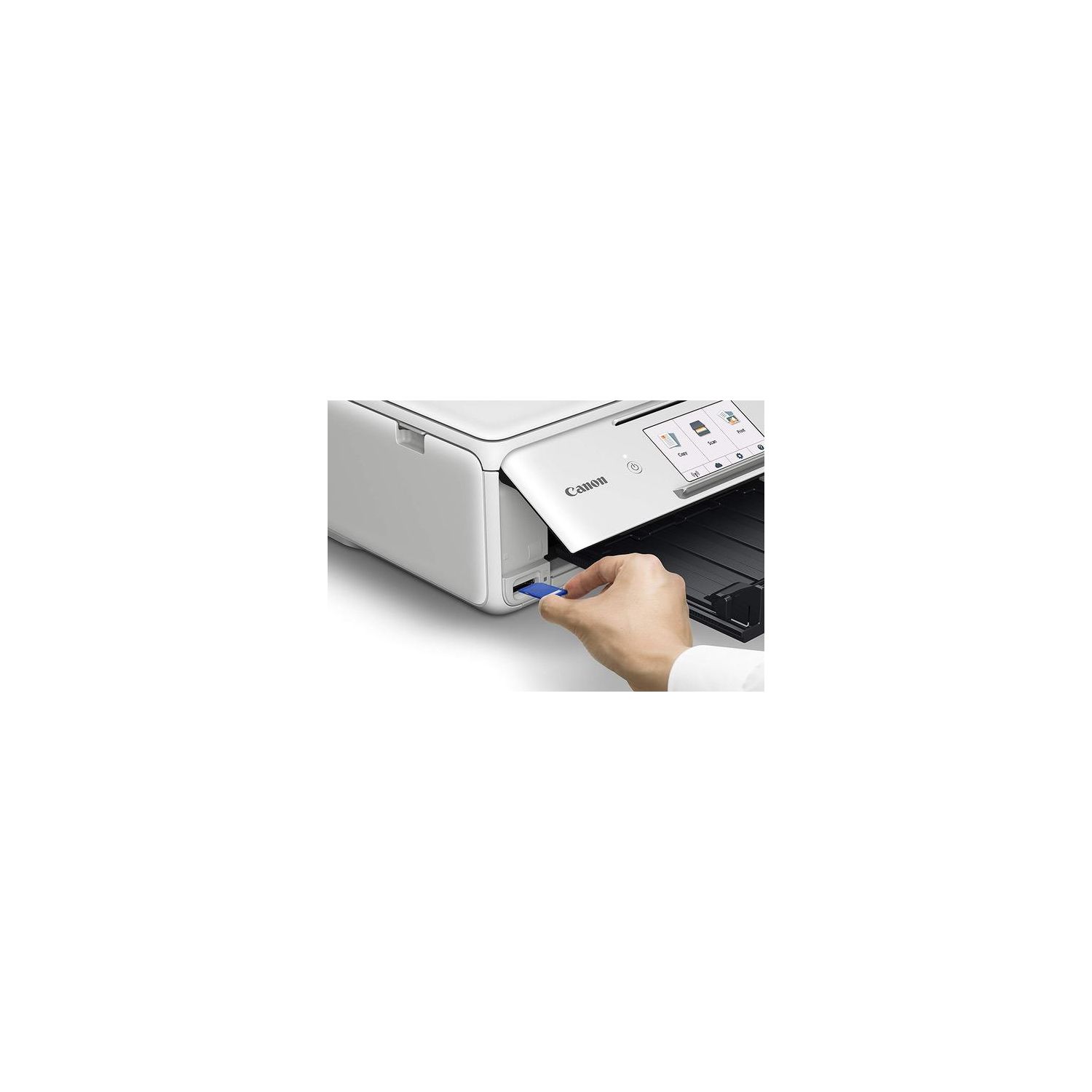
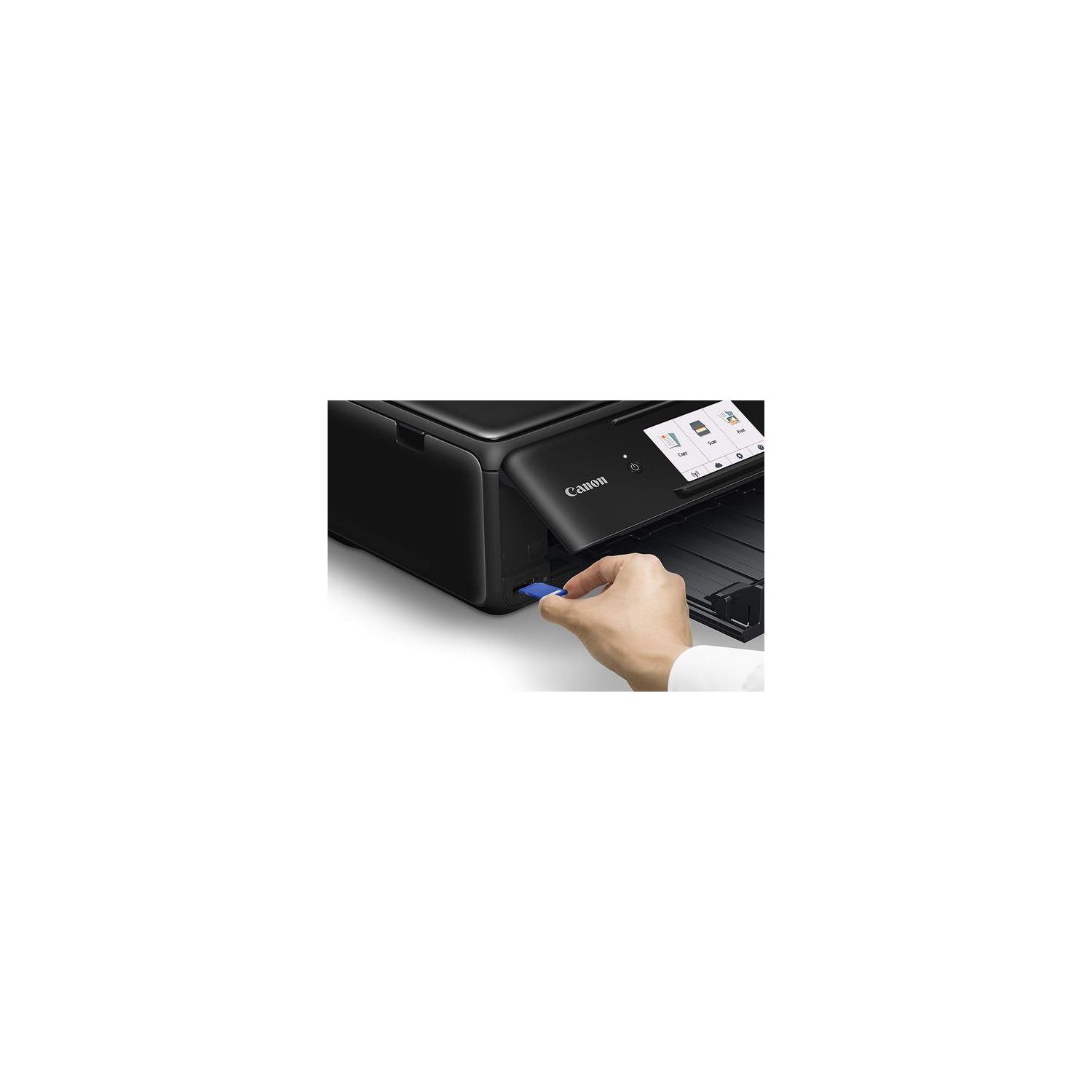
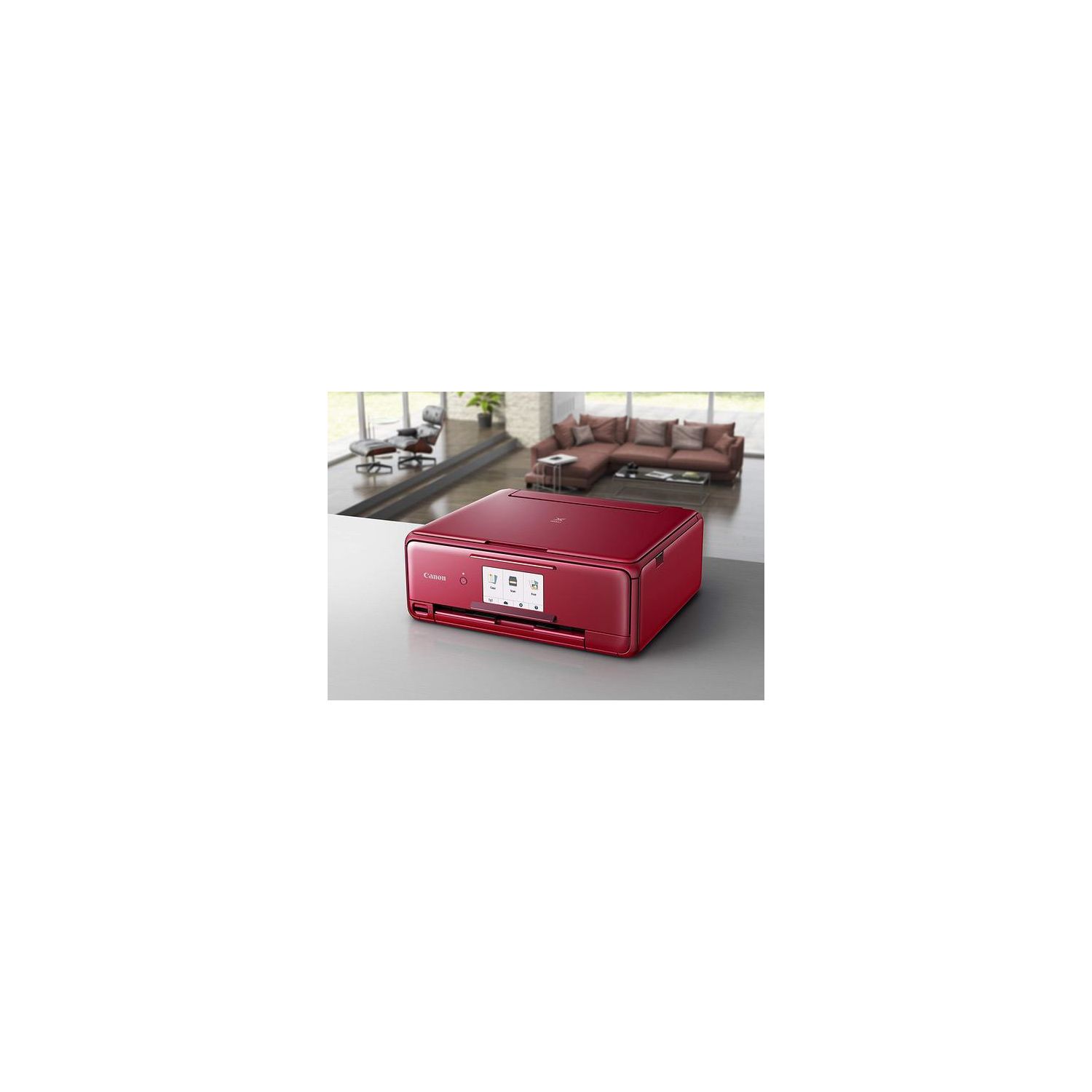
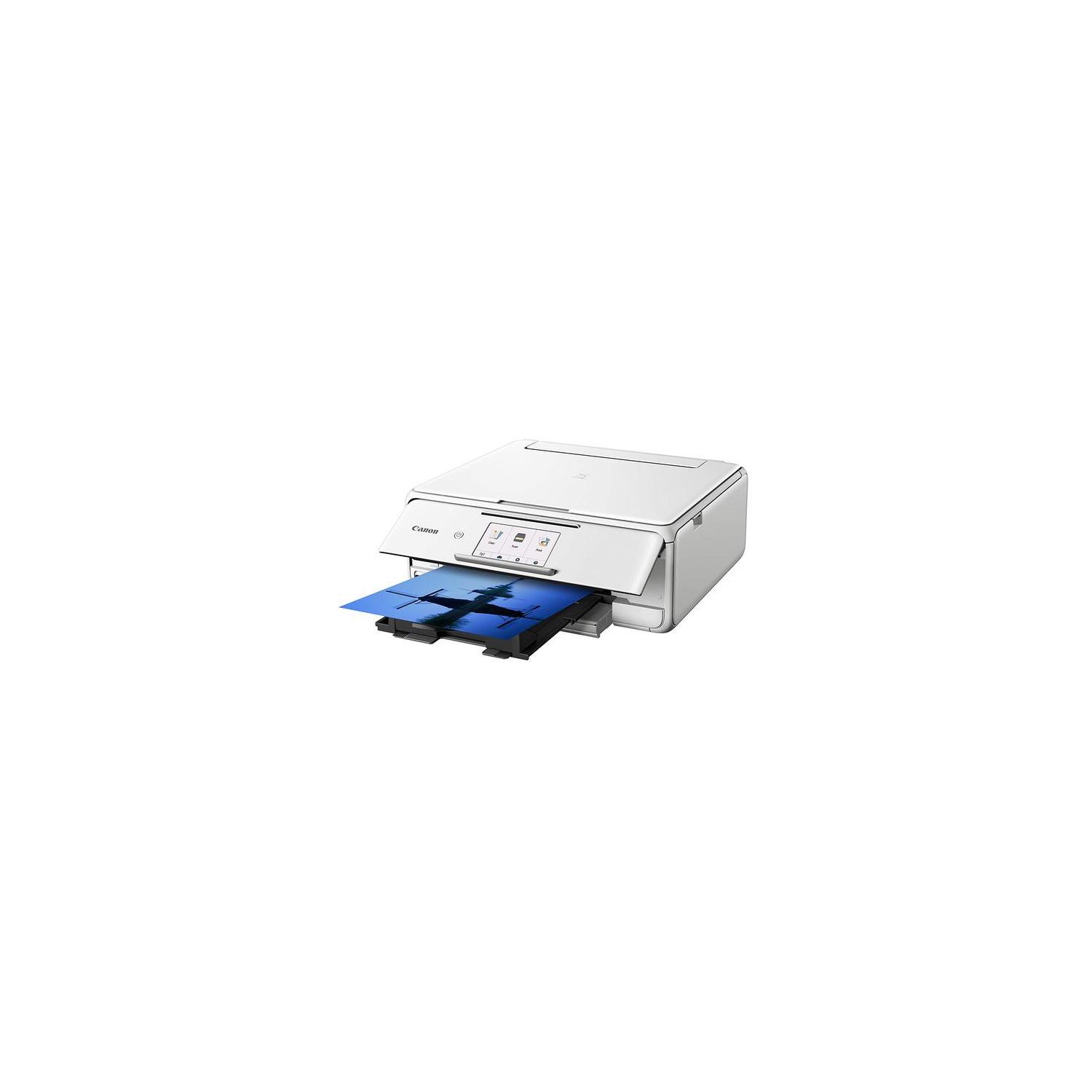
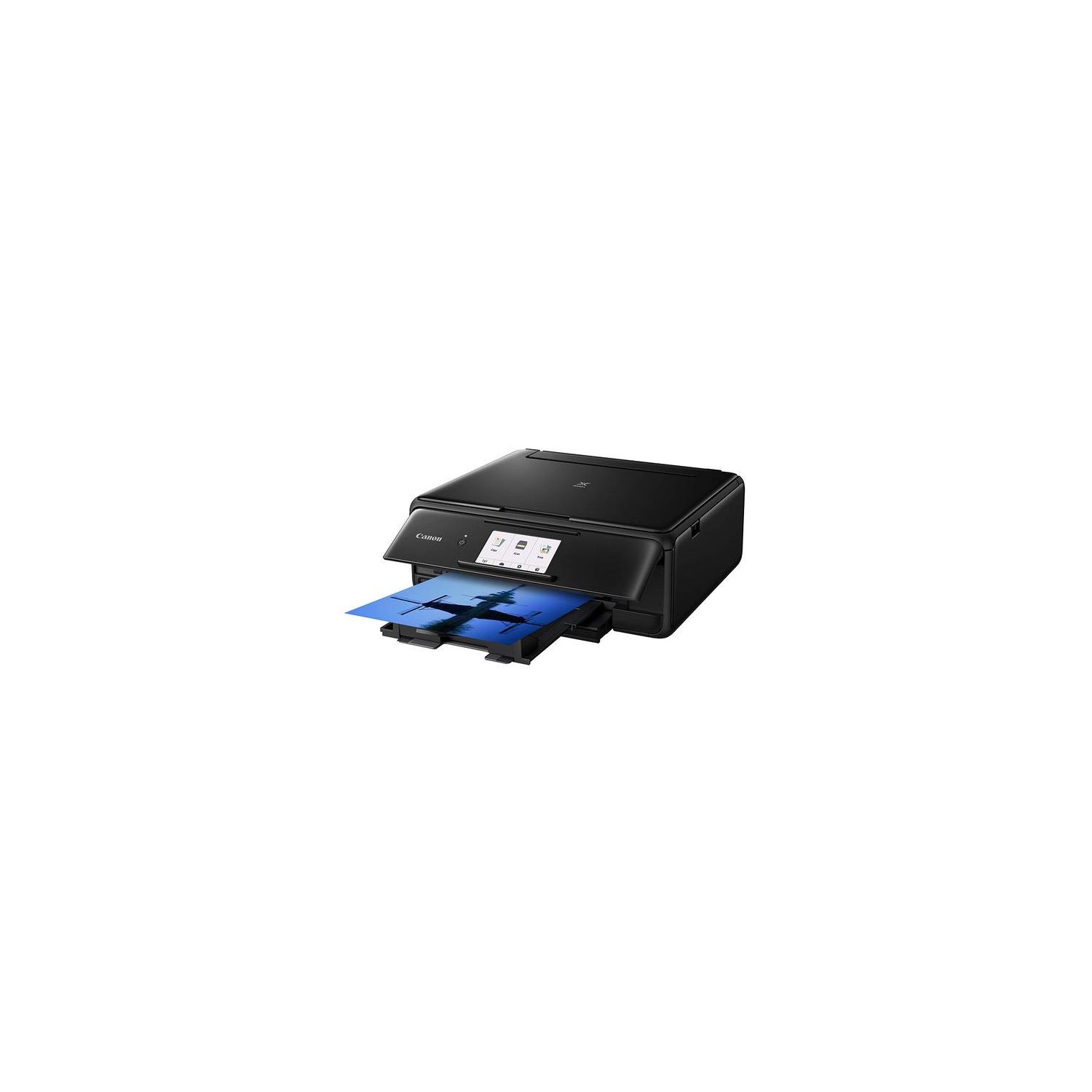
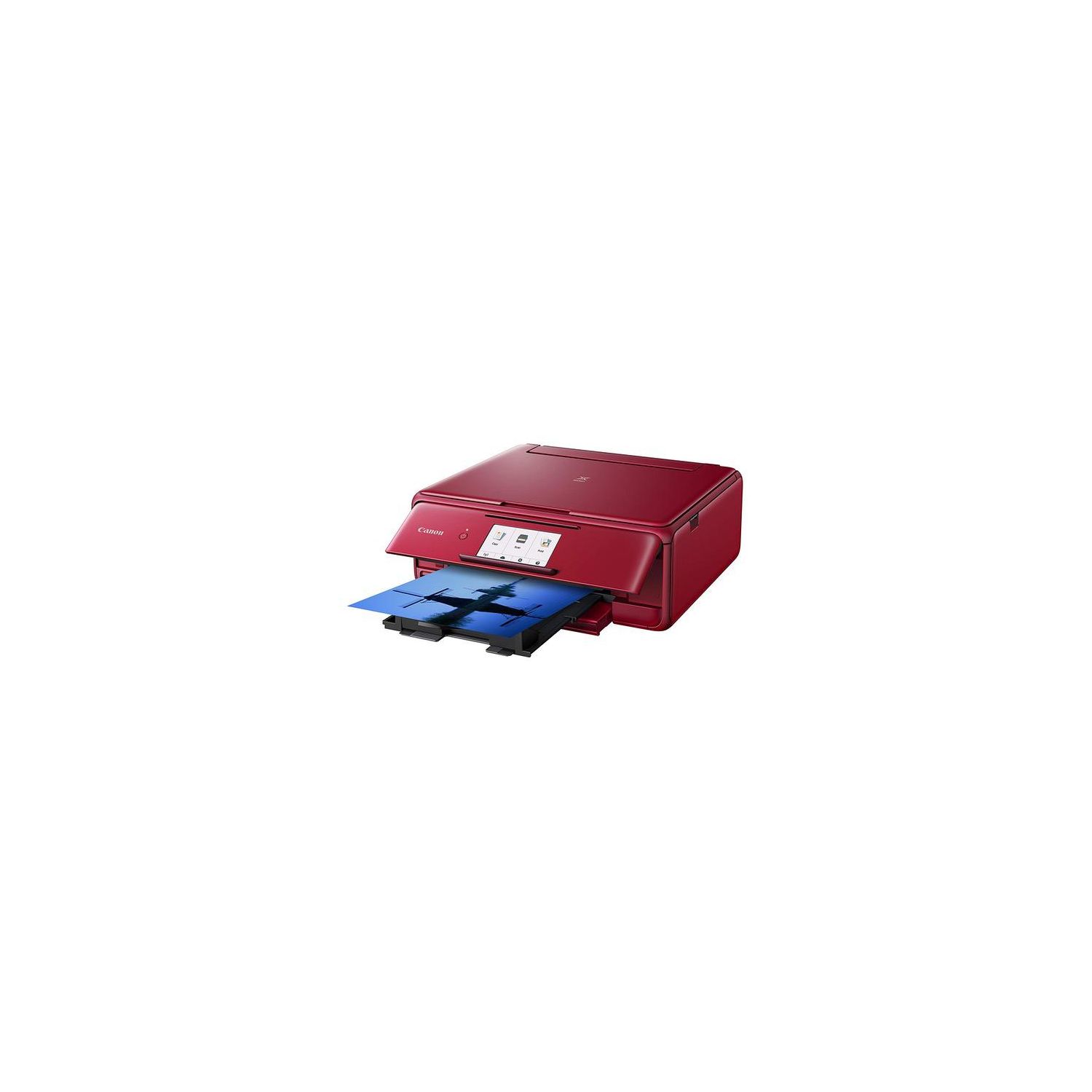
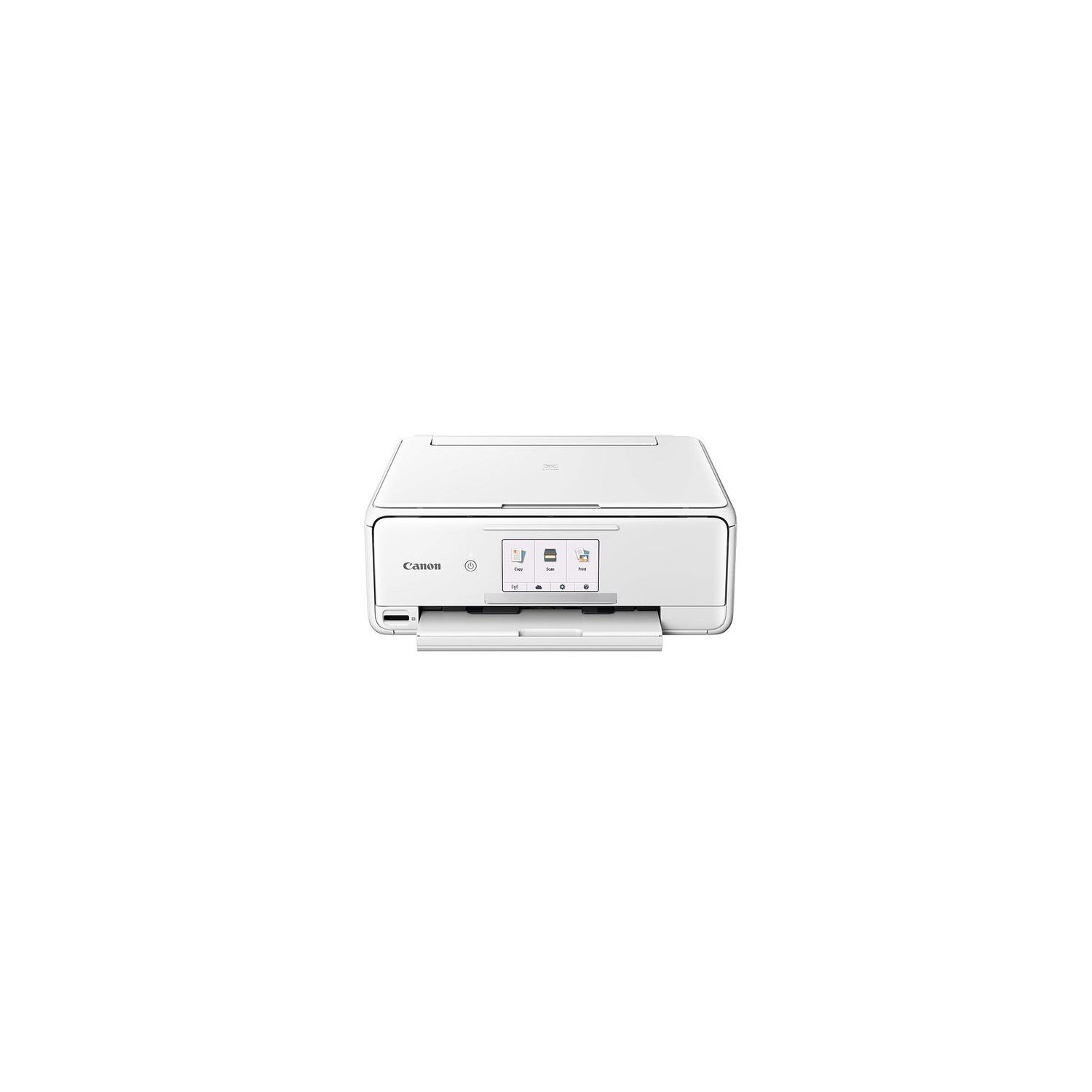
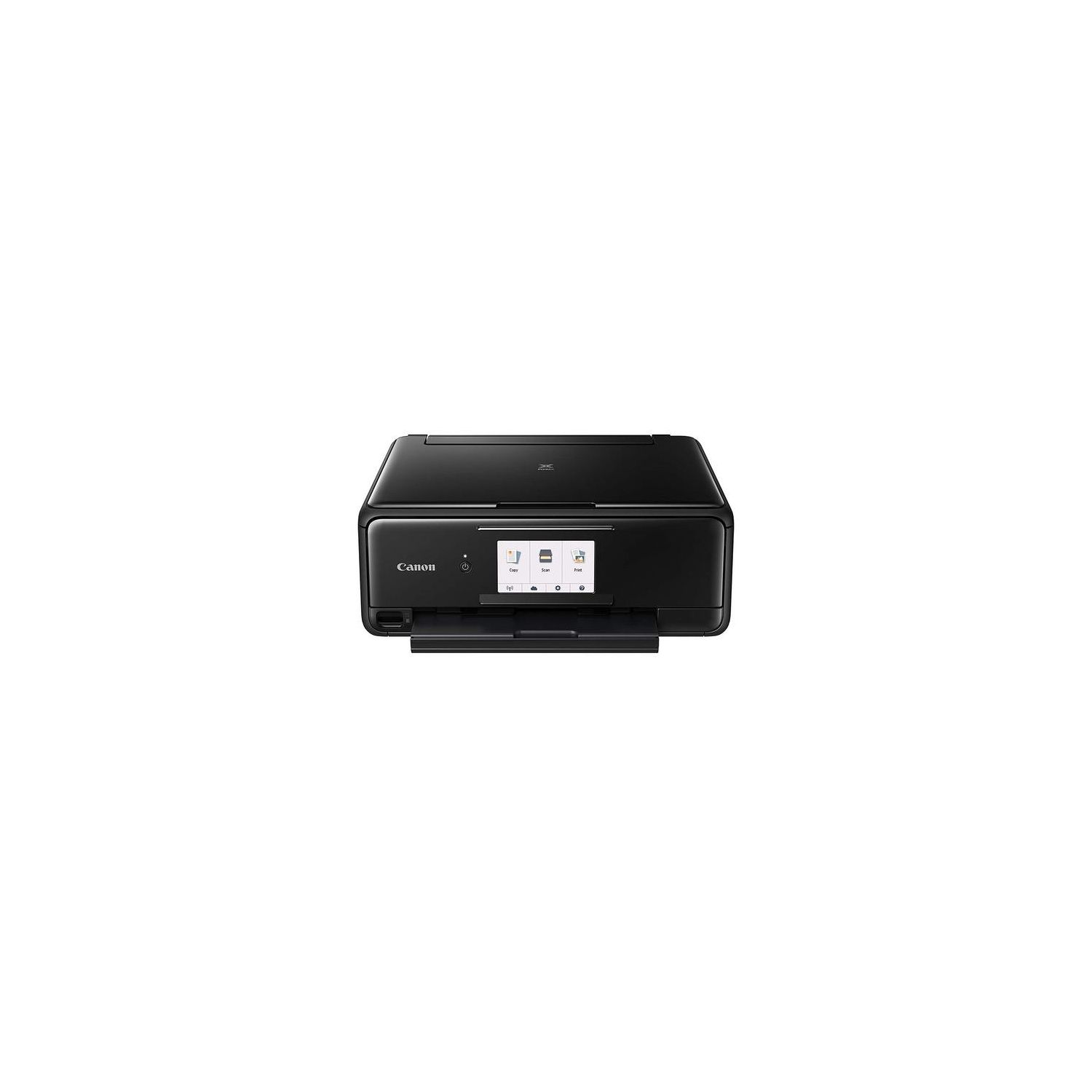
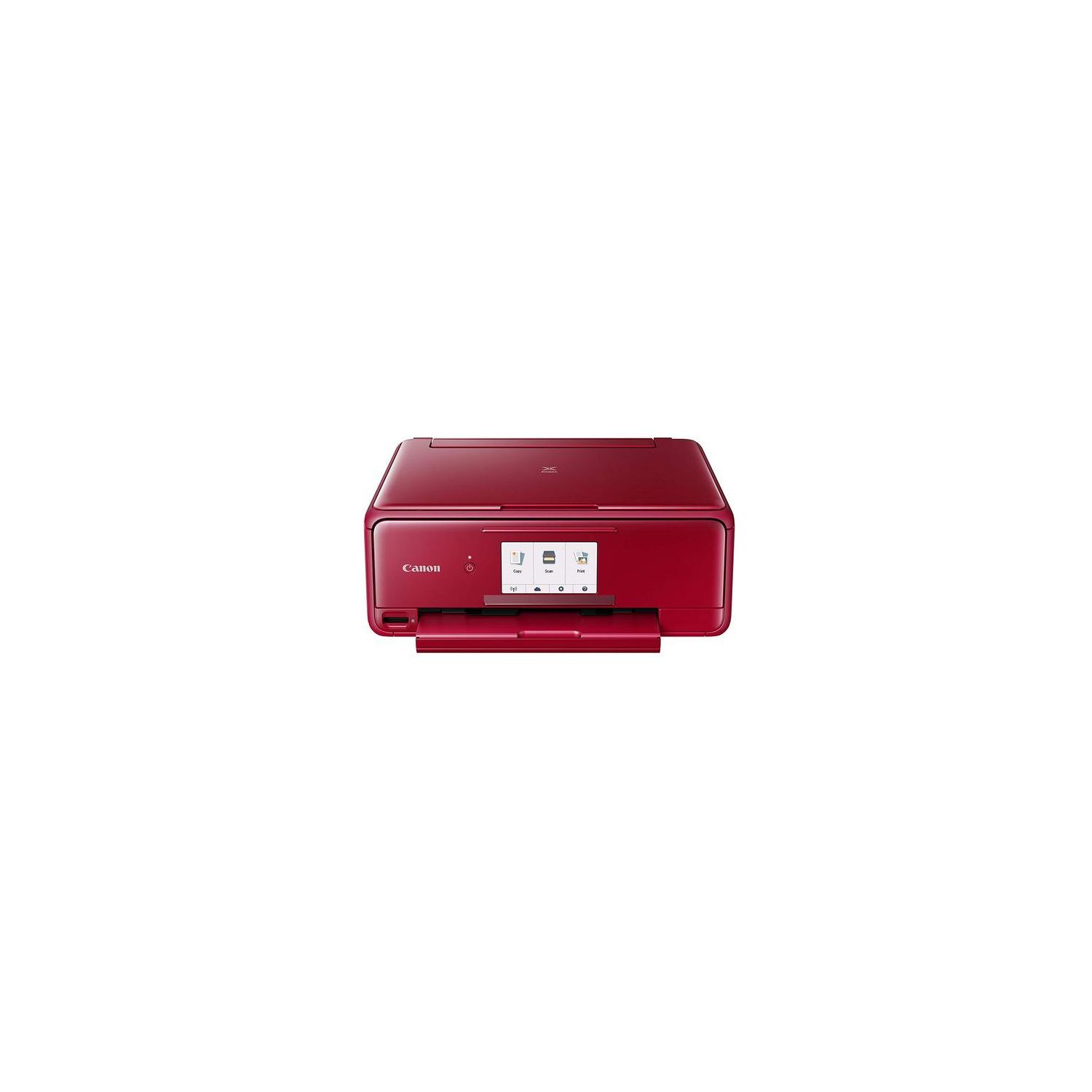
I give this machine 4 stars for print quality; 2-1/2 stars for the CONs enumerated below; reliability is an unknown at this point in time. Hence, an average of 3 stars. I purchased the TS8120 for use with my Mac Mini. Canon customer support recommended this printer as a replacement for my PIXMA MG7120, which suddenly died after five years of relatively light-duty non-business use. (Mechanical failure - error msg B200.) Printers being so inexpensive these days, I figured it wasnt economical to have my MG7120 repaired - assuming I could find someone who could handle the repair. PROs... The PIXMA TS8120 has a smaller footprint than my old MG7120. Like the MG7120, the TS8120 prints, scans and copies - i.e., it is an all-in-one wireless printer that supports Apples AirPrint. I see no difference in quality in the printed page between the two machines. The TS8120 is also capable of printing photographs. I have not yet tried this feature; I can only hope that the quality matches what I used to obtain with the MG7120. CONs... The TS8120 appears to be more cheaply made than the MG7120. It weighs less than the MG7120 and does not have as sleek an appearance. The aesthetics are just not there. The control panel is a hinged affair that tilts out from the front of the printer. Who knows what problems that may introduce as time goes by. Of more important consideration is paper handling. Standard letter size sheets can be loaded in a cassette from the front; however, photo paper and envelopes need to be fed via a rear tray. This rear tray pulls up from the back of the printer and appears flimsy - may have to be handled with kid gloves to avoid breakage. The software that comes in the package only supports a Windows machine. I had to go online to the Canon website to download and install software that supports my Mac. The meager printed instructions that came with the TS8120 led me down a couple of blind alleys until I finally stumbled onto the correct page of the Canon website and could download the appropriate software. Once in the right ballpark, the installation of the software was fairly intuitive. (I made the mistake of having a USB cable plugged into TS8120, anticipating that this might be necessary. This screwed up my attempt to set up a wireless connection between the printer and my network. Removing the cable resolved the problem.) And lets not forget the ink cartridges. The MG7120 used a Canon 251 cartridge; the TS8120 uses a Canon 281 cartridge. Mechanically, the two cartridges appear to be identical. I suspect that its the ID chip in the cartridge thats changed. (I will leave it to conspiracy theorists to speculate as to why Canon made this change.) When time permits, I plan to install one of the 251 cartridges in the TS8120 and see what happens; I will be surprised if it is recognized. MEH... The TS8120 can print directly on a CD/DVD that has a surface suitable for that purpose -- i.e., a printable disk. Since CDs and DVDs are going the way of the dinosaur, I think this is a feature that is nothing more than a check box. UPDATE 27-FEB-2019 A word of caution about the Canon scanner driver and portfolio of productivity tools that is bundled in Image Garden: They do not work reliably under Mac OS 10.14.3 (Mojave). Image Garden is bloatware, IMO; it is very slow to load when launched. I tried to use the scanner function within Image Garden and found it would not save the the PDF file (Dragging and dropping is a workaround.) I did find a standalone scanner driver by digging down into the Canon website: IJ Scan Utility Lite. It loads quickly but is unreliable. (A version of this driver is part of Image Garden.) The problem with the Canon scanner driver is that it does not wake the printer from sleep mode. Moreover, even if I manually wake the printer from its control panel before launching IJ Scan Utility Lite, the driver doesnt always find the scanner. More frustrating still, I was in the middle of creating a multi-page PDF when IJ Scan Utility Lite lost the connection to the scanner, and I lost my work. Its been my experience that Cannon does not roll the revisions of Image Garden or IJ Scan Utility promptly when Apple issues an update to its OS. (If memory serves, Image Garden did work reliably in a Windows environment. I suspect that is where Canon puts its effort.) As a result, I have gone back to using a product called VueScan for my scanning jobs. It behaves beautifully with the TS8120. It is a fairly intuitive (or as intuitive as any piece of software is these day). I can generate PDF (single or multi-page), JPG ad TIFF files. In my Mac environment, VueScan is superior to Image Garden. The TS8120 continues to operate satisfactorily as a printer. It promptly wakes from sleep command when a print job is sent to it. Ink consumption thus far is about what I expected; no surprises there. Because of the lack of adequate software support (at least under Mojave), I continue to retain an overall rating of 3 stars. Update 01-Apr-2019: I am retaining the 3-star rating because the print and scan functions of this TS8120 are still working. However, the automatic retraction of the output tray upon power down has failed. The tray gears appear to have become disengaged, and they grind when the tray attempts to retract. As a result, the tray will not fully retract. I went online to see if there is a fix, but there is no information available on the Canon website or in its online manual. Next step will be to contact Canon customer support. Update 9-Apr-2019: I contacted Canon customer support on April 1st. After being switched around a couple of times, I talked to a tech rep who knew what he was doing. He walked me through a couple of tests and determined that I had a hard mechanical failure. With no prompting on my part, he set up a warranty replacement and sent an email with the UPS tracking number so I could monitor its progress. I received the replacement yesterday and installed it today. Installation went very smoothly. So far as I can tell from its condition, the warranty unit is brand new, not a refurb. I packed the defective unit into the same box the warranty unit arrived in and affixed the return shipping label as instructed. Canon pays the shipping costs both ways. Because of the prompt and hassle free warranty replacement. Ive bumped my rating up to 4 stars.

