
















Canon TS6120 Wireless AIO Printer, Black with PGI-280XL, CLI-281 4 Pack and PP-301 (5X5)

Write a review
B075K3924R
Printer, Ink and Paper Bundle
Target is a general merchandise retailer with stores in all 50 states and the District...

City: US, New York

Delivery
Pickup at your own expense
Tomorrow from 09:00 to 20:00, Store location
Free
Payment options
Apple Pay Google Pay Mastercard Visa
Cash, bank card, credit/installment payments, cashless payment for legal entities
Warranty and returns
Exchange/return of products of proper quality within 14 days Official manufacturer's warranty: 12 months
Features
Style
Printer, Ink and Paper Bundle
Description
This fits your .
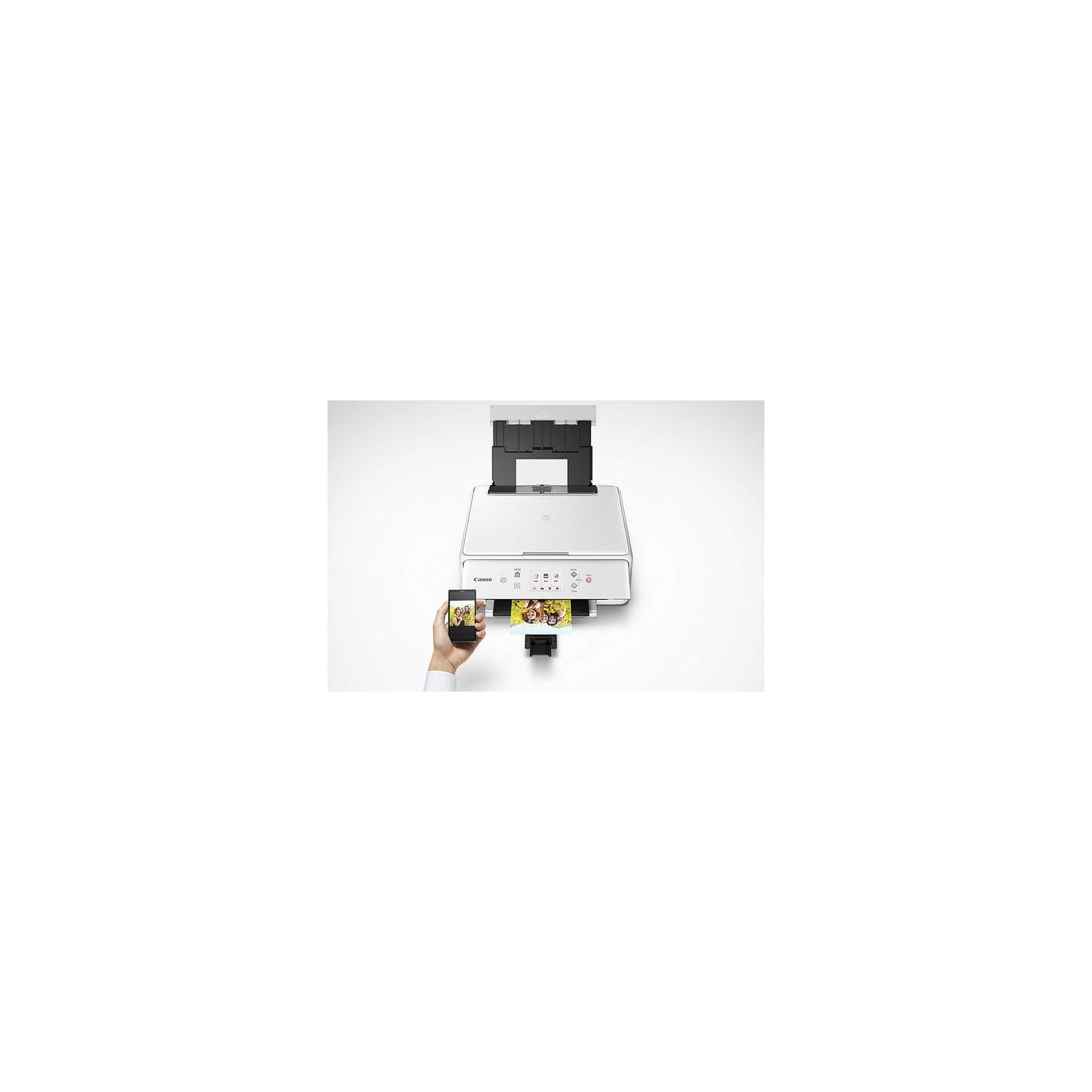
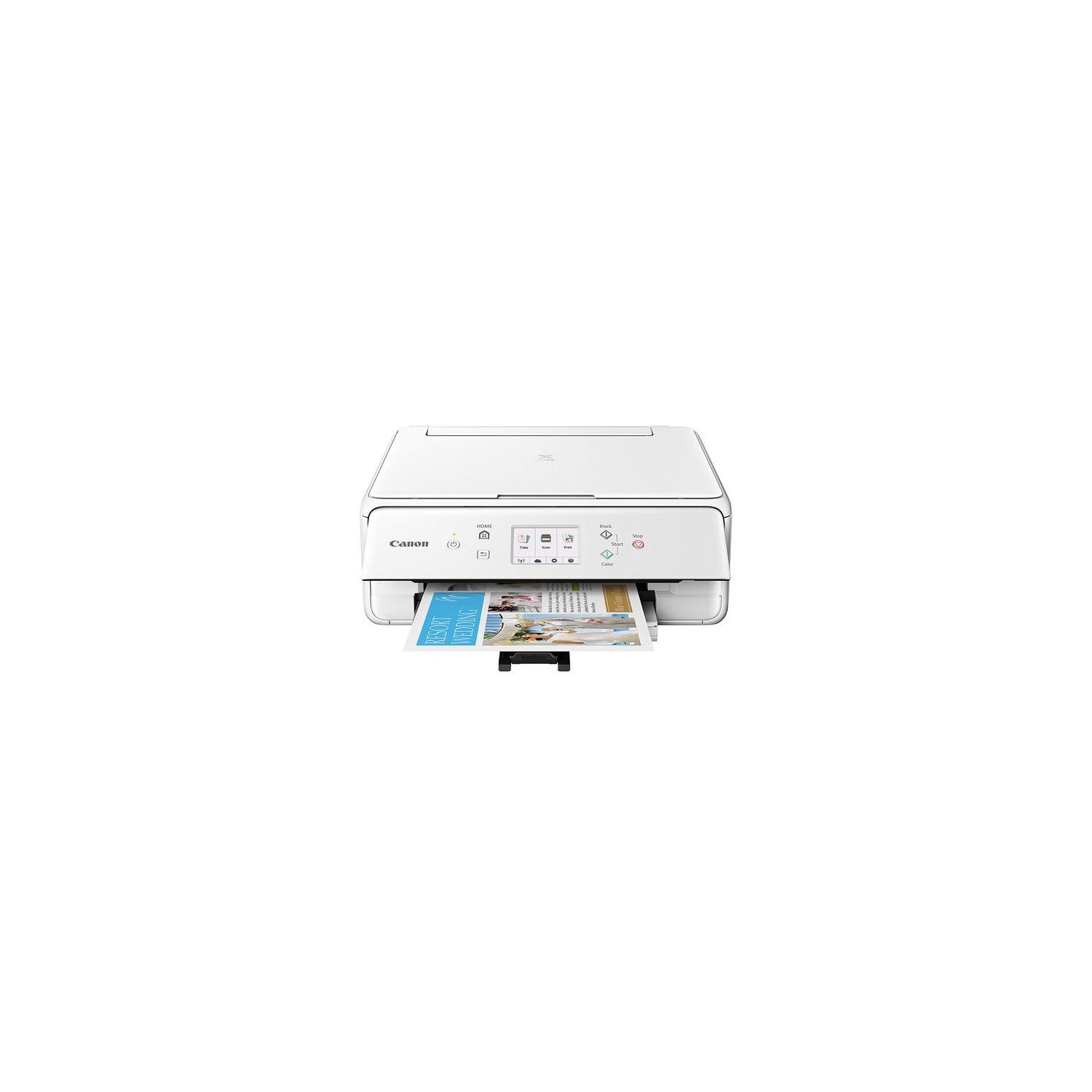
Make sure this fits by entering your model number. Inspire your creativity with prints that will impress. From stunning photographs to detailed documents, put the 5-color individual ink system to work and never compromise on speed or quality. Enjoy the simplicity of connecting your smartphone, tablet and all your favorite devices with ease. Print hassle free - whether from the Cloud5, through Bluetooth4, from social Media2 or on the go. The PIXMA TS6120 Wireless printer is the all-in-one that fits perfectly anywhere in the home, is simple to use, and delivers outstanding quality results every time. XL pigment black ink is used for printing documents on plain paper and ensures crisp, Sharp text. XL ink tanks can help you save money, Print more when you need to, and extend the time between replacing ink tanks. Genuine Canon inks provide optimal performance and offer exclusive access to creative park Premium content. Combined with Canon photo paper these protect your photos with the ChromaLife100 system for beautiful, long lasting photos.
Reviews
2.4
Reviews: 20
5 stars
15%
4 stars
20%
3 stars
5%
2 stars
5%
1 star
55%
Alison
4
I have the older model of this printer, and this newer model is basically the same. There are a few small improvements, like the rear loading paper tray, but all in all this is just as advertised: a compact all in one printer/copier that works for light usage. It is definitely not meant to be in office machine printing things regularly; it’s a home device for printing off the occasional homework assignment. If you are doing a lot of printing, you will find yourself running out of ink fast. The Wi-Fi connection works well, and I have not yet had a problem connecting it to any device I have tried to connect it to. On the design side, these printers definitely need a little caution. Because they are meant to be folded between uses, the printer isn’t always going to be ready to print; the front panel needs to be folded all the way out, and the printer tray pulled out, in order for it to function. Having to get up and go to the printer every time you went to initiate a PRINT makes having a wireless printer a little less convenient. Still, it is small and fits nicely in shelf spaces were bigger printers might not. And for somebody who doesn’t need a dedicated full-time printer, this should do nicely.
Amy Johnson
4
I love being able to print from my phone, but agree with the other reviews about the annoying problem of having to pull down the door to print. The print quality is excellent however!
JustMe
4
I am satisfied with this printer although my previous Canon printer provided higher quality print ... at least that is my current perception. The photo quality is quite good but not outstanding. The set-up was relatively painless although one never fully knows what is happening during initial set-up -- why cant the manufacturer provide feedback during each successful step in the process. The wireless feature works well so that we can now print with all our laptops, desktop, iPhones and iPad from any where in our house. I would recommend this printer to anyone needing a household printer. The major drawback will be the print cartridge cost. Once other print cartridges are available, Ill discontinue buying Canons. As mentioned by others, the control flap must be lifted and the output tray with its cheap, thin plastic arm opened for the printer to operate. Thats an extra step but not a deal breaker. I do like how the printer goes into sleep mode and it does not seem to reawaken once its pinged for printing. So I have found the need to hit the on-button before printing.
Julie Stratton
4
This is a nice little printer/scanner, but the instructions in the install software are garbage, so you do need a little technical knowledge to be able figure out how to connect the wifi with password to the computer, and set up the printer driver through windows device (printer) setup. You have to use the menus on the printers digital display to setup the wifi and options. The printer goes to sleep automatically to save energy, but you can change the settings to your preferences, and it does wake up when you are ready to print something without you gaving to turn the printer back on. Note: the installation software doesnt install correctly, there is no way to return to previous step mid install, and it doesnt prompt you to enter your wifi password do that you have a secure wifi connection for your printer setup, which is not the best way to install the printer. Also, following the installation disc prompts dont explain how to get the printer to ping the wifi so that they can recognize each other. You have to use the printer online screens, and press the button on the wifi, while printer searches for the wifi, then select the wifi name and enter the password from your modem.
Product variations
Column filling
Sort by Price Sort by Availability Sort by CODE Sort by Style
Contact us for a price
In stock
B075K3924R
Style:
Printer, Ink and Paper Bundle
$5900
In stock
+
B074VD1GGQ
Style:
Printer
Contact us for a price
In stock
B075K9XHGT
Style:
Printer and Ink Bundle
You may be interested
  • Bestsellers
  • Recently Viewed
 
Fast and high quality delivery

Our company makes delivery all over the country

Quality assurance and service

We offer only those goods, in which quality we are sure

Returns within 30 days

You have 30 days to test your purchase