



























Tony R.
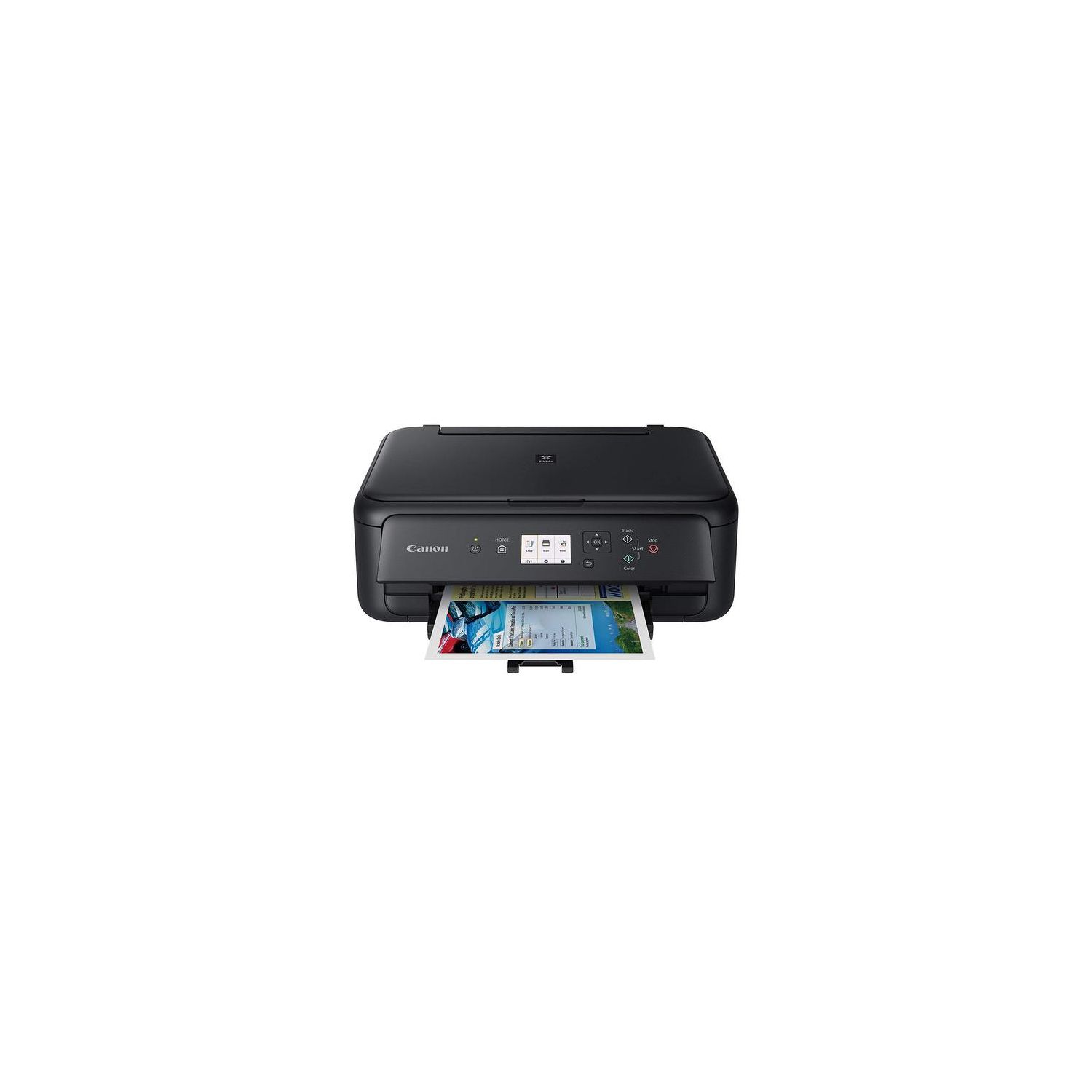
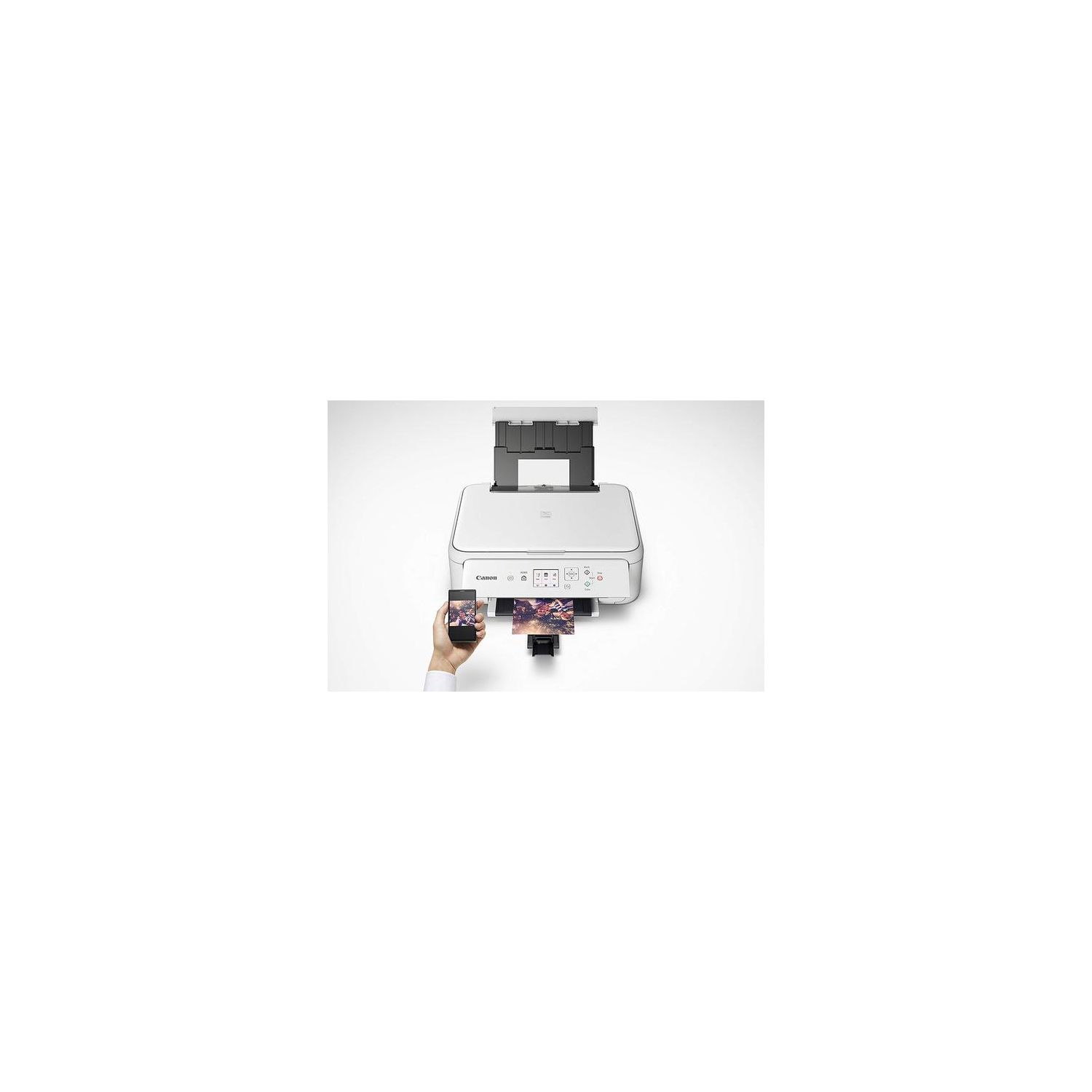
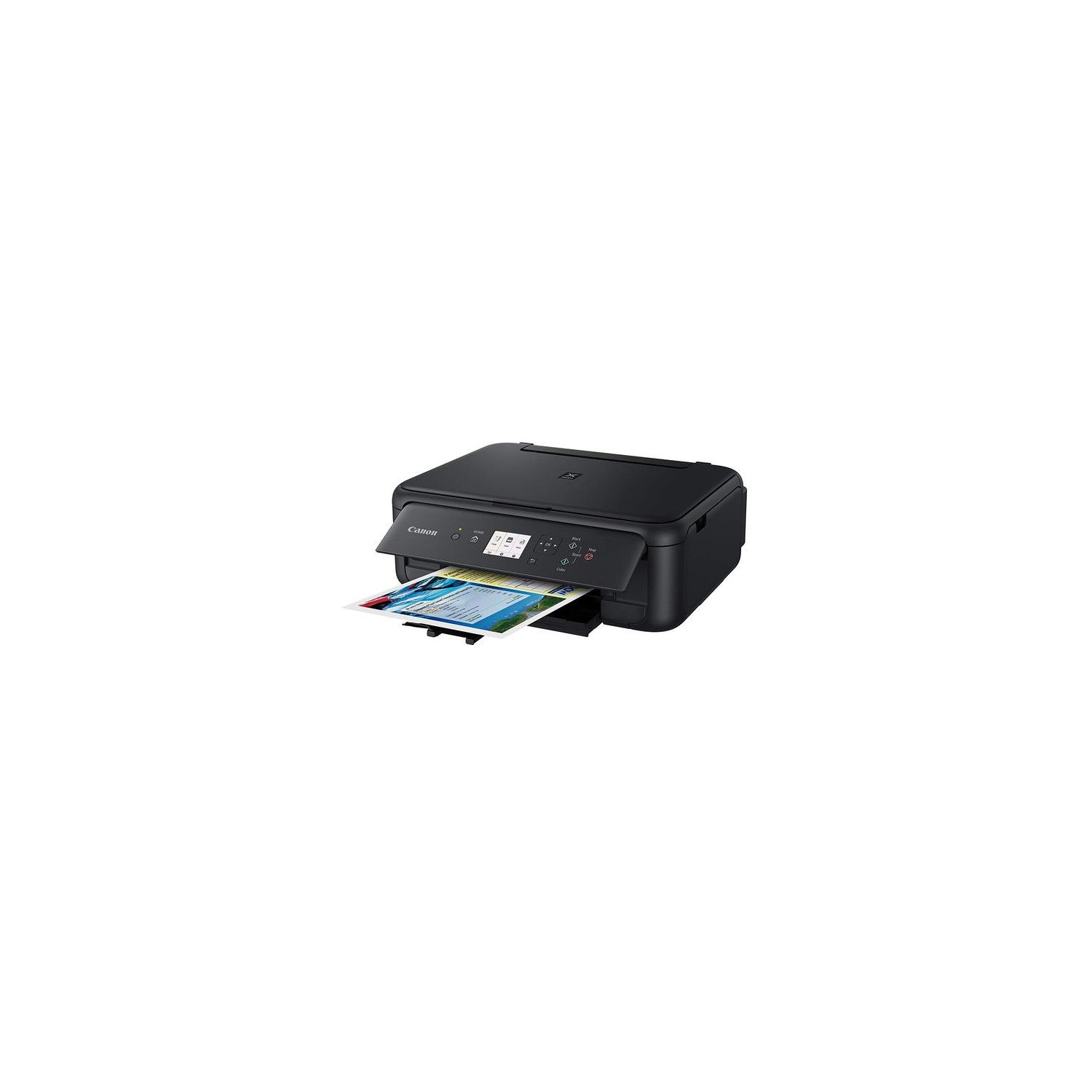
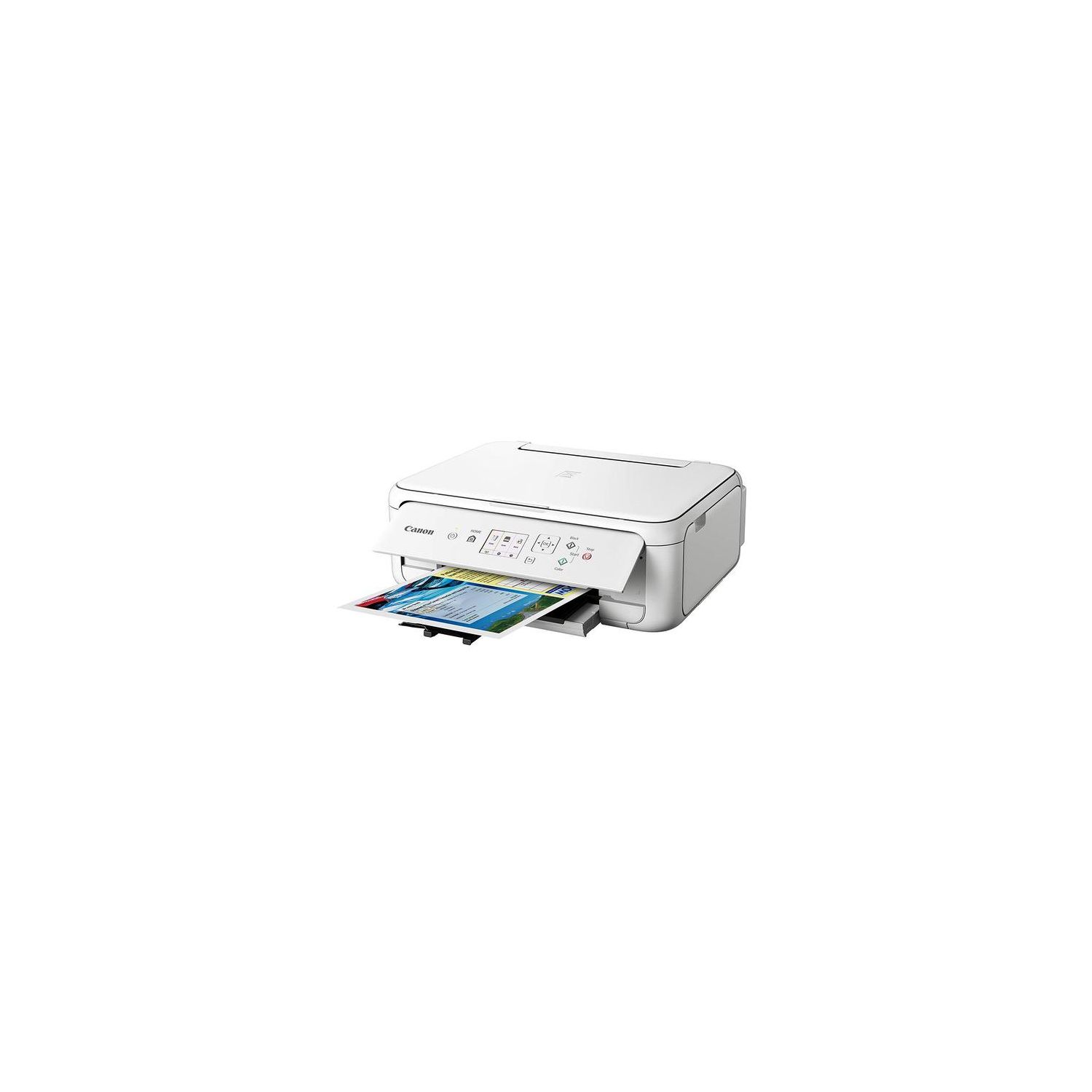
I received this printer several days ago after my previous Canon Pixma died. That Canon printer was similar to this one and lasted four years and two changes of location. I did pay about $100 for that unit and selecting this one at half that price did give me pause. After reading some of the other comments I admit to some hesitation but Im happy to say the set-up and printing went as smoothly as possible. There were a couple of situations I had read about-failure of the unit to draw paper and difficulty getting a computer to recognize the printer-so I was on the look-out for those problems particularly. Heres some observations: There are several orange pieces of tape and protective pieces of plastic that must be removed. This includes on the printer itself as well as the provided ink cartridges. And because the printer is mostly plastic it should be lifted and carried from the box by placing your hands on each side of the unit and not on the front and back. When loading the paper, dont overload it and be sure the paper guard is secured properly after loading the tray. Both issues can cause the unit to fail to draw paper. There is a booklet of instructions included as well as a download site to assist in set-up but I recommend using the included DVD if you have a DVD slot on your computer. This eliminates almost all decision-making including accessing your wireless router. In other printers Ive had it was necessary to input the security key for your router which often led to difficulties and failure. No such problem exists here as it will automatically interrupt your router to secure the signal and turn it back on when completed. Before I began, I also deleted all files from my computer that were necessary for the previous printer. I can see where this set-up might have difficulty if previous files are present, particularly if youre installing a printer from the same manufacturer. Now, because I have a slow download speed, the entire set-up took more than 30 minutes and at times I found myself wondering if something had gone wrong as the set-up appeared stuck. But patience was finally rewarded as the set-up concluded. The DVD will print a test page once your set-up is complete to determine if there is printer head alignment issue. This might be another area of issue for some people although its easy enough to run a printer head alignment test if there is a problem. I didnt experience that either. After my set-up I also was prompted by the DVD tutorial if I wanted to print from some other device-for me I wanted that option for my cellphone. That, too, was easy. I downloaded the app from Google play (I have an Android) and again, by following the prompts on my phone it connected immediately to my printer. It was necessary to pick my printer from a list on the phone as well as picking the type of paper in the printer, but those were easy. Ive since printed a number of various pages and not once have I experience a paper draw problem. Certainly if youre going to print a lot of pages and if you do that frequently, then this isnt the printer for you. But if youre like me, who occasionally prints a page or a few pages, then I highly recommend this printer. Yes, the ink is expensive, and what comes with the printer isnt a lot, but at this price for a reliable good printer, go for it. Hope this helps.
